ToolMage
Sign in

Best 3 Speech Recognition AI tools for Audio

Popular Speech Recognition AI tools in Audio include Accent Oracle, David AI, and Dolphin SOE, helping you work more efficiently.

Dolphin SOE
Paid

Dolphin SOE

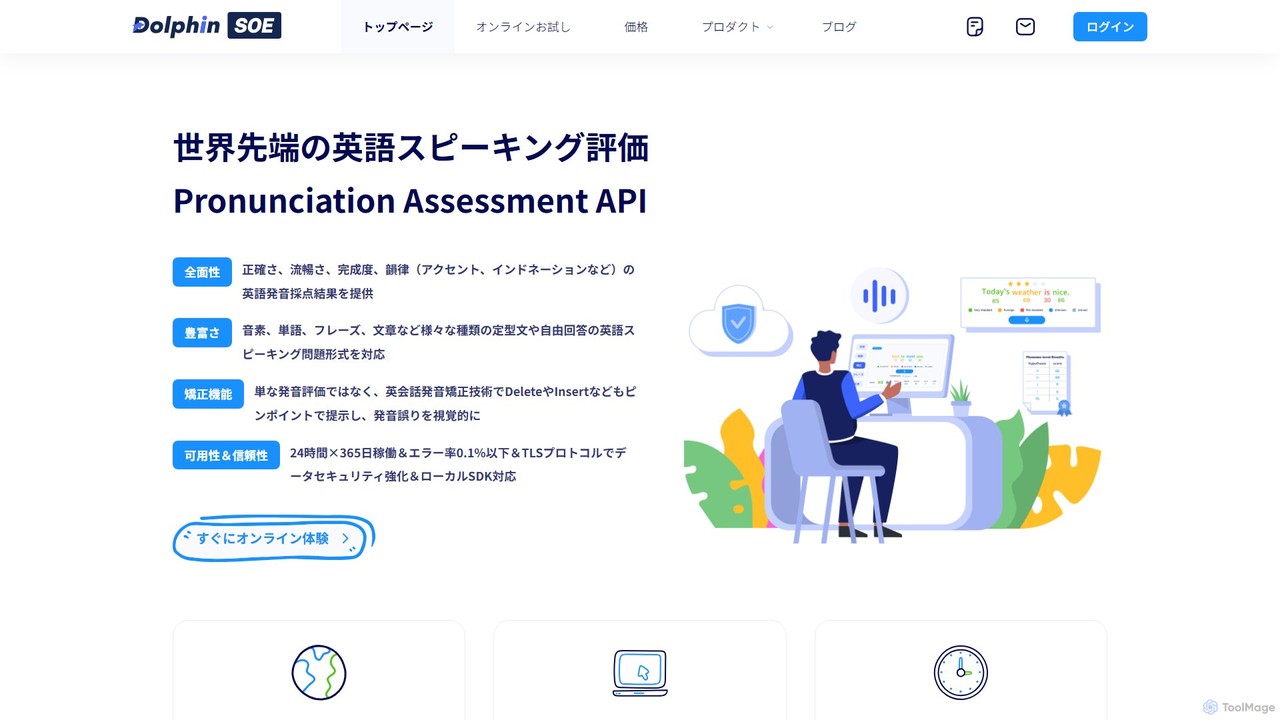
Dolphin SOE is a professional-grade AI-powered API for English pronunciation assessment. It provides comprehensive, real-time feedback on accuracy, fluency, completeness, and prosody. Designed for developers and educational institutions, it supports various question formats and offers corrective features to pinpoint specific errors. With high availability and robust security, it's ideal for integrating into language learning apps, testing systems, and educational devices.

Speech Recognition
Visits 7.3KFavorites 151Likes 137
Accent Oracle
Free

Accent Oracle

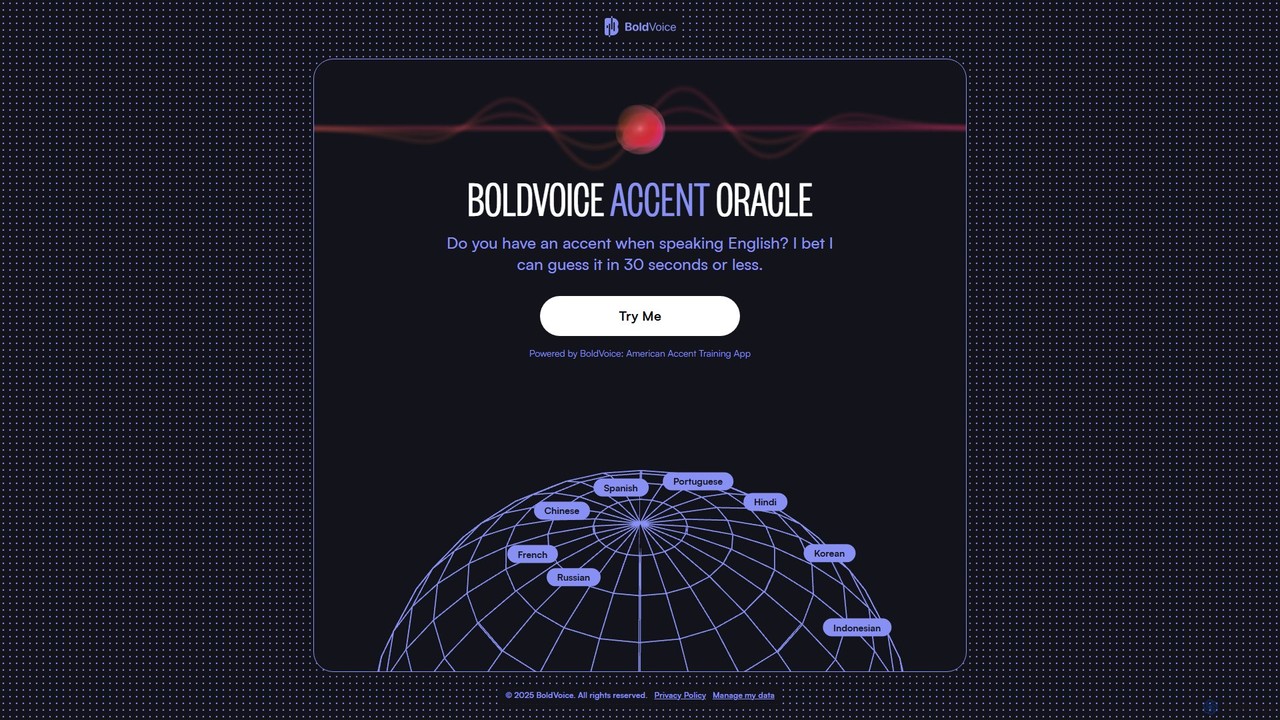
Accent Oracle is a free AI-powered tool by BoldVoice that analyzes your spoken English to guess your native language accent in under 30 seconds. Simply record your voice, and the AI will identify key phonetic patterns to provide an instant analysis. It's a fun and insightful way to understand your accent and serves as an introduction to BoldVoice's comprehensive American accent training app.

Speech Recognition
Visits 394.4KFavorites 133Likes 119
David AI
Paid

David AI

David AI provides high-quality, research-grade audio datasets for training advanced speech and conversational AI models. It offers diverse, large-scale datasets, including multilingual conversations, multi-speaker audio, and expert dialogues, with options for custom dataset creation to unlock new AI capabilities.

Model Training
Visits 31.1KFavorites 106Likes 113

About Speech Recognition

Speech Recognition tools, also known as Automatic Speech Recognition (ASR), are a specialized category of audio AI that automatically convert spoken language into written text. These tools use advanced machine learning models to analyze audio signals, identify phonetic components, and map them to words and sentences with high accuracy. Their primary value lies in automating transcription, enabling voice-controlled interfaces, and unlocking insights from voice data. Modern ASR systems support multiple languages and can adapt to various accents and acoustic environments.

Core Features

  • Real-time Transcription: Converts live speech into text with minimal delay, suitable for live captioning and voice commands.
  • Speaker Diarization: Identifies and distinguishes between different speakers in a single audio recording, attributing text to the correct person.
  • Custom Vocabulary: Allows users to add specific industry jargon, product names, or acronyms to improve recognition accuracy for specialized topics.
  • Punctuation and Formatting: Automatically adds punctuation, capitalization, and paragraph breaks to create readable and well-structured text.
  • Timestamping: Provides word-level timestamps that link specific words in the transcript back to their original position in the audio file.

Use Cases

Speech Recognition is widely used across various sectors. In customer service, it's used to transcribe and analyze support calls for quality assurance and sentiment analysis. Healthcare professionals use it for medical dictation, quickly capturing patient notes. Media companies leverage it to automatically generate subtitles and captions for video content, enhancing accessibility.

How to Choose

When selecting a Speech Recognition tool, consider its accuracy, often measured by Word Error Rate (WER). Evaluate its support for required languages, dialects, and accents. Assess its processing capabilities—whether you need real-time (streaming) or batch (file-based) transcription. Also, check API availability for integration and the pricing model, which is often based on audio duration.

Speech Recognition use cases

1

Automated Meeting Transcription and Summarization

For project managers and remote teams, keeping track of decisions and action items from numerous virtual meetings is a challenge. A Speech Recognition tool can integrate with platforms like Zoom or Google Meet to automatically transcribe the entire conversation in real-time. After the meeting, the generated transcript serves as a searchable record. Many tools also offer speaker diarization to identify who said what, and even AI-powered summarization to extract key points, decisions, and action items, saving hours of manual review and note-taking.

2

Generating Subtitles for Video Content

Content creators and marketing teams need to make their video content accessible and engaging for a wider audience, including those who are deaf or hard-of-hearing, or watch videos on mute. Manually transcribing and timing subtitles is extremely time-consuming. A Speech Recognition tool can process the video's audio track and automatically generate a time-coded transcript. This transcript can then be exported in standard subtitle formats (like .SRT or .VTT) and uploaded directly to platforms like YouTube or Vimeo, improving SEO and user experience with minimal effort.

3

Analyzing Customer Service Calls for Quality Assurance

Call center managers are responsible for monitoring agent performance and identifying trends in customer issues. Listening to hundreds of calls manually is impractical. By using a Speech Recognition API, all incoming and outgoing support calls can be automatically transcribed. Managers can then search these transcripts for keywords related to complaints, product issues, or compliance language. This data can be further analyzed for agent script adherence, customer sentiment, and common pain points, enabling targeted training and process improvements across the entire support team.

4

Voice Control for Applications and Smart Devices

Developers building applications, smart home devices, or in-car infotainment systems can enhance user experience by adding voice commands. Instead of building a complex speech recognition engine from scratch, they can integrate a cloud-based Speech Recognition API. This allows users to perform actions like 'play the next song,' 'set a timer for 10 minutes,' or 'navigate to the nearest gas station' using natural language. The API handles the conversion of speech to text, which the application then processes to execute the corresponding command, creating a hands-free and more intuitive interaction.

5

Medical Dictation for Healthcare Professionals

Clinicians, such as doctors and nurses, spend a significant amount of time on administrative tasks like updating patient records in Electronic Health Record (EHR) systems. Medical dictation software, powered by specialized Speech Recognition engines, allows them to dictate notes, observations, and prescriptions verbally. These tools are trained on extensive medical vocabularies to accurately capture complex terminology. This process is much faster than typing, freeing up valuable time for clinicians to focus on patient care and reducing the risk of data entry errors.

6

Transcription of Legal Proceedings and Depositions

In the legal field, accuracy and documentation are paramount. Paralegals and lawyers often need verbatim transcripts of depositions, court hearings, and client interviews. Using a Speech Recognition tool designed for the legal sector can automate this process. These systems often feature custom vocabularies with legal terminology and speaker diarization to clearly distinguish between attorneys, witnesses, and the judge. This significantly speeds up the creation of official records, reduces reliance on manual court reporters, and makes legal audio archives easily searchable for case preparation.

Speech Recognition FAQ

What is Speech Recognition?

Speech Recognition, also known as Automatic Speech Recognition (ASR) or speech-to-text, is a technology that enables a computer or device to convert spoken language into written text. It works by analyzing sound waves and using algorithms to identify and assemble words. This technology is the foundation for voice assistants like Siri and Alexa, transcription services, and voice-controlled applications. Its primary goal is to bridge the gap between human speech and machine-readable text.

How to choose the right Speech Recognition tool?

Choosing the right tool depends on your specific needs. Consider these factors:

  • Accuracy: Look for a low Word Error Rate (WER). Some tools offer specialized models for industries like medicine or law for higher accuracy.
  • Language and Dialect Support: Ensure the tool supports all the languages and regional accents you need to process.
  • Real-time vs. Batch Processing: Do you need to transcribe live audio (e.g., for captioning) or process pre-recorded files?
  • Custom Vocabulary: If you deal with specific jargon or names, a tool that allows you to add custom words will perform better.
  • API and Integration: If you're a developer, check for well-documented APIs and SDKs that fit your tech stack.
What's the difference between Speech Recognition and Voice Recognition?

Although often used interchangeably, Speech Recognition and Voice Recognition (or Speaker Recognition) are different. Speech Recognition focuses on understanding what is being said by converting spoken words into text. Its goal is transcription. Voice Recognition, on the other hand, focuses on identifying who is speaking by analyzing unique vocal characteristics like pitch and tone. Its goal is authentication or identification, similar to a fingerprint. For example, a transcription service uses speech recognition, while a phone's biometric security might use voice recognition.

How accurate are modern Speech Recognition systems?

Modern Speech Recognition systems have achieved very high accuracy, often exceeding 95% in ideal conditions (clear audio, no background noise, common accents). This is comparable to human transcription accuracy. However, performance can be affected by factors like heavy background noise, strong accents, fast speech, or specialized jargon. Many advanced tools mitigate this by offering noise cancellation features and the ability to create custom vocabularies, which significantly improves accuracy for specific use cases like medical dictation or legal transcription.

Can Speech Recognition tools handle multiple speakers?

Yes, many advanced Speech Recognition tools can handle audio with multiple speakers. This feature is called 'speaker diarization' or 'speaker separation'. The tool first transcribes the entire conversation and then analyzes the audio to identify distinct voices, attributing each part of the text to a specific speaker (e.g., 'Speaker 1', 'Speaker 2'). This is essential for creating accurate transcripts of meetings, interviews, and panel discussions, as it makes the conversation easy to follow and understand.