

Visualping Overview
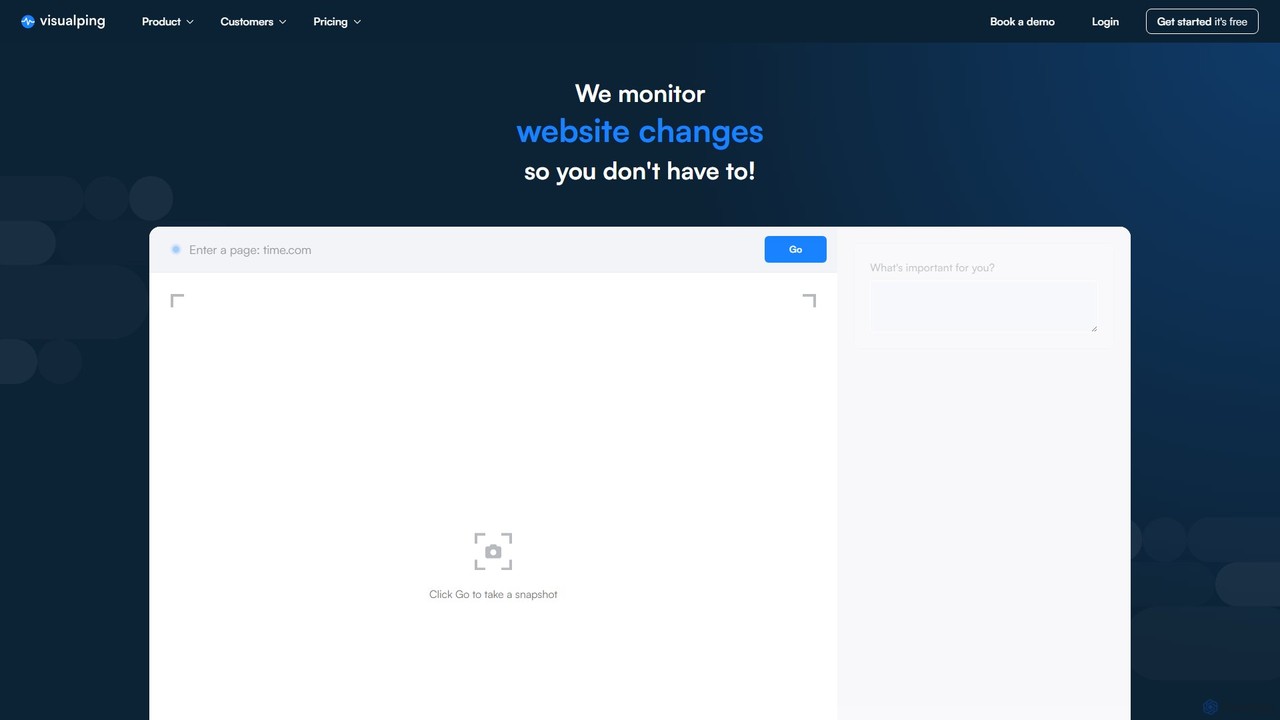
Visualping is a powerful and user-friendly platform designed for automated website change detection and monitoring. Trusted by over 2 million users and teams at 85% of Fortune 500 companies, it eliminates the need for manual website checking by providing timely alerts whenever a change occurs on a tracked page. The tool captures snapshots of web pages at set intervals and notifies users with a highlighted comparison, making it easy to see what has been added or removed. With the integration of AI, Visualping can even assess the importance of a change, ensuring you only receive relevant notifications.
How to use Visualping
Getting started with Visualping is incredibly simple and requires no programming skills. The process can be broken down into a few easy steps:
- Enter the URL: Copy and paste the URL of the web page you want to monitor into the Visualping homepage.
- Select the Area: You can choose to monitor the entire page for any change, or select a specific visual area. This is useful for tracking a product's price, stock status, or a specific news headline.
- Set Monitoring Frequency: Choose how often you want Visualping to check the page for changes. Options range from every 5 minutes for time-sensitive tasks to once a day for general monitoring.
- Provide Your Email: Enter your email address to receive alerts. You can also configure alerts to be sent to other platforms like Slack or MS Teams with business plans.
- Start Monitoring: Click the 'Start Free Monitoring' button. You will receive an email alert with a before-and-after screenshot comparison as soon as a change is detected.
For even greater convenience, Visualping offers a Chrome Extension that allows you to start monitoring pages with a single click directly from your browser.
Core Features of Visualping
- AI-Powered Change Analysis: An AI analyzer assesses changes to identify and flag only the most important updates, reducing notification fatigue.
- Visual, Text, and Code Monitoring: Tracks changes in what you see (visual), what you read (text), and the underlying code, offering comprehensive coverage.
- Highlighted Comparisons: Alerts include a clear, side-by-side comparison of the page before and after the change, with all modifications highlighted in green (added) and red (removed).
- Customizable Monitoring Frequency: High-frequency checks available, down to every 5 minutes, for real-time tracking needs.
- Multi-Channel Alerts: Receive notifications via email, Slack, MS Teams, Google Sheets, and through API integrations to fit your workflow.
- Team Collaboration: Business plans allow you to invite colleagues, manage users, and organize monitoring jobs into shared workspaces.
- Bulk Management: Easily import, edit, and manage thousands of monitored pages at once, saving significant time for large-scale operations.
- Advanced Filtering and Reporting: Search, filter, and sort jobs to stay organized. Generate advanced reports to understand change history over time.
- API and Integrations: Integrate Visualping's monitoring capabilities into your own applications and dashboards for seamless data flow.
Use Cases for Visualping
Visualping serves a vast range of purposes for both businesses and individuals:
- Business Use Cases:
- Competitive Intelligence: Monitor competitors' pricing, product launches, marketing campaigns, and website changes.
- Legal & Regulatory Compliance: Track updates on government websites, legal statutes, and regulatory portals to ensure compliance.
- Trading & Finance: Get alerts on market signals, press releases, stock availability, and regulatory approvals.
- SEO & Digital Marketing: Detect unauthorized or accidental changes to your website that could impact SEO rankings.
- Security: Monitor for website defacement and unauthorized code changes to protect your brand.
- Personal Use Cases:
- Price Tracking: Get notified when the price of a desired product drops on an e-commerce site.
- Stock Availability: Be the first to know when a sold-out item is back in stock.
- Job Hunting: Monitor company career pages for new job postings.
- Appointment & Reservation Alerts: Find open slots for popular restaurants, visa appointments, or medical consultations.
- Real Estate: Track new property listings that match your criteria.
Advantages of Visualping
The primary advantage of Visualping is its ability to automate a tedious but critical task, saving users time and effort. It provides a significant competitive advantage by delivering crucial information faster than manual methods. For businesses, it enhances strategic decision-making, risk management, and operational efficiency. For individuals, it offers convenience and savings. The platform is highly reliable, scalable, and requires no technical expertise, making it accessible to everyone.
Pricing and Plans
Visualping operates on a freemium model, offering plans for every level of need.
- Free Plan: Suitable for casual users, offering up to 5 pages monitored daily.
- Personal Plans: Paid monthly or annual subscriptions for individuals who need more frequent checks (e.g., every hour or 15 minutes) and a higher page limit.
- Business Plans: Starting from around $50/month, these plans are designed for teams and professionals. They include all personal features plus team management, integrations (Slack, MS Teams), bulk management, advanced reports, and higher check frequencies (down to 2 minutes).
- Enterprise/Custom Plans: Tailored solutions for large organizations with needs for thousands of pages, millions of checks, or advanced AI analysis. These plans come with dedicated account management and support.
Traffic
Latest traffic
Status
Monthly traffic trend
- 2025-9: 331.3K
- 2026-1: 369.7K
- 2026-2: 368.8K
- 2026-3: 399.1K
- 2026-4: 358.3K
- 2026-5: 394.6K
Geography
Top 5 countries / regions
- 🇺🇸United States55.6%
- 🇨🇦Canada20.0%
- 🇬🇧United Kingdom10.0%
- 🇩🇪Germany8.0%
- 🇮🇳India6.4%
Traffic sources
| Source type | Percentage |
|---|---|
Direct | 70.8% |
Email | 20.5% |
Referral | 8.7% |
Top keywords
| Keyword | Cost per click |
|---|---|
| distill web monitor | $1.34 |
| remove a target from visualping | $0.00 |
| visual ping | $3.27 |
| visualping | $2.91 |
| visualping test webhooks | $0.00 |
Visualping Videos on YouTube

Competitor Tracker & Co.


Competitor Tracker & Co.
Visualping Alternatives
Peec AI
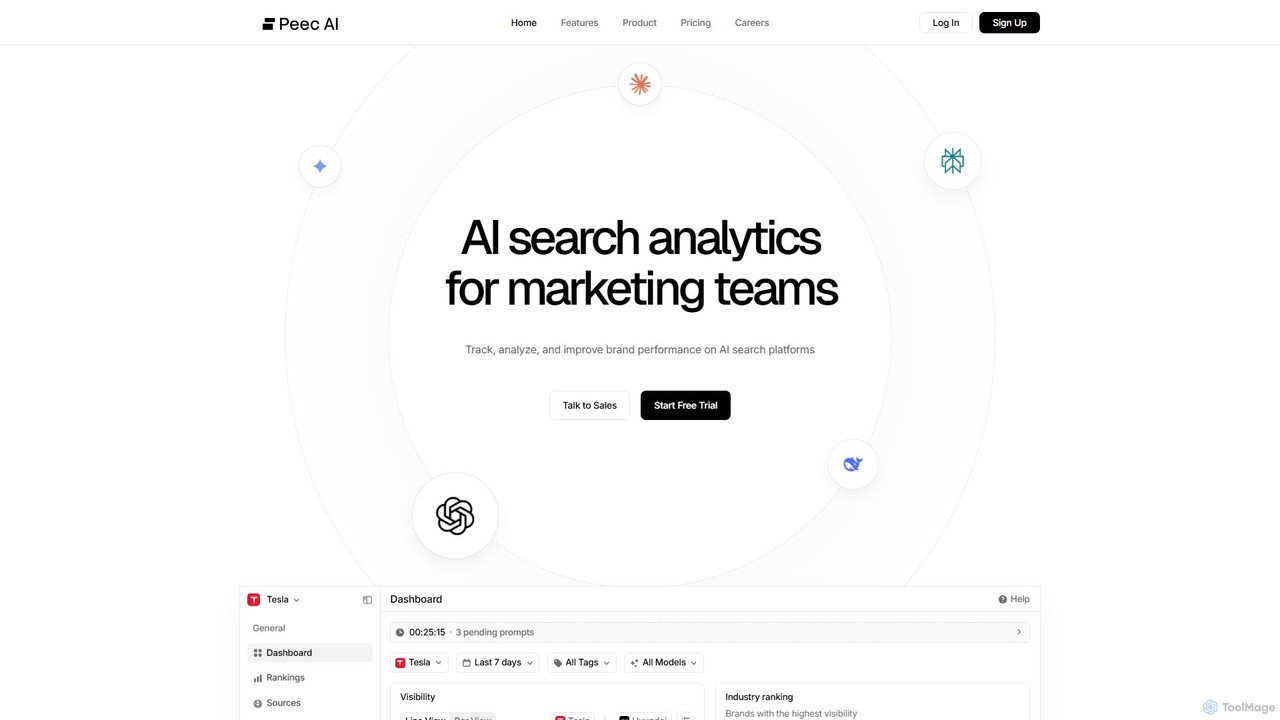
Peec AI is an AI search analytics platform for marketing teams. It tracks, analyzes, and improves brand visibility on generative AI search engines like ChatGPT and Perplexity, providing insights into competitor performance, brand mentions, and source attribution to master the new era of search.
Business Intelligence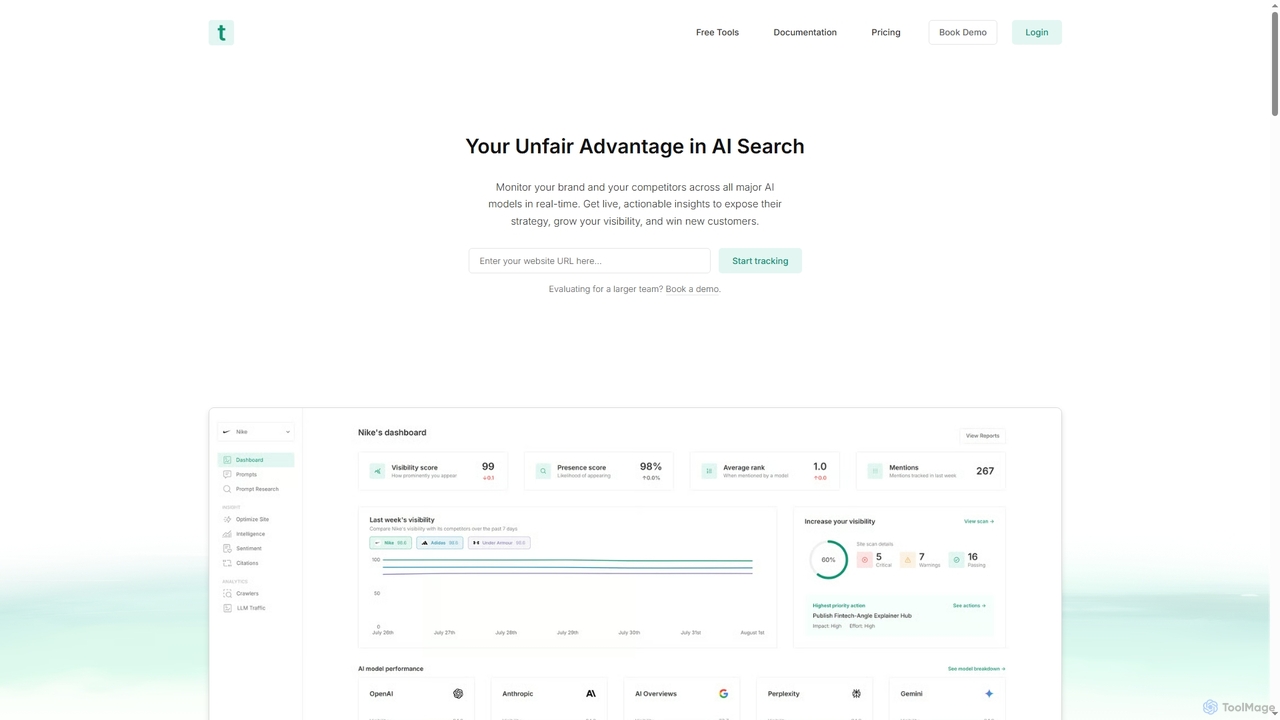
Trakkr
Trakkr is a real-time AI visibility platform that monitors your brand and competitors across major LLMs like ChatGPT, Gemini, and Claude. It provides actionable insights on rankings, mentions, citations, and sentiment to help you optimize your content and win in AI search.
Competitive Intelligence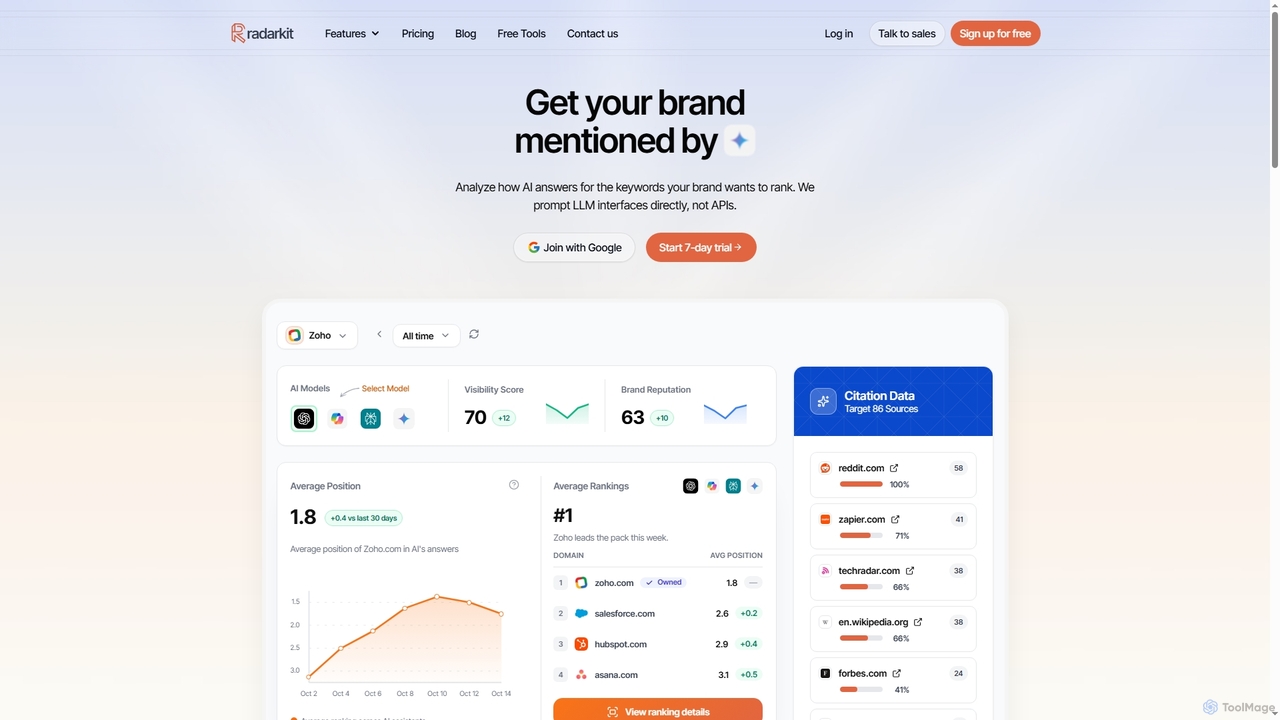
Radarkit
Radarkit is an advanced LLM visibility tracker and AI search analytics tool designed to monitor your brand's presence and performance across major AI assistants like ChatGPT, Gemini, and Perplexity. It provides actionable insights to optimize your AI SEO strategy, track competitors, and identify valuable backlink opportunities.
Brand Monitoring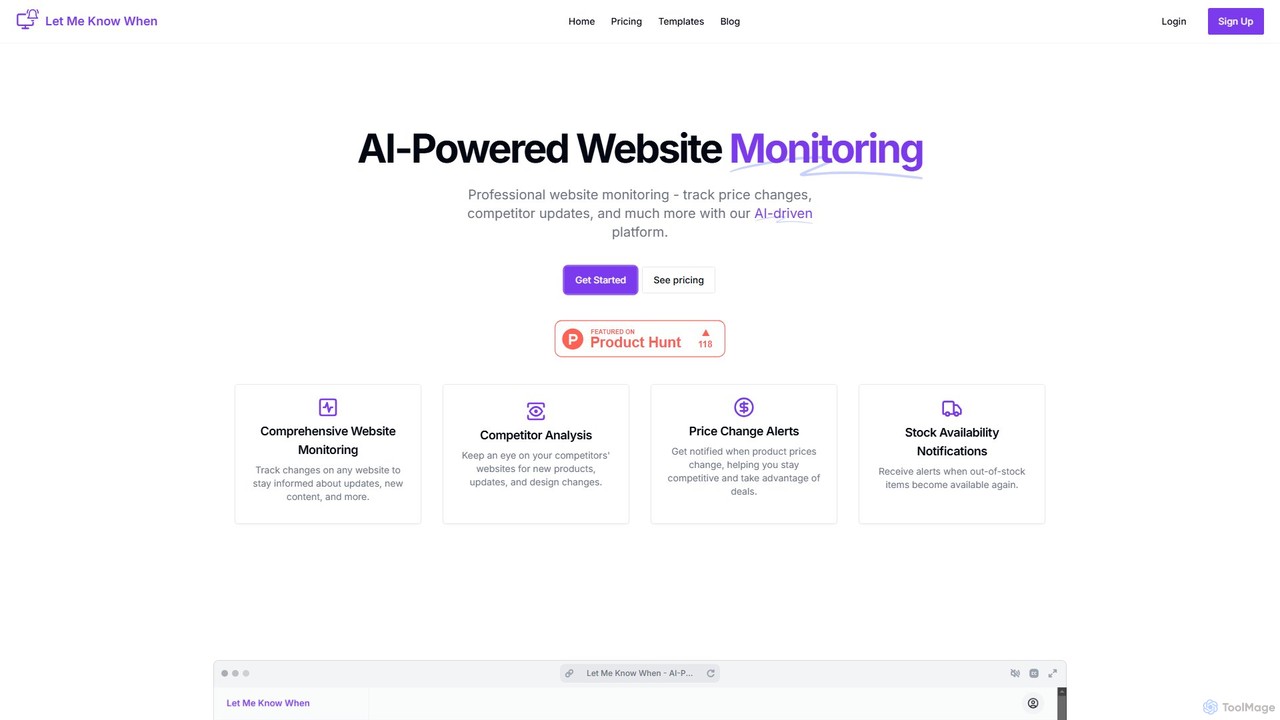
Let Me Know When
Let Me Know When is an AI-powered website monitoring platform that automates tracking for any online changes. Get instant alerts for price drops, competitor updates, stock availability, new content, job postings, and more. It uses an AI assistant to provide actionable insights, delivering notifications via email or Slack to help you stay informed and ahead of the curve.
Web Scraping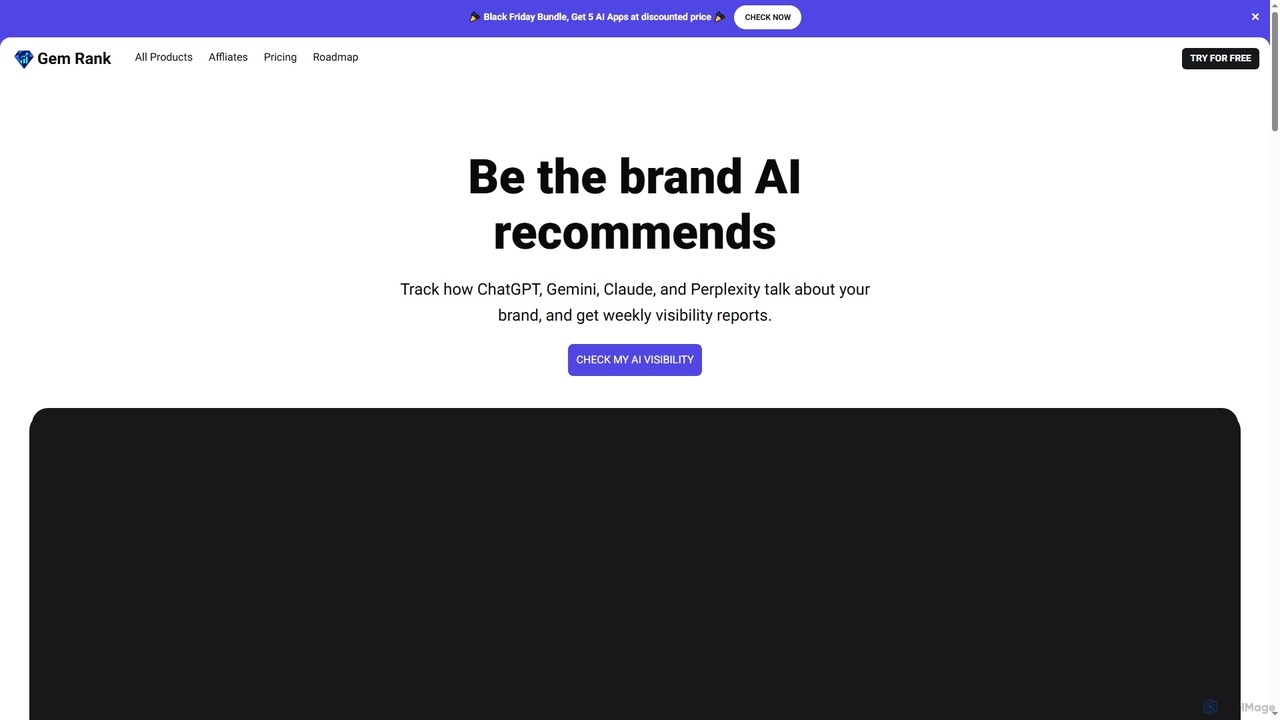
Gemrank
Gemrank is an AI visibility monitoring tool that tracks how major AI chatbots like ChatGPT, Gemini, Claude, and Perplexity mention and rank your brand against competitors. It provides actionable insights and weekly reports to optimize your AI SEO strategy and identify market opportunities.
Brand MonitoringVisualping Categories
Visualping Embed Widget
Copy this embed code to place the badge on your blog, article, or product site and send readers directly to this ToolMage detail page.

Related AI tools
Let Me Know When
Let Me Know When is an AI-powered website monitoring platform that automates tracking for any online changes. Get instant alerts for price drops, competitor updates, stock availability, new content, job postings, and more. It uses an AI assistant to provide actionable insights, delivering notifications via email or Slack to help you stay informed and ahead of the curve.
Web Scraping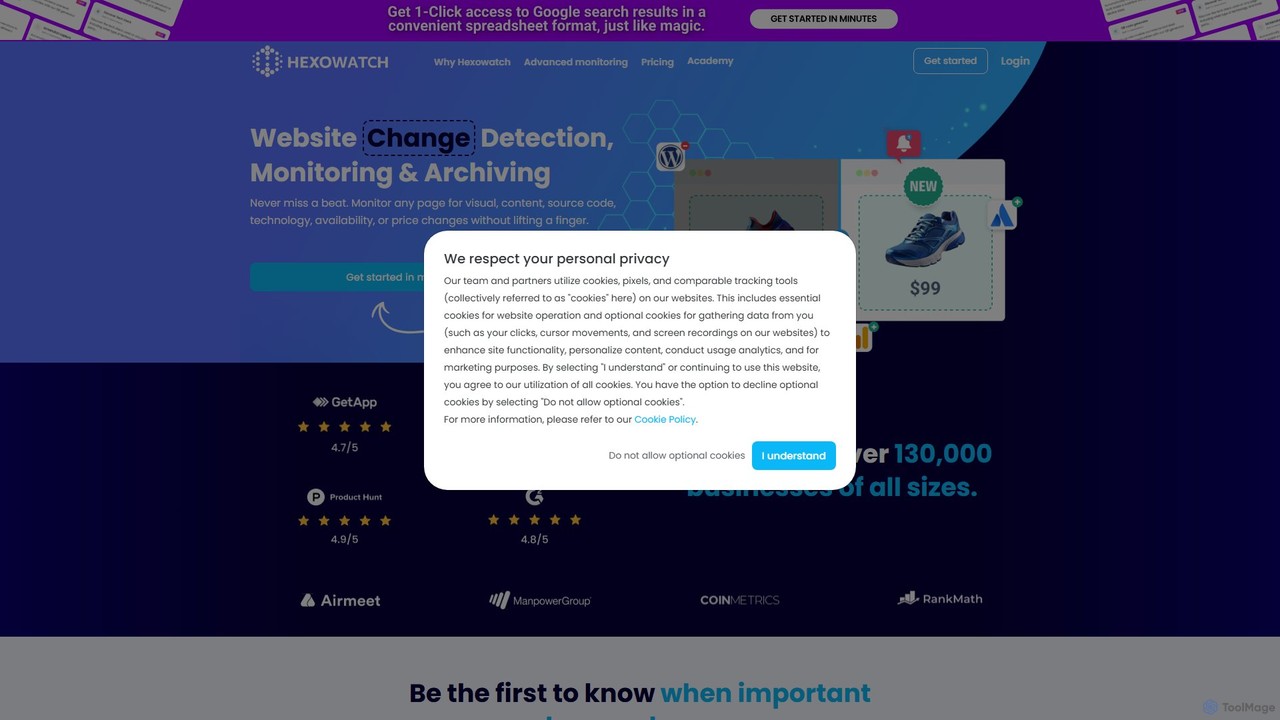
Hexowatch
Hexowatch is an AI-powered platform for automated website change detection, monitoring, and archiving. It tracks visual, content, source code, technology, and price changes on any webpage, sending instant alerts. Ideal for businesses, marketers, and individuals to monitor competitors, track prices, ensure website integrity, and automate data extraction at scale.
Web Scraping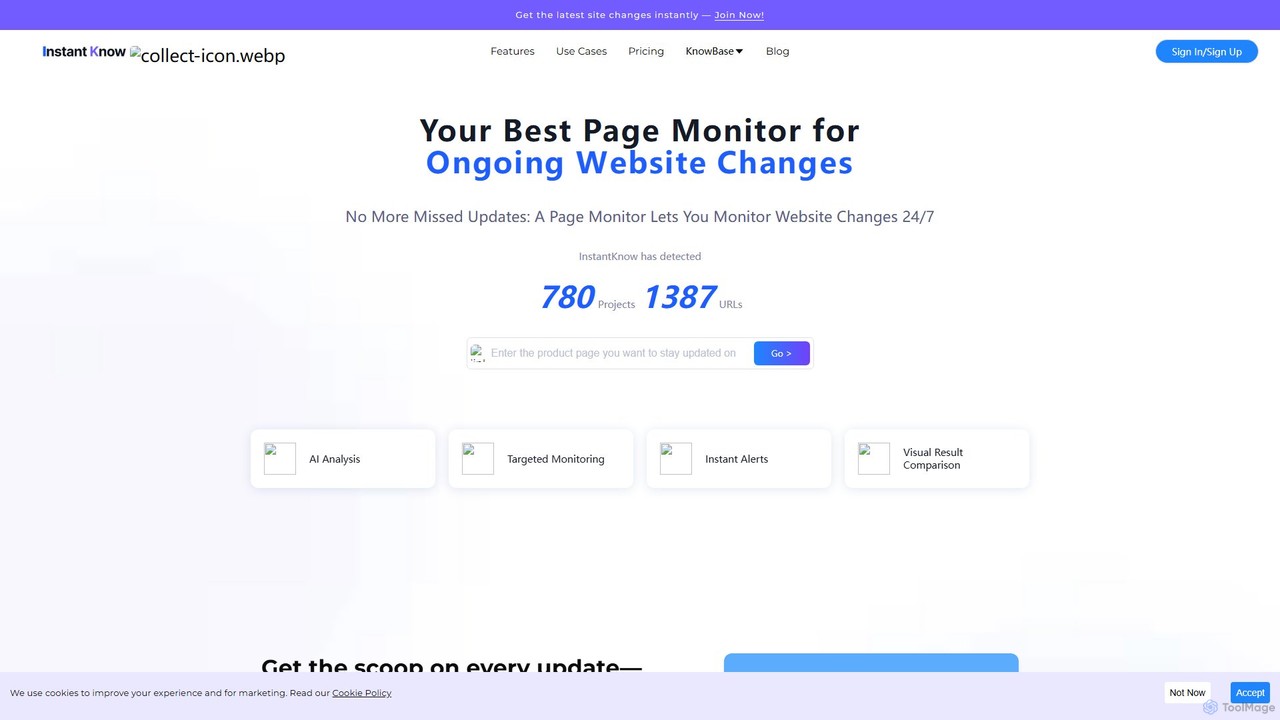
InstantKnow
InstantKnow is an AI-powered website monitoring tool that tracks changes on any webpage 24/7. It allows users to monitor specific sections for content, price, design, or policy updates. With features like targeted monitoring, instant email alerts, visual comparisons, and AI-driven change analysis, it helps businesses stay ahead of competitors, track market trends, and react quickly to important updates. It's ideal for market researchers, e-commerce managers, and strategists who need real-time business intelligence.
No Code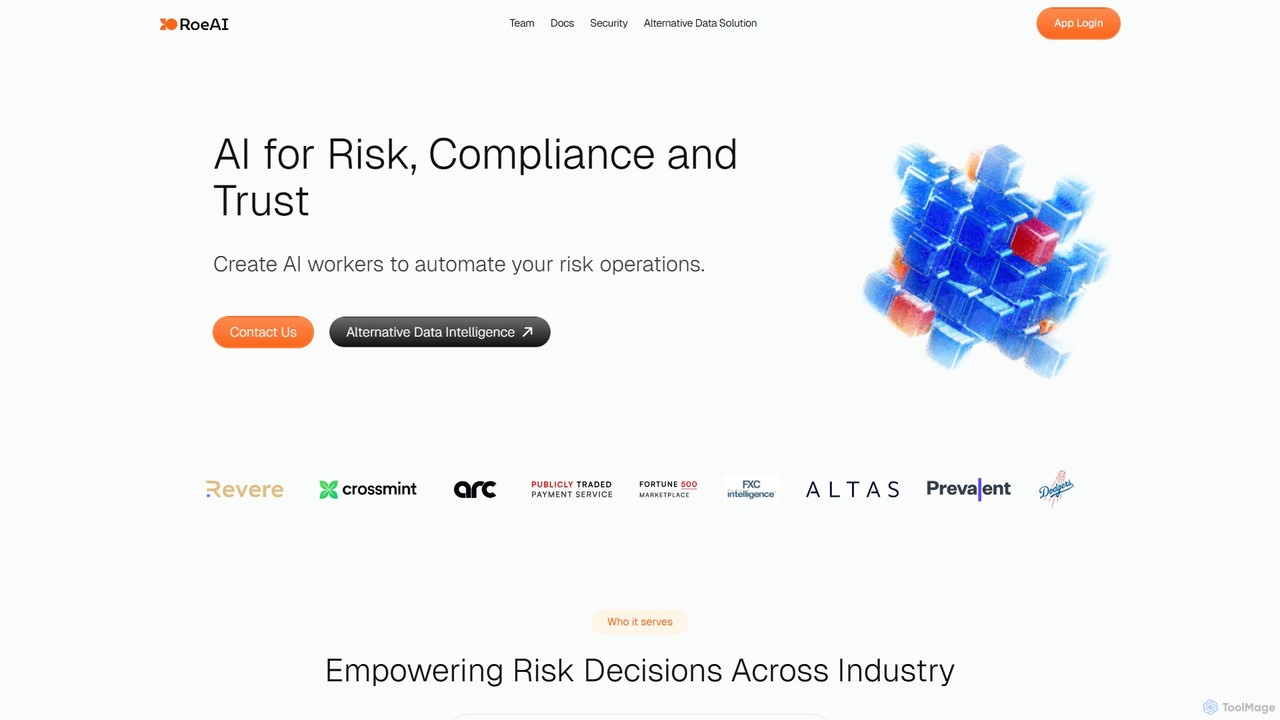
Roe AI
Roe AI is a platform that deploys AI agents to automate risk, compliance, and trust operations, specializing in perpetual Know Your Business (KYB) for SMBs. It also functions as an AI query engine for alternative data, transforming web content into structured insights for GTM teams, lead enrichment, and competitive analysis.
Lead Generation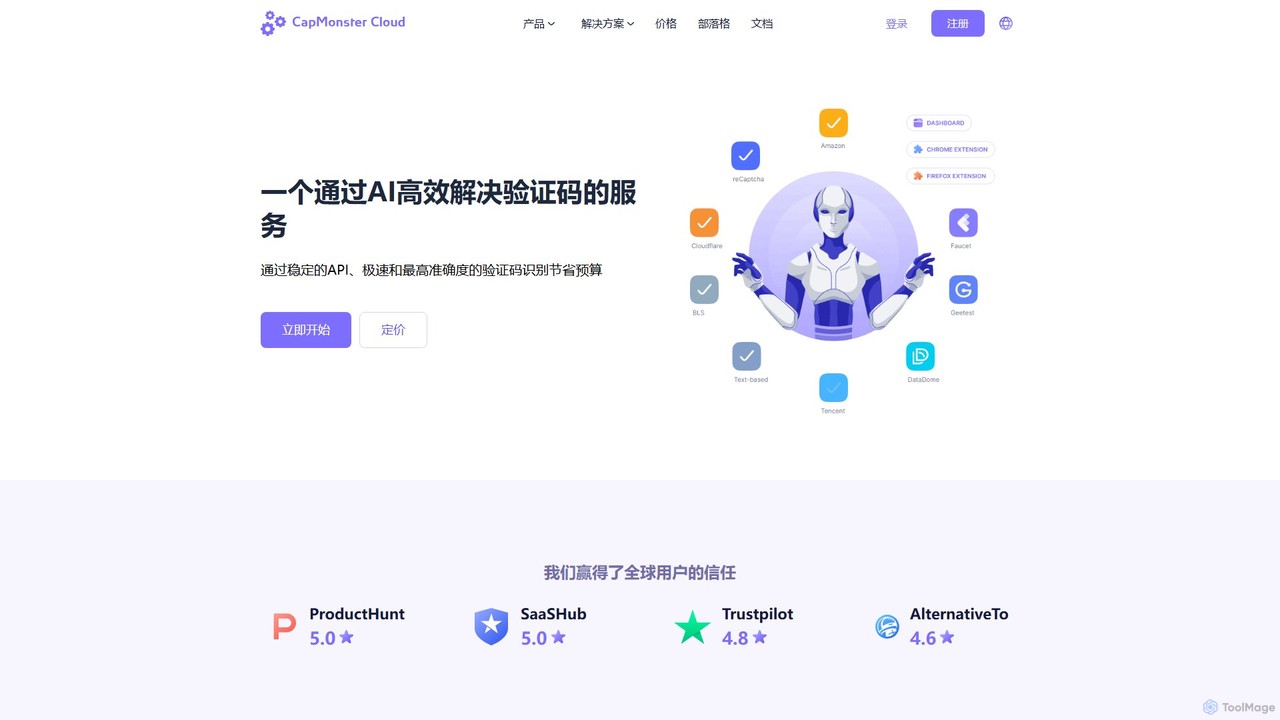
CapMonster Cloud
CapMonster Cloud is an AI-powered service for automatically solving various CAPTCHAs, including reCAPTCHA, Cloudflare, and GeeTest. It offers high-speed, cost-effective solutions for developers, SEO specialists, and data analysts through a simple API and browser extensions, streamlining web automation and data extraction tasks.
Api & Integration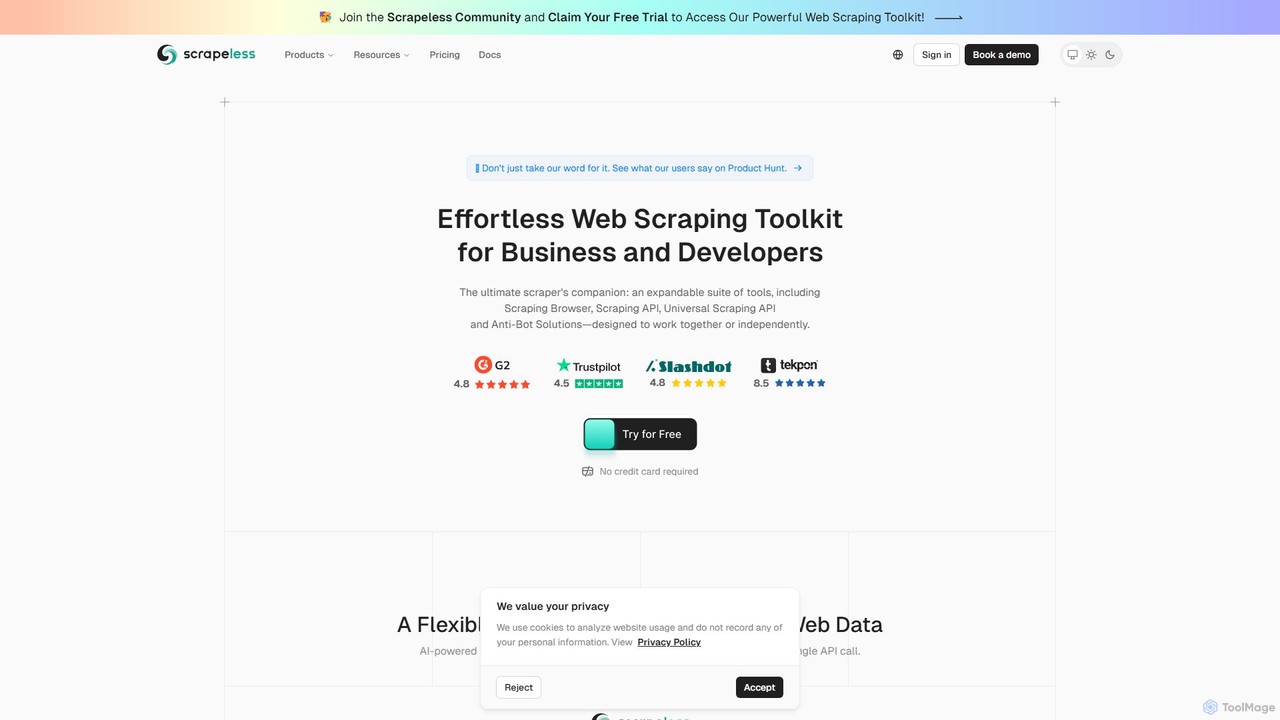
Scrapeless
An AI-powered web scraping toolkit for developers and businesses. It offers a suite of tools including a Scraping Browser, Universal Scraping API, and Deep SERP API to effortlessly extract public web data at scale. It specializes in bypassing anti-bot measures, providing structured data for e-commerce, market research, and AI model training, with a focus on reliability and ease of use.
Scraping
RivalSense
RivalSense is an AI-powered competitive intelligence tool designed for founders and business leaders. It automates competitor monitoring by tracking over 80 data sources, including websites, social media, job listings, and news sites. Users receive curated, actionable insights in a weekly email or Slack briefing, covering product launches, hiring changes, partnerships, and financial news. This saves significant time compared to manual tracking and helps businesses stay ahead of the competition.
Competitive Intelligence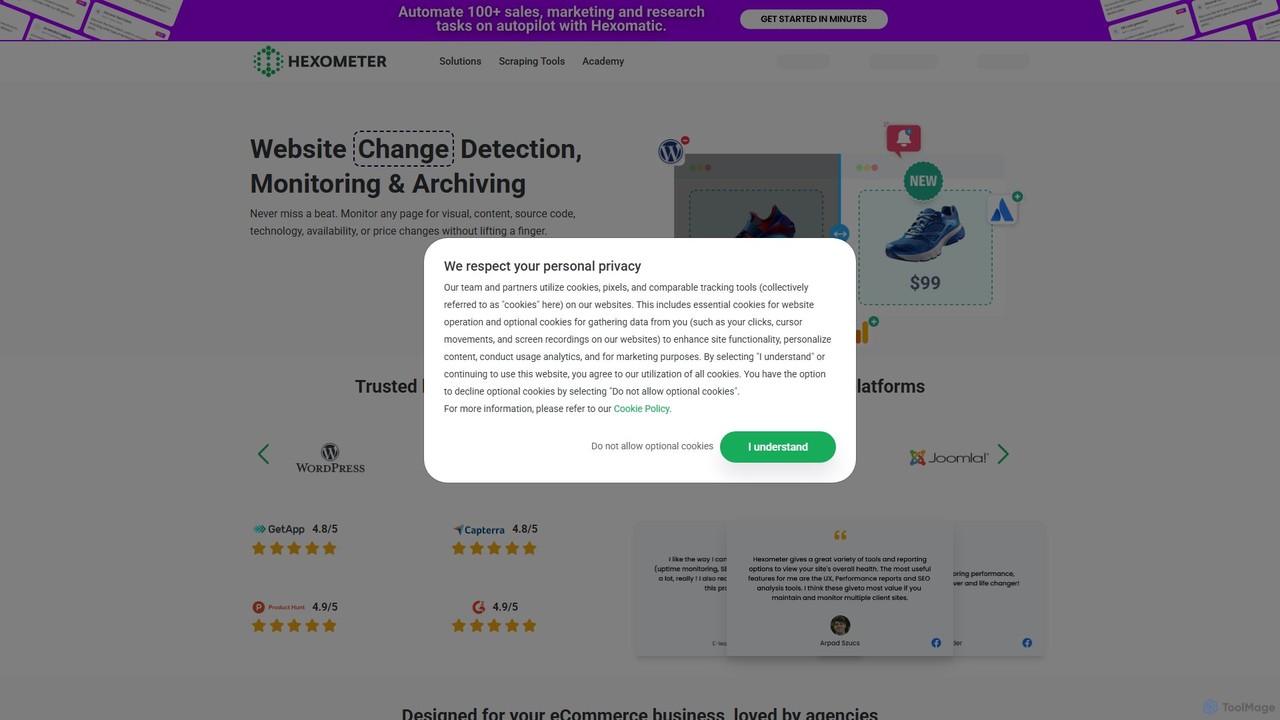
Hexometer
Hexometer is a 24/7 AI-powered website monitoring platform that acts like a dedicated QA team. It continuously checks your website across six key areas: availability, performance, user experience, health, SEO, and security, providing real-time alerts to help you protect and grow your online business.
Monitoring
Compete.News
Compete.News is an automated competitive intelligence tool that tracks your competitors' activities. It uses AI to scan news sources daily and deliver summarized briefs on key events like product launches, funding, and partnerships, ensuring you never miss a critical move.
Competitive Intelligence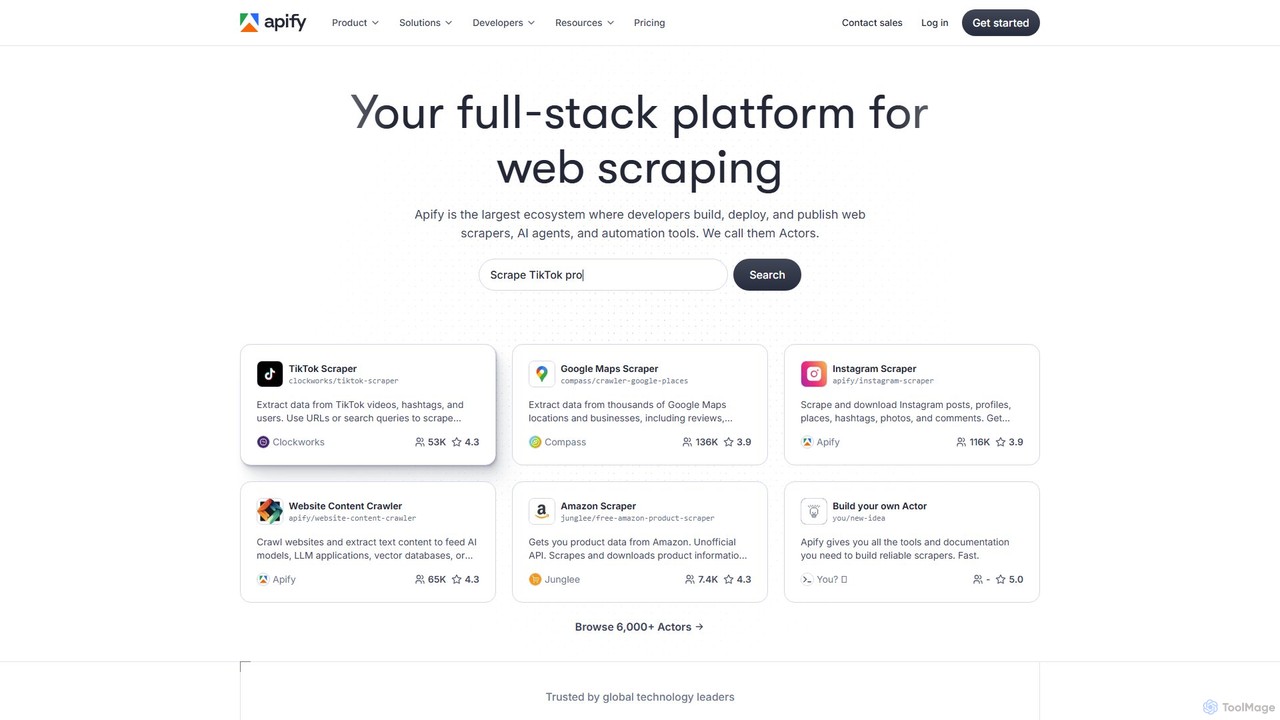
Apify
Apify is a full-stack web scraping and automation platform that enables developers to build, deploy, and publish data extraction tools, known as 'Actors'. It offers a vast marketplace of pre-built scrapers for popular websites like Google Maps, Instagram, and TikTok, alongside a robust cloud infrastructure for creating custom solutions. With support for Python and JavaScript, open-source libraries, and seamless integrations, Apify simplifies collecting web data at any scale.
Data Collection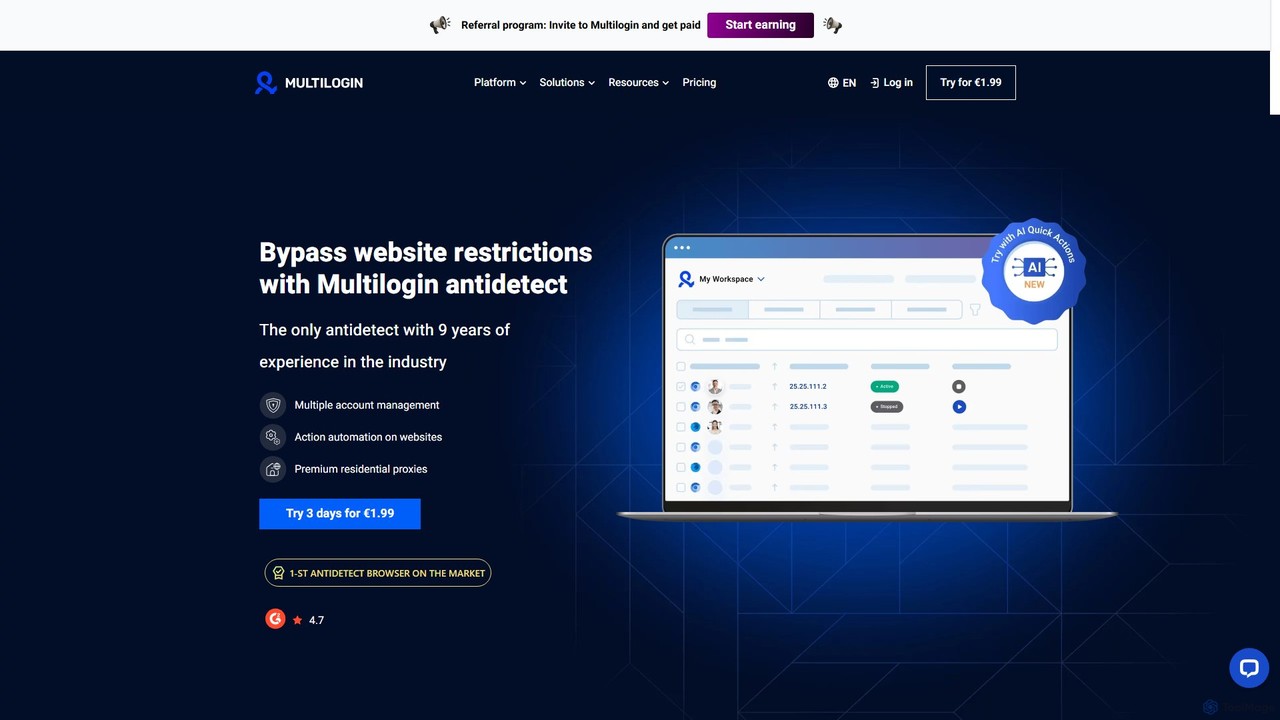
Multilogin
Multilogin is a leading antidetect browser that allows users to create and manage multiple unique browser profiles. It's designed to prevent website restrictions and account bans by masking digital fingerprints, making it ideal for social media marketing, e-commerce, web scraping, and other multi-account operations. It includes features like team collaboration, automation support, and built-in residential proxies.
Web Scraping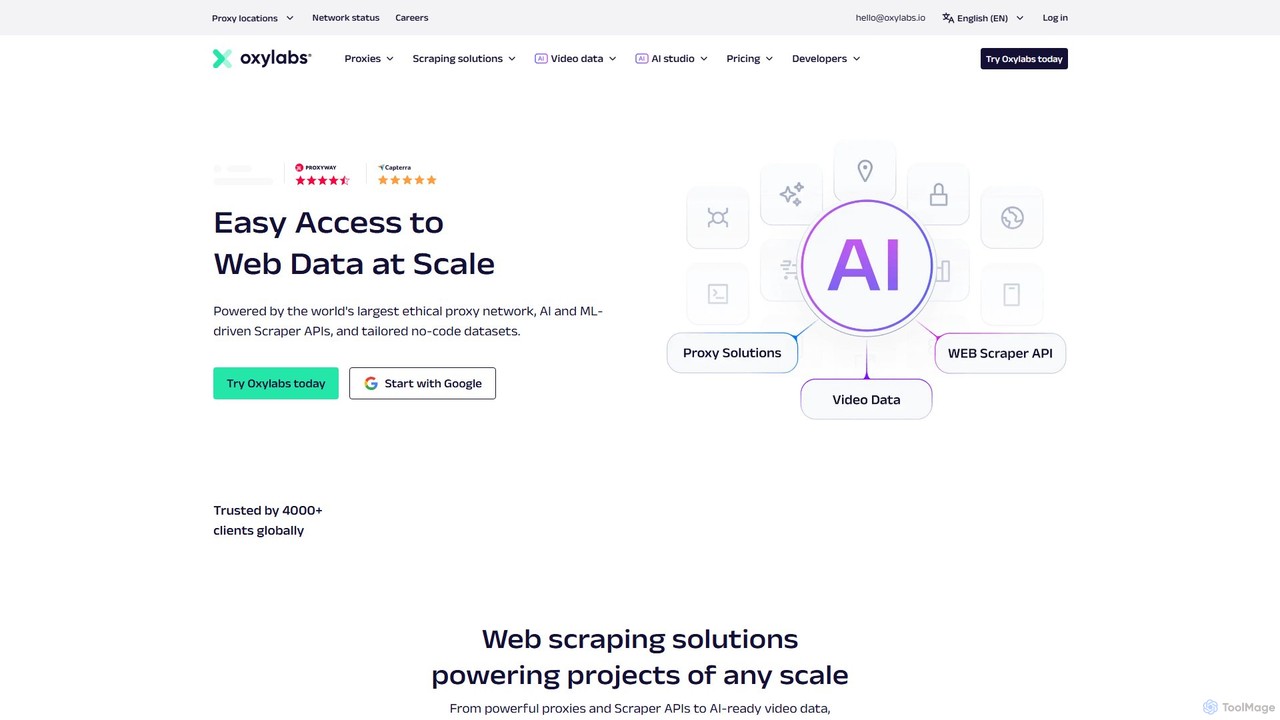
Oxylabs
Oxylabs is a leading provider of premium proxy services and enterprise-level web data gathering solutions. Leveraging a massive, ethically-sourced proxy network of over 177 million IPs, it offers AI-powered Scraper APIs, a Web Unblocker, and the new AI Studio for natural language data extraction. It enables businesses to collect public web data at scale for e-commerce, cybersecurity, brand protection, and market research without getting blocked.
Market Intelligence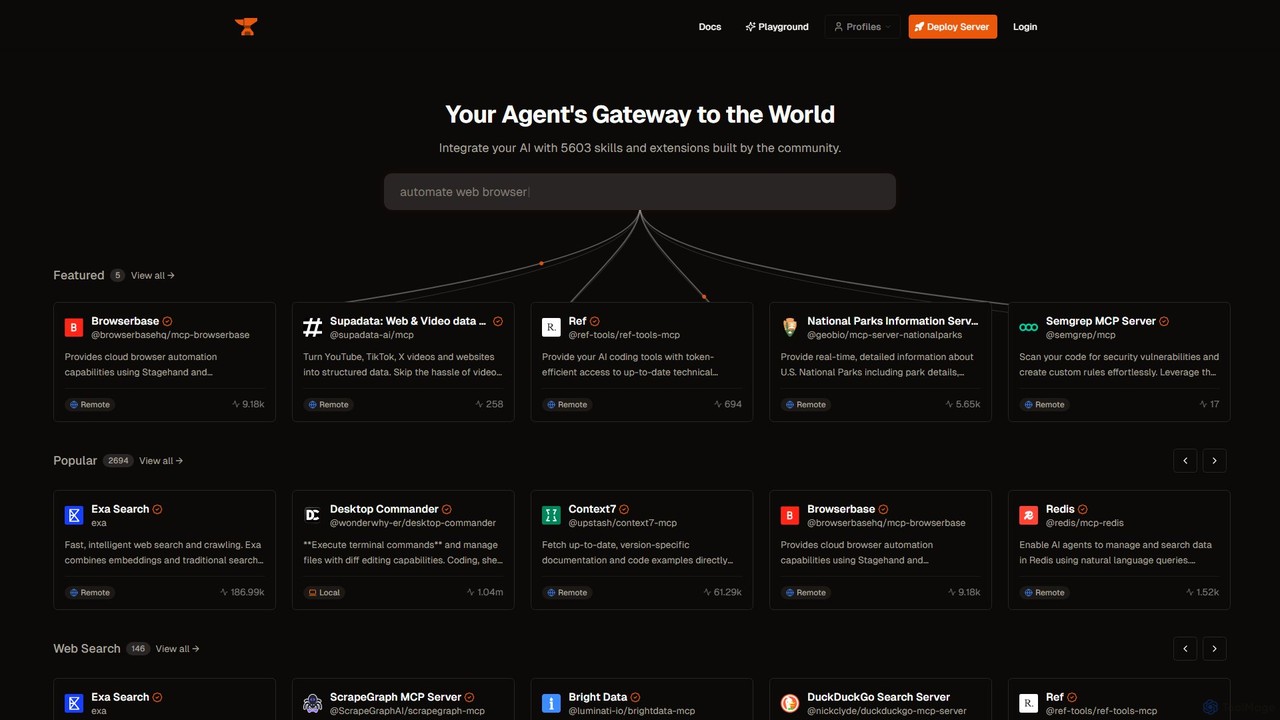
Smithery
Smithery is a registry and protocol for AI agents, providing a gateway to thousands of community-built skills and extensions. It enables developers to easily integrate external tools like web browsers, databases, and APIs into their AI applications, enhancing their capabilities and context awareness.
Database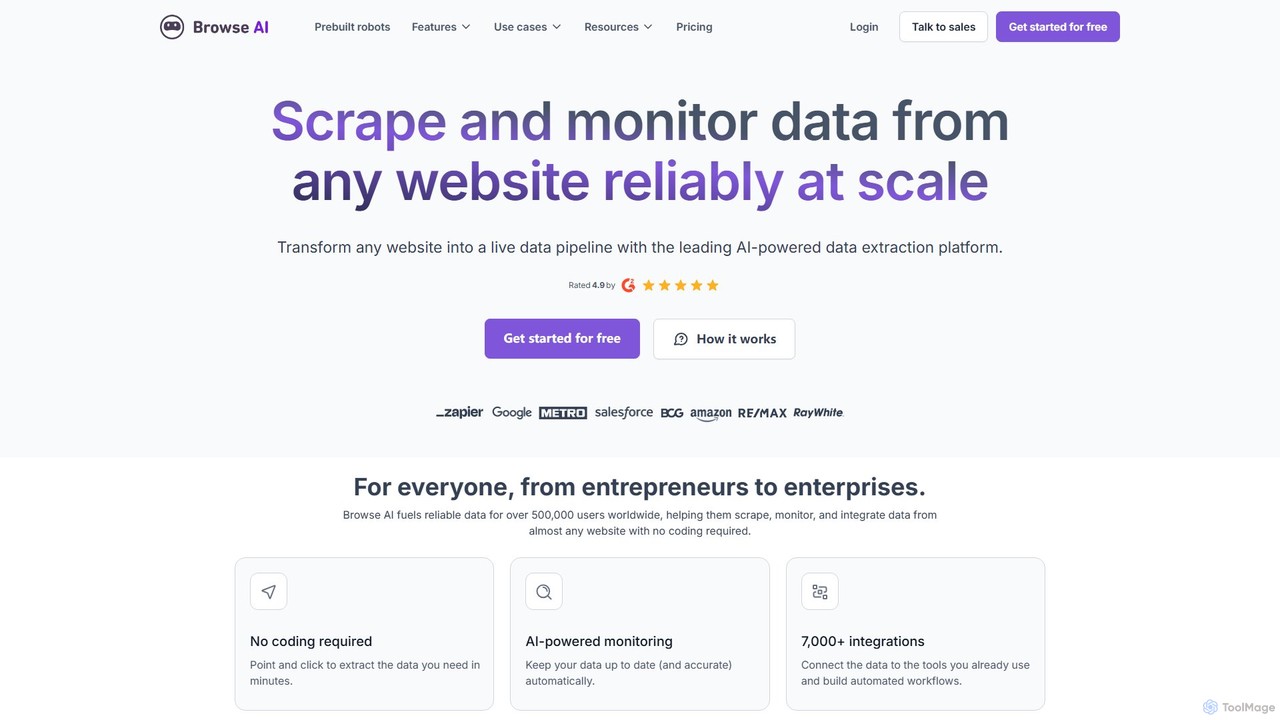
Browse AI
Browse AI is a no-code platform that enables users to extract and monitor data from any website. Easily train a robot to scrape information, turn websites into spreadsheets or APIs, and track changes automatically. It's designed for marketers, researchers, and developers to automate data collection without writing any code, offering prebuilt robots and seamless integrations with tools like Google Sheets and Zapier.
Web Scraping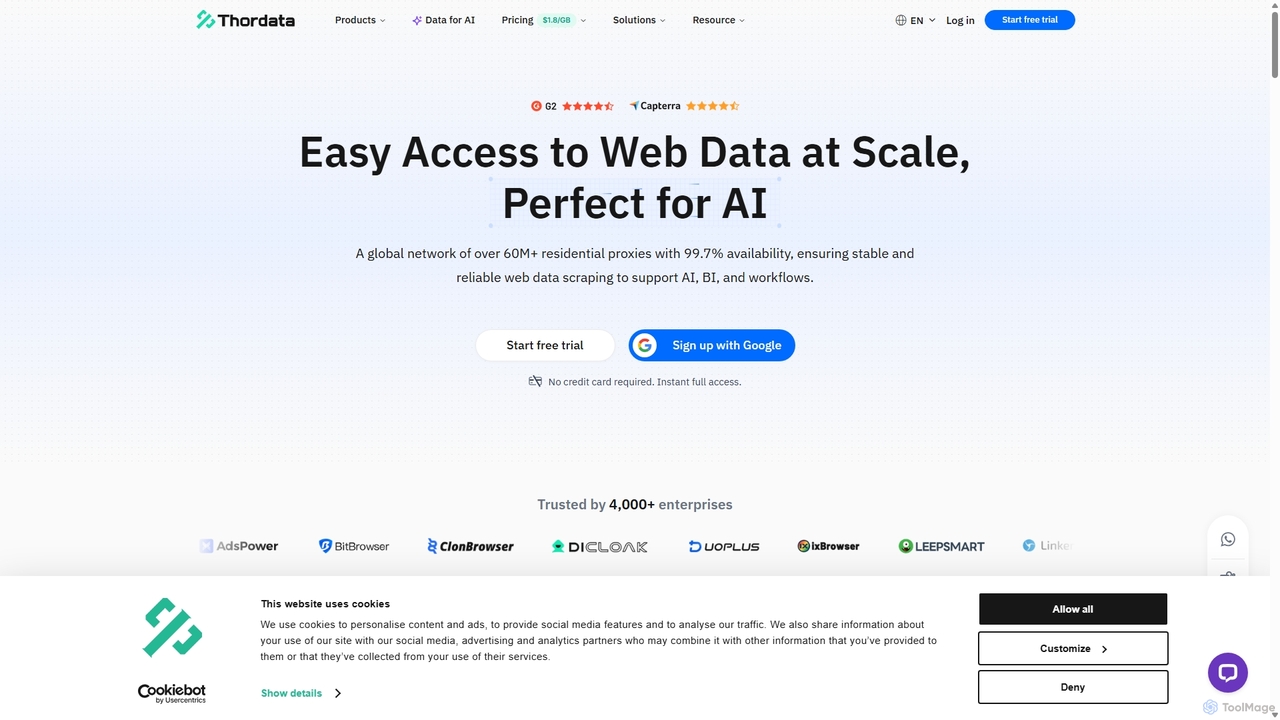
Thordata
Thordata is a high-performance proxy service provider designed for large-scale web data scraping and AI applications. It offers a global network of over 60 million residential, mobile, ISP, and datacenter proxies with high uptime and low latency. Thordata also provides powerful Scraper APIs and a Data Marketplace to simplify data acquisition for tasks like AI model training, e-commerce monitoring, SEO analysis, and brand protection, ensuring reliable and scalable access to public web data.
Data Collection
Visualping Comments (0)
Sign in to comment.
Sign inNo comments yet.