

WhatLetter Overview
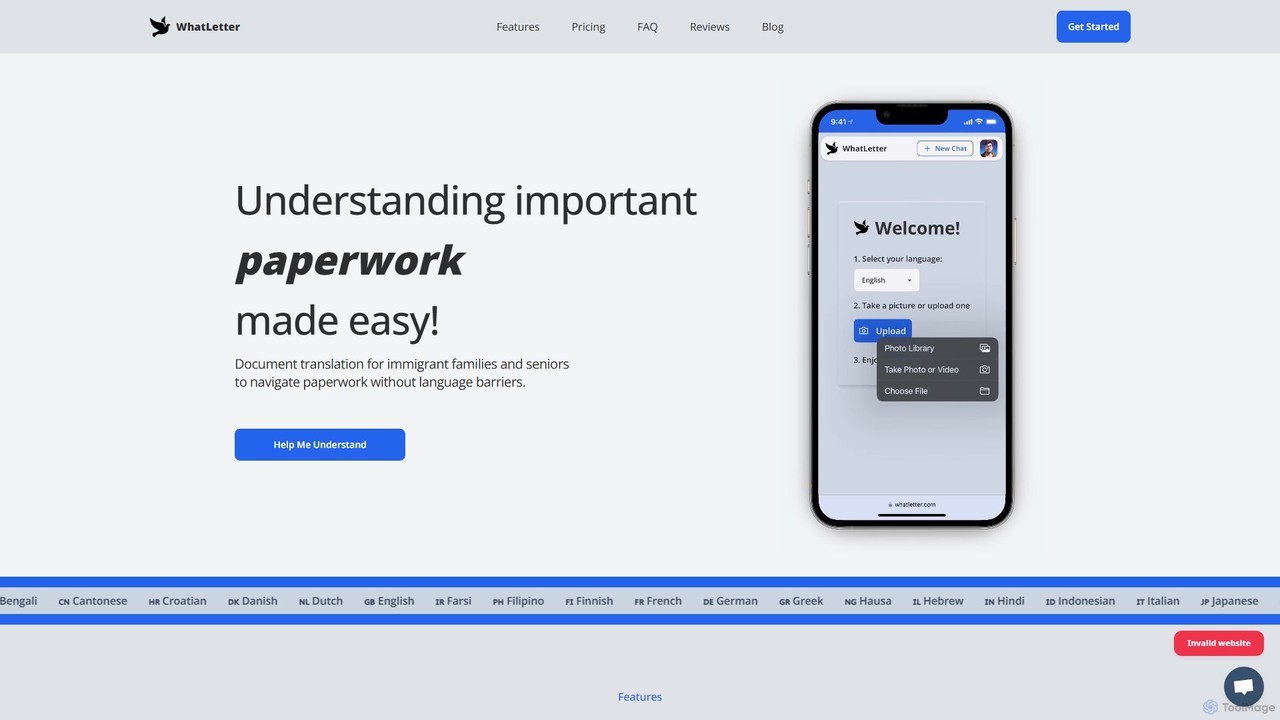
WhatLetter is a revolutionary AI tool designed to make understanding important paperwork effortless, especially for those facing language barriers. Born from the founder's personal experience as a translator for his immigrant parents, WhatLetter aims to grant independence and confidence to users worldwide. By leveraging advanced AI, the platform allows anyone to instantly translate and comprehend complex documents simply by taking a picture.
The core philosophy of WhatLetter is to transform confusing, jargon-filled documents into clear, understandable information. It supports a vast array of document types, making it an indispensable assistant for daily life, travel, and business. The platform is entirely web-based, accessible from any desktop or mobile browser, ensuring convenience without the need for app installations. Furthermore, WhatLetter places a high priority on user privacy, processing documents locally and never storing images on its servers, while chat histories remain confidential.
How to use WhatLetter
Using WhatLetter is designed to be a simple and intuitive three-step process:
- Snap or Upload: Navigate to the chat page and click the 'Upload' button. You can either take a new photo of your document or select an existing image from your device.
- Select Language: Choose your preferred language from a list of over 30 supported options. The AI will then process the document.
- Understand and Discuss: WhatLetter provides a simplified summary of the document in your chosen language. You can then interact with the AI chatbot, asking specific questions to clarify jargon, understand details, or get more context, just as you would with a human translator.
Core Features of WhatLetter
- Snap, Scan & Understand: Instantly digitize and translate any physical or digital document (including PDFs) by simply capturing a photo.
- Interactive AI Chatbot: Go beyond static translation. Engage in a conversation with the AI to ask follow-up questions, define complex terms, and gain a deeper understanding of the content.
- Extensive Language Support: The platform proudly supports over 30 languages, including Arabic, Mandarin, Spanish, Hindi, and many more, catering to a global user base.
- Privacy First: User privacy is paramount. Images are processed locally and are not saved on WhatLetter's servers. Chat history is stored securely for the user's reference only and is not shared.
- Cross-Platform Accessibility: As a web-based application, WhatLetter works seamlessly on both desktop and mobile browsers, providing on-the-go access.
- Upcoming Integrations: The platform is continuously evolving, with planned features like WhatsApp and Telegram integration and voice typing to further enhance user convenience.
Use Cases for WhatLetter
WhatLetter is versatile and can be applied in numerous scenarios:
- Personal Documents: Easily translate and understand critical personal paperwork such as medical records, prescriptions, utility bills, bank statements, and legal forms.
- Travel Abroad: Navigate foreign countries with ease by translating restaurant menus, road signs, public transport schedules, and event tickets in real-time.
- Business Communication: Bridge communication gaps with international clients and partners by translating business contracts, instruction manuals, marketing materials, and reports.
- Complex & Technical Texts: Simplify and summarize dense, technical documents like academic research papers, financial reports, and insurance policies for clearer comprehension.
Advantages of WhatLetter
WhatLetter offers significant benefits over traditional translation methods:
- Empowers Independence: It gives non-native speakers and elderly individuals the ability to handle their own paperwork, reducing reliance on family or friends.
- Saves Time and Effort: Eliminates the need for manual translation or searching for definitions of complex terms.
- Enhanced Comprehension: The interactive chatbot allows for a level of understanding that a simple text-for-text translation cannot provide.
- Affordable & Accessible: With a generous free plan and a low-cost premium subscription, powerful translation technology is available to everyone.
- Secure and Private: Users can confidently upload sensitive documents knowing their data is handled securely.
Pricing and Plans
WhatLetter operates on a freemium model to ensure accessibility for all users.
- Free Plan: Ideal for getting started. Includes up to 3 document translations and 3 chat sessions per month at no cost.
- WhatLetter Plus: Perfect for regular users. For $1.99 USD per month (with a 16% discount on yearly plans), users get unlimited document translations, unlimited chat sessions, full access to all supported languages, and priority access to upcoming features like voice typing and Telegram integration.
Traffic
Latest traffic
Status
Monthly traffic trend
- 2025-9: 664
- 2026-1: 394
- 2026-2: 382
- 2026-3: 307
- 2026-4: 300
- 2026-5: 302
Top keywords
| Keyword | Cost per click |
|---|---|
| key points about dealing with the language barriers include which of the following? | $0.00 |
| let5ter | $0.00 |
| letter | $0.77 |
| not letters | $0.00 |
| what letter | $0.00 |
WhatLetter Alternatives
GPT Translator
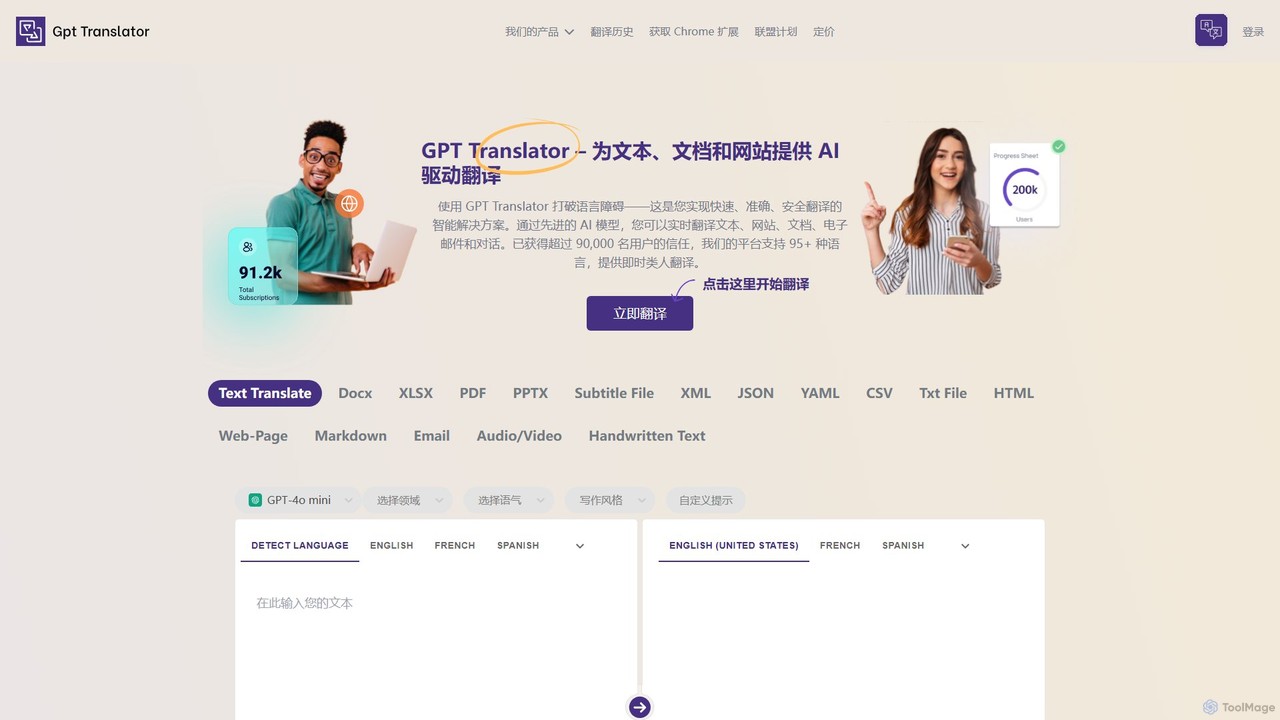
GPT Translator is an advanced AI-powered translation tool that supports over 100 languages. It handles various formats including text, documents (DOCX, PDF, PPTX), websites, audio/video, and even handwritten text. Powered by multiple AI engines like GPT-4o and Gemini, it provides fast, context-aware, and format-preserving translations, making it ideal for businesses, students, and developers.
Api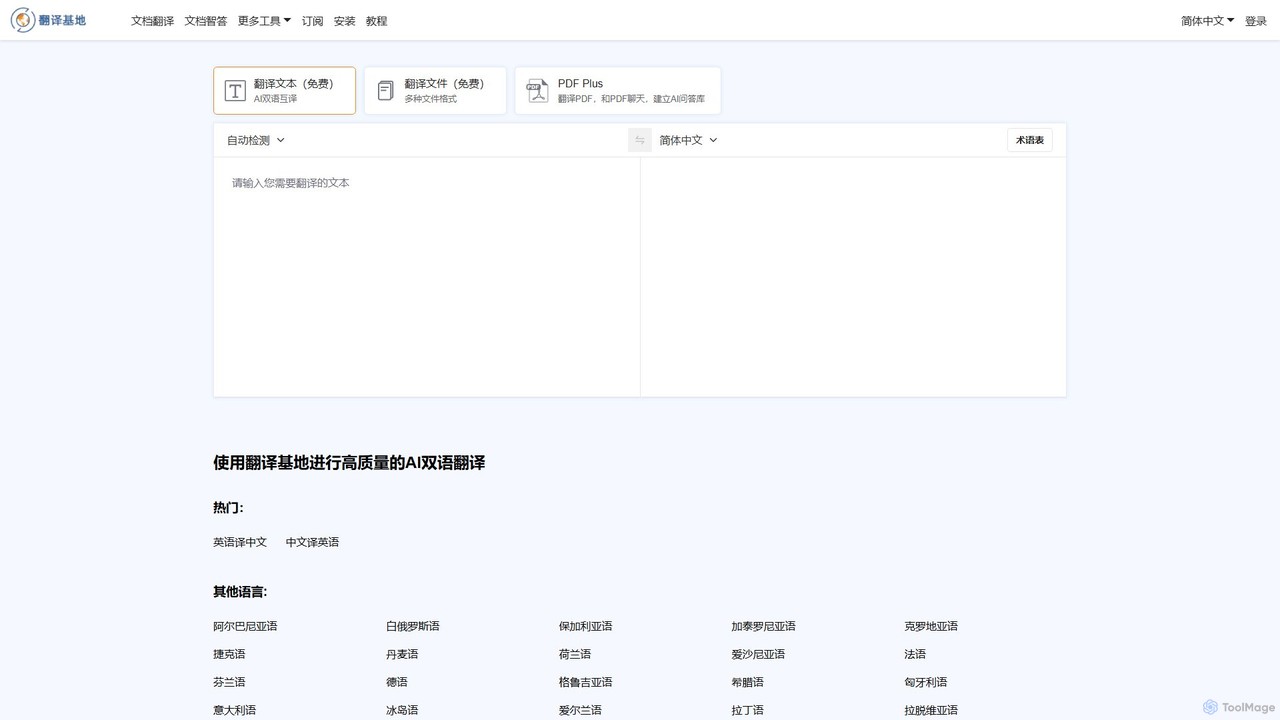
TranslateBase
TranslateBase is a comprehensive AI-powered translation platform supporting over 100 languages. It offers high-quality translation for text, documents (PDF, DOCX, etc.), images with OCR, and real-time video subtitles. Advanced features include layout preservation, bilingual document views, and an interactive 'Chat with PDF' function, making it an all-in-one solution for students, professionals, and language learners.
Document Management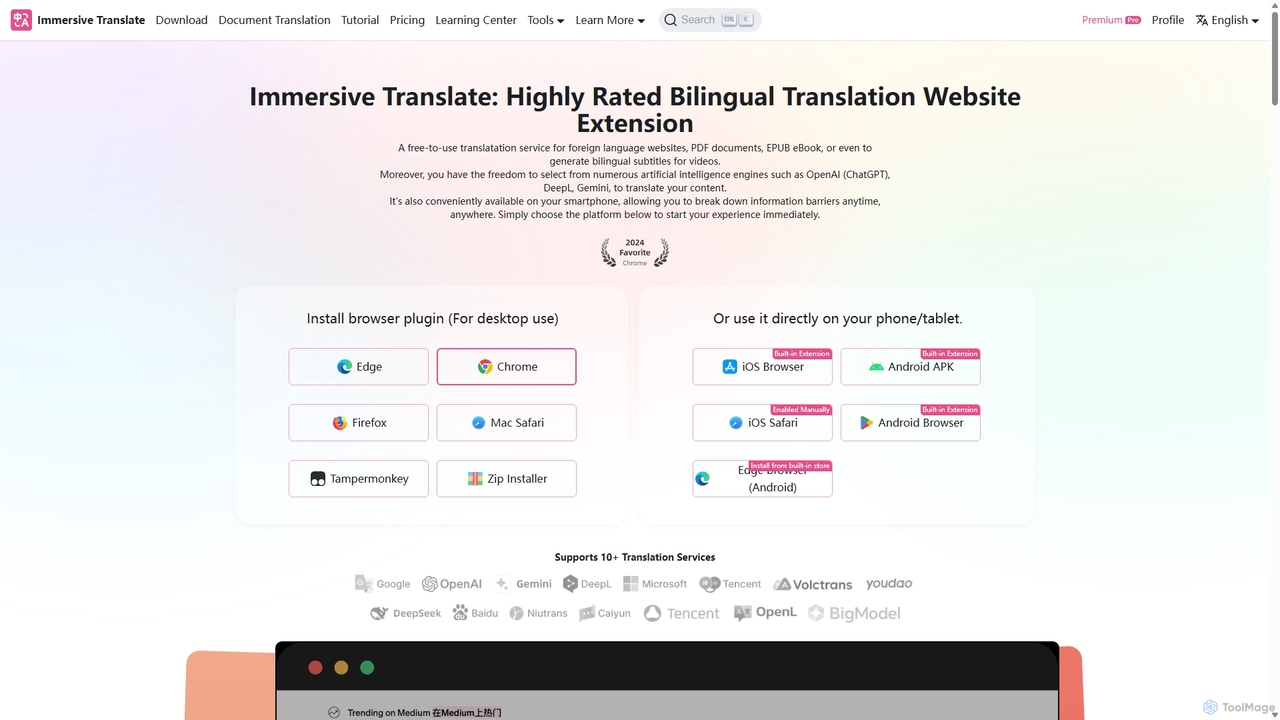
Immersive Translate
A powerful browser extension for immersive, bilingual translation of webpages, PDFs, videos, and more. It supports over 10 AI engines like DeepL and OpenAI, offering a side-by-side reading experience to break down language barriers for learning, work, and entertainment.
Utilities
Youdao Translate
Youdao Translate is a powerful AI-driven translation service offering high-quality, instant translations for text, documents, and webpages. It supports over 100 languages and leverages advanced neural machine translation technology to provide accurate, context-aware results for personal, academic, and professional use.
Document Management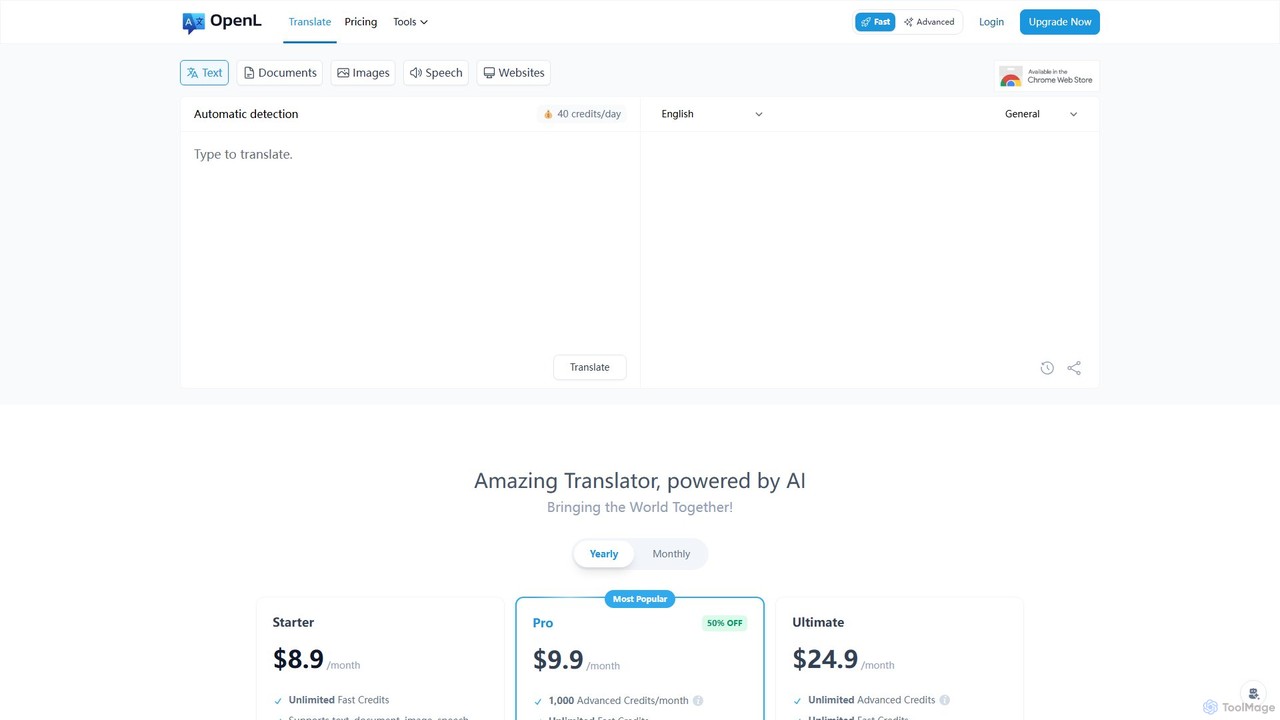
OpenL
OpenL is an advanced AI-powered translation platform that provides highly accurate, native-level translations for over 186 languages. It supports a wide range of formats, including text, documents (PDF, Word), images, and voice. Beyond translation, OpenL offers an AI language assistant for grammar checking, writing refinement, and language learning, making it a comprehensive tool for global communication and academic excellence.
Language LearningWhatLetter Categories
WhatLetter Embed Widget
Copy this embed code to place the badge on your blog, article, or product site and send readers directly to this ToolMage detail page.

Related AI tools
GPT Translator
GPT Translator is an advanced AI-powered translation tool that supports over 100 languages. It handles various formats including text, documents (DOCX, PDF, PPTX), websites, audio/video, and even handwritten text. Powered by multiple AI engines like GPT-4o and Gemini, it provides fast, context-aware, and format-preserving translations, making it ideal for businesses, students, and developers.
ApiTranslateBase
TranslateBase is a comprehensive AI-powered translation platform supporting over 100 languages. It offers high-quality translation for text, documents (PDF, DOCX, etc.), images with OCR, and real-time video subtitles. Advanced features include layout preservation, bilingual document views, and an interactive 'Chat with PDF' function, making it an all-in-one solution for students, professionals, and language learners.
Document ManagementImmersive Translate
A powerful browser extension for immersive, bilingual translation of webpages, PDFs, videos, and more. It supports over 10 AI engines like DeepL and OpenAI, offering a side-by-side reading experience to break down language barriers for learning, work, and entertainment.
UtilitiesYoudao Translate
Youdao Translate is a powerful AI-driven translation service offering high-quality, instant translations for text, documents, and webpages. It supports over 100 languages and leverages advanced neural machine translation technology to provide accurate, context-aware results for personal, academic, and professional use.
Document ManagementOpenL
OpenL is an advanced AI-powered translation platform that provides highly accurate, native-level translations for over 186 languages. It supports a wide range of formats, including text, documents (PDF, Word), images, and voice. Beyond translation, OpenL offers an AI language assistant for grammar checking, writing refinement, and language learning, making it a comprehensive tool for global communication and academic excellence.
Language Learning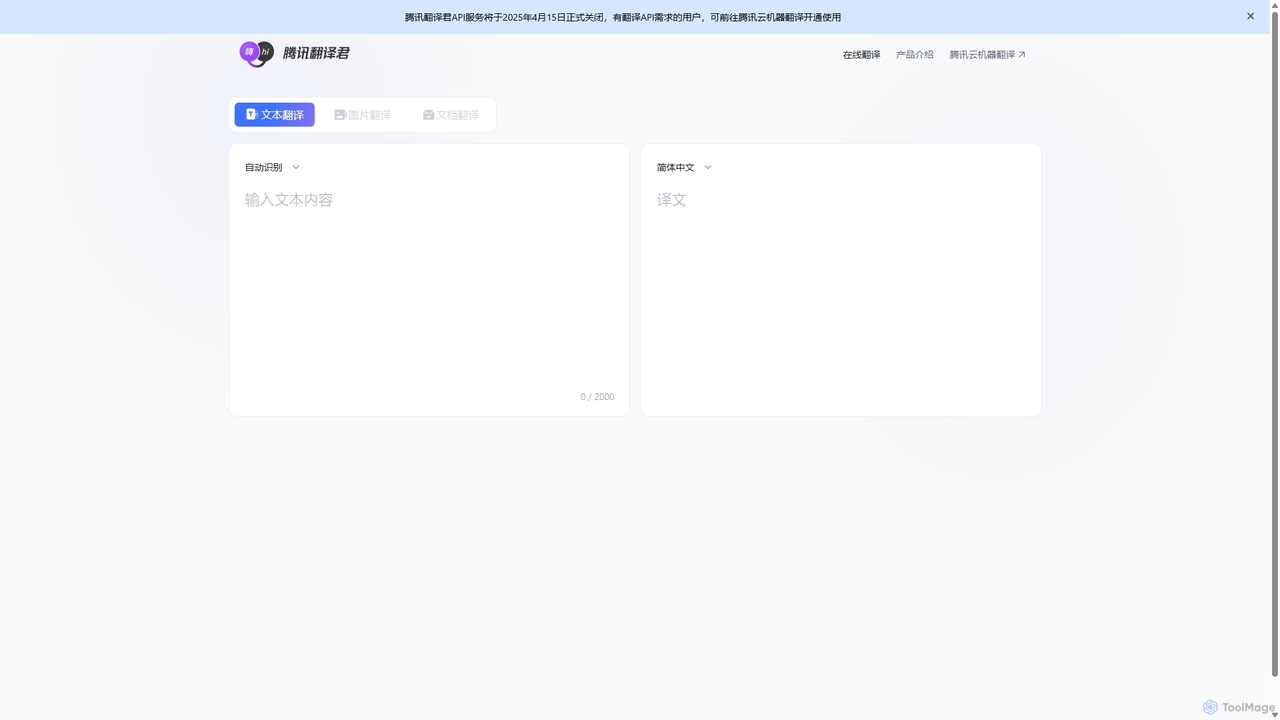
Tencent Fanyi Jun
Tencent Fanyi Jun is a comprehensive AI-powered translation service developed by Tencent. It offers high-quality translation across multiple formats, including text, speech, images, and documents. Leveraging advanced neural machine translation technology, it supports numerous languages and is designed to break down communication barriers for individuals and businesses in various scenarios like travel, business, and education.
Communication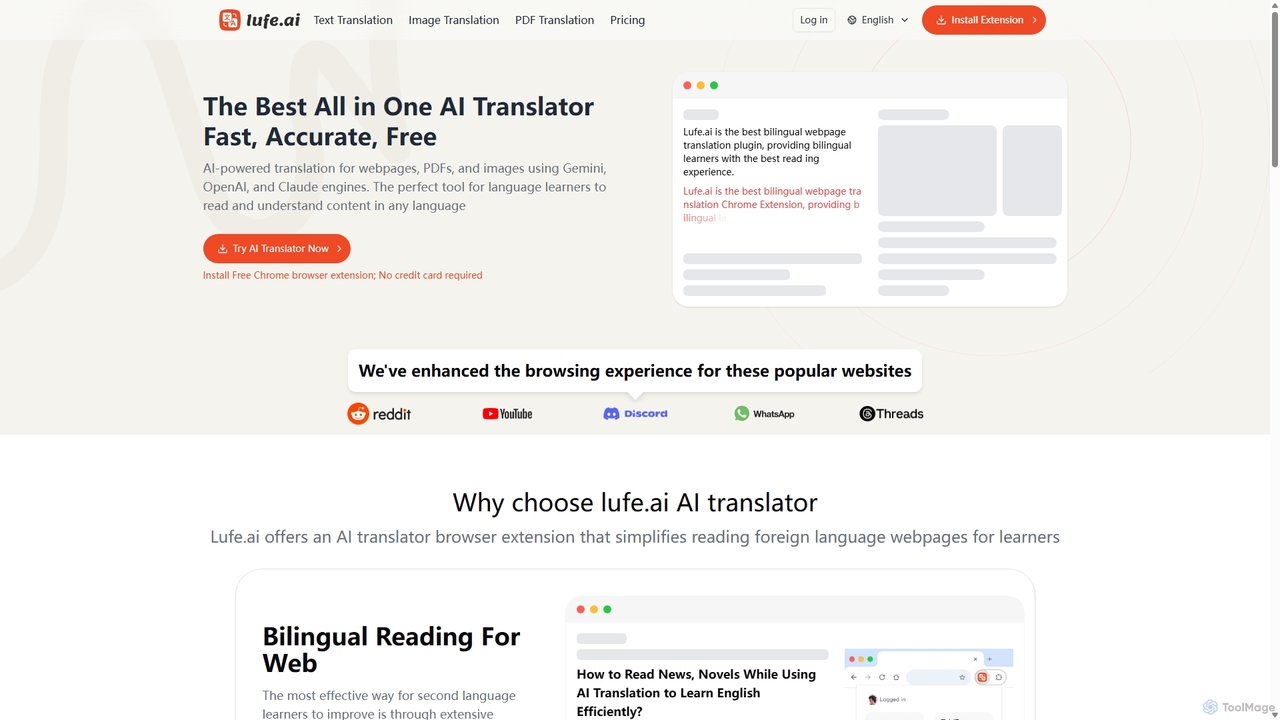
Lufe
Lufe is an all-in-one AI translator powered by Gemini, ChatGPT, and Claude. It offers fast, accurate translation for webpages, PDFs, and images as a Chrome extension and web tool. Its standout feature is the bilingual, side-by-side reading mode, making it an ideal tool for language learners and professionals to understand foreign content with ease and precision.
Chrome Extensions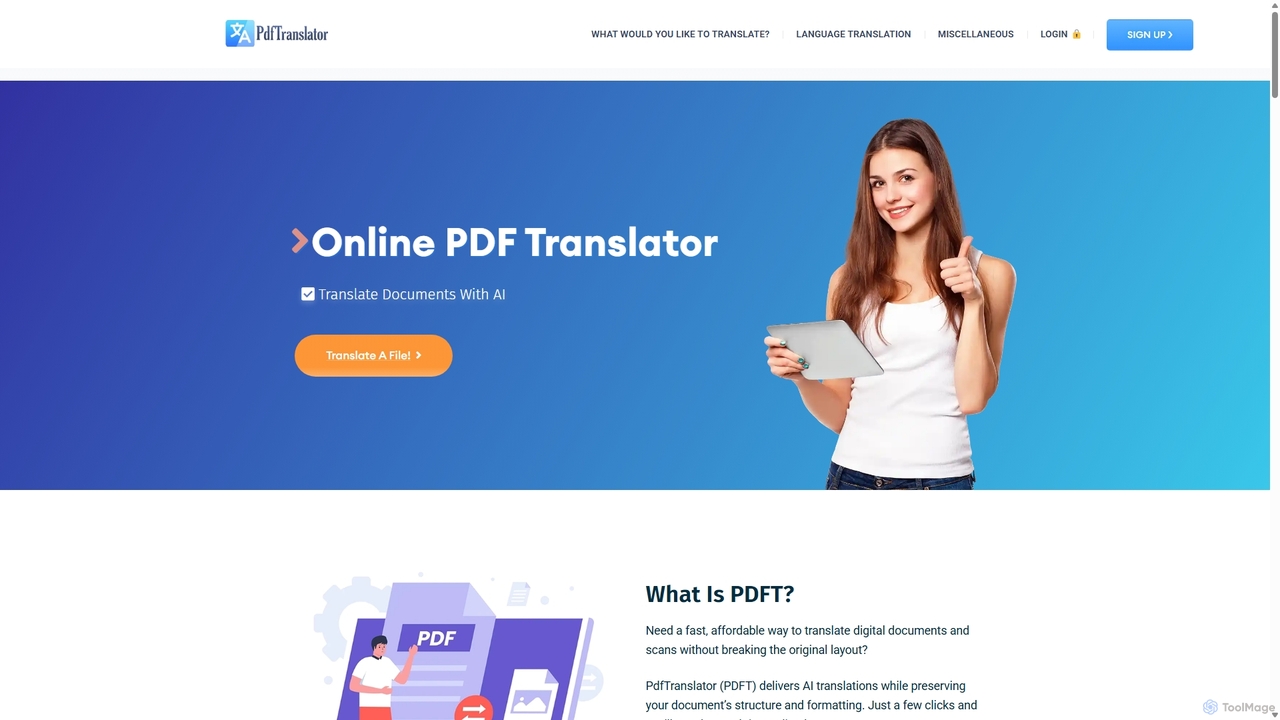
Pdft
Pdft is an AI-powered document translation tool that translates PDFs, Office documents, and images into over 100 languages. It utilizes advanced AI and OCR to deliver fast, accurate translations while perfectly preserving the original document's layout and formatting. A free plan is available for immediate use.
Document Management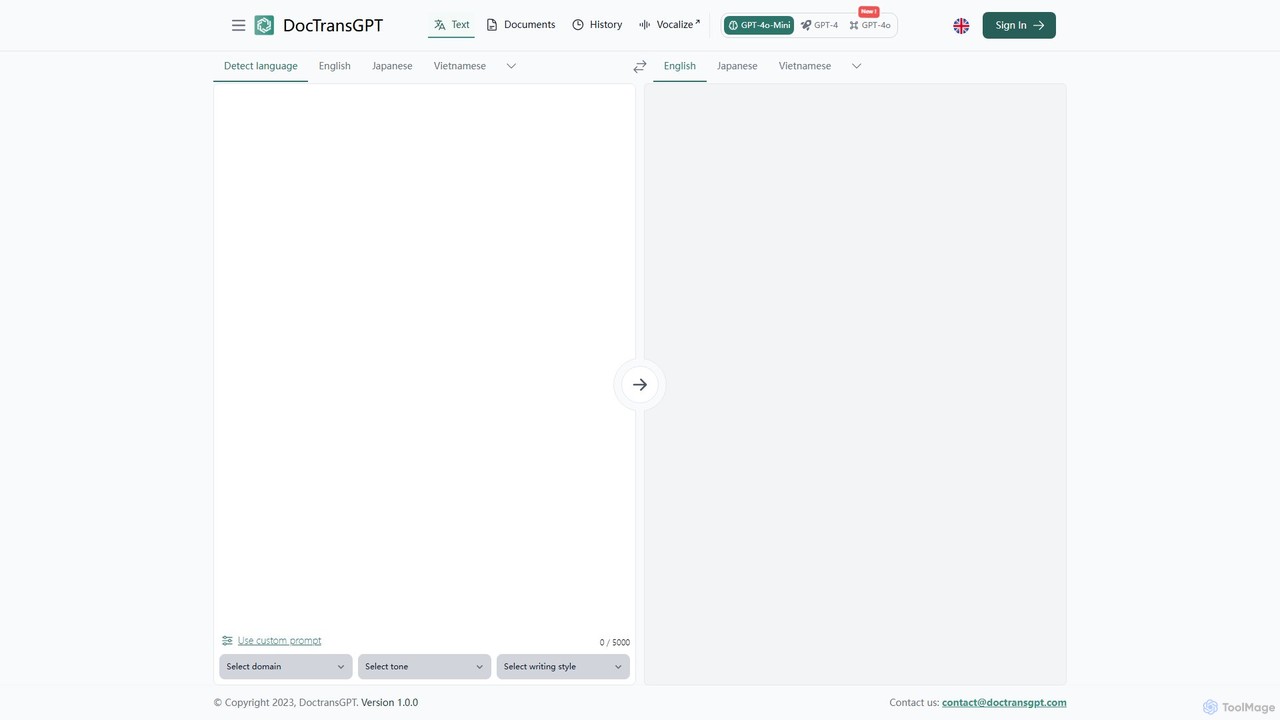
DocTransGPT
DocTransGPT is an advanced AI-powered translation tool that leverages models like GPT-4 and GPT-4o for highly accurate and nuanced translations. It goes beyond standard translators by offering interactive refinement and extensive customization of tone, style, and domain-specific language. Ideal for professional, business, and technical document translation where context and precision are paramount.
Communication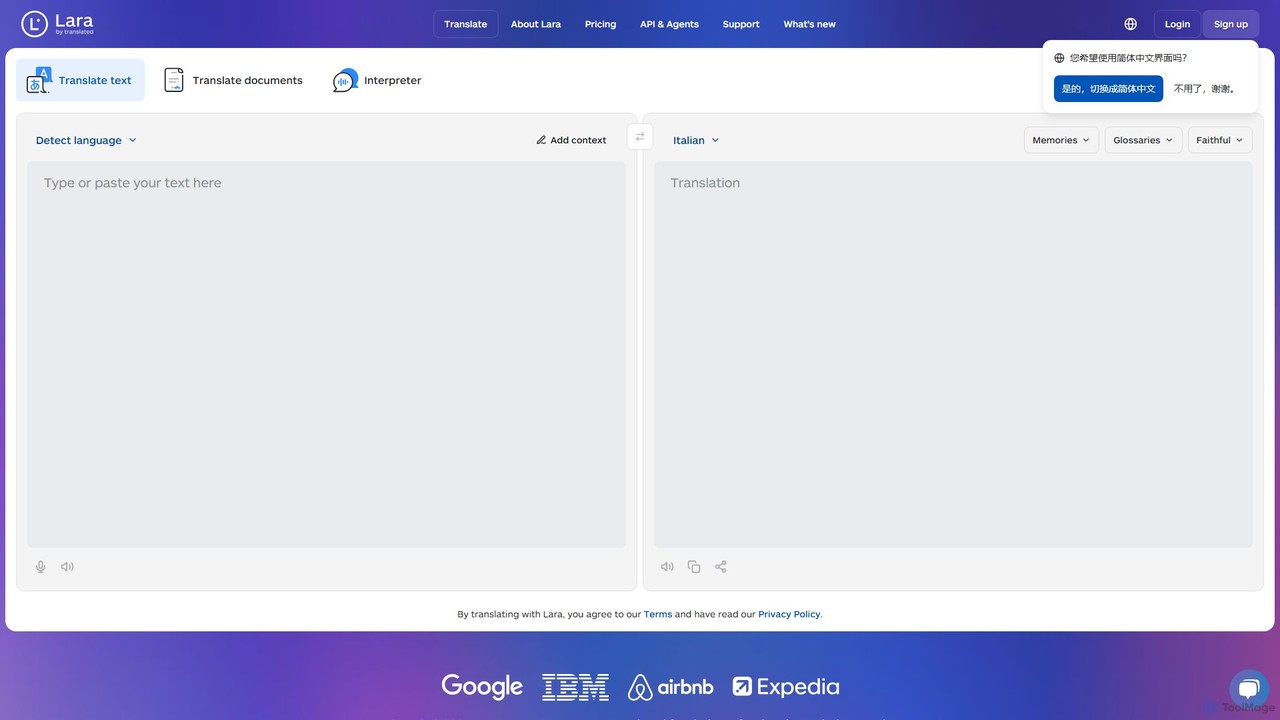
Lara Translate
Lara Translate is an advanced AI translation tool offering superior accuracy and reliability. It understands full document context, explains its translation choices, and provides multiple styles (Faithful, Fluid, Creative). Outperforming leading MT systems, it's designed for individuals, teams, and enterprises seeking human-quality translation with the option to access professional linguists.
Localization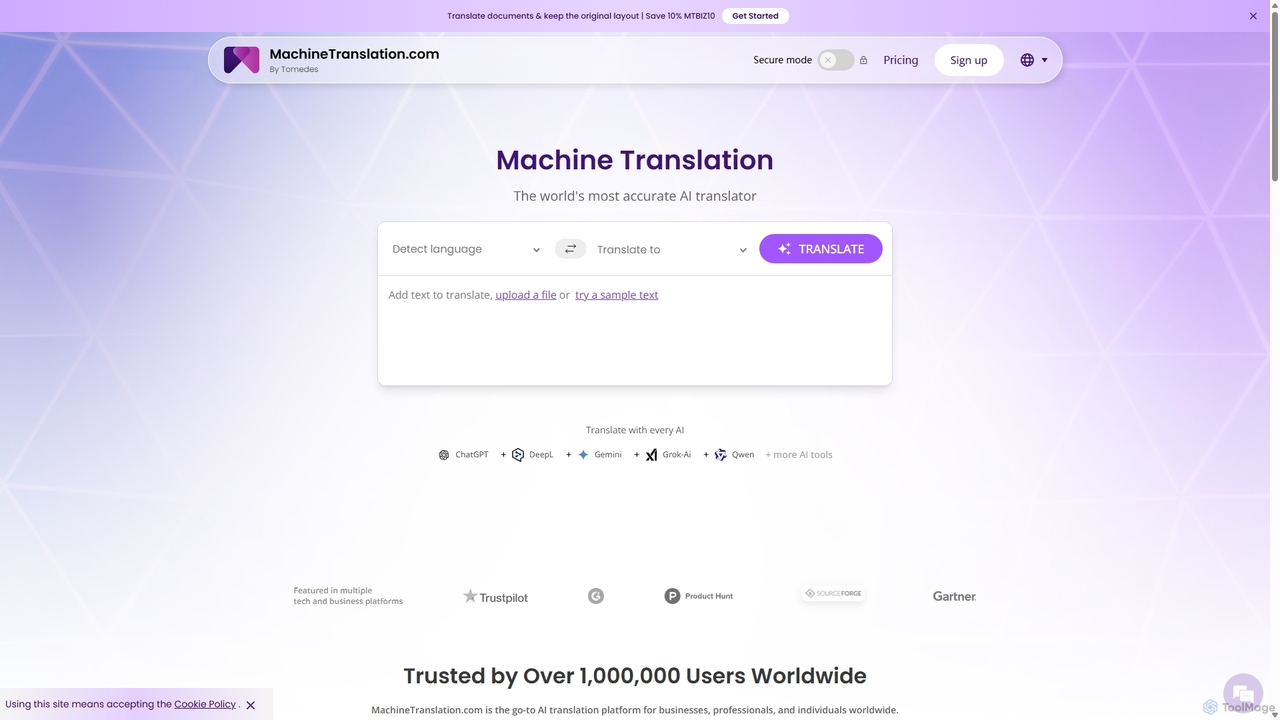
Machine Translation
An advanced AI translation platform that aggregates multiple top-tier engines like ChatGPT, DeepL, and Gemini. It provides side-by-side comparisons, quality scores, and customization options to deliver the most accurate and context-aware translations for businesses, professionals, and individuals. Supports over 270 languages and various file formats.
Localization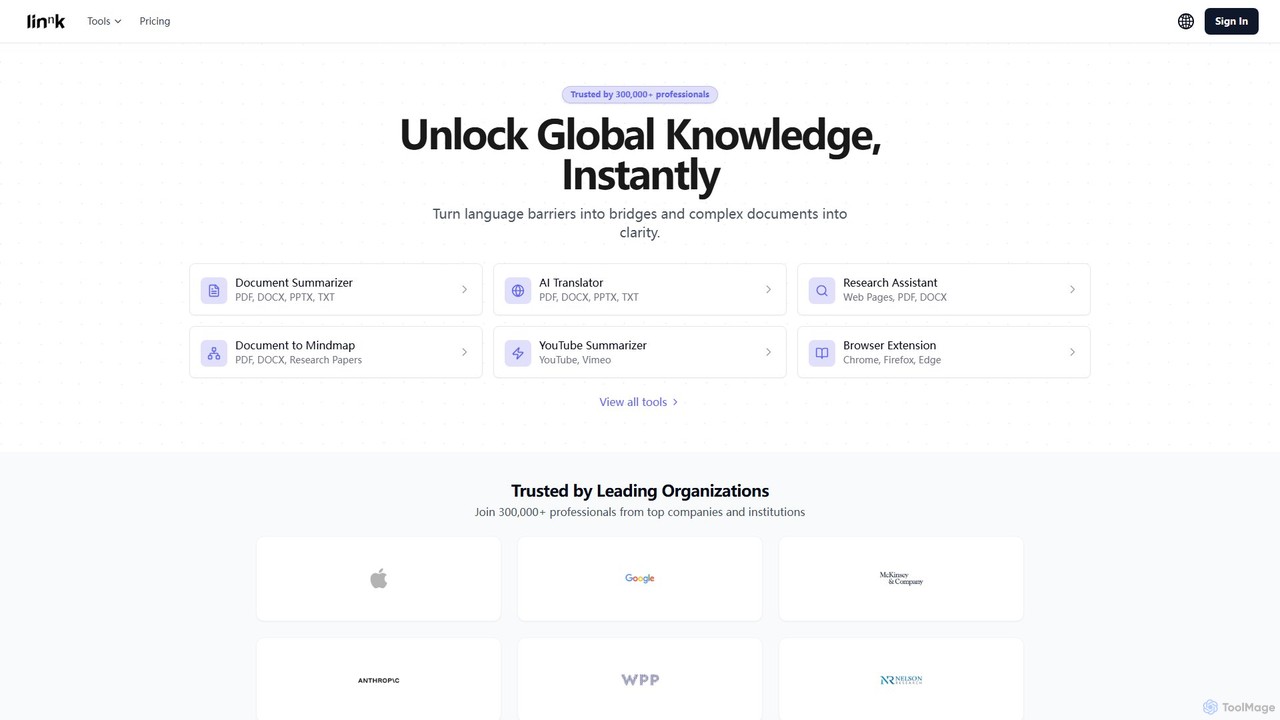
Linnk.ai
Linnk.ai is a comprehensive AI-powered suite for professionals, researchers, and students. It instantly summarizes complex documents, translates content into over 100 languages while preserving format, and acts as a research assistant. With features like document-to-mindmap and a browser extension, it streamlines workflows, enhances comprehension, and unlocks global knowledge.
Research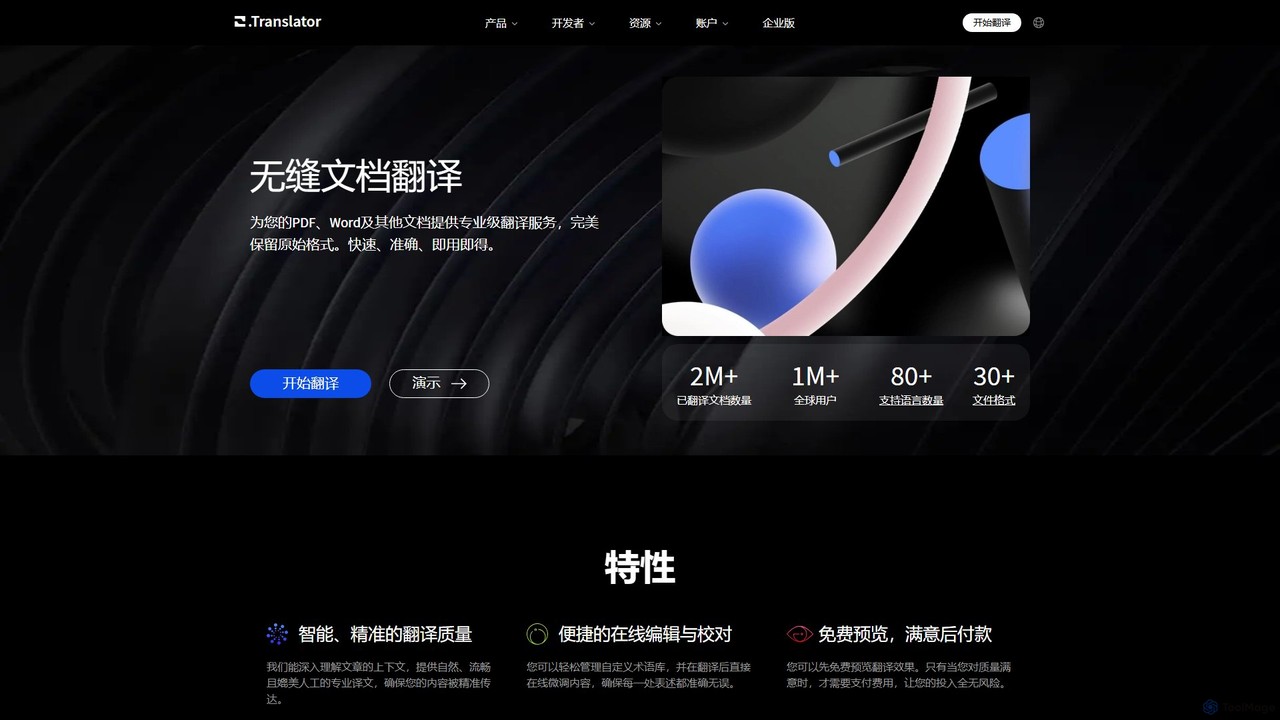
O.Translator
An AI-powered document translator that supports over 30 file formats (PDF, Word, EPUB, etc.) and 80+ languages. It excels at preserving the original layout and formatting, offering high-quality, context-aware translations with a unique free preview feature to ensure satisfaction before payment.
Documents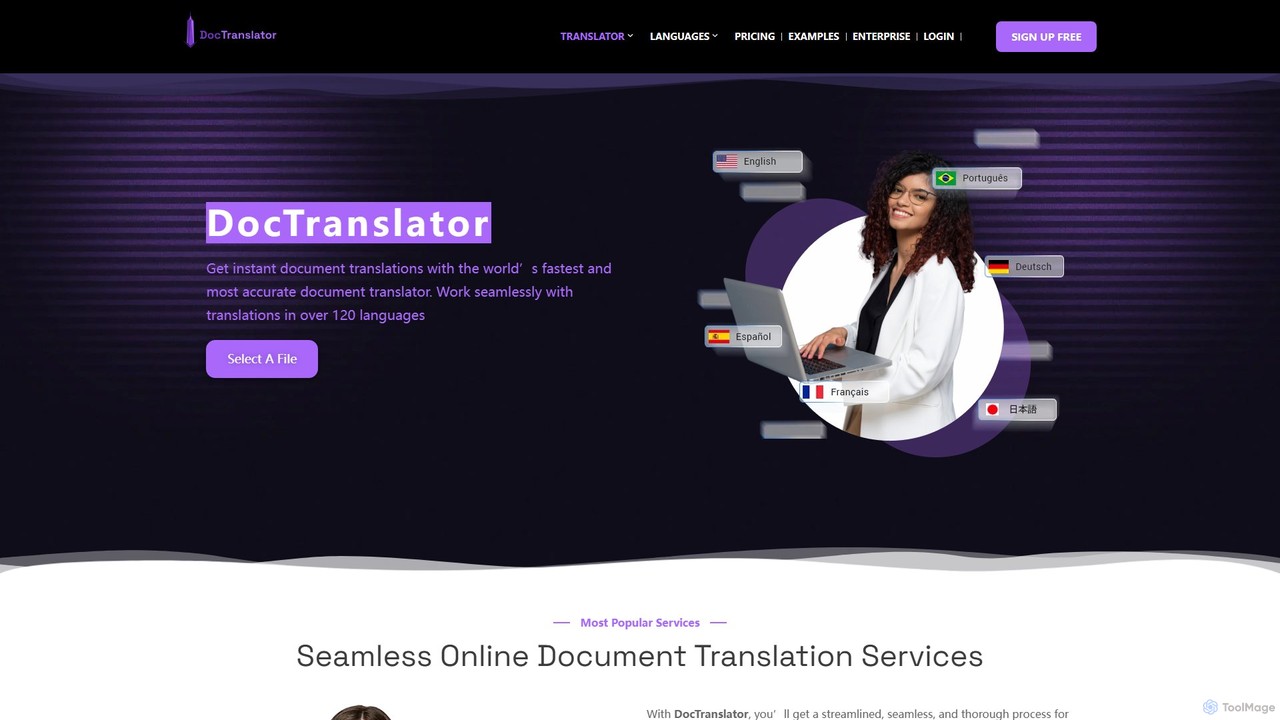
DocTranslator
DocTranslator is an AI-powered online tool for instant document translation. It supports over 120 languages and various file formats, including PDF, DOCX, and PPTX, while preserving the original layout and formatting. Ideal for businesses and individuals needing fast, accurate, and secure translations.
Document Management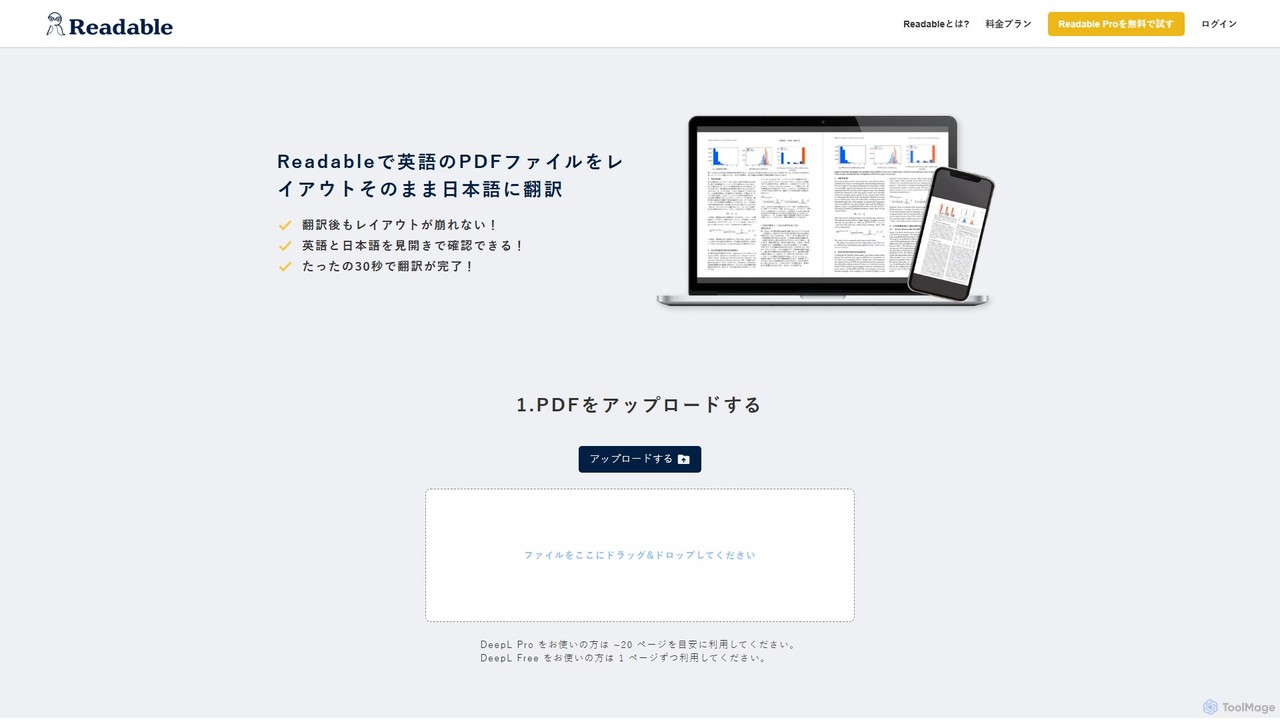
Readable
Readable is an AI-powered tool that instantly translates PDF documents while perfectly preserving the original layout. It supports over 200 languages, leveraging advanced translation engines like DeepL and ChatGPT. Ideal for researchers, professionals, and students who need accurate and fast document translation without reformatting.
Analysis
WhatLetter Comments (0)
Sign in to comment.
Sign inNo comments yet.