ToolMage
Sign in

Best 1 Custom Chatbots AI tools for Ai

Popular Custom Chatbots AI tools in Ai include jessezhang.org, helping you work more efficiently.

jessezhang.org
Free

jessezhang.org

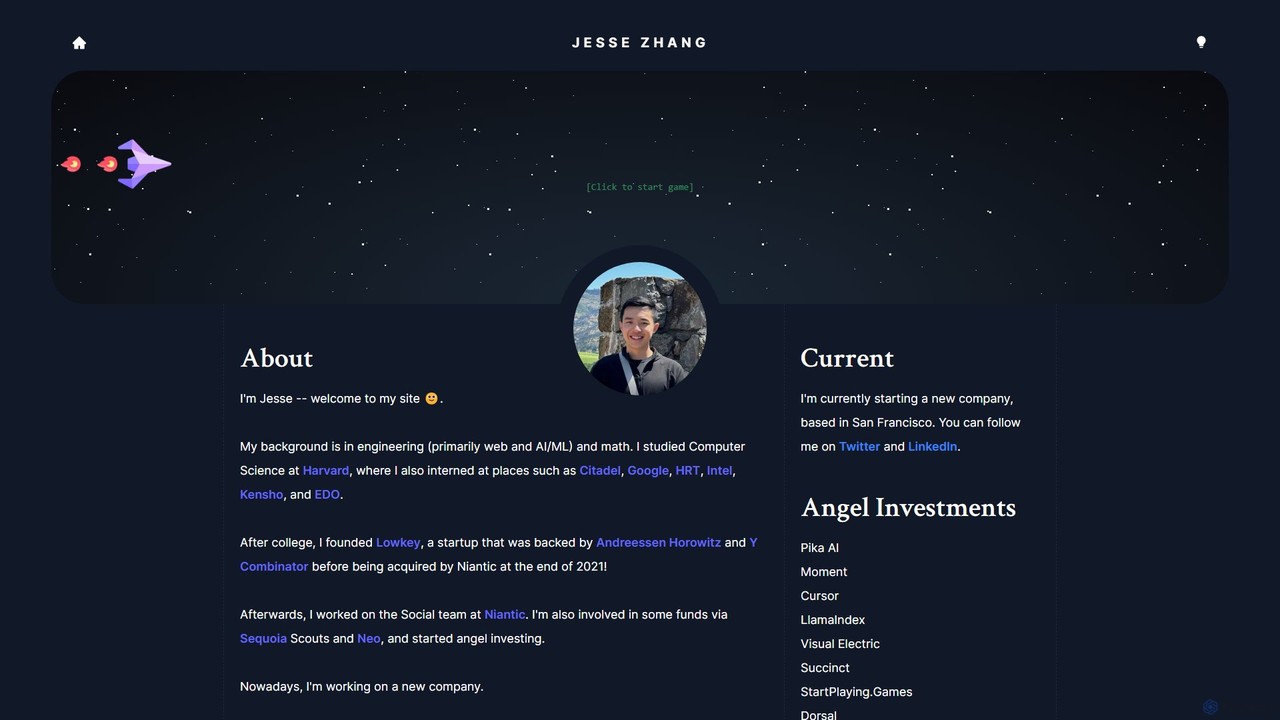
jessezhang.org is a personal portfolio showcasing a collection of advanced technology demonstrations by engineer and founder Jesse Zhang. It features interactive projects like a Custom GPT demo for creating specialized knowledge bots, a game built with Zero-Knowledge Proofs, real-time multiplayer games, and financial data visualizers, offering a glimpse into cutting-edge AI and web development.

Custom Chatbots
Visits 15.2KFavorites 183Likes 186

About Custom Chatbots

Custom Chatbots are AI conversational agents trained on your specific data, such as documents, websites, or knowledge bases. Unlike general-purpose AI, these tools use techniques like Retrieval-Augmented Generation (RAG) to provide answers strictly based on the provided source material, ensuring accuracy and relevance. This allows businesses and individuals to create specialized assistants for tasks like customer support, internal documentation queries, and lead generation. The key advantage is the ability to control the bot's knowledge, tone, and behavior without extensive coding.

Core Features

  • Custom Knowledge Base: Upload documents (PDF, DOCX), scrape websites, or connect databases to create a unique knowledge source for the bot.
  • No-Code Interface: Build, customize, and train the chatbot through a visual, user-friendly interface without writing any code.
  • Multi-Channel Deployment: Easily embed the chatbot on websites, integrate with messaging apps like Slack or WhatsApp, or use via API.
  • Appearance Customization: Modify the chatbot's colors, icon, and welcome messages to match your brand identity.
  • Conversation Analytics: Track user interactions, frequently asked questions, and bot performance to gain insights and improve its knowledge base.

Use Cases

Custom Chatbots are widely used across various sectors. In customer service, they provide instant, 24/7 support by answering queries based on product manuals and FAQs. For internal operations, companies deploy them as HR assistants to answer employee questions about policies or as IT helpdesks. Marketing and sales teams use them on websites to engage visitors, qualify leads, and provide personalized product information.

How to Choose

When selecting a Custom Chatbot tool, first consider the supported data sources and file types to ensure compatibility with your existing knowledge. Evaluate its integration capabilities—can it connect with your CRM, helpdesk software, or messaging platforms? Assess the level of customization available for both appearance and conversational logic. Finally, review the pricing model, which is often based on the number of messages, bots, or data size, and check the platform's security and data privacy policies.

Custom Chatbots use cases

1

Automate 24/7 Customer Support

An e-commerce store manager needs to answer customer questions about product specifications, shipping policies, and return procedures around the clock. They use a custom chatbot builder to upload their entire FAQ page, product manuals, and policy documents. The chatbot is then embedded on their website. It instantly answers over 80% of incoming queries accurately, freeing up the support team to handle complex cases and reducing average response time from hours to seconds.

2

Create an Internal Knowledge Base Assistant

An HR manager at a large corporation wants to provide employees with instant access to company policies, benefits information, and IT procedures. They create a custom chatbot trained on the company's internal documentation portal. The chatbot is deployed on the company's intranet and Slack channel. Now, employees can simply ask questions like "What is the policy for parental leave?" or "How do I set up my VPN?" and get immediate, accurate answers, reducing the number of tickets sent to the HR and IT departments.

3

Qualify Leads on a Marketing Website

A B2B software company wants to engage website visitors and identify potential customers. A marketing specialist uses a custom chatbot builder, feeding it with product brochures, case studies, and pricing pages. The bot is configured to ask qualifying questions, such as company size and primary needs. When a visitor interacts with the bot and provides positive answers, the bot collects their contact information and automatically creates a new lead in the company's CRM, alerting the sales team for follow-up.

4

Interactive FAQ for a SaaS Product

A product manager for a SaaS application wants to reduce support tickets related to common user questions. Instead of a static FAQ page, they build a custom chatbot trained on their extensive help documentation and video tutorial transcripts. This interactive bot is placed within the application's help center. Users can now ask natural language questions like "how do I export my data?" and receive specific instructions, links to relevant articles, and even snippets from tutorials, improving user self-service and satisfaction.

5

Onboard New Employees Efficiently

An HR department is looking for a way to streamline the onboarding process for new hires. They create a custom chatbot and train it on all onboarding documents, including the employee handbook, benefits enrollment guides, and IT setup instructions. The chatbot is shared with new employees on their first day. It guides them through checklists, answers their initial questions about company culture and procedures, and directs them to the right forms, ensuring a consistent and efficient onboarding experience for everyone.

6

Research Assistant for Academic Papers

A university student is writing a thesis and needs to quickly find specific information within dozens of dense academic papers and journals. They upload all the PDF documents into a custom chatbot tool. Now, instead of manually searching each document, the student can ask the chatbot questions like "Summarize the key findings related to quantum computing in these papers" or "Which document discusses the methodology of the 2022 study?" The chatbot acts as a personal research assistant, saving hours of reading and search time.

Custom Chatbots FAQ

What are Custom Chatbots?

Custom Chatbots are AI-powered conversational programs that are trained on a specific set of data provided by the user. Unlike general AI assistants, their knowledge is confined to the documents, websites, or databases you give them. This makes them highly accurate for specific tasks like answering questions about a particular product, company policy, or research topic. They are typically built using no-code platforms, allowing anyone to create a specialized bot without programming skills.

How is a Custom Chatbot different from general AI like ChatGPT?

The key difference is the source of knowledge. General AI like ChatGPT is trained on a vast amount of public internet data, making it a jack-of-all-trades. A Custom Chatbot is trained only on your private, specific data. This results in several advantages for specific use cases:

  • Accuracy: It provides answers based only on your verified information, avoiding hallucinations or incorrect data from the web.
  • Control: You have full control over its knowledge base and can update it anytime.
  • Relevance: It stays on-topic and won't answer questions outside its designated knowledge scope.
  • Privacy: Your data remains private and is not used to train larger, public models.
How do I choose the right Custom Chatbot builder?

Selecting the right tool depends on your specific needs. Consider these factors:

  • Data Sources: Does the tool support the file types (PDF, DOCX, CSV) or data sources (websites, Notion, Zendesk) you need to use?
  • Integration: Can it easily integrate with your website, messaging apps (Slack, Teams), or other business software (CRM, helpdesk)?
  • Customization: How much control do you have over the bot's appearance, personality, and conversational flow? Can you set specific instructions or prompts?
  • Analytics: Does it provide insights into user questions and conversation quality to help you improve the bot?
  • Pricing: Understand the cost structure. Is it based on message credits, number of bots, data size, or user seats? Choose a plan that scales with your expected usage.
What kind of data can I use to train a Custom Chatbot?

Most custom chatbot platforms are versatile and accept a wide range of data sources. Common options include:

  • File Uploads: Directly upload documents like PDFs, Word documents (DOCX), text files (TXT), and spreadsheets (CSV).
  • Website Scraping: Provide a URL, and the tool will automatically crawl and index the content of the website and its subpages.
  • Text Input: Simply copy and paste text directly into the tool to create a knowledge base.
  • Direct Integrations: Some advanced tools can connect directly to platforms like Notion, Zendesk, Confluence, or Google Drive to sync knowledge continuously.

The quality and organization of your source data directly impact the chatbot's performance. Clear, well-structured, and accurate information will result in a more effective bot.

Is it difficult to build and maintain a Custom Chatbot?

No, it is generally not difficult. The vast majority of modern custom chatbot builders are designed as 'no-code' or 'low-code' platforms. This means you don't need programming experience to use them. The process typically involves:

  1. Uploading Data: Adding your documents, website links, or text.
  2. Customizing: Adjusting the bot's name, welcome message, and appearance.
  3. Deploying: Copying a small snippet of code to embed it on your website or connecting it to an app.

Maintenance involves periodically updating the knowledge base with new information and reviewing conversation logs to see where the bot can be improved. The user-friendly interfaces of these tools make both setup and maintenance accessible to non-technical users.