Best of the Year 15 results Animation AI Tools

Popular AI tools in the Animation field include Studio、Live3D、OiiOii、DeepMotion、LipSync Studio、VideoGPT、Uthana、PrometheanAI、Motorica、NeonLights AI, etc., helping you quickly improve efficiency.

OiiOii

OiiOii

OiiOii is an advanced AI animation platform that acts as a professional agent team, offering comprehensive tools for …

357.4K
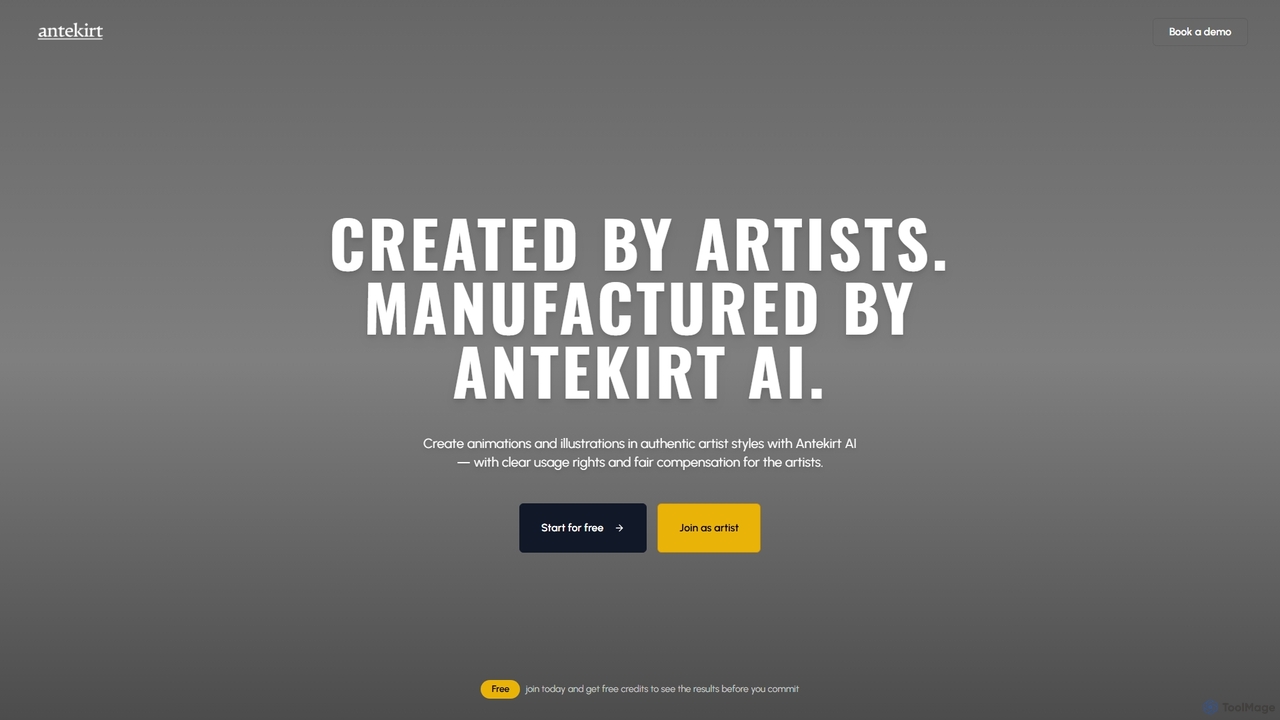
Antekirt

Antekirt

Antekirt is an innovative AI tool that empowers users to create unique animations and illustrations in authentic artist …

2.5K
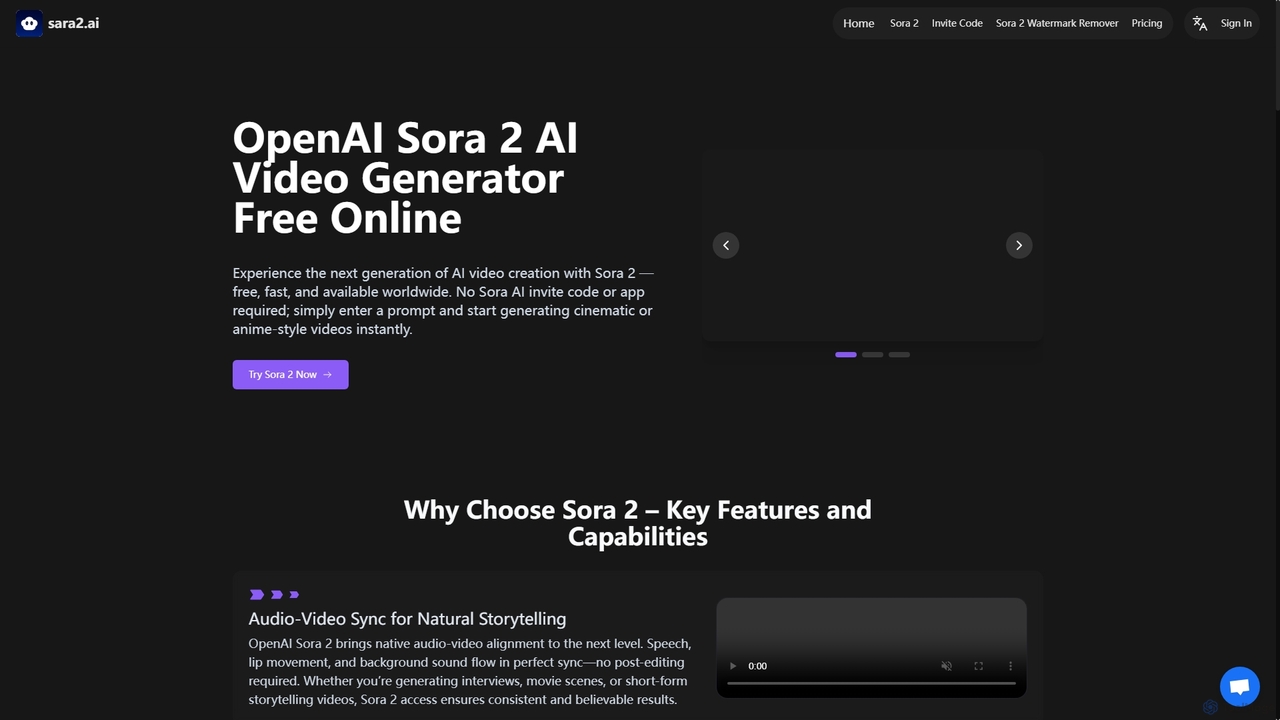
Sara2

Sara2

Sara2 is an online AI video generator that provides free, instant access to OpenAI's Sora 2 model. It …

4.2K
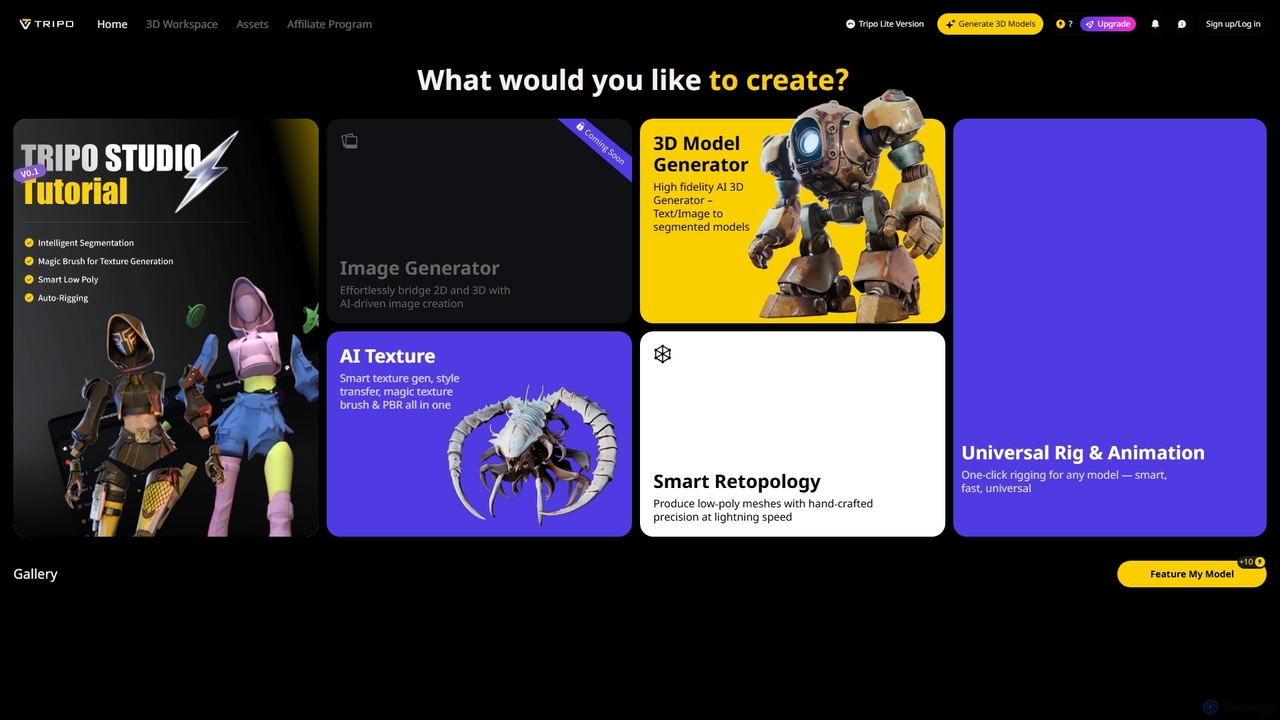
Studio

Studio

Studio is an AI-powered 3D workspace designed to streamline 3D content creation. It offers advanced features like AI-driven …

3.8M
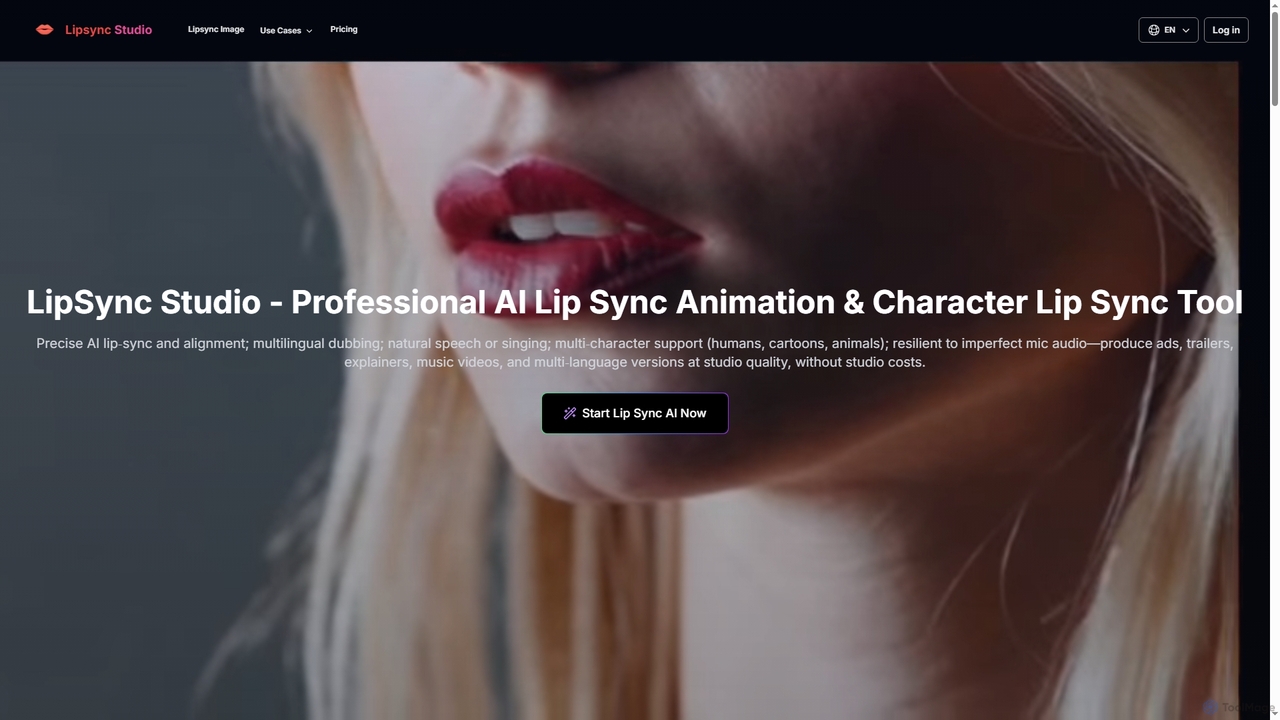
LipSync Studio

LipSync Studio

LipSync Studio is an advanced AI tool for creating professional lip-sync animations and character lip-sync videos. It supports …

95.5K
NeonLights AI

NeonLights AI

NeonLights AI is a powerful creative platform that uses advanced AI to generate stunning visuals and videos. It …

8.0K
VideoGPT

VideoGPT

VideoGPT is a powerful AI video generator that transforms text prompts into stunning videos in seconds. It specializes …

35.3K
Tencent Hunyuan Video

Tencent Hunyuan Video

Tencent Hunyuan Video is a powerful text-to-video generation model with 13 billion parameters. It creates high-quality, cinematic videos …

2.5K
Motorica

Motorica

Motorica is a generative AI platform that creates AAA-quality character animations in seconds. It acts as a virtual …

10.8K
Rebellis AI

Rebellis AI

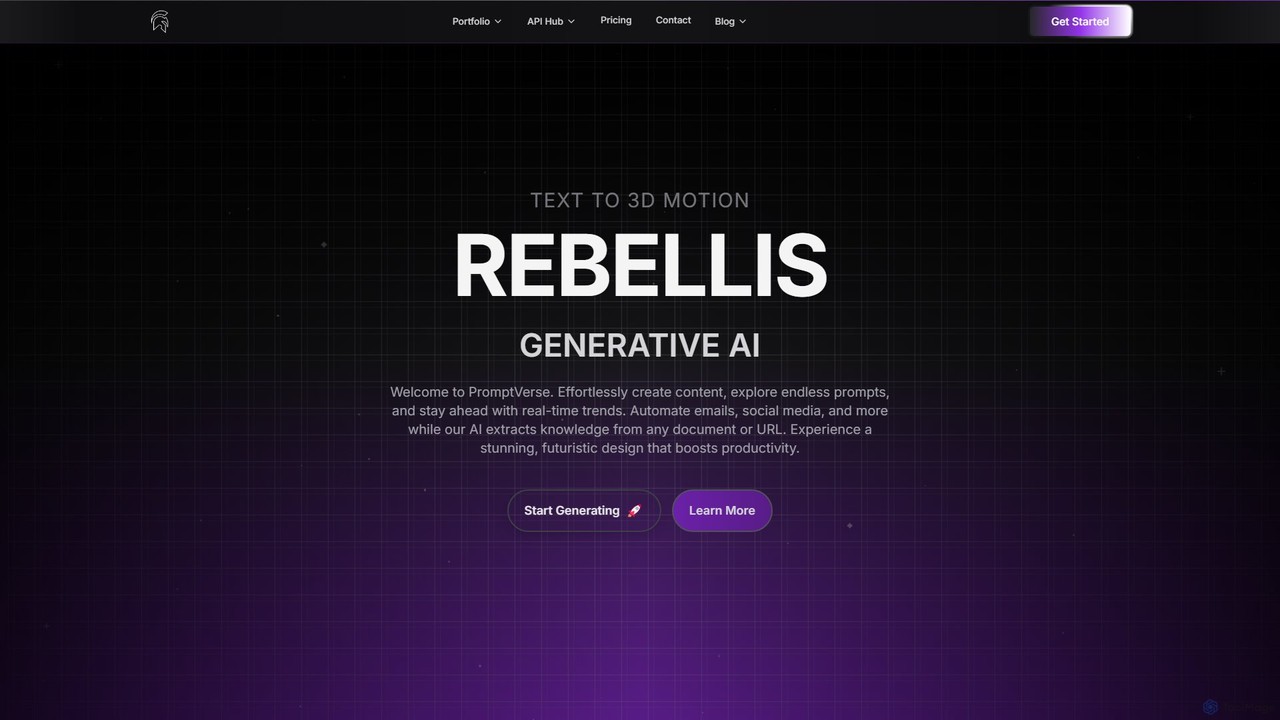
Rebellis AI is a generative AI platform that transforms simple text prompts into high-quality 3D character animations in …

3.0K
PrometheanAI

PrometheanAI

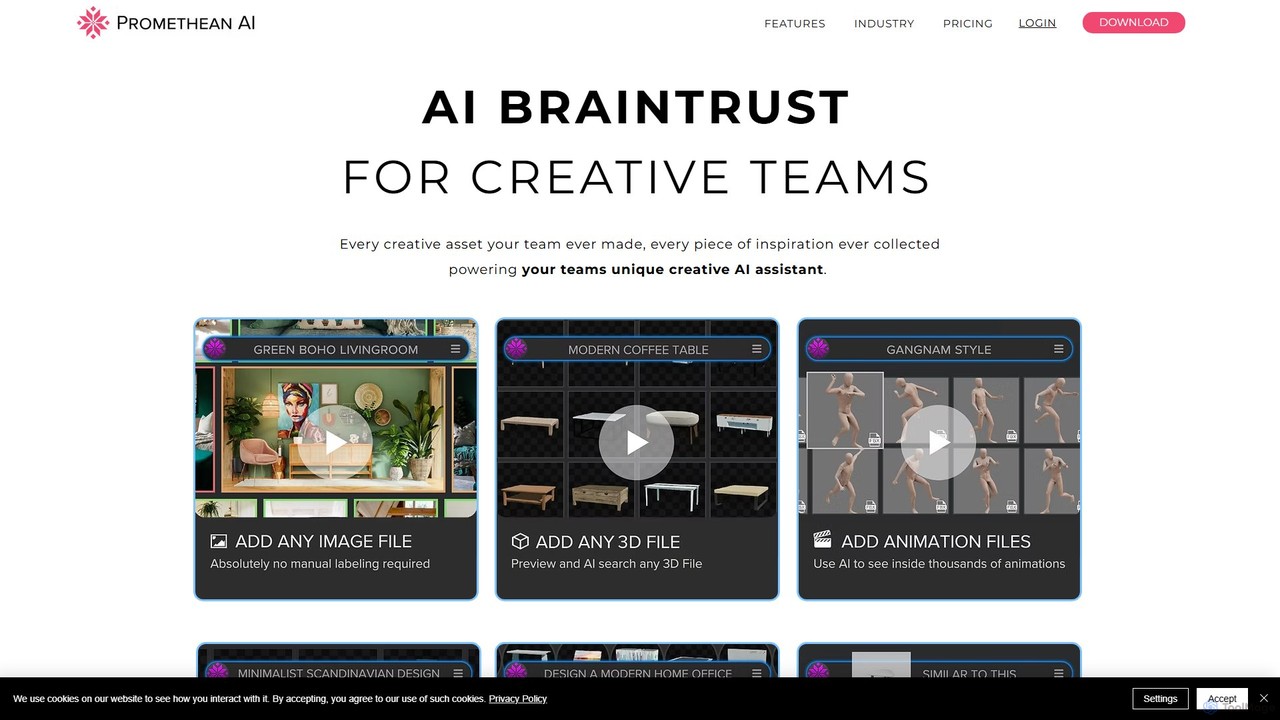
PrometheanAI is an enterprise-level AI assistant for creative teams, designed to accelerate digital art production and world-building. It …

14.1K
DeepMotion

DeepMotion

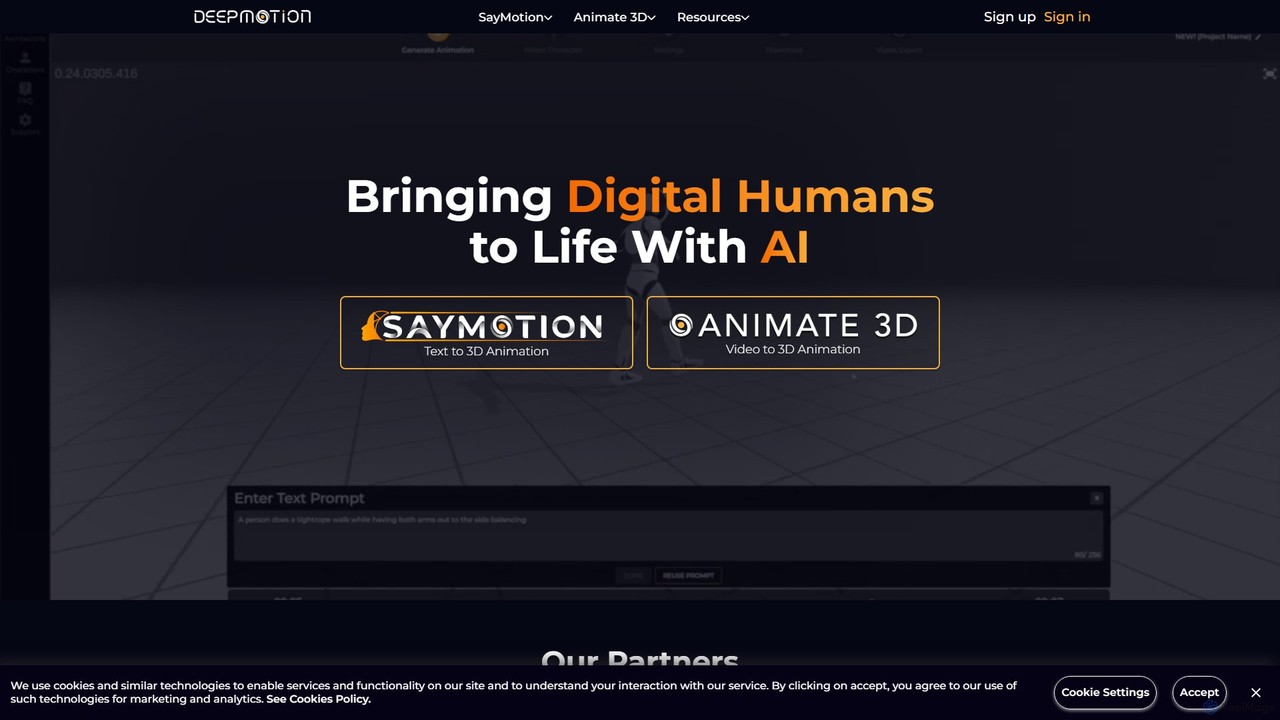
DeepMotion is an AI-powered platform for generating 3D animations. It offers two core products: Animate 3D, which converts …

277.2K
SnapMeasureAI

SnapMeasureAI

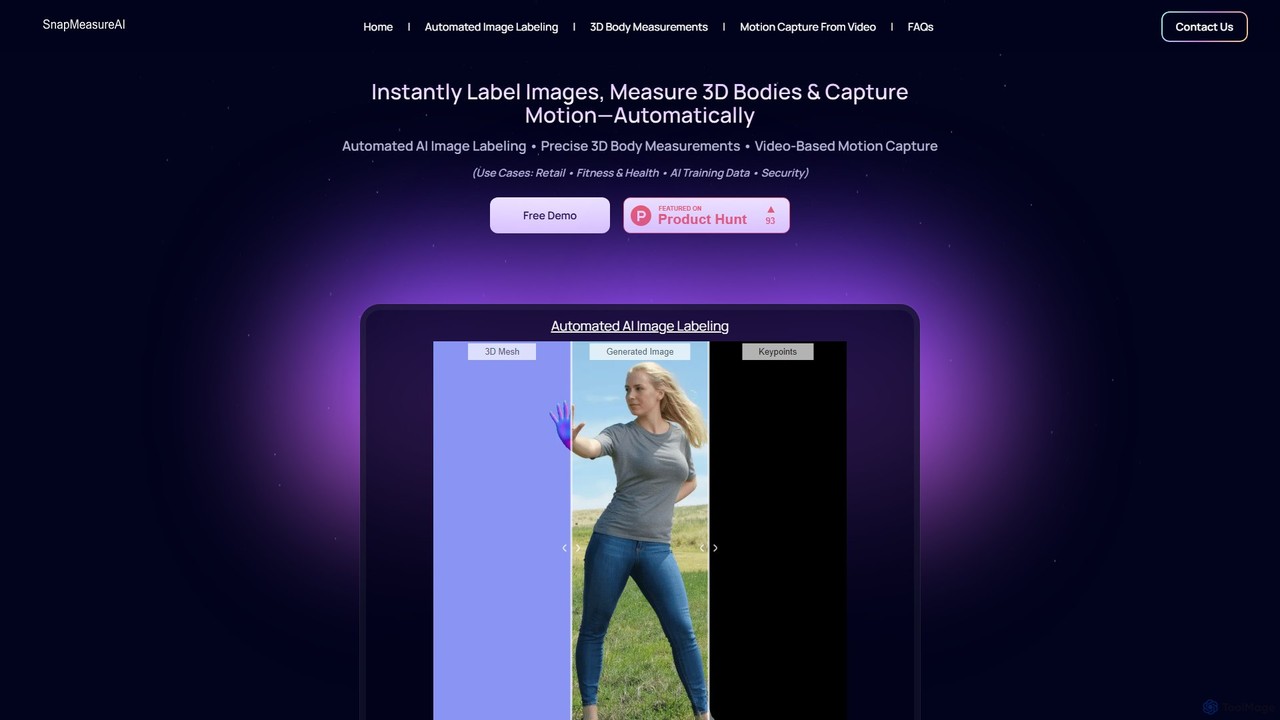
SnapMeasureAI is an advanced AI platform offering three core solutions: precise 3D body measurements from photos to reduce …

6.4K
Live3D

Live3D

Live3D is a comprehensive software suite for VTubers, providing all the tools needed to create, customize, and bring …

1.7M
Uthana

Uthana

Uthana is a generative AI platform for creating high-quality 3D character animations. It empowers game developers, animators, and …

26.2K

About Animation

AI Animation tools are a class of software that leverages artificial intelligence to automate and enhance the creation of animated content. These tools use generative models to produce motion from various inputs like text, images, or existing videos, significantly reducing the need for manual keyframing. This technology empowers creators of all skill levels to efficiently produce dynamic character animations, motion graphics, and visual effects. The primary advantage is the ability to rapidly prototype concepts and generate complex movements that are traditionally time-consuming to create.

Core Features

  • Text-to-Animation: Generates animated scenes and character movements directly from descriptive text prompts.
  • Image-to-Animation: Animates static images by adding motion, facial expressions, or environmental effects.
  • Video-to-Video Transformation: Applies new artistic styles or character motions to existing video footage.
  • AI Motion Capture: Extracts movement data from a simple video recording and applies it to a 2D or 3D character model without special hardware.
  • Automated Lip-Sync: Automatically synchronizes a character's mouth movements to match an audio track of speech.

Use Cases

AI Animation tools are widely used across various industries. Marketing teams utilize them to create engaging social media video ads and promotional content quickly. Game developers employ these tools for rapid prototyping of character animations and in-game cinematics. Educators and corporate trainers also use them to produce compelling animated explainer videos that simplify complex topics.

How to Choose

When selecting an AI Animation tool, first consider the required animation style and output quality, such as 2D, 3D, or realistic. Evaluate the supported input methods (text, image, video) to ensure they align with your workflow. Check the tool's integration capabilities and available export formats (e.g., MP4, GIF, FBX). Finally, assess the balance between the tool's ease of use, feature set, and its pricing model (subscription vs. pay-per-use credits).

AnimationUse Cases

1

Creating Animated Social Media Ads

A social media manager needs to produce short, eye-catching video ads for a new product launch on a tight deadline. Using a text-to-animation tool, they can input ad copy and product descriptions to generate multiple animated video concepts in minutes. They can also use an image-to-animation feature to make a static product photo move and demonstrate its use. This approach reduces production time from days to hours, enabling A/B testing of various creative concepts to find the most effective ad for maximizing engagement and conversions.

2

Creating Animated Social Media Marketing Videos

A social media manager needs to produce short, eye-catching animated videos for an ad campaign on platforms like Instagram or TikTok. Instead of hiring an animation studio, they use an AI animation tool. By inputting a promotional message and brand assets, the AI generates a complete animated scene with characters and motion graphics in minutes. This approach reduces production time from days to hours, enabling the marketing team to A/B test multiple video creatives and optimize campaign performance without a large budget or specialized skills.

3

Prototyping Game Character Movements

An indie game developer needs to quickly visualize and iterate on character animations like walking, running, and jumping without a dedicated animator. They can use an AI motion capture tool by recording themselves performing the actions with a simple webcam. The AI extracts the motion data and applies it to their 3D character model in the game engine. This process enables rapid prototyping of game mechanics and character feel, saving a significant budget that would otherwise be spent on mocap studios or time-consuming manual keyframing.

4

Prototyping Character Movements for Game Development

An indie game developer needs to quickly visualize and iterate on character actions like walking, jumping, or fighting. Using an AI animation tool, they can upload a static character design and apply pre-set or custom motion cycles. For more specific actions, they can record a video of themselves performing the movement and use AI motion capture to transfer it to their character rig. This accelerates the pre-production phase, enabling rapid testing of game mechanics and character feel before committing to detailed, manual animation, saving significant time and resources.

5

Generating Animated Explainer Videos

An educator or corporate trainer needs to create an engaging video to explain a complex process. Instead of complex video editing software, they can input a script into an AI animation tool. The platform automatically generates corresponding scenes, characters, and even a synthesized voiceover. They can use image-to-animation features to bring static diagrams and charts to life, making abstract concepts easier to understand. This simplifies the creation of professional-looking explainer videos, making learning materials more accessible and memorable for the audience without requiring animation expertise.

6

Generating Animated Explainer Videos for Education

An educator or corporate trainer wants to create engaging instructional content to explain a complex scientific concept or a new business process. Using an AI animation platform, they can input a script and the tool automatically generates scenes, characters, and visuals. With automated text-to-speech and lip-sync features, the character can narrate the script naturally. This process makes educational content more accessible and memorable, allowing trainers to produce high-quality videos without needing advanced video production skills or expensive software licenses.

7

Producing Stylized Animated Music Videos

A musician or visual artist wants to create a unique, stylized music video with a limited budget. Using a video-to-video style transfer tool, they can transform live-action footage of a performance into a specific animated style, such as anime, cartoon, or painterly. They can also use text-to-animation features to generate abstract visual sequences based on lyrical prompts. This empowers artists to create visually compelling music videos that match their artistic vision without needing a large production team or advanced animation skills, opening up new avenues for creative expression.

8

Animating Static Illustrations for Digital Comics

A comic artist wants to add subtle motion to their comic book panels for webtoons or social media promotion. They can import a finished illustration into an image-to-animation tool. The AI can then apply subtle effects like flowing hair, blinking eyes, parallax background movement, or weather effects like falling rain. This enhances storytelling and reader engagement by transforming static art into a more dynamic 'motion comic' format. The resulting animated panels are more shareable online, helping the artist reach a wider audience without the complexity of traditional animation software.

9

Animating Avatars for Virtual Presentations

A business professional or vlogger wants to create a dynamic virtual presence for online meetings or video content without always being on camera. They can use an AI tool to animate a static avatar image or a 3D model. The tool can use real-time voice input to generate realistic lip-sync and webcam facial tracking to mirror expressions. This results in an engaging and consistent on-screen persona that enhances audience connection while allowing the user to maintain privacy or present from any environment. It's an effective way to create branded, professional content with minimal setup.

10

Creating Animated Avatars for Virtual Presentations

A business professional or content creator wants a personalized animated avatar for online meetings or video recordings. They can upload a photo or design a character in an AI tool. The platform then uses a webcam feed or a pre-recorded audio track to animate the avatar's facial expressions and mouth movements in real-time. This provides an engaging and professional alternative to a standard webcam view, which is useful for maintaining privacy, creating a unique brand identity, or simply making presentations more dynamic and memorable for the audience.

11

Pre-visualizing Film and TV Scenes (Previz)

A film director or storyboard artist needs to quickly create animated storyboards (animatics) to plan camera angles, character blocking, and pacing before expensive live-action shooting. Using a text-to-animation or simple 3D animation tool, they can generate rough scenes based on the script. By describing camera movements and character actions in text prompts, they can visualize a sequence in minutes. This streamlines the pre-production process, facilitates clearer communication among the crew, and helps identify potential storytelling or logistical issues long before filming begins, saving time and resources.

12

Producing Visual Effects for Short Films

An independent filmmaker needs to add dynamic effects like smoke, fire, or magical energy to live-action footage on a tight budget. Using a video-to-video AI tool, they can define an area in their footage and apply a generative effect based on a text prompt, such as 'swirling blue energy around the hand'. The AI generates the effect and integrates it seamlessly into the scene. This democratizes access to complex visual effects, allowing creators to achieve high-quality results that previously required specialized software, extensive training, and significant render time.

AnimationFrequently Asked Questions