

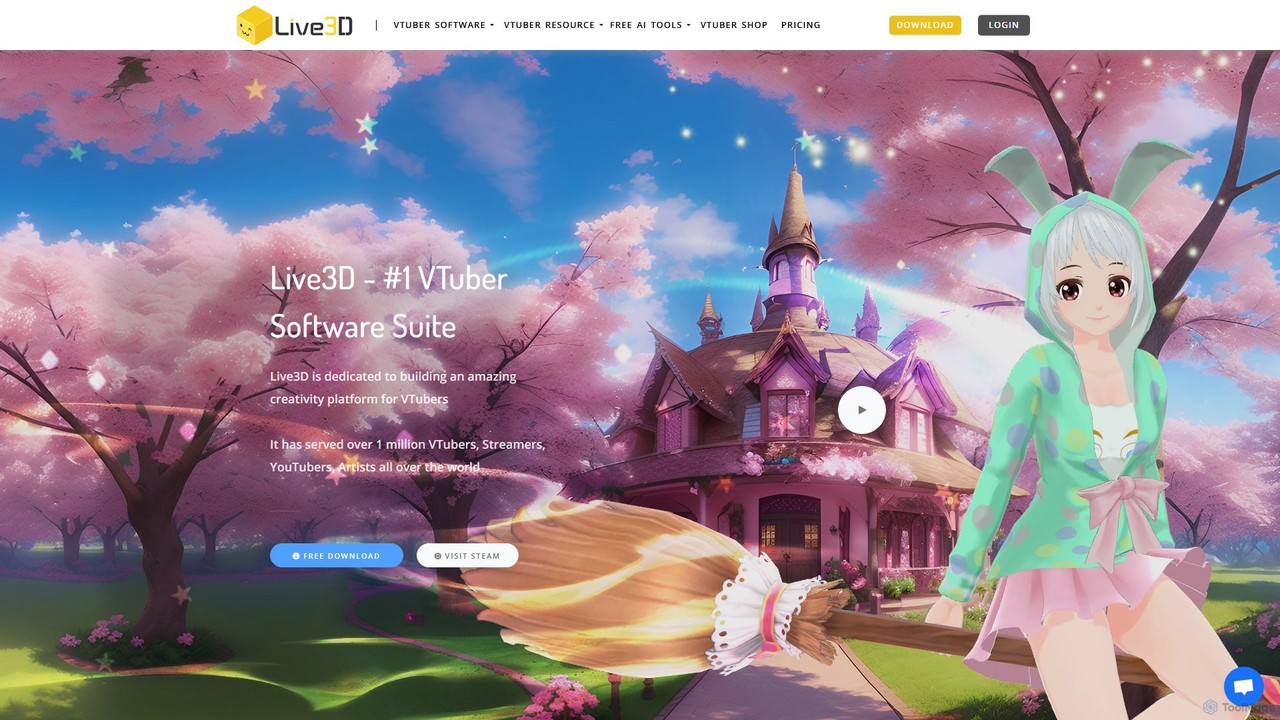
Live3D Overview
Live3D is a leading all-in-one software suite designed for both aspiring and professional VTubers (Virtual YouTubers). It offers a complete ecosystem of interconnected tools that cover the entire VTubing workflow, from avatar creation and customization to live streaming and audience interaction. The suite includes VTuber Maker for real-time motion capture, VTuber Editor for detailed model customization, VMotion for AI-powered animation from video, VTuber Gallery for creating dynamic poses, and a unique Twitch Extension for enhanced stream interactivity.
How to use Live3D
Getting started with Live3D is a streamlined process designed for creators of all skill levels:
- Choose or Create Your Avatar: You can start by selecting an avatar from Live3D's extensive public library, or import your own VRM model. For a more personalized touch, use the VTuber Editor to create a unique avatar from scratch or modify an existing one with custom clothing, props, and textures.
- Animate Your Avatar: Launch VTuber Maker, which uses your standard webcam to perform high-fidelity facial and hand motion capture. Your avatar will mirror your expressions and movements in real-time with remarkable accuracy.
- Customize and Personalize: Dive into the VTuber Editor to fine-tune your avatar. Add accessories, change outfits, apply paint effects, and set up custom animations or emotes to express your personality.
- Start Streaming: Activate the 'Virtual Camera' feature within VTuber Maker. Then, in your preferred streaming software like OBS or Streamlabs, add a new 'Video Capture Device' and select 'Live3D Virtual Camera' as the source. Your animated avatar will now appear in your stream.
- Engage Your Audience: Install the Live3D Twitch Extension to allow your viewers to interact directly with your stream. They can spend Bits to trigger special effects, animations, and stickers, creating a more dynamic and engaging experience for your community.
- Create Promotional Content: Use VTuber Gallery to pose your avatar for creating stunning thumbnails, promotional art, social media posts, or even as a reference for illustrations.
Core Features of Live3D
- VTuber Maker: Provides real-time, high-quality face and hand tracking using just a webcam. It includes OBS virtual camera support and a rich library of public avatars to get started immediately.
- VTuber Editor: A professional-grade VRM model editor that allows users to import, customize, and rig their avatars. You can edit models by adding props, paints, backgrounds, and creating custom animations.
- VMotion AI Mocap: An innovative tool that creates 3D animations effortlessly from standard video files. Simply upload a video of a movement, and VMotion will apply it to your 3D avatar.
- VTuber Gallery: A dedicated tool for creating, saving, and referencing anime-style poses. It's perfect for artists and for creating consistent branding visuals.
- Interactive Twitch Extension: A unique feature that enhances viewer engagement and provides a monetization path by allowing viewers to use Bits to trigger on-stream effects.
- Extensive Asset Library: Gain access to a constantly growing library of over 40 VTuber models, 50+ animations, 100+ exquisite assets, and 40+ beautiful backgrounds.
Use Cases for Live3D
Live3D is versatile and can be used in various scenarios:
- Live Streaming: The primary use case for VTubers on platforms like Twitch, YouTube, and Discord to stream games, chat, or perform with an animated 3D avatar.
- Video Content Creation: Ideal for creating pre-recorded content such as tutorials, vlogs, product reviews, and gameplay videos with a consistent virtual persona.
- Virtual Meetings and Online Education: Use the virtual camera feature to appear as your avatar in video conferencing tools like Zoom, Google Meet, or Microsoft Teams, adding a creative flair to meetings and online classes.
- Art and Illustration: Artists and illustrators can use VTuber Gallery as a powerful pose reference tool to create dynamic character art.
- Animation and Short Films: Leverage VMotion to quickly produce 3D character animations for short films or social media content without complex animation software.
Advantages of Live3D
Live3D stands out from the competition with several key advantages:
- Complete Ecosystem: It offers a comprehensive suite of tools that covers every aspect of the VTubing journey, eliminating the need for multiple disparate software.
- High-Fidelity Tracking: The software boasts advanced and stable facial and hand tracking technology that performs reliably even with a standard webcam and in various lighting conditions.
- Deep Customization: The VTuber Editor provides extensive options for personalizing VRM models, enabling creators to build a truly unique virtual identity.
- Built-in Monetization & Engagement: The Twitch extension is a powerful, integrated tool that directly helps streamers grow their community and increase revenue.
- Continuous Development: The platform is frequently updated with new models, assets, features, and improvements, ensuring creators always have access to fresh and innovative tools.
Pricing and Plans
Live3D operates on a freemium model. A robust free version is available, which provides access to core functionalities and a generous selection of assets, making it perfect for beginners to start their VTubing journey at no cost. For users seeking advanced features, unlimited access to the entire asset library, and greater customization capabilities, Live3D offers a VIP subscription plan. Detailed information about the subscription tiers and pricing can be found on the official Live3D website.
Traffic
Latest traffic
Status
Monthly traffic trend
- 2025-9: 1.3M
- 2026-1: 1.6M
- 2026-2: 1.3M
- 2026-3: 1.8M
- 2026-4: 1.7M
- 2026-5: 1.5M
Geography
Top 5 countries / regions
- 🇺🇸United States50.0%
- 🇮🇳India15.5%
- 🇩🇪Germany14.6%
- 🇯🇵Japan10.4%
- 🇫🇷France9.6%
Traffic sources
| Source type | Percentage |
|---|---|
Direct | 89.6% |
Referral | 9.7% |
Email | 0.7% |
Top keywords
| Keyword | Cost per click |
|---|---|
| ai face swap | $0.44 |
| animegenius | $0.00 |
| face swap ai | $0.43 |
| faceswap ai | $0.44 |
| live3d ai face swap | $0.00 |
Live3D Alternatives
Hyper Online
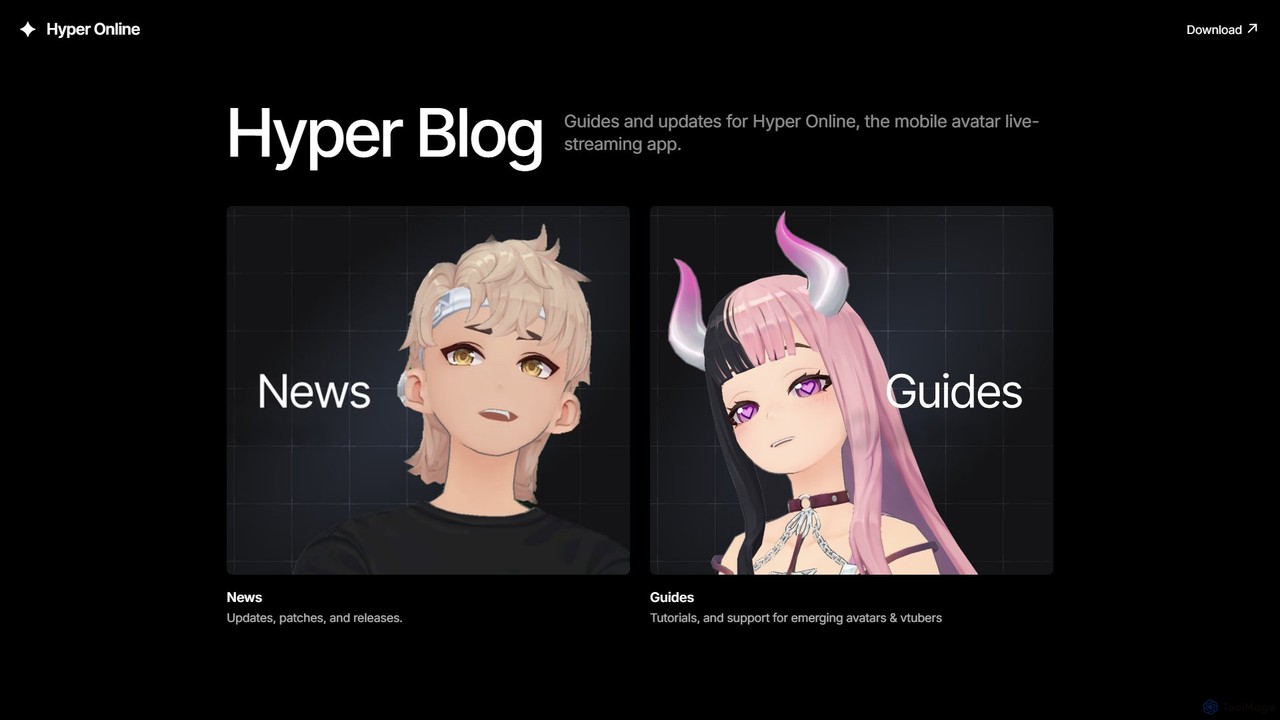
Hyper Online is a comprehensive platform for VTubers and virtual content creators. It provides powerful tools to easily create, record, and live-stream with 3D and Live2D avatars using dedicated mobile and desktop applications, supporting major platforms like Twitch, YouTube, and TikTok.
Avatars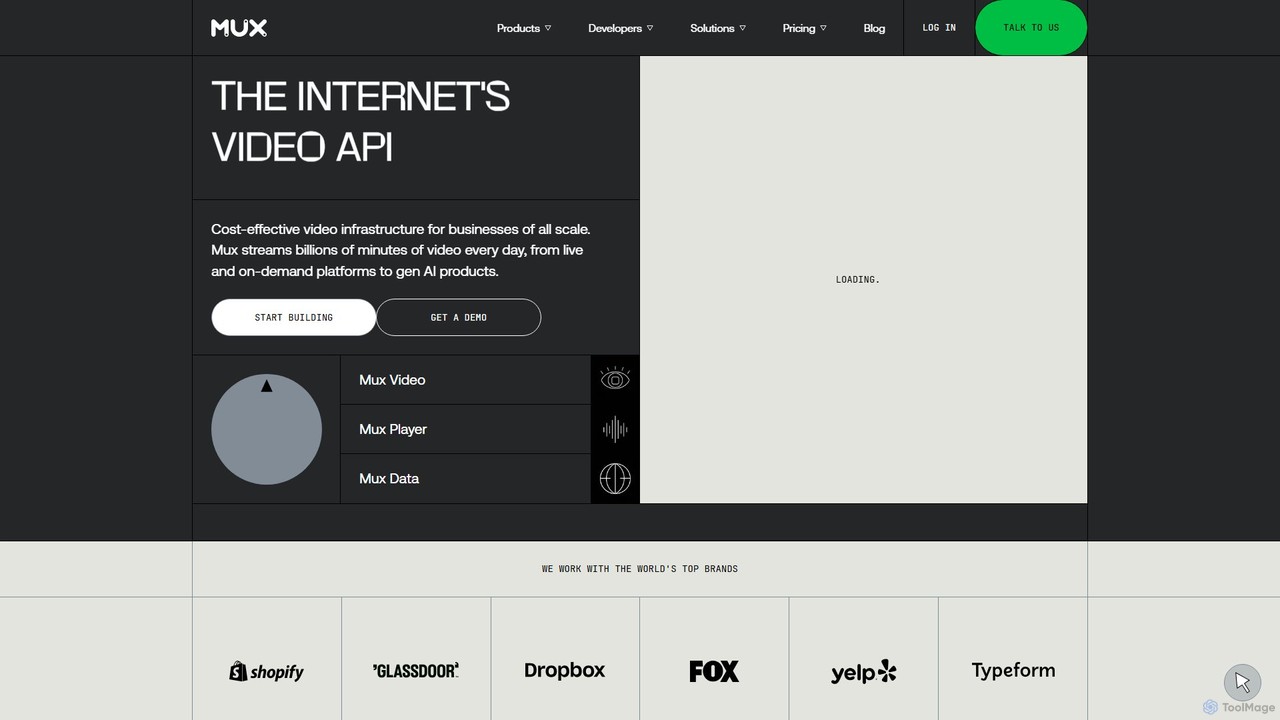
Mux
Mux is a developer-first video API platform that simplifies the integration of live and on-demand video. It provides robust infrastructure for encoding, streaming, and real-time analytics, enabling businesses to deliver high-quality video experiences at scale. Mux offers two core products: Mux Video for streaming and Mux Data for Quality of Experience (QoE) monitoring.
Api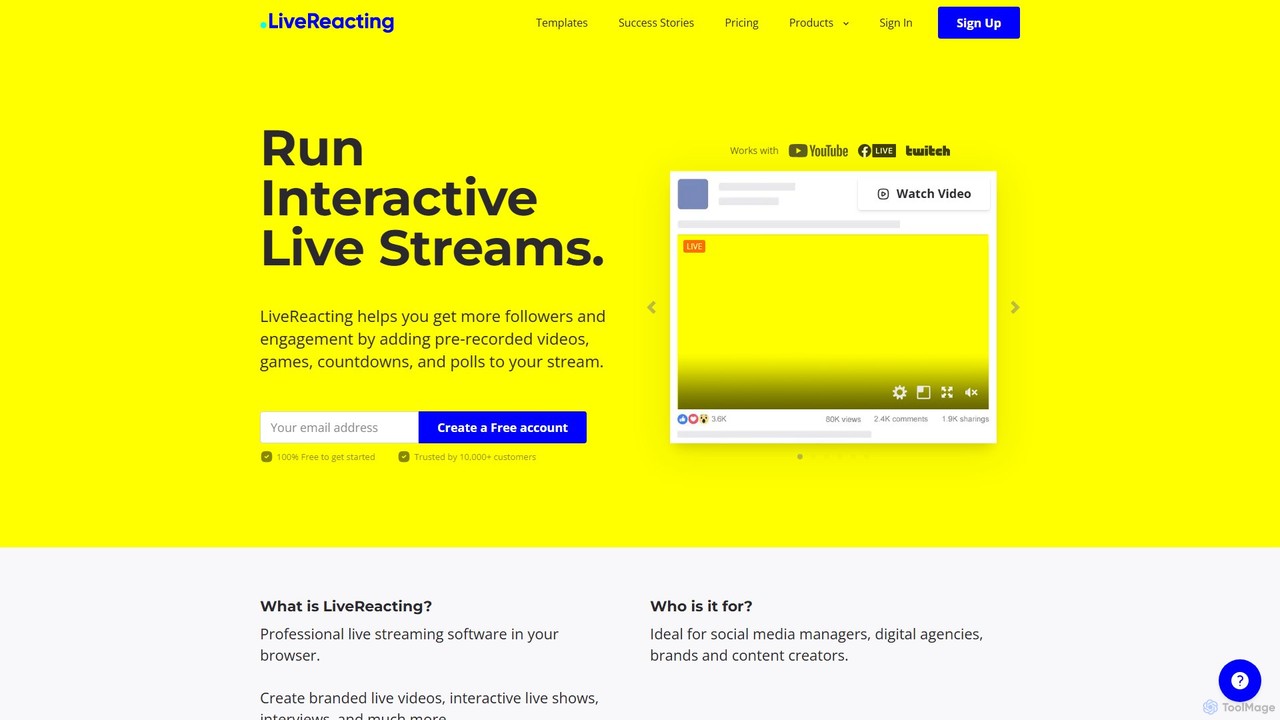
LiveReacting
LiveReacting is a browser-based live streaming studio designed to boost audience engagement. It allows users to enrich their live streams with interactive elements like polls, games, and countdowns, stream pre-recorded videos, invite guests, and multistream to platforms like Facebook, YouTube, and Twitch. Ideal for marketers, content creators, and brands looking to create professional, interactive live content without complex software.
Engagement Tools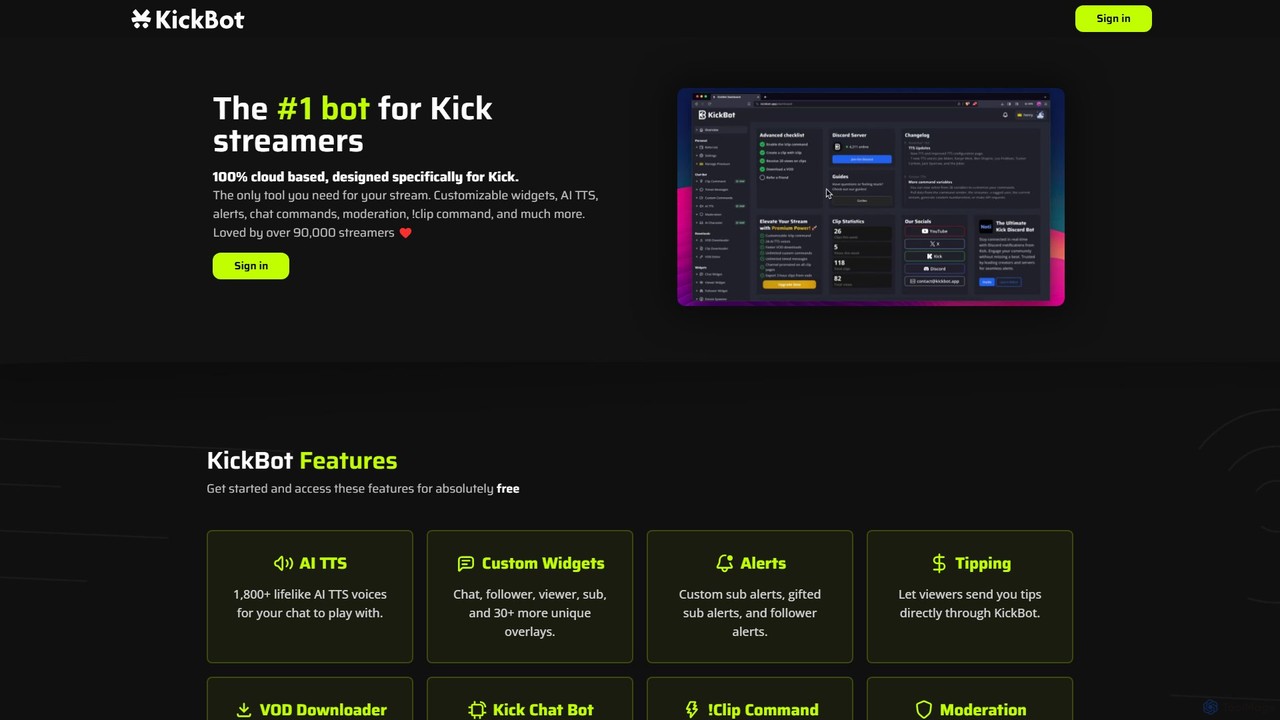
KickBot
KickBot is the #1 chatbot and streaming tool designed specifically for the Kick platform. It offers a comprehensive suite of features including AI TTS with 1,800+ voices, customizable widgets and alerts, advanced moderation, a cloud-based !clip command, and direct tipping. Trusted by over 90,000 streamers, KickBot is an all-in-one, cloud-based solution to enhance stream interactivity, engagement, and management.
Automation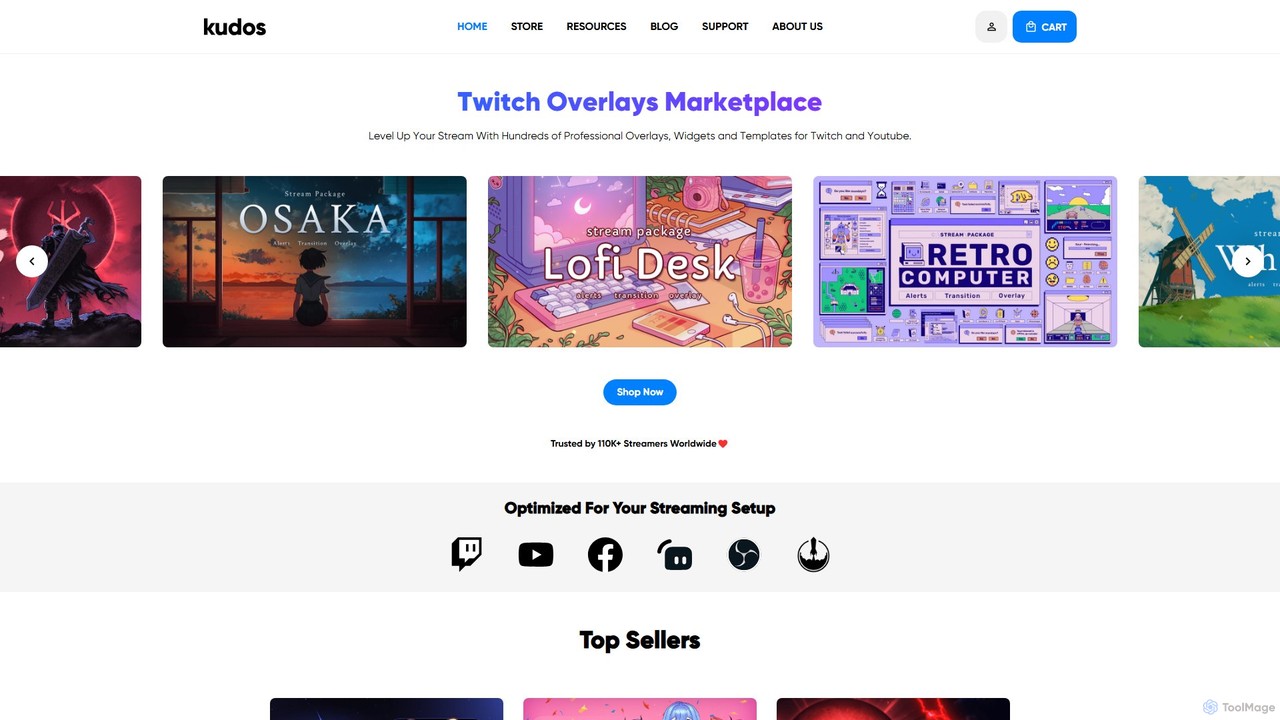
kudos
Kudos is a marketplace offering professional stream graphics for creators on Twitch and YouTube. It provides a vast library of high-quality overlays, widgets, alerts, VTuber models, and templates. Designed for easy setup with OBS, Streamlabs, and other software, Kudos helps streamers enhance their visual appeal, boost viewer engagement, and build a unique brand identity with both premium and free assets.
GraphicsLive3D Categories
Live3D Embed Widget
Copy this embed code to place the badge on your blog, article, or product site and send readers directly to this ToolMage detail page.

Related AI tools
Hyper Online
Hyper Online is a comprehensive platform for VTubers and virtual content creators. It provides powerful tools to easily create, record, and live-stream with 3D and Live2D avatars using dedicated mobile and desktop applications, supporting major platforms like Twitch, YouTube, and TikTok.
Avatars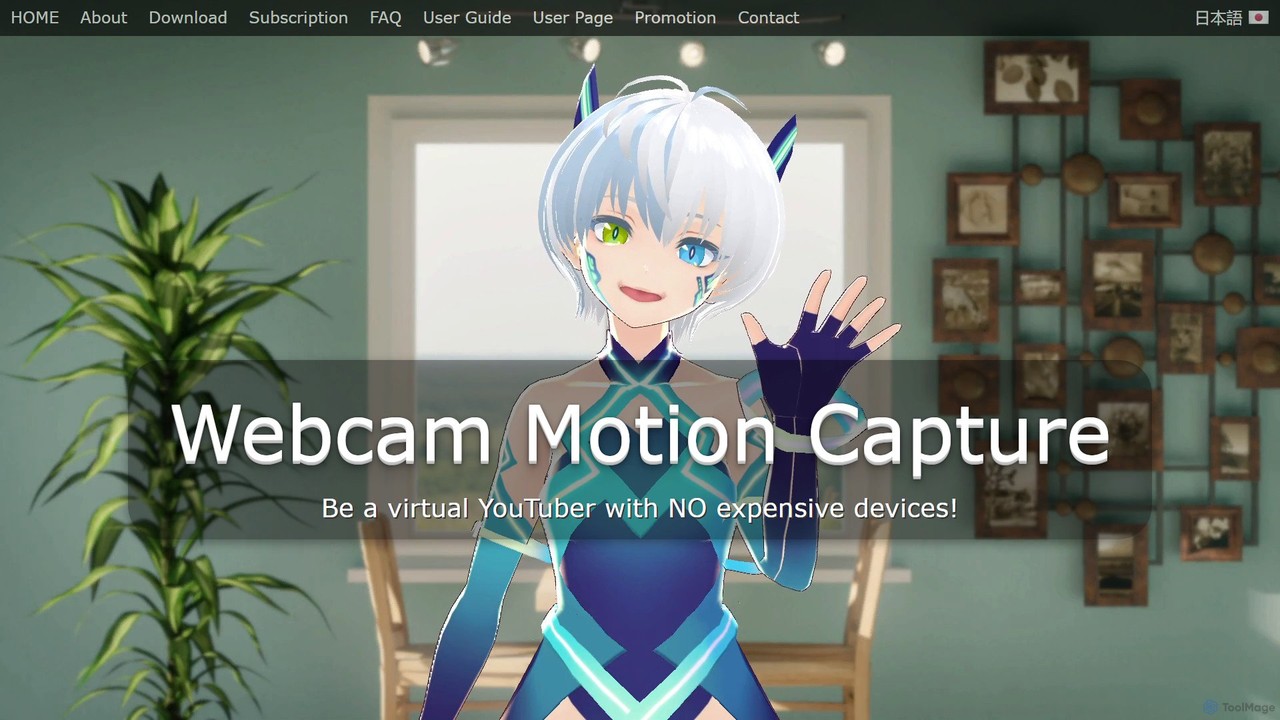
Webcam Motion Capture
An AI-powered application that enables real-time hand, body, and facial motion capture using only a standard webcam. It allows users to animate 3D VRM avatars for VTubing, live streaming, and video creation without needing expensive, specialized hardware. Supports Windows and macOS.
Motion Capture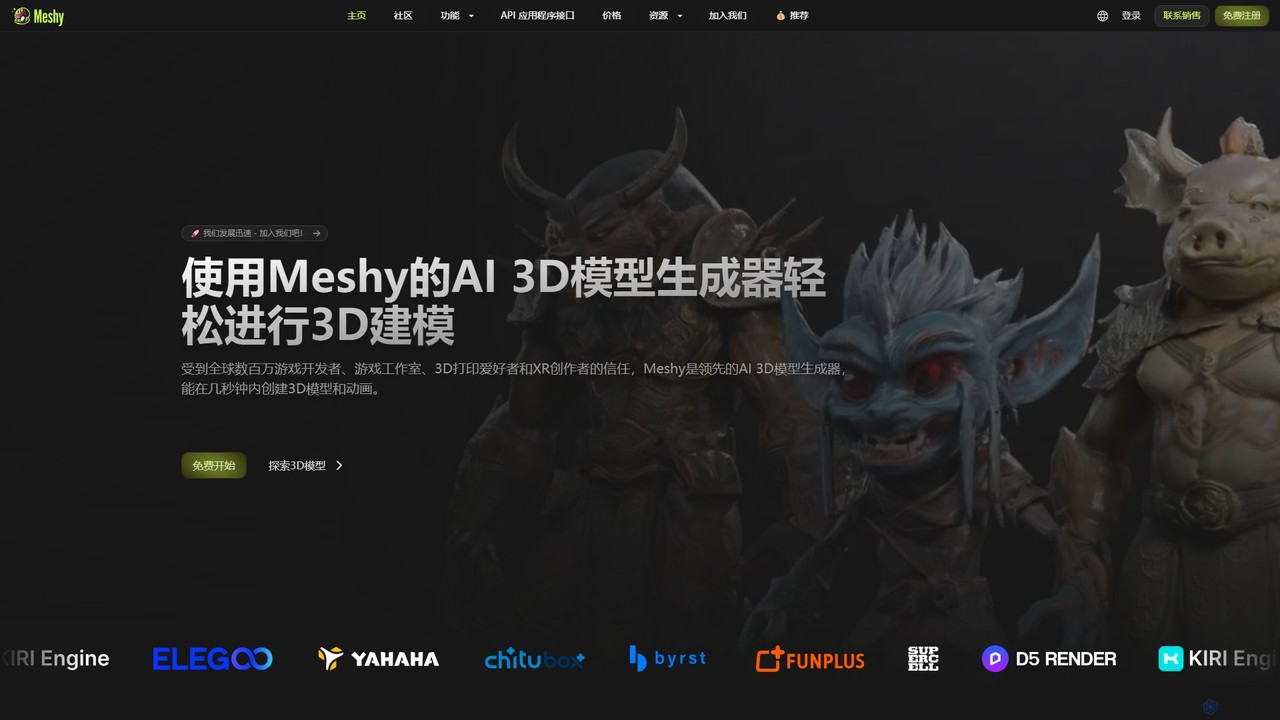
Meshy
Meshy is an all-in-one AI 3D content creation suite. Generate stunning 3D models, textures, and animations from text or images in minutes. It's the ultimate toolkit for game developers, artists, and creators, simplifying the entire 3D workflow from concept to a fully animated asset.
Generator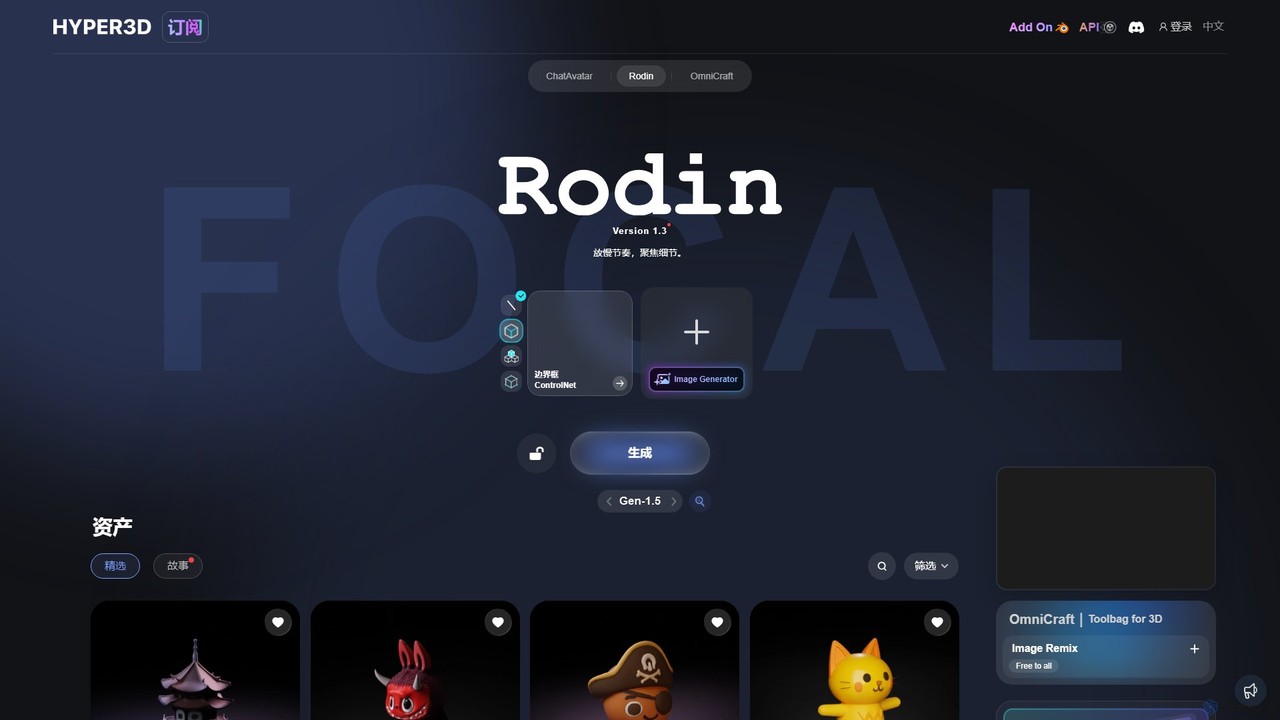
Hyper3D
Hyper3D is a comprehensive AI-powered 3D creation suite. Its core tool, Rodin, generates high-quality 3D models from single images, multi-view photos, or text prompts. The platform also includes the OmniCraft toolbag for mesh editing, texture generation, and more, streamlining the entire 3D asset creation workflow for designers, game developers, and animators.
3D Modeling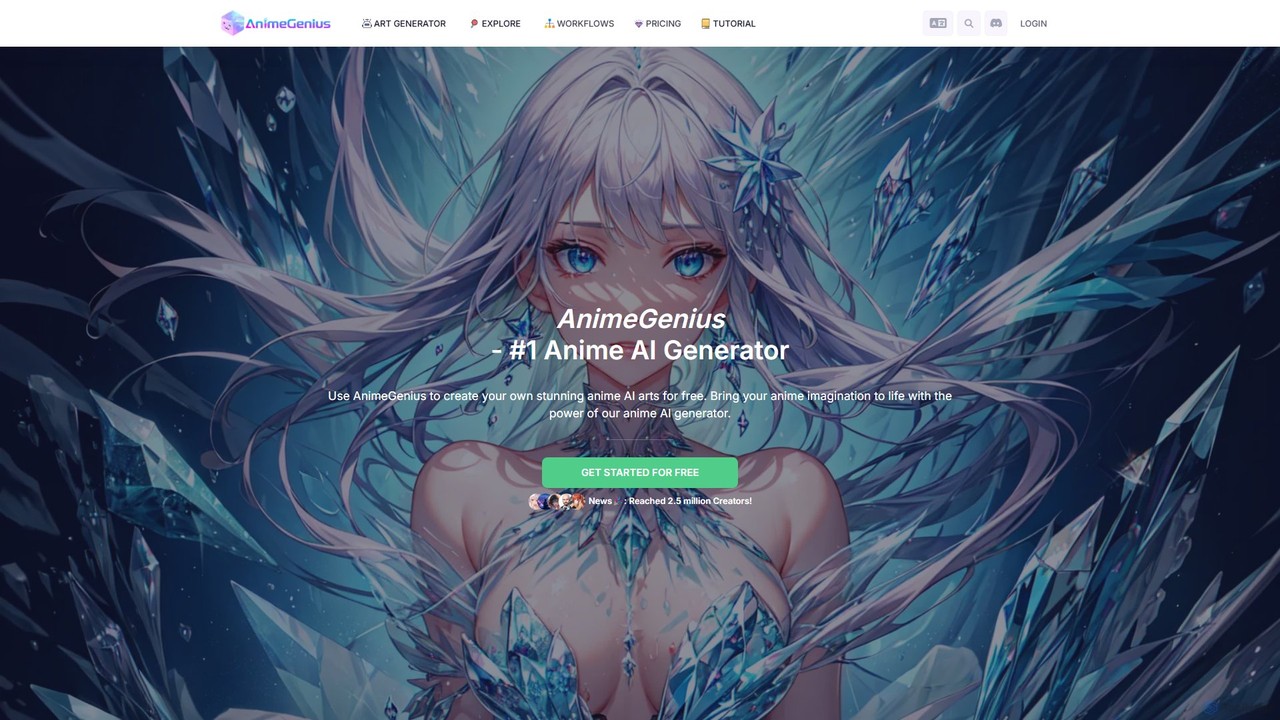
AnimeGenius
AnimeGenius is a powerful and free-to-use AI anime art generator. It allows users to create high-quality anime-style images, characters, and even short videos from text prompts, photos, or simple sketches. With a user-friendly interface and a vast library of styles, it's designed for both beginners and experienced artists to bring their imagination to life in seconds.
Avatar Maker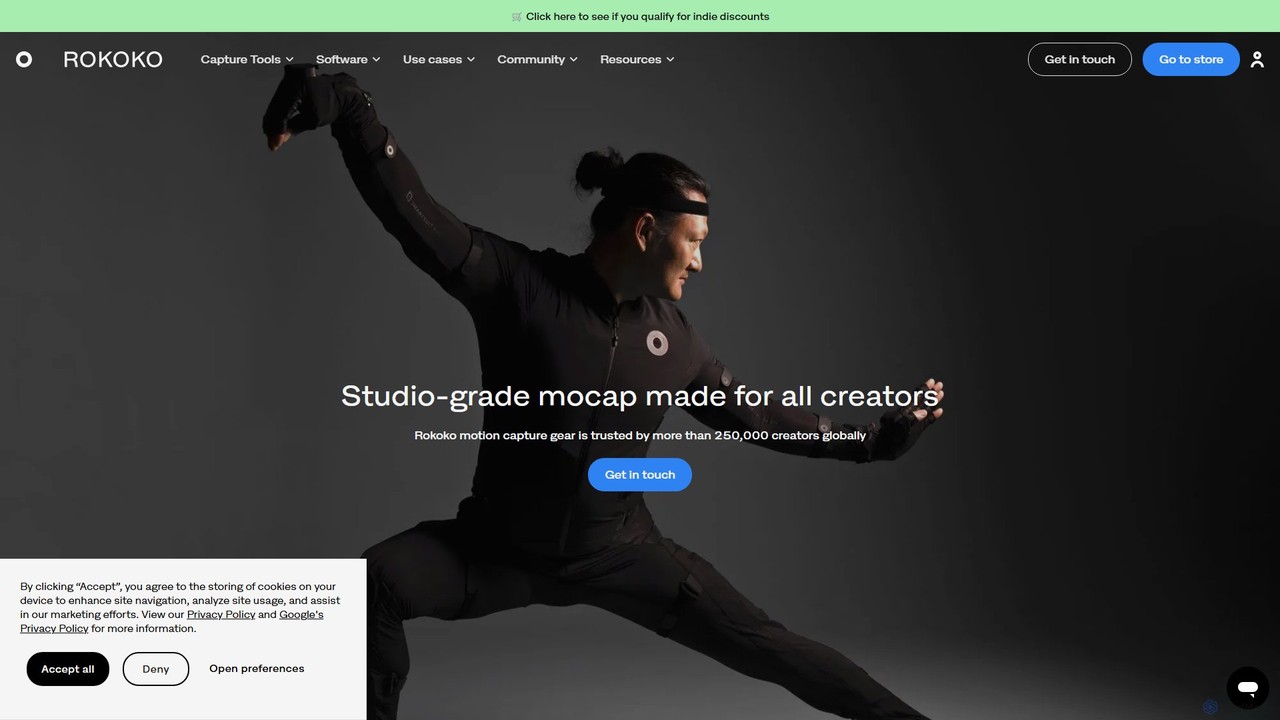
Rokoko
Rokoko offers a complete ecosystem of motion capture tools, including hardware suits and AI-powered software, designed to make character animation accessible and affordable for all creators. Capture body, finger, and facial movements in real-time and integrate them seamlessly into your 3D workflow.
Motion Capture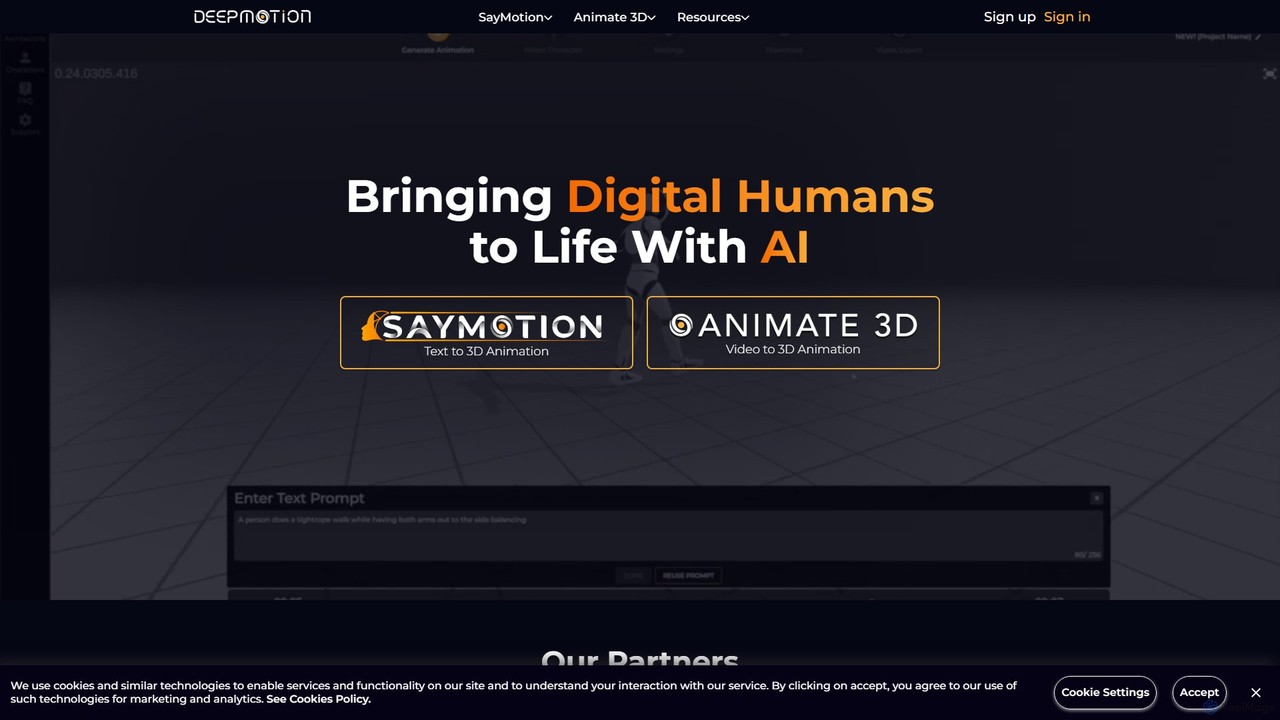
DeepMotion
DeepMotion is an AI-powered platform for generating 3D animations. It offers two core products: Animate 3D, which converts 2D video footage into 3D animations, and SayMotion, a generative AI that creates animations from text prompts. It's designed for game developers, animators, and content creators, eliminating the need for traditional motion capture hardware.
3D Animation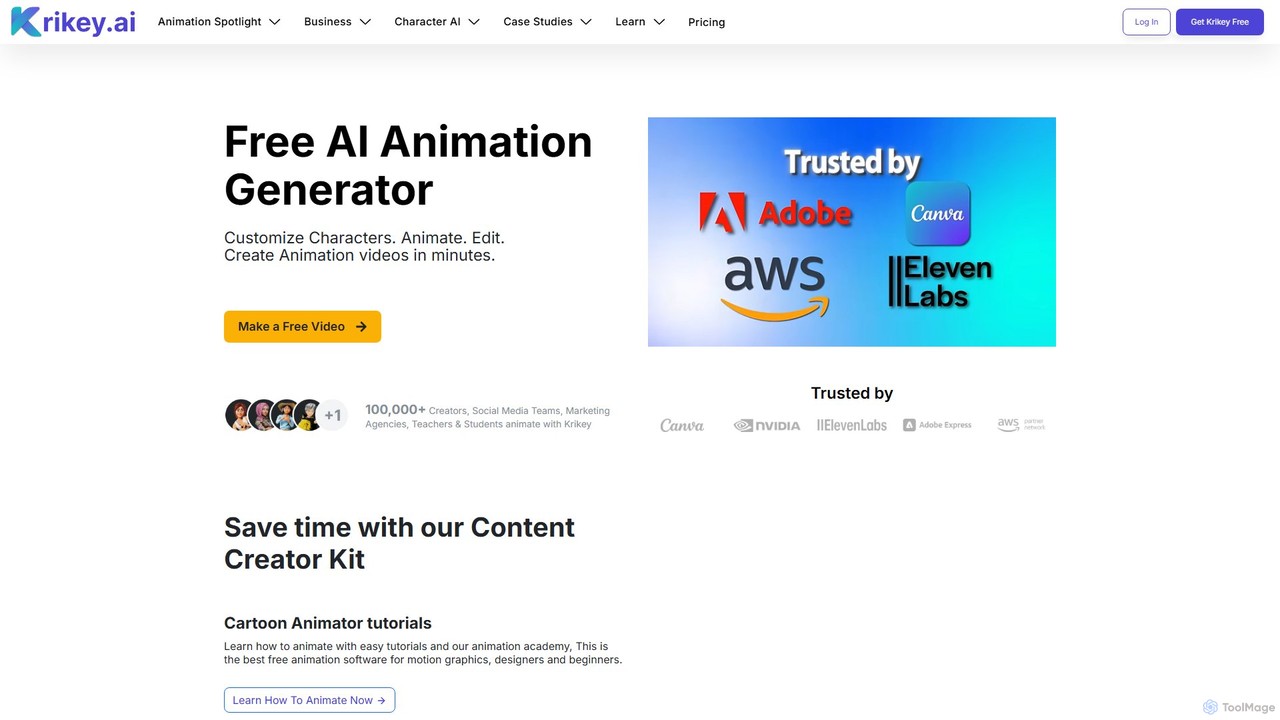
Krikey
Krikey is an AI-powered animation generator that allows users to create 3D animated videos in minutes. It features text-to-animation, video-to-animation, customizable 3D avatars, and a multi-language text-to-speech engine with automatic lip-syncing. Designed for creators, marketers, and educators, Krikey simplifies the animation process with a no-code, browser-based editor, making it accessible for everyone, regardless of technical skill.
E Learning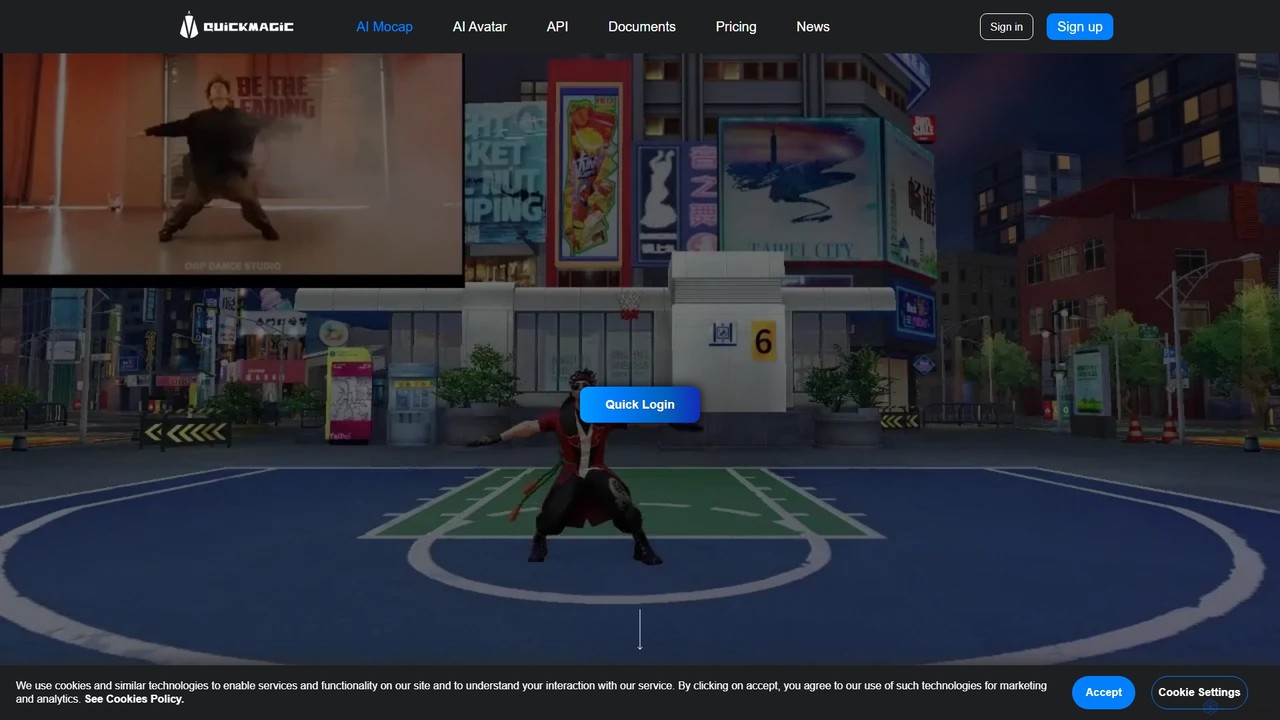
QuickMagic
QuickMagic is an AI-powered motion capture tool that converts single-camera videos into high-quality 3D animations. It's designed for animators, game developers, and content creators to generate realistic character movements quickly and easily, supporting major 3D software and formats.
Motion Capture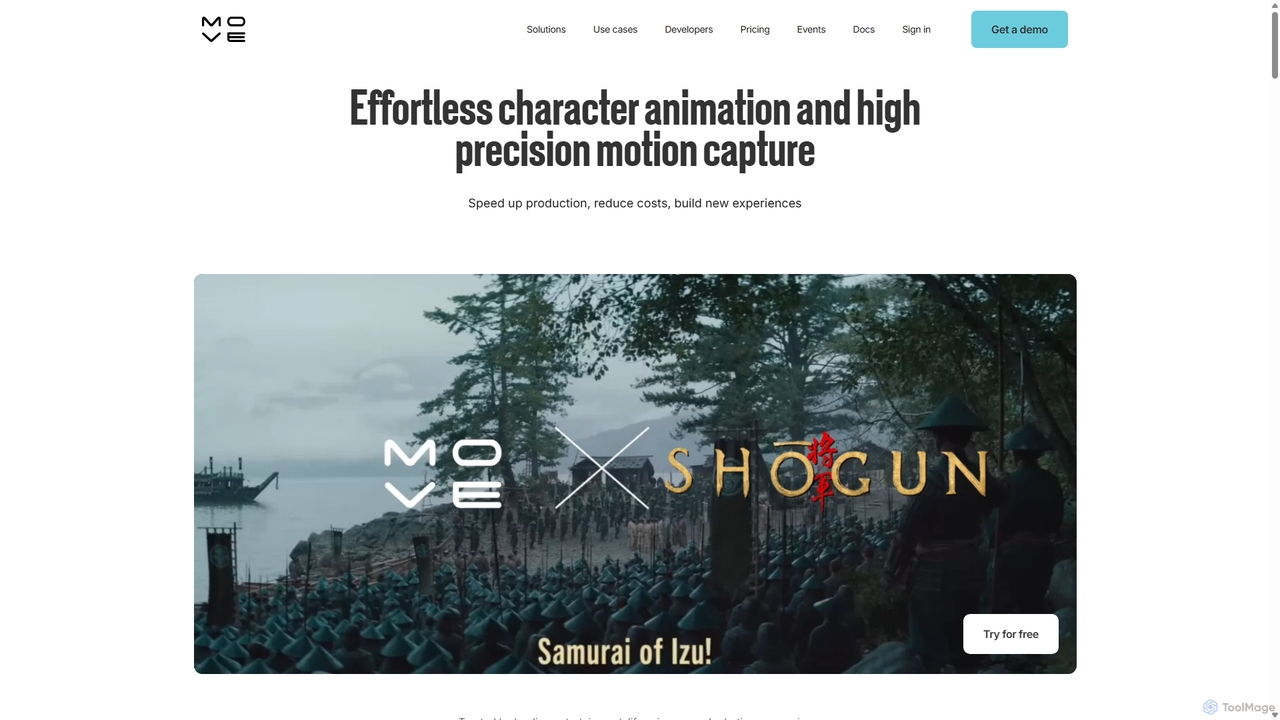
Move AI
Move AI is an advanced markerless motion capture platform that uses AI to transform video from any camera, including iPhones and GoPros, into high-fidelity 3D character animation. It democratizes mocap technology, making it accessible and affordable for creators in gaming, film, VFX, and research, drastically speeding up production workflows and reducing costs.
Motion Capture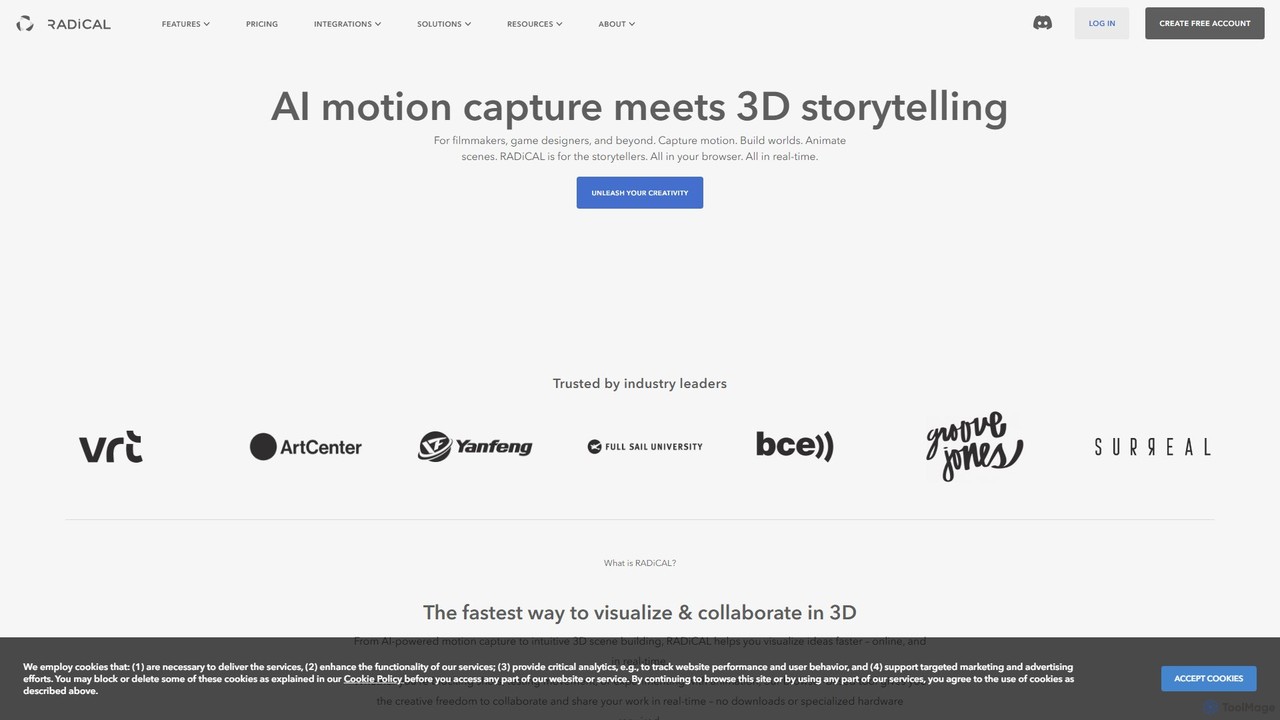
radicalmotion
RADiCAL is a browser-based AI platform for real-time motion capture and 3D content creation. It enables users to generate 3D animations from single 2D videos or live camera feeds without special hardware or suits. It features two core products: RADiCAL Motion for mocap and RADiCAL Canvas for 3D scene design, making 3D creation accessible to everyone.
3D
Plask
Plask is an AI-powered motion capture and 3D animation tool that transforms any video into professional-grade animations. Simply upload a video, and its AI extracts precise motion data to apply to your 3D characters. It's designed for game developers, animators, and content creators to streamline their workflow and create stunning visuals effortlessly.
Motion Capture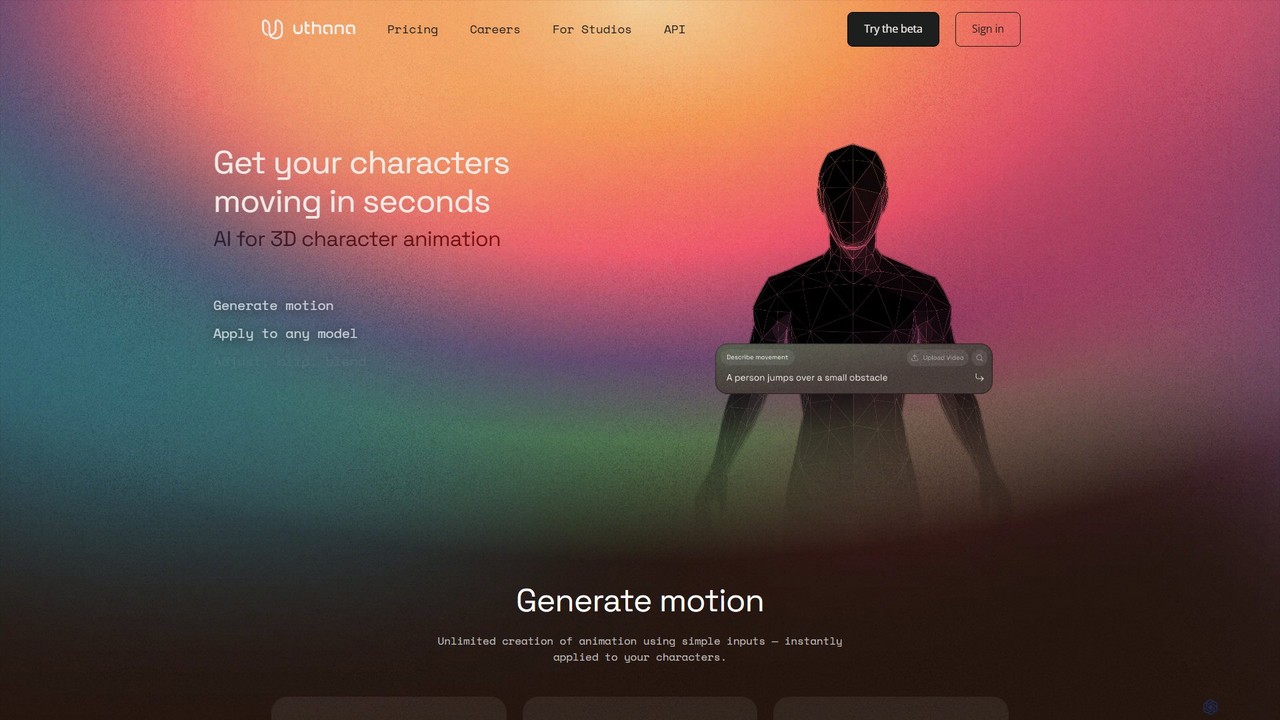
Uthana
Uthana is a generative AI platform for creating high-quality 3D character animations. It empowers game developers, animators, and creators to generate complex motions from simple inputs. The platform offers a generous free plan, API access for studio integration, and custom model training, all built upon ethically sourced, professional motion capture data.
3D Animation
Cartwheel
Cartwheel is a generative AI animation platform that creates 3D character animations from text prompts or video input. It's designed for creators in gaming, film, advertising, and social media to produce high-quality motion quickly and easily, with or without animation experience.
Character Animation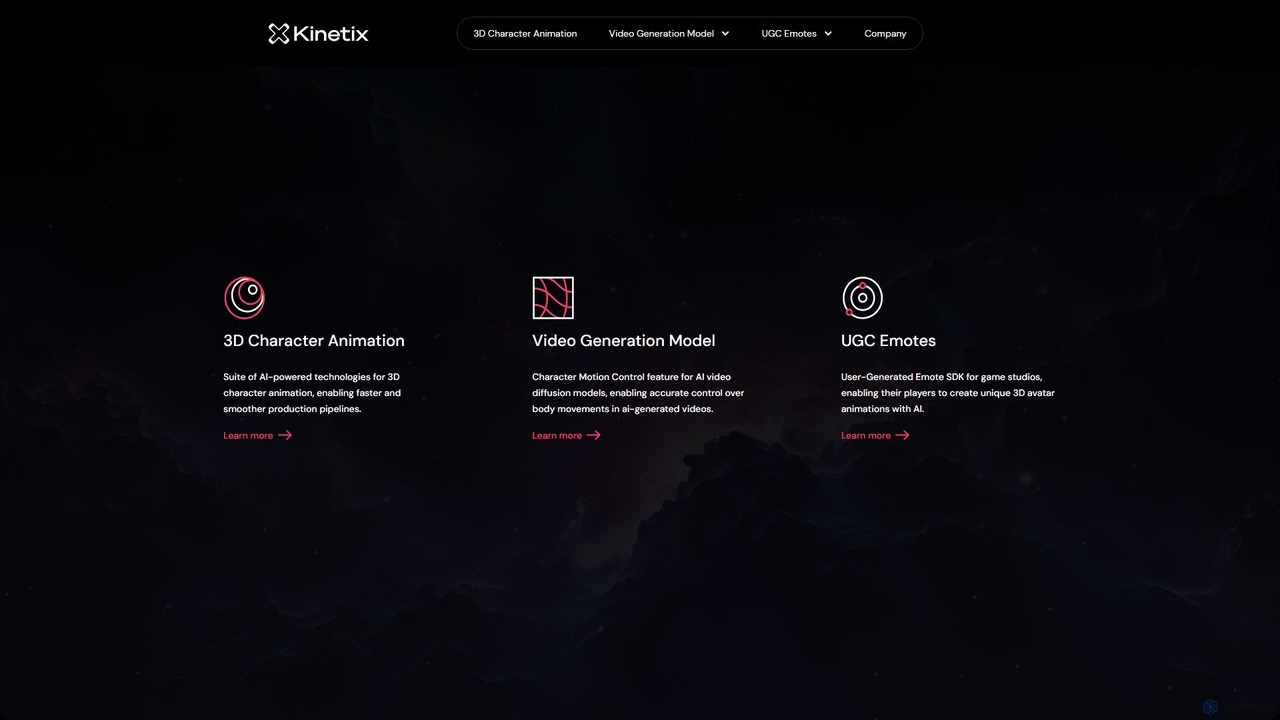
Kinetix
Kinetix is an AI-powered platform for 3D character animation, specializing in a User-Generated Emote SDK for games and a Character Motion Control feature for AI video models. It enables players to create custom 3D animations from videos and gives creators precise control over character movements in AI-generated videos, streamlining animation production.
Metaverse
Live3D Comments (0)
Sign in to comment.
Sign inNo comments yet.