

Mux Overview
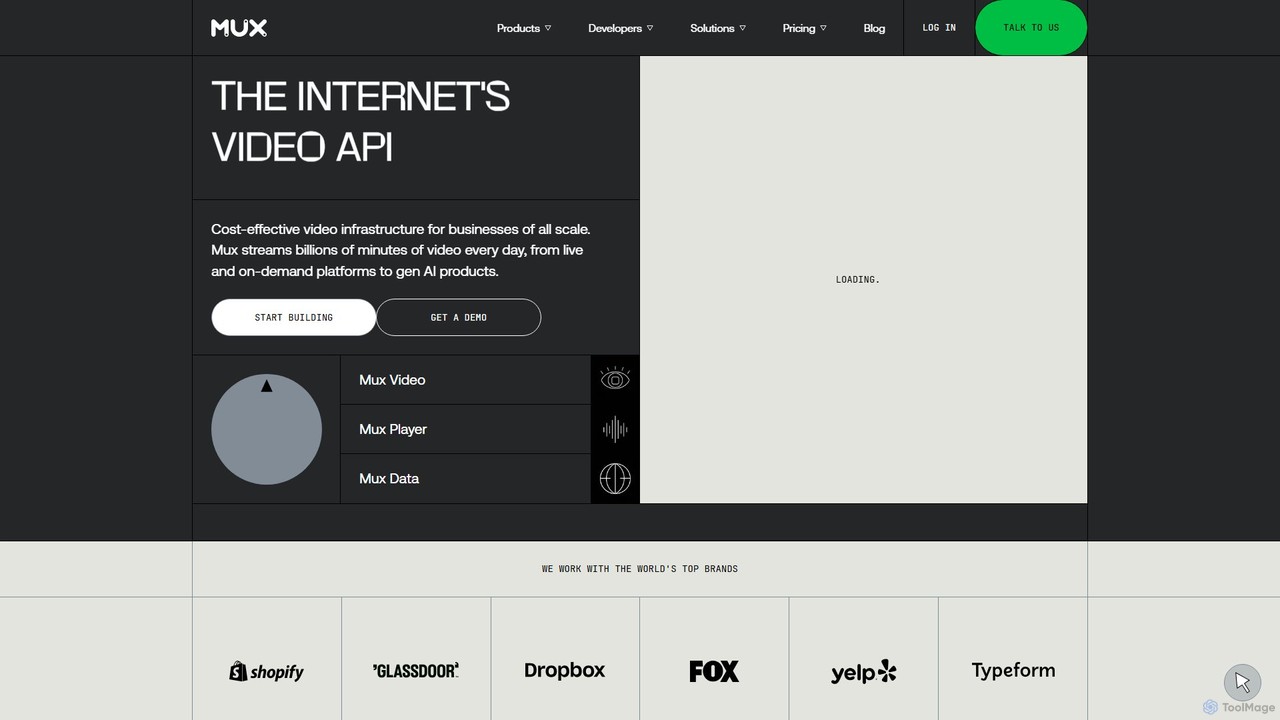
Mux is a comprehensive video infrastructure platform designed for developers. It offers a powerful set of APIs that make it easy to build applications with high-quality live and on-demand video streaming. Mux handles the complex backend processes of video, including encoding, storage, delivery, and in-depth analytics, allowing developers to focus on creating unique user experiences. The platform is trusted by top brands and supports billions of minutes of video streaming daily, from online learning platforms to generative AI products.
The Mux ecosystem is built around two main products: Mux Video and Mux Data. Mux Video is the API for ingesting, processing, and delivering video content. Mux Data provides real-time Quality of Experience (QoE) analytics to monitor stream performance and understand user engagement, helping to proactively identify and resolve issues before they impact a wide audience.
How to use Mux
Integrating Mux into an application is designed to be a straightforward process for developers. Here's a typical workflow:
- Sign Up: Create a free Mux account. No credit card is required to start building.
- Get API Keys: Access your API credentials from the Mux dashboard to authenticate your requests.
- Choose an Integration Method: Mux offers SDKs for various programming languages, including Python, Node.js, Go, Ruby, PHP, as well as for iOS and Android. You can also interact directly with the REST API.
- Upload a Video: To add on-demand video, you can create an authenticated upload URL for client-side uploads or instruct Mux to pull a video file from an existing web-addressable location.
- Go Live: For live streaming, Mux provides a persistent stream key. You can use this key with any RTMP or SRT-compatible broadcasting software (like OBS Studio) to start a live stream.
- Embed the Player: Use the Mux Player, a fully-featured and customizable component for web and mobile, to play your video assets. It comes pre-integrated with Mux Data.
- Monitor Performance: Use the Mux Data dashboard to track real-time and historical analytics, monitor stream health, and gain insights into viewer experience.
Core Features of Mux
- Mux Video (Streaming API): Just-in-time encoding, smart adaptive bitrate (ABR) streaming, 4K resolution support, low-latency live streaming, instant live-to-VOD, and live simulcasting to social platforms.
- Content Protection: Features Digital Rights Management (DRM), signed URLs, and watermarking to secure your video content.
- Accessibility & Enhancement: Supports subtitles, closed captions, and auto-generated captions using AI. It also offers multi-track audio for different languages or descriptions.
- Mux Data (Analytics): Real-time Quality of Experience (QoE) monitoring with metrics like rebuffering, startup time, and playback failures. The 'Negative Impact Score' helps prioritize the most critical issues.
- Developer-Friendly Tools: Comprehensive API documentation, webhooks for asynchronous events, SDKs for popular languages, and seamless integrations with headless CMS platforms like Sanity and Contentful.
- Advanced Features: Frame-accurate video clipping, automatic thumbnail and GIF generation, MP4s for offline viewing, and automatic cold storage to reduce costs.
Use Cases for Mux
Mux's versatile platform is suitable for a wide range of applications:
- E-Learning Platforms: Delivering high-quality on-demand video lectures and live-streamed classes.
- Social & Community Apps: Enabling user-generated video content, from short clips to live streams.
- Fitness & Wellness: Streaming live workout classes and providing a library of on-demand fitness videos.
- Media & Entertainment: Powering OTT services and streaming platforms for premium content.
- Generative AI Applications: Providing the video infrastructure for AI tools that create, edit, or analyze video content.
- Corporate Communications: Hosting internal training videos, all-hands meetings, and webinars.
- Live Events: Broadcasting conferences, concerts, and sporting events to a global audience with low latency.
Advantages of Mux
Mux stands out for its developer-centric approach and robust feature set. The API is praised for its clean design and ease of integration, significantly reducing development time. The all-in-one nature of the platform, combining streaming with powerful QoE analytics, provides a complete solution without needing multiple vendors. Its infrastructure is highly scalable and reliable, proven to handle events with millions of concurrent viewers. Furthermore, features like smart encoding and automatic cold storage, combined with transparent pay-as-you-go pricing, make it a cost-effective choice for businesses of all sizes.
Pricing and Plans
Mux operates on a freemium and pay-as-you-go model, making it accessible for projects of any scale. You can start building for free without a credit card. The pricing is broken down by usage:
- Mux Video: You pay for minutes of video encoded, minutes of video delivered (streamed), and GBs of video stored per month. It also includes features like automatic cold storage to save up to 60% on storage costs for unwatched assets.
- Mux Data: If you're not using Mux Video, you can still use Mux Data for analytics. It offers a generous free tier of 100,000 monthly views. After that, additional views are charged at a rate like $0.60 per 1,000 views. Mux Data is included for free with every Mux Video stream.
This model allows users to start small and scale their costs as their platform grows.
Traffic
Latest traffic
Status
Monthly traffic trend
- 2025-9: 471.4K
- 2026-1: 685.8K
- 2026-2: 606.6K
- 2026-3: 654.8K
- 2026-4: 651.4K
- 2026-5: 863.4K
Geography
Top 5 countries / regions
- 🇮🇳India55.9%
- 🇺🇸United States25.5%
- 🇮🇩Indonesia6.8%
- 🇳🇬Nigeria6.8%
- 🇧🇷Brazil5.1%
Traffic sources
| Source type | Percentage |
|---|---|
Direct | 84.4% |
Referral | 14.8% |
Email | 0.9% |
Top keywords
| Keyword | Cost per click |
|---|---|
| cms | $2.94 |
| mux | $1.38 |
| mux player | $0.00 |
| mux video | $7.58 |
| qœ | $6.30 |
Mux Videos on YouTube

Mux Alternatives
Videograph
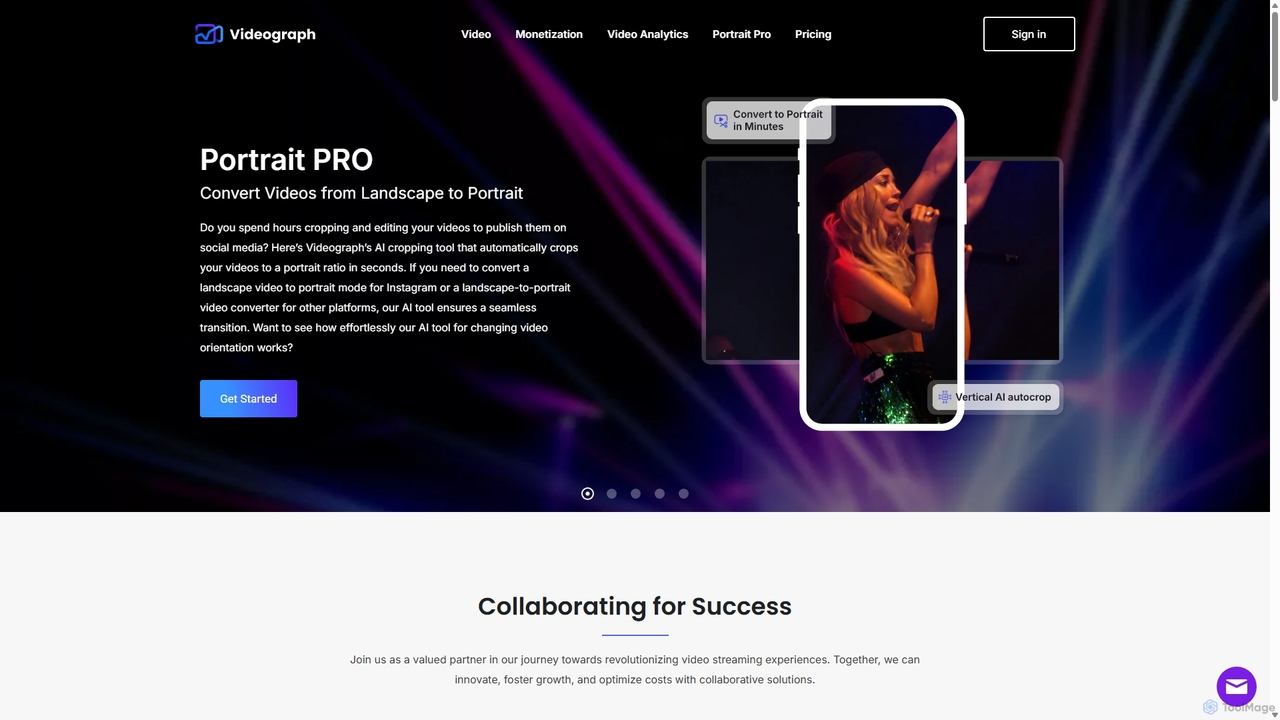
Videograph is a comprehensive video API platform for developers and businesses, offering solutions for live and on-demand video streaming. It features AI-powered tools like landscape-to-portrait conversion, high-speed 4K transcoding, digital asset management, low-latency live streaming, and advanced monetization through Server-Side Ad Insertion (SSAI). It's designed to simplify complex video infrastructure, from ingestion to delivery and analytics.
Api
Corrily
Corrily is an AI-powered monetization growth engine for subscription companies. It provides an all-in-one platform to design, test, deploy, and analyze monetization strategies, helping businesses optimize pricing, personalize paywalls, and increase revenue through data-driven experiments and insights.
Pricing Optimization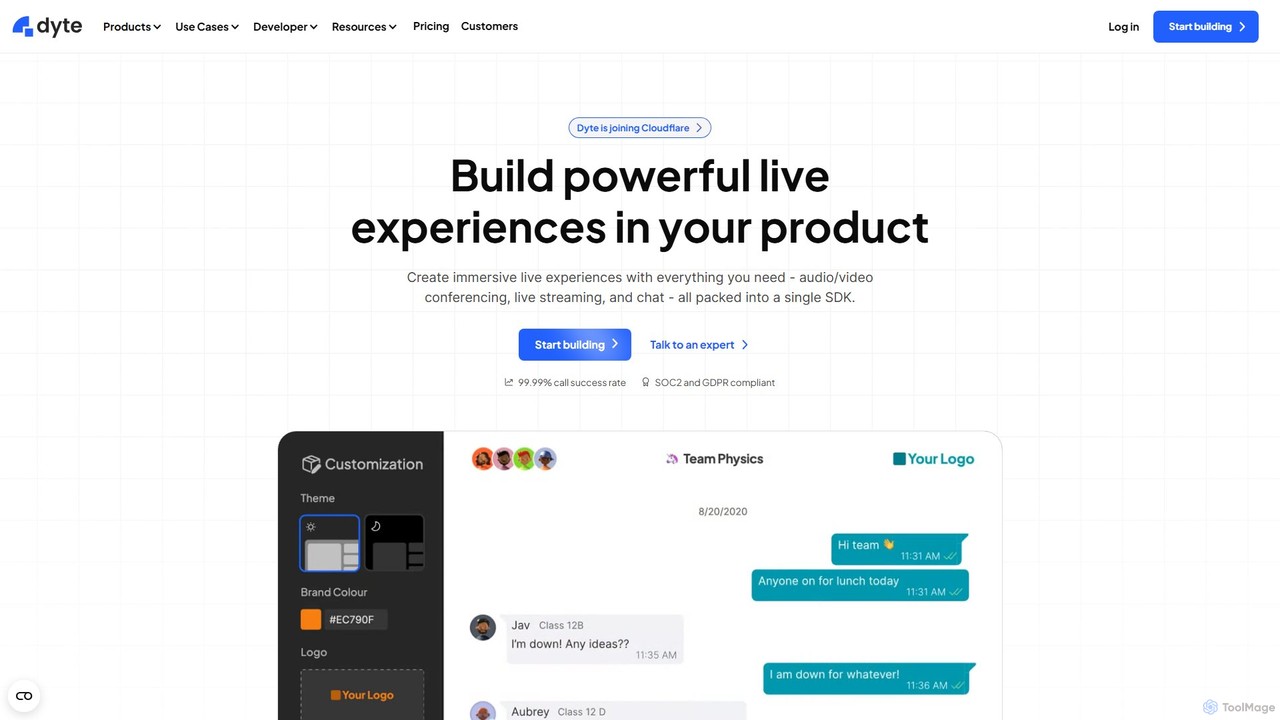
Dyte
Dyte is a developer-focused SDK platform for easily embedding high-quality, customizable, and secure live video and audio experiences into any application. It provides pre-built UI components, powerful plugins, and a robust backend, enabling developers to build interactive communication features for industries like telehealth, ed-tech, and virtual events with minimal effort, all while prioritizing security with SOC2 and HIPAA compliance.
Api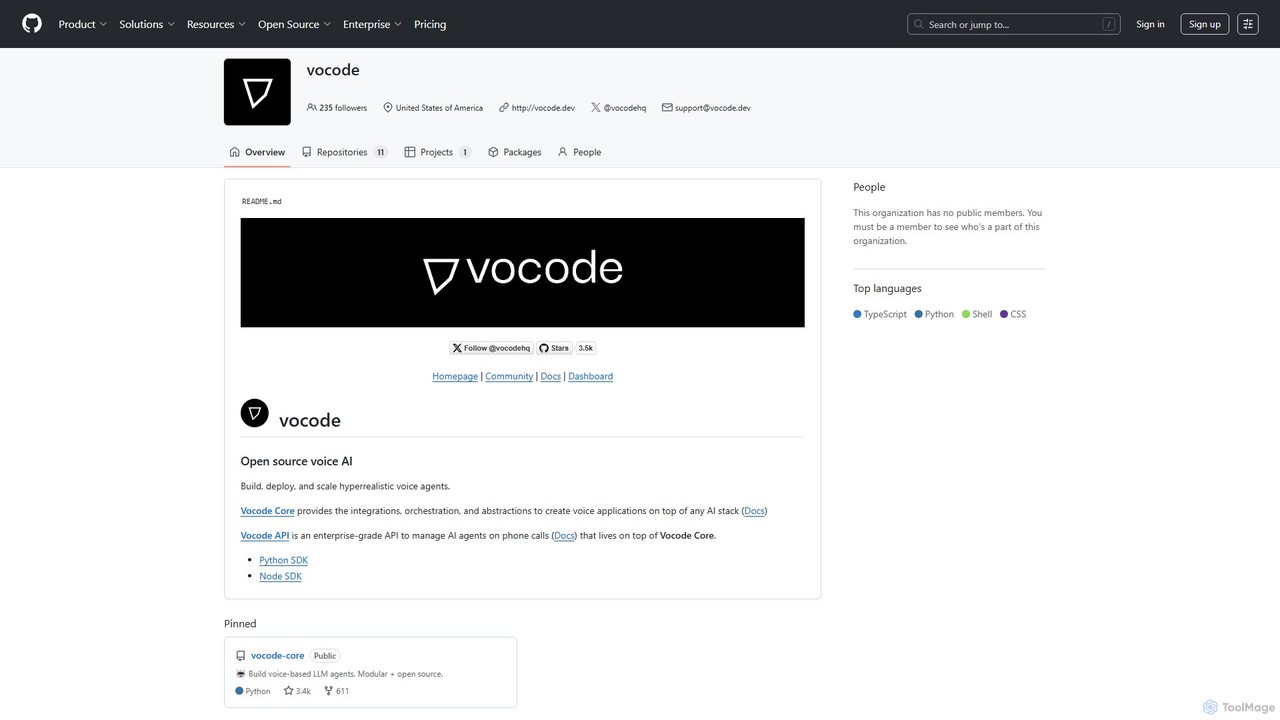
vocode
Vocode is an open-source platform for building, deploying, and scaling hyperrealistic voice AI agents. It provides developers with a core framework and an enterprise-grade API to create sophisticated voice-based LLM applications for tasks like automated customer service, sales calls, and interactive voice response (IVR) systems.
Voicebot
OctoAI
OctoAI is a high-performance compute platform for developers to run, tune, and scale generative AI models efficiently. It offers optimized, production-ready API endpoints for popular open-source models like Llama, Mixtral, and Stable Diffusion. By focusing on deep system optimizations, OctoAI provides faster inference speeds and lower costs, enabling businesses to build and deploy scalable AI applications without managing complex infrastructure.
ApiMux Categories
Mux Embed Widget
Copy this embed code to place the badge on your blog, article, or product site and send readers directly to this ToolMage detail page.

Related AI tools
Dyte
Dyte is a developer-focused SDK platform for easily embedding high-quality, customizable, and secure live video and audio experiences into any application. It provides pre-built UI components, powerful plugins, and a robust backend, enabling developers to build interactive communication features for industries like telehealth, ed-tech, and virtual events with minimal effort, all while prioritizing security with SOC2 and HIPAA compliance.
Api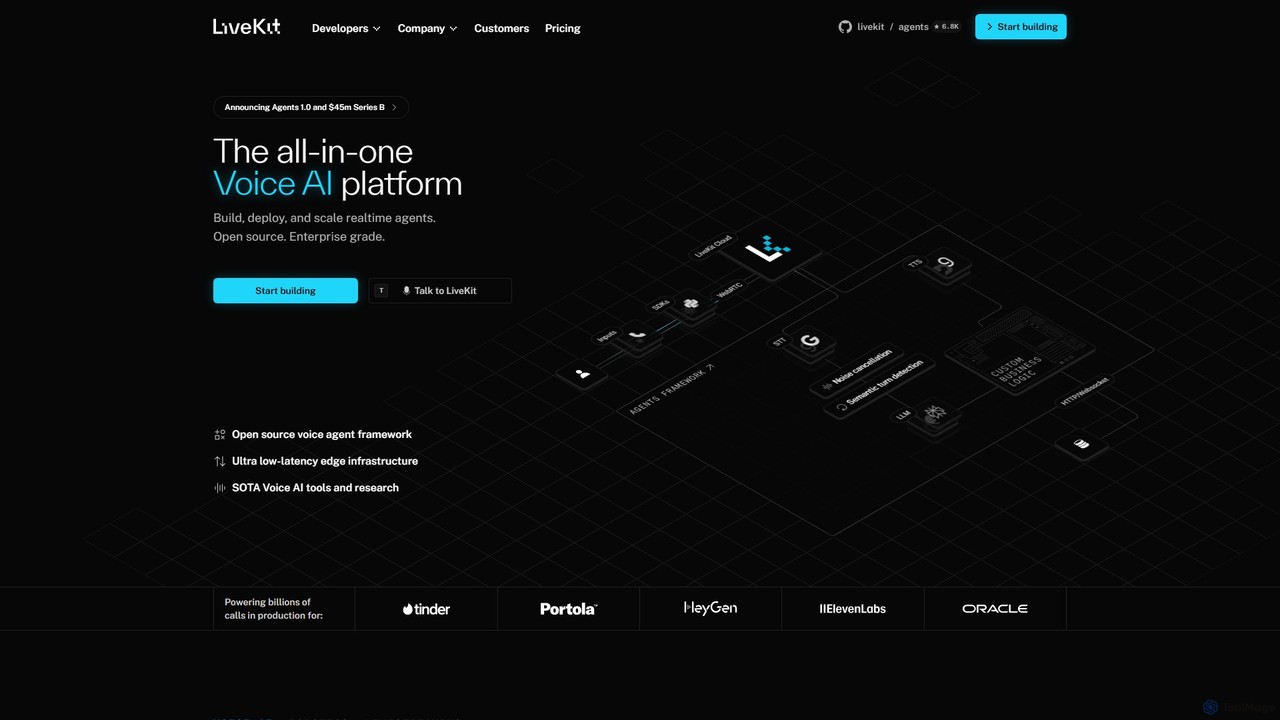
LiveKit
LiveKit is an all-in-one, open-source platform for building, deploying, and scaling real-time voice and video AI agents. It provides ultra-low latency infrastructure, powerful APIs, and state-of-the-art AI tools to enable developers to create conversational AI, robotics, and live streaming applications with enterprise-grade reliability and scalability.
Real Time Communication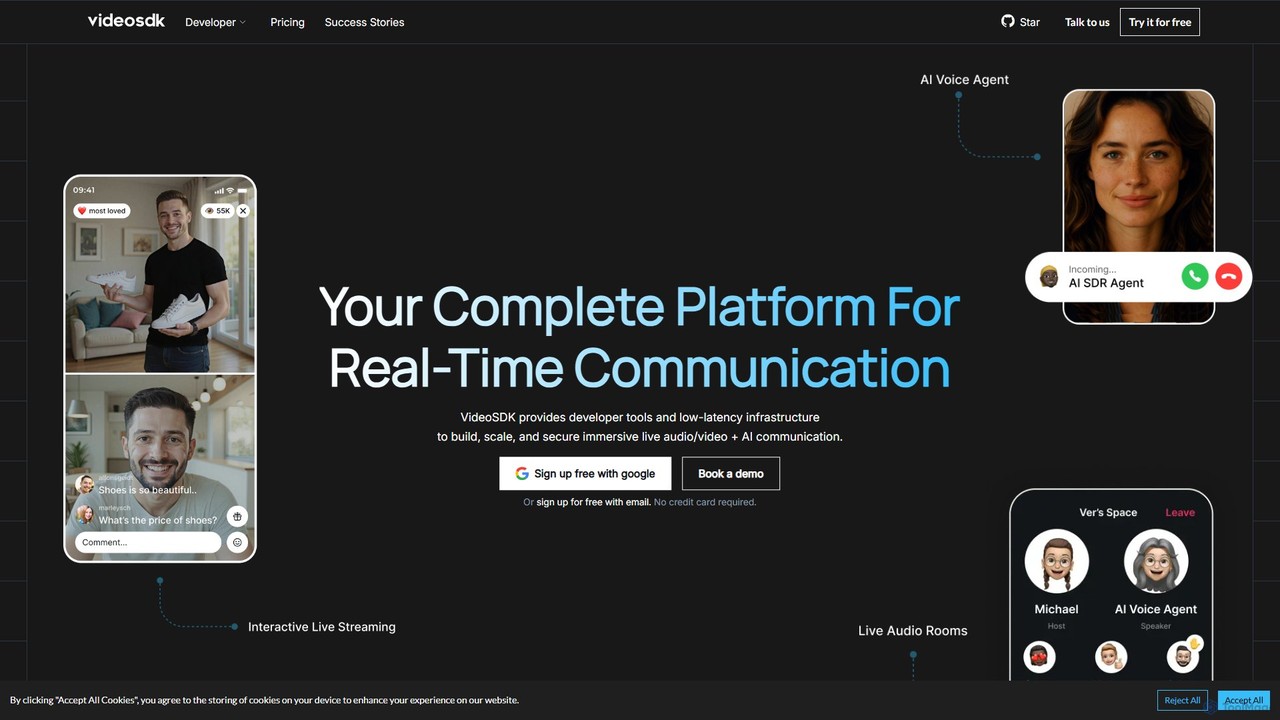
VideoSDK
VideoSDK is a comprehensive developer platform providing APIs and SDKs to build, scale, and secure real-time audio/video communication and interactive live streaming. It features low-latency infrastructure, cross-platform support, and integrated AI capabilities like voice agents, transcription, and summarization, enabling developers to embed immersive communication experiences into any application.
Video Conferencing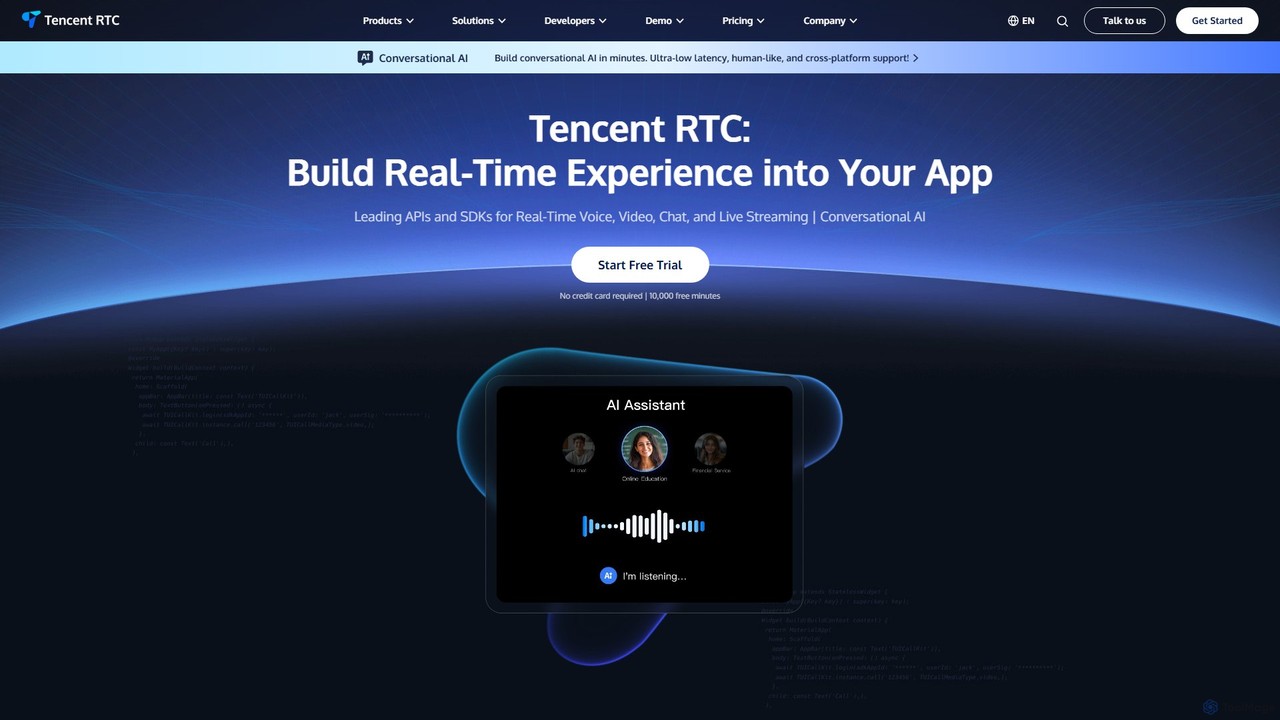
Tencent RTC
A comprehensive developer platform providing powerful APIs and SDKs for real-time voice, video, chat, and live streaming. Tencent RTC enables businesses to build scalable, low-latency, and interactive communication experiences directly into their applications across various industries.
Video ConferencingVideograph
Videograph is a comprehensive video API platform for developers and businesses, offering solutions for live and on-demand video streaming. It features AI-powered tools like landscape-to-portrait conversion, high-speed 4K transcoding, digital asset management, low-latency live streaming, and advanced monetization through Server-Side Ad Insertion (SSAI). It's designed to simplify complex video infrastructure, from ingestion to delivery and analytics.
Apivocode
Vocode is an open-source platform for building, deploying, and scaling hyperrealistic voice AI agents. It provides developers with a core framework and an enterprise-grade API to create sophisticated voice-based LLM applications for tasks like automated customer service, sales calls, and interactive voice response (IVR) systems.
VoicebotOctoAI
OctoAI is a high-performance compute platform for developers to run, tune, and scale generative AI models efficiently. It offers optimized, production-ready API endpoints for popular open-source models like Llama, Mixtral, and Stable Diffusion. By focusing on deep system optimizations, OctoAI provides faster inference speeds and lower costs, enabling businesses to build and deploy scalable AI applications without managing complex infrastructure.
Api
Twilio
Twilio is a leading customer engagement platform that provides developers with powerful APIs for SMS, voice, email, and WhatsApp. It integrates AI and a customer data platform to enable businesses to build personalized, scalable, and reliable communication experiences across any channel.
Api
OpenAI API Playground
An interactive web-based interface for developers and researchers to experiment with OpenAI's powerful AI models like GPT-4 and DALL-E. Test prompts, adjust parameters, and generate code snippets for API integration without writing any initial code.
Personal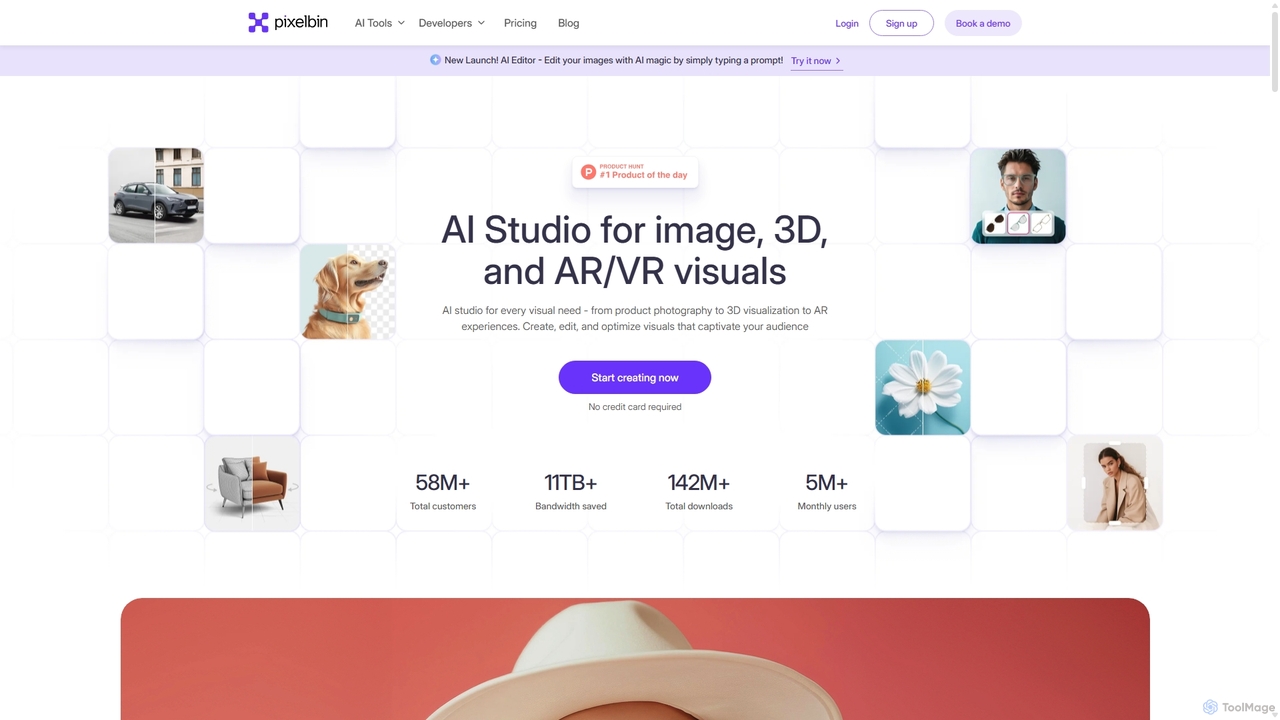
Pixelbin
Pixelbin is a comprehensive AI-powered platform for visual asset management and real-time image transformation. It offers a suite of tools including an AI editor, background remover, image upscaler, and watermark remover, alongside a robust Digital Asset Management (DAM) system and a smart CDN. Designed for developers, marketers, and e-commerce businesses, Pixelbin streamlines the entire visual content lifecycle from creation and storage to optimization and delivery, ensuring high-quality visuals and faster performance.
Digital Asset Management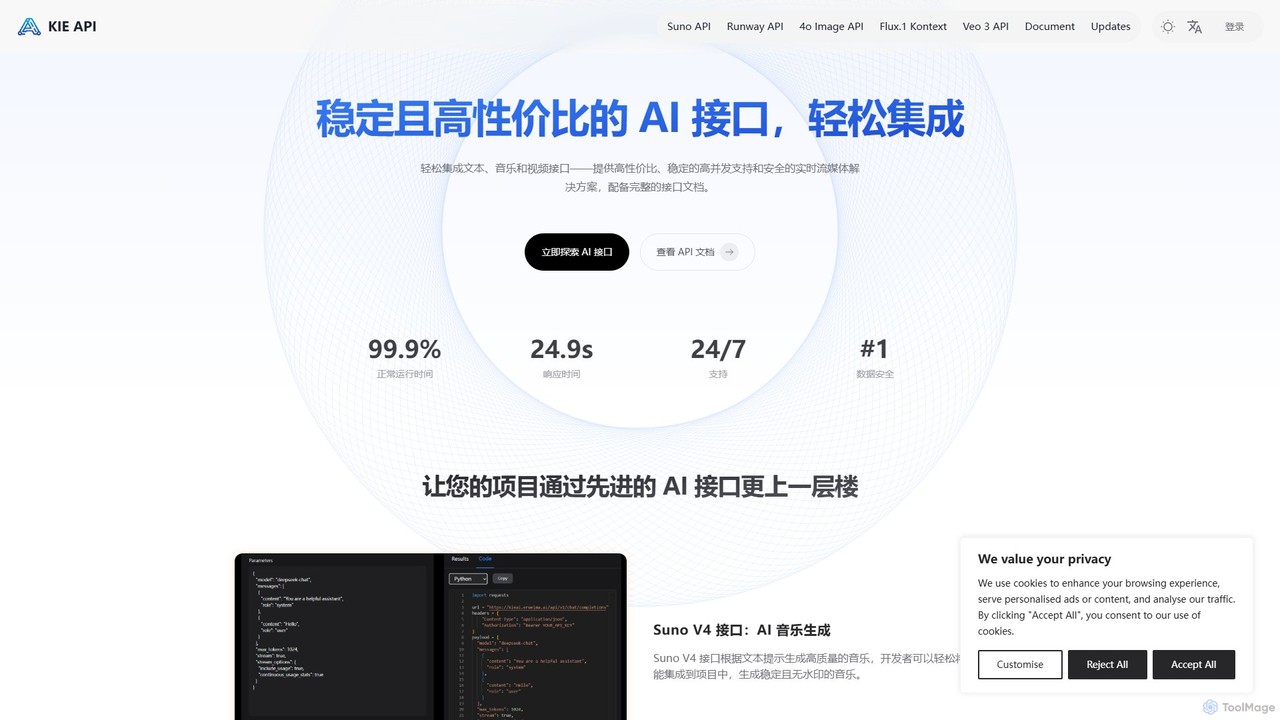
Kie AI
Kie AI provides affordable, stable, and high-performance AI APIs for seamless integration. Its flagship offering, the FLUX.1 Kontext API, enables advanced AI-powered image editing through natural language prompts. It's designed for developers, marketers, and designers to streamline creative workflows, offering both speed-optimized (Pro) and precision-focused (Max) versions for various professional needs.
Api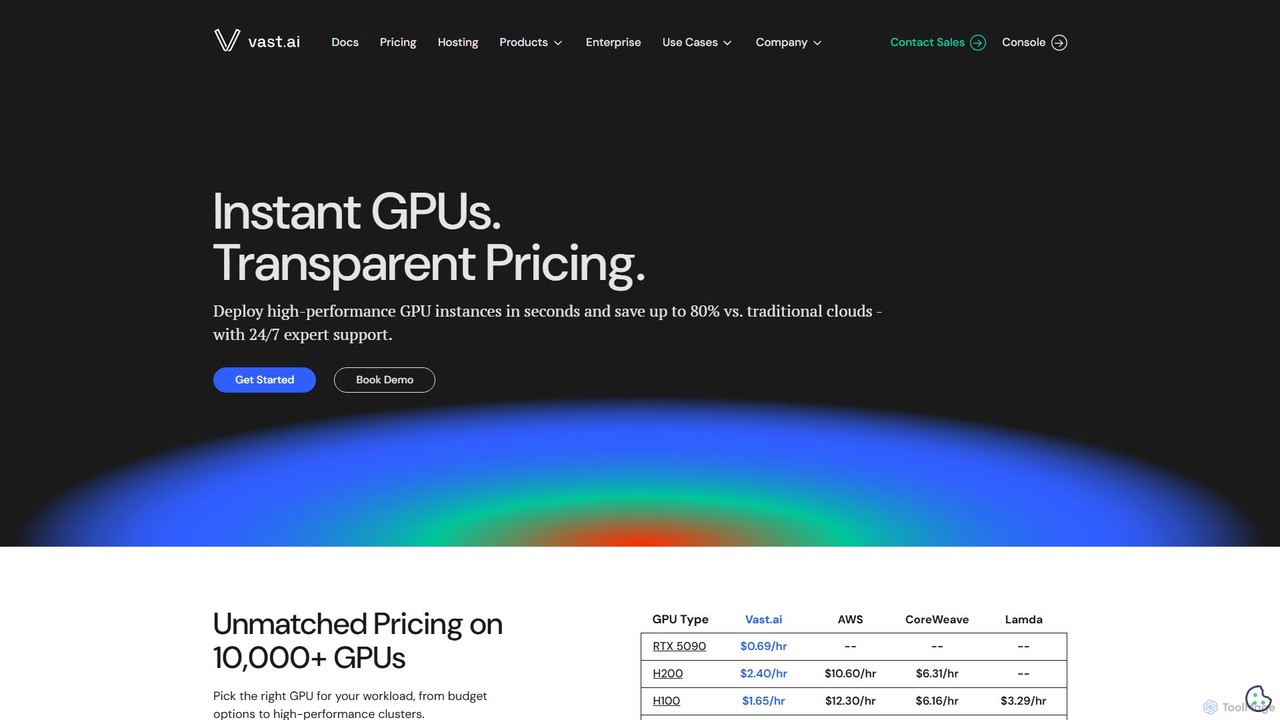
Vast.ai
Vast.ai is a leading GPU cloud platform offering on-demand access to a vast network of GPUs for AI and machine learning workloads. It provides developers and enterprises with high-performance computing at significantly lower costs—up to 80% less than traditional cloud providers—through a transparent, pay-as-you-go marketplace.
Gpu Rental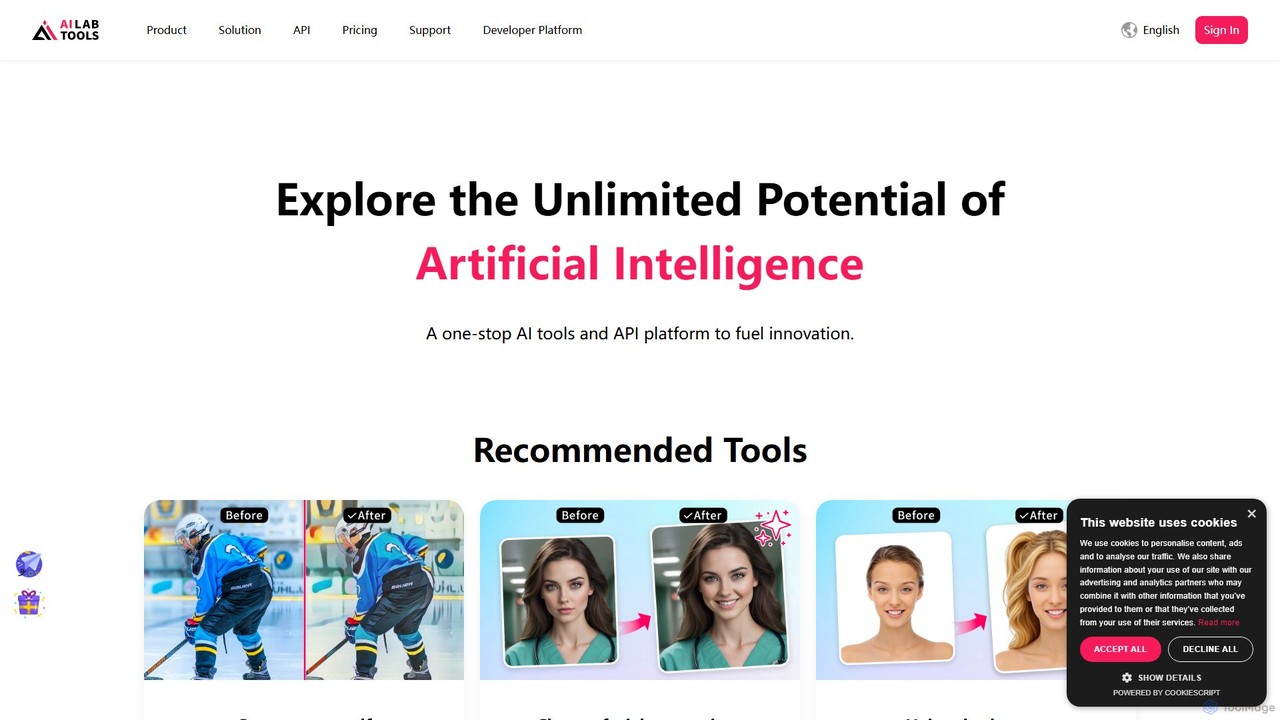
AILab Tools
AILab Tools is a comprehensive, all-in-one AI platform offering a wide array of image editing tools and a powerful API for developers. It enables users to effortlessly cartoonize photos, retouch portraits, change hairstyles, remove objects, and much more, catering to individuals, businesses, and developers.
Ai Art Generator
Hedra
Hedra is a foundational AI model for creating highly expressive and controllable video content. It specializes in generating lifelike, real-time interactive avatars that can be integrated into various applications via its powerful API, enabling dynamic and engaging user experiences.
Api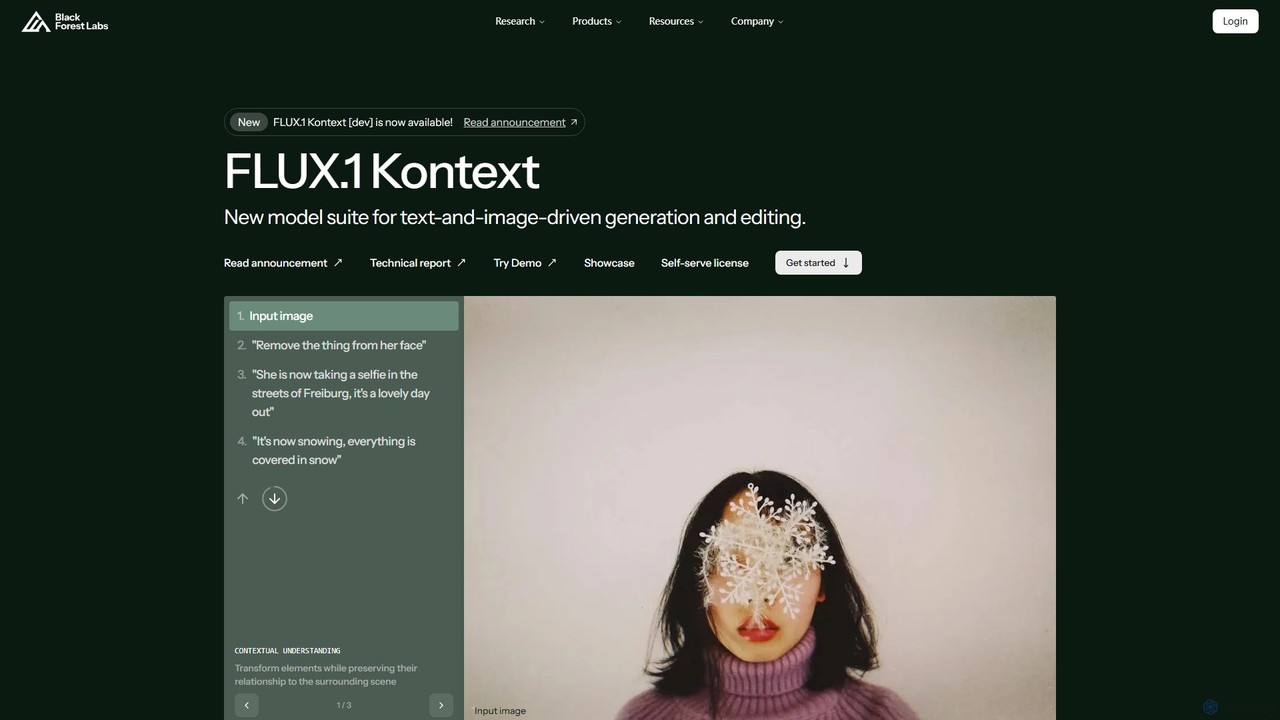
Black Forest Labs FLUX.1
FLUX.1 by Black Forest Labs is an advanced AI model suite for context-aware image generation and editing. It allows users to modify images using both text and image prompts, ensuring character consistency, precise local edits, and style preservation. It offers open-weight models for developers and commercial licenses for businesses, redefining iterative creative workflows.
Api
Mux Comments (0)
Sign in to comment.
Sign inNo comments yet.