ToolMage
Sign in

Best 287 Generative Art AI tools for Art

Popular Generative Art AI tools in Art include Adobe Firefly, Jimeng, Leonardo.ai, Vidu Studio, Sora, CreatePorn, Shedevrum, NightCafe, Wan AI, and Pika, helping you work more efficiently.

Prisma AI
Freemium

Prisma AI

Prisma AI, from Prisma Labs, is a suite of powerful mobile applications, including the famous Lensa and Prisma apps. It leverages advanced AI to transform your photos and videos into stunning works of art, create personalized 'Magic Avatars', and perform professional-grade image and video editing with ease.

Generative Art
Visits 64KFavorites 146Likes 140
Amuse
Free

Amuse

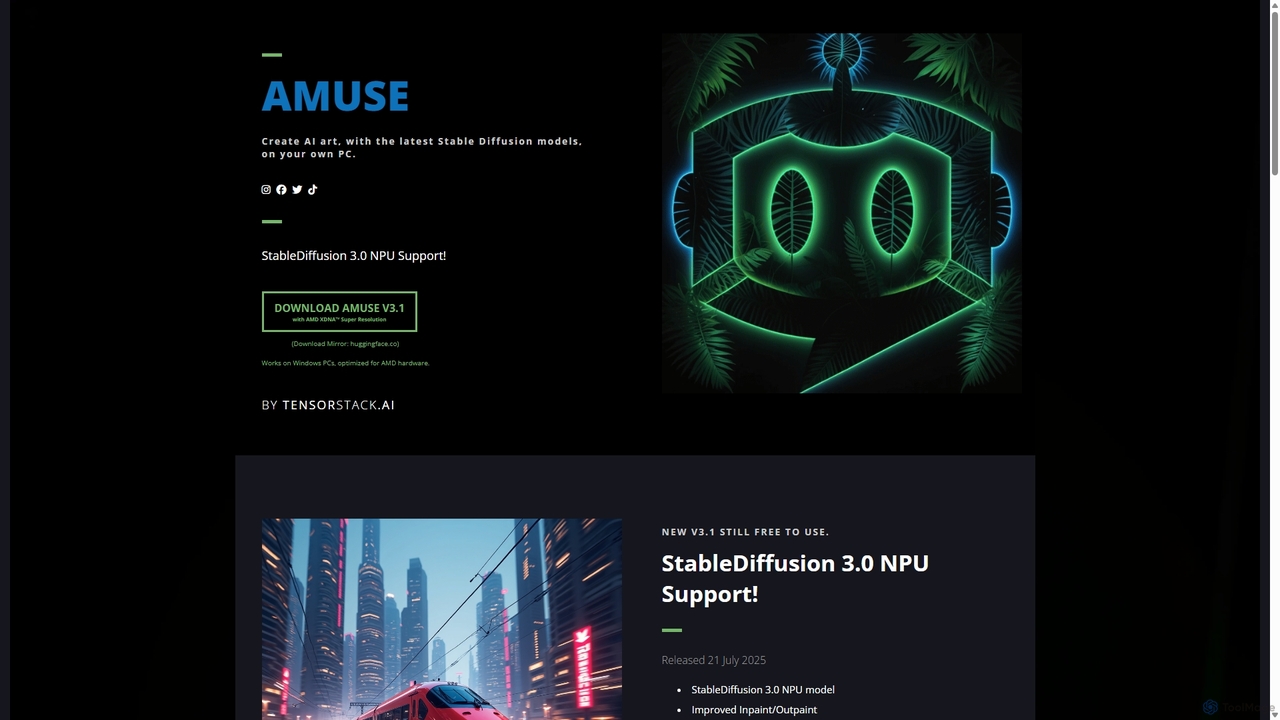
Amuse is a free, powerful AI image and video generation tool for Windows PCs that runs locally on your hardware. It features Stable Diffusion 3.0, an easy mode for beginners, an expert mode for advanced users, and is highly optimized for AMD hardware with NPU support. Create stunning art, apply custom AI filters, and experiment with video generation without any cost or login requirements.

Generative Art
Visits 6.3KFavorites 133Likes 133
Photoleap
Freemium

Photoleap

Photoleap is a powerful all-in-one AI photo editing app by Lightricks. It combines traditional editing tools with a massive suite of cutting-edge AI features, allowing users to transform photos, generate stunning AI art from text, create professional headshots, and apply creative effects with ease. It's designed for everyone from social media creators to casual users looking to elevate their images.

Generative Art
Visits 87.3KFavorites 147Likes 140
Creata AI
Freemium

Creata AI

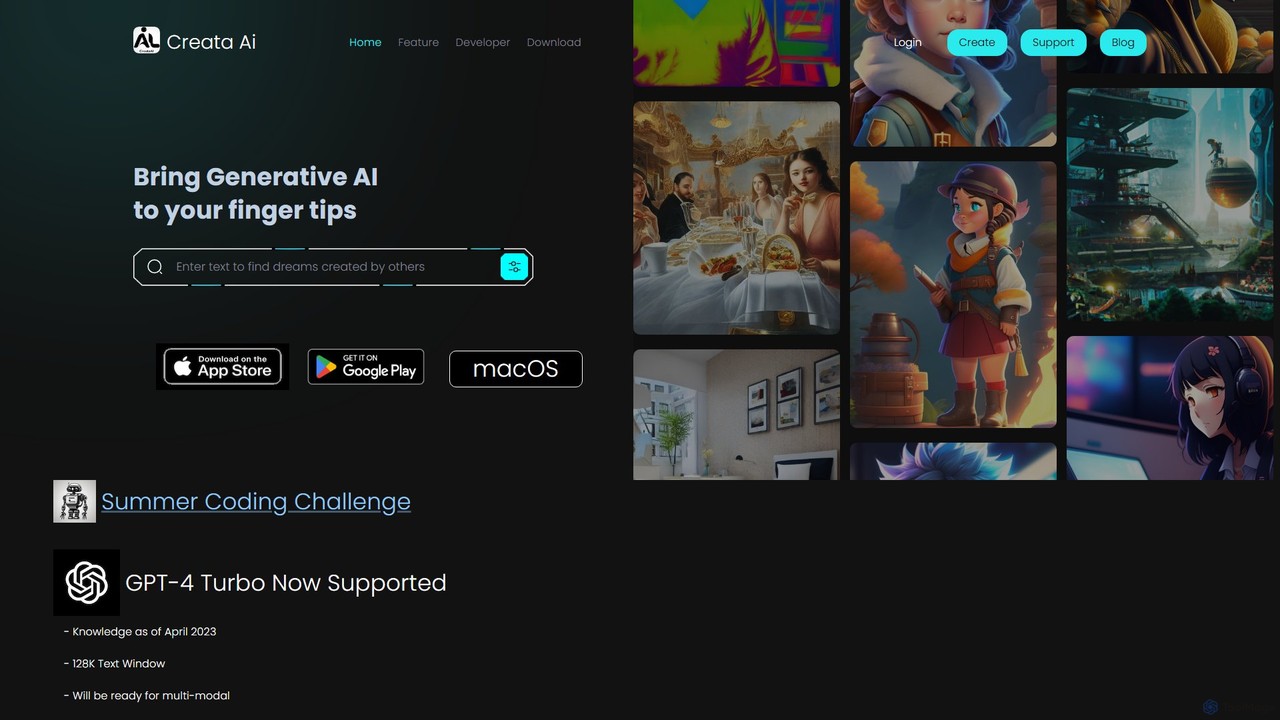
Creata AI is an all-in-one creative toolbox that integrates powerful generative AI models for art, music, design, and text. Available on iOS, Android, and macOS, it leverages technologies like GPT-4 Turbo, Stable Diffusion (SDXL), and ControlNet to provide a versatile suite of tools for both professionals and hobbyists. Create stunning visuals, compose music, design interiors, and more with this comprehensive AI application.

Generative Art
Visits 7.5KFavorites 115Likes 107
EbSynth
Free

EbSynth

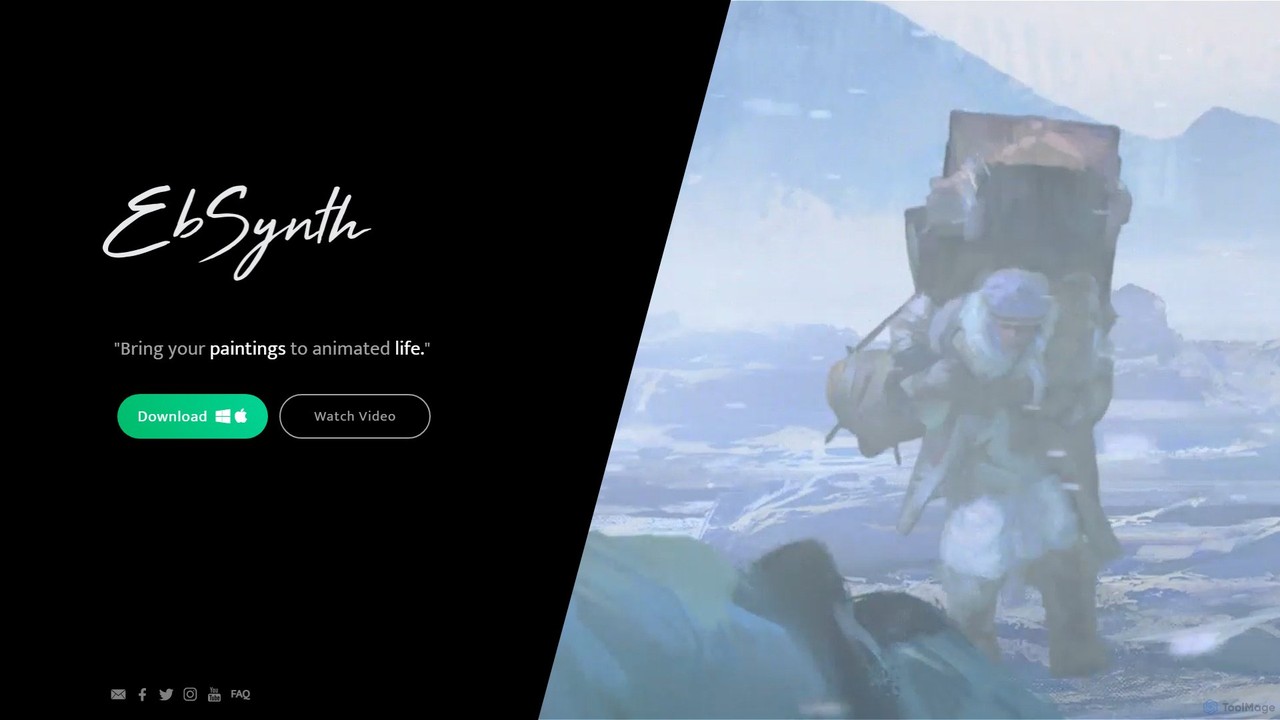
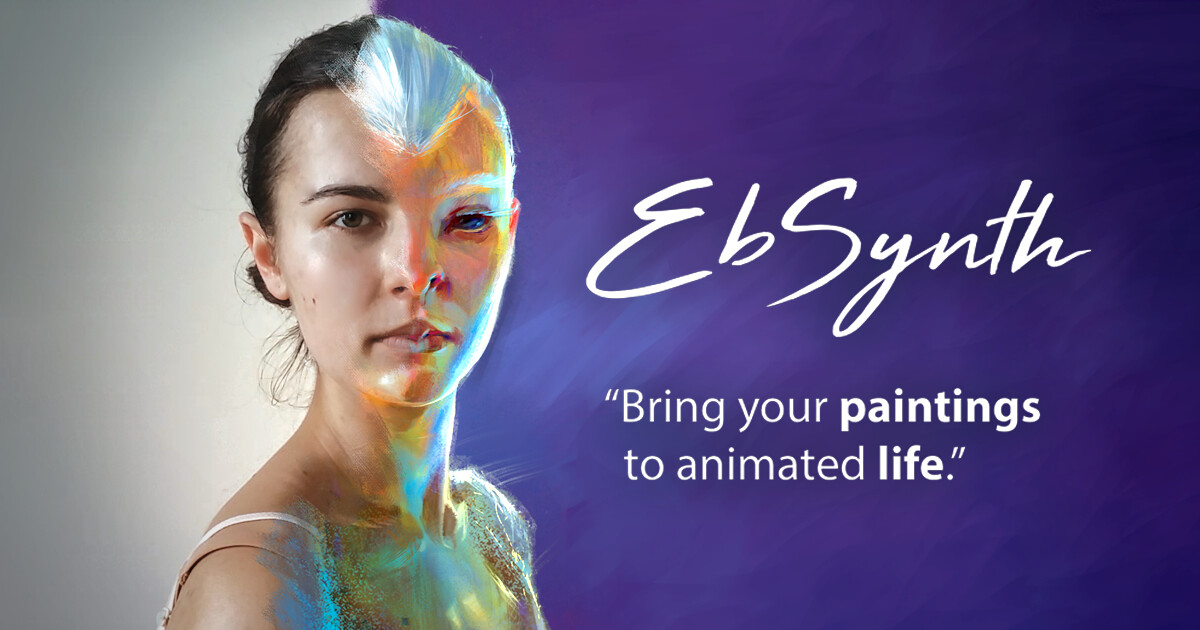
EbSynth is a free AI-powered tool that transforms video footage by applying the style of a single painted frame across the entire clip. It allows artists and creators to bring their paintings to life and create unique, stylized animations with minimal effort.

Generative Art
Visits 53.4KFavorites 152Likes 151
New Profile Pic App
Freemium

New Profile Pic App

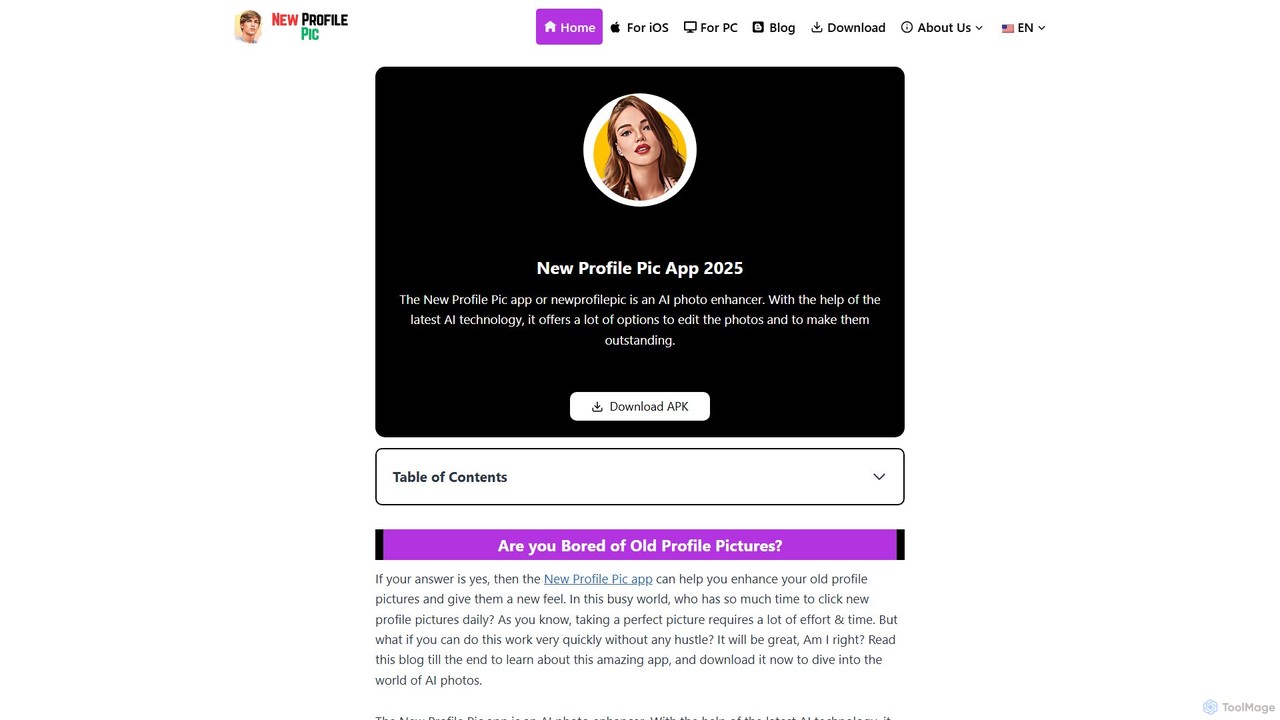
New Profile Pic App is an AI-powered photo editor designed to transform your old photos into stunning, artistic profile pictures. With a vast library of AI-driven filters, styles, and effects, you can create unique cartoon portraits, change backgrounds, and customize your images to stand out on social media. Available for iOS and Android, it offers both free and premium features to unleash your creativity.

Generative Art
Visits 5.5KFavorites 126Likes 126
TextPhoto
Paid

TextPhoto

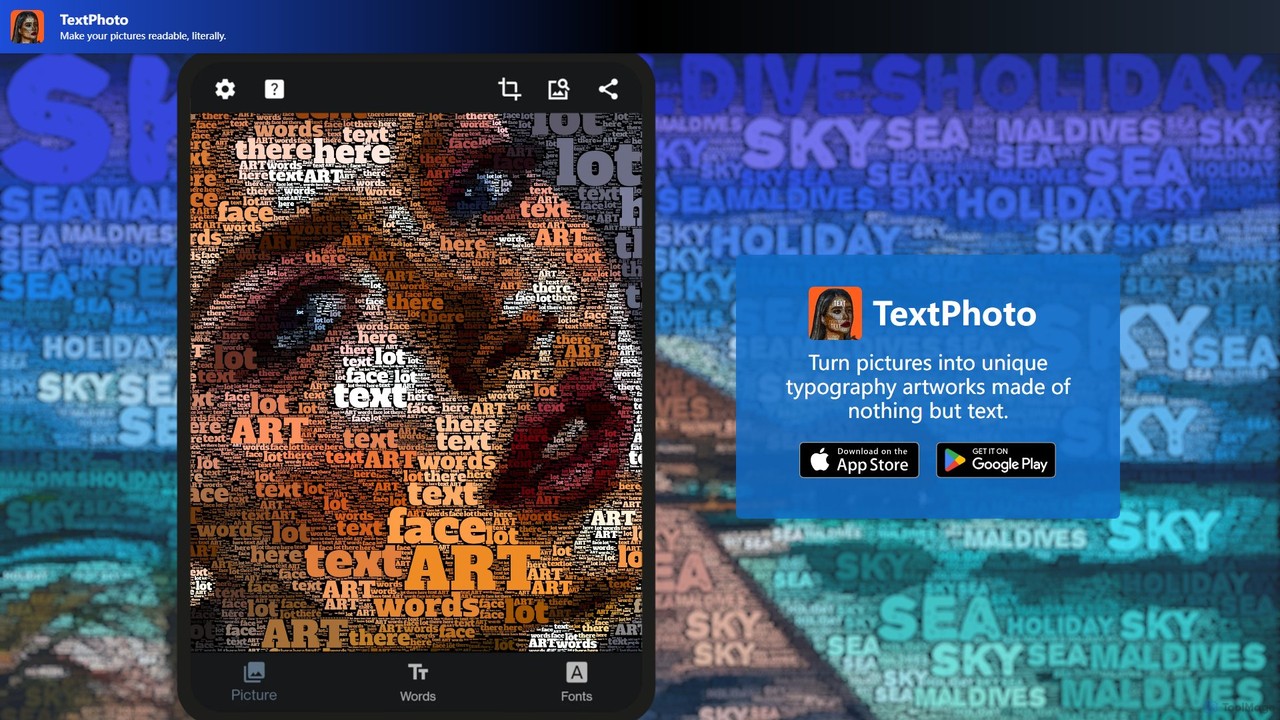
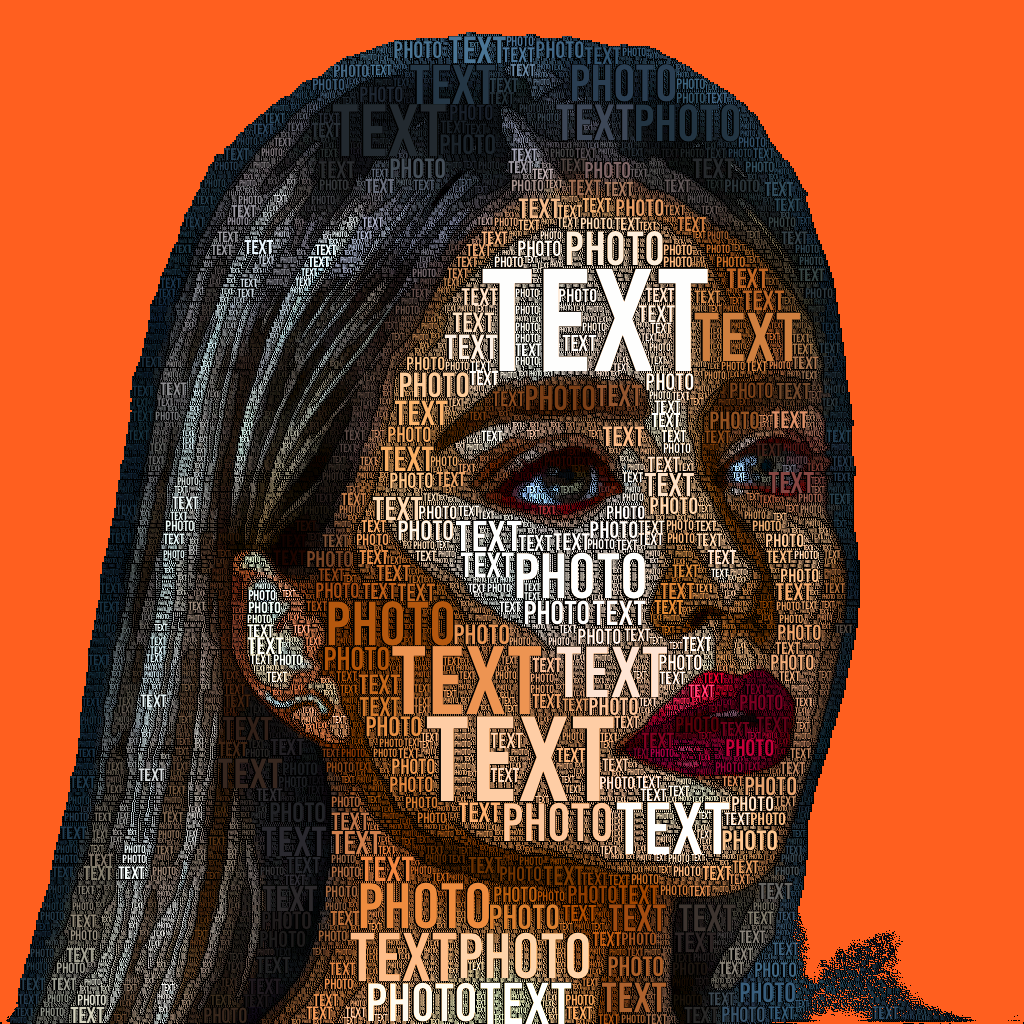
TextPhoto is a unique creative application that transforms your pictures into stunning typographic art. It intelligently replaces the pixels of your photo with words, creating a sophisticated and intricate visual effect. Ideal for artists, designers, and anyone looking to create unique visual content.

Generative Art
Visits 5.6KFavorites 166Likes 171
NMKD AI Suite
Freemium

NMKD AI Suite

A powerful collection of free, locally-run AI tools for Windows. Includes the NMKD Stable Diffusion GUI for uncensored AI image generation from text and the Flowframes app for high-speed video frame interpolation. Designed for creators, artists, and enthusiasts who want full control and privacy over their AI-powered projects.

Generative Art
Visits 59.2KFavorites 106Likes 95
Dawn AI
Freemium

Dawn AI

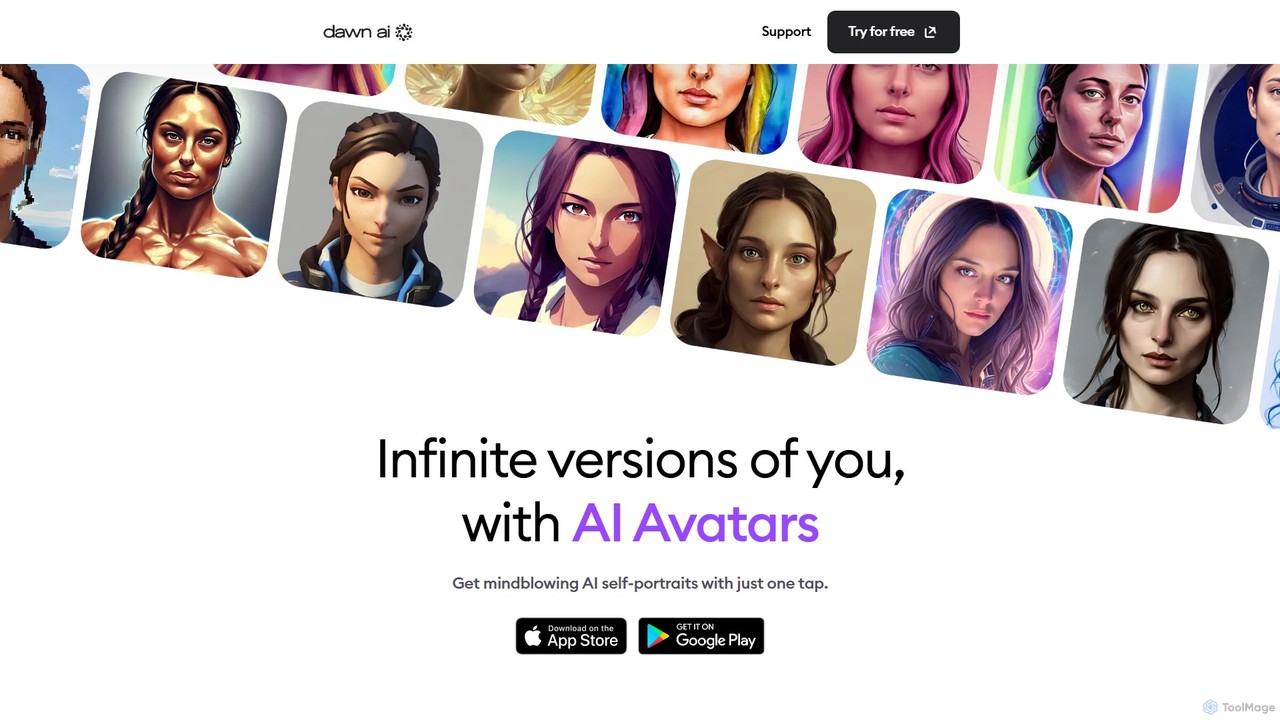
Dawn AI is a powerful mobile app that transforms your selfies into stunning, unique AI avatars. Simply upload a few photos, and the AI generates countless versions of you in various artistic styles, from anime and fantasy to realistic portraits. It also features a text-to-image generator, allowing you to turn any creative idea into a beautiful image. Perfect for creating unique profile pictures and exploring your digital identity.

Generative Art
Visits 11.3KFavorites 122Likes 132

About Generative Art

Generative Art tools are a class of AI applications that autonomously create unique visual artworks from algorithms and user inputs. They leverage complex models like GANs or diffusion models to translate text prompts, parameters, or even random data into novel images, patterns, and animations. These tools empower artists and designers to explore new creative frontiers, rapidly prototype visual concepts, and produce art that would be impossible to create by hand. Their core strength lies in generating endless variations and unexpected aesthetic outcomes from a single idea.

Core Features

  • Algorithmic Creation: Generates artwork from text prompts, code, or specific parameters.
  • Style Control & Transfer: Applies specific artistic styles or controls elements like color, composition, and texture.
  • Iterative Variation: Produces numerous unique variations from a single prompt for creative exploration.
  • High-Resolution Output: Exports artworks in formats suitable for digital display, print, or further editing.
  • Parameter Manipulation: Allows fine-tuning of variables like randomness, detail level, and model version for precise control.

Use Cases

Generative Art tools are widely used by digital artists for concept art and inspiration, graphic designers for creating unique backgrounds and textures, and NFT creators for generating large-scale collections. They are also valuable for architects in early-stage visualization and for hobbyists seeking a new medium for creative expression without needing traditional drawing skills.

How to Choose

When selecting a Generative Art tool, consider the underlying AI model, as it heavily influences the aesthetic output. Evaluate the level of control offered over parameters—some tools are simple prompt-in, image-out, while others offer advanced settings. Also, check the supported output resolutions, the tool's policy on commercial use of generated images, and the pricing model (e.g., subscription vs. pay-per-generation credits).

Featured tool rankings

Generative Art use cases

1

Creating Concept Art for Video Games

A concept artist working on a new sci-fi video game needs to quickly generate a wide range of character designs. Instead of sketching dozens of variations by hand, they use a Generative Art tool. By inputting detailed text prompts like 'cyberpunk warrior, female, intricate chrome armor, neon-lit rainy city background, cinematic lighting,' the artist can produce hundreds of unique visual concepts in minutes. This allows the art director and team to review multiple styles and directions, significantly accelerating the pre-production phase and fostering greater creative exploration.

2

Generating Unique Textures and Patterns

A graphic designer is tasked with creating branding materials for a luxury brand that requires a unique, non-stock background pattern. Using a Generative Art tool, they can input prompts like 'abstract marble texture, gold veins, dark teal, seamless pattern.' The AI generates various high-resolution, tileable patterns. The designer can then fine-tune parameters like 'vein thickness' or 'color randomness' to achieve the perfect aesthetic, ensuring the final design is completely original and tailored to the brand's identity, avoiding generic stock imagery.

3

Producing Large-Scale NFT Collections

An NFT artist plans to launch a collection of 10,000 unique profile picture (PFP) characters. Manually creating each one is unfeasible. By using a Generative Art tool, often combined with scripting, they can define a base character and multiple layers of traits (e.g., hats, glasses, backgrounds). The tool then algorithmically combines these traits with varying rarities to generate the entire collection. This process ensures each NFT is unique while maintaining a cohesive artistic style, automating what would otherwise be months of manual labor.

4

Architectural and Interior Design Ideation

An architect is in the early stages of designing a modern residential building. To explore different facade styles quickly, they use a Generative Art tool. They can upload a basic 3D model or sketch of the building and apply prompts like 'facade in the style of Zaha Hadid, flowing organic curves, glass and white concrete' or 'brutalist facade, raw concrete, geometric patterns, minimalist windows.' This allows them to generate dozens of photorealistic visualizations in various architectural styles, helping them and their client to make design decisions much faster than traditional rendering methods would allow.

5

Creating Animated Visuals for Music Videos

A motion graphics artist is producing an abstract music video for an electronic music track. They use a Generative Art tool that supports animation features. By setting initial prompts and then defining how those prompts evolve over time (e.g., changing colors, morphing shapes, shifting camera angles), they can generate a long sequence of interconnected images. When played back, this sequence creates a fluid, dream-like animation that is perfectly synchronized with the music's progression. This method allows for the creation of complex visuals that would be incredibly time-consuming to animate frame by frame.

6

Designing Personalized Art for Home Decor

An individual wants a unique piece of art for their living room that matches their specific taste and color scheme. Instead of searching through galleries or print shops, they use a Generative Art tool. They can enter a prompt like 'large abstract painting, style of Mark Rothko, deep blues and burnt orange, textured canvas effect.' After generating a few options, they can select their favorite, have it rendered in high resolution, and send it to a local printing service to be put on a canvas. This provides a highly personalized and affordable way to acquire custom artwork that perfectly fits their interior design vision.

Generative Art FAQ

What is a Generative Art AI tool?

A Generative Art AI tool is a software application that uses artificial intelligence, particularly models like GANs and diffusion models, to create original visual art from user inputs. Unlike traditional digital art software where the user directly draws or manipulates pixels, these tools act as a creative partner. The user provides a text description (prompt), parameters, or even an initial image, and the AI interprets these instructions to generate a completely new piece of art. They are used for everything from creating abstract patterns to photorealistic images and character designs.

How to choose the right Generative Art tool?

Choosing the right tool depends on your goals and skill level. Consider the following factors:

  • Ease of Use: Some tools are very beginner-friendly, requiring only text prompts. Others offer complex interfaces with many parameters for advanced users.
  • Artistic Style: Different AI models are trained on different data, resulting in distinct default styles. Explore galleries of images created by various tools to find one that matches your aesthetic.
  • Control & Customization: Determine how much control you need. Do you want to fine-tune details, upload your own images as a reference, or train a custom model?
  • Pricing Model: Tools may offer free trials, monthly subscriptions with unlimited generations, or credit-based systems where you pay per image.
  • Commercial Use Policy: If you plan to sell your art or use it in commercial projects, carefully check the tool's terms of service regarding ownership and licensing.
What is the difference between Generative Art and AI Image Editing?

The key difference lies in creation versus modification. Generative Art tools create entirely new images from scratch based on your text prompts or parameters. You start with a blank canvas and the AI generates the content. AI Image Editing tools, on the other hand, work on existing images. Their functions include removing objects, changing backgrounds, enhancing quality (upscaling), or applying filters. While both use AI, Generative Art is about producing something novel, whereas AI Image Editing is about refining or altering something that already exists.

Can I use AI-generated art commercially?

The ability to use AI-generated art commercially depends entirely on the terms of service of the specific tool you use. There is no single universal rule. Some platforms grant you full ownership and commercial rights to the images you create, allowing you to sell them as prints, NFTs, or use them in marketing. Other services may have restrictions, especially on their free or lower-tiered plans. It is crucial to read the licensing agreement for any Generative Art tool before using its output for commercial purposes to avoid potential legal issues.

What skills do I need to use Generative Art tools?

The skills required vary greatly between tools. For most popular, user-friendly platforms, the primary skill is 'prompt engineering'—the art of writing clear, descriptive, and creative text prompts to guide the AI. This involves creativity, a good vocabulary, and an understanding of how the AI interprets language. For more advanced or code-based tools (like those using Python libraries), you may need programming skills. However, a significant advantage of modern Generative Art tools is their accessibility; you do not need to be a traditional artist or a programmer to start creating compelling images.