ToolMage
Sign in

Best 2 Reporting AI tools for Data Analysis

Popular Reporting AI tools in Data Analysis include Airstitch and Surveysides, helping you work more efficiently.

Surveysides
Freemium

Surveysides

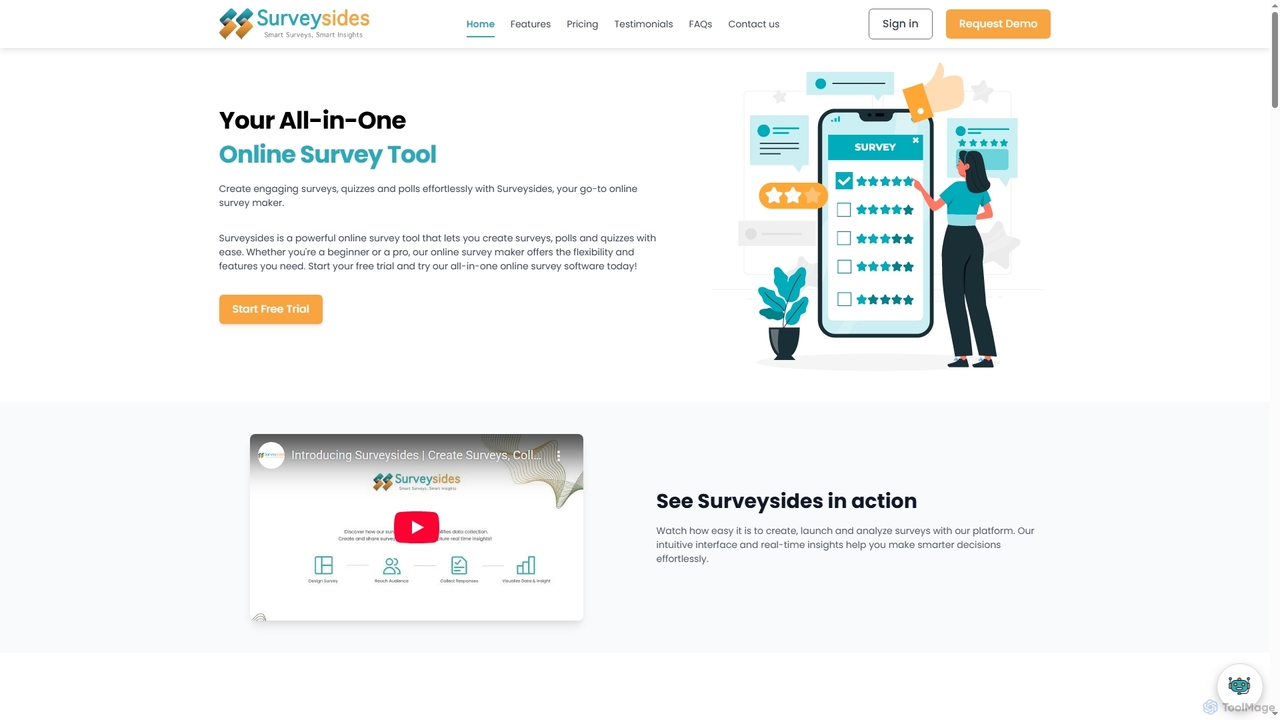
Surveysides is an all-in-one online survey tool designed to help users effortlessly create engaging surveys, quizzes, and polls. It offers an intuitive interface, advanced question types, and AI-powered analytics to transform raw feedback into actionable insights, enabling smarter decision-making for businesses, educators, and researchers.

Sentiment Analysis
Visits 6.3KFavorites 120Likes 131
Airstitch
Freemium

Airstitch

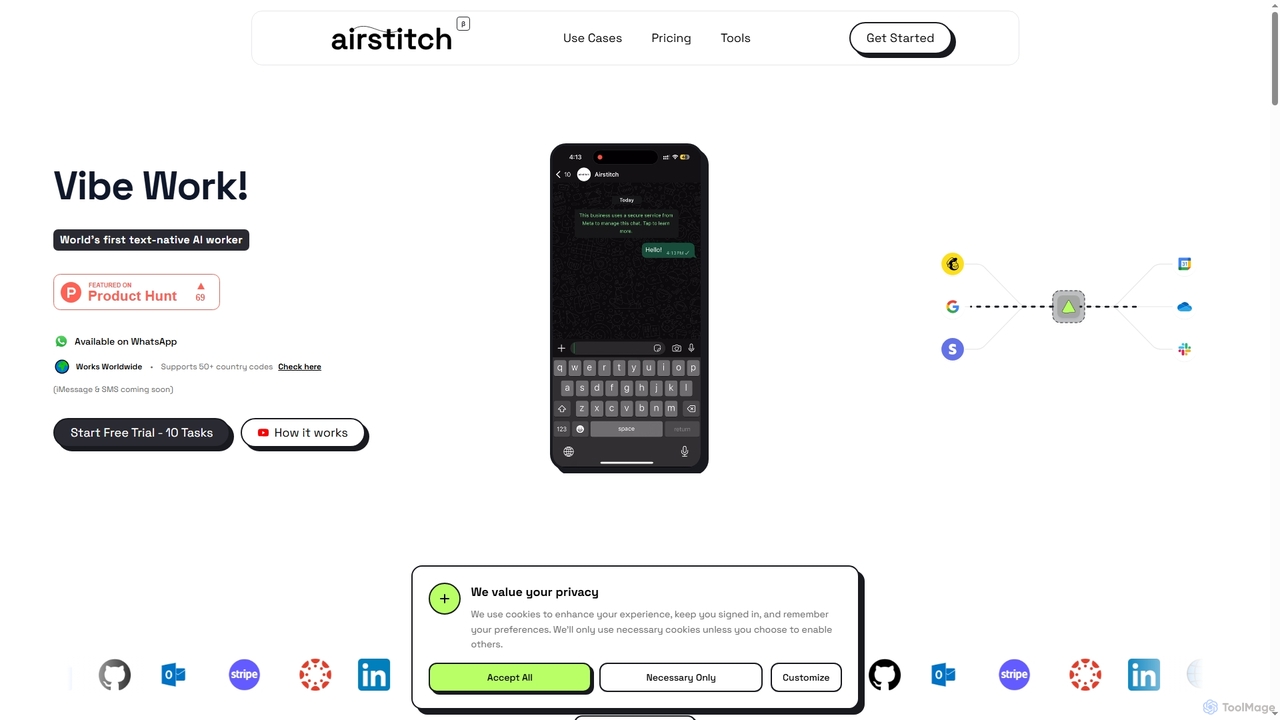
Airstitch is an AI-powered work assistant that automates over 40 hours of operational tasks weekly using natural language commands. It works 24/7, integrating with various apps to streamline workflows, manage communications, analyze data, and handle administrative duties, freeing up human resources for strategic work.

Operations Management
Visits 6.4KFavorites 124Likes 155

About Reporting

AI Reporting tools are a specialized category within data analysis that leverage artificial intelligence to automate the aggregation, analysis, and visualization of data, transforming raw information into actionable insights. These tools go beyond traditional business intelligence by employing machine learning algorithms for pattern recognition, anomaly detection, and predictive analytics. They enable businesses to monitor performance, identify critical trends, and make data-driven decisions more efficiently and proactively, offering dynamic and interactive reporting experiences.

Core Features

  • Automated Data Aggregation: Automatically collect and consolidate data from diverse sources, reducing manual effort.
  • Intelligent Visualization: Generate dynamic charts, graphs, and dashboards optimized for clarity and insight, adapting to data changes.
  • Anomaly Detection: AI identifies unusual patterns or outliers in data that deviate from norms, alerting users to potential issues or opportunities.
  • Predictive Insights: Forecast future trends, outcomes, and potential risks based on historical data analysis and machine learning models.
  • Natural Language Generation (NLG): Automatically translate complex data insights into clear, human-readable narratives and summaries.

Applicable Scenarios

AI Reporting tools are crucial for business leaders, analysts, and managers across various departments. They are used for real-time performance monitoring, financial forecasting, and marketing campaign analysis. These tools provide a comprehensive view of operational health and strategic progress, enabling proactive adjustments and informed decision-making.

How to Choose

When selecting an AI Reporting tool, consider its compatibility with your existing data sources and systems, the depth of its AI capabilities (e.g., predictive modeling, NLG), and the level of customization offered for dashboards and reports. Evaluate its scalability, security features, and user-friendliness, ensuring it aligns with your team's technical proficiency and budget.

Reporting use cases

1

Automated Sales Performance Reporting

Sales managers utilize AI reporting tools to automatically aggregate sales data from CRM systems, identify top-performing products or regions, and generate weekly performance reports. These reports include predictive insights on future sales trends, significantly reducing manual data compilation and analysis time, allowing managers to focus on strategic initiatives.

2

Financial Health Dashboard Generation

Finance teams leverage AI reporting to consolidate financial data (P&L, balance sheet, cash flow) from various ERP systems. The tools automatically detect anomalies in spending patterns and create real-time, interactive dashboards for stakeholders, ensuring timely and accurate financial oversight and facilitating quick responses to budget deviations.

3

Marketing Campaign ROI Analysis

Marketing analysts employ AI reporting to track campaign metrics across multiple digital channels, attribute conversions accurately, and generate comprehensive ROI reports. The AI identifies underperforming ads or channels and suggests optimization strategies, enhancing budget allocation effectiveness and maximizing campaign impact.

4

Customer Service Trend Identification

Customer support managers use AI reporting to analyze ticket volumes, resolution times, and customer feedback from support platforms. The tools automatically highlight recurring issues or emerging customer pain points, enabling proactive service improvements, targeted agent training, and better resource allocation.

5

Supply Chain Performance Monitoring

Operations managers deploy AI reporting to integrate data from logistics, inventory, and procurement systems. The tools provide real-time visibility into supply chain bottlenecks, forecast demand fluctuations, and generate reports on supplier performance, optimizing inventory levels, improving delivery schedules, and mitigating risks.

6

HR Workforce Analytics Reporting

HR departments utilize AI reporting to analyze employee data, including recruitment, retention, and performance metrics. The tools identify trends in employee engagement, predict potential attrition risks, and generate reports to inform strategic workforce planning, talent development initiatives, and improve overall employee experience.

Reporting FAQ

What are AI Reporting Tools?

AI Reporting tools are advanced software solutions that use artificial intelligence, particularly machine learning, to automate and enhance the process of generating business reports. They aggregate data from various sources, analyze it for patterns, anomalies, and trends, and then present these insights through dynamic visualizations and sometimes natural language summaries, enabling more informed and faster decision-making.

How do AI Reporting Tools differ from traditional Business Intelligence (BI) tools?

While both aim to provide insights from data, AI Reporting tools go beyond the descriptive capabilities of traditional BI. Traditional BI often relies on manual setup and generates static reports based on predefined queries. AI Reporting, however, automates much of the analysis, offers predictive and prescriptive insights, can detect anomalies autonomously, and may even generate narratives using Natural Language Generation (NLG), providing a more dynamic and proactive approach to data analysis.

What are the key benefits of using AI for reporting?

The primary benefits include significant automation of data collection and report generation, leading to time and cost savings. AI reporting provides deeper, more accurate insights through advanced analytics like anomaly detection and predictive modeling. It enhances decision-making by offering real-time, actionable intelligence and allows for greater personalization and interactivity in reports, making complex data more accessible.

What types of data sources can AI Reporting Tools integrate with?

AI Reporting tools are designed for broad compatibility, integrating with a wide array of data sources. Common integrations include Customer Relationship Management (CRM) systems, Enterprise Resource Planning (ERP) platforms, marketing automation tools, financial software, databases (SQL, NoSQL), cloud storage services, spreadsheets, and various APIs. This versatility allows for a holistic view of an organization's data.

How can I choose the best AI Reporting Tool for my business?

To select the best tool, first assess your specific reporting needs and the types of data you need to analyze. Key factors include the tool's data integration capabilities, the sophistication of its AI features (e.g., predictive analytics, NLG), the level of customization for dashboards, and its scalability to grow with your business. Also, consider user-friendliness, security features, and pricing models to ensure it aligns with your budget and team's technical expertise.