ToolMage
Sign in

Best 5 Analytics AI tools for Developer Tools

Popular Analytics AI tools in Developer Tools include Bitly.cx, DevDynamics, Coxwave Align, and Sinopsis AI, helping you work more efficiently.

Coxwave Align
Paid

Coxwave Align

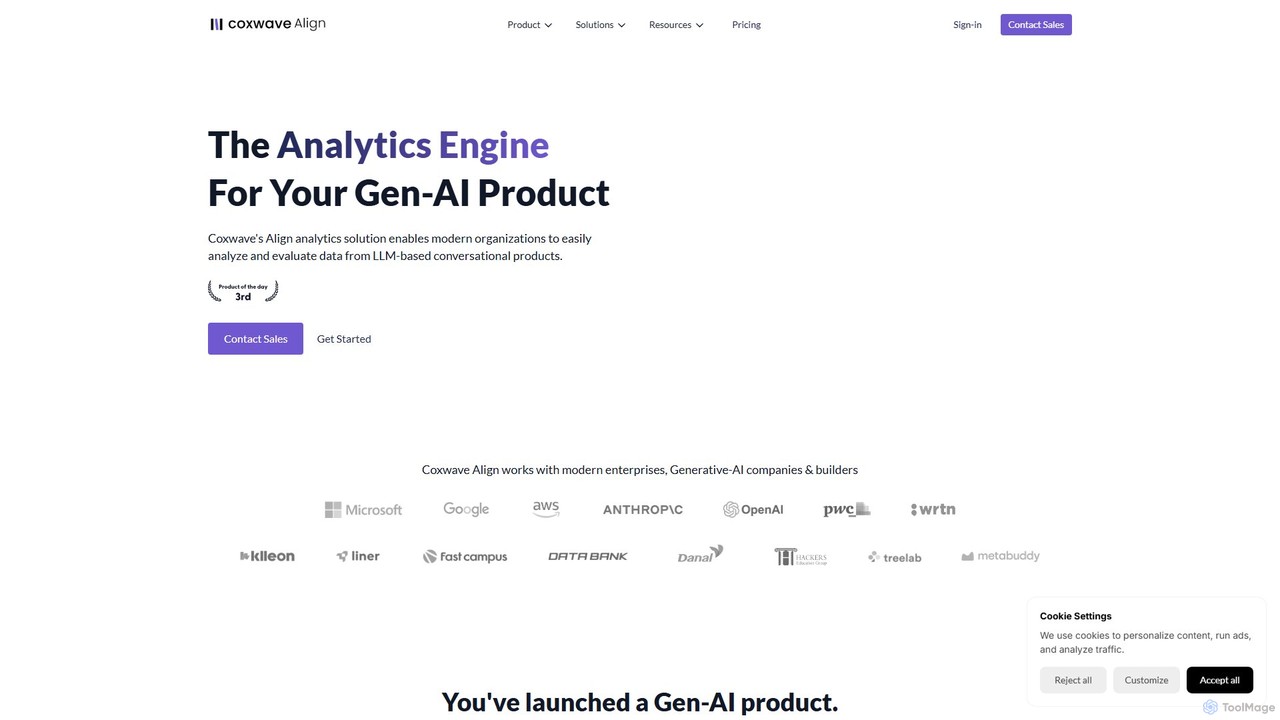
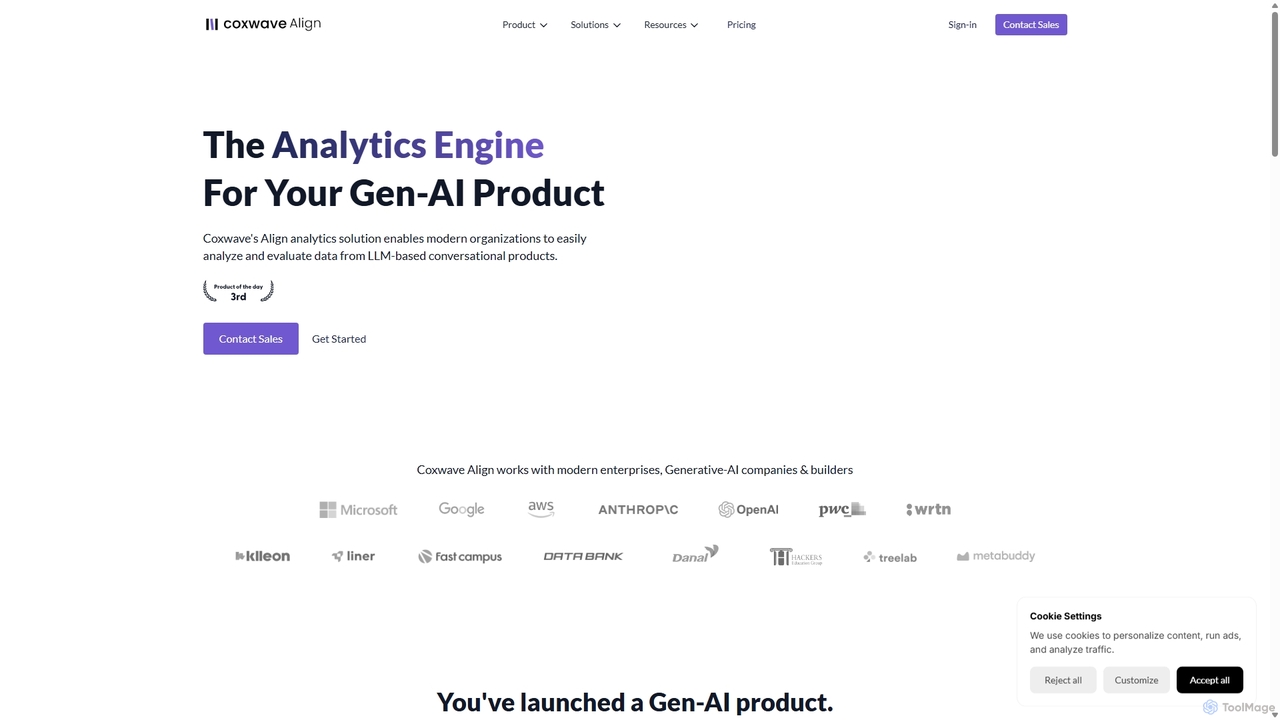
Coxwave Align is an advanced analytics engine designed for generative AI products. It empowers businesses to monitor, analyze, and evaluate interactions within their LLM-based chatbots. By transforming conversational data into actionable insights, it helps improve chatbot performance, reduce hallucinations, and enhance overall user experience, ensuring your AI product delivers on its promises.

Customer Support
Visits 6.3KFavorites 155Likes 169
Sinopsis AI
Freemium

Sinopsis AI

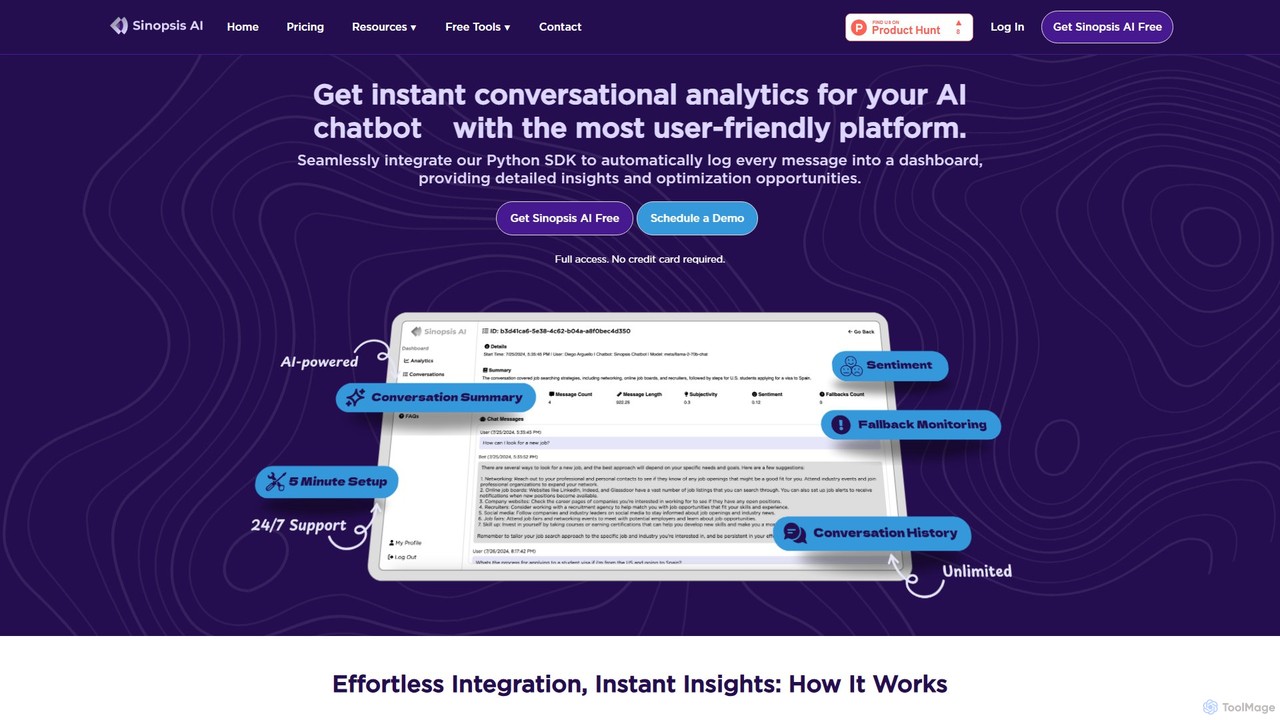
Sinopsis AI is a conversational analytics platform designed to provide instant insights for AI assistants and chatbots. By integrating a simple Python SDK, it automatically logs and analyzes user conversations, offering a detailed dashboard with metrics on user engagement, sentiment, and performance to help businesses optimize their AI interactions.

Chatbot
Visits 6.1KFavorites 123Likes 133
Coxwave Align
Paid

Coxwave Align

Coxwave Align is a powerful analytics engine designed for generative AI products. It enables businesses to monitor, analyze, and evaluate LLM-based conversational applications like chatbots. The platform provides actionable insights to improve performance, reduce hallucinations, and enhance overall user experience and product quality.

Llm Observability
Visits 9KFavorites 160Likes 152
DevDynamics
Freemium

DevDynamics

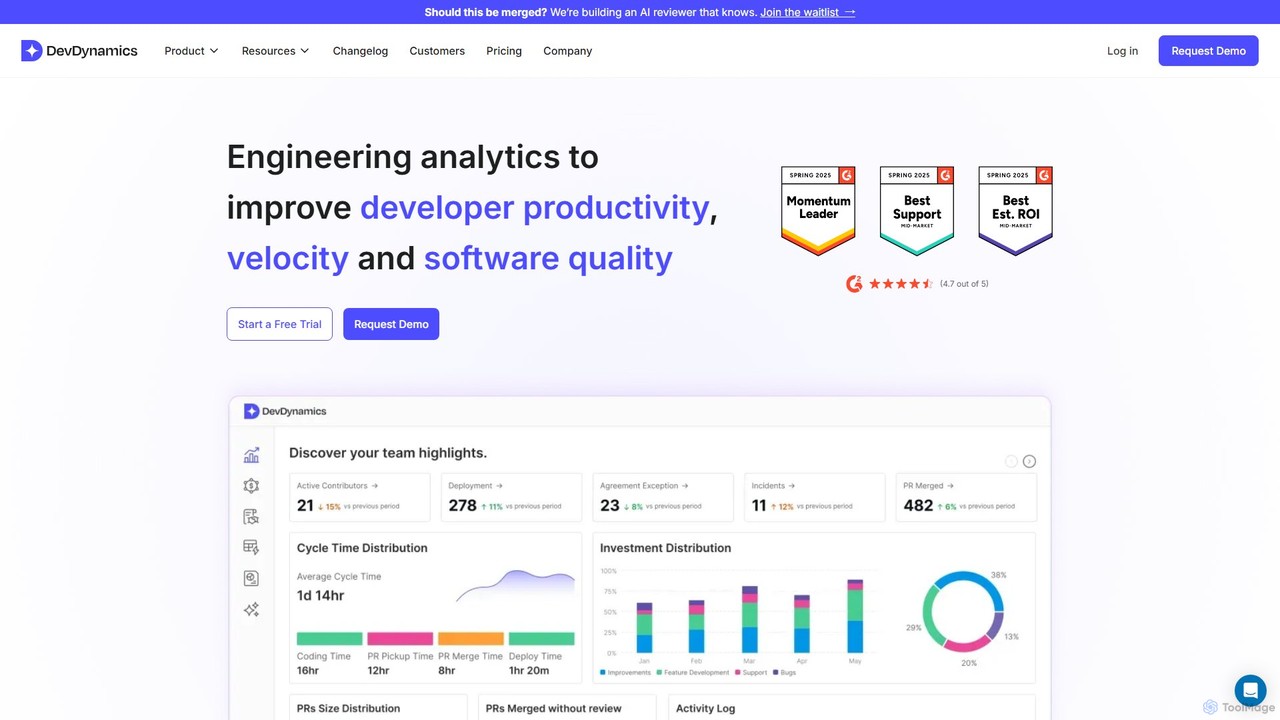
DevDynamics is an AI-powered software engineering intelligence platform designed to help teams ship high-quality software faster. By integrating with tools like Jira, GitHub, and CI/CD pipelines, it provides deep insights into engineering workflows, DORA metrics, and developer experience. It empowers engineering leaders with data-driven reports and recommendations to optimize productivity, align with business goals, and foster a world-class engineering culture.

Business Intelligence
Visits 11.7KFavorites 138Likes 136
Bitly.cx
Free

Bitly.cx

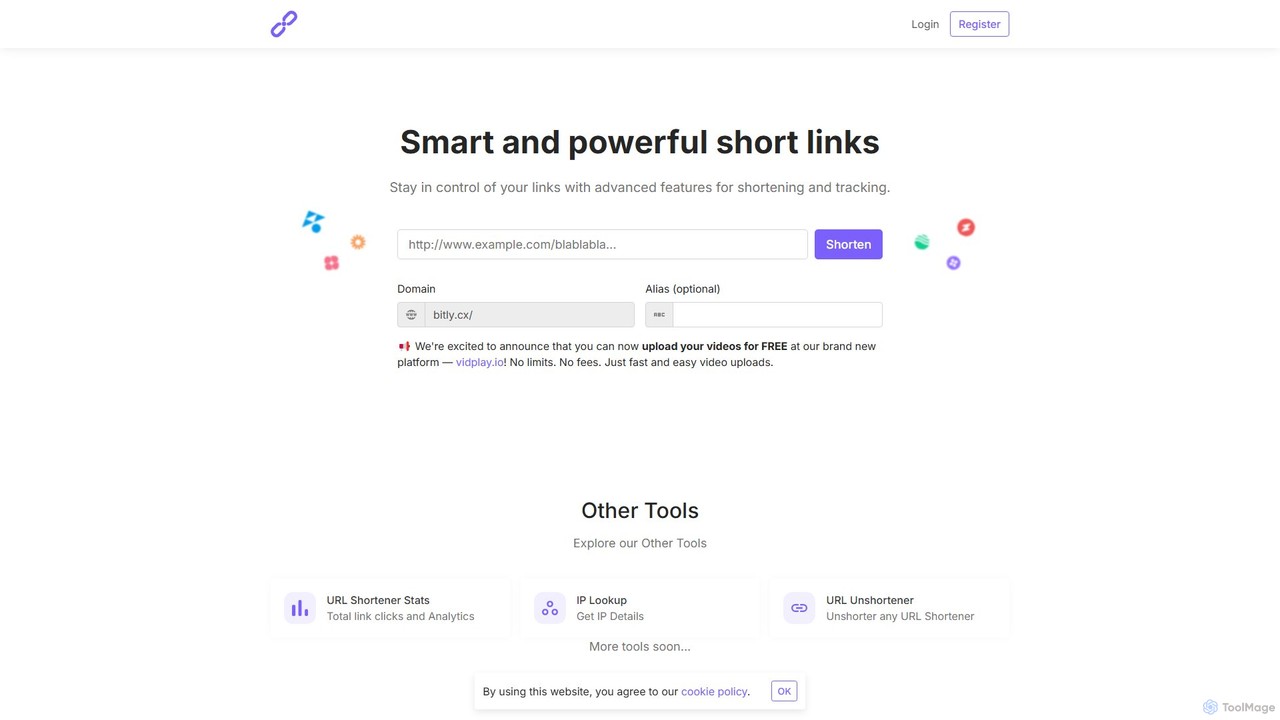
Bitly.cx is a free, powerful, and intelligent URL shortening service. It allows users to transform long, cumbersome URLs into short, manageable links. The platform offers advanced features including detailed link analytics, custom aliases for branding, QR code generation, and a suite of other web tools, all without any limits or fees.

Analytics
Visits 431.4KFavorites 125Likes 141

About Analytics

AI Analytics tools are a specialized category of developer utilities that apply machine learning to analyze code, application performance, and user behavior data. These tools go beyond traditional metrics by automatically identifying complex patterns, predicting potential issues, and providing intelligent optimization suggestions. Developers and DevOps teams use them to accelerate debugging, proactively manage application health, and gain deep, actionable insights from operational data. Their core value lies in transforming vast amounts of raw data into specific, context-aware recommendations for improving software quality and performance.

Core Features

  • Predictive Bug Detection: Analyzes code repositories to forecast potential bugs and vulnerabilities before they are deployed.
  • Automated Root Cause Analysis: Automatically traces performance bottlenecks or errors back to specific lines of code, commits, or configuration changes.
  • Intelligent Log Analysis: Uses NLP and anomaly detection to sift through massive log files, automatically surfacing critical errors and security threats.
  • User Behavior Pattern Recognition: Identifies non-obvious user interaction patterns and friction points to inform UI/UX improvements and feature development.
  • Code Refactoring Suggestions: Leverages ML models to recommend code improvements and optimizations based on best practices and historical data.

Use Cases

These tools are primarily used by software engineers, DevOps teams, and Site Reliability Engineers (SREs) within tech companies. They are crucial for monitoring complex microservices architectures, optimizing CI/CD pipelines, and improving the reliability of large-scale applications. Product managers also leverage the user behavior insights to make data-driven decisions.

How to Choose

When selecting an AI Analytics tool, consider its integration capabilities with your existing stack (e.g., IDEs, Git, CI/CD, APM). Evaluate the supported programming languages and frameworks. Assess the accuracy and actionability of its insights, as well as its data privacy and security policies. Finally, consider the learning curve and whether its pricing model scales with your team's usage.

Analytics use cases

1

Automating Performance Bottleneck Detection

A DevOps engineer is alerted to a slowdown in their e-commerce application's checkout service during peak hours. Instead of manually sifting through terabytes of logs and metric dashboards, they use an AI Analytics tool integrated with their monitoring system. The tool automatically analyzes performance traces, logs, and infrastructure metrics, correlating the slowdown to a specific inefficient database query triggered by a recent code deployment. It provides a detailed root cause report, including the problematic commit and suggested SQL optimization, reducing diagnostic time from hours to minutes.

2

Predicting High-Risk Code Commits in CI/CD

A software development team integrates an AI Analytics tool into their CI/CD pipeline. Before a developer merges a pull request, the tool analyzes the proposed changes. It assesses factors like code complexity, the historical bug rate of the modified files, and the developer's past contributions. For one particular pull request, it flags the commit as 'high-risk' for introducing a regression bug. This triggers an automated policy that requires an additional senior developer's approval, preventing a potentially critical issue from reaching production and fostering a more rigorous review culture.

3

Optimizing UX with Intelligent Log Analysis

A product manager for a SaaS application wants to understand why users are abandoning a new feature's onboarding process. They use an AI Analytics tool to analyze front-end error logs and user interaction events. The tool's NLP capabilities cluster thousands of cryptic error messages into actionable themes, revealing that a significant number of users on a specific browser version are encountering a JavaScript error. It also identifies a pattern of 'rage clicks' on a button with unclear labeling. These insights allow the development team to prioritize a critical bug fix and a UI text change, significantly improving feature adoption.

4

Proactive Security Threat Detection

A Site Reliability Engineer (SRE) is responsible for the security of a cloud-native application. They stream all application and system logs to an AI Analytics platform. The platform's anomaly detection model, trained on baseline behavior, identifies a suspicious pattern: a series of failed login attempts from a distributed set of IP addresses, followed by a successful login and unusual API calls. This pattern, invisible to traditional rule-based alerts, is flagged as a potential credential stuffing attack. The SRE receives a high-priority alert, allowing them to investigate and lock the compromised account before any significant damage occurs.

5

Prioritizing Technical Debt Refactoring

An engineering manager wants to strategically address technical debt in a legacy monolithic application. They use an AI Analytics tool to scan the entire codebase. The tool doesn't just find code smells; it correlates code quality metrics with performance data and bug reports. It generates a prioritized list of refactoring candidates, highlighting a specific module with high complexity, frequent recent changes, and a direct link to several critical production errors. This data-driven approach allows the team to focus their limited refactoring resources on the areas that will yield the highest impact on system stability and maintainability.

6

Improving Test Coverage with Production Data

A QA team aims to make their automated testing suite more effective. They employ an AI Analytics tool to analyze user interaction data from the production environment. The tool identifies common user journeys and edge-case behaviors that are not covered by the existing test scripts. For example, it discovers a popular workflow where users interact with two features in a specific sequence that was never anticipated. Based on these insights, the QA team creates new, high-value automated tests that mimic real-world usage, increasing the likelihood of catching critical bugs before they impact users.

Analytics FAQ

What are AI Analytics tools for developers?

AI Analytics tools for developers are advanced software utilities that use machine learning and data science to analyze development lifecycle data. Unlike traditional tools that simply report metrics, they interpret data from code repositories, CI/CD pipelines, application performance monitoring (APM), and logs to provide predictive insights and automated root cause analysis. Their primary goal is to help engineering teams build more reliable software faster by proactively identifying risks, diagnosing complex issues, and optimizing performance.

How do AI Analytics tools differ from traditional APM tools?

Traditional Application Performance Monitoring (APM) tools are excellent at observability—they tell you *what* happened (e.g., a service is slow, an error occurred). AI Analytics tools provide intelligence on top of that data, telling you *why* it happened and *what might happen next*. Key differences include:

  • Root Cause Analysis: AI tools automate the process of finding the root cause, while traditional APM often requires manual correlation of data.
  • Predictive Insights: AI tools can forecast potential issues, like future performance degradation or high-risk code changes, which traditional APM tools typically cannot.
  • Unstructured Data Analysis: AI tools excel at analyzing unstructured data like logs and user feedback using NLP, uncovering insights that metric-based tools would miss.
What kind of data can AI Analytics tools process?

AI Analytics tools are designed to process a wide variety of data sources from across the software development lifecycle. This typically includes:

  • Source Code: Analyzing code from repositories like Git for complexity, quality, and potential bugs.
  • Performance Metrics: Ingesting data from APM tools, including latency, throughput, and error rates.
  • Log Data: Processing unstructured text logs from applications and infrastructure to detect anomalies and errors.
  • User Interaction Data: Analyzing front-end events, session recordings, and product usage data to understand user behavior.
  • CI/CD Pipeline Data: Examining build times, test failure rates, and deployment frequencies to identify process bottlenecks.
Who benefits most from using AI Analytics tools in a development team?

While the entire engineering organization benefits, specific roles gain distinct advantages:

  • Developers: Get faster root cause analysis for bugs and performance issues, allowing them to spend more time building features and less time debugging.
  • DevOps/SREs: Gain proactive and predictive monitoring capabilities to prevent incidents before they impact users and reduce mean time to resolution (MTTR).
  • QA Engineers: Can prioritize testing efforts based on high-risk changes and use production data to create more realistic test scenarios.
  • Engineering Managers & Team Leads: Receive data-driven insights into team productivity, code quality trends, and technical debt to make informed strategic decisions.
How do I choose the right AI Analytics tool for my team?

Choosing the right tool depends on your specific needs. Consider the following factors:

  • Integrations: Does it seamlessly connect with your existing toolchain (e.g., GitHub, Jira, Jenkins, Datadog)? Strong integrations are key to automating workflows.
  • Language & Framework Support: Ensure the tool fully supports your primary programming languages and frameworks.
  • Actionability of Insights: Does the tool provide clear, specific, and actionable recommendations, or just high-level data? Look for features like direct links to code and suggested fixes.
  • Data Security & Privacy: Understand how the tool handles your sensitive source code and production data. Check for compliance certifications and on-premise deployment options if needed.
  • Scalability and Performance: Can the tool handle the volume of data generated by your applications and team without impacting performance?