Mappedin
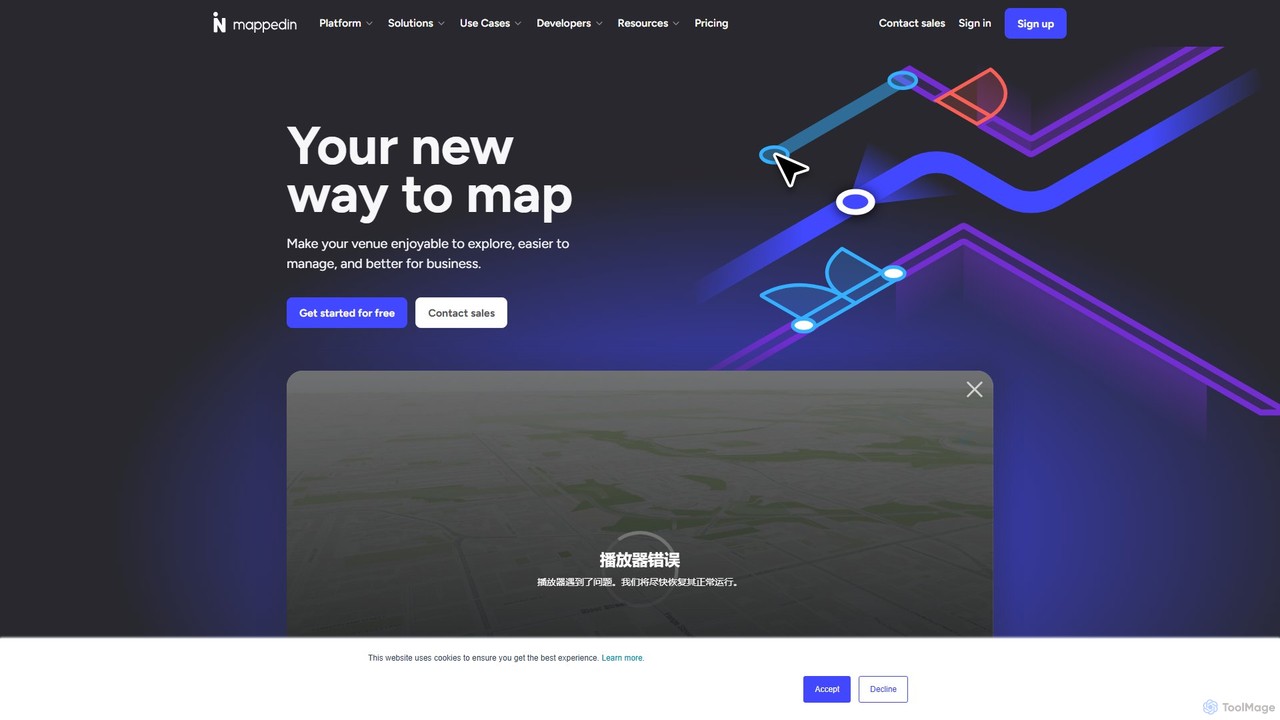
Mappedin is an AI-powered platform that transforms static floor plans into interactive 3D indoor maps in minutes. It's …
Mappedin is an AI-powered platform that transforms static floor plans into interactive 3D indoor maps in minutes. It's designed for venues of all types to enhance visitor experience, streamline operations, and improve safety with intuitive navigation, real-time data visualization, and powerful management tools.
About Apis & Sdks
AI APIs & SDKs are pre-packaged sets of code and protocols that allow developers to integrate advanced artificial intelligence capabilities into their applications without building the underlying models from scratch. They function as a bridge, connecting an application to a powerful, pre-trained AI service for tasks like natural language processing, image recognition, or data analysis. This approach enables the rapid development and deployment of AI-powered features, significantly reducing technical complexity and time-to-market for developers. These tools are a key component of the broader Developer Tools category, focusing specifically on providing programmatic access to AI functions.
Core Features
- Direct Model Access: Provides programmatic endpoints to interact with state-of-the-art AI models for tasks like text generation, translation, or data analysis.
- Pre-built Functions: Offers encapsulated functions for common AI tasks, such as sentiment analysis, object detection, or speech-to-text conversion.
- Scalable Infrastructure: Leverages managed, cloud-based infrastructure that handles model inference, scaling automatically to meet request volume.
- Multi-language Support: SDKs often provide libraries and code samples for popular programming languages like Python, JavaScript, Java, and Go.
Use Cases
AI APIs & SDKs are essential for software developers, product teams, and data scientists. They are used by tech startups building AI-native products, enterprises embedding intelligence into existing systems (like CRMs or ERPs), and mobile app developers adding smart features like voice control or image recognition.
How to Choose
When selecting an AI API or SDK, consider the following: the quality and specialization of the underlying AI models for your specific task, the clarity and completeness of the documentation, the supported programming languages, the pricing model (e.g., pay-per-use, subscription), and the service's performance metrics like latency and uptime.

Apis & SdksUse Cases
Integrate a Chatbot into a Customer Support Website
A web developer for an e-commerce company needs to provide 24/7 customer support without increasing staff. By using a conversational AI API, the developer can build a chat widget on the website. User queries are sent to the API endpoint, which processes the natural language and returns an appropriate response in real-time. This system can handle common questions about order status, return policies, and product information, freeing up human agents to focus on more complex issues. The implementation results in a 40% reduction in support tickets and improved customer satisfaction scores.
Automate Content Moderation on a Social Platform
A backend engineer at a social media startup is tasked with preventing harmful user-generated content. They integrate a content safety API into their content pipeline. Every new post, comment, or image uploaded by a user is sent to this API. The API analyzes the content and returns a classification (e.g., 'safe', 'spam', 'hate_speech'). Based on this response, the application can automatically delete the content, flag it for human review, or shadow-ban the user. This automates 95% of moderation tasks, allowing the platform to scale safely while minimizing the exposure of human moderators to toxic content.
Develop a Voice-Controlled Smart Home Application
An IoT developer is creating a mobile app to control smart home devices. To enable a hands-free experience, they use an SDK that bundles multiple AI services. The SDK's Speech-to-Text module captures the user's spoken command (e.g., 'Hey app, dim the living room lights to 50%'). The resulting text is then passed to a Natural Language Understanding (NLU) API, which extracts the intent ('set_light_level'), device ('living_room_lights'), and parameters ('50%'). The application then executes the corresponding action. This integration provides an intuitive and accessible user interface without the developer needing to build complex voice processing models.
Build a Personalized Product Recommendation Engine
An e-commerce developer wants to increase sales by showing customers personalized product suggestions. Instead of building a complex machine learning model, they use a recommendation API. On product pages, the developer's application sends the current product ID and the user's ID to the API. The API, which has been trained on the store's sales data, returns a list of related product IDs (e.g., 'customers who bought this also bought...'). The application then fetches and displays these products. This simple integration leads to a measurable increase in average order value and user engagement by surfacing highly relevant items.
Add Image Recognition to a Mobile Banking App
A mobile developer for a fintech company is tasked with creating a mobile check deposit feature. They use an SDK that provides Optical Character Recognition (OCR) capabilities. When a user takes a photo of a check, the SDK processes the image locally on the device or sends it to a secure API endpoint. The service extracts key information like the amount, account number, and payee name from the image. This structured data is then returned to the app, which populates the deposit form automatically. This streamlines the user experience, reduces manual entry errors, and makes the banking app more convenient.
Create an Automated Data Extraction Workflow
A data analyst needs to extract information from thousands of PDF invoices each month. Manually, this is a time-consuming and error-prone task. The analyst writes a script using a document intelligence API. The script iterates through a folder of PDFs, sending each one to the API. The API recognizes the document structure, extracts fields like 'Vendor Name', 'Invoice Date', and 'Total Amount', and returns the data in a structured JSON format. The script then parses this JSON and inserts the data into a central database for analysis. This workflow saves dozens of hours per month and ensures data accuracy.