

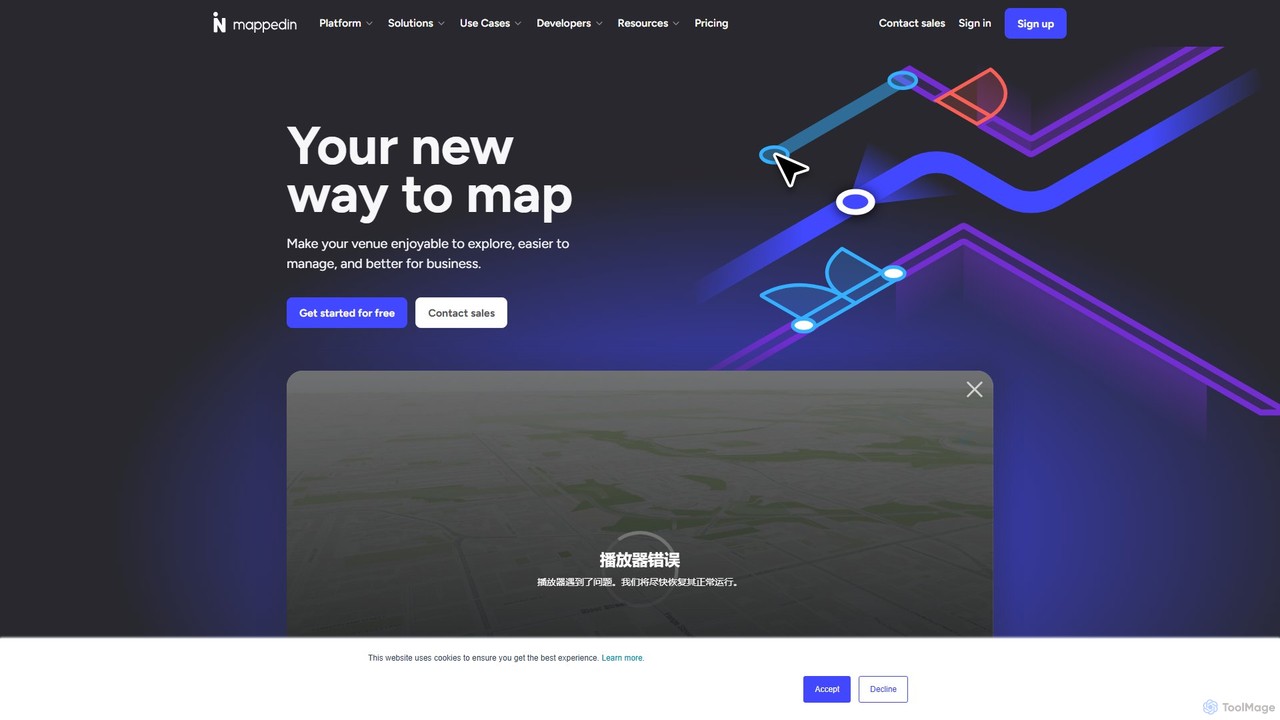
Mappedin Overview
Mappedin is a leading platform for indoor spatial data management, dedicated to digitizing indoor spaces and creating best-in-class mapping experiences. It empowers businesses and organizations to transform their venues into easily navigable, manageable, and profitable environments. Using advanced AI, Mappedin converts simple floor plans into fully functional, interactive 3D maps in a fraction of the time it would traditionally take. This makes it an essential utility for improving discovery, accessibility, safety, and operational efficiency across a wide range of industries.
The platform is built for scale and flexibility, serving a global clientele in over 57 countries, with more than 4 billion square feet of space mapped. From airports and shopping malls to corporate campuses and hospitals, Mappedin provides the tools to create memorable visitor experiences and give management teams the real-time information they need for confident decision-making.
How to use Mappedin
Getting started with Mappedin is designed to be simple and accessible for everyone, regardless of technical expertise.
- Create a Free Account: Sign up on the Mappedin website to get started with a free map.
- Provide a Floor Plan: Upload your existing floor plan in various formats like JPG, PNG, PDF, or DWG. If you don't have one, you can use the 'Mappedin Scan' iOS app with a LiDAR-enabled device to scan your space and generate a floor plan automatically.
- AI-Powered Mapping: Mappedin's AI will process the floor plan and automatically generate an interactive, 3D digital map, identifying key features like walls, doors, and spaces.
- Edit and Customize: Use the intuitive Map Editor to refine the map. You can add detailed location information (names, descriptions, links), apply custom icons and color themes, and draw custom objects like furniture or equipment.
- Collaborate and Manage: Invite your team to a shared workspace to collaborate on map edits in real-time. Assign roles and permissions to control access and workflow.
- Publish and Share: Once your map is ready, you can instantly publish it. Share it via a direct link, generate a QR code, or embed it directly into your website or application with no coding required.
- Integrate and Develop (Pro Plan): For advanced use cases, developers can leverage Mappedin's versatile SDKs and APIs to build fully custom applications, integrate map data with other systems (e.g., inventory management, booking systems), and visualize real-time data on the map.
Core Features of Mappedin
- AI Mapping: Automatically transforms floor plans into interactive maps in minutes, with advanced options to capture details like stairs, elevators, and on-map labels.
- 3D Interactive Maps: Provides a dynamic viewing experience with zoom, pan, and rotate capabilities for enhanced situational awareness.
- Indoor Navigation: Offers intuitive, multi-floor wayfinding with A to B directions, prioritizing accessible routes for visitors.
- Real-time Collaboration: Allows teams to work on maps simultaneously, with changes reflected instantly for seamless workflow.
- Map Customization: Extensive options to tailor the look and feel with premium themes, custom icons, and detailed location information.
- Multi-Building & Indoor-to-Outdoor Navigation: Connect multiple buildings in a single map and enable continuous navigation from indoor spaces to outdoor areas.
- Developer Tools (SDK & APIs): A comprehensive set of tools for developers to build custom applications, integrate with third-party systems, and visualize complex data.
- Multiple Export Formats: Export maps to various formats including PDF, SVG, gLTF, and GeoJSON for offline use, design workflows, or integration with other platforms like Microsoft Places.
Use Cases for Mappedin
Mappedin's flexible platform is used across numerous sectors:
- Airports: Enhancing the passenger experience with seamless navigation to gates, lounges, and retail. Used by major hubs like Los Angeles International Airport (LAX) and Amsterdam Airport Schiphol.
- Malls & Retail: Guiding shoppers to stores, tracking inventory in real-time, and analyzing foot traffic to boost sales. Simon Malls uses Mappedin as its choice provider.
- Workplaces: Supporting hybrid work models with hot-desking, meeting room booking, and easy navigation through large corporate campuses.
- Healthcare: Helping patients and visitors navigate complex hospital layouts to find departments, clinics, and amenities, reducing stress and late appointments.
- Stadiums & Events: Guiding fans to their seats, concessions, and emergency exits, while providing operational oversight during large-scale events.
- Education: Assisting students and faculty in navigating large university campuses with multi-building wayfinding.
- First Responders: Providing clear, accurate maps for emergency services to improve response times and situational awareness through the 'Maps for Good' program.
Advantages of Mappedin
Mappedin offers significant advantages for any organization managing a physical space. The primary benefit is the incredible speed and efficiency of its AI mapping, which reduces map creation time from weeks or months to just minutes. The platform is designed for ease of use, empowering non-technical staff to create and manage maps. Its scalability ensures it can handle anything from a single small office to a global portfolio of properties. By providing clear navigation and rich information, Mappedin dramatically improves the visitor experience, leading to increased satisfaction and return visits. Operationally, it provides a 'game plan' for venues, enabling faster decisions, reduced manual work, and smoother operations through live data and usage patterns.
Pricing and Plans
Mappedin offers a freemium model with several tiers to suit different needs:
- Free: $0/map/month. Create your first map with indoor navigation, basic AI mapping, real-time collaboration, and sharing/embedding capabilities.
- Plus: $25/map/month (billed yearly). Includes everything in Free, plus detailed location info, custom icons, premium themes, and SVG/gLTF exports.
- Advanced: $85/map/month (billed yearly). Includes everything in Plus, plus advanced AI mapping, multi-building mapping, indoor-to-outdoor navigation, and path management.
- Pro: $165/map/month (billed yearly). Includes everything in Advanced, plus full access to SDKs, APIs, developer tools, GeoJSON export, and private map access.
- Partner & Custom Plans: Custom pricing and solutions are available for agencies, resellers, and large enterprises with volume discounts and dedicated support. Professional map-making services are also available for an additional fee.
Traffic
Latest traffic
Status
Monthly traffic trend
- 2025-9: 154.6K
- 2026-1: 149.9K
- 2026-2: 143.2K
- 2026-3: 147.6K
- 2026-4: 156.9K
- 2026-5: 153.1K
Geography
Top 5 countries / regions
- 🇺🇸United States38.4%
- 🇨🇦Canada34.2%
- 🇮🇩Indonesia10.4%
- 🇳🇬Nigeria8.6%
- 🇵🇰Pakistan8.4%
Traffic sources
| Source type | Percentage |
|---|---|
Direct | 70.8% |
Referral | 22.1% |
Email | 7.1% |
Top keywords
| Keyword | Cost per click |
|---|---|
| ayala malls studies | $0.00 |
| map of windows notre dame paris | $0.00 |
| mapped in | $0.00 |
| mappedin | $7.63 |
| ridgeway plaza | $0.15 |
Mappedin Videos on YouTube

Mappedin

Mappedin Alternatives

Picterra
Picterra is a GeoAI platform that enables users to analyze satellite and drone imagery to extract insights. It provides a no-code environment for building and deploying object detection models, empowering industries like agriculture, ESG, and infrastructure with scalable environmental intelligence.
Environmental Social Governance
Maplytics
Maplytics is a certified geo-analytical mapping app that integrates Azure or Bing Maps with Microsoft Dynamics 365 and Power Platform. It provides powerful location intelligence features like route optimization, territory management, radius search, and heat maps to enhance sales, service, and marketing operations, enabling data-driven decisions and boosting ROI.
Geospatial Intelligence
Flypix
Flypix is an end-to-end AI platform for geospatial analysis, enabling users to automatically detect, localize, and segment objects in satellite, aerial, and drone imagery. Train custom AI models with no coding required to analyze complex scenes, saving significant time and resources across industries like agriculture, construction, and environmental monitoring.
3D
blackshark.ai
blackshark.ai is an AI-powered Visual Earth Operating System (VEOS) that transforms satellite, aerial, and drone imagery into actionable 2D/3D geospatial intelligence and realistic simulations. It empowers analysts to rapidly train custom AI models for detection, classification, and monitoring, serving the defense, infrastructure, and autonomy sectors with unprecedented speed and flexibility.
Simulation
May Mobility
May Mobility is an autonomous vehicle (AV) technology company that develops and deploys self-driving transit solutions. Leveraging its proprietary Multi-Policy Decision Making (MPDM) AI, May Mobility provides safe, accessible, and reliable autonomous rides, partnering with cities, transit agencies, and businesses to solve transportation challenges.
LogisticsMappedin Categories
Mappedin Embed Widget
Copy this embed code to place the badge on your blog, article, or product site and send readers directly to this ToolMage detail page.

Related AI tools
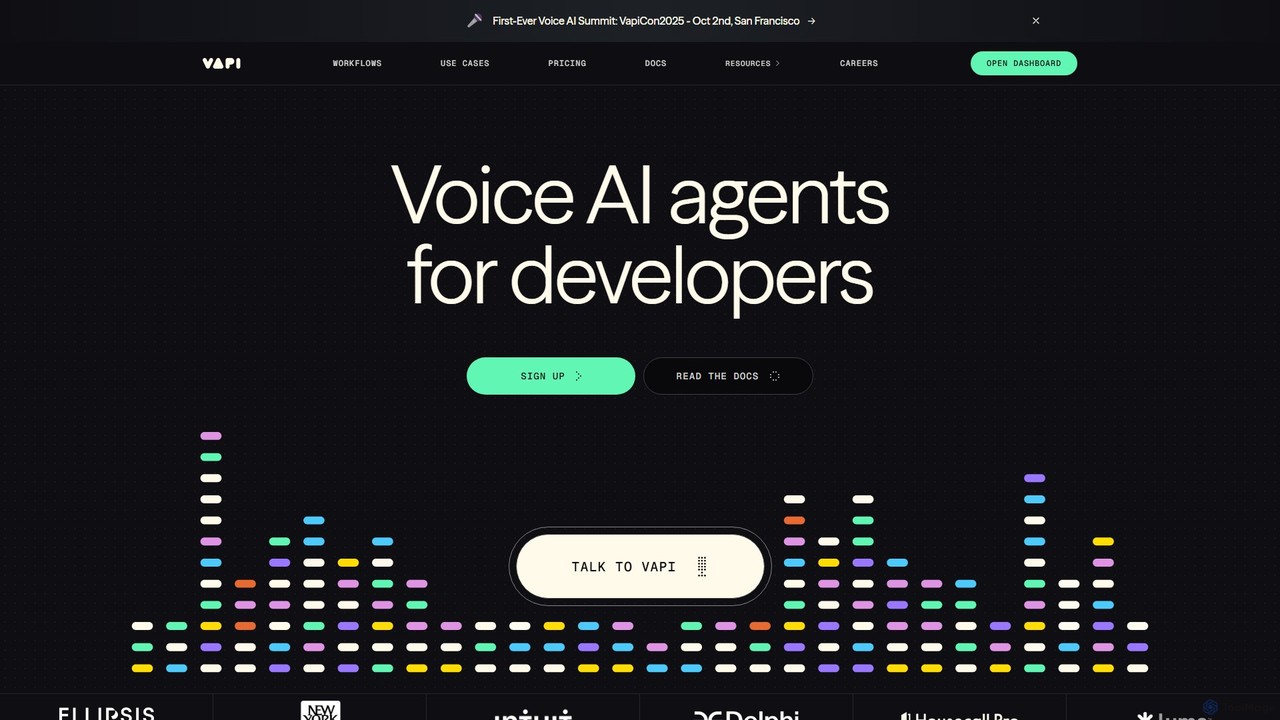
Vapi
Vapi is a developer-first API platform for building, deploying, and scaling advanced, human-like voice AI agents. It enables the creation of sophisticated conversational AI for inbound/outbound calls, in-app assistants, and more, with ultra-low latency and high configurability.
Voice Assistant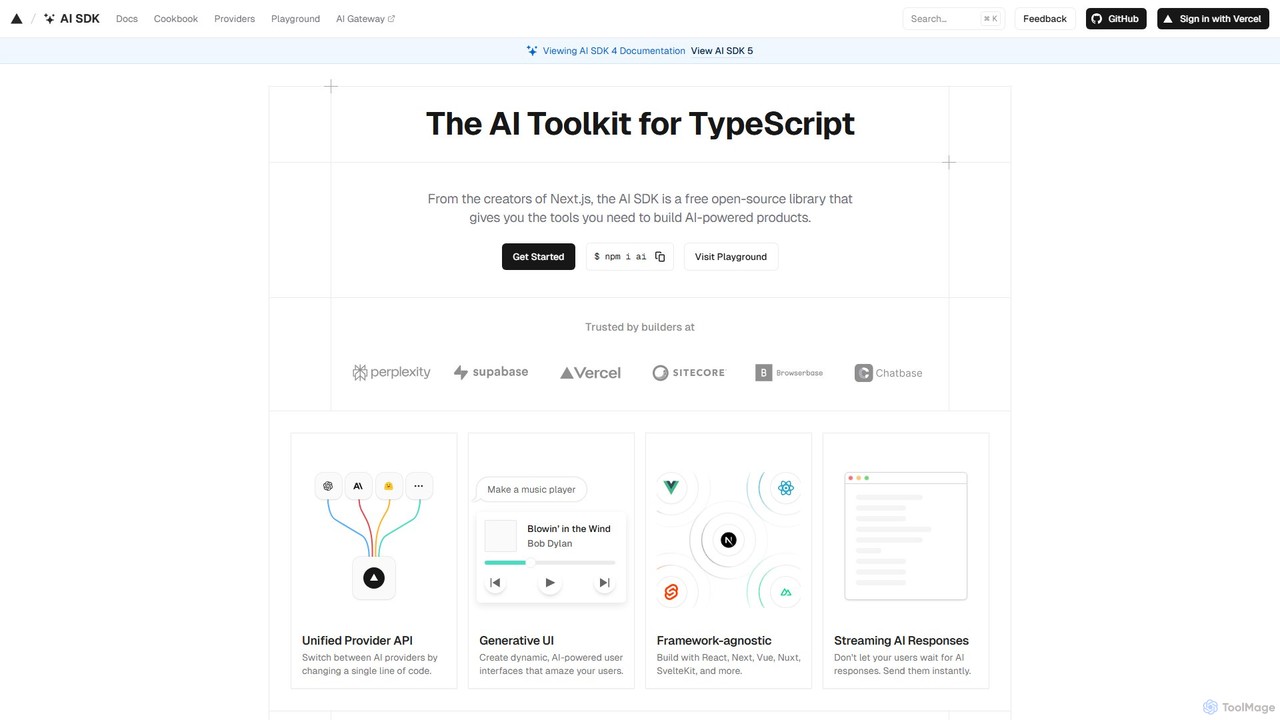
AI SDK
AI SDK by Vercel is a free, open-source TypeScript toolkit for building AI-powered applications. It provides a unified API to seamlessly integrate various large language models (LLMs) like OpenAI, Google, and Anthropic. It simplifies development with features like streaming responses, generative UI components, and tool calling, enabling developers to build and ship AI features faster across frameworks like Next.js, React, and Svelte.
Library
Dodo Payments
Dodo Payments is an all-in-one payment and billing platform designed for SaaS, AI, and digital products. It enables businesses to accept payments globally, set up flexible billing models (usage-based, subscription, one-time), and manage distribution without extensive infrastructure development. It simplifies global monetization, tax compliance, and offers robust developer tools for seamless integration.
Saas Management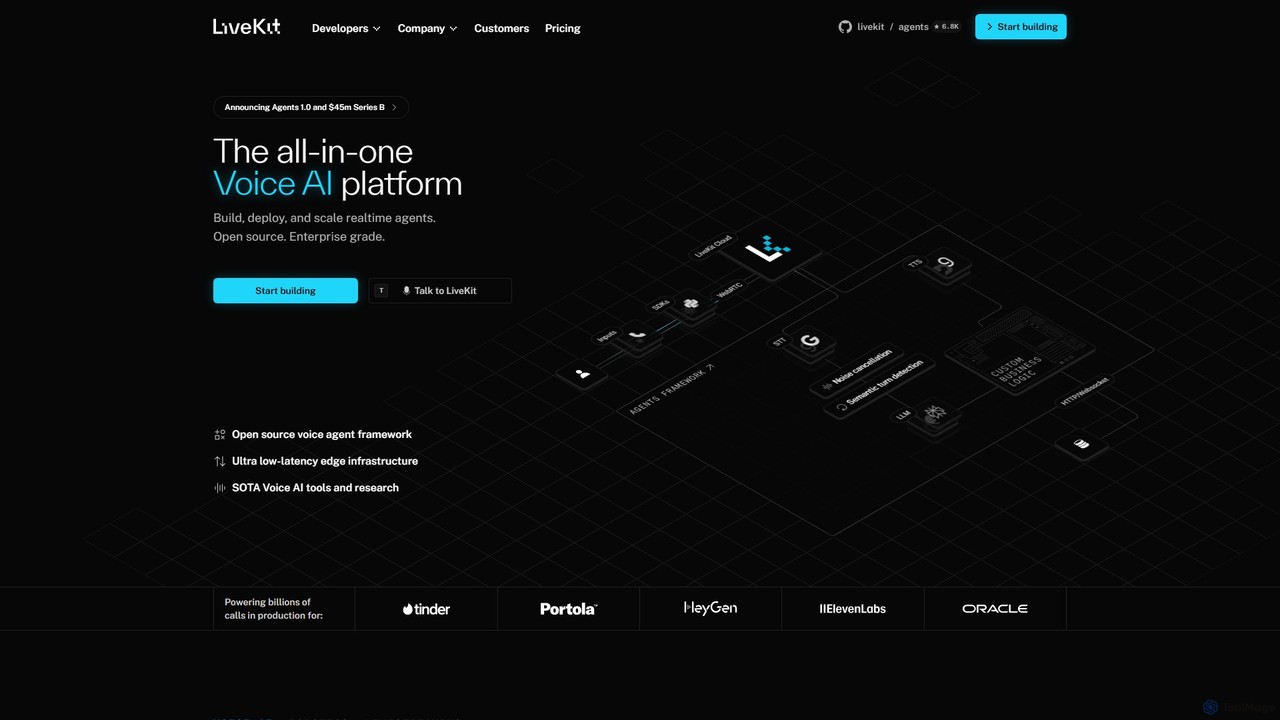
LiveKit
LiveKit is an all-in-one, open-source platform for building, deploying, and scaling real-time voice and video AI agents. It provides ultra-low latency infrastructure, powerful APIs, and state-of-the-art AI tools to enable developers to create conversational AI, robotics, and live streaming applications with enterprise-grade reliability and scalability.
Real Time Communication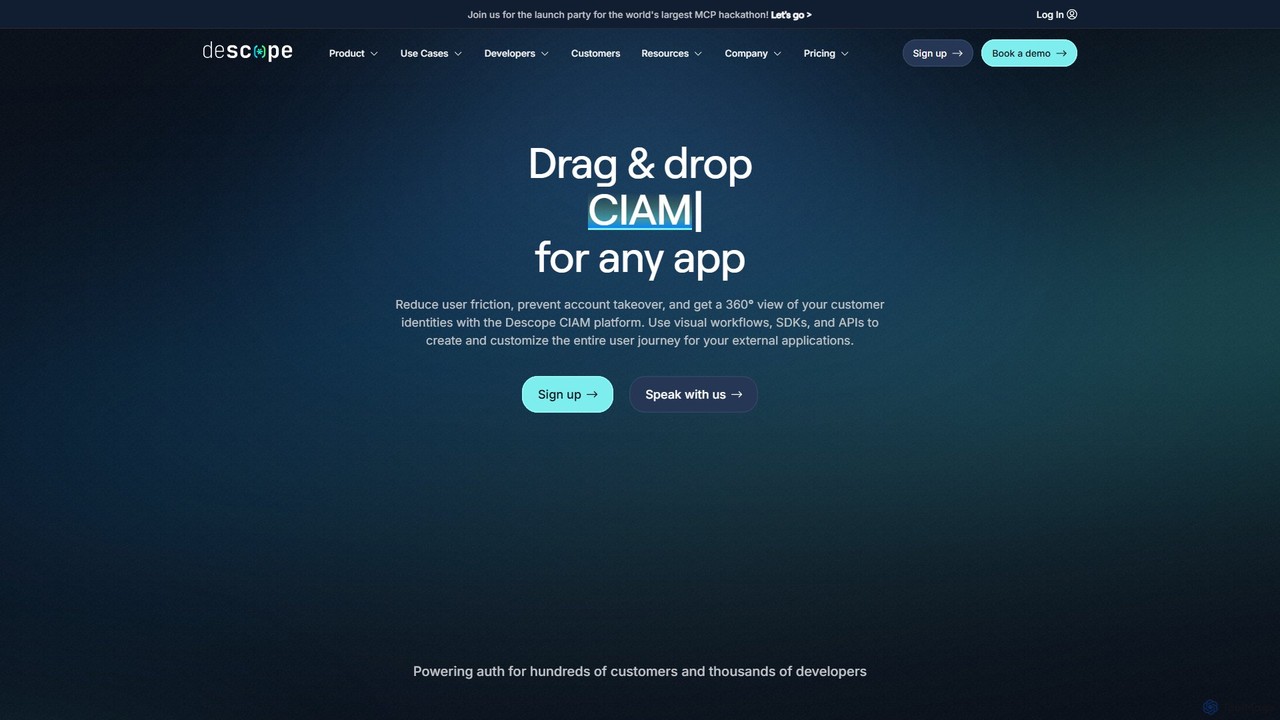
Descope
Descope is a customer identity and access management (CIAM) platform that enables developers to easily add authentication, user management, and authorization to any application. It offers a visual drag-and-drop workflow builder, comprehensive SDKs, and APIs to create secure and frictionless user journeys, from passwordless login to enterprise-grade SSO.
Authentication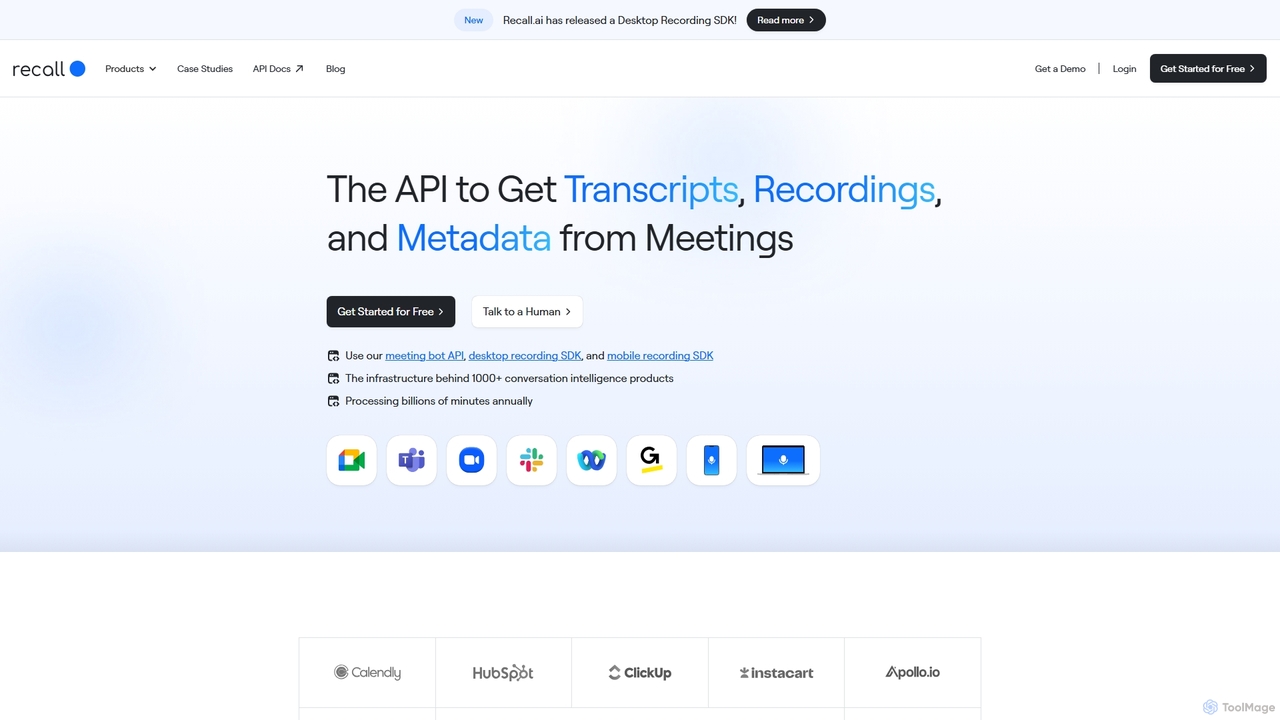
Recall.ai
Recall.ai is a unified API for developers to access meeting data. It provides a single integration to get recordings, real-time transcripts, and rich metadata from platforms like Zoom, Google Meet, and Microsoft Teams, using meeting bots or SDKs for desktop and mobile.
Conversation Intelligence
Picsart
Picsart provides powerful photo and video editing APIs and SDKs for businesses. It allows developers to integrate a world-class, AI-powered content editor directly into their platforms. Key features include generative AI tools like text-to-image and background removal, extensive content libraries, and highly configurable solutions for web-to-print, e-commerce, and marketing automation, enabling businesses to offer advanced creative capabilities to their users seamlessly.
Api & Sdk
Terra
Terra is a unified API for developers, simplifying the connection of apps to a vast range of wearables and health sensors. It standardizes health and fitness data from sources like Garmin, Fitbit, and Oura, enabling apps to generate insights, embed AI coaching, and create personalized user experiences with real-time data.
Api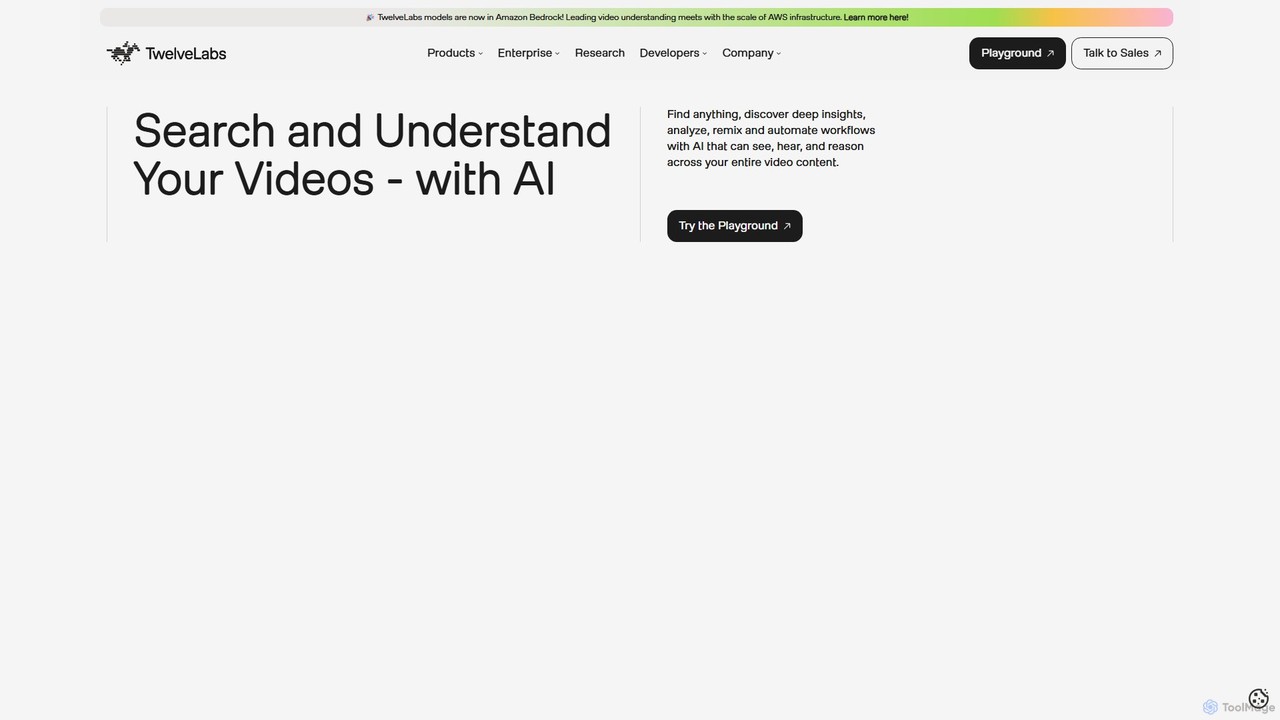
TwelveLabs
TwelveLabs is a powerful multimodal AI platform for video understanding. It provides APIs and SDKs for developers to build applications that can search, analyze, and generate text from video content. By understanding visuals, audio, and speech, it unlocks deep insights from large video libraries.
Api & Sdk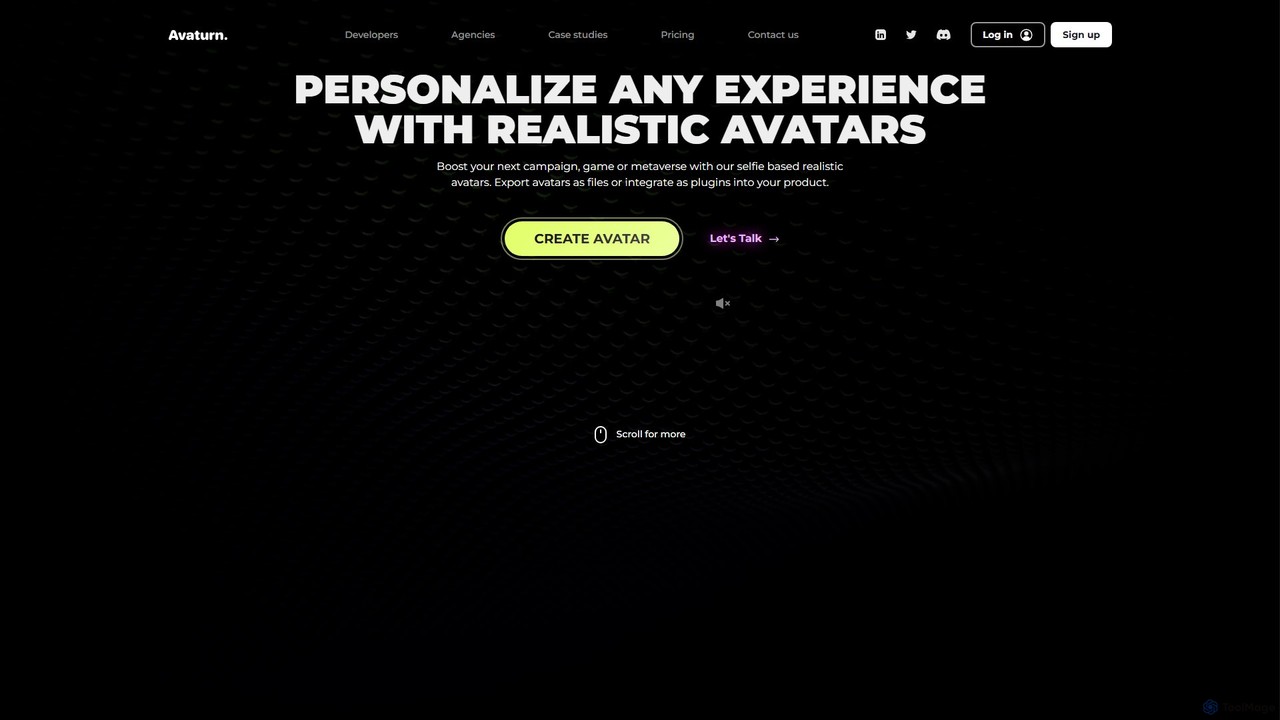
Avaturn
A powerful AI-driven platform that generates realistic, customizable 3D avatars from a single selfie. Designed for developers, agencies, and creators, it allows for seamless integration into games, metaverses, and marketing campaigns, offering extensive personalization and multi-platform export options.
Game Development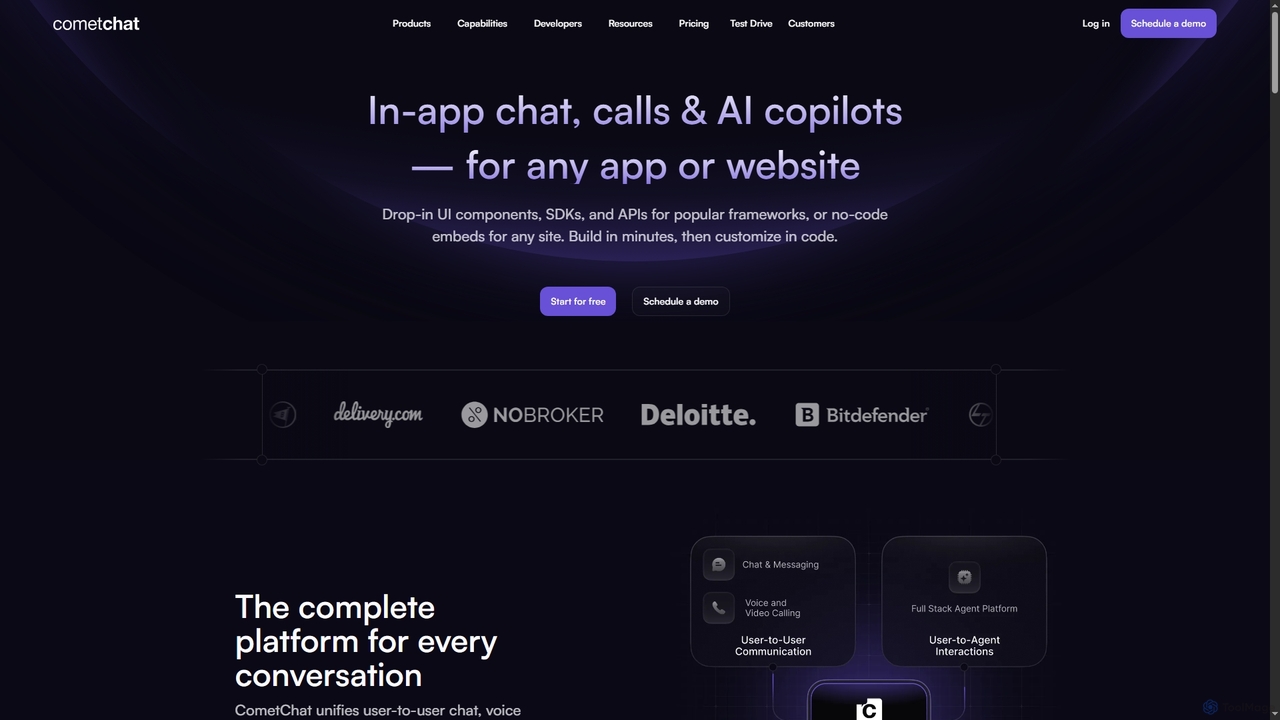
CometChat
CometChat provides a complete communication platform with in-app chat, voice, and video call SDKs & APIs. It also offers a full-stack solution for deploying, monitoring, and evolving user-facing AI agents and copilots, all built on a secure, scalable, and compliant infrastructure.
Chatbot Development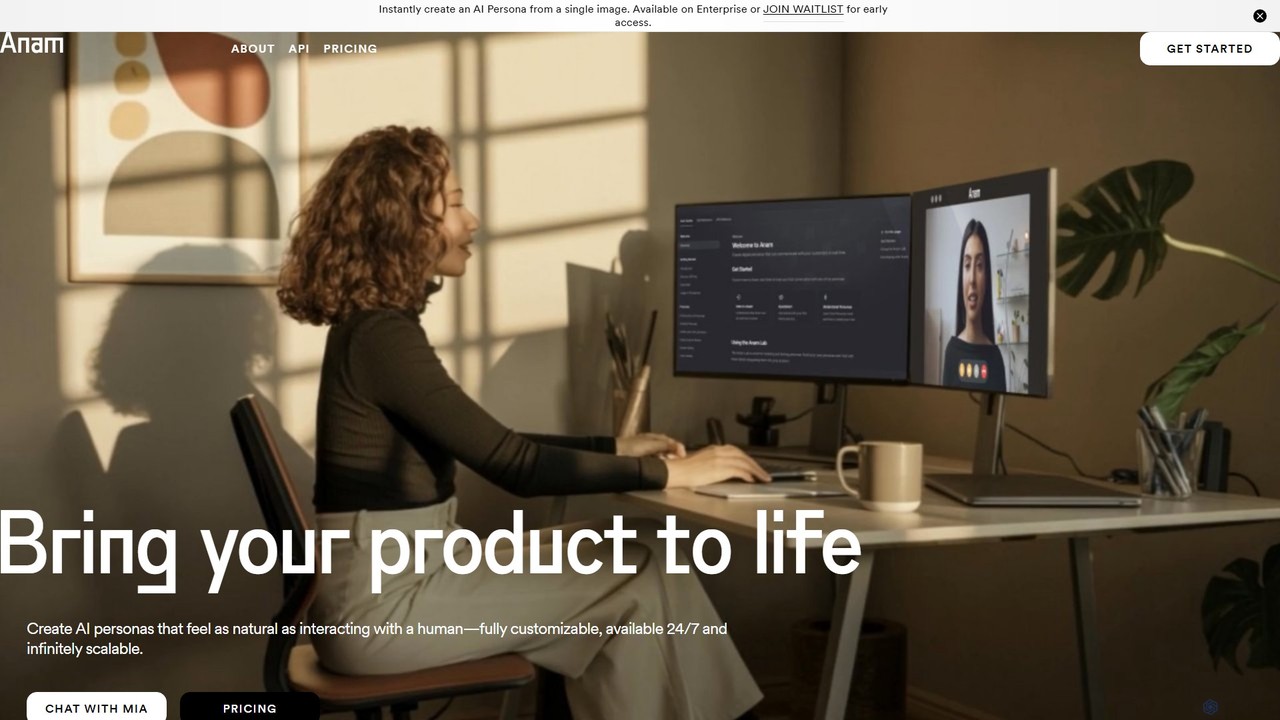
Anam
Anam is an AI platform that creates real-time, emotive AI personas from a single image. It enables businesses to build human-like, conversational interfaces that are fully customizable, available 24/7, and infinitely scalable. Integrate lifelike digital humans into your product for more engaging user experiences in sales, support, and learning.
Video Generation
Liveblocks
Liveblocks is a developer platform providing ready-made APIs and components to quickly build real-time collaborative experiences and AI copilots into any product. It handles the complex infrastructure for features like multiplayer editing, comments, and AI chat, allowing teams to ship faster and increase user engagement.
Ai Development
Visage Technologies
Visage Technologies provides advanced, high-performance computer vision solutions, specializing in face tracking, analysis, and recognition SDKs. With over 20 years of expertise, they offer custom AI development and edge AI optimization for industries like automotive, security, retail, and healthcare.
Sdk & Api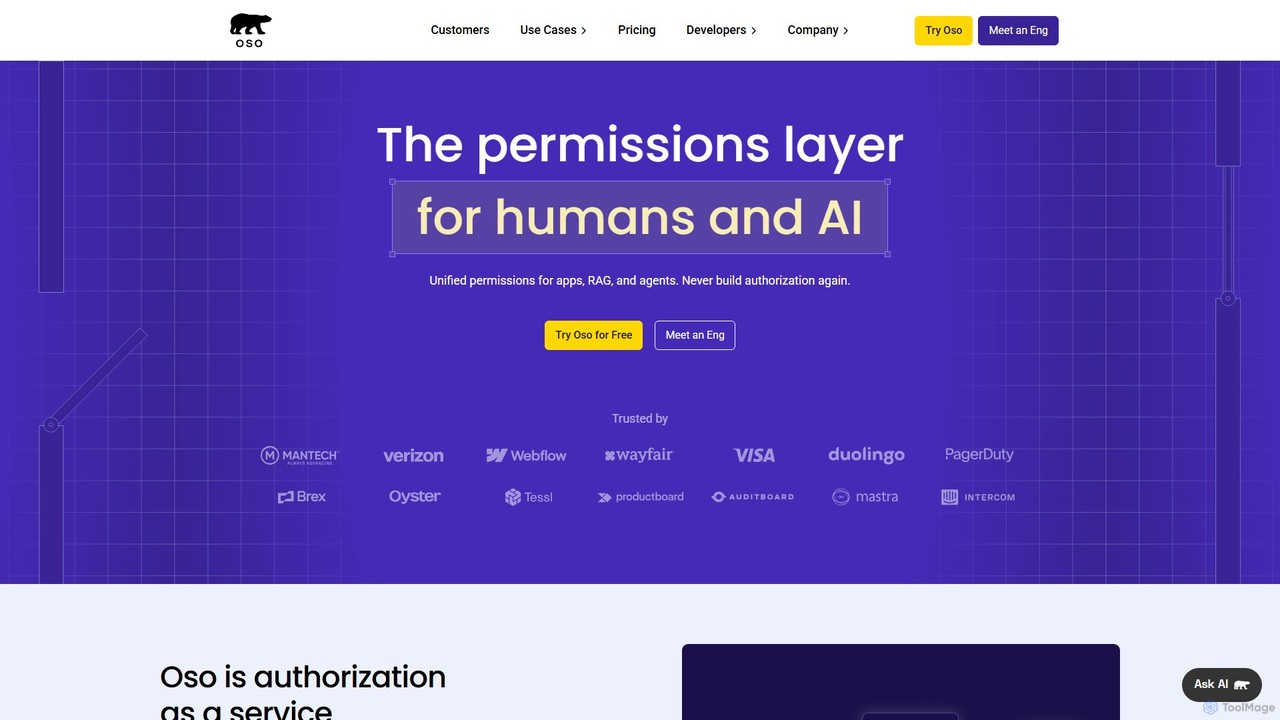
Oso
Oso is an Authorization as a Service platform for developers. It simplifies the implementation of complex access control logic like RBAC, ReBAC, and ABAC. Using its declarative policy language, Polar, engineering teams can quickly build and enforce fine-grained permissions for any application, including modern AI-native apps with agentic workflows and RAG systems, accelerating development and enhancing security.
Security
Mappedin Comments (0)
Sign in to comment.
Sign inNo comments yet.