Maplytics
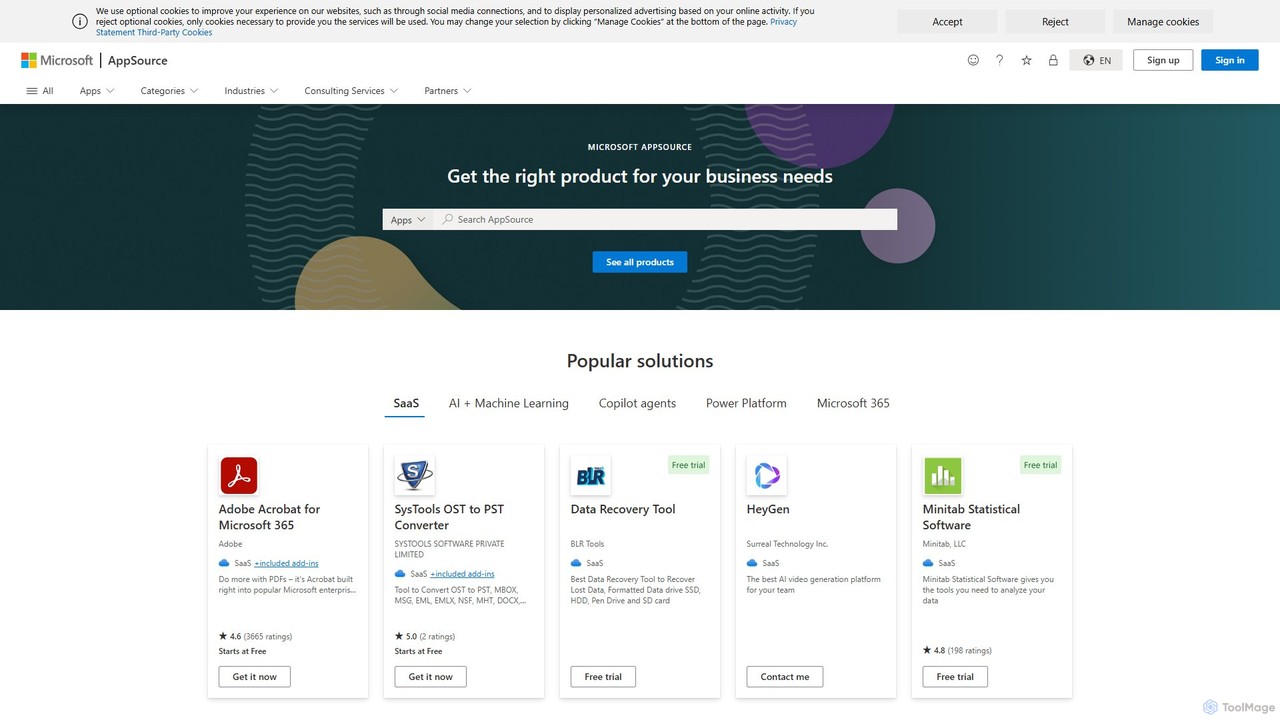
Maplytics is a certified geo-analytical mapping app that integrates Azure or Bing Maps with Microsoft Dynamics 365 and …
Maplytics is a certified geo-analytical mapping app that integrates Azure or Bing Maps with Microsoft Dynamics 365 and Power Platform. It provides powerful location intelligence features like route optimization, territory management, radius search, and heat maps to enhance sales, service, and marketing operations, enabling data-driven decisions and boosting ROI.
Mappedin
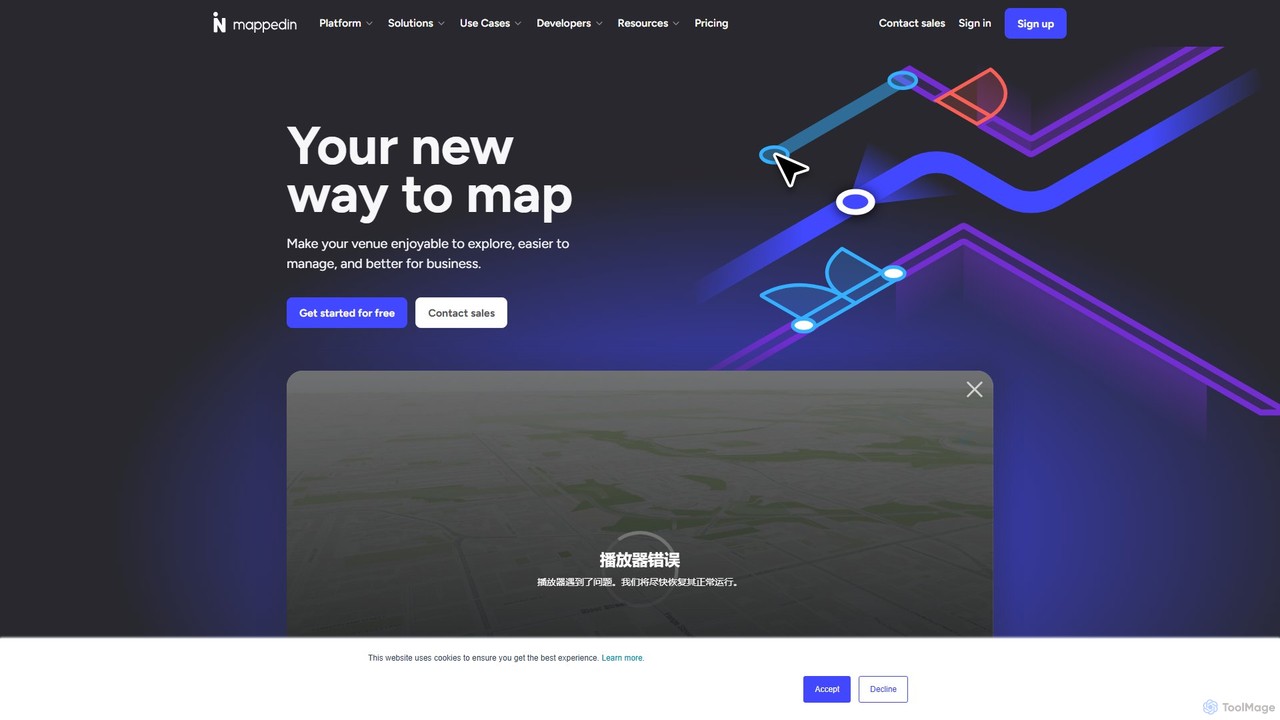
Mappedin is an AI-powered platform that transforms static floor plans into interactive 3D indoor maps in minutes. It's …
Mappedin is an AI-powered platform that transforms static floor plans into interactive 3D indoor maps in minutes. It's designed for venues of all types to enhance visitor experience, streamline operations, and improve safety with intuitive navigation, real-time data visualization, and powerful management tools.
Picterra
Picterra is a GeoAI platform that enables users to analyze satellite and drone imagery to extract insights. It …
Picterra is a GeoAI platform that enables users to analyze satellite and drone imagery to extract insights. It provides a no-code environment for building and deploying object detection models, empowering industries like agriculture, ESG, and infrastructure with scalable environmental intelligence.
Textomap
Textomap is an AI-powered tool that instantly transforms text, ChatGPT prompts, images, or CSV files into interactive, customizable …
Textomap is an AI-powered tool that instantly transforms text, ChatGPT prompts, images, or CSV files into interactive, customizable maps. It's designed for content creators, educators, and travel professionals to visualize location-based data effortlessly, saving hours of manual work.
Flypix
Flypix is an end-to-end AI platform for geospatial analysis, enabling users to automatically detect, localize, and segment objects …
Flypix is an end-to-end AI platform for geospatial analysis, enabling users to automatically detect, localize, and segment objects in satellite, aerial, and drone imagery. Train custom AI models with no coding required to analyze complex scenes, saving significant time and resources across industries like agriculture, construction, and environmental monitoring.
May Mobility
May Mobility is an autonomous vehicle (AV) technology company that develops and deploys self-driving transit solutions. Leveraging its …
May Mobility is an autonomous vehicle (AV) technology company that develops and deploys self-driving transit solutions. Leveraging its proprietary Multi-Policy Decision Making (MPDM) AI, May Mobility provides safe, accessible, and reliable autonomous rides, partnering with cities, transit agencies, and businesses to solve transportation challenges.
blackshark.ai
blackshark.ai is an AI-powered Visual Earth Operating System (VEOS) that transforms satellite, aerial, and drone imagery into actionable …
blackshark.ai is an AI-powered Visual Earth Operating System (VEOS) that transforms satellite, aerial, and drone imagery into actionable 2D/3D geospatial intelligence and realistic simulations. It empowers analysts to rapidly train custom AI models for detection, classification, and monitoring, serving the defense, infrastructure, and autonomy sectors with unprecedented speed and flexibility.
Satlas
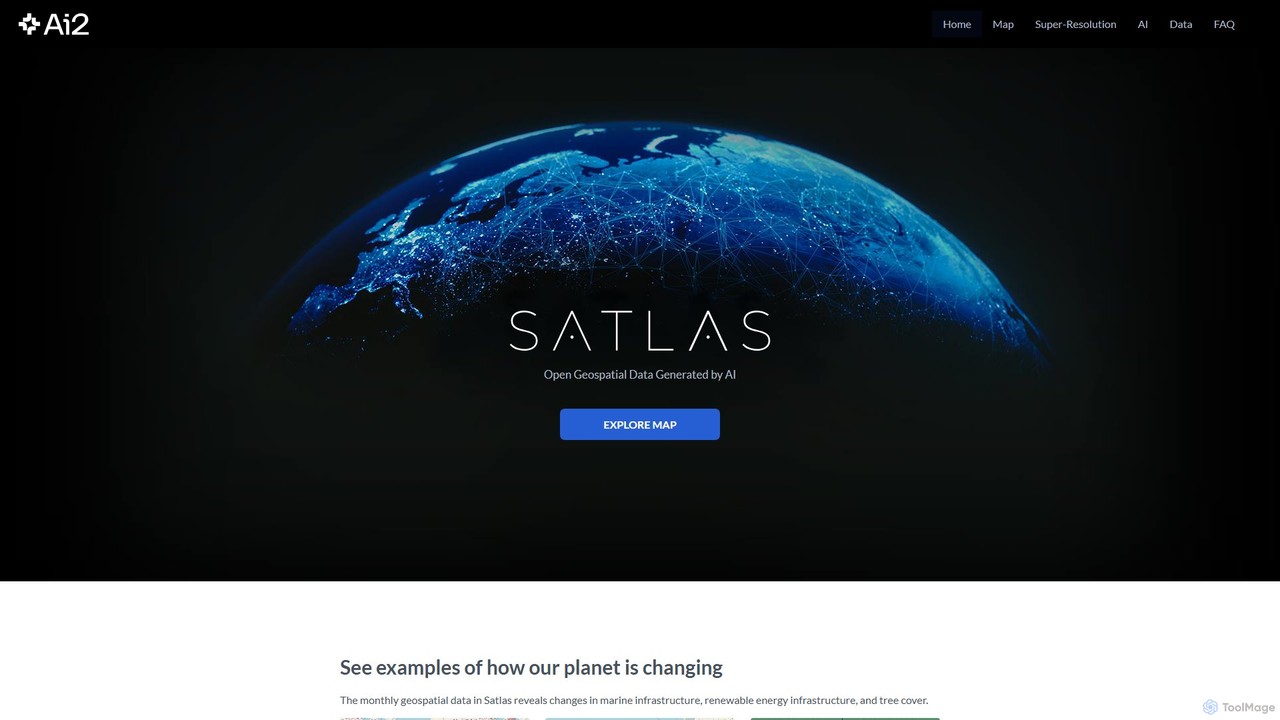
Satlas is an AI-powered platform by the Allen Institute for AI that provides open, high-resolution geospatial data. It …
Satlas is an AI-powered platform by the Allen Institute for AI that provides open, high-resolution geospatial data. It uses advanced computer vision models to analyze global satellite imagery, tracking changes in tree cover, renewable energy, and marine infrastructure. Its key feature is Super-Resolution, which enhances low-resolution images for detailed analysis.
About Mapping
AI Mapping tools are applications that use artificial intelligence to help users visually organize ideas, information, and workflows. These tools go beyond traditional mind mapping by leveraging AI to automatically generate ideas, structure complex data, and summarize information within visual diagrams. They are primarily used to enhance brainstorming, streamline project planning, and build dynamic knowledge bases. The AI capabilities transform static diagrams into interactive thinking partners, accelerating comprehension and creativity.
Core Features
- AI-Powered Idea Generation: Suggests related topics, questions, and sub-branches to expand on initial concepts.
- Automated Diagramming & Layout: Intelligently arranges nodes and connections into clean, readable formats like mind maps, org charts, or flowcharts.
- Content Summarization & Expansion: Condenses large text blocks into key points or elaborates on a single node to provide more detail.
- Natural Language Input: Allows users to create and modify maps by typing commands or descriptions in plain language.
- Multi-Format Export: Converts visual maps into various formats such as text outlines, presentations, or task lists for other applications.
Use Cases
AI Mapping tools are widely used by strategists, project managers, writers, and students. For example, a marketing team can use them for brainstorming campaign ideas, with AI suggesting target demographics and content angles. A software developer can map out application logic, and a student can structure research notes, using AI to summarize articles and connect concepts.
How to Choose
When selecting an AI Mapping tool, consider the depth of its AI features—does it only suggest ideas or also summarize and restructure? Evaluate its integration capabilities with other productivity tools like project management software or note-taking apps. Also, assess the collaboration features for team use, the variety of available templates, and the flexibility of export options to ensure it fits your workflow.
MappingUse Cases
Strategic Business Planning and Analysis
A business strategist uses an AI mapping tool to conduct a SWOT analysis for a new product launch. After inputting the basic strengths and weaknesses, they use the AI's idea generation feature. The AI suggests potential external opportunities, such as emerging market trends, and threats, like competitor actions, that the team hadn't considered. The final map provides a comprehensive, visually structured strategic plan that can be easily shared with stakeholders.
Outlining and Structuring Written Content
A content creator or author plans a complex article or book chapter. They start with a central theme and use the AI mapping tool to brainstorm main sections. For each section, they use the AI's 'expand' feature to generate detailed sub-points, potential research questions, and supporting arguments. The tool automatically organizes these into a logical hierarchy. Finally, they export the entire map as a text outline, creating a solid, well-structured foundation for writing, saving hours of manual organization.
Visual Project Planning and Task Breakdown
A project manager needs to plan a multi-stage software development project. They use an AI mapping tool to create a central node for the project goal. From there, they branch out into major phases like 'Design,' 'Development,' and 'Testing.' The AI assists by suggesting common tasks for each phase. The manager can then link tasks to show dependencies and assign them to team members. The visual map provides a clear, high-level overview of the entire project, making it easier to track progress and communicate plans to the team.
Knowledge Management and Personal Learning
A student or researcher is studying a complex topic like quantum mechanics. They create a map with the core principles as main branches. As they read articles and watch lectures, they add notes to the map. They use the AI summarization feature to condense long passages from research papers into concise bullet points within the map. The AI also helps identify connections between different concepts, building a rich, interconnected knowledge base that is easier to review and understand than linear notes.
Facilitating Team Brainstorming Sessions
During a remote team meeting, a facilitator uses an AI mapping tool on a shared screen. As team members voice their ideas, the facilitator types them into the map. The AI's auto-layout feature instantly organizes the scattered ideas into a clean structure. The AI can also group similar ideas or suggest categories, helping the team identify key themes and patterns in real-time. This turns a potentially chaotic brainstorming session into a structured and productive process, with a clear visual output at the end.
Designing Workflows and Process Diagrams
A process analyst is tasked with mapping out a company's customer onboarding workflow. Using an AI mapping tool, they create a flowchart starting from 'New Customer Sign-up.' They can use natural language to describe steps like 'Send welcome email' and 'Schedule orientation call,' and the tool automatically creates the corresponding flowchart symbols and connections. The AI can also suggest potential bottlenecks or alternative paths, helping to optimize the process for efficiency before it's even implemented.