


Picterra Overview
Picterra is a cutting-edge geospatial intelligence platform that leverages artificial intelligence to transform satellite, aerial, and drone imagery into actionable insights. Designed to be accessible to both technical and non-technical users, Picterra provides a powerful no-code environment where anyone can build, train, and deploy custom object detection models. This democratizes the field of geospatial analysis, allowing organizations to monitor assets, assess environmental changes, and manage risks across vast geographical areas with unprecedented speed and scalability.
The platform is built to handle massive datasets, augmenting existing ESG, supplier, and farm data with near-real-time visual evidence. By automating the analysis of imagery, Picterra helps organizations move from reactive monitoring to a proactive strategy, surfacing critical land, risk, and compliance insights before they escalate. It provides verifiable, geospatial evidence to prioritize actions and make informed, sustainable decisions.
How to use Picterra
Using Picterra involves a straightforward, intuitive workflow that doesn't require coding expertise:
- Select Imagery: Users can upload their own imagery (from drones, planes, or satellites) or access a vast library of recent and historical satellite imagery directly within the platform.
- Train the AI: To create a custom detector, the user simply annotates a small number of examples of the object they want to find (e.g., solar panels, damaged buildings, specific tree species, or construction equipment). The platform's intuitive tools make this process quick and easy.
- Run Detection: Once the AI is trained on the examples, the user defines the area of interest and runs the detector. Picterra's cloud infrastructure then processes the imagery, automatically identifying and mapping all instances of the target object across potentially thousands of square kilometers.
- Analyze and Export: The results are displayed on an interactive map, providing counts, locations, and other analytics. This data can be further analyzed, used to generate reports, or exported in standard formats (like GeoJSON, CSV, or Shapefile) for use in GIS software (e.g., ArcGIS, QGIS) or other business intelligence tools via its API.
Core Features of Picterra
- No-Code AI Model Training: Build custom object detection models with an intuitive, user-friendly interface without writing a single line of code.
- Scalable Cloud Processing: Analyze vast territories at high speed, processing terabytes of imagery data efficiently.
- Multi-Source Imagery Support: Compatible with a wide range of imagery types, including satellite, aerial, drone, and orthophotos.
- Pre-built Detector Library: Access a library of ready-to-use detectors for common objects to get started quickly.
- Time-Series Analysis: Compare imagery from different dates to monitor changes over time, such as deforestation, urban sprawl, or construction progress.
- API Integration: Seamlessly integrate Picterra's analytics into your existing workflows, GIS systems, and applications.
- Collaborative Workspace: Teams can work together on projects, sharing imagery, detectors, and analytical results.
Use Cases for Picterra
Picterra's technology is applicable across numerous industries:
- Environmental & ESG: Monitoring deforestation and reforestation, tracking plastic waste in rivers, assessing biodiversity, verifying carbon offset projects, and ensuring supply chain sustainability.
- Agriculture: Conducting crop health analysis, estimating yields, detecting weed infestations, and optimizing irrigation strategies for precision farming.
- Infrastructure & Utilities: Inspecting power lines and pipelines, monitoring construction sites, managing solar farm assets, and assessing road conditions.
- Insurance & Risk Management: Performing post-disaster damage assessment (e.g., after floods or wildfires), underwriting property risk by identifying features like swimming pools or roof types, and verifying claims.
- Humanitarian Aid: Mapping refugee camps, assessing damage after natural disasters, and monitoring resource distribution in remote areas.
Advantages of Picterra
Picterra offers significant advantages over traditional monitoring methods:
- Democratization: Empowers subject-matter experts without a data science background to perform complex geospatial analysis.
- Scalability: Automates detection tasks that would be impossible or prohibitively expensive to perform manually, covering global operations.
- Speed and Efficiency: Delivers insights in hours or days, rather than weeks or months.
- Objectivity and Accuracy: Provides verifiable, data-driven evidence to support decision-making and reduce human bias.
- Cost-Effective: Reduces the need for extensive and costly manual field surveys and inspections.
Pricing and Plans
Picterra offers a flexible pricing structure designed to suit various needs, from individual researchers to large enterprises. While specific details require contacting their sales team, the model typically includes:
- Free Trial: A free trial is usually available, allowing new users to explore the platform's capabilities and process a limited area of imagery.
- Subscription Plans: Tiered plans (e.g., Starter, Professional, Enterprise) are offered based on factors such as the total area (in km²) to be analyzed, the number of users, access to the API, and the level of customer support.
- Custom Enterprise Solutions: For large-scale deployments and specific industry needs, custom plans are available, offering dedicated support, custom model development, and enterprise-grade integrations.
For the most accurate and up-to-date pricing, it is recommended to visit the Picterra website and request a quote or a demo.
Traffic
Latest traffic
Status
Monthly traffic trend
- 2025-9: 3.6K
- 2026-1: 561
- 2026-2: 45
- 2026-3: 1.8K
- 2026-4: 649
- 2026-5: 591
Geography
Top 5 countries / regions
- 🇮🇳India100.0%
Top keywords
| Keyword | Cost per click |
|---|---|
| ai tree count | $0.00 |
| picterra | $0.00 |
| sal tree count drone video ai drone tutorial | $0.00 |
Picterra Alternatives

Flypix
Flypix is an end-to-end AI platform for geospatial analysis, enabling users to automatically detect, localize, and segment objects in satellite, aerial, and drone imagery. Train custom AI models with no coding required to analyze complex scenes, saving significant time and resources across industries like agriculture, construction, and environmental monitoring.
3D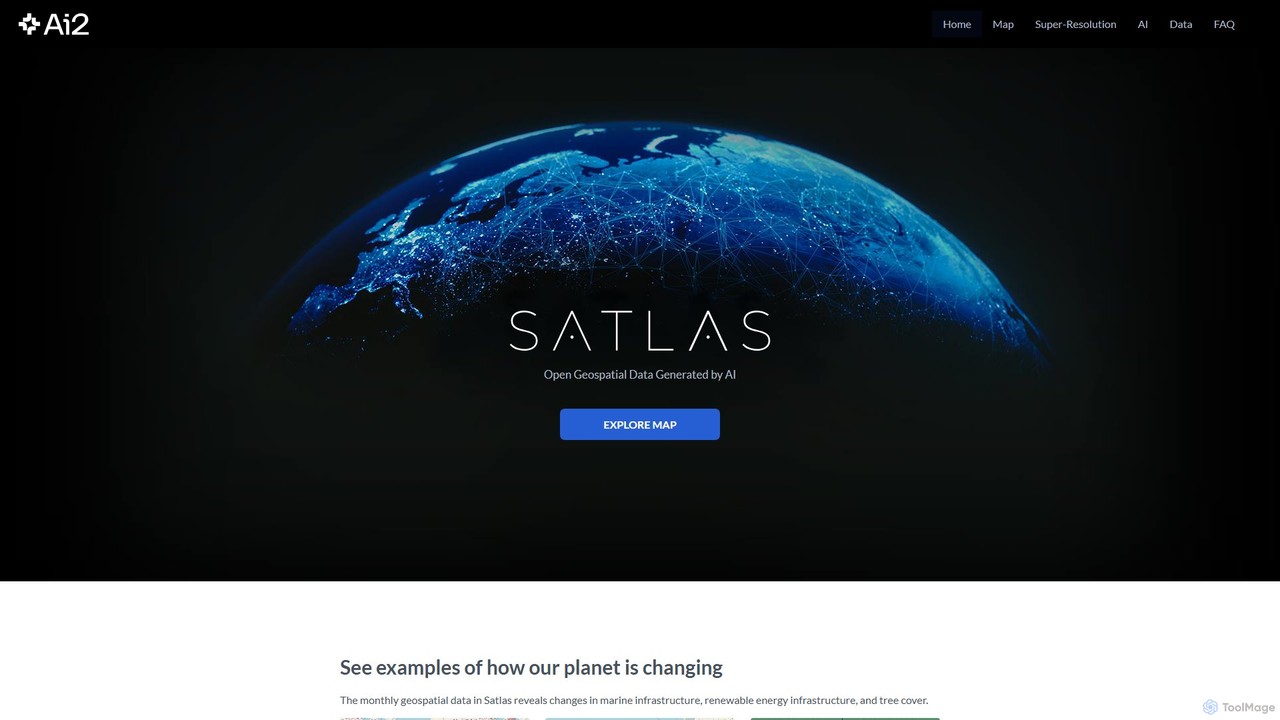
Satlas
Satlas is an AI-powered platform by the Allen Institute for AI that provides open, high-resolution geospatial data. It uses advanced computer vision models to analyze global satellite imagery, tracking changes in tree cover, renewable energy, and marine infrastructure. Its key feature is Super-Resolution, which enhances low-resolution images for detailed analysis.
Geospatial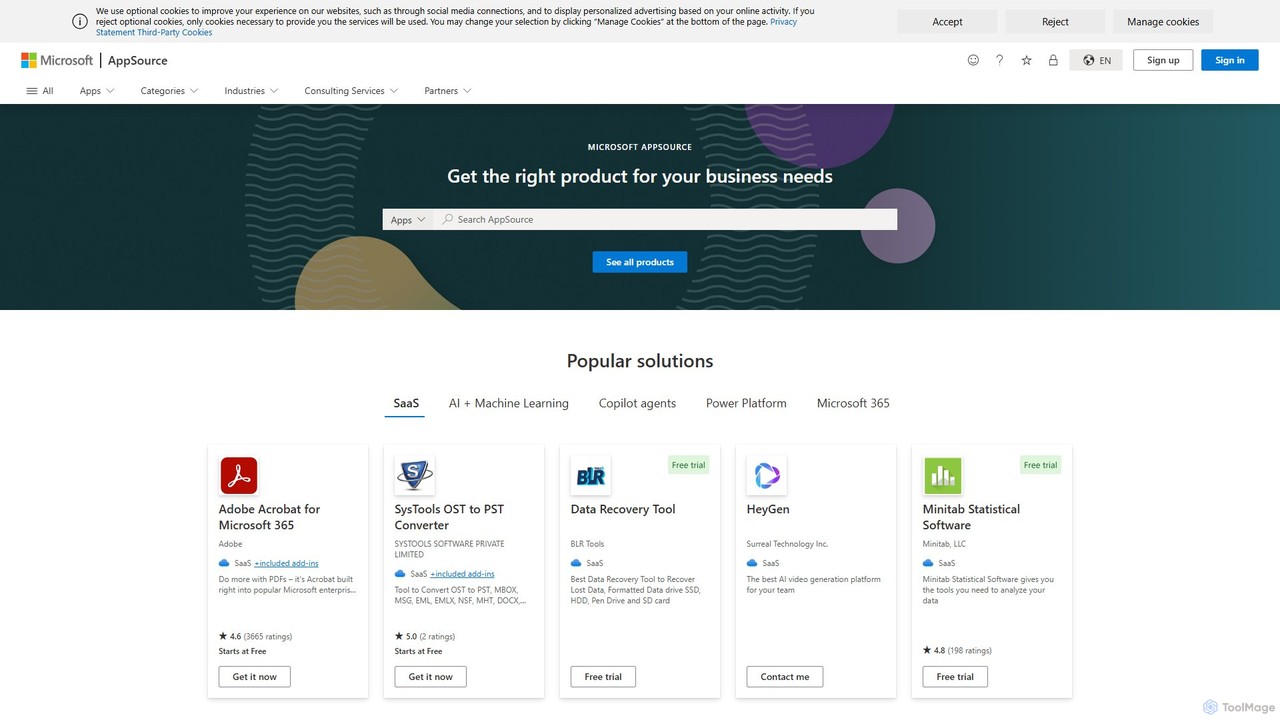
Maplytics
Maplytics is a certified geo-analytical mapping app that integrates Azure or Bing Maps with Microsoft Dynamics 365 and Power Platform. It provides powerful location intelligence features like route optimization, territory management, radius search, and heat maps to enhance sales, service, and marketing operations, enabling data-driven decisions and boosting ROI.
Geospatial Intelligence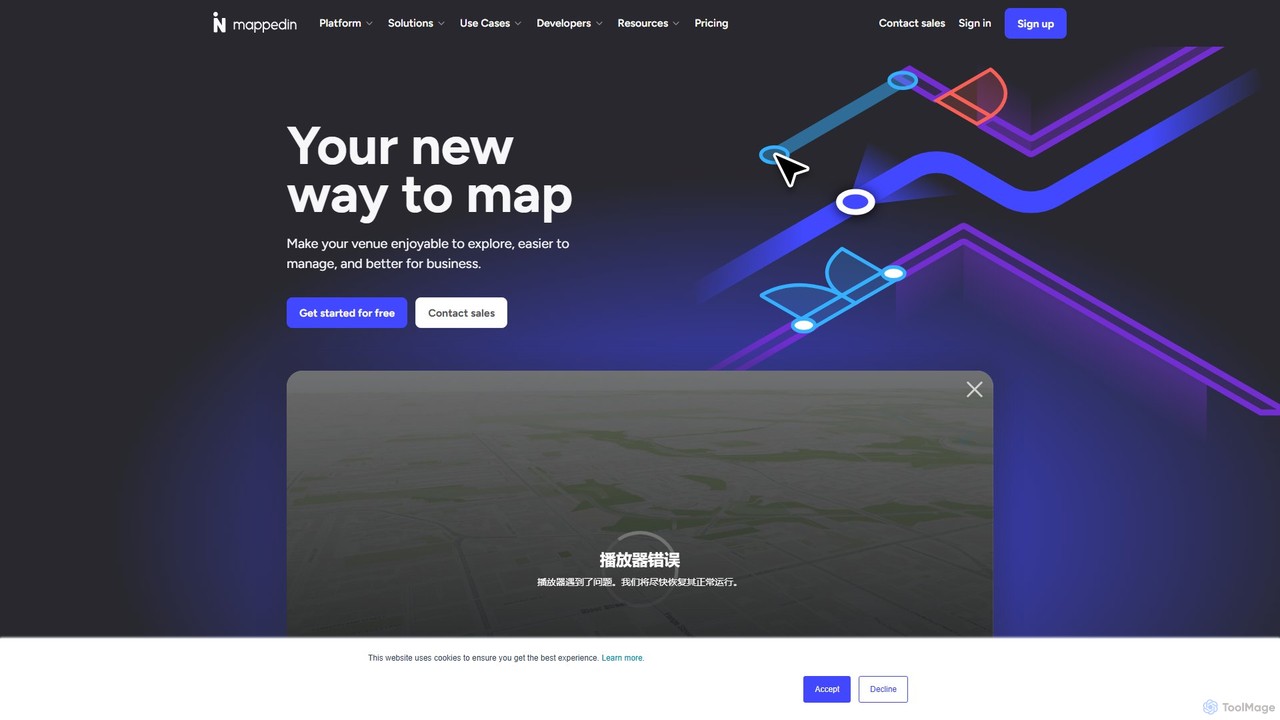
Mappedin
Mappedin is an AI-powered platform that transforms static floor plans into interactive 3D indoor maps in minutes. It's designed for venues of all types to enhance visitor experience, streamline operations, and improve safety with intuitive navigation, real-time data visualization, and powerful management tools.
Venue Management
blackshark.ai
blackshark.ai is an AI-powered Visual Earth Operating System (VEOS) that transforms satellite, aerial, and drone imagery into actionable 2D/3D geospatial intelligence and realistic simulations. It empowers analysts to rapidly train custom AI models for detection, classification, and monitoring, serving the defense, infrastructure, and autonomy sectors with unprecedented speed and flexibility.
SimulationPicterra Categories
Picterra Embed Widget
Copy this embed code to place the badge on your blog, article, or product site and send readers directly to this ToolMage detail page.

Related AI tools
Flypix
Flypix is an end-to-end AI platform for geospatial analysis, enabling users to automatically detect, localize, and segment objects in satellite, aerial, and drone imagery. Train custom AI models with no coding required to analyze complex scenes, saving significant time and resources across industries like agriculture, construction, and environmental monitoring.
3DSatlas
Satlas is an AI-powered platform by the Allen Institute for AI that provides open, high-resolution geospatial data. It uses advanced computer vision models to analyze global satellite imagery, tracking changes in tree cover, renewable energy, and marine infrastructure. Its key feature is Super-Resolution, which enhances low-resolution images for detailed analysis.
Geospatial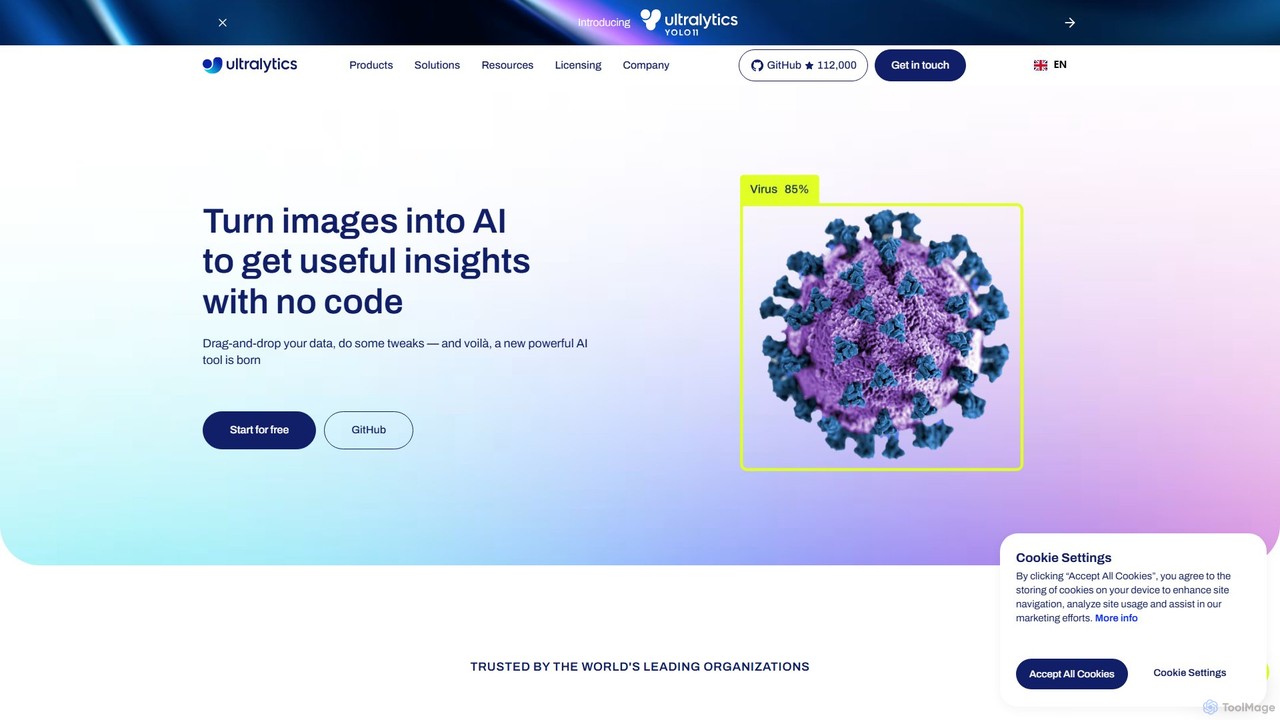
Ultralytics
Ultralytics is a leading Vision AI company, creators of the world-renowned YOLO (You Only Look Once) models. They provide a comprehensive ecosystem, including the open-source YOLOv8 framework and the Ultralytics HUB, a no-code platform for training and deploying AI models.
Machine Learning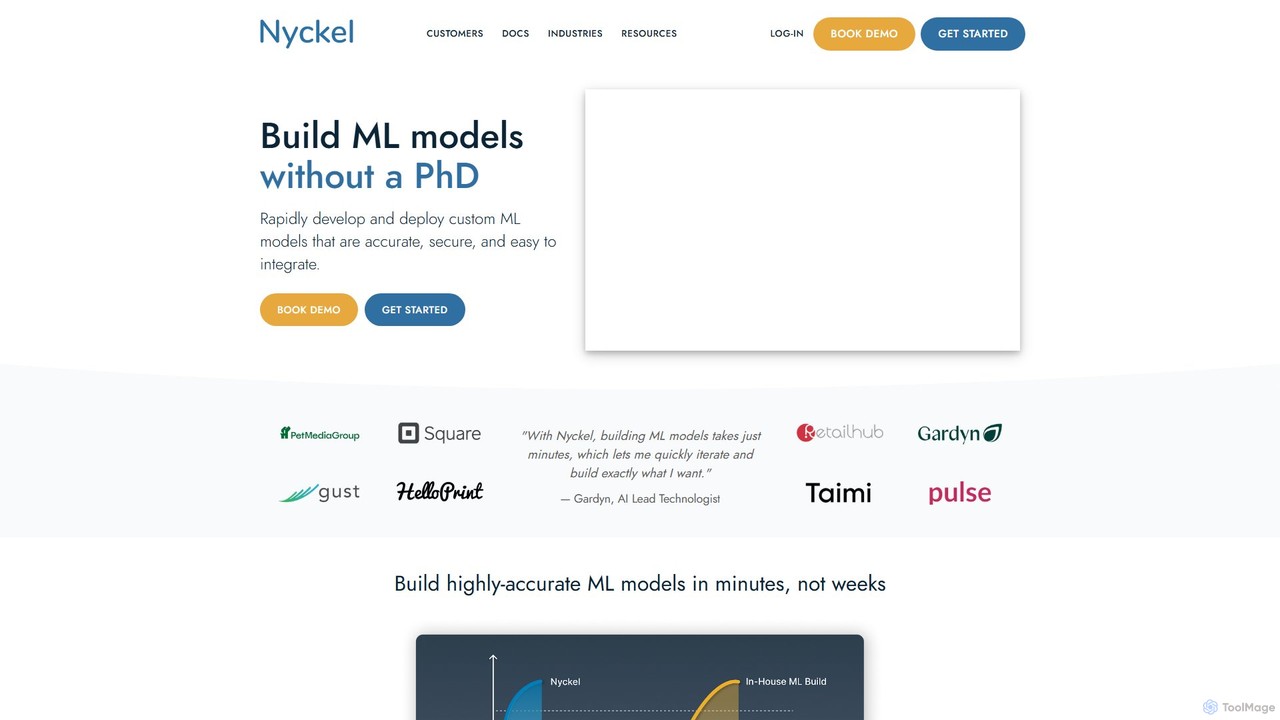
Nyckel
Nyckel is an AutoML platform that enables developers and businesses to rapidly build, train, and deploy high-accuracy custom machine learning models for image, text, and multimodal classification, search, and detection. It simplifies the entire ML lifecycle, requiring no specialized expertise (like a PhD), and provides a secure, scalable, and easy-to-integrate API.
Data Analysis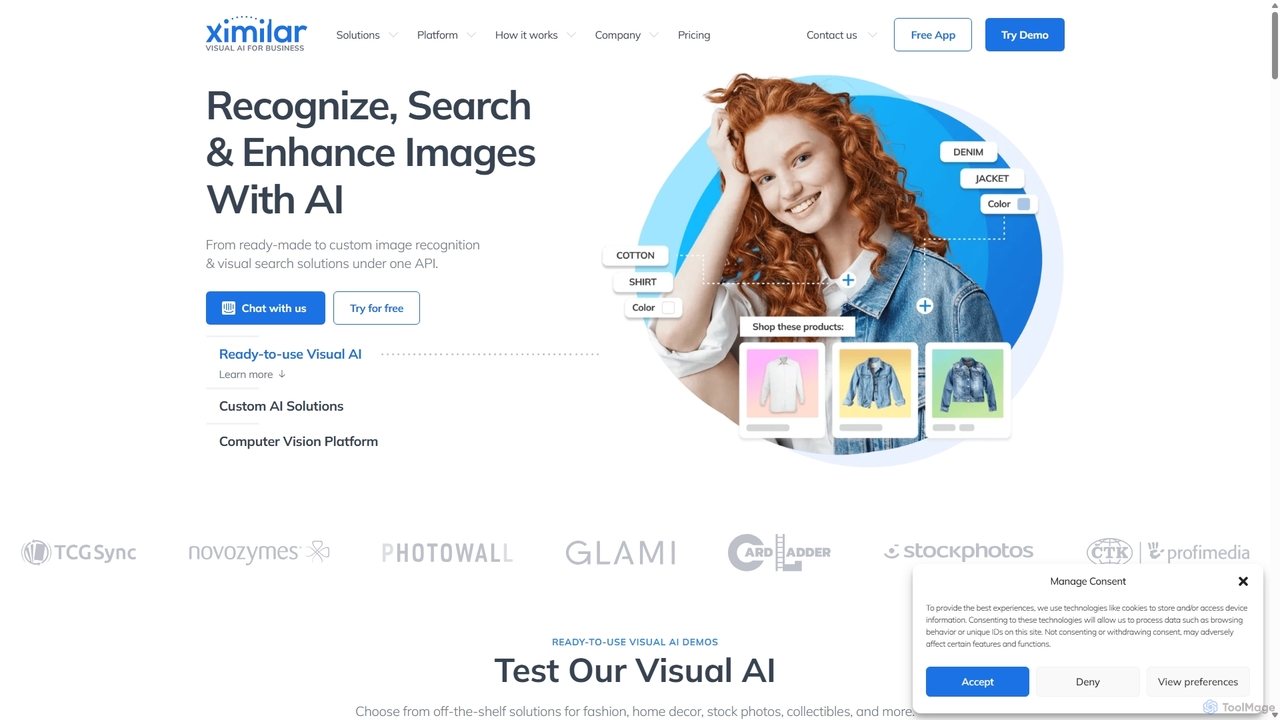
Ximilar
Ximilar is a comprehensive visual AI platform offering advanced image recognition, visual search, and object detection solutions through a single API. It empowers businesses to build and deploy custom computer vision models without coding, catering to industries like e-commerce, fashion, collectibles, and stock photography.
Image Recognition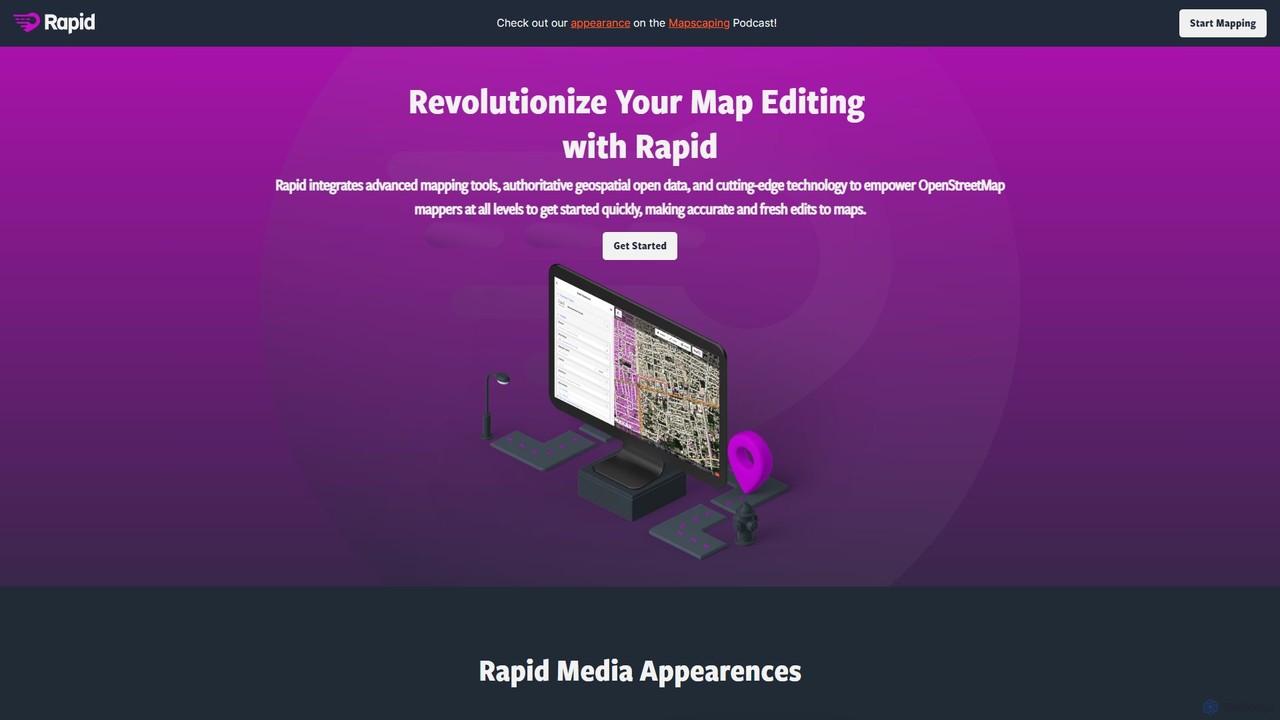
Rapid Editor
Rapid Editor is an AI-enhanced OpenStreetMap (OSM) editor designed to accelerate and simplify the mapping process. By leveraging AI-detected features from satellite imagery and integrating open data, it allows users to quickly add roads, buildings, and other geographical elements. Its intuitive interface makes it ideal for both beginners and experienced mappers, especially for humanitarian and community-driven mapping projects.
Geospatial Analysis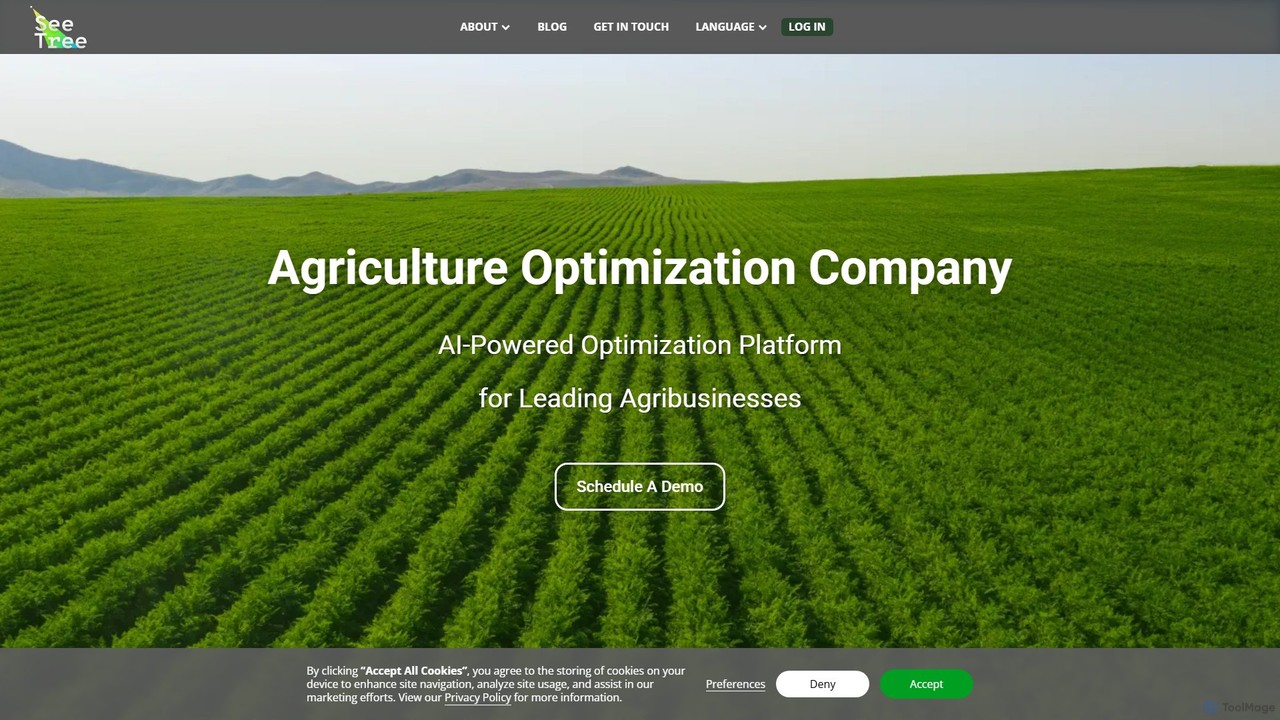
SeeTree
SeeTree is an AI-powered intelligence platform for permanent crop growers. It utilizes drones, computer vision, and machine learning to deliver per-tree data on health, yield, and growth, enabling farmers to optimize operations, increase profitability, and make data-driven decisions.
Precision Farming
Cybertiks
Cybertiks is an advanced AI platform that leverages satellite imagery and remote sensing for in-depth analysis in agriculture, mining, and environmental management. It provides valuable insights into soil nutrients, mineral deposits, and field health, enabling data-driven decision-making for various industries. By integrating multiple data sources and advanced AI models, Cybertiks delivers tailored, high-accuracy solutions for resource monitoring and management.
Analytics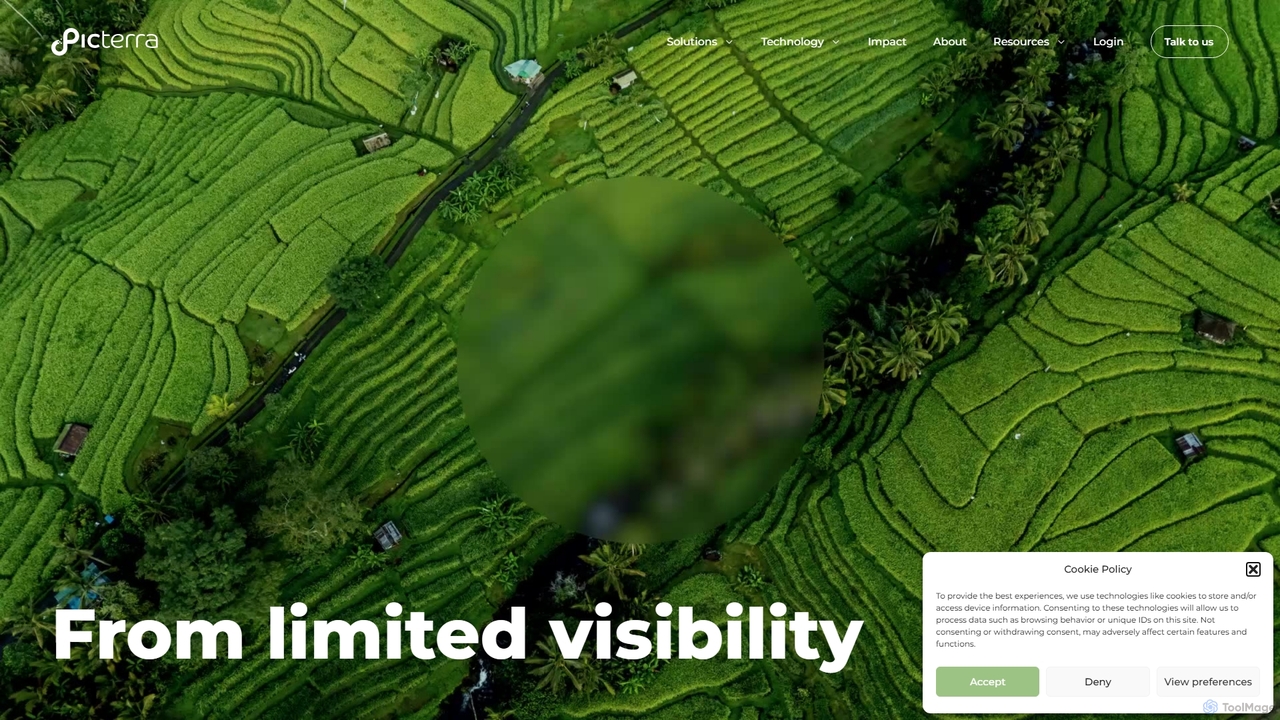
Picterra
Picterra is a GeoAI platform that transforms satellite and aerial imagery into actionable environmental intelligence. It enables sustainability, agriculture, and compliance teams to monitor global operations, detect risks like deforestation, and verify land use at scale. With its no-code interface, users can build custom AI models to automate analysis and make data-driven decisions for ESG reporting, supply chain management, and climate resilience.
Precision Farming
Roboflow
Roboflow is an end-to-end computer vision platform for developers and enterprises. It provides a comprehensive suite of tools to build, train, and deploy computer vision models at scale. From dataset creation and collaborative labeling to one-click model training and deployment to cloud or edge devices, Roboflow streamlines the entire MLOps lifecycle for vision AI, empowering over a million engineers to give their software the sense of sight.
Data Labeling
eos
EOS Data Analytics (eos) is an AI-powered platform providing satellite imagery analysis for various industries. It leverages machine learning to process geospatial data, offering actionable insights for agriculture, forestry, environmental monitoring, and more. The platform helps businesses make data-driven decisions, optimize operations, and mitigate risks through advanced remote sensing technologies.
Agriculture
Memories.ai
Memories.ai is an advanced AI video analysis platform that transforms raw video footage into searchable, actionable insights. It leverages computer vision and machine learning to automate tasks like object detection, transcription, and content tagging. Ideal for businesses, marketers, and content creators, it provides tools for security monitoring, campaign analysis, and efficient video data management, effectively creating a "human-like visual memory" for your content archives.
Api
Moondream
Moondream is a powerful, open-source visual language model (VLM) that is incredibly lightweight and fast. With a tiny 1GB footprint, it runs anywhere from edge devices to laptops. It allows developers to understand images through simple text prompts for tasks like captioning, object detection, OCR, and visual Q&A, without needing complex training or heavy infrastructure. It's designed for simplicity, versatility, and affordability.
Language Models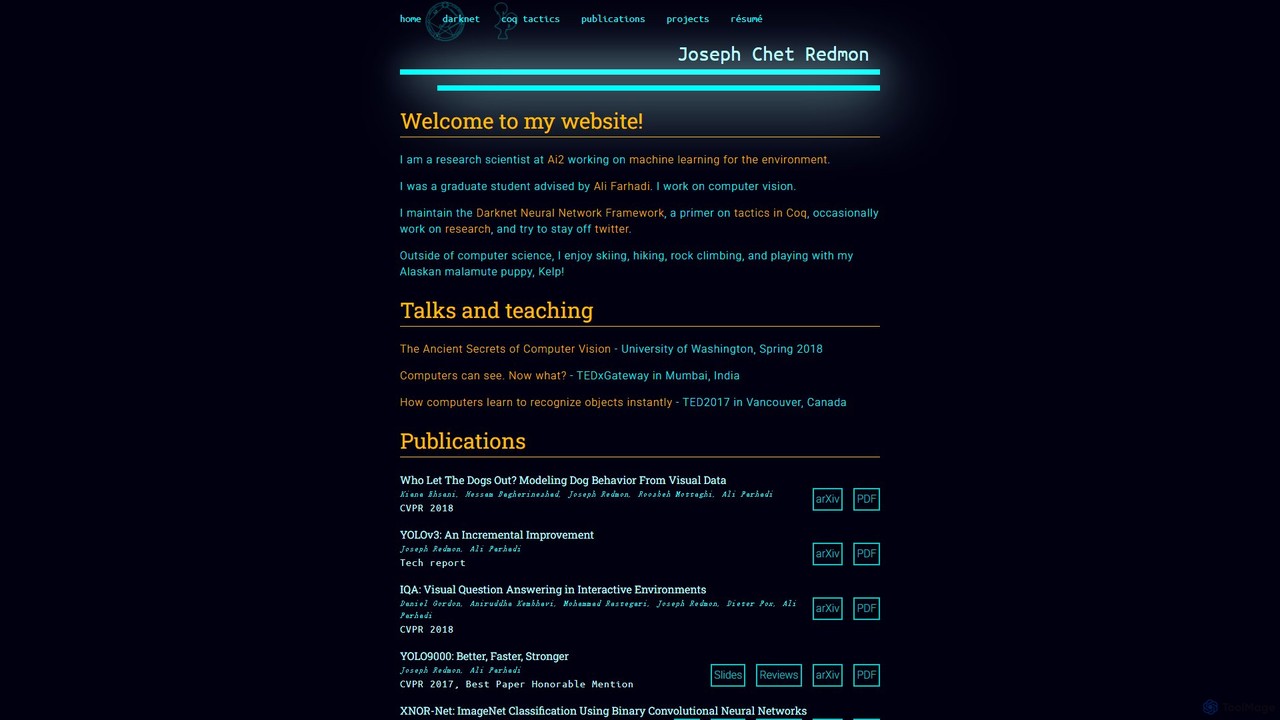
Darknet
Darknet is a high-performance, open-source neural network framework written in C and CUDA. Created by Joseph Redmon, it is renowned for its speed and efficiency, famously powering the YOLO (You Only Look Once) real-time object detection system. It's designed to be small, easy to install, and supports both CPU and GPU computations, making it a popular choice for researchers and developers in computer vision.
Object Detection
Datature
Datature is an end-to-end Vision AI platform designed for developers and enterprises. It streamlines the entire machine learning lifecycle, from collaborative data annotation and no-code model training to flexible deployment. The platform empowers teams to build, fine-tune, and deploy production-ready computer vision models for diverse applications across industries like healthcare, retail, and manufacturing.
Machine Learning
Picterra Comments (0)
Sign in to comment.
Sign inNo comments yet.