ToolMage
Sign in

Best 6 App Development AI tools for Developer Tools

Popular App Development AI tools in Developer Tools include Onelink.to, Iconik AI, Recensia, revmore, ReviewHawk, and Supascout, helping you work more efficiently.

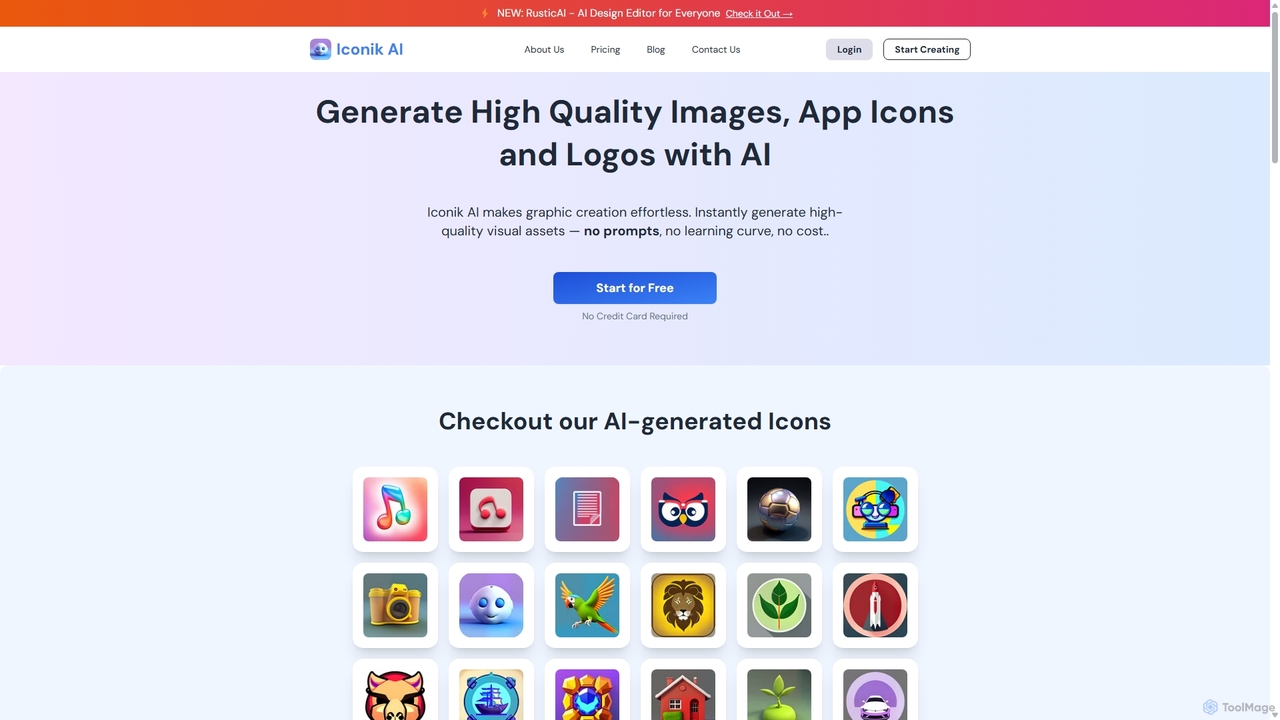
Iconik AI
Freemium

Iconik AI

Iconik AI is an AI-powered platform for effortlessly creating high-quality app icons, logos, and images. Designed for developers, designers, and e-commerce owners, it requires no design skills or complex prompts. Generate unique, professional visual assets that comply with Apple and Google guidelines, and enjoy full commercial rights to your creations.

Icon Generation
Visits 31.2KFavorites 128Likes 137
Supascout
Freemium

Supascout

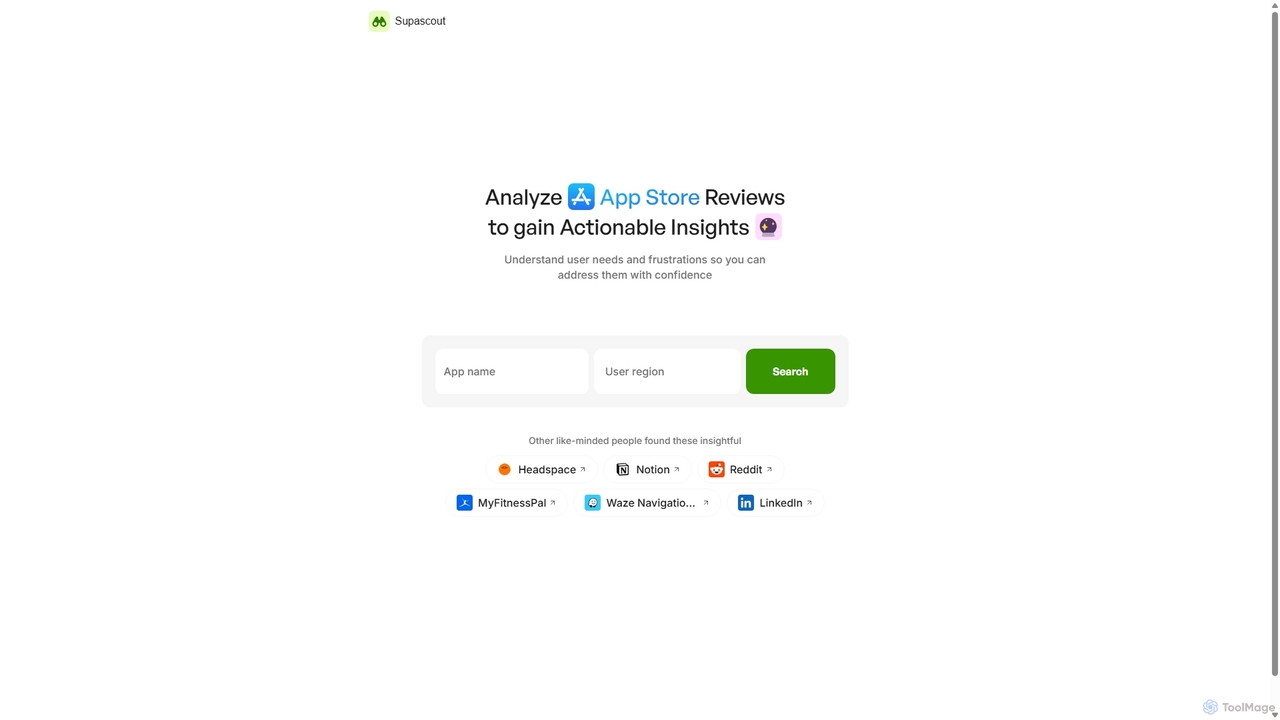
Supascout is an AI-powered tool that analyzes App Store reviews to provide actionable insights. It automatically categorizes user feedback into satisfactions, frustrations, and opportunities, helping developers and product managers make data-driven decisions for app improvement and competitor analysis.

Feedback Management
Visits 6.4KFavorites 180Likes 163
Onelink.to
Freemium

Onelink.to

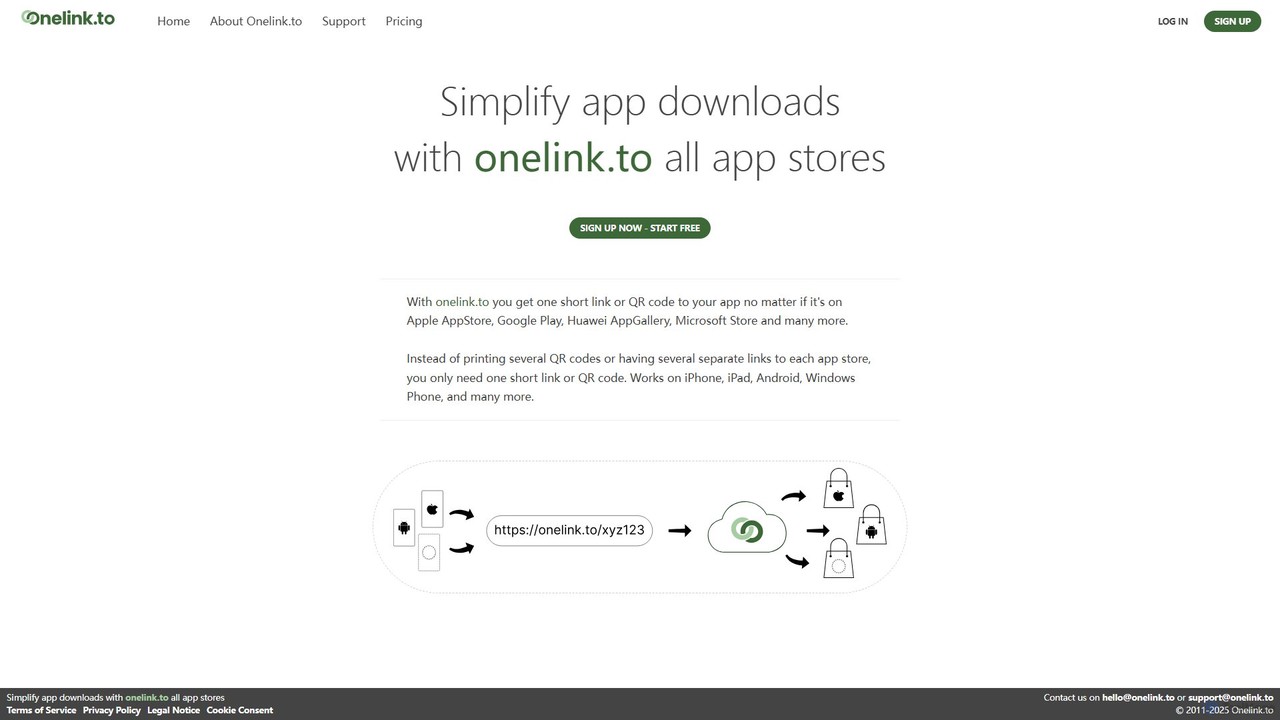
Onelink.to is an intelligent link management platform that simplifies app marketing. It provides a single, smart link and QR code that automatically detects the user's device and directs them to the correct app store, such as Apple App Store, Google Play, or others. This streamlines the user journey, boosts download conversion rates, and provides valuable analytics for campaign optimization.

App Development
Visits 9.7MFavorites 127Likes 148
revmore
Paid

revmore

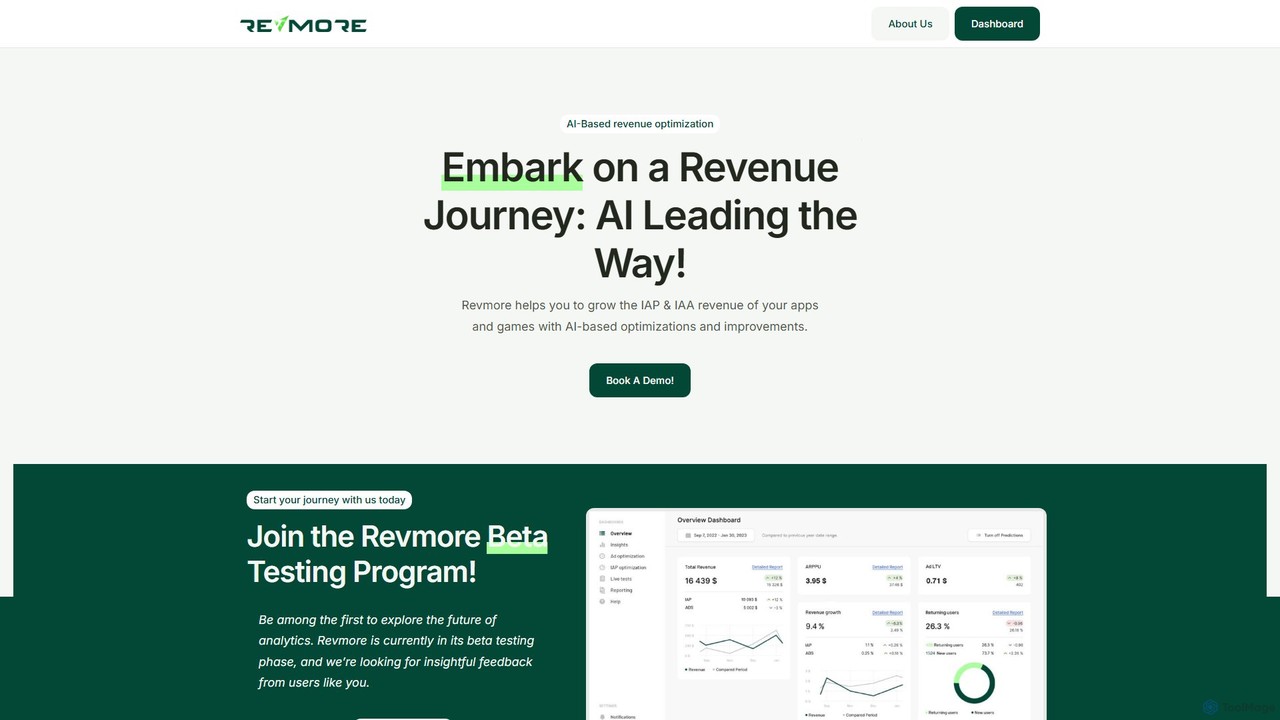
Revmore is an AI-powered platform designed for app and game developers to optimize revenue. It leverages AI-based A/B testing and analytics to increase both In-App Purchase (IAP) and In-App Advertising (IAA) income. By providing data-driven insights and automating monetization strategies, Revmore helps developers maximize profitability and enhance user value without extensive manual effort.

B Testing
Visits 6.5KFavorites 131Likes 133
ReviewHawk
Freemium

ReviewHawk

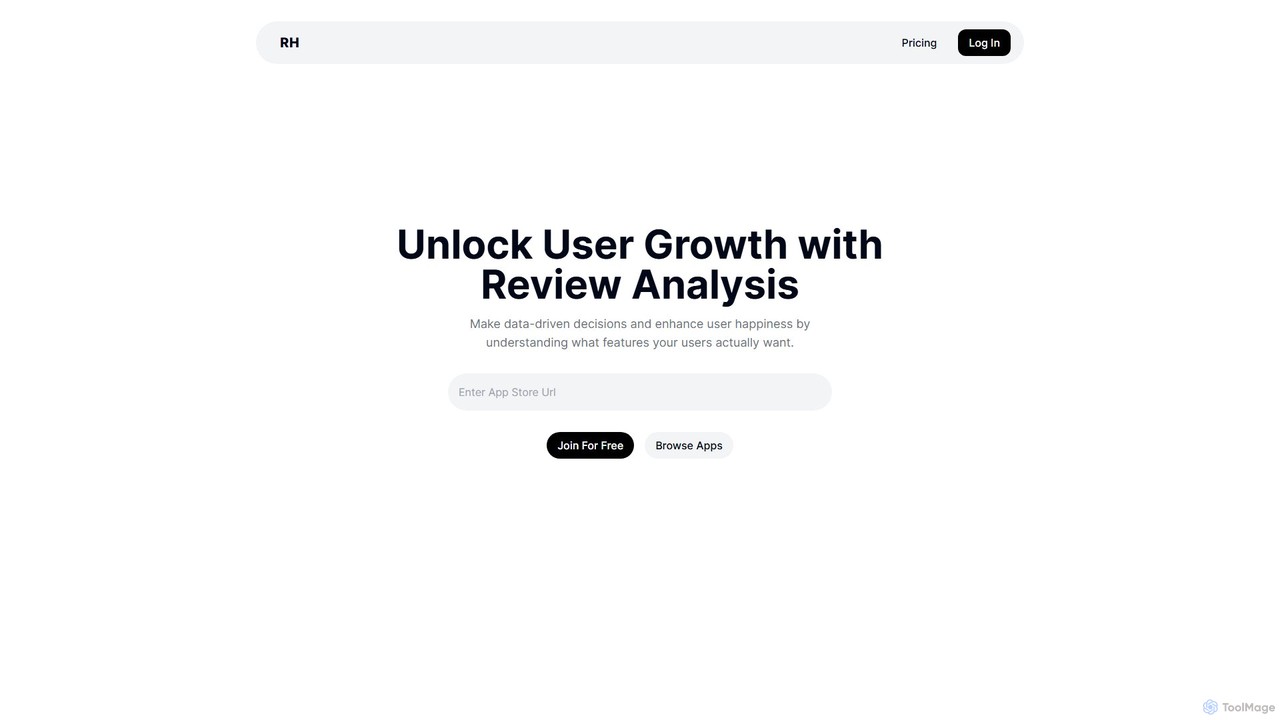
ReviewHawk is an AI-powered platform that analyzes app store reviews to help developers reduce user churn. It automatically identifies feature requests, pinpoints complaints, and provides actionable insights, enabling data-driven decisions to enhance user satisfaction and drive growth.

Analytics
Visits 6.5KFavorites 145Likes 143
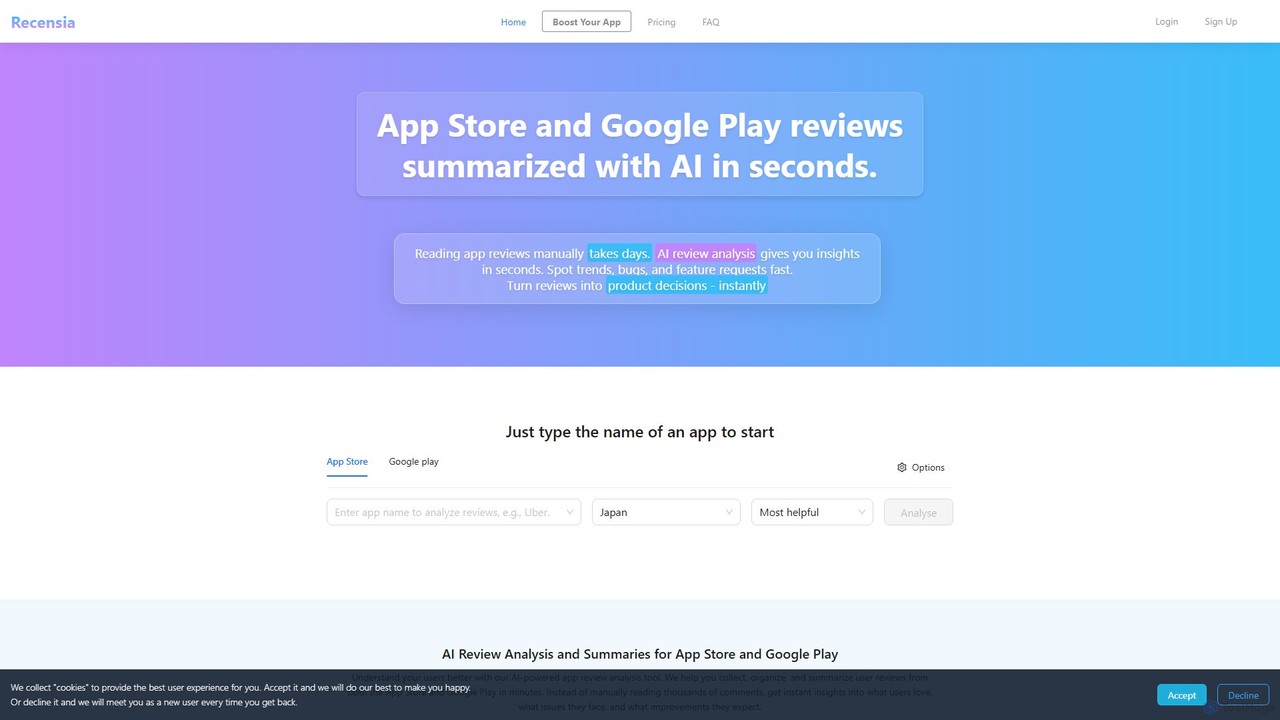
Recensia
Freemium

Recensia

Recensia is an AI-powered platform that analyzes and summarizes user reviews from the App Store and Google Play. It helps product managers, developers, and UX designers quickly understand user sentiment, identify bugs, spot trends, and discover feature requests without manually sifting through thousands of comments. By leveraging advanced NLP, Recensia transforms raw feedback into actionable insights, enabling teams to make data-driven decisions and improve their mobile apps faster.

Feedback Analysis
Visits 7.2KFavorites 159Likes 152

About App Development

AI App Development tools are a class of software that leverages artificial intelligence to automate, accelerate, and optimize the application creation lifecycle. These tools utilize machine learning models, particularly large language models, to understand natural language prompts, analyze existing code, and generate new, functional code snippets or even entire applications. Their primary value lies in significantly reducing manual coding, debugging, and testing efforts, allowing developers to build and iterate on software faster. As a specialized category within Developer Tools, they focus on infusing intelligence directly into the development workflow.

Core Features

  • AI-Powered Code Generation: Creates code in various languages from natural language descriptions or partial code inputs.
  • Intelligent Debugging & Error Analysis: Automatically identifies bugs, explains their root causes, and suggests concrete fixes.
  • Automated Testing: Generates unit tests, integration tests, and end-to-end tests based on the application's codebase and requirements.
  • Code Refactoring & Optimization: Analyzes existing code to suggest improvements for performance, readability, and maintainability.
  • UI/UX Generation: Translates low-fidelity wireframes or textual descriptions into functional user interface code.

Use Cases

These tools are valuable for a wide range of users, from solo developers and startups aiming for rapid prototyping to large enterprise teams looking to enhance productivity. They are commonly used to accelerate the development of new features, modernize legacy systems, improve overall code quality, and automate the creation of comprehensive test suites, freeing up developers to focus on complex architectural challenges.

How to Choose

When selecting an AI App Development tool, consider its compatibility with your existing technology stack, including programming languages and frameworks. Evaluate the depth of its integration with your preferred IDE (e.g., VS Code, JetBrains). Assess the scope of its AI capabilities—whether it excels at code generation, testing, or provides a comprehensive suite. Finally, consider the learning curve and how well it fits into your team's current workflow.

App Development use cases

1

Accelerating MVP Development for Startups

A startup founder with a clear product idea but limited engineering resources needs to build a Minimum Viable Product (MVP) quickly to validate the concept with users and attract investors. Using an AI App Development tool, they can describe the core features, user flows, and data models in natural language. The tool generates the foundational backend code, API endpoints, and frontend UI components. This process reduces the initial development time from months to weeks, allowing the startup to launch faster, gather crucial user feedback, and iterate on the product with greater agility.

2

Automating Unit Test Generation

A Quality Assurance (QA) team is tasked with increasing test coverage for a large, complex application without slowing down the development cycle. Manually writing unit tests for every new function is time-consuming. The team integrates an AI App Development tool into their CI/CD pipeline. For each new code commit, the tool analyzes the changes, understands the logic of the new functions, and automatically generates a comprehensive suite of unit tests. This automates a repetitive task, increases test coverage from 65% to over 90%, and allows QA engineers to focus on more complex integration and end-to-end testing scenarios.

3

Refactoring and Modernizing Legacy Code

A large enterprise maintains a critical system built on an outdated programming language and architecture. The code is difficult to maintain and new developers struggle to understand it. A senior developer uses an AI tool to analyze the entire legacy codebase. The tool identifies redundant code, suggests modern design patterns, and automatically translates parts of the code to a newer, more efficient language. This AI-assisted refactoring process helps the team to modernize the system incrementally, improve performance, and make the codebase more accessible for future development, all while minimizing the risk of introducing new bugs.

4

Generating UI from a Hand-Drawn Sketch

A UI/UX designer quickly sketches out a new screen layout for a mobile app during a brainstorming session. Instead of manually recreating this design in a digital tool, they take a photo of the sketch and upload it to an AI App Development tool. The AI analyzes the drawing, identifies standard UI elements like buttons, input fields, and image placeholders, and generates a high-fidelity, interactive prototype. It even produces the corresponding HTML/CSS or native mobile framework code, bridging the gap between design and development and dramatically speeding up the design-to-code workflow.

5

Intelligent Code Completion for Complex Algorithms

A junior developer is tasked with implementing a complex data processing algorithm. They understand the high-level logic but are unsure about the specific syntax and optimal library functions to use. As they type in their IDE, an integrated AI assistant provides context-aware code completions. It doesn't just suggest single lines; it offers entire blocks of code that fit the logical context, complete with error handling and performance optimizations. This guidance helps the developer write better, more efficient code faster, and serves as a powerful on-the-job learning tool, accelerating their professional growth.

6

Natural Language to Database Query Conversion

A product manager needs to analyze user engagement data but is not proficient in SQL. Instead of waiting for a data analyst, they use an AI App Development tool with a natural language interface. They type a question like, 'Show me the number of daily active users from the US who signed up in the last 30 days, grouped by acquisition channel.' The AI tool translates this request into a precise and optimized SQL query. This empowers non-technical team members to perform data analysis independently, speeds up decision-making, and frees up data analysts' time for more complex tasks.

App Development FAQ

What are AI App Development tools?

AI App Development tools are software applications that use artificial intelligence to assist human developers in the software creation process. They go beyond traditional development tools by actively participating in tasks like writing code from natural language, automatically finding and fixing bugs, generating test cases, and even designing user interfaces. Their main goal is to increase developer productivity, improve code quality, and shorten the time it takes to bring an application to market.

How do AI App Development tools differ from traditional IDEs?

Traditional Integrated Development Environments (IDEs) provide a passive environment with tools like a text editor, debugger, and compiler. They assist developers by providing a structured workspace. AI App Development tools, often integrated as plugins into IDEs, are active partners. They proactively suggest code, generate entire functions, identify complex bugs that static analyzers might miss, and automate creative or repetitive tasks. In essence, an IDE is the workshop, while the AI tool is an intelligent assistant working alongside the developer in that workshop.

Will AI App Development tools replace human developers?

It is highly unlikely that AI will replace human developers. Instead, these tools are evolving to become powerful collaborators, often referred to as 'co-pilots'. They excel at handling repetitive, time-consuming, and pattern-based tasks, which frees up human developers to focus on higher-level challenges. These include system architecture, creative problem-solving, understanding user needs, and making strategic decisions. The role of the developer is shifting from writing every line of code to directing, verifying, and integrating the output of AI tools, leading to a more strategic and efficient development process.

What are the key features to look for in an AI App Development tool?

When evaluating these tools, focus on several key areas. Firstly, assess the quality and scope of its code generation—does it support your required languages and frameworks, and is the generated code clean and efficient? Secondly, look at its debugging and analysis capabilities; a good tool should not just find errors but explain them. Thirdly, consider its integration with your existing workflow, especially your IDE and version control system. Finally, evaluate its support for automated testing, as this can provide a significant return on investment by reducing manual QA effort.

Is the code generated by AI tools reliable and secure?

The reliability and security of AI-generated code are improving rapidly but still require human oversight. Modern AI tools are trained on vast datasets of high-quality, open-source code, so they often produce code that follows best practices. However, they can sometimes generate code with subtle bugs, inefficiencies, or potential security vulnerabilities. Therefore, the best practice is to treat AI-generated code as a first draft. Developers should always review, test, and understand the code before integrating it into a production system, using their expertise to ensure it meets all quality and security standards.