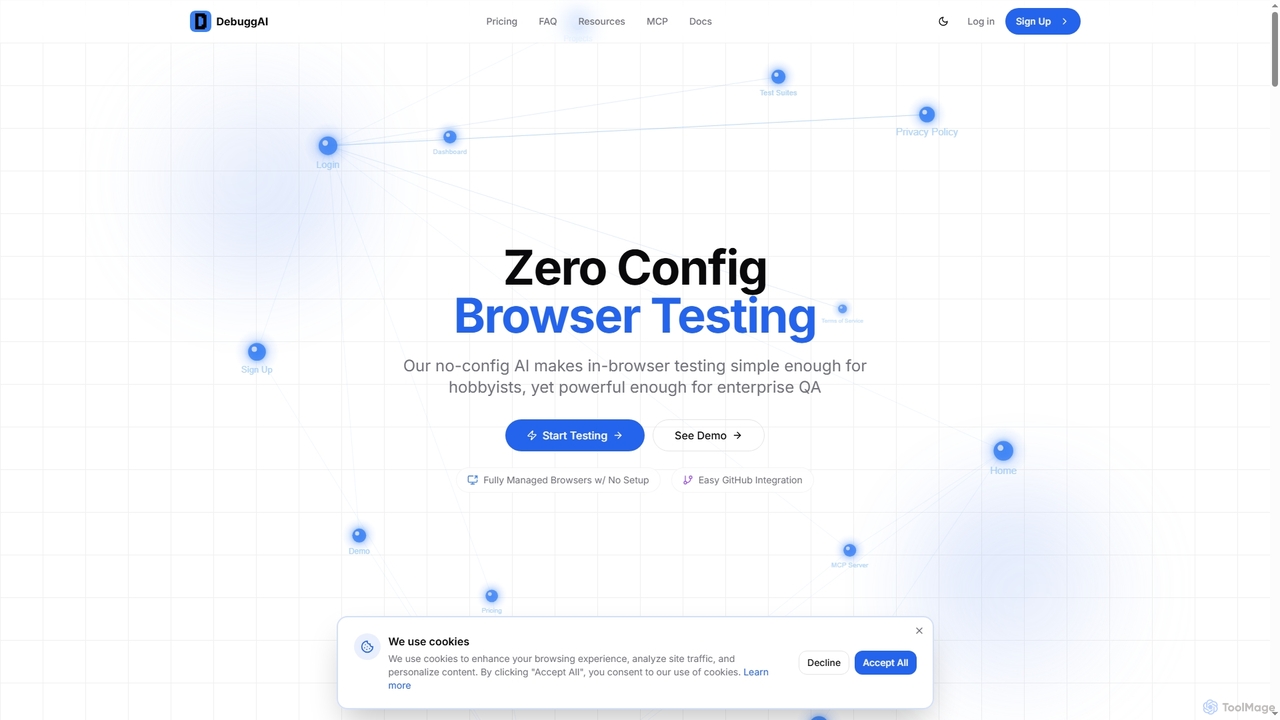
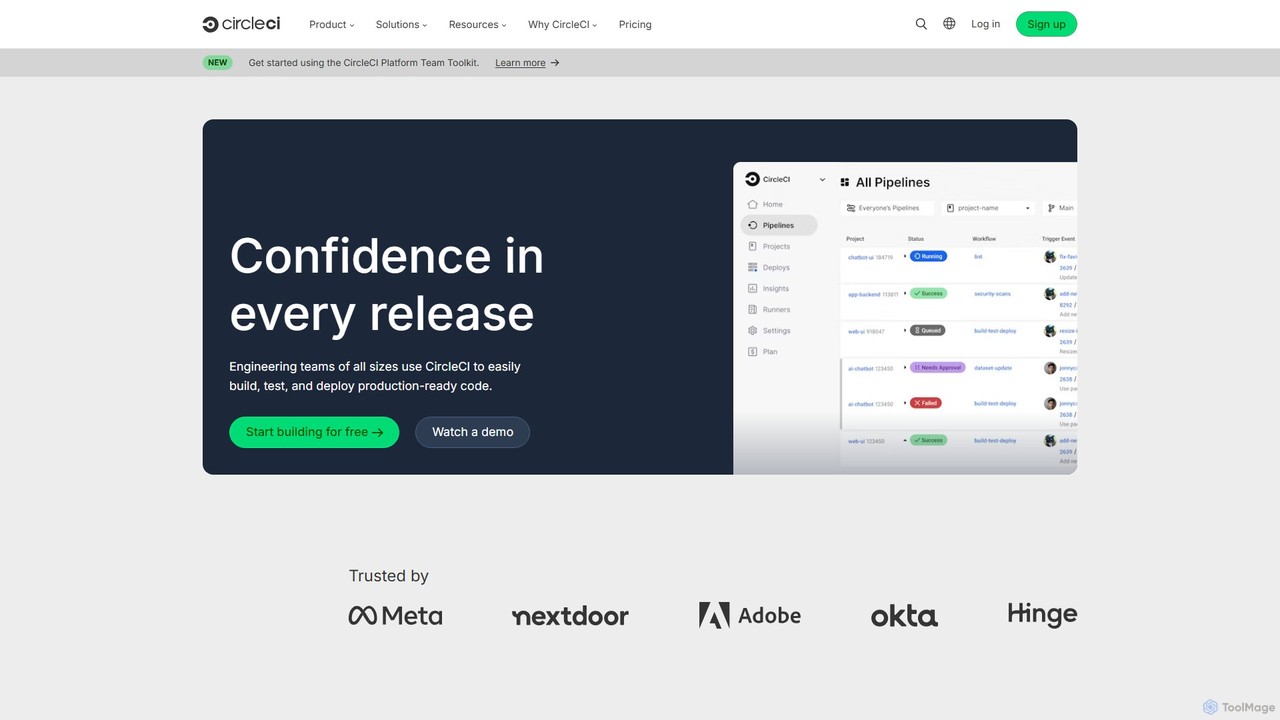
Continuous Integration (CI) tools automate the process of integrating code changes from multiple developers into a single shared repository. These platforms automatically trigger builds, run tests, and scan code upon every commit, providing rapid feedback on the quality and stability of the changes. This practice helps teams detect and resolve integration issues early in the development cycle, significantly improving software quality and accelerating delivery speed. As a core component of the Developer Tools ecosystem, CI focuses specifically on the build and test automation phase of the software development lifecycle.
Core Features
- Automated Builds: Automatically compiles source code, runs dependencies, and packages the application upon every code change.
- Automated Testing: Executes various tests (unit, integration, etc.) to validate code functionality and prevent regressions.
- Version Control Integration: Natively connects with repositories like Git (GitHub, GitLab, Bitbucket) to monitor for new commits and pull requests.
- Real-time Feedback: Provides immediate notifications and detailed reports on build and test outcomes, enabling quick issue resolution.
- Pipeline as Code: Allows developers to define and version control their build and test workflows using configuration files (e.g., YAML).
Use Cases
Continuous Integration tools are fundamental for modern software development teams of all sizes. They are extensively used in Agile and DevOps environments to support rapid iteration. Key users include software developers, DevOps engineers, and quality assurance teams working on web applications, mobile apps, backend services, and embedded systems. Any project with multiple contributors benefits from CI to maintain code stability.
How to Choose
When selecting a Continuous Integration tool, consider its hosting model (cloud-based SaaS vs. self-hosted), compatibility with your version control system and programming languages, and the breadth of its integration ecosystem (e.g., for testing frameworks, security scanners, and deployment targets). Also, evaluate its scalability for handling concurrent builds, the ease of pipeline configuration (UI vs. code-based), and the pricing structure (per user, per build minute, or free for open-source projects).