ToolMage
Sign in

Best 2 Data Integration AI tools for Developer Tools

Popular Data Integration AI tools in Developer Tools include Airbyte and Lume AI, helping you work more efficiently.

Airbyte
Freemium

Airbyte

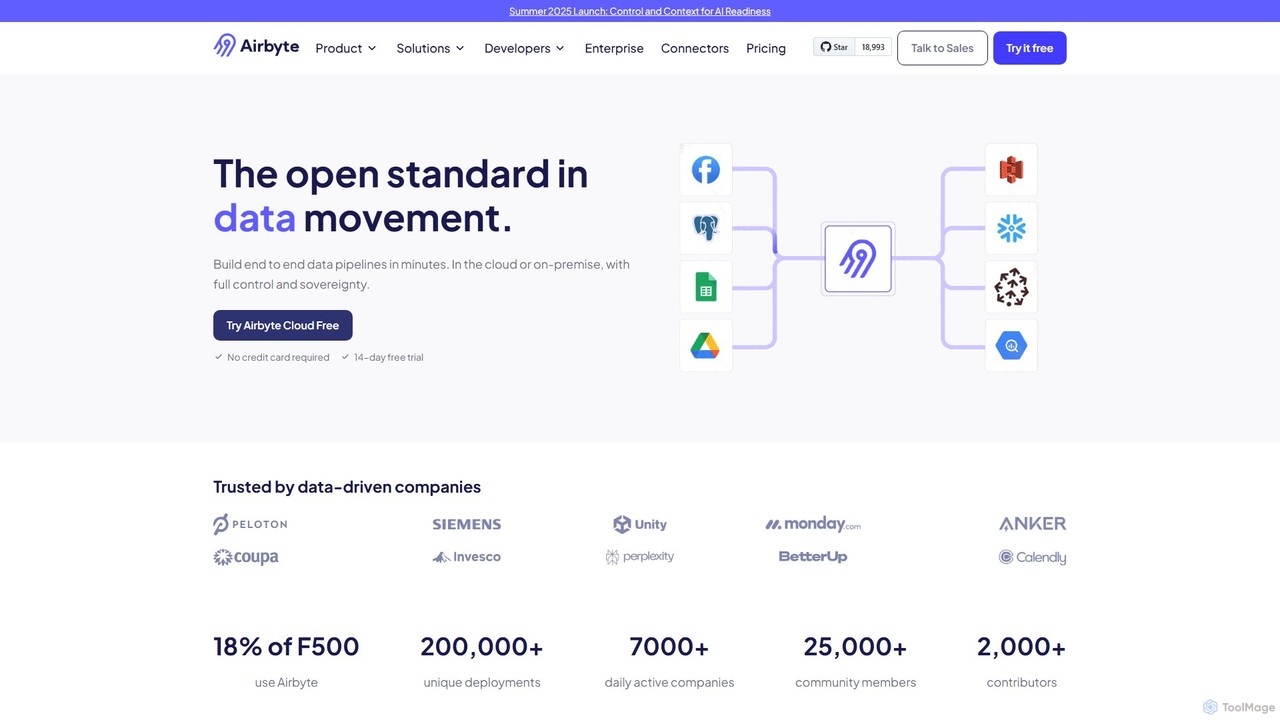
Airbyte is an open-source data integration platform that simplifies building and managing data pipelines. It enables you to move data from hundreds of sources to destinations like data warehouses, lakes, and vector databases in minutes, using a vast catalog of pre-built connectors or by creating your own with a low-code builder. It supports both cloud and self-hosted deployments, focusing on data security, governance, and scalability for modern data and AI applications.

Data Pipelines
Visits 231KFavorites 127Likes 143
Lume AI
Paid

Lume AI

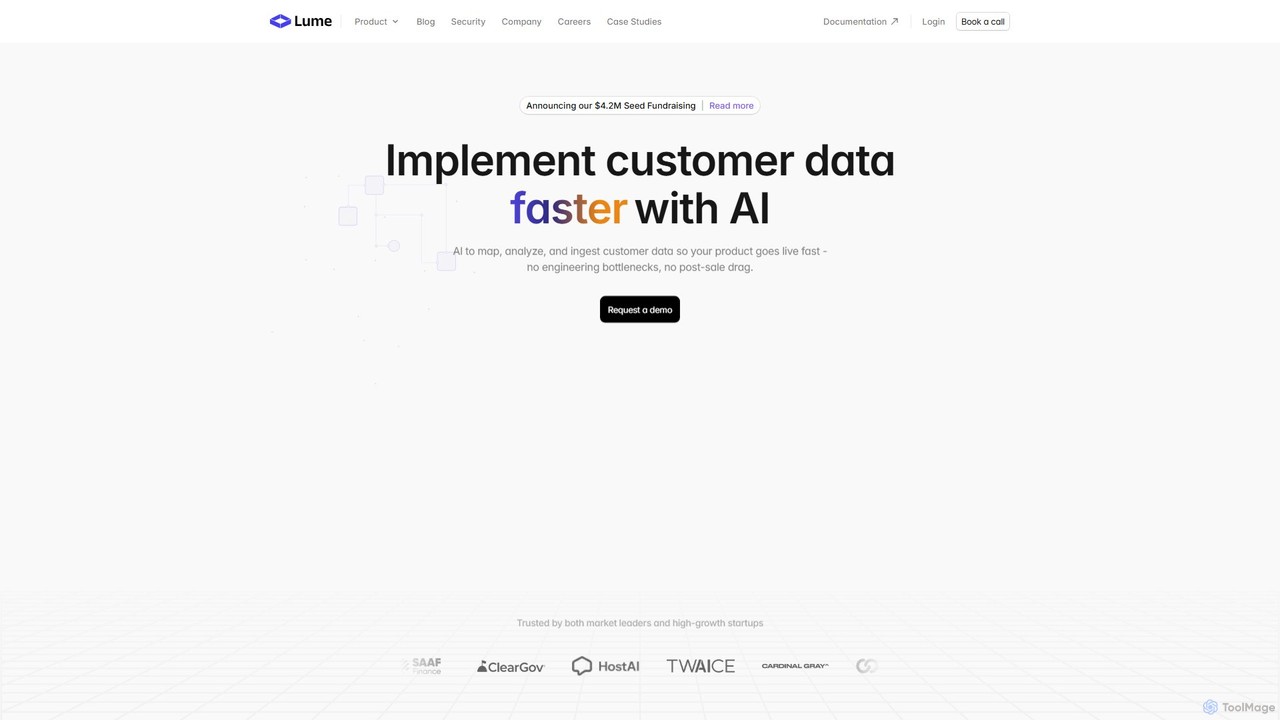
Lume AI is an AI-powered platform designed to automate and accelerate customer data implementation. It intelligently maps, analyzes, and ingests customer data, eliminating engineering bottlenecks and reducing onboarding time from weeks to days. By offering both a no-code interface and a flexible API, Lume AI helps businesses streamline data integration, normalize data from various sources, and manage complex data pipelines, allowing teams to focus on their core product value.

Data Management
Visits 24.2KFavorites 139Likes 154

About Data Integration

Data Integration tools are platforms designed to consolidate data from various disparate sources into a single, unified view. They automate the process of extracting, transforming, and loading (ETL) or extracting, loading, and transforming (ELT) data to create reliable data pipelines. This enables organizations to perform comprehensive analysis, generate business intelligence insights, and power data-driven applications. As a key part of the developer toolkit, these platforms ensure data consistency and accessibility across an enterprise.

Core Features

  • Extensive Connector Library: Provides pre-built connectors to a wide range of databases, SaaS applications, APIs, and file storage systems.
  • Data Transformation Engine: Offers capabilities to clean, map, enrich, and restructure data using either a graphical interface or code (SQL, Python).
  • Workflow Automation & Scheduling: Allows users to design, schedule, and orchestrate complex data pipelines to run automatically at specified intervals.
  • Monitoring and Alerting: Delivers dashboards and notifications to track pipeline health, data quality, and performance issues in real-time.
  • Scalability and Performance: Engineered to handle large volumes of data and scale resources efficiently based on workload demands.

Applicable Scenarios

These tools are essential for data engineers, data analysts, and IT teams. Common applications include building and maintaining data warehouses for business intelligence, synchronizing customer data between CRM and marketing platforms, migrating legacy systems to the cloud, and feeding clean, prepared data to machine learning models.

Selection Criteria

When choosing a Data Integration tool, consider the breadth of its connector ecosystem, the complexity of its transformation capabilities (GUI vs. code), its data processing paradigm (batch vs. real-time streaming), its pricing model (volume-based vs. connector-based), and its security and compliance certifications (e.g., GDPR, HIPAA).

Data Integration use cases

1

Building a Centralized Data Warehouse for BI

A business intelligence team needs to combine sales data from Salesforce, marketing data from Google Analytics, and support tickets from Zendesk. They use a data integration tool to create automated pipelines that extract data from each source, standardize formats (e.g., date fields, currency), and load it into a central warehouse like Amazon Redshift. This allows them to build unified dashboards in a tool like Tableau to track the entire customer journey and measure marketing ROI accurately.

2

Synchronizing Customer Data Across Applications

A marketing operations manager needs to ensure customer information is consistent between their CRM (e.g., HubSpot) and email marketing platform (e.g., Mailchimp). They set up a two-way sync using a data integration tool. When a new lead is added in HubSpot, it's automatically created in Mailchimp. If a user unsubscribes in Mailchimp, their status is updated in HubSpot, ensuring compliance and preventing communication errors.

3

Migrating On-Premise Data to the Cloud

An IT team is tasked with migrating a legacy on-premise SQL Server database to a cloud-based solution like Snowflake. They use a data integration platform to manage the complex migration. The tool helps map the old schema to the new one, handles data type conversions, and efficiently transfers terabytes of historical data in batches. This minimizes downtime and ensures data integrity throughout the migration process, validating data counts and formats post-transfer.

4

Powering a Customer 360-Degree View

A data science team aims to create a comprehensive profile for each customer. They use a data integration tool to pull data from various touchpoints: website clicks from a tracking script, purchase history from an e-commerce platform, and interaction data from a mobile app. The tool consolidates this information into a single, clean dataset, which is then used to train personalization algorithms, improve customer segmentation, and calculate customer lifetime value (CLV).

5

Automating Financial Reporting and Consolidation

A finance department in a multinational corporation needs to consolidate financial data from subsidiaries using different accounting systems (e.g., SAP, Oracle NetSuite). An integration tool automates the extraction of trial balances and transaction data, handles currency conversions, and maps different charts of accounts to a unified corporate standard. This drastically reduces the manual effort required for month-end closing and ensures accurate, timely reporting for regulatory compliance.

6

Preparing Datasets for Machine Learning Models

A machine learning engineer is building a churn prediction model. They require clean, feature-rich data from multiple sources. They use a data integration tool to extract raw user activity logs, join them with subscription data from Stripe, and perform transformations like calculating session durations and purchase frequency. The tool automates this feature engineering pipeline, ensuring the model is always trained on fresh, consistent, and well-structured data, improving model accuracy and reliability.

Data Integration FAQ

What is Data Integration?

Data Integration is the process of combining data from different sources to provide users with a unified, single view. AI-powered data integration tools automate this process, using connectors to extract data, engines to transform it, and schedulers to create reliable data pipelines. The primary goal is to make data more accessible and valuable for analysis, reporting, and other business operations, forming the backbone of a modern data stack.

How to choose the right Data Integration tool?

When choosing a tool, evaluate these key factors:

  • Connectors: Does it support all your required data sources and destinations (databases, SaaS apps, APIs)?
  • Transformation: Does it offer a no-code/low-code interface for simple tasks or support complex, code-based transformations (e.g., SQL, Python)?
  • Scalability: Can it handle your current and future data volume and velocity?
  • Latency: Does it support batch processing for large historical loads, real-time streaming for immediate updates, or both?
  • Pricing Model: Is the cost based on data volume, number of connectors, compute time, or a flat fee?
What's the difference between ETL and ELT?

ETL (Extract, Transform, Load) and ELT (Extract, Load, Transform) are two primary data integration approaches. In ETL, data is transformed before being loaded into the target system like a data warehouse. This was common with on-premise systems with limited processing power. In ELT, raw data is loaded directly into the target system, and transformations are performed afterward using the power of the destination database. ELT is often favored for modern cloud data warehouses as it offers more flexibility and leverages the warehouse's scalable compute power.

What are the main benefits of using a Data Integration tool?

The primary benefits include:

  • Improved Data Quality: Centralizing data allows for consistent cleaning, validation, and enrichment, reducing errors.
  • Increased Efficiency: Automating data pipelines saves countless hours of manual data collection and formatting by engineers and analysts.
  • Faster Insights: With readily available and unified data, business users can perform analysis and generate reports much faster.
  • Enhanced Collaboration: A single source of truth ensures that all departments are working with the same, consistent information.
Who typically uses Data Integration tools?

These tools are used by a range of technical and business roles. Data Engineers use them to build and maintain the core data infrastructure and pipelines. Data Analysts and Scientists use them to access and prepare data for analysis and modeling. Business Analysts and Operations Teams may use more user-friendly, no-code versions to automate specific workflows, such as syncing customer data between sales and marketing apps without needing IT support.