ToolMage
Sign in

Best 72 Documentation AI tools for Developer Tools

Popular Documentation AI tools in Developer Tools include Mintlify, Answer Overflow, AppFlowy, kapa.ai, DocuWriter.ai, AskCodi, Theneo, Inkeep, Auctor, and Archbee, helping you work more efficiently.

Freemium

Fowel

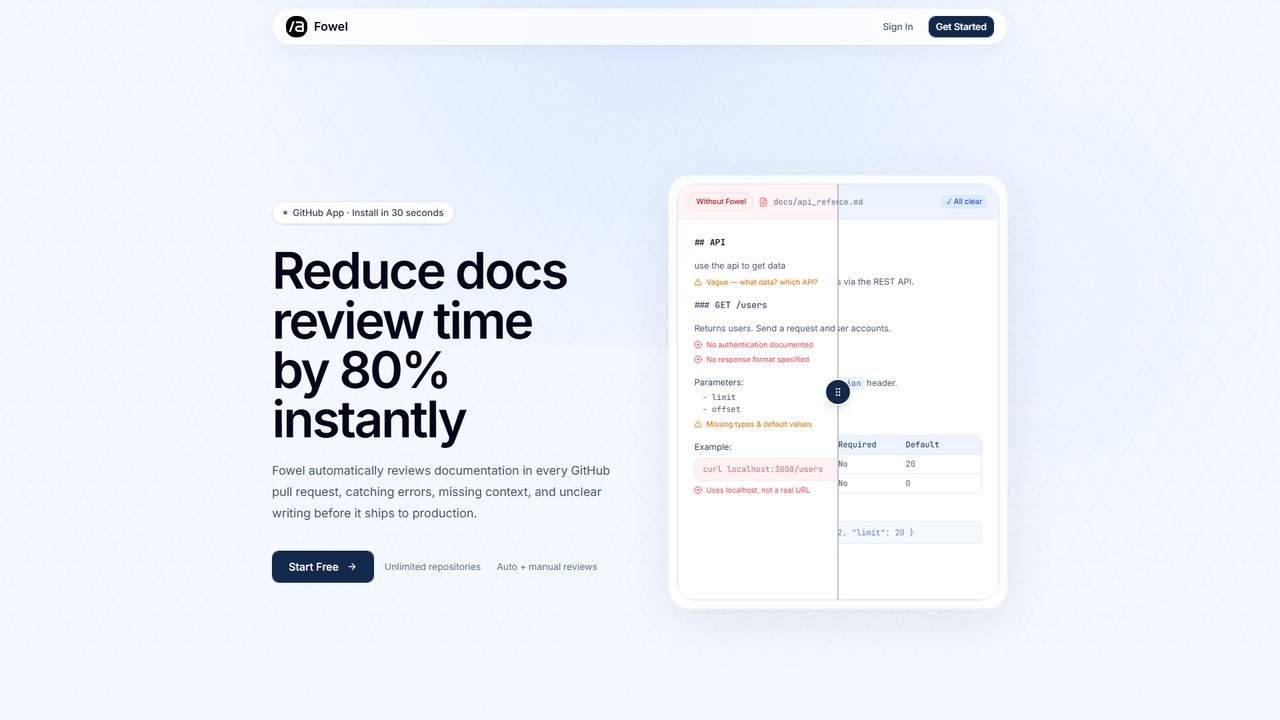
Fowel is a GitHub App that automates documentation review for pull requests. It scans Markdown and MDX files, checking for over 20 quality factors like accuracy, clarity, code sample validity, and structure. Designed for developers and technical writers, it helps catch documentation errors before they reach production, reducing review time by 80%.

Documentation
Visits 8KFavorites 9Likes 10
Paid

Latexwriter

Latexwriter is a fast, collaborative LaTeX editor designed for students, researchers, and professionals. It features lightning-fast offline compilation, real-time collaboration, and a user-friendly interface to simplify writing academic papers, technical reports, and scientific documents without complex setups.

Documentation
Visits 3.5KFavorites 111Likes 118
Free

Najva

Najva is a free, native macOS app that combines offline, on-device speech recognition with advanced AI models like GPT-4 and Claude 3. It instantly transforms your voice into intelligent text, offering unparalleled privacy and productivity for writers, developers, and professionals. It features context awareness, screenshot integration, and support for numerous AI providers.

Documentation
Visits 4.1KFavorites 113Likes 118
Paid

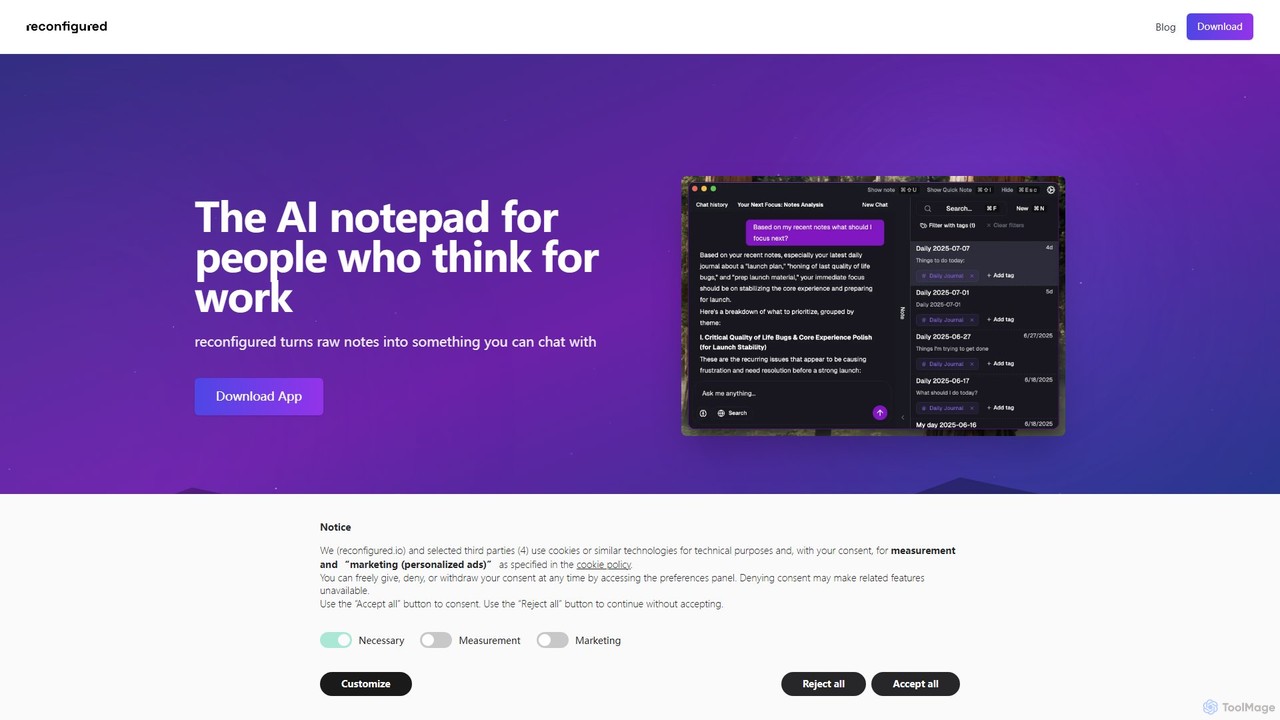
reconfigured

reconfigured is an AI-powered notebook designed for knowledge workers. It transforms scattered, raw notes into an interactive, searchable knowledge base. Capture ideas instantly with a hotkey, and let the AI automatically organize, tag, and connect your thoughts for effortless retrieval and insight discovery.

Documentation
Visits 3.4KFavorites 110Likes 107
Paid

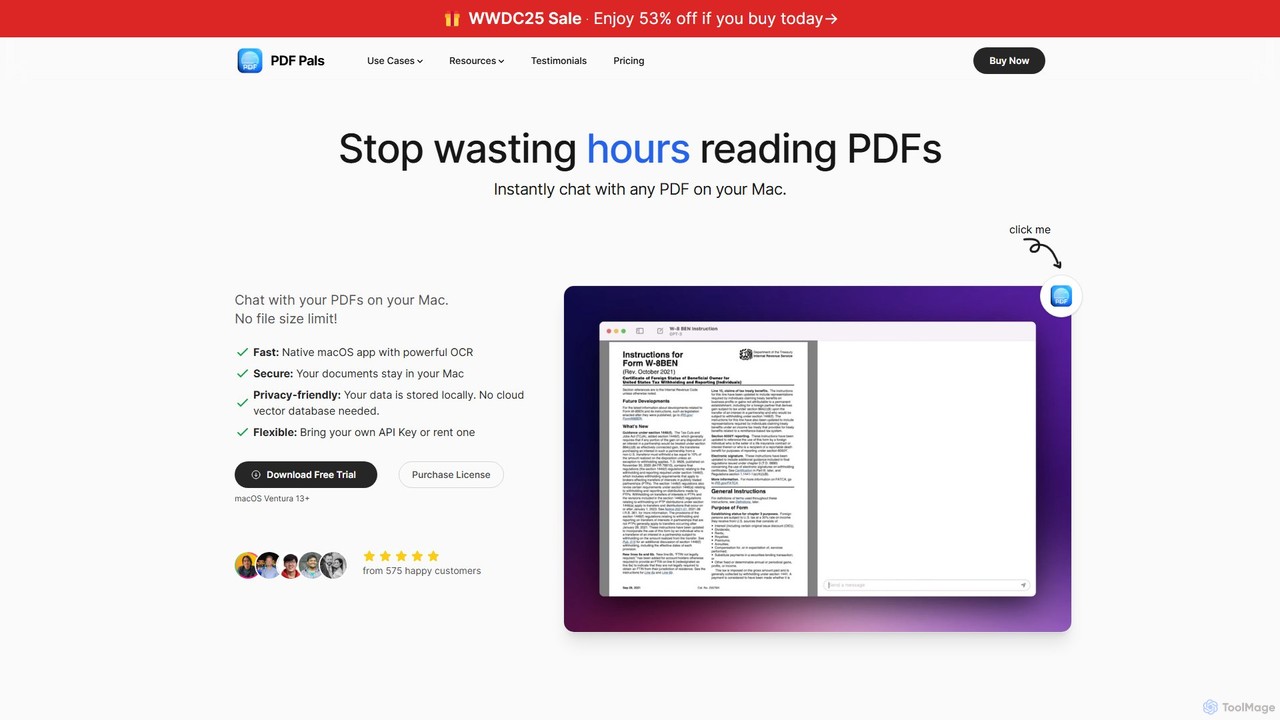
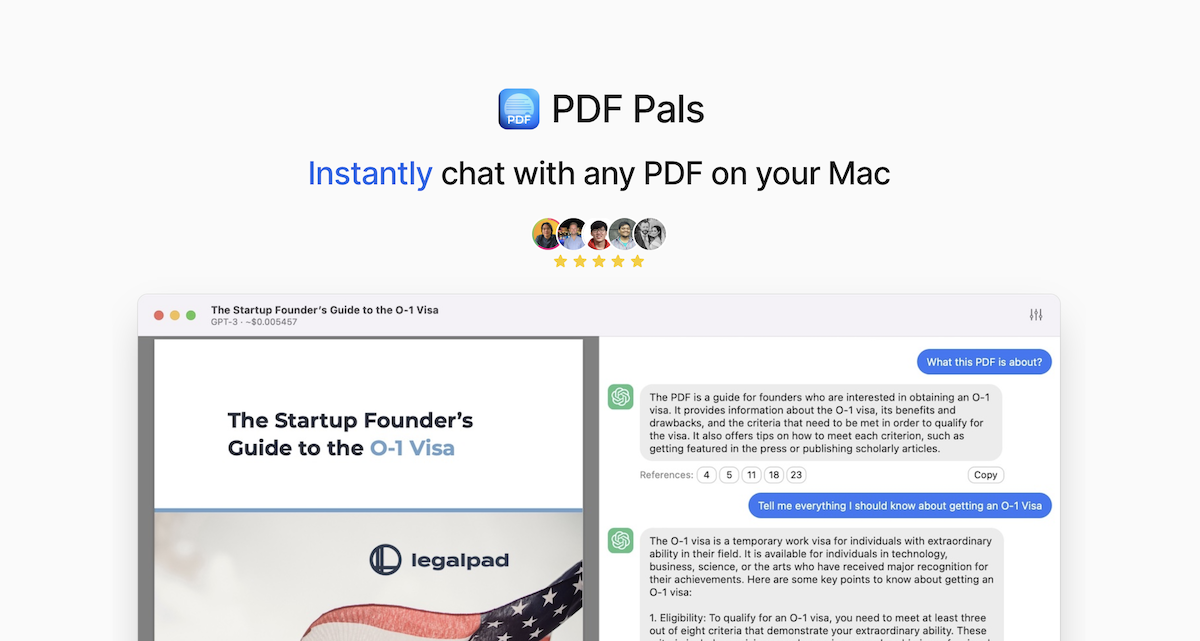
PDF Pals

PDF Pals is a native macOS application that allows you to chat with your PDF documents locally. It offers powerful OCR, multi-document support, and flexible API integration, ensuring your data remains private and secure on your Mac. There are no file size limits, making it ideal for researchers, developers, and legal professionals.

Documentation
Visits 6KFavorites 108Likes 95

About Documentation

Documentation AI tools are a specialized category within developer tools that leverage artificial intelligence to automate and enhance the creation, management, and maintenance of technical documentation. These tools utilize advanced natural language processing (NLP) and machine learning algorithms to analyze source code, design specifications, and existing content, enabling the generation of accurate, consistent, and up-to-date documentation. Their primary value lies in significantly reducing the manual effort and time involved in documentation processes, improving content quality and clarity, and ensuring that critical information is readily available across various formats, including API references, user guides, and internal knowledge bases.

Core Features

  • Automated Content Generation: Automatically drafts initial versions of documentation, such as API specifications, user guides, or code comments, directly from source code, design files, or structured data inputs.
  • Intelligent Content Review & Improvement: Analyzes existing or newly generated documentation for clarity, consistency, grammatical errors, and adherence to predefined style guides, offering smart suggestions for enhancement.
  • Multi-language Localization: Provides robust AI-powered translation and localization capabilities, enabling the efficient creation and maintenance of documentation in multiple languages for global audiences.
  • API Documentation Automation: Extracts detailed information about endpoints, parameters, request/response examples, and authentication methods directly from codebases to generate comprehensive and interactive API references.
  • Knowledge Base & Wiki Management: Facilitates the creation, organization, and maintenance of dynamic knowledge bases, FAQs, and internal wikis, often including smart search and content linking features.

Applicable Scenarios

Software development teams heavily rely on these tools to automatically generate and keep API documentation synchronized with ongoing code changes, ensuring developers always have access to the latest interface details. Technical writers leverage AI to accelerate the drafting and refinement of complex user manuals, tutorials, and how-to guides, freeing up time for higher-level content strategy. Product managers and support teams utilize Documentation AI tools to efficiently build and maintain comprehensive knowledge bases and FAQs for customer self-service and internal training, ensuring consistent and accurate information dissemination.

How to Choose

When selecting a Documentation AI tool, consider its integration capabilities with your existing development ecosystem, including popular IDEs, version control systems like Git, and content management platforms. Evaluate the breadth and depth of its AI features, such as the accuracy of content generation, the intelligence of its review suggestions, and the quality of its multi-language translation. Assess its scalability to handle your project's size and the specific types of documentation it supports, from granular code comments to extensive user guides. Finally, compare pricing models, the level of customization offered for style guides, and the community or vendor support available to ensure it aligns with your team's specific needs and long-term strategy.

Featured tool rankings

Documentation use cases

1

Automated API Reference Generation

For software development teams, AI documentation tools can automatically parse source code (e.g., Python, Java, Node.js) to generate up-to-date API reference documentation. Developers input their codebase, and the AI extracts endpoints, parameters, data models, and examples, creating comprehensive and interactive API docs in formats like OpenAPI/Swagger. This significantly reduces the manual effort of maintaining API documentation, ensuring it always reflects the latest code changes and improving developer onboarding.

2

Streamlining User Manual & Guide Creation

Technical writers and content creators can leverage AI documentation tools to accelerate the drafting process for user manuals, installation guides, and tutorials. By feeding the AI product specifications, existing feature descriptions, or even screen recordings, the tool can generate initial content drafts, suggest improvements for clarity and consistency, and structure complex information. This allows writers to focus on refining content and adding value, rather than starting from scratch, saving considerable time.

3

Maintaining Consistent Internal Knowledge Bases

Internal teams, such as IT support or HR, use AI documentation tools to build and maintain dynamic knowledge bases and internal wikis. The AI can ingest various internal documents, meeting notes, and chat logs to identify key information, automatically generate FAQs, and organize content into logical categories. This ensures that internal information is always current, easily searchable, and consistent across the organization, improving employee self-service and reducing redundant inquiries.

4

Localizing Technical Documentation for Global Markets

Companies expanding into international markets face the challenge of translating extensive technical documentation accurately and efficiently. AI documentation tools offer advanced machine translation capabilities specifically trained on technical jargon, ensuring high-quality localization. They can translate user manuals, legal disclaimers, and product specifications into multiple languages simultaneously, maintaining consistency and reducing the cost and time associated with manual translation services.

5

Enhancing Code Commenting and Readability

Developers can integrate AI documentation tools directly into their IDEs or CI/CD pipelines to improve code commenting. The AI analyzes code snippets and functions, then suggests or automatically generates clear, concise, and contextually relevant comments. This practice enhances code readability, makes it easier for new team members to understand existing codebases, and significantly improves long-term code maintainability and collaboration within development teams.

6

Generating FAQs and Troubleshooting Guides

Customer support and product teams utilize AI documentation tools to automatically generate comprehensive FAQs and troubleshooting guides. By analyzing customer support tickets, forum discussions, and product usage data, the AI identifies common problems and questions. It then drafts detailed answers and step-by-step solutions, which can be directly published to help centers, reducing support load and empowering users to find solutions independently.

Documentation FAQ

What are AI Documentation tools?

AI Documentation tools are software applications that leverage artificial intelligence, primarily natural language processing and machine learning, to automate and assist in the creation, management, and maintenance of technical documentation. As a sub-category of developer tools, they aim to streamline the documentation workflow by generating content from code, reviewing for quality, and ensuring consistency across various document types like API references, user guides, and internal knowledge bases.

How do AI documentation tools differ from traditional documentation tools?

Traditional documentation tools typically provide templates and formatting features, requiring manual content input and updates. In contrast, AI documentation tools offer proactive intelligence: they can automatically generate content from source code or specifications, suggest improvements for clarity and consistency, and even translate content. This automation significantly reduces manual effort, improves accuracy, and ensures documentation remains current with product changes, which is a major differentiator.

What are the main benefits of using AI for documentation?

The primary benefits include significant time and cost savings due to automation of content generation and updates. AI tools enhance documentation quality by ensuring consistency, correcting grammar, and improving clarity across all materials. They also facilitate multi-language localization, making products accessible to global audiences more efficiently. Furthermore, by keeping documentation synchronized with development, they improve developer experience and reduce onboarding time for new team members.

Who benefits most from AI Documentation tools?

Software development teams benefit immensely by automating API documentation and code commenting, ensuring accuracy and reducing developer burden. Technical writers find value in accelerated drafting and intelligent content review, allowing them to focus on strategic content. Product managers and customer support teams use these tools to maintain up-to-date knowledge bases and FAQs, improving customer self-service and internal information sharing. Essentially, any role involved in creating or maintaining technical content can benefit.

What challenges might arise when implementing AI documentation tools?

Implementing AI documentation tools can present challenges such as the initial setup and integration with existing systems, which might require technical expertise. Ensuring the quality and accuracy of AI-generated content often requires human oversight and refinement, especially for nuanced technical details. Data privacy and security concerns must also be addressed, particularly when feeding proprietary code or sensitive information to cloud-based AI services. Finally, adapting existing workflows and training teams to effectively utilize these new tools can be a hurdle.