Developer Tools Best in category 1 results Jupyter AI Tool

Popular AI tools in the Jupyter field of Developer Tools include vizGPT, etc., helping you quickly improve efficiency.

vizGPT

vizGPT

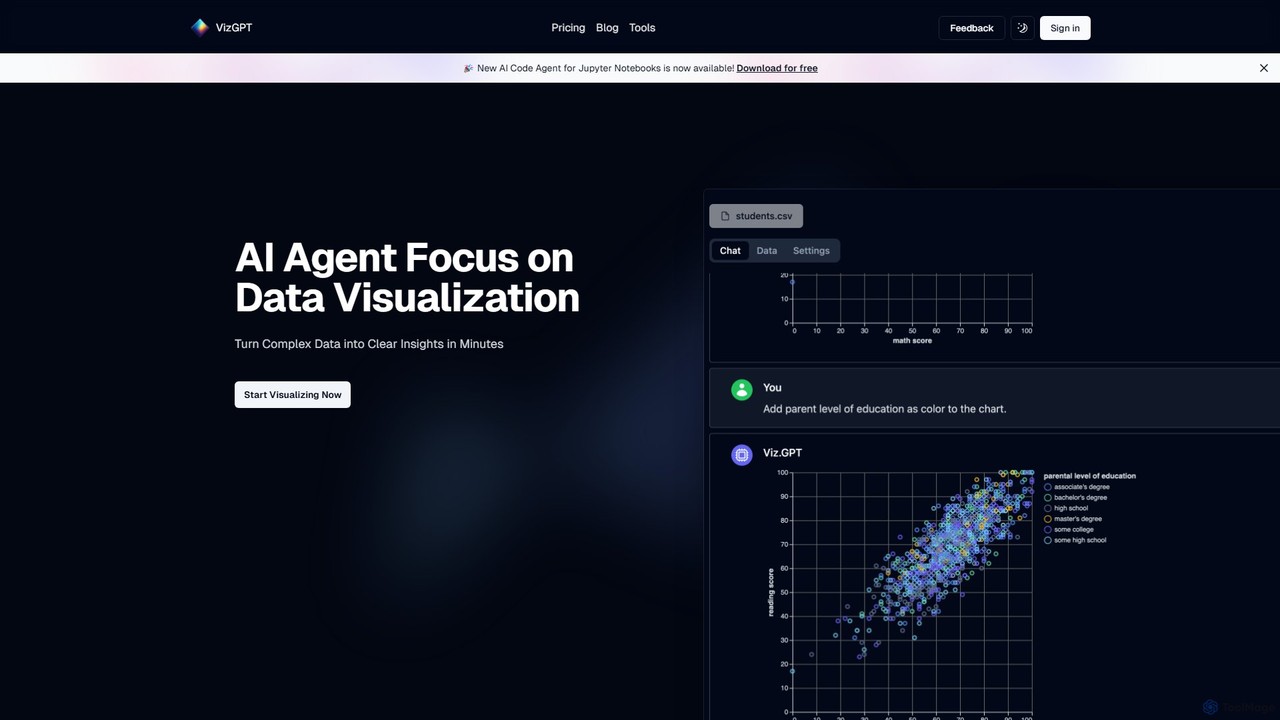
vizGPT is an AI-powered data visualization tool that transforms complex data into clear insights using natural language. Simply …

46.1K

About Jupyter

Jupyter is an open-source interactive computing environment that allows users to create and share documents containing live code, equations, visualizations, and narrative text. As a crucial component within developer tools, it provides a flexible and powerful platform for data exploration, scientific computing, and model development across various programming languages like Python, R, and Julia. This environment fosters reproducible research and collaborative data analysis by integrating all aspects of a computational workflow into a single, shareable document.

Core Features

  • Interactive Code Execution: Execute code cell by cell, allowing for immediate feedback and iterative development.
  • Multi-Language Support: Supports numerous programming languages through its kernel architecture, extending beyond Python to R, Julia, and more.
  • Rich Media Output: Integrates code, text, mathematical equations, plots, and other media directly within the document.
  • Reproducible Documentation: Combines code, output, and explanatory text into a single, shareable notebook for reproducible research and analysis.
  • Extensible Ecosystem: Benefits from a vast ecosystem of extensions, widgets, and integrations for enhanced functionality.

Use Cases

Jupyter is widely adopted by data scientists for exploratory data analysis, machine learning engineers for model prototyping and training, and researchers for creating reproducible scientific reports. It also serves as an excellent platform for educators to build interactive programming tutorials and for analysts to generate dynamic business reports, streamlining complex data workflows.

How to Choose

When selecting a Jupyter-based solution, consider the specific programming languages you need to support, the required collaboration and sharing features for your team, and the performance demands for your computational tasks. Evaluate its integration capabilities with existing data sources and cloud platforms, as well as the availability of extensions that align with your workflow.

JupyterUse Cases

1

Performing Exploratory Data Analysis (EDA)

Data scientists use Jupyter Notebooks to quickly load, clean, and analyze datasets. They can execute code in cells to perform statistical summaries, generate various visualizations (histograms, scatter plots), and identify patterns or anomalies, gaining deep insights into data characteristics before formal modeling.

2

Developing and Training Machine Learning Models

Machine learning engineers leverage Jupyter to iteratively build, train, and evaluate models. They can write model architectures, run training loops, visualize loss curves, and test different hyperparameters in real-time, accelerating the development cycle from experimentation to a working prototype.

3

Creating Reproducible Scientific Research Reports

Researchers in academia and industry utilize Jupyter to combine their experimental code, data processing steps, analytical results, and explanatory text into a single, executable document. This ensures that their findings are fully reproducible, allowing peers to verify and build upon their work.

4

Building Interactive Educational Programming Tutorials

Educators and trainers employ Jupyter to create engaging and interactive learning materials. They can embed code examples that students can run and modify directly, alongside explanations and exercises, providing a hands-on experience for learning programming and data science concepts.

5

Generating Dynamic Business Intelligence Reports

Business analysts use Jupyter to connect to various data sources, perform complex queries, and generate insightful visualizations. They can then present these dynamic reports to stakeholders, allowing for interactive exploration of data and real-time updates as underlying data changes.

6

Prototyping and Validating Algorithms for Software Development

Software developers use Jupyter as a sandbox for rapid prototyping of new algorithms or testing specific functionalities. This allows them to quickly validate concepts, debug logic, and demonstrate proof-of-concept without the overhead of a full application development environment.

JupyterFrequently Asked Questions