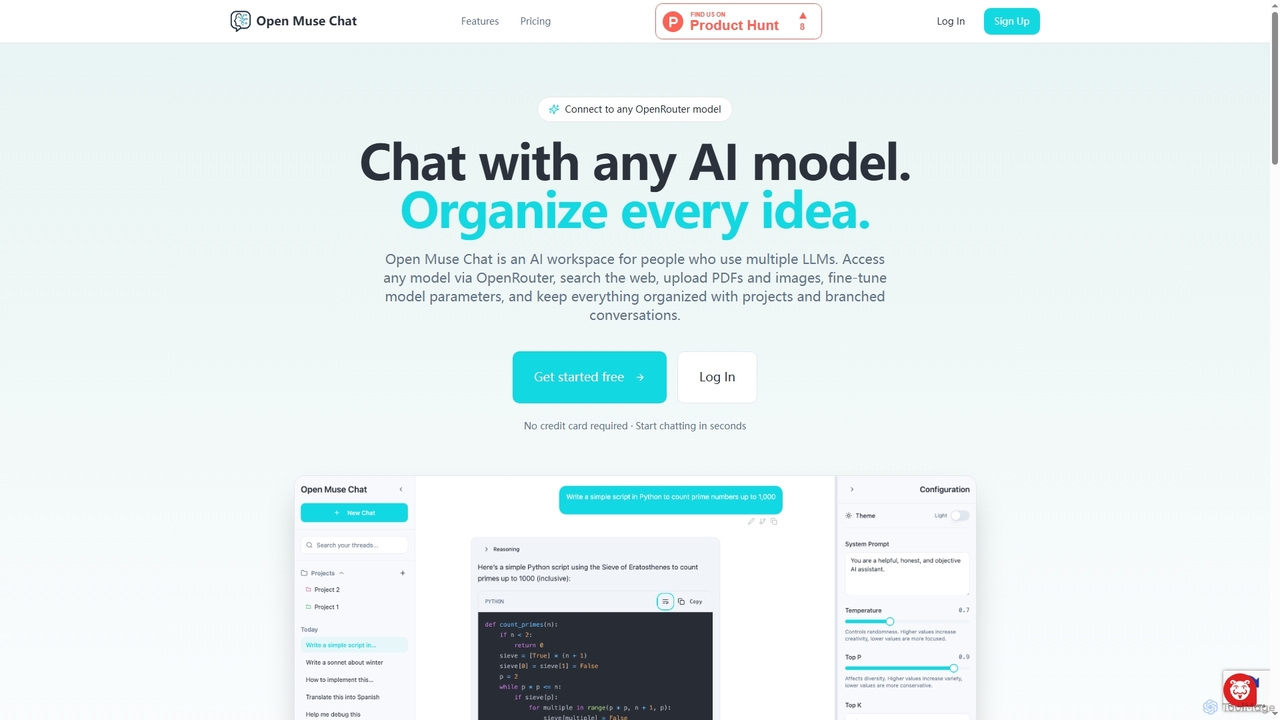
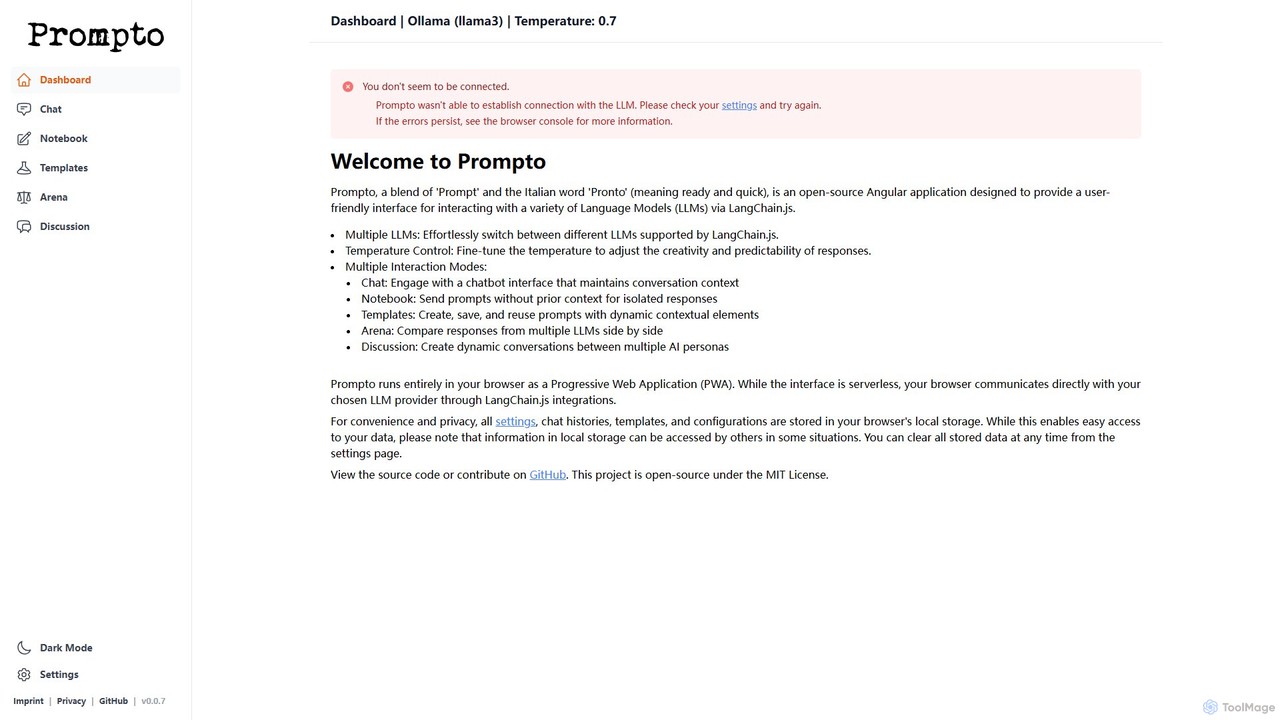
An LLM Interface is a specialized developer tool that acts as a unified gateway for accessing multiple Large Language Models (LLMs). These tools provide a single, consistent API, allowing developers to interact with different models like GPT, Claude, or Llama without writing provider-specific code. This abstraction layer simplifies development, optimizes costs, and enhances application resilience by enabling seamless model switching and fallbacks. For developers building AI-powered applications, an LLM Interface is a crucial component for managing complexity and improving operational efficiency.
Core Features
- Unified API: Connect to various LLMs from different providers through a single, standardized API endpoint.
- Model Routing & Fallbacks: Automatically direct requests to the most suitable model based on cost or performance, with built-in fallback mechanisms.
- Cost & Usage Tracking: Monitor API expenses, token usage, and latency across all connected models in a centralized dashboard.
- Prompt Management: Create, test, version, and deploy prompt templates centrally for consistent application behavior.
- Request Caching: Store and reuse responses for identical requests to reduce latency and lower API costs.
Use Cases
LLM Interfaces are primarily used by software developers, AI engineers, and product teams building applications that require flexibility and reliability. They are ideal for creating multi-provider chatbots, content generation platforms that leverage the strengths of different models, or complex AI agents that need to dynamically select the best tool for a task. Enterprises also use them to standardize and govern LLM access across the organization.
How to Choose
When selecting an LLM Interface, consider the following: First, evaluate the list of supported LLMs and the speed at which new models are integrated. Second, assess performance metrics like latency overhead and reliability guarantees. Third, examine the observability features, such as the quality of logging, cost tracking dashboards, and analytics. Finally, review the developer experience, including the quality of documentation and the availability of SDKs for your preferred programming languages.