
ToolMage
Sign in

Best 1 Model Customization AI tools for Developer Tools

Popular Model Customization AI tools in Developer Tools include Wisent, helping you work more efficiently.

Wisent
Paid

Wisent

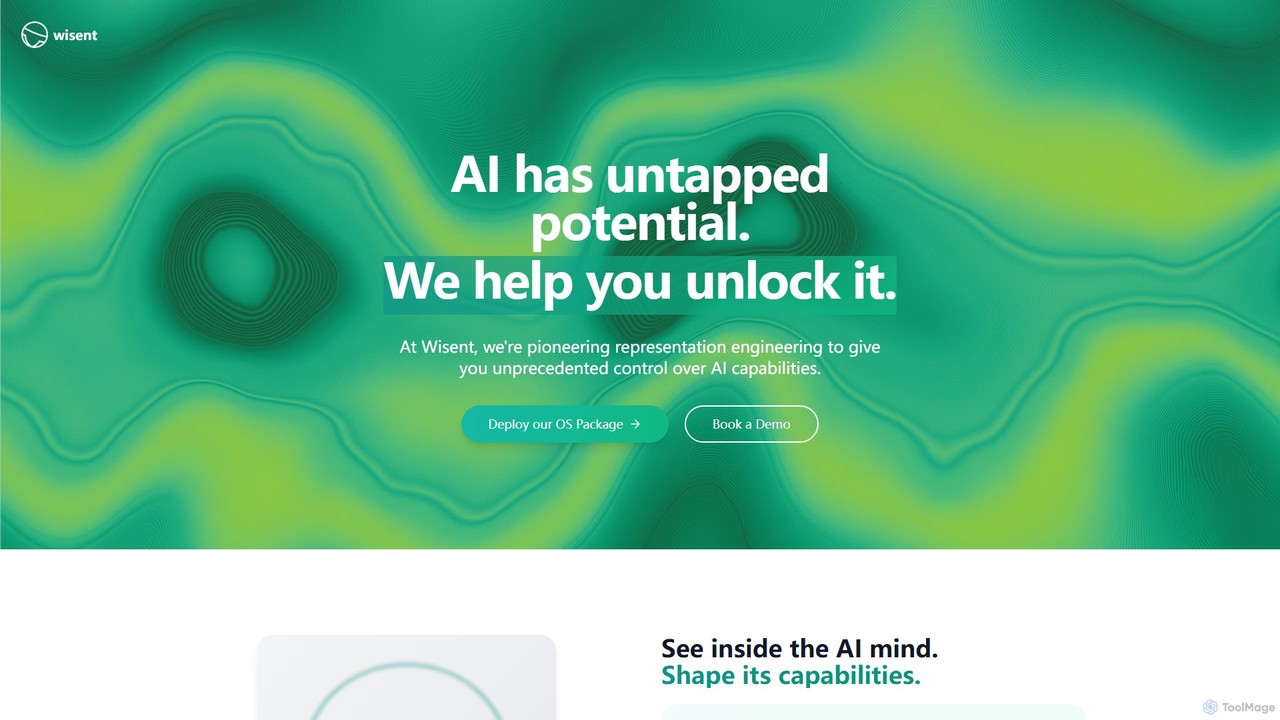
Wisent is a pioneering AI platform that utilizes representation engineering to provide unprecedented control over AI models. It allows developers to precisely modify and enhance the capabilities of existing LLMs like GPT-4 and Claude, such as creativity or safety, through a simple API. This offers a faster, more efficient alternative to traditional fine-tuning.

Model Deployment
Visits 3.4KFavorites 113Likes 110

About Model Customization

Model Customization tools are platforms designed to adapt pre-trained AI models for specific tasks using proprietary data. These tools facilitate a process known as fine-tuning, where a general model is further trained on a smaller, domain-specific dataset to enhance its performance and accuracy in a niche area. This allows for the creation of highly specialized AI that understands unique jargon, styles, or data patterns without the immense cost of building a model from scratch. The primary value lies in transforming a generalist AI into a specialist expert, perfectly aligned with specific business or creative needs.

Core Features

  • Fine-Tuning Workflows: Provides interfaces to upload custom datasets and retrain foundation models.
  • Data Management & Preprocessing: Includes tools for cleaning, formatting, and annotating data for optimal training.
  • Model Versioning: Allows users to track, manage, and compare different versions of their customized models.
  • Deployment & API Access: Offers scalable hosting and simple API endpoints to integrate the fine-tuned model into applications.
  • Performance Evaluation: Provides metrics and analytics to measure the accuracy, bias, and efficiency of the customized model.

Use Cases

These tools are vital for organizations in the Developer Tools space that need AI tailored to their operations. For instance, a legal tech firm can fine-tune a language model on legal documents to create a contract analysis tool. Similarly, a marketing agency can customize an image model with brand assets to generate on-brand visuals, and a software company can adapt a code generation model to its internal coding standards.

How to Choose

When selecting a Model Customization tool, evaluate its compatibility with the base models you intend to use (e.g., GPT, Llama, Stable Diffusion). Assess the platform's ease of use—whether it's a low-code interface or requires deep ML expertise. Key factors also include data security protocols, the pricing model for training and inference, and the robustness of its API for seamless integration into your products.

Featured tool rankings

Model Customization use cases

1

Develop a Brand-Specific Support Chatbot

A customer support manager at a SaaS company needs a chatbot that understands their product's specific features and common troubleshooting steps. Using a model customization tool, they feed the platform their entire knowledge base, support ticket history, and technical documentation. The tool fine-tunes a large language model on this data, creating a chatbot that provides accurate, context-aware answers. This reduces response times and frees up human agents to handle more complex issues, improving customer satisfaction.

2

Create a Unique AI Art Style Generator

A digital artist wants to create an AI tool that generates images in their distinct, recognizable style. They use a model customization platform to fine-tune a popular image diffusion model. They upload a curated dataset of several hundred of their own artworks. After the fine-tuning process, the model can generate new, original images that faithfully replicate the artist's unique aesthetic, color palette, and brushwork. This allows them to rapidly prototype ideas and create variations for client projects.

3

Automate Domain-Specific Text Classification

A financial services firm needs to automatically classify incoming news articles as relevant to specific stocks, sectors, or market events. A general news classifier is not accurate enough. Their data science team uses a model customization tool to fine-tune a text classification model on their historical archive of manually tagged articles. The resulting specialized model achieves over 95% accuracy in classifying financial news, enabling real-time alerts and more informed trading decisions for their analysts.

4

Adapt Code Generation to Internal Standards

A large software development company wants to accelerate its development cycle using an AI code assistant. However, general-purpose code generators don't follow their specific coding conventions, architectural patterns, and library usage. Using a model customization platform, they fine-tune a code generation model on their entire private codebase. The new model now generates code snippets that are perfectly compliant with their internal standards, reducing the time developers spend on refactoring and code reviews.

5

Personalize Marketing Content Generation

A marketing team wants to generate email campaigns and social media posts that match their brand's unique voice and tone. They use a model customization tool to fine-tune a language model on their past successful marketing copy, brand guidelines, and customer personas. The customized model can then generate new, on-brand content drafts for different campaigns, significantly speeding up the content creation process while maintaining brand consistency across all channels.

6

Build a Specialized Medical Transcription Tool

A healthcare technology company aims to create a highly accurate speech-to-text service for medical professionals. General transcription models struggle with complex medical terminology and accents. They use a model customization platform to fine-tune a speech recognition model on thousands of hours of anonymized doctor-patient conversations and medical dictations. The resulting specialized transcription tool achieves near-human accuracy, saving clinicians valuable time on documentation and reducing the risk of errors.

Model Customization FAQ

What are AI Model Customization tools?

AI Model Customization tools are platforms that allow users to take a pre-trained, general-purpose AI model and adapt it for a specific task using their own data. This process, commonly known as fine-tuning, adjusts the model's parameters to make it an expert in a particular domain. Instead of building a complex model from scratch, which is resource-intensive, you can create a highly accurate, specialized model for tasks like brand-specific content generation, industry-specific text classification, or creating unique art styles.

How to choose the right Model Customization tool?

Choosing the right tool depends on several factors. Consider the following:

  • Supported Models: Ensure the platform supports the base model you want to fine-tune (e.g., Llama 3, GPT-4, Stable Diffusion 3).
  • Technical Skill Level: Look for a tool that matches your team's expertise. Some offer user-friendly, no-code interfaces, while others are API-driven and require coding skills.
  • Data Security: Verify the platform's data privacy and security policies, especially if you are using sensitive or proprietary data for training.
  • Cost Structure: Understand the pricing for both the training process (often based on compute time) and for hosting and running the model (inference costs).
  • Integration and Deployment: Check how easily the customized model can be deployed and integrated into your existing applications or workflows via APIs.
What's the difference between fine-tuning and training a model from scratch?

The key difference is the starting point and the amount of resources required. Training from scratch involves building a model's knowledge from zero, requiring massive datasets (billions or trillions of data points) and enormous computational power, a process that can take months and cost millions. Fine-tuning, on the other hand, starts with an already powerful, pre-trained model and simply adapts it to a new, specific task. This requires a much smaller dataset (thousands of examples can be enough) and significantly less computation, making it a faster, more cost-effective way for most businesses to leverage specialized AI.

Who are Model Customization tools for?

These tools cater to a range of users within the Developer Tools ecosystem. Primarily, they are for:

  • Software Developers & Engineers: Who need to integrate specialized AI capabilities into their applications, such as a custom code generator or a domain-specific chatbot.
  • Data Scientists & ML Engineers: Who are responsible for building and deploying high-performance models but want to accelerate the process by starting with a strong foundation model.
  • Product Managers & Startups: Who want to quickly prototype and launch AI-powered features without the massive upfront investment of training a model from scratch.
  • Creative Professionals: Such as artists and writers who wish to create AI tools that generate content in their own unique style.
What kind of data is needed for model fine-tuning?

The data needed for fine-tuning should be a high-quality, curated set of examples that reflect the specific task you want the model to perform. The format depends on the model type:

  • For Language Models: This could be a set of prompt-response pairs (e.g., questions and their ideal answers), a collection of documents in a specific style (e.g., your brand's marketing copy), or classified text data (e.g., support tickets labeled by category).
  • For Image Models: This is typically a collection of images paired with text descriptions (captions) that accurately describe the content or style of the images.

Quality is more important than quantity. A few thousand high-quality, relevant examples are often more effective than millions of noisy, irrelevant ones.