ToolMage
Sign in

Best 3 Portfolio AI tools for Developer Tools

Popular Portfolio AI tools in Developer Tools include ybouane, DevCV, and GitCase.dev, helping you work more efficiently.

ybouane
Freemium

ybouane

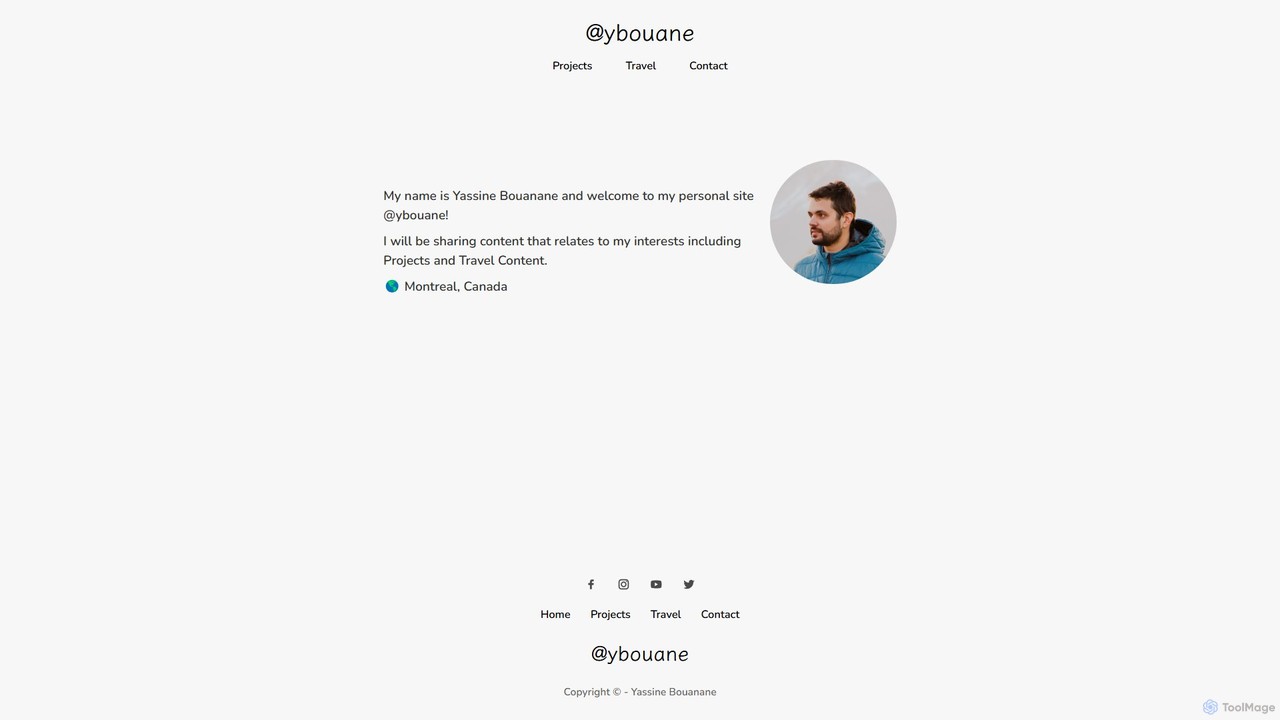
ybouane is the personal portfolio of developer Yassine Bouanane, showcasing a diverse collection of innovative projects with a strong emphasis on AI. It serves as a central hub to discover a suite of tools designed for productivity, content creation, social media analysis, and web development. These projects include an AI prompt marketplace, an AI writer for social media, a profile analyzer, and ChatGPT integrations for email, offering practical solutions for creators, marketers, and developers.

Portfolio
Visits 10.4KFavorites 110Likes 115
DevCV
Freemium

DevCV

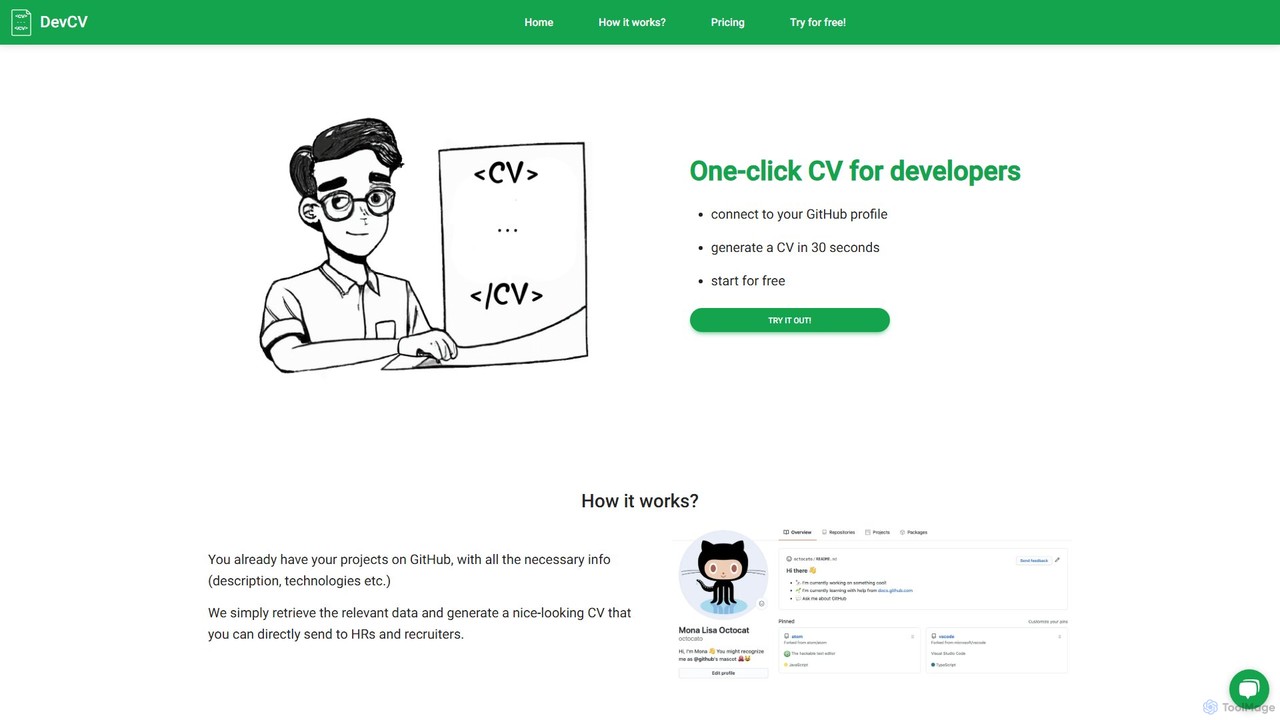
DevCV is an AI-powered tool that generates a professional developer CV in 30 seconds by connecting to your GitHub profile. It automatically retrieves project data and uses generative AI to write compelling summaries and descriptions, saving you time and effort in crafting the perfect resume.

Portfolio
Visits 4.6KFavorites 116Likes 116
GitCase.dev
Freemium

GitCase.dev

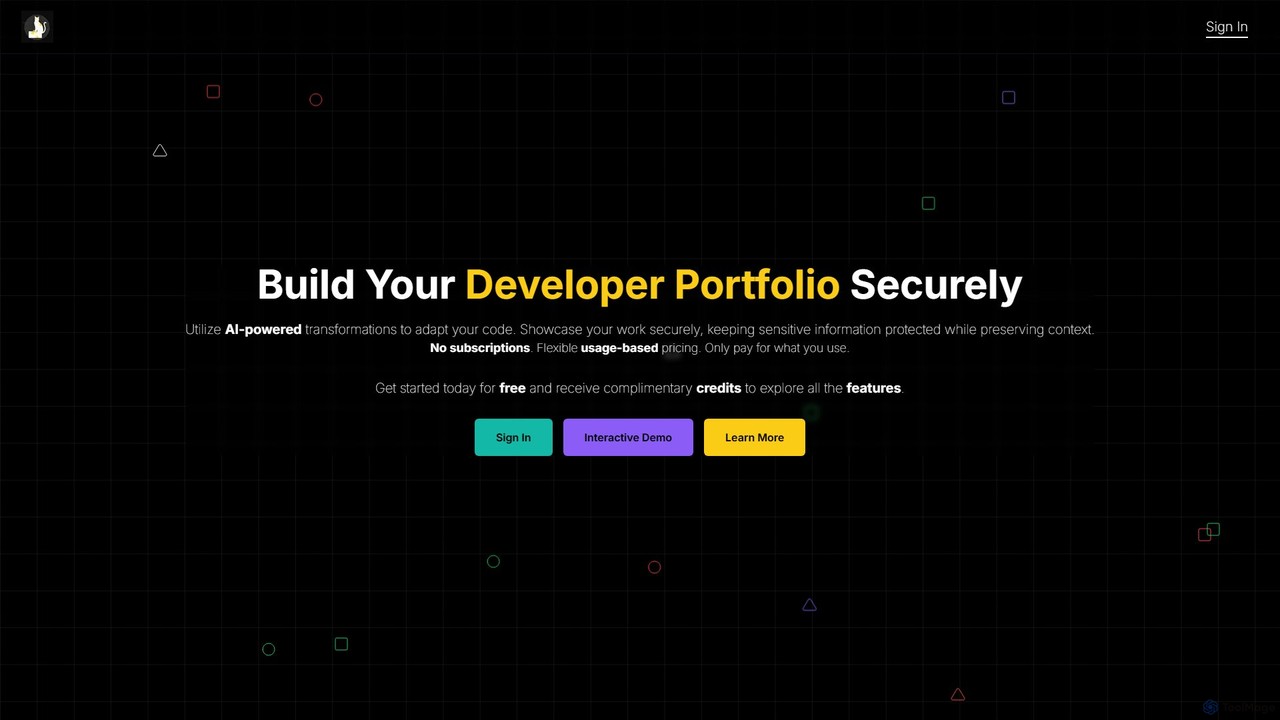
GitCase.dev is an AI-powered platform for developers to create secure portfolios. It automatically transforms code from your GitHub repositories to hide sensitive information like API keys and proprietary logic. This allows you to confidently showcase your skills to employers and clients while keeping your intellectual property protected. It features a flexible, pay-as-you-go pricing model.

Code Security
Visits 3.4KFavorites 80Likes 93

About Portfolio

AI Portfolio tools are specialized platforms that leverage artificial intelligence to assist developers and creative professionals in building, managing, and optimizing their digital portfolios. These tools utilize AI algorithms for tasks like layout generation, content optimization, and project summarization, enabling users to efficiently showcase their skills and achievements. They streamline the process of presenting work, making it easier to attract potential employers or clients by highlighting relevant projects and expertise.

Core Features

  • AI-driven Layout Generation: Automatically suggests and creates visually appealing portfolio layouts based on user input and content.
  • Content Optimization & Summarization: Uses AI to refine project descriptions, generate concise summaries, and suggest keywords for better visibility.
  • Project Showcase & Embedding: Facilitates the integration of diverse project types, including code repositories, design mockups, and live demos.
  • Skill & Achievement Highlighting: Identifies and emphasizes key skills demonstrated across projects, aligning with career goals.
  • Audience-Specific Customization: Adapts portfolio presentation based on the target audience, such as recruiters or potential clients.

Use Cases

Developers, designers, and data scientists use AI Portfolio tools to quickly assemble professional online portfolios that effectively highlight their technical skills and project contributions. These platforms help them present complex projects in an engaging and accessible format, often integrating code snippets, interactive demos, and visual assets. The goal is to create a compelling digital presence that stands out in competitive job markets or client pitches.

How to Choose

When selecting an AI Portfolio tool, consider its integration capabilities with platforms like GitHub or Behance, the level of AI assistance offered for content and design, and the customization options available for branding. Evaluate the ease of use for updating projects, the responsiveness of generated layouts across devices, and the analytics features for tracking visitor engagement. Prioritize tools that align with your specific professional field and career objectives.

Featured tool rankings

Portfolio use cases

1

Automated Portfolio Website Creation

A freelance web developer needs a professional online presence quickly. Using an AI Portfolio tool, they input their project details and preferred aesthetic. The AI generates a complete, responsive website layout, suggests compelling project descriptions, and optimizes image sizes, allowing the developer to launch their portfolio in hours rather than days.

2

Tailoring Portfolios for Specific Job Applications

A software engineer applies for roles requiring different skill sets (e.g., backend vs. frontend). An AI Portfolio tool allows them to create multiple versions of their portfolio, automatically highlighting projects and skills most relevant to each job description, saving time and increasing the chances of matching recruiter expectations.

3

Showcasing Complex Data Science Projects

A data scientist wants to present intricate machine learning models and data visualizations. AI Portfolio tools enable easy embedding of interactive notebooks (e.g., Jupyter), dynamic charts, and detailed methodology summaries, making complex projects understandable and impressive to non-technical stakeholders or hiring managers.

4

Curating Design Work with AI Suggestions

A UI/UX designer has numerous projects and struggles to select the best ones for their portfolio. An AI Portfolio tool analyzes their design files and project descriptions, suggesting a curated selection of work that best demonstrates their skills and aligns with current industry trends, ensuring a strong visual impact.

5

Generating Project Summaries and Case Studies

A project manager needs to quickly create concise case studies for their portfolio. An AI Portfolio tool can take raw project documentation, meeting notes, and outcomes, then generate professional, engaging summaries and highlight key achievements, saving significant writing time.

6

Optimizing Portfolio for Search Engine Visibility

A digital artist wants their online portfolio to be discovered by potential clients through search engines. An AI Portfolio tool provides SEO suggestions for project titles, descriptions, and image alt texts, helping to improve visibility and attract organic traffic to their work.

Portfolio FAQ

What are AI Portfolio tools?

AI Portfolio tools are software applications that utilize artificial intelligence to streamline the creation, management, and optimization of digital portfolios. They help professionals, especially developers and designers, showcase their work effectively by automating tasks like layout design, content generation, and project organization, making it easier to present skills and achievements to potential employers or clients.

How do AI Portfolio tools differ from traditional website builders?

While traditional website builders offer design flexibility, AI Portfolio tools specifically integrate artificial intelligence to automate and enhance the portfolio creation process. This includes AI-driven layout suggestions, content optimization for project descriptions, and intelligent curation of work, which goes beyond basic drag-and-drop functionality to provide more tailored and efficient portfolio development.

Who can benefit most from using AI Portfolio tools?

Developers, designers, data scientists, content creators, and other professionals who need to visually present their work and skills can greatly benefit. These tools are particularly useful for individuals seeking to quickly build a professional online presence, tailor their portfolio for specific job applications, or manage a large volume of diverse projects efficiently.

What key features should I look for in an AI Portfolio tool?

Look for AI-driven layout and design suggestions, robust content optimization capabilities (e.g., project summarization, keyword suggestions), seamless integration with external platforms (like GitHub, Dribbble), customizable templates, and analytics to track visitor engagement. Ease of use, mobile responsiveness, and the ability to embed various media types are also crucial.

Can AI Portfolio tools help with job applications?

Yes, absolutely. AI Portfolio tools can significantly aid job applications by allowing users to quickly create tailored versions of their portfolio that highlight skills and projects most relevant to a specific job description. They can also help optimize content for applicant tracking systems (ATS) and provide a professional, polished presentation that stands out to recruiters.