Developer Tools Best in category 2 results Templates AI Tool

Popular AI tools in the Templates field of Developer Tools include IndexApps、uiants.co, etc., helping you quickly improve efficiency.

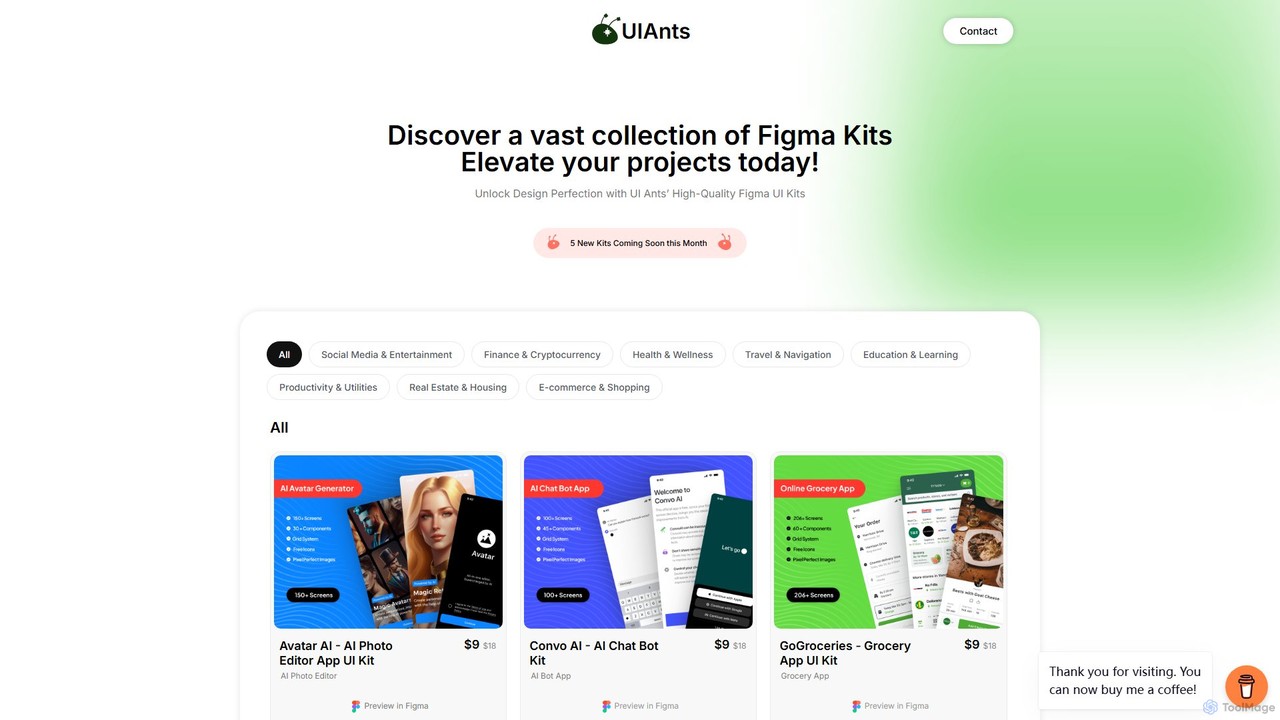
uiants.co

uiants.co

uiants.co is a marketplace offering a vast collection of high-quality, professionally designed Figma UI kits. It helps designers, …

2.1K
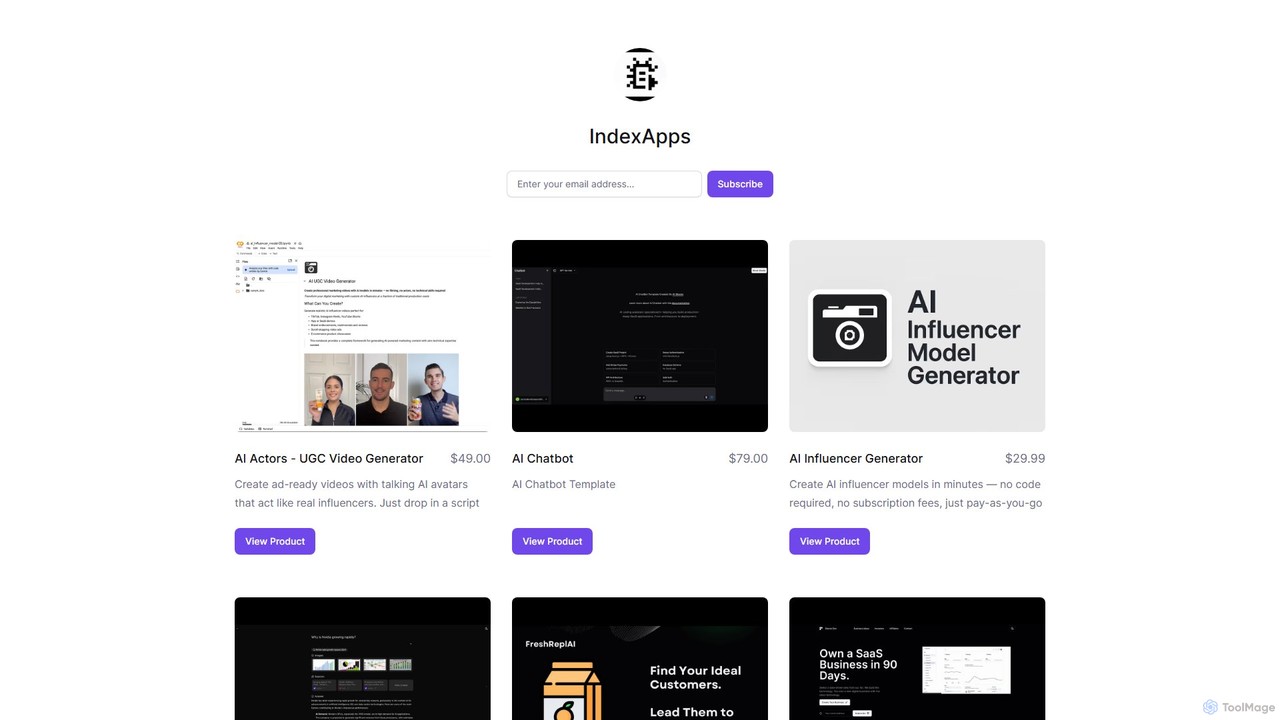
IndexApps

IndexApps

IndexApps offers a suite of AI-powered, no-code tools and templates for marketers, entrepreneurs, and developers. It provides solutions …

2.1K

About Templates

AI Templates are pre-configured code structures, project scaffolds, and configuration files that accelerate the software development process. These tools often use AI to generate or customize boilerplate code based on specific parameters or natural language prompts. This enables developers to bypass repetitive setup tasks, enforce coding standards, and rapidly bootstrap new applications or features. Unlike static snippets, AI-powered templates can adapt to different frameworks, languages, and architectural patterns, providing an intelligent starting point for complex projects.

Core Features

  • Dynamic Generation: Creates code, files, and project structures based on user inputs like project type, language, or dependencies.
  • Best Practice Enforcement: Embeds industry standards, security configurations, and optimal architectural patterns into the generated code.
  • Framework-Specific Scaffolding: Provides ready-to-use structures for popular frameworks like React, Django, or Spring Boot.
  • Configuration Automation: Automatically generates complex configuration files for tools like Docker, Kubernetes, or CI/CD pipelines.

Use Cases

Primarily used by software developers, DevOps engineers, and technical team leads. They are essential for initializing new microservices, setting up frontend applications, creating consistent development environments, or deploying infrastructure-as-code (IaC) modules. For example, a developer can generate a complete REST API project with authentication and database connections in minutes.

How to Choose

When selecting an AI Template tool, consider the scope of its language and framework support. Evaluate its customization capabilities—can you tailor the templates to your team's specific coding standards? Also, assess its integration with your existing development ecosystem, such as IDEs and version control systems. Finally, consider the complexity of templates offered, from simple file templates to entire application architectures.

TemplatesUse Cases

1

Bootstrapping a New Microservice

A backend developer needs to create a new microservice for an e-commerce platform's inventory management. Instead of manually creating the project structure, setting up a web framework, configuring the database connection, and writing Dockerfiles, they use an AI template tool. By providing inputs like 'Java Spring Boot service with PostgreSQL and JWT authentication', the tool generates a complete, production-ready project scaffold. This includes a layered architecture, pre-configured security, API endpoint stubs, and a CI/CD pipeline configuration, reducing setup time from a full day to under ten minutes.

2

Standardizing Frontend Component Structure

A frontend team lead wants to ensure all new React components follow a consistent structure, including files for styling (CSS Modules), testing (Jest/RTL), and documentation (Storybook). They use an AI template tool to create a custom component template. Now, any developer on the team can simply run a command like 'generate component ProductCard' and the tool automatically creates a folder with 'ProductCard.jsx', 'ProductCard.module.css', 'ProductCard.test.js', and 'ProductCard.stories.js', all populated with the standard boilerplate. This enforces consistency and saves developers time on every new component.

3

Automating Infrastructure as Code (IaC) Modules

A DevOps engineer is responsible for provisioning cloud resources on AWS using Terraform. To maintain consistency and reduce errors, they use an AI template tool to generate Terraform modules. For instance, to create a secure S3 bucket, they provide requirements like 'private, versioned, with logging enabled, and encrypted with KMS'. The tool generates the complete Terraform HCL code, including resource definitions, variables, and outputs, all following security best practices. This approach accelerates infrastructure deployment and makes it more reliable and auditable.

4

Generating Data Science Project Structures

A data scientist starting a new machine learning project needs a standardized directory structure for data, notebooks, source code, and models. Using an AI template tool, they select a 'Data Science Project' template. The tool instantly creates a well-organized structure with folders like `data/raw`, `data/processed`, `notebooks`, `src`, and `models`, along with template files like a `requirements.txt` for dependencies and a `Makefile` for automating data processing pipelines. This ensures reproducibility and makes it easier for team members to collaborate and understand the project layout from day one.

5

Creating API Documentation Skeletons

A technical writer is tasked with documenting a new set of REST APIs. To speed up the process and maintain a consistent format, they use an AI template tool that integrates with their OpenAPI (Swagger) specification. The tool parses the API spec and generates a complete documentation skeleton in Markdown format. This includes sections for each endpoint, with pre-filled details for paths, methods, parameters, request bodies, and example responses. The writer can then focus on adding descriptive text and usage examples, rather than on tedious formatting and data entry.

6

Generating CI/CD Pipeline Configurations

A mobile app developer wants to set up a continuous integration pipeline for their new Flutter application using GitHub Actions. Instead of writing the complex YAML configuration from scratch, they use an AI template tool. They specify the project type ('Flutter App'), testing framework ('Flutter Test'), and deployment target ('Google Play Store'). The tool generates a complete `workflow.yml` file that includes steps for checking out code, setting up the Flutter environment, running tests, building the app bundle, and deploying to the store using secrets. This automates the entire build-and-release process, ensuring faster and more reliable deployments.

TemplatesFrequently Asked Questions