Developer Tools Best in category 1 results User Experience AI Tool

Popular AI tools in the User Experience field of Developer Tools include Layup, etc., helping you quickly improve efficiency.

Layup

Layup

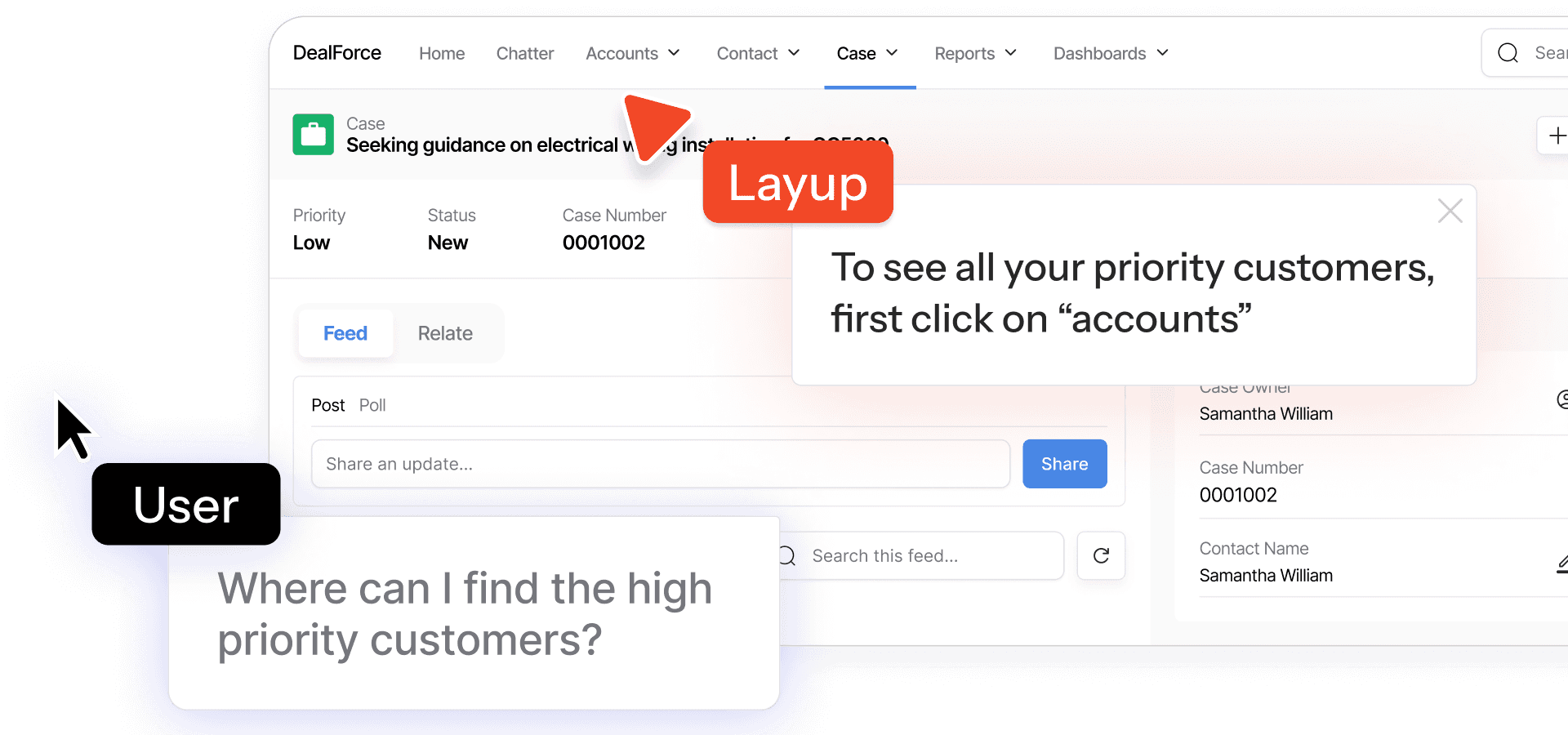
Layup is an AI-powered platform that adds a second, intelligent cursor to your product. It provides real-time, interactive …

3.5K

About User Experience

User Experience (UX) tools leverage artificial intelligence to enhance the design, testing, and optimization of digital products and services. These tools analyze user behavior, predict preferences, and automate various aspects of UX research and design, aiming to create more intuitive, efficient, and personalized user journeys. They empower developers and designers within the broader developer tools ecosystem to make data-driven decisions, improving overall user satisfaction and engagement.

Core Features

  • AI-powered A/B Testing: Automatically identifies optimal UI elements and content variations for better performance.
  • User Behavior Prediction: Analyzes interaction patterns to forecast user actions and preferences, enabling proactive design.
  • Personalized UI Generation: Dynamically adapts user interfaces based on individual user data and context for tailored experiences.
  • Automated Usability Testing: Identifies friction points and usability issues without extensive manual testing, speeding up iteration.
  • Sentiment Analysis for Feedback: Processes qualitative user feedback to gauge emotional tone and prioritize design improvements.

Applicable Scenarios

AI UX tools are invaluable for various roles and industries. E-commerce platforms use them to optimize product discovery and checkout flows, reducing cart abandonment. SaaS application developers leverage them to improve user onboarding and feature adoption, enhancing retention. Mobile app development teams utilize these tools to refine navigation and interaction design, creating more engaging and intuitive mobile experiences.

How to Choose

When selecting an AI UX tool, consider its integration capabilities with your existing design and development ecosystem, such as Figma or Jira. Evaluate the accuracy and reliability of its underlying AI models for tasks like behavior prediction or sentiment analysis. Assess its scalability to handle varying project sizes and user volumes. Finally, examine its data privacy and security features, ensuring compliance with relevant regulations and protecting user information.

User ExperienceUse Cases

1

Optimizing E-commerce Product Pages for Conversion

An e-commerce manager needs to improve conversion rates on product pages. AI UX tools analyze vast amounts of user interaction data, including clicks, scrolls, and heatmaps, to identify optimal placements for 'Add to Cart' buttons, product image layouts, and review sections. The tools then automatically run A/B tests on these suggested changes, providing data-driven insights that can lead to a significant increase in sales and a reduction in cart abandonment rates, saving weeks of manual testing.

2

Personalizing Mobile App Onboarding Flows

A mobile app product manager aims to reduce user churn during the onboarding process. AI UX tools analyze new user demographics, initial interactions, and behavioral patterns to dynamically adjust the onboarding flow. This might involve presenting relevant features first, offering personalized tutorials, or skipping unnecessary steps for experienced users. The result is a more tailored and efficient onboarding experience, leading to higher completion rates and improved long-term user retention by making the app immediately relevant.

3

Automating Usability Testing for Web Applications

A UX designer or QA engineer needs to quickly identify usability issues in new web application features. AI-driven usability testing platforms can simulate user interactions or analyze real user sessions at scale. These tools automatically detect common friction points, confusing navigation, or accessibility issues by observing patterns and anomalies. This provides actionable insights and detailed reports, allowing design teams to make rapid, data-backed improvements without the time and cost associated with extensive manual user testing, significantly accelerating the development cycle.

4

Predicting User Intent for Proactive Support

A customer support lead wants to offer help before users encounter problems within an application. AI UX tools monitor user behavior in real-time, analyzing interaction patterns, navigation paths, and time spent on specific elements. By identifying sequences of actions that often precede confusion or error, the AI can predict potential user difficulties. This allows the system to proactively trigger contextual help tips, chatbot interventions, or guided tours, significantly improving user satisfaction and reducing the load on customer support by preventing issues.

5

Generating A/B Test Variations for Marketing Campaigns

A digital marketer needs to create multiple high-performing ad creatives or landing page variations for a new campaign. AI UX tools can generate diverse design variations for call-to-action buttons, headlines, or image placements based on past performance data, brand guidelines, and psychological principles. These tools facilitate rapid A/B testing by automatically deploying and monitoring different versions, identifying the most effective combinations that resonate with the target audience, thereby maximizing campaign ROI and reducing manual design effort.

6

Analyzing User Feedback for Design Iteration

A product designer needs to systematically incorporate user feedback into design updates. AI UX tools process large volumes of qualitative feedback from surveys, reviews, and support tickets using natural language processing (NLP). They identify common themes, sentiment, and pain points, categorizing feedback to highlight critical issues. This allows designers to prioritize design changes that address the most impactful user needs, ensuring that product iterations are data-driven and directly responsive to user sentiment, leading to more user-centric product development.

User ExperienceFrequently Asked Questions