Development Best in category 3 results Workflow Automation AI Tool

Popular AI tools in the Workflow Automation field of Development include Trigger.dev、Your AI Consultant、8n Docs, etc., helping you quickly improve efficiency.

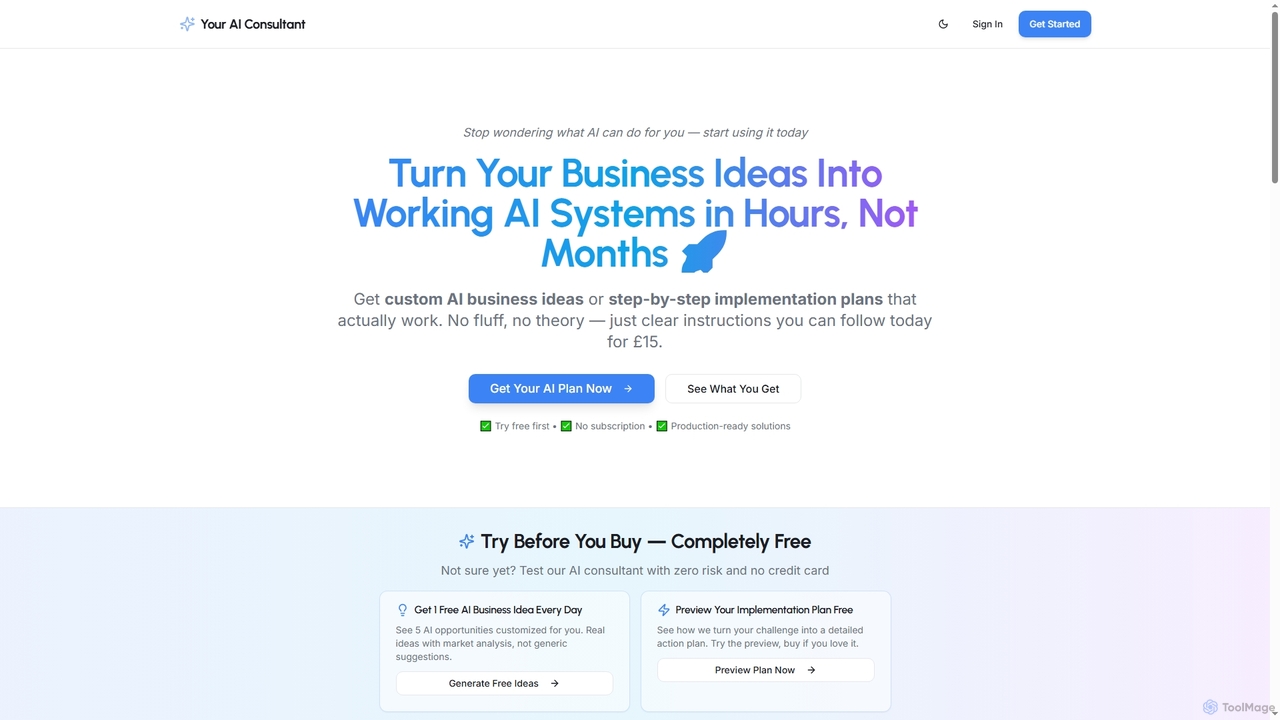
Your AI Consultant

Your AI Consultant

Your AI Consultant provides custom AI business ideas and detailed, step-by-step implementation plans. It helps businesses and individuals …

2.5K
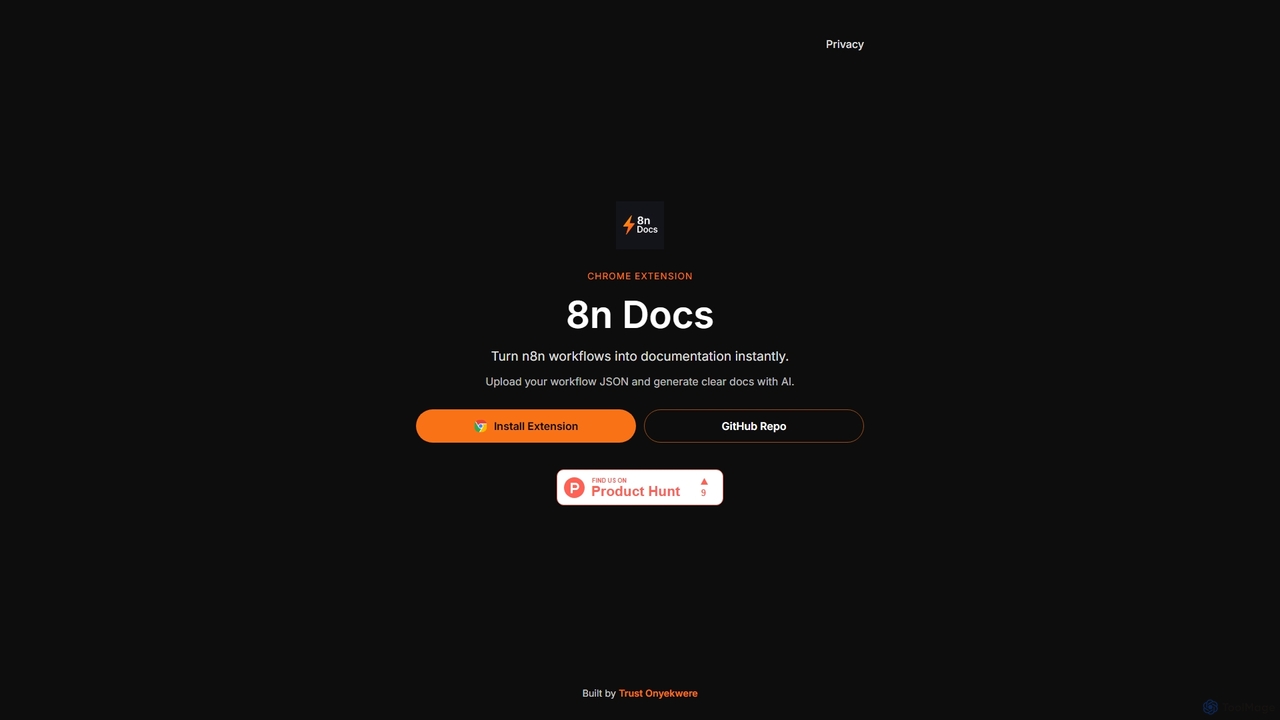
8n Docs

8n Docs

8n Docs is a Chrome Extension that instantly transforms n8n workflows into clear, AI-generated documentation. Simply upload your …

2.3K
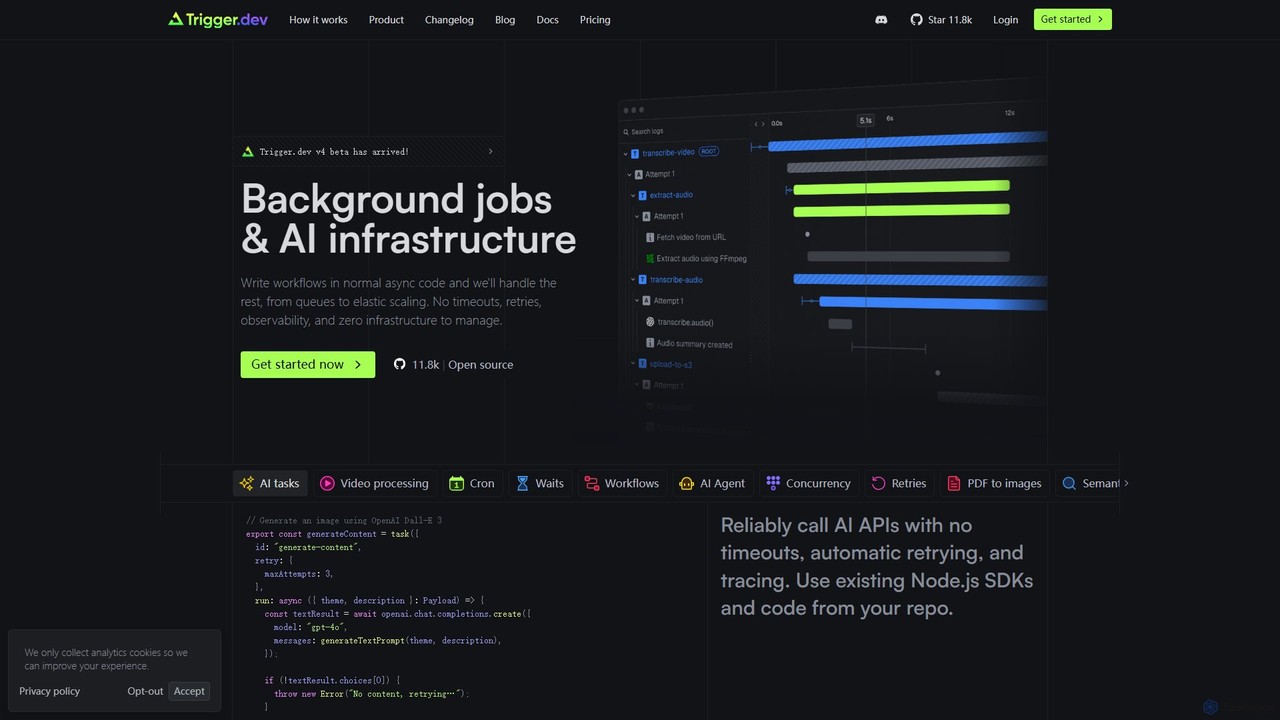
Trigger.dev

Trigger.dev

Trigger.dev is an open-source platform for developers to build, run, and manage long-running background jobs and AI workflows. …

337.1K

About Workflow Automation

Workflow Automation tools are platforms designed to connect different applications and services to automate multi-step tasks and processes without extensive coding. These tools typically use APIs and a visual interface, allowing users to build sequences of triggers and actions that move data and execute commands across their software stack. The primary value lies in eliminating repetitive manual work, reducing human error, and streamlining complex business operations. By linking disparate systems, they create a cohesive and efficient digital ecosystem.

Core Features

  • Visual Workflow Builder: An intuitive drag-and-drop interface for designing, visualizing, and modifying automation sequences.
  • Extensive App Integration: A large library of pre-built connectors for hundreds of SaaS applications, databases, and services.
  • Triggers and Actions: The fundamental building blocks where a 'trigger' (e.g., new email) initiates one or more 'actions' (e.g., create a CRM record).
  • Conditional Logic: The ability to add 'if-then' branches and filters to workflows, enabling them to handle various scenarios dynamically.
  • Data Mapping and Transformation: Tools to format, modify, and correctly route data between applications that have different data structures.

Use Cases

These tools are widely used across various departments. Marketing teams use them to automate lead nurturing campaigns and social media posting. Sales departments streamline lead management from web forms to CRM entry. IT and operations teams automate user provisioning, data backups, and system monitoring alerts.

How to Choose

When selecting a Workflow Automation tool, first assess its integration library to ensure it supports your critical applications. Evaluate the complexity of workflows you need to build; some tools excel at simple linear tasks, while others support complex, multi-path logic. Consider the pricing model, which is often based on the number of tasks executed per month. Finally, consider the user interface—whether you need a pure no-code solution for business users or a low-code platform that offers more customization for developers.

Workflow AutomationUse Cases

1

Automate Sales Lead Management

A sales manager needs to ensure that every new lead from their website's contact form is processed quickly and consistently. Using a workflow automation tool, they create a process where the form submission acts as a trigger. The workflow automatically adds the lead's information as a new contact in Salesforce, creates a new deal in the pipeline, and assigns it to a sales representative. Simultaneously, it sends a notification to the sales channel in Slack and adds a task to the representative's Asana board to follow up within 24 hours. This eliminates manual data entry, reduces response time, and ensures no lead is missed.

2

Streamline Social Media Content Publishing

A content creator manages multiple social media accounts and wants to maintain a consistent posting schedule. They use a workflow automation tool to connect their content calendar in Airtable to their social media platforms. When a new record in Airtable is marked as 'Ready to Publish' (trigger), the workflow automatically takes the text and image URL from the record. It then generates a post and publishes it to Twitter, LinkedIn, and a Facebook Page at the scheduled time. After posting, the workflow updates the Airtable record's status to 'Published'. This system saves hours of manual scheduling and posting each week.

3

Automate Customer Support Ticket Triage

A customer support team receives hundreds of tickets daily through their Zendesk platform. To improve efficiency, the support manager sets up a workflow automation. When a new ticket is created in Zendesk (trigger), the workflow uses an AI tool to analyze the ticket's subject and description for keywords. Based on the analysis, it applies a tag (e.g., 'Billing', 'Technical', 'Bug Report') and assigns the ticket to the appropriate support group. For urgent tickets containing words like 'outage' or 'critical', it also posts an immediate alert in a dedicated Slack channel for the incident response team. This ensures tickets are routed correctly and critical issues are addressed faster.

4

Sync Data Between Project Management Tools

A development agency uses Jira for internal task tracking but provides clients with a simplified view of progress on a Trello board. To avoid manual updates, a project manager creates a workflow. When a developer moves a task in Jira from 'In Progress' to 'Ready for Review' (trigger), the automation instantly moves the corresponding card on the client's Trello board to the 'Client Review' list. It also adds a comment to the Trello card with a link to the Jira ticket. This keeps the client informed in real-time without giving them access to the complex internal Jira project, saving the project manager from constant status updates.

5

Automate New Employee Onboarding

An HR manager needs to streamline the onboarding process for new hires. They set up a workflow that triggers when a new employee is added to their HR system, like BambooHR. The automation then performs a series of actions: it creates a new user account in Google Workspace, adds the new hire to relevant Slack channels (e.g., general, announcements), and generates a set of introductory tasks in Asana, assigning them to the new employee and their manager. This ensures a consistent and efficient onboarding experience, reduces the administrative burden on HR, and helps new team members get up to speed quickly.

6

Generate and Distribute Weekly Reports

An operations analyst is responsible for creating a weekly performance report by pulling data from multiple sources. They automate this task by creating a workflow that runs every Monday at 9 AM. The workflow first queries a database to get sales figures, then pulls marketing metrics from a Google Analytics API, and finally fetches customer support data from Intercom. It compiles all this data into a structured format in a Google Sheet. Once the sheet is updated, the workflow generates a summary message and posts it to the management channel in Slack, including a link to the full report. This provides timely, consistent data to stakeholders without any manual intervention.

Workflow AutomationFrequently Asked Questions