ToolMage
Sign in

Best 3 Product Customization AI tools for Ecommerce

Popular Product Customization AI tools in Ecommerce include imprintnext, SnapArt, and Triorama, helping you work more efficiently.

SnapArt
Freemium

SnapArt

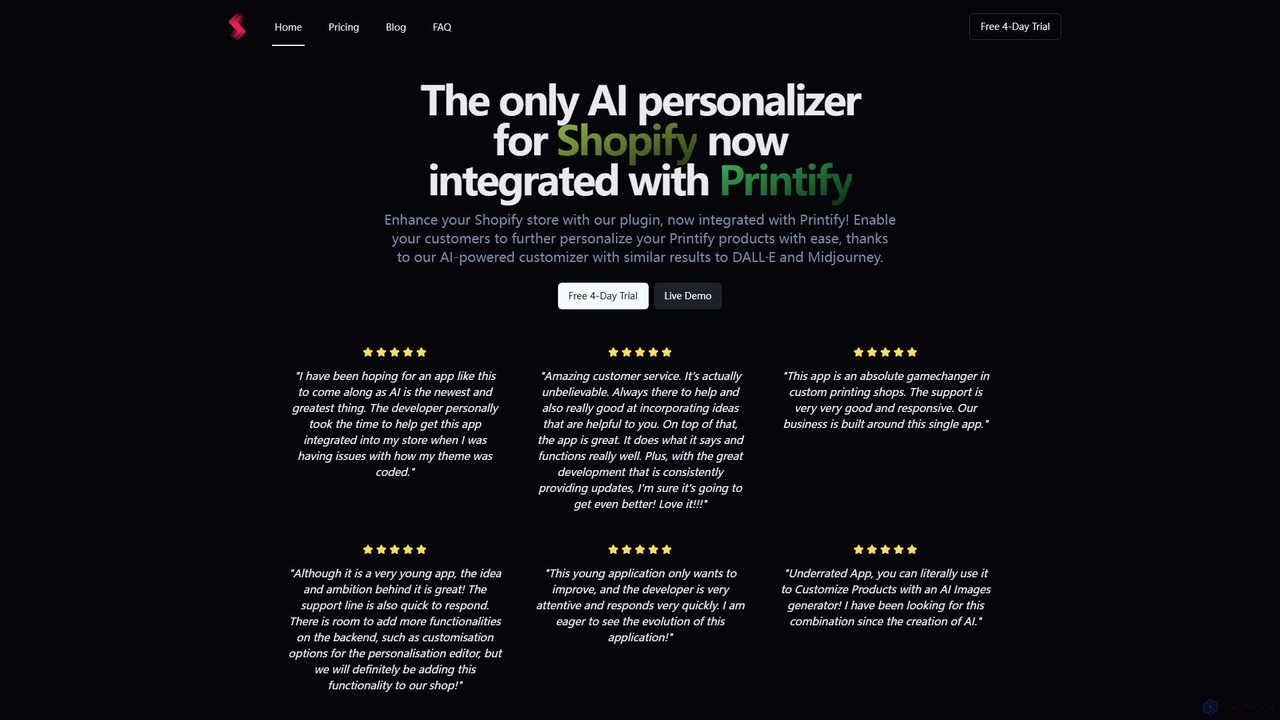
A powerful AI product customization plugin for Shopify. SnapArt allows your customers to generate unique designs directly on your products using text prompts, similar to DALL·E. It integrates seamlessly with Printify, offering features like AI image generation, background removal, and file uploads to enhance the personalization experience and boost sales.

Product Customization
Visits 6.6KFavorites 113Likes 112
imprintnext
Paid

imprintnext

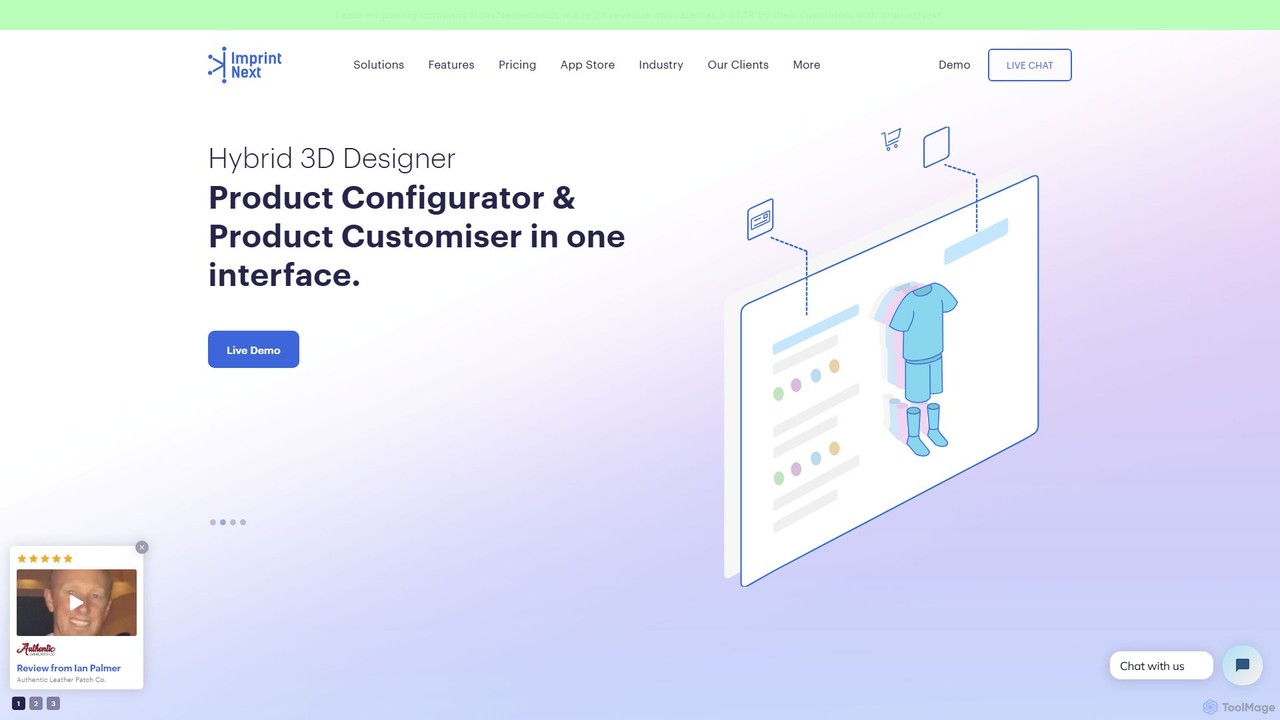
imprintnext is the world's first AI-powered web-to-print software, offering a complete solution for businesses selling custom products. It combines an online product designer, 3D configurator, sales automation, and production management tools. It seamlessly integrates with major e-commerce platforms like Shopify, WooCommerce, and Magento to streamline the entire customization and ordering process.

3D
Visits 9.8KFavorites 115Likes 131
Triorama
Freemium

Triorama

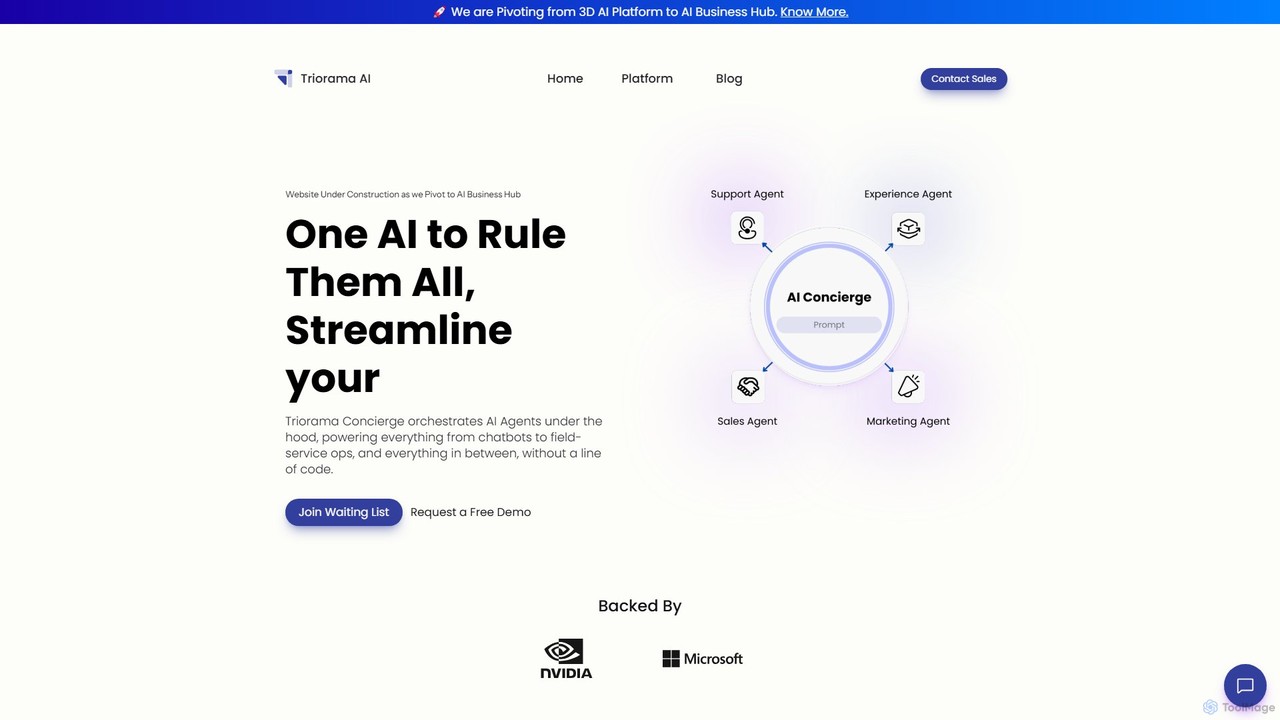
Triorama is a unified AI Business Hub that replaces fragmented software with a single AI Concierge. It orchestrates specialized AI agents for sales, support, and marketing, enhanced with immersive 3D and AR experiences. Designed for eCommerce and enterprises, it streamlines operations and boosts customer engagement without a single line of code.

Chatbots
Visits 5.2KFavorites 116Likes 111

About Product Customization

Product Customization tools are AI-powered applications that enable customers to personalize products in real-time on e-commerce websites. These tools utilize technologies like 3D rendering, augmented reality (AR), and generative AI to create interactive visual experiences. They allow shoppers to modify attributes such as color, material, text, and components, and instantly see the results. This level of interaction significantly enhances customer engagement, increases conversion rates, and reduces returns by providing a clear preview of the final product.

Core Features

  • Real-time 3D Visualization: Allows users to rotate, zoom, and view product customizations from every angle in a high-fidelity 3D model.
  • Virtual Try-On (VTO): Uses augmented reality to let customers virtually wear items like glasses, watches, or apparel using their device's camera.
  • Dynamic Configuration: Enables the selection of different components, materials, and colors, with instant visual updates.
  • Generative Design Options: AI suggests unique patterns or design variations based on user preferences or initial inputs.
  • Automated Pricing Calculation: Instantly updates the product price as customizations are made, ensuring transparency for the customer.

Applicable Scenarios

These tools are essential for e-commerce businesses in industries like fashion, furniture, jewelry, automotive, and promotional products. E-commerce managers use them to create more engaging product pages, while product designers can offer a wider range of customizable options without needing to create physical prototypes for each variation. They are particularly effective for brands offering made-to-order or highly configurable items.

Selection Criteria

When choosing a Product Customization tool, consider its integration capabilities with your e-commerce platform (e.g., Shopify, Magento, WooCommerce). Evaluate the quality of the 3D rendering and the smoothness of the user experience on both desktop and mobile devices. Also, assess the range of customization options supported and whether the pricing model (e.g., subscription-based, per-view) aligns with your business volume and budget.

Featured tool rankings

Product Customization use cases

1

Interactive T-Shirt and Merchandise Design

An owner of a print-on-demand e-commerce store uses a product customization tool to empower customers. Shoppers can upload their own images, add custom text with various fonts and colors, and choose the placement on a t-shirt or mug. The tool provides a real-time 3D preview, allowing them to rotate the item and see exactly how their design will look from all angles. This process eliminates guesswork, increases customer satisfaction, and directly boosts sales for personalized goods.

2

Virtual Eyewear Try-On for Online Stores

An online eyewear retailer integrates a virtual try-on (VTO) tool into their product pages. Using their device's camera, customers can see a realistic, to-scale 3D model of any pair of glasses overlaid on their own face. They can turn their head to see the frames from different angles, comparing styles and fits without leaving home. This AR-powered experience bridges the gap between online and in-store shopping, significantly increasing user confidence and reducing the high return rates common in the eyewear industry.

3

Configuring Custom Furniture in 3D

A high-end furniture brand allows customers to build their own modular sofa. Through an online 3D configurator, shoppers select the number of seats, choose the fabric type and color, and even decide on the leg material. Each change is instantly reflected in a photorealistic 3D model that can be placed virtually in their room using AR. This not only provides a fun and engaging shopping experience but also gives customers the confidence to purchase a large, expensive item online, knowing it will fit their space and style perfectly.

4

Personalizing Jewelry with Engravings and Stones

An online jeweler offers custom engagement rings. A customer uses the website's tool to select a band metal (gold, platinum), choose a specific diamond by cut and carat, and add a personalized engraving on the inside of the band. The tool renders a high-definition 3D model of the ring with each selection, allowing the customer to zoom in on the details of the setting and the sparkle of the stone. This detailed visualization is crucial for a high-consideration purchase, building trust and leading to a higher conversion rate.

5

Automotive Visualizer for Car Dealerships

A car dealership's website features an AI-powered vehicle configurator. Potential buyers can choose their desired model and then customize everything from the exterior paint color and wheel design to the interior upholstery and trim. The visualizer generates photorealistic images and 360-degree views of the configured car in different environments, like a city street or a scenic highway. This immersive experience helps customers design their perfect car and makes them more likely to schedule a test drive or place an order, shortening the sales cycle for the dealership.

6

Designing Custom Product Packaging Online

A B2B packaging supplier provides an online design studio for its clients. Businesses can select a box type and size, then use the tool to upload their logo, add branding elements, and create a full packaging design. The AI-powered tool offers layout suggestions and ensures that the uploaded graphics are of sufficient resolution for printing. A 3D preview shows how the flat design will look when assembled into a box. This self-service model streamlines the ordering process, reduces the need for back-and-forth communication with designers, and accelerates production time.

Product Customization FAQ

What are AI Product Customization tools?

AI Product Customization tools are software applications that integrate into e-commerce platforms to offer customers an interactive way to personalize products. They use technologies like 3D rendering, generative AI, and augmented reality (AR) to provide real-time visual feedback as a user makes changes. Unlike simple dropdown menus for options, these tools create a dynamic and visual configuration experience, allowing customers to see exactly what their custom product will look like before purchasing.

How to choose the right product customization tool for an e-commerce store?

When selecting a tool, consider these factors:

  • Platform Integration: Ensure it seamlessly integrates with your e-commerce platform (e.g., Shopify, WooCommerce, Magento) without slowing down your site.
  • Visual Quality: Evaluate the quality of the 3D models and AR experience. It should be realistic and responsive on all devices.
  • Customization Capabilities: Check if it supports the specific types of customizations your products require (e.g., text engraving, material changes, component swapping).
  • Ease of Use: The tool should be intuitive for both you to set up and for your customers to use.
  • Pricing Model: Understand the cost structure—whether it's a monthly subscription, a per-product fee, or based on usage—and ensure it fits your budget.
What's the difference between a product customizer and standard product options?

The key difference is the visual and interactive experience. Standard product options typically use dropdown menus or swatches that may only change a static product image. A product customizer, especially one powered by AI and 3D, provides a dynamic, real-time visualization. Customers can see their specific combination of choices reflected instantly on a 3D model they can manipulate, or even see it in their own space with AR. This creates a much more engaging and confidence-building experience.

What types of products benefit most from AI customization?

Products where visual appearance, fit, or personal expression are key purchasing factors benefit the most. This includes:

  • Apparel and Accessories: T-shirts, shoes, bags, and jewelry where customers want unique designs or engravings.
  • Eyewear and Watches: Virtual try-on is critical for these items to check style and fit.
  • Furniture and Home Decor: Items like sofas, chairs, and curtains where customers need to match colors and see how they fit in a room.
  • Automotive: Cars and motorcycles with numerous cosmetic and functional options.
  • Promotional Products: Mugs, pens, and corporate gifts that require company branding and logos.
Can product customization tools impact website performance?

Yes, they can. High-resolution 3D models and AR features can be resource-intensive. A well-optimized tool will use techniques like lazy loading and efficient 3D model compression to minimize impact on page load times. When choosing a provider, it's important to inquire about their optimization strategies and, if possible, test the tool's performance on a staging site. A slow-loading customizer can frustrate users and lead to higher bounce rates, negating its benefits.