Finance Best in category 4 results Billing & Invoicing AI Tool

Popular AI tools in the Billing & Invoicing field of Finance include Collectly、UniBee、Loula、rainex, etc., helping you quickly improve efficiency.

Loula

Loula

Loula is a specialized platform for doulas that automates and simplifies insurance credentialing, billing, and payments. It handles …

7.8K
rainex

rainex

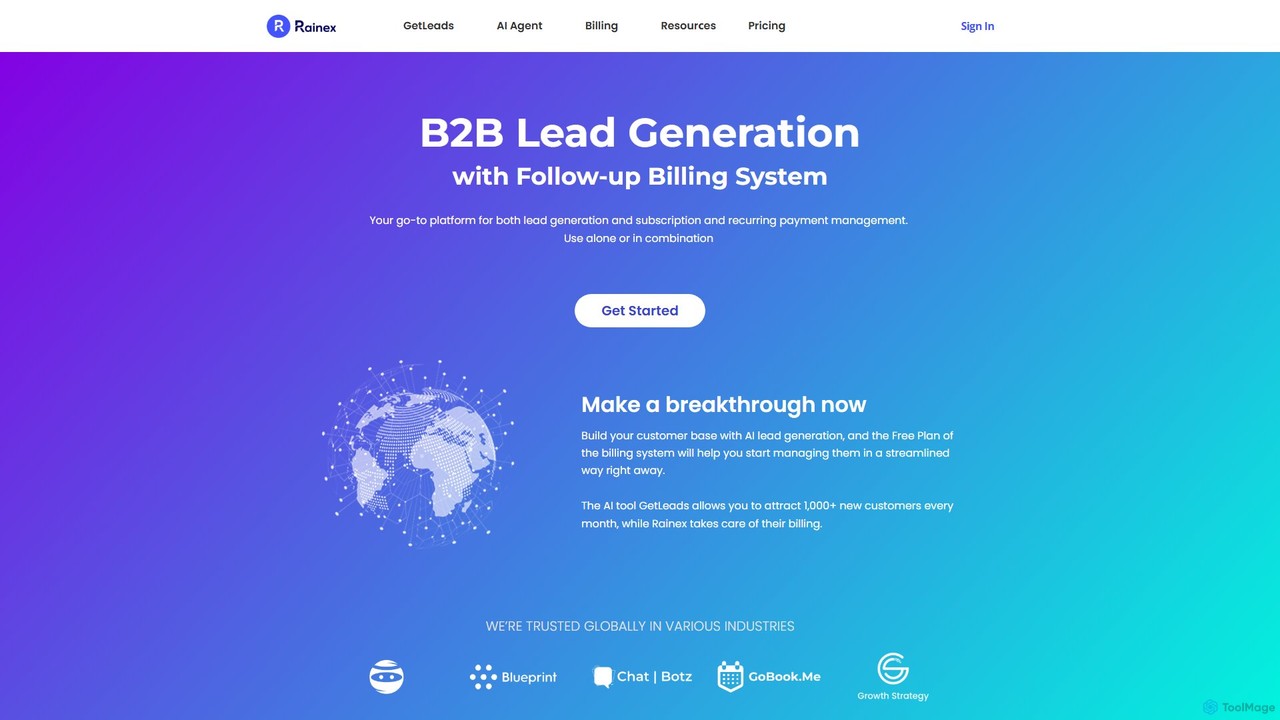
Rainex is an integrated platform offering AI-powered B2B lead generation (GetLeads) and a comprehensive subscription billing system. It …

3.1K
UniBee

UniBee

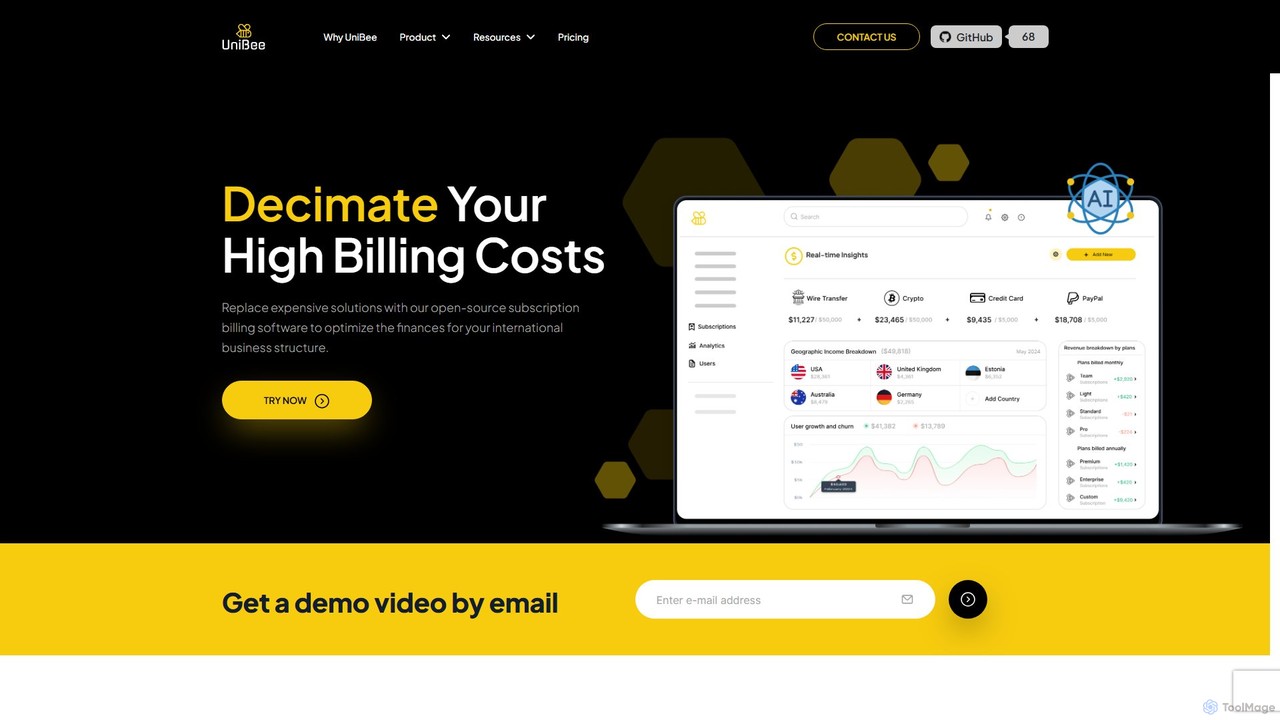
UniBee is an open-source subscription billing and payment management platform designed for SaaS businesses. It offers a flexible, …

25.8K
Collectly

Collectly

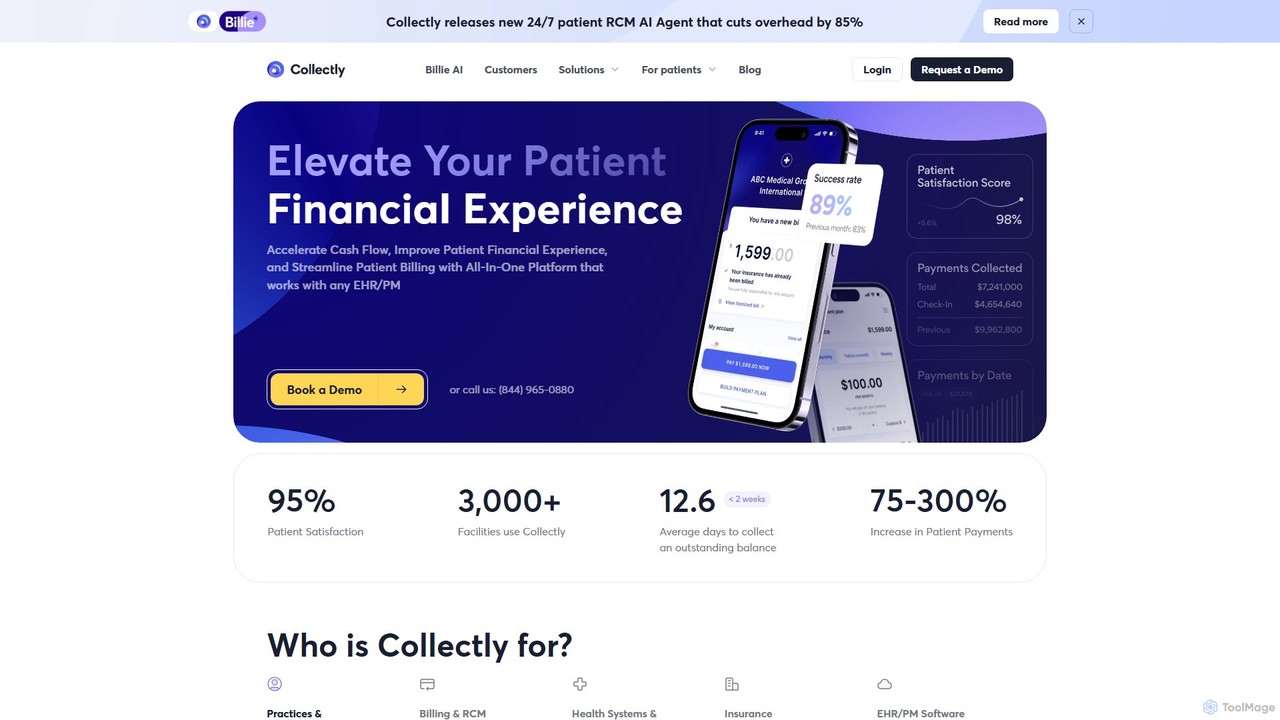
Collectly is an AI-powered, all-in-one platform designed to revolutionize the patient financial experience for healthcare providers. It streamlines …

52.5K

About Billing & Invoicing

AI Billing & Invoicing tools are specialized applications that automate the creation, delivery, and management of financial documents. These tools leverage technologies like Optical Character Recognition (OCR) to extract data from receipts and machine learning to predict payment patterns. They streamline the entire invoicing lifecycle, from generating detailed invoices to sending automated payment reminders and reconciling accounts. This automation significantly reduces manual errors, accelerates cash flow, and provides businesses with clearer financial oversight within their finance operations.

Core Features

  • Automated Invoice Generation: Automatically create and send professional invoices based on project data, timesheets, or sales orders.
  • Intelligent Data Extraction: Use OCR to capture data from bills and receipts, eliminating manual data entry for expense tracking.
  • Recurring Billing & Subscriptions: Manage complex subscription schedules, prorated charges, and automated recurring payments.
  • Smart Payment Reminders: Proactively send personalized follow-up emails based on invoice due dates and customer payment history.
  • Expense & Receipt Management: Digitize and categorize business expenses automatically, linking them to specific projects or clients for accurate billing.

Applicable Scenarios

These tools are essential for freelancers, small to medium-sized businesses (SMBs), SaaS companies, and professional service firms like consulting or legal agencies. For instance, a SaaS business can automate monthly subscription billing for thousands of users, while a freelance consultant can automatically convert tracked hours into a detailed client invoice. They are ideal for any organization seeking to minimize administrative overhead and improve payment collection efficiency.

Selection Criteria

When choosing an AI Billing & Invoicing tool, consider its integration capabilities with your existing accounting software (e.g., QuickBooks, Xero). Evaluate the sophistication of its automation rules and workflow customization. Also, assess its support for multiple currencies and tax jurisdictions if you operate internationally. Finally, compare pricing models—whether they are based on the number of clients, invoices, or a flat subscription fee—to find the best fit for your business volume.

Billing & InvoicingUse Cases

1

Automating Invoicing for Freelance Projects

A freelance graphic designer uses an AI invoicing tool to streamline their billing process. After completing a project, the tool automatically pulls tracked hours from their project management app, applies the pre-set hourly rate, and calculates the total amount. It then generates a professional, branded invoice and sends it to the client's email. The system is also configured to send a polite payment reminder three days before the due date and a follow-up if the payment is late, reducing administrative time by over 70% and ensuring faster payments.

2

Managing SaaS Subscription Billing Cycles

A SaaS company with a tiered subscription model uses an AI billing platform to manage thousands of customers. The system automatically handles monthly and annual recurring payments. When a user upgrades or downgrades their plan mid-cycle, the AI calculates prorated charges instantly and reflects them on the next invoice. It also automates dunning management by retrying failed payments and sending customized notifications to customers to update their payment information, significantly reducing churn due to payment failures.

3

Streamlining Expense-to-Invoice Workflow

A consulting firm equips its team with an AI invoicing app. When consultants incur travel or material expenses, they simply take a photo of the receipt. The app's OCR technology instantly extracts key information like vendor, date, and amount, and AI categorizes the expense. Back at the office, the project manager can review these captured expenses and, with one click, add all billable items to the corresponding client's invoice. This eliminates manual expense reports and ensures all project-related costs are accurately and promptly billed to the client.

4

Handling Multi-Currency Invoicing for Global E-commerce

An online store selling handmade goods globally uses an AI invoicing tool integrated with its e-commerce platform. When a customer from Japan makes a purchase, the system automatically generates an invoice in Japanese Yen (JPY), applying the current exchange rate. It also calculates and applies the correct Japanese consumption tax. The invoice, localized in Japanese, is sent to the customer, providing a seamless and professional experience. This automates complex cross-border transactions, reduces currency conversion errors, and ensures tax compliance in different regions.

5

Predictive Payment Reminders to Improve Cash Flow

A B2B wholesale supplier uses an AI invoicing system to manage its accounts receivable. The AI analyzes each client's payment history, identifying patterns of late payments. For a client who consistently pays 5-7 days late, the system automatically schedules a friendly reminder email to be sent a week before the due date, rather than the standard 3-day reminder. This proactive, data-driven approach has increased on-time payments by 40% and significantly improved the company's cash flow predictability without straining client relationships.

6

Automating Invoice Data Reconciliation

An accounting department at a mid-sized company struggles with manually matching bank payments to outstanding invoices. They implement an AI invoicing tool that integrates with their bank feed. The AI automatically matches incoming payments to the correct invoices by analyzing amounts, reference numbers, and customer names. For partial payments or bundled payments for multiple invoices, it flags them for a quick review. This automation reduces the monthly reconciliation process from two full days to just a few hours, minimizing errors and freeing up the accounting team for more strategic tasks.

Billing & InvoicingFrequently Asked Questions