ToolMage
Sign in

Best 5 For Kids AI tools for Fun

Popular For Kids AI tools in Fun include icoloring, GenColor, bedtimestory.ai, Dream Kid AI, and Colorendo, helping you work more efficiently.

Dream Kid AI
Freemium

Dream Kid AI

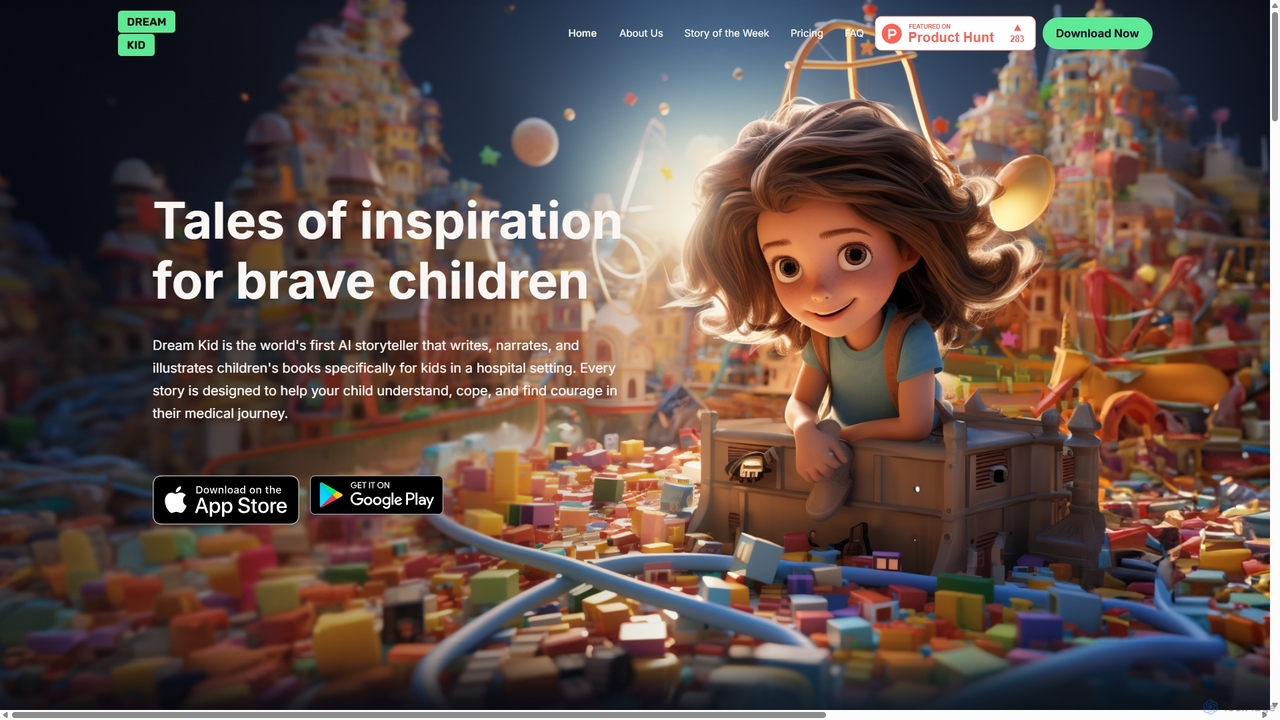
Dream Kid AI is a pioneering AI storyteller that generates personalized, narrated, and illustrated books for children, with a special focus on those in hospital settings. It transforms medical journeys and personal challenges into empowering adventures, helping kids understand, cope, and find courage through therapeutic storytelling.

Storytelling
Visits 7.4KFavorites 119Likes 108
GenColor
Freemium

GenColor

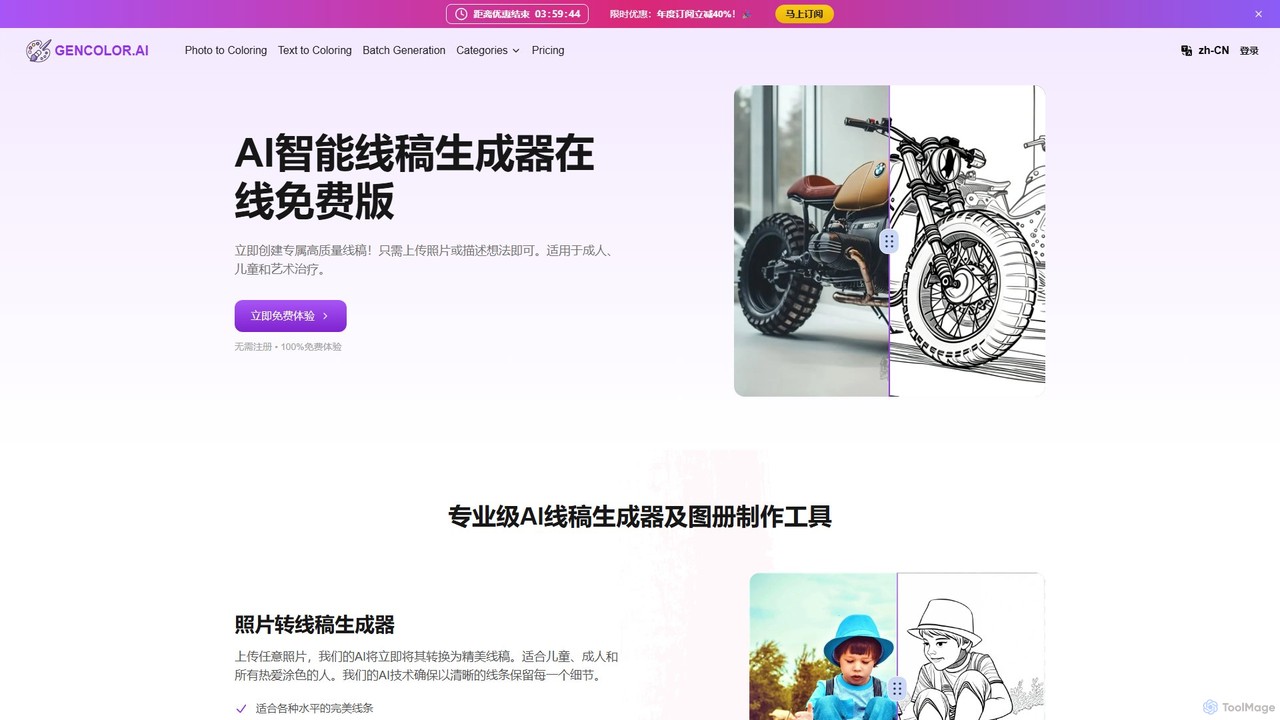
GenColor is an AI-powered tool that instantly transforms photos and text descriptions into high-quality, printable line art and coloring pages. It's designed for everyone, from kids and hobbyists to educators and professional creators, offering a seamless way to generate unique artwork for free.

Coloring
Visits 121.7KFavorites 116Likes 123
bedtimestory.ai
Freemium

bedtimestory.ai

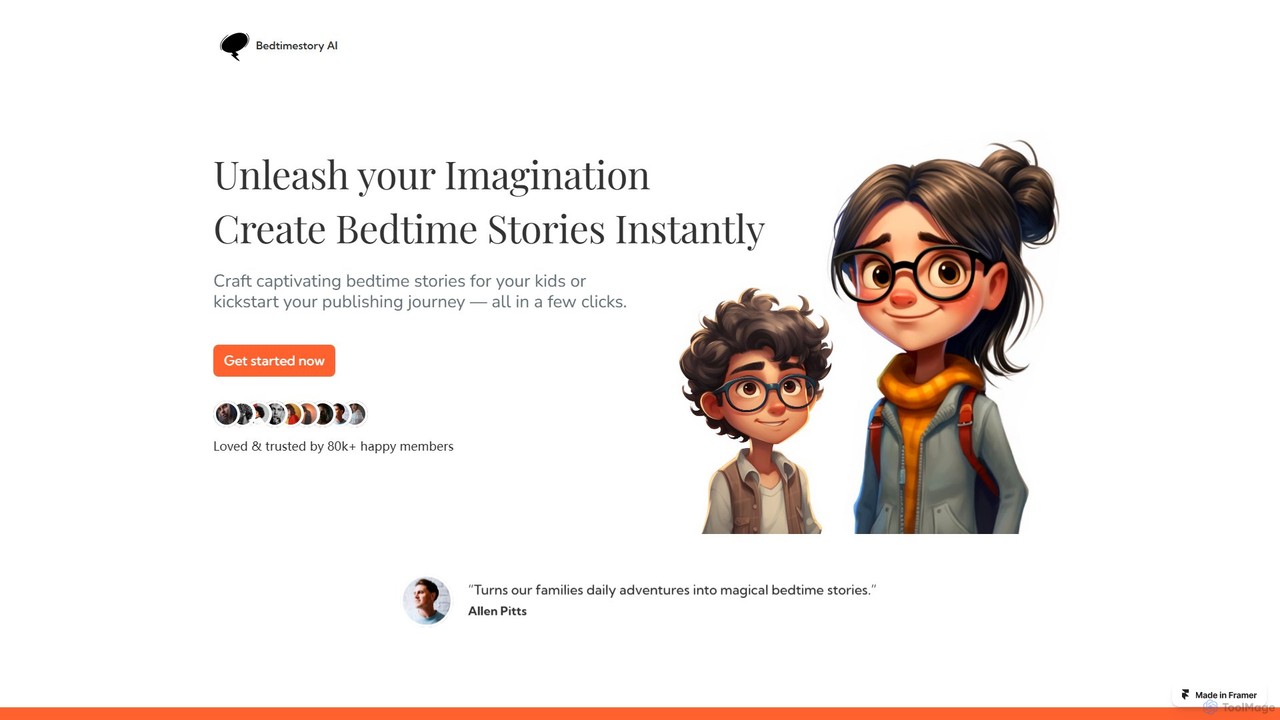
bedtimestory.ai is an AI-powered story generator that instantly creates personalized and captivating bedtime stories for children. Simply provide a prompt, and the tool crafts unique tales featuring customized characters, genres, and moral lessons. It's designed for parents to make bedtime magical and for aspiring authors to kickstart their creative journey.

Parenting
Visits 39.5KFavorites 128Likes 138
Colorendo
Freemium

Colorendo

Colorendo is an AI-powered coloring page generator that transforms text descriptions into unique, printable coloring sheets. Designed for parents, educators, and children, it requires no design skills. Simply describe any idea, and the AI instantly creates a custom coloring page, providing endless creative entertainment for kids.

Image Generation
Visits 5.3KFavorites 153Likes 145
icoloring
Freemium

icoloring

An AI-powered tool that generates high-quality, printable coloring pages from text prompts or uploaded images. It offers various artistic styles, an AI colorizer, and a library of free designs. Ideal for parents, educators, artists, and commercial sellers, it's a versatile platform for creativity and relaxation, available for free with no watermarks.

Teaching Aid
Visits 259.9KFavorites 127Likes 118

About For Kids

AI tools for kids are interactive applications designed to provide educational and entertaining experiences in a safe, age-appropriate environment. These tools leverage artificial intelligence to create personalized learning paths, adaptive challenges, and engaging creative activities. As a specialized part of the Fun category, they focus specifically on cognitive development, creativity, and skill-building for young users. The primary goal is to make learning feel like play, fostering curiosity and problem-solving skills from an early age.

Core Features

  • Adaptive Learning: The AI adjusts the difficulty of puzzles, games, and lessons based on the child's real-time performance.
  • Interactive Storytelling: Generates unique stories or allows children to influence the narrative, enhancing comprehension and imagination.
  • Creative Assistance: Helps children create art, music, or code by providing smart suggestions and simplifying complex tasks.
  • Safety and Parental Controls: Includes robust content filters, usage timers, and dashboards for parents to monitor activity.
  • Gamified Education: Embeds educational concepts into engaging game formats to improve motivation and knowledge retention.

Use Cases

These tools are widely used by parents at home for supplemental education and constructive screen time. Educators also integrate them into classrooms to provide personalized instruction and make lessons more interactive. They are particularly effective for teaching STEM subjects, language arts, and digital literacy in an accessible way.

How to Choose

When selecting an AI tool for a child, prioritize age appropriateness and clear educational goals. Evaluate the safety features, including data privacy policies and content moderation. Look for a high level of interactivity and engagement, and consider whether the tool offers progress tracking for parents or teachers.

For Kids use cases

1

Creating Personalized Bedtime Stories

Parents and young children use an AI storytelling tool to craft unique bedtime stories every night. By inputting prompts like the main character's name (e.g., the child's own name), a favorite animal, and a setting like a magical forest, the AI generates a complete, age-appropriate narrative with illustrations. This process not only provides endless new stories but also boosts a child's creativity and listening skills as they co-create the adventure. It transforms a routine activity into an interactive and imaginative experience.

2

Mastering Math with an Adaptive Game

A primary school student struggling with fractions uses an AI-powered math game. The game presents challenges as missions in a fantasy world. The AI analyzes the student's answers in real-time, identifying specific areas of difficulty. If the student struggles, the system offers visual hints and simpler problems. As they improve, the challenges become more complex. This adaptive approach keeps the student engaged, reduces frustration, and provides targeted practice exactly where it's needed, turning math practice into a rewarding quest.

3

Learning a New Language via AI Conversation

A child learning Spanish interacts with an AI language tutor embodied as a friendly cartoon character. The child practices vocabulary and pronunciation by speaking directly to the app. The AI uses speech recognition to provide instant, encouraging feedback, such as "Great job!" or "Try saying it like this...". The conversations are gamified, involving scenarios like ordering food at a virtual restaurant or describing animals at a zoo. This makes language practice immersive and less intimidating than traditional methods.

4

Building First Programs with a Coding Robot

A young learner uses a physical robot connected to a block-based coding app. The app's AI assistant provides step-by-step guidance for coding challenges, like making the robot navigate a maze. If the child's code has an error, the AI highlights the problematic block and suggests a logical fix in simple terms. This immediate feedback loop helps demystify programming concepts and encourages experimentation without fear of failure, building a strong foundation in computational thinking.

5

Co-Creating Digital Art with an AI Partner

A child who loves to draw uses an AI art application to bring their ideas to life. They can draw a simple outline of a character, and the AI can suggest color palettes, add shading, or place the character in a generated background. For example, a sketch of a dog can be transformed into a "puppy on the moon" in a cartoon style with a single command. This collaboration empowers children to create more polished and complex artwork than they could alone, fostering artistic confidence and exploration.

6

Exploring Science through Interactive Simulations

An inquisitive student uses an AI-driven science simulation to understand complex topics like the solar system or ecosystems. They can ask the AI questions like "What happens if there are no bees?" and the simulation visually demonstrates the consequences within the virtual ecosystem. The AI acts as a guided discovery tool, allowing the child to run experiments and see cause-and-effect relationships in a safe, interactive environment, making abstract scientific concepts tangible and memorable.

For Kids FAQ

What are AI tools for kids?

AI tools for kids are software applications and games that use artificial intelligence to create personalized and interactive learning and play experiences for children. Their core purpose is to educate and entertain in a safe, age-appropriate manner. Key features often include adaptive learning that adjusts to a child's skill level, interactive storytelling, and creative assistance for activities like drawing or coding. They are designed to make learning engaging and to foster critical skills like problem-solving and creativity.

How do I choose a safe and effective AI tool for my child?

To choose a suitable AI tool, consider these four factors:

  • Age Appropriateness: Ensure the content, interface, and learning concepts match your child's developmental stage.
  • Safety and Privacy: Check for clear privacy policies, robust parental controls, and secure, ad-free environments. Look for certifications from trusted organizations.
  • Educational Value: The tool should have clear learning objectives and promote skills like critical thinking, creativity, or problem-solving, rather than just passive entertainment.
  • Engagement: A good tool should be fun and motivating, encouraging active participation and curiosity without being overly addictive.

What's the difference between AI for Kids tools and general educational apps?

The key difference lies in personalization and interactivity. While many educational apps offer static content like digital flashcards or videos, AI for Kids tools use artificial intelligence to adapt the experience to the individual child. For example, an AI tool can adjust the difficulty of math problems in real-time, generate unique stories based on a child's choices, or provide intelligent feedback on their coding or drawing. This dynamic adaptation makes the learning process more personal, efficient, and engaging compared to the one-size-fits-all approach of many general educational apps.

What skills can children develop using these AI tools?

Children can develop a wide range of cognitive and creative skills. Primarily, they enhance problem-solving and critical thinking abilities through interactive puzzles and challenges. Creative skills are nurtured through AI-assisted art, music, and storytelling tools that allow them to express ideas in new ways. Many tools also focus on foundational STEM skills, introducing concepts of coding, logic, and mathematics in a playful manner. Furthermore, language and literacy skills are improved through interactive reading and conversation with AI characters.

At what age is it appropriate for children to start using AI tools?

The appropriate starting age depends on the specific tool and the child's development, but many AI tools are designed for children as young as preschool age (3-5 years). For this age group, tools focus on simple concepts like letter recognition, basic puzzles, and creative drawing with significant guidance. For early elementary students (6-8 years), tools introduce more complex topics like basic coding, math, and structured storytelling. It is crucial for parents to choose products specifically designed for their child's age bracket and to co-engage with them, especially in the beginning.