ToolMage
Sign in

Best 26 Image Generation AI tools for Generative Ai

Popular Image Generation AI tools in Generative Ai include Nano Banana, Stability AI, AIAI, AIVector, Longhair, Tashvi, Novaimg, Gemini Photo, Kirkify It, and Vectal, helping you work more efficiently.

Stability AI
Freemium

Stability AI

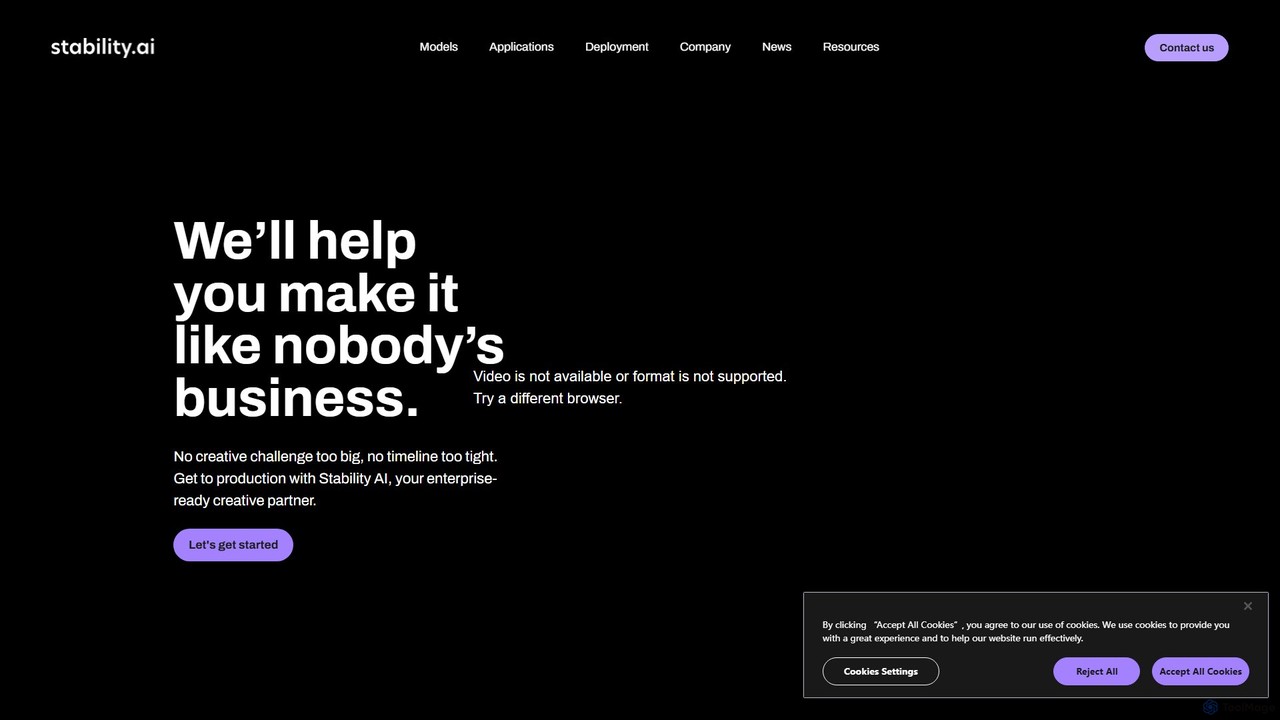
Stability AI is a leading open-source generative AI company that develops foundational models for creating images, video, audio, 3D assets, and more. It provides powerful, accessible tools for creators, developers, and enterprises, most notably the world-renowned Stable Diffusion model series. It offers flexible deployment options including APIs, self-hosting, and cloud services.

Api
Visits 478.7KFavorites 149Likes 136
PhotoStudio AI
Freemium

PhotoStudio AI

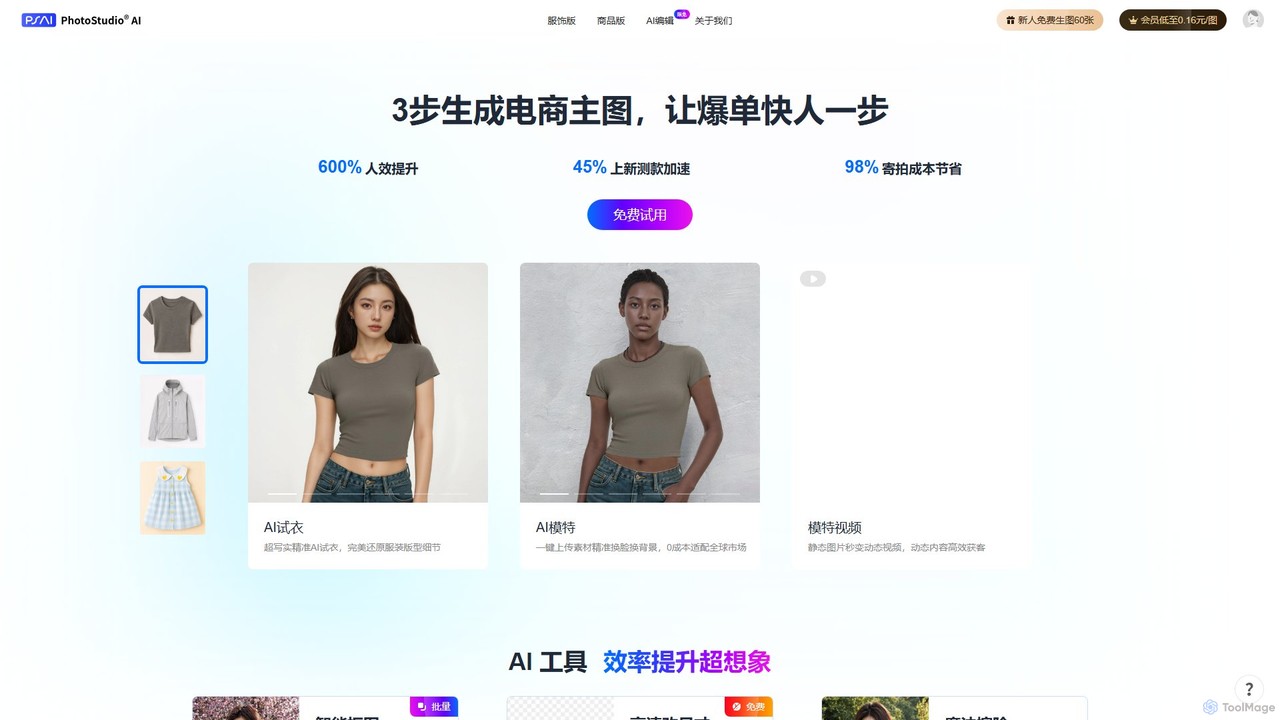
PhotoStudio AI is a generative AI platform by ArcSoft, designed for e-commerce. It creates professional product and fashion photoshoots instantly, featuring AI models, virtual try-on, and powerful editing tools. This helps businesses dramatically reduce photography costs, accelerate product launches, and enhance marketing visuals.

Image Generation
Visits 5.7KFavorites 138Likes 128

About Image Generation

Image Generation tools are a class of AI applications that create novel visual content from textual descriptions or other inputs. They operate on complex models like diffusion or GANs to interpret prompts and synthesize photorealistic or stylized images from scratch. This technology empowers creators, marketers, and designers to rapidly visualize ideas, produce unique marketing assets, and generate concept art without manual creation. Their key advantage lies in generating limitless variations and styles on demand.

Core Features

  • Text-to-Image Generation: Creates images based on detailed written descriptions (prompts).
  • Image-to-Image Transformation: Modifies an existing image based on a text prompt or another style image.
  • Style Control & Consistency: Allows users to define and maintain specific artistic styles or character appearances across multiple generations.
  • Inpainting & Outpainting: Edits or expands images by generating new content within a selected area or beyond the original canvas.
  • Parameter Tuning: Offers advanced controls for aspects like composition, color, and level of detail.

Use Cases

These tools are widely used in digital marketing for creating ad banners and social media content. In the entertainment industry, artists and designers use them for concept art, character design, and storyboarding. Product designers also leverage them to generate mockups and lifestyle images for e-commerce.

How to Choose

When selecting an Image Generation tool, consider the quality and realism of its output. Evaluate the diversity of styles it can produce and the level of control it offers over the final image. Also, check its generation speed, pricing model (e.g., subscription vs. credits), and whether it provides an API for integration.

Featured tool rankings

Image Generation use cases

1

Create Unique Marketing Campaign Visuals

A marketing team needs to launch a new social media campaign but lacks the budget for a custom photoshoot. Using an AI Image Generation tool, they input detailed prompts describing their target audience and brand aesthetic, such as "A diverse group of young professionals collaborating in a bright, modern office with plants." The tool generates hundreds of high-quality, on-brand images in various compositions. This allows them to A/B test different visuals and populate their content calendar for weeks, saving significant time and resources compared to sourcing stock photos or hiring a photographer.

2

Visualize Concepts for Game and Film

A concept artist working on a new sci-fi video game needs to quickly explore different character designs. Instead of sketching every idea manually, they use an Image Generation tool with prompts like "cyborg warrior with glowing neon armor, detailed portrait, cinematic lighting." They can iterate rapidly by slightly changing the prompt to explore variations in armor, color palettes, and character mood. This process accelerates the ideation phase, providing a rich set of visual directions for the 3D modeling team to build upon, ensuring a more creative and efficient pre-production workflow.

3

Generate Realistic Product Mockups

An e-commerce entrepreneur wants to showcase their new line of cosmetic products in various lifestyle settings without an expensive photoshoot. They upload clean images of their product and use an Image-to-Image generation tool. They provide prompts like "Place this bottle on a marble bathroom counter with soft morning light" or "Product in a flat lay with tropical leaves and a coconut." The AI generates photorealistic mockups that can be used for product listings, social media, and advertisements, enabling a professional-looking launch on a minimal budget.

4

Produce Custom Illustrations for Blog Posts

A content writer for a tech blog needs a unique featured image for an article about "The Future of Artificial Intelligence." Generic stock photos feel uninspired. They use an AI Image Generator with the prompt "abstract visualization of a neural network, glowing blue and purple nodes, dark background, minimalist style." Within minutes, they have a custom, high-resolution illustration that perfectly matches the article's theme. This enhances the blog's visual identity and reader engagement, making the content more memorable and shareable.

5

Design Architectural Concepts and Renders

An architect is in the early stages of designing a residential building and wants to present multiple stylistic options to a client. They use an AI Image Generation tool to turn their basic 3D model or sketch into photorealistic renders. By applying prompts like "modern Scandinavian architecture, wood and glass facade, surrounded by a pine forest in winter" or "Brutalist concrete structure with large windows, sunny day," they can quickly generate a variety of compelling visualizations. This helps clients make decisions faster and allows the architect to explore creative possibilities more freely.

6

Create Personalized Avatars and Digital Art

An individual wants a unique avatar for their social media profiles that reflects their personality. They upload a few photos of themselves and use a specialized Image Generation model or feature. They can then generate avatars in various styles, such as "anime character," "oil painting portrait," or "pixel art hero." This allows for a high degree of personalization beyond simple filters, providing them with a distinct digital identity and a fun way to engage with creative AI technology for personal expression.

Image Generation FAQ

What is AI Image Generation?

AI Image Generation refers to the process of using artificial intelligence models to create new images from scratch. These tools typically work by interpreting text prompts, where a user describes the desired image in words. They can also modify existing images or combine multiple inputs. The underlying technology, often based on diffusion models or Generative Adversarial Networks (GANs), allows for the creation of a vast range of visuals, from photorealistic scenes to abstract art, revolutionizing creative workflows.

How do I choose the right AI Image Generation tool?

Choosing the right tool depends on your specific needs. Consider the following factors:

  • Image Quality & Style: Does the tool produce high-resolution images in the aesthetic you prefer (e.g., photorealistic, anime, artistic)?
  • Ease of Use: Is the interface intuitive for beginners, or does it offer complex controls for professional users?
  • Features: Do you need specific capabilities like image-to-image, inpainting, or character consistency?
  • Pricing Model: Compare subscription plans, pay-per-generation credits, or free tiers to find what fits your budget and usage volume.
  • Commercial Use Rights: Check the terms of service to ensure you can use the generated images for your intended purpose.
What is the difference between AI Image Generation and stock photography?

The key difference is originality and customization. AI Image Generation creates entirely new, unique images based on your specific prompts, offering limitless creative control. Stock photography provides a library of pre-existing photos created by human photographers. While stock photos are high-quality and readily available, they are not unique to you and may be used by many others. AI generation avoids licensing issues with recognizable people and provides visuals that are perfectly tailored to your needs, though it may sometimes lack the specific context or authenticity of a real photograph.

How do AI Image Generators work?

Most modern AI Image Generators use a technology called diffusion models. The process starts with a pattern of random noise. The AI model, which has been trained on billions of image-text pairs from the internet, then gradually refines this noise, step by step, to match the text description you provided. It essentially "denoises" the image into existence, guided by your prompt. This allows it to understand complex concepts, styles, and compositions to synthesize a corresponding visual representation.

Can I use AI-generated images for commercial purposes?

The ability to use AI-generated images commercially depends entirely on the terms of service of the specific tool you are using. Many popular AI Image Generation platforms grant users full ownership and commercial rights to the images they create, including for marketing, products, and publications. However, some services may have restrictions, especially on free plans. It is crucial to read and understand the licensing agreement for each tool before using its output for any commercial project. The legal landscape around AI-generated content is also evolving, so staying informed is important.