

PhotoStudio AI Overview
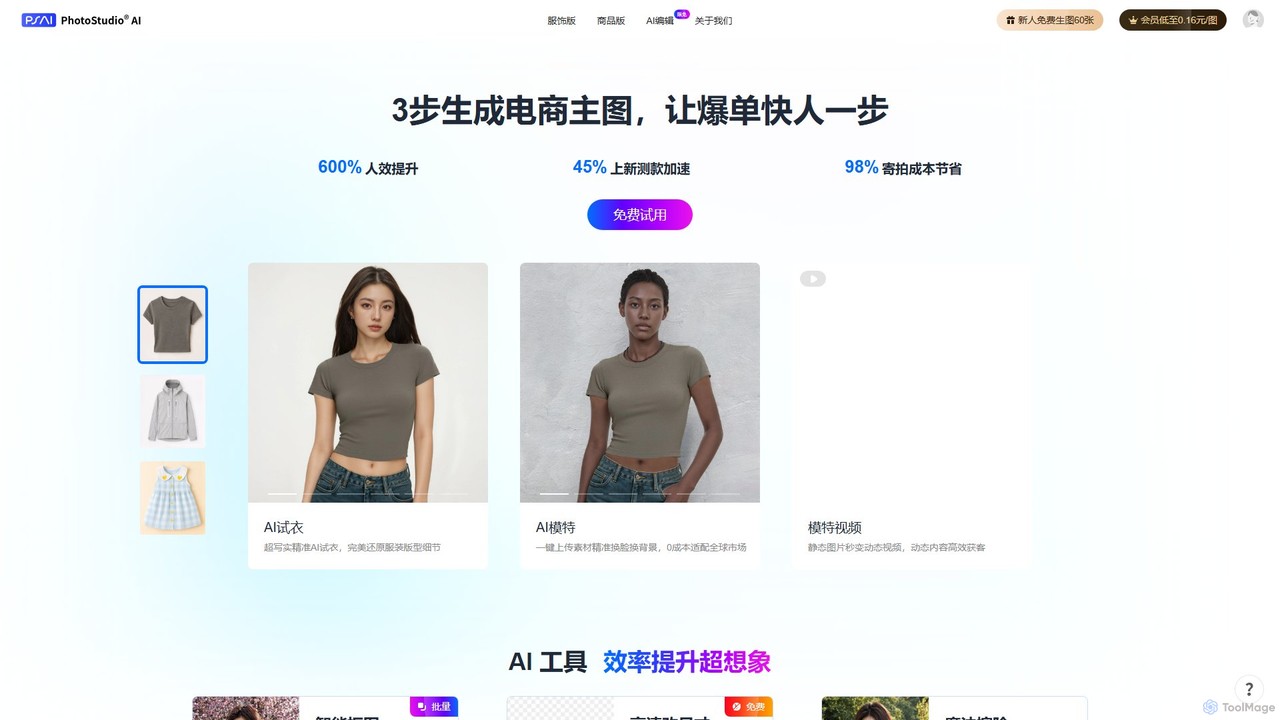
PhotoStudio AI, also known as PSAI, is an innovative product developed by the leading computer vision company ArcSoft. It leverages a proprietary generative AI model specifically trained for commercial photography to provide merchants with exceptional services for generating and optimizing product images. Designed primarily for the e-commerce, fashion, and retail sectors, PSAI aims to revolutionize the traditional, costly, and time-consuming process of product photoshoots by offering a powerful, efficient, and cost-effective AI-driven alternative.
The platform empowers businesses to create stunning, high-quality, and realistic commercial images in just a few simple steps. By uploading a single product photo, users can generate a wide array of marketing assets, from model photoshoots for global markets to dynamic product scenes and on-feet images for footwear. This significantly boosts operational efficiency, accelerates the process of testing new products, and drastically cuts down on expenses related to hiring models, photographers, and studios.
How to use PhotoStudio AI
The workflow is designed to be intuitive and user-friendly, enabling professional results without requiring technical expertise:
- Upload Your Asset: Start by uploading a clear image of your product, such as a piece of clothing on a mannequin, a shoe, or any other item.
- Select a Feature: Choose the desired function from the platform's comprehensive suite. This could be 'AI Model' to place your apparel on a virtual model, 'AI Try-On' for a hyper-realistic fit, 'Product Photography' to place your item in a new scene, or an editing tool like 'Smart Cutout'.
- Customize and Generate: Fine-tune the output by selecting from various options, such as model ethnicity, pose, background scenes, or color variations. Once you've made your selections, the AI engine processes the request and generates the high-resolution image or video.
- Download and Use: Review the generated asset. If satisfied, you can download the final image and use it directly on your e-commerce store, social media, or marketing campaigns.
Core Features of PhotoStudio AI
- AI Models: Instantly generate realistic model photoshoots. Upload a clothing image and the AI will fit it onto a diverse range of virtual models. Features include one-click face swapping and background changes to cater to different global markets.
- AI Virtual Try-On: A hyper-realistic try-on feature that accurately preserves the texture, drape, and fit of garments, providing customers with a true-to-life representation.
- Shoes On-Feet: Specifically for footwear, this tool intelligently matches shoes with realistic human foot models to generate professional on-feet lifestyle shots in just three steps.
- Model Videos: Transform static model images into dynamic, engaging short videos, perfect for social media and advertising to capture customer attention more effectively.
- AI Product Photography: Place your products in a vast library of high-quality scenes and templates. This allows for creating consistent and appealing product listings without a physical photoshoot.
- Product Recolor: A powerful tool for creating multiple color variations (SKUs) from a single product image, saving immense time in content creation.
- Advanced AI Editing Suite: Includes a set of powerful tools for quick edits: Smart Cutout for one-click background removal, HD Resize for lossless image upscaling, and Magic Erase to remove imperfections like watermarks or unwanted objects seamlessly.
Use Cases for PhotoStudio AI
PhotoStudio AI is versatile and serves various needs within the e-commerce ecosystem:
- Fashion Brands: Quickly create diverse model campaigns for different regions without the logistical challenges of international photoshoots.
- E-commerce Marketplaces: Standardize product images across thousands of listings with consistent backgrounds and high quality.
- Footwear Retailers: Generate appealing on-feet images for new shoe collections to improve conversion rates.
- Marketing Agencies: Produce a high volume of creative assets for social media, ads, and email marketing campaigns at a fraction of the cost.
- Startups and Small Businesses: Access professional-grade photography without a large budget, enabling them to compete with established players.
Advantages of PhotoStudio AI
The platform offers significant competitive advantages:
- Massive Cost Reduction: Saves up to 98% on traditional photography costs, including model fees, studio rentals, and photographer charges.
- Extreme Efficiency: Boosts human efficiency by up to 600%, allowing teams to produce more content in less time.
- Accelerated Time-to-Market: Speeds up new product testing and launches by 45% by eliminating photoshoot delays.
- Global Reach: Easily adapt visuals for international markets with diverse AI models and scenes.
- High-Quality Output: Powered by ArcSoft's industry-leading AI and computer vision technology, ensuring realistic and aesthetically pleasing results.
Pricing and Plans
PhotoStudio AI operates on a freemium model. New users are welcomed with a generous free trial that includes 60 free image generations, allowing them to fully explore the platform's capabilities. For continued use, the platform offers various subscription-based membership plans. These plans are designed to be highly affordable, with costs as low as 0.16 RMB per image, making professional-grade commercial photography accessible to businesses of all sizes. For enterprise clients with specific needs, customized service plans are also available upon consultation.
PhotoStudio AI Alternatives
Pixmaker
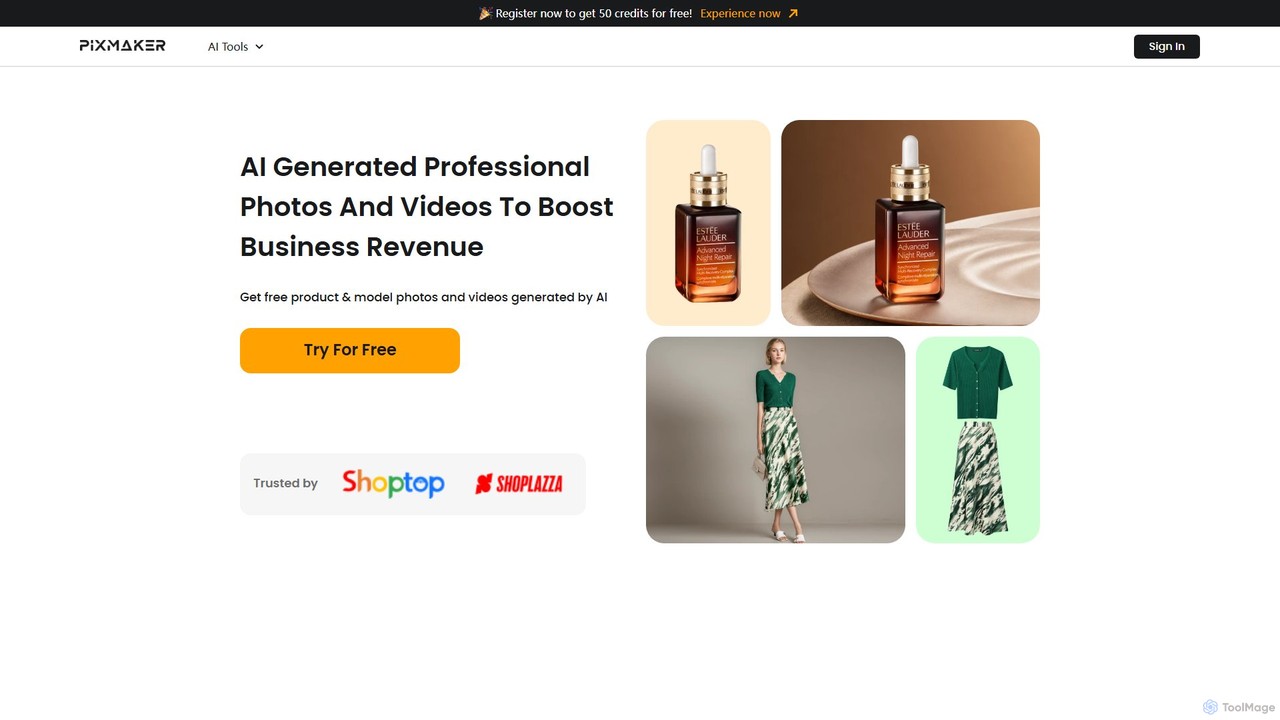
Pixmaker is an AI-powered platform designed for e-commerce, enabling users to create professional product photos and videos effortlessly. It features AI model generation, realistic background creation, and one-click background removal, helping businesses enhance their visual marketing, reduce costs, and boost sales revenue without needing professional design skills.
3D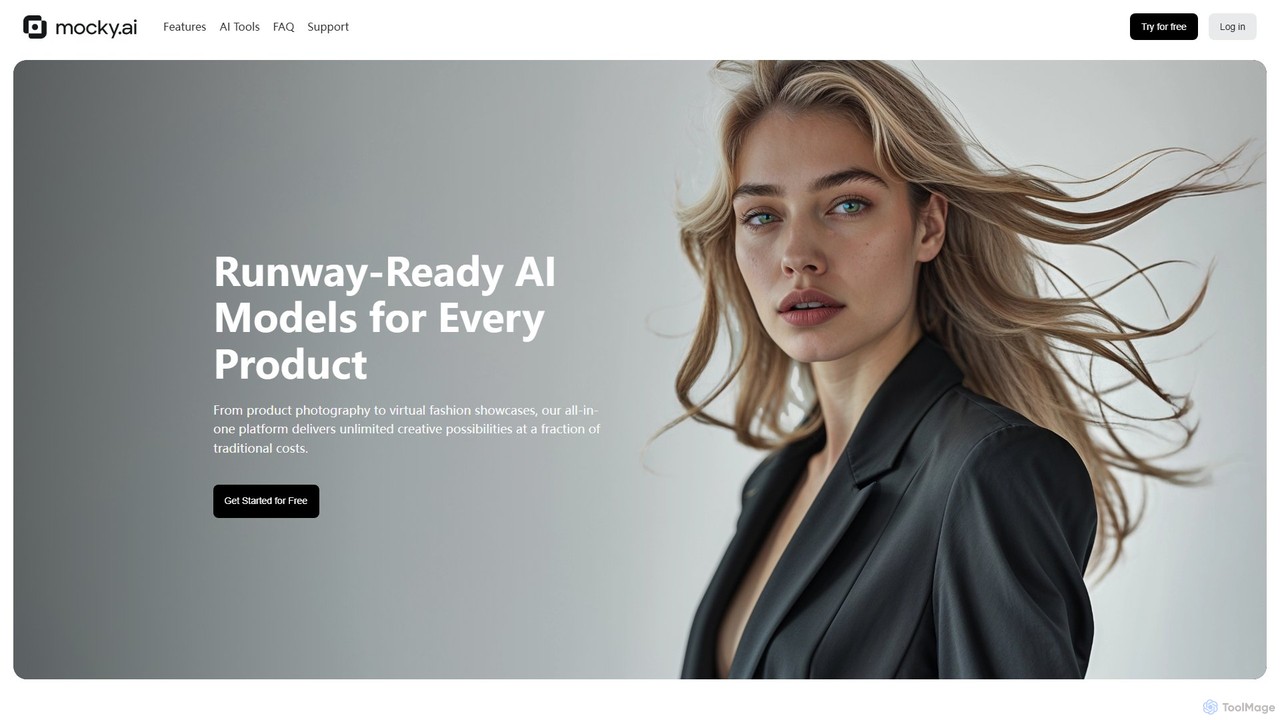
Mocky AI
Mocky AI is an all-in-one platform that revolutionizes product photography using AI. Instantly generate professional, studio-quality images by placing your products on a diverse range of hyper-realistic AI models. It offers a complete suite of editing tools, including background removal, object removal, and AI video creation, enabling e-commerce brands to create stunning visuals affordably and efficiently without the need for traditional photoshoots.
Generative Art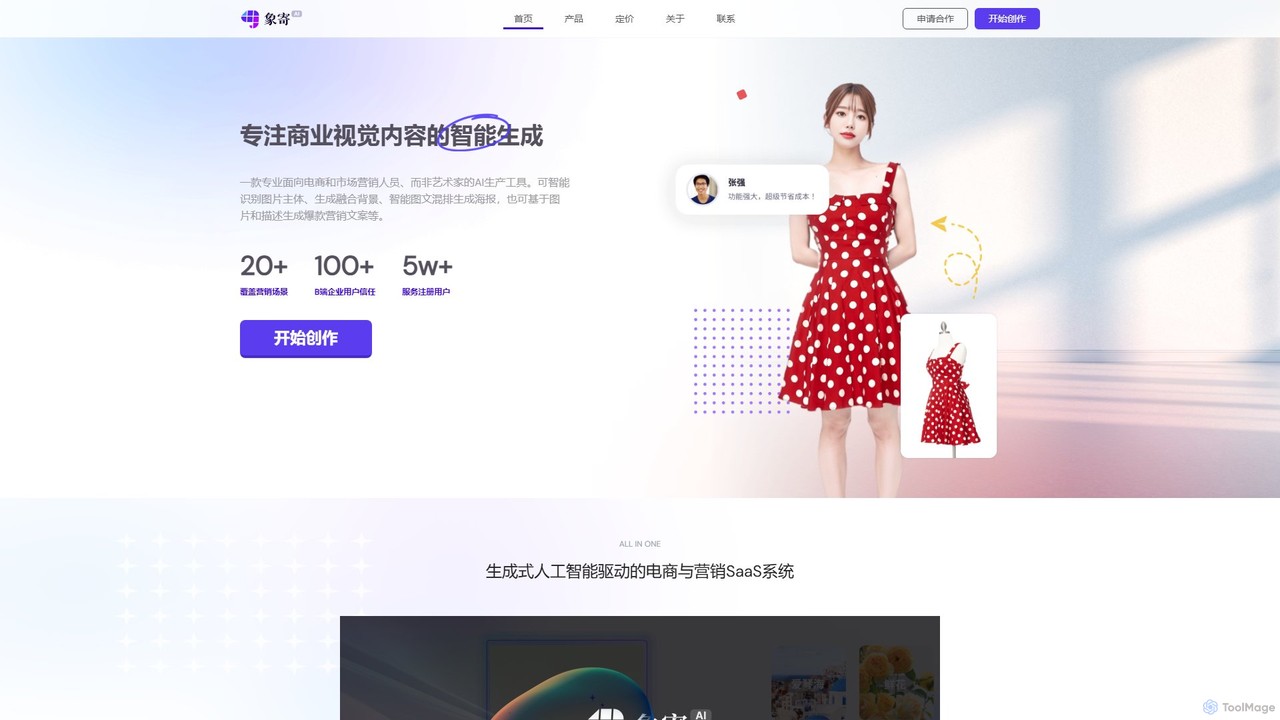
xiangji.ai
An AI-powered visual content generation platform designed for e-commerce and marketing. It specializes in creating high-quality product images, ad creatives, and marketing posters by intelligently fusing products into various scenes, generating compelling copy, and offering a suite of advanced image editing tools to boost efficiency and sales.
Image Editing
Krut AI
Krut AI is an all-in-one AI co-pilot designed for e-commerce brands. It simplifies content creation by generating high-quality, custom product photoshoots, human model images, and marketing copy without requiring expert prompting skills. The platform offers a suite of tools including background removal, image upscaling, and virtual try-on, aiming to increase efficiency and reduce costs for online businesses.
Image Editing
Ling
Ling (羚珑) is a one-stop AI content production and management platform from JD.com, designed to drive growth through high-quality visuals. It empowers e-commerce merchants and marketers to effortlessly create professional product images, ad banners, and videos using a suite of powerful AI tools, from one-click background removal to complete scene generation.
Graphic DesignPhotoStudio AI Categories
PhotoStudio AI Embed Widget
Copy this embed code to place the badge on your blog, article, or product site and send readers directly to this ToolMage detail page.

Related AI tools
Pixmaker
Pixmaker is an AI-powered platform designed for e-commerce, enabling users to create professional product photos and videos effortlessly. It features AI model generation, realistic background creation, and one-click background removal, helping businesses enhance their visual marketing, reduce costs, and boost sales revenue without needing professional design skills.
3D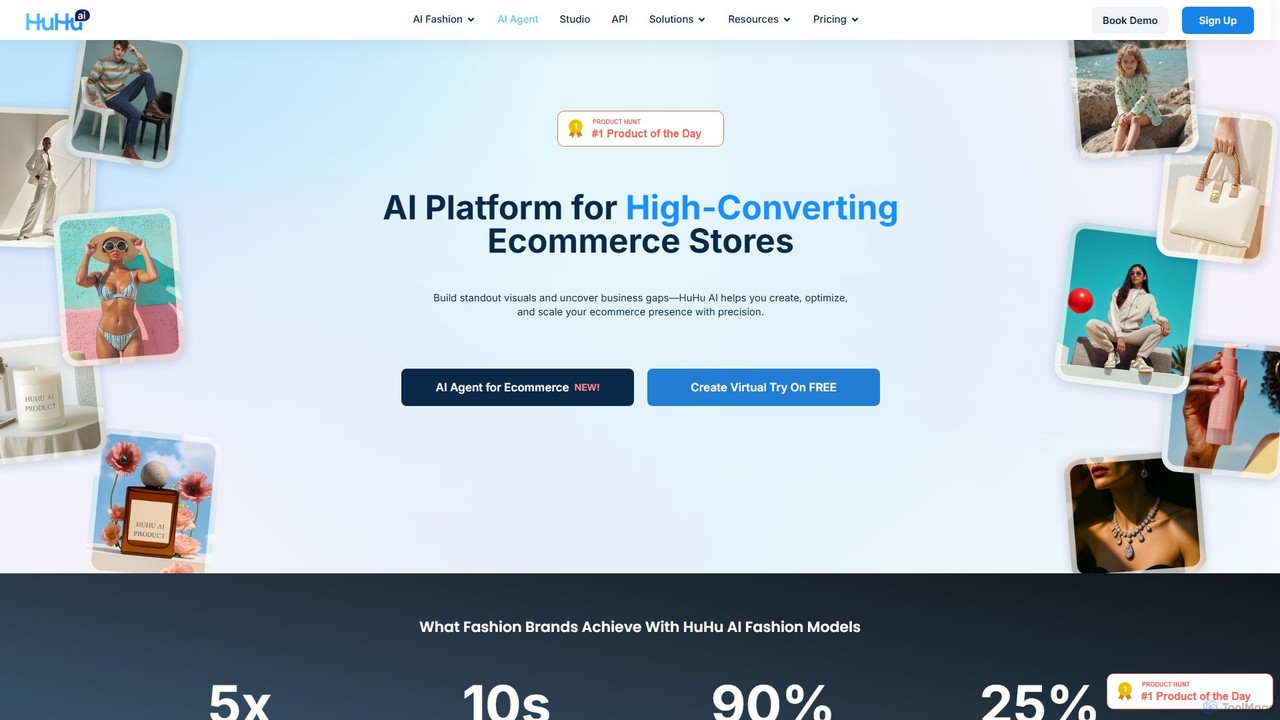
Huhu.ai
Huhu.ai is an AI platform for e-commerce, specializing in generating high-converting visuals for fashion brands. It offers AI virtual try-on, customizable AI models, and a multi-pose generator to create realistic on-model imagery in seconds. This helps brands save up to 90% on photoshoot costs, accelerate time-to-market, and increase sales conversions.
Product Images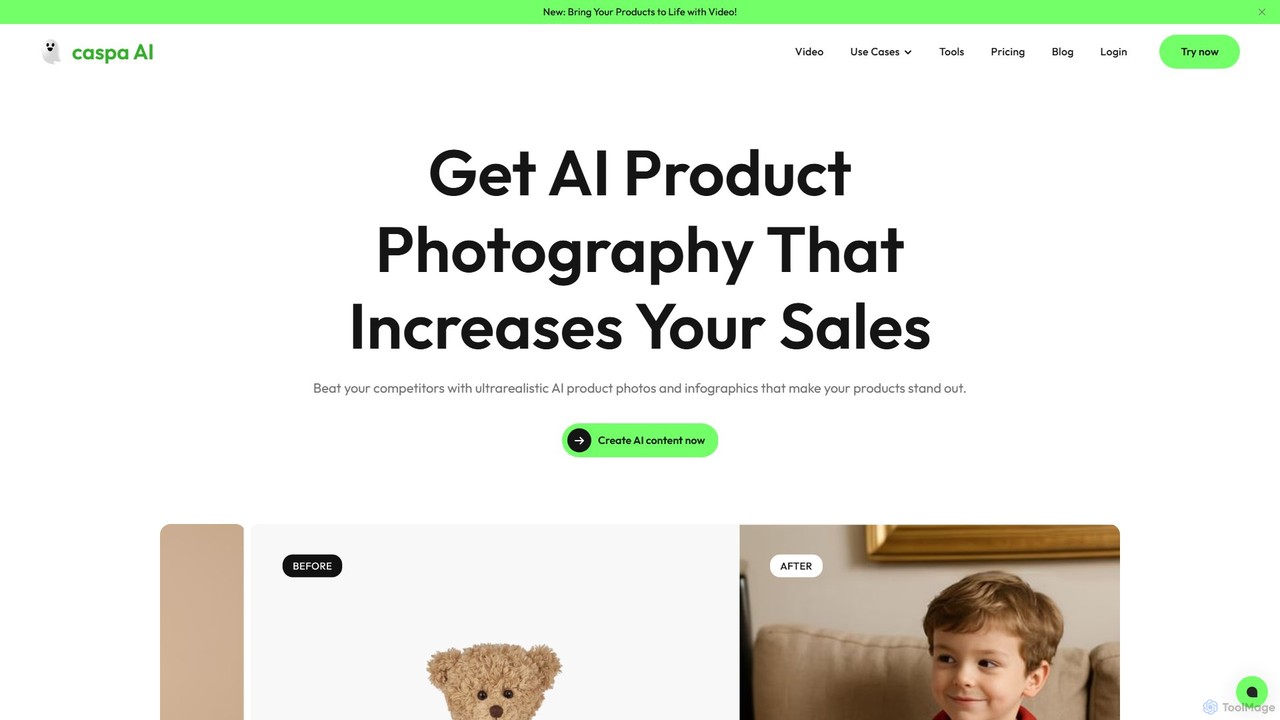
Caspa AI
Caspa AI is an AI-powered platform for creating ultra-realistic product photography and videos. It helps e-commerce businesses generate high-quality lifestyle photos, infographics, and A+ content with AI models (human and animal) to boost sales and streamline content creation, replacing traditional photoshoots.
Product Listing Optimization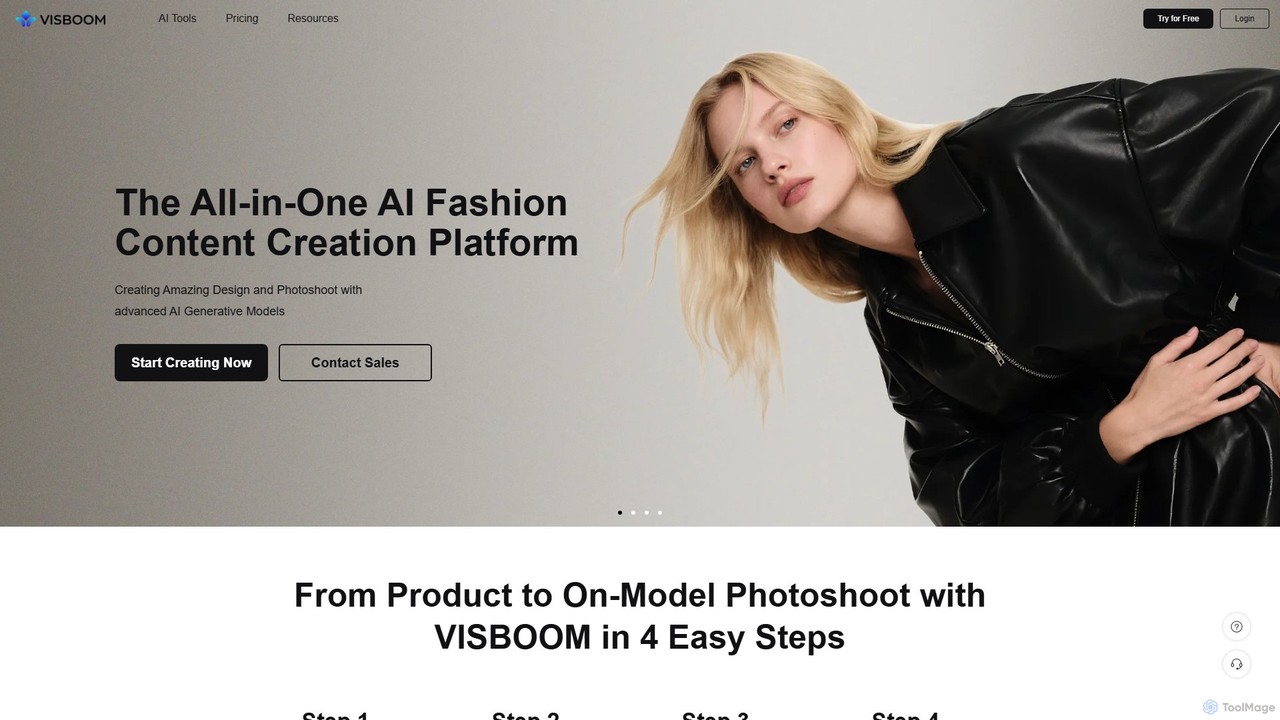
Visboom
Visboom is an all-in-one AI-powered platform designed for the fashion industry, enabling e-commerce businesses to create stunning, high-quality on-model photoshoots in seconds. It transforms flat-lay or mannequin product images into realistic model visuals, significantly reducing costs and time-to-market while boosting conversion rates.
Fashion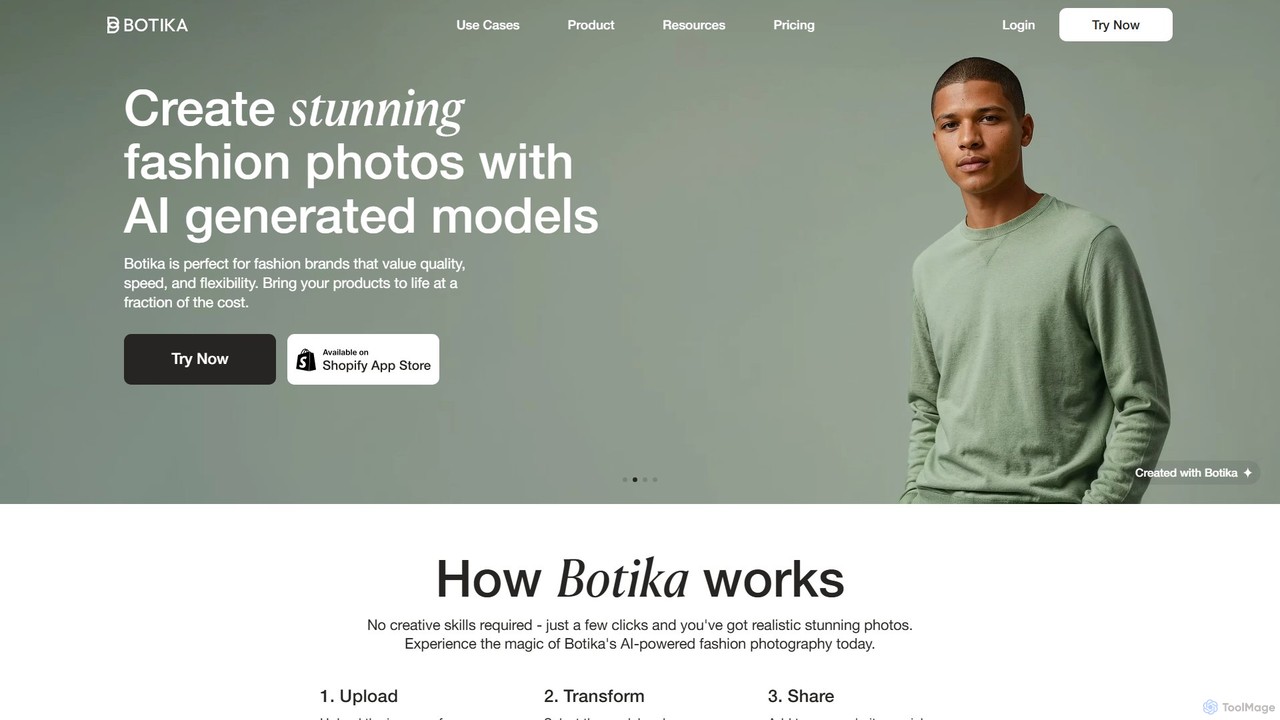
Botika
Botika is a generative AI platform for the fashion industry, transforming product photos into high-quality, on-model images. Using a diverse portfolio of 100% AI-generated models, it enables brands to create realistic fashion photography in minutes, drastically reducing production costs and time-to-market. It's an ideal solution for e-commerce stores and designers to enhance visual content, increase diversity, and boost sales without traditional photoshoots.
Product Images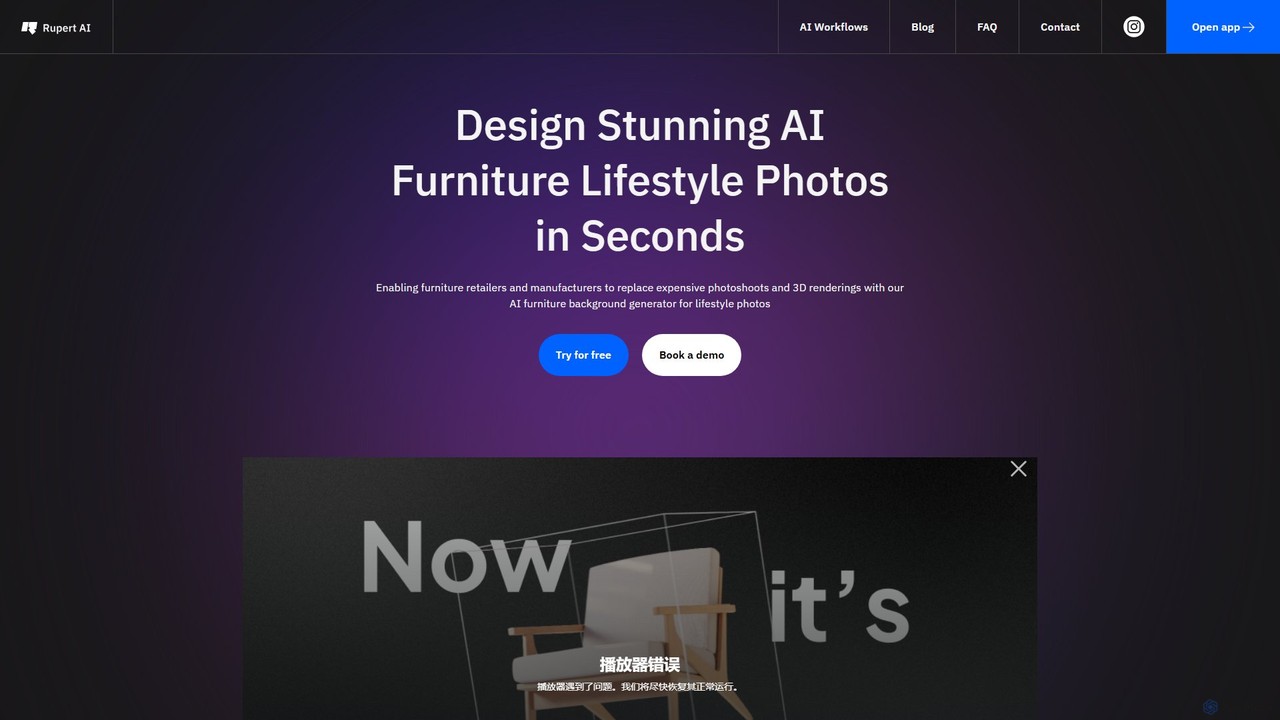
getrupert
getrupert is an AI-powered platform for creating stunning product photography, lifestyle images, and fashion model photos in seconds. It helps e-commerce brands and marketers generate high-quality visuals, test ad creatives, and optimize campaigns without the need for physical photoshoots.
Product Photography
Reica
Reica is a generative AI content editor designed for marketing and e-commerce. It transforms ideas into unique, realistic photos using an intuitive "no-prompt" builder. Easily create professional product shots, ad banners, and consistent brand visuals, eliminating the need for complex prompts or expensive photoshoots.
Product Photos
ShopImageAI
ShopImageAI is an AI-powered platform designed for e-commerce businesses to create stunning, studio-quality product photos and lifestyle images in seconds. It eliminates the need for expensive photoshoots by generating realistic backgrounds, virtual models, and marketing visuals from a single product image, helping to boost sales and brand presence.
GraphicsMocky AI
Mocky AI is an all-in-one platform that revolutionizes product photography using AI. Instantly generate professional, studio-quality images by placing your products on a diverse range of hyper-realistic AI models. It offers a complete suite of editing tools, including background removal, object removal, and AI video creation, enabling e-commerce brands to create stunning visuals affordably and efficiently without the need for traditional photoshoots.
Generative Artxiangji.ai
An AI-powered visual content generation platform designed for e-commerce and marketing. It specializes in creating high-quality product images, ad creatives, and marketing posters by intelligently fusing products into various scenes, generating compelling copy, and offering a suite of advanced image editing tools to boost efficiency and sales.
Image EditingKrut AI
Krut AI is an all-in-one AI co-pilot designed for e-commerce brands. It simplifies content creation by generating high-quality, custom product photoshoots, human model images, and marketing copy without requiring expert prompting skills. The platform offers a suite of tools including background removal, image upscaling, and virtual try-on, aiming to increase efficiency and reduce costs for online businesses.
Image Editing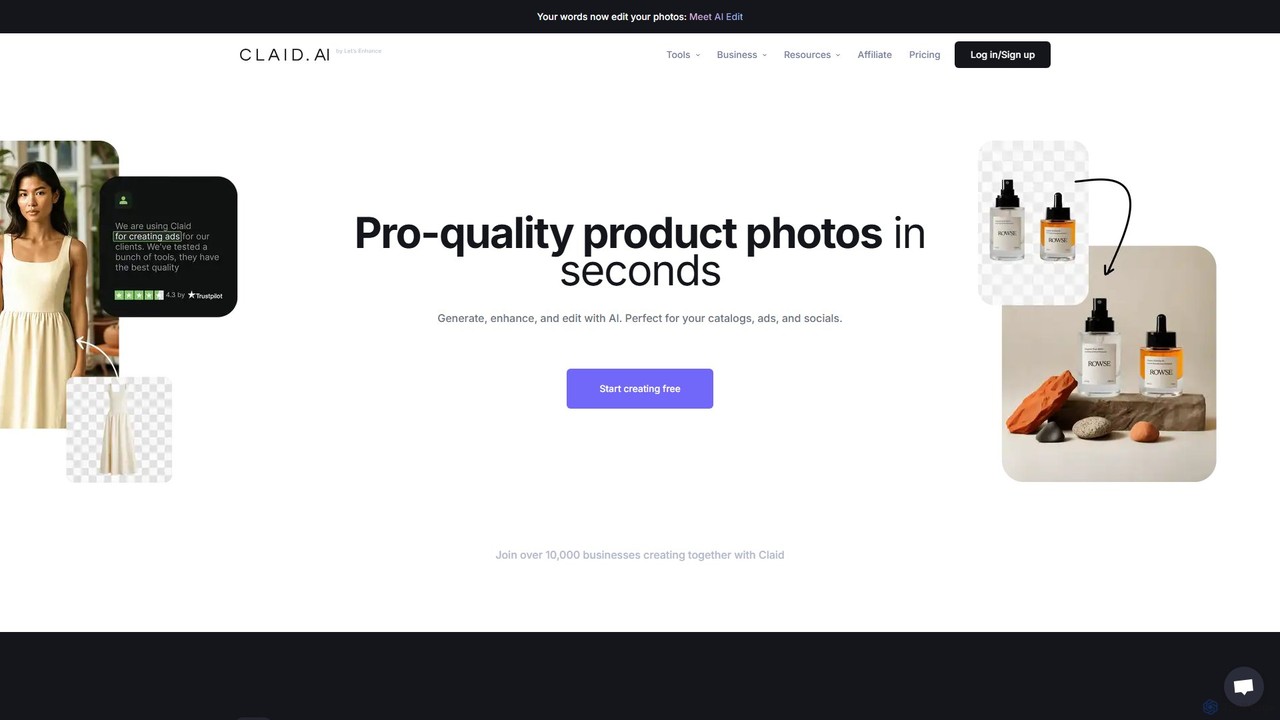
Claid.ai
Claid.ai is an all-in-one AI product photography suite designed for e-commerce and marketing. It allows users to generate, enhance, and edit professional-quality product photos in seconds. Key features include AI background generation, AI fashion models, image upscaling, and automated editing workflows, helping businesses improve conversions and streamline content creation without needing technical skills.
3D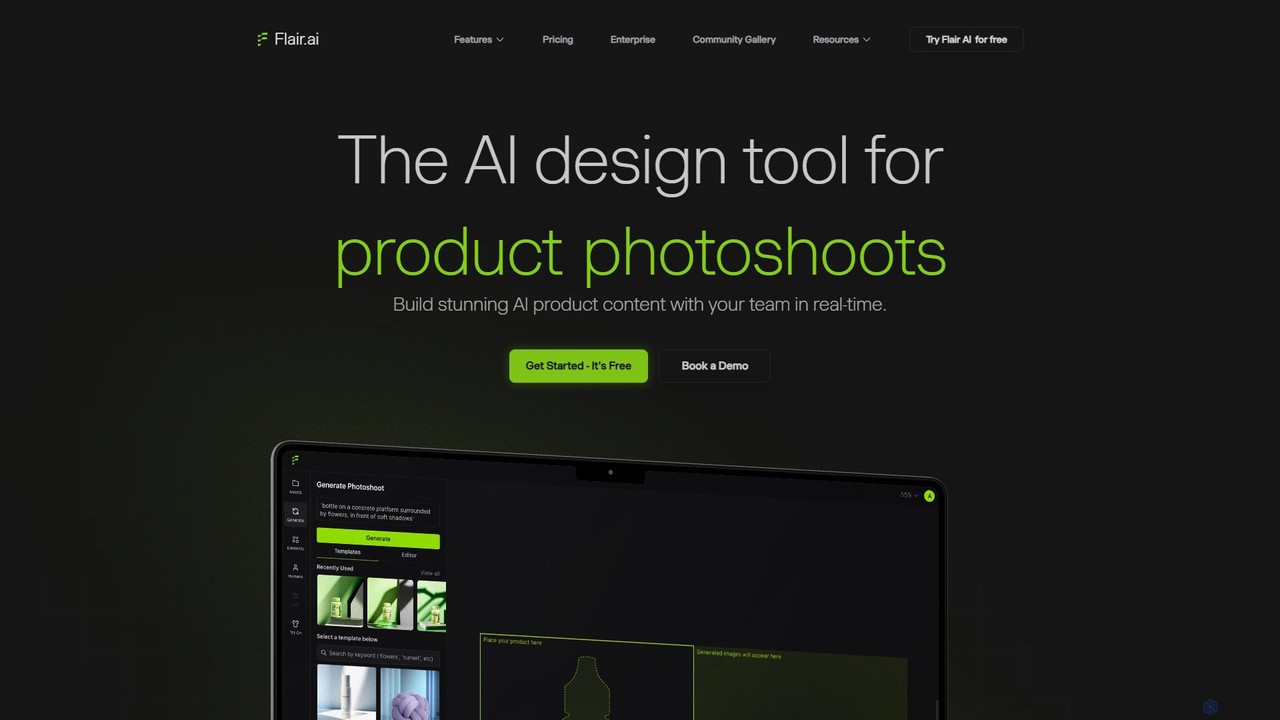
Flair.ai
Flair.ai is an AI-powered design tool for creating stunning product photography, videos, and marketing content. It enables e-commerce brands to generate high-quality, on-brand visuals without expensive photoshoots. Users can place products in realistic scenes, use AI-generated models for fashion and beauty items, and leverage a suite of powerful editing tools to perfect their images.
Product Visualization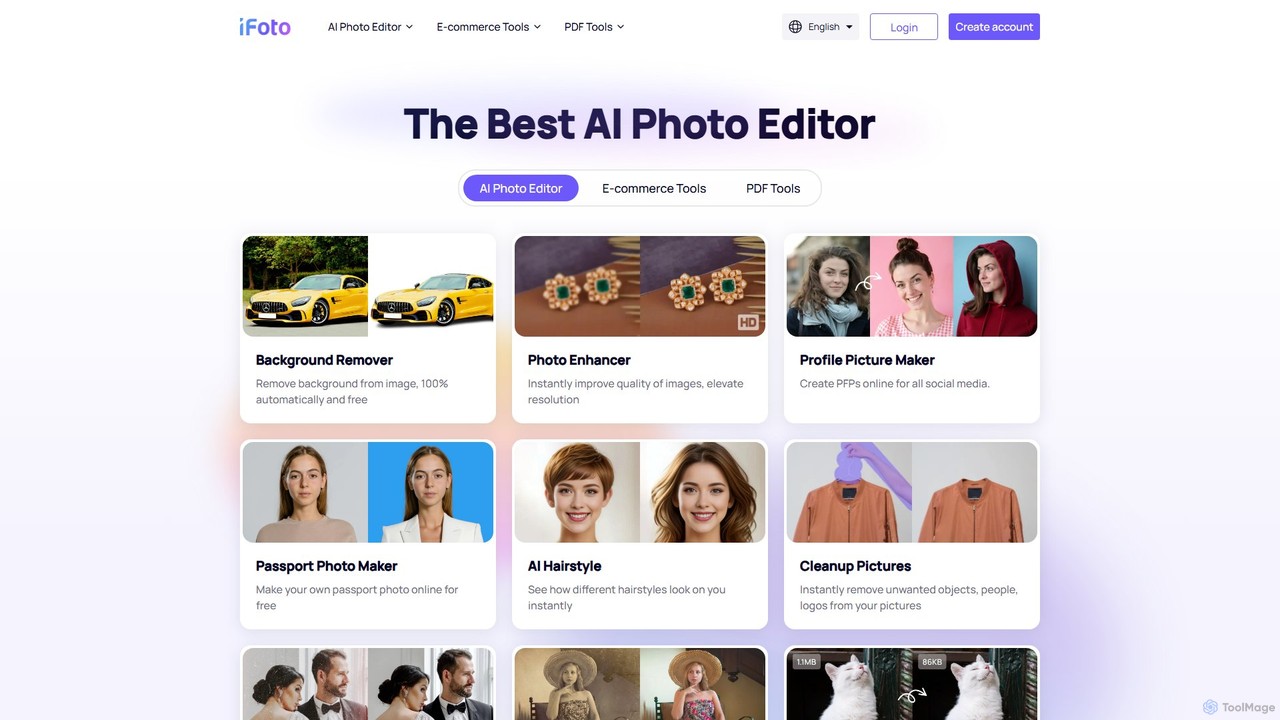
iFoto
iFoto is an all-in-one AI-powered photo studio designed to revolutionize e-commerce visuals. It offers a comprehensive suite of tools for AI fashion models, product photography, background removal, photo enhancement, and even PDF management. It empowers businesses and creators to produce high-quality, professional images effortlessly, saving significant time and cost compared to traditional methods.
3D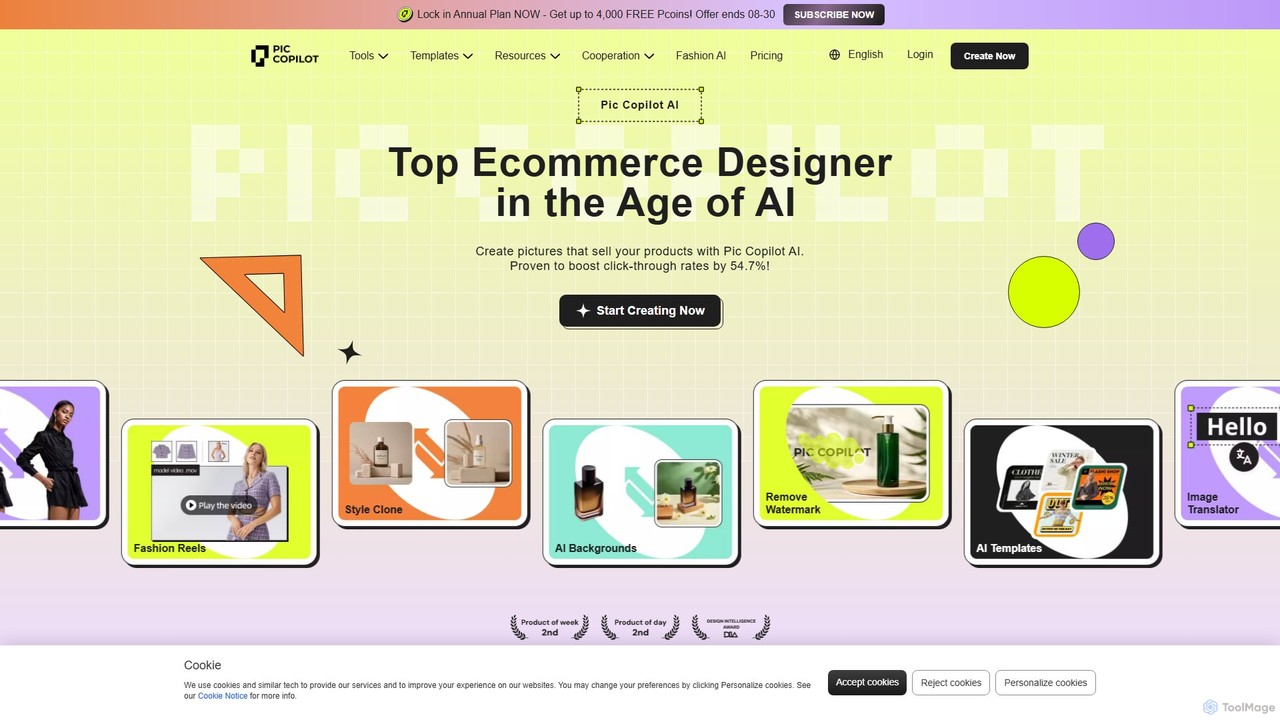
Pic Copilot
Pic Copilot is an all-in-one AI design suite for e-commerce, empowering merchants to create high-converting product photos, videos, and marketing materials. It features virtual try-on, AI models, background removal, image/video translation, and customizable templates to boost sales, reduce costs, and streamline design workflows without needing professional skills.
Product Photos
PhotoStudio AI Comments (0)
Sign in to comment.
Sign inNo comments yet.