Image Best in category 4 results Background Remover AI Tool

Popular AI tools in the Background Remover field of Image include Erase BG、Pixmiller、aibgen、generatebg, etc., helping you quickly improve efficiency.

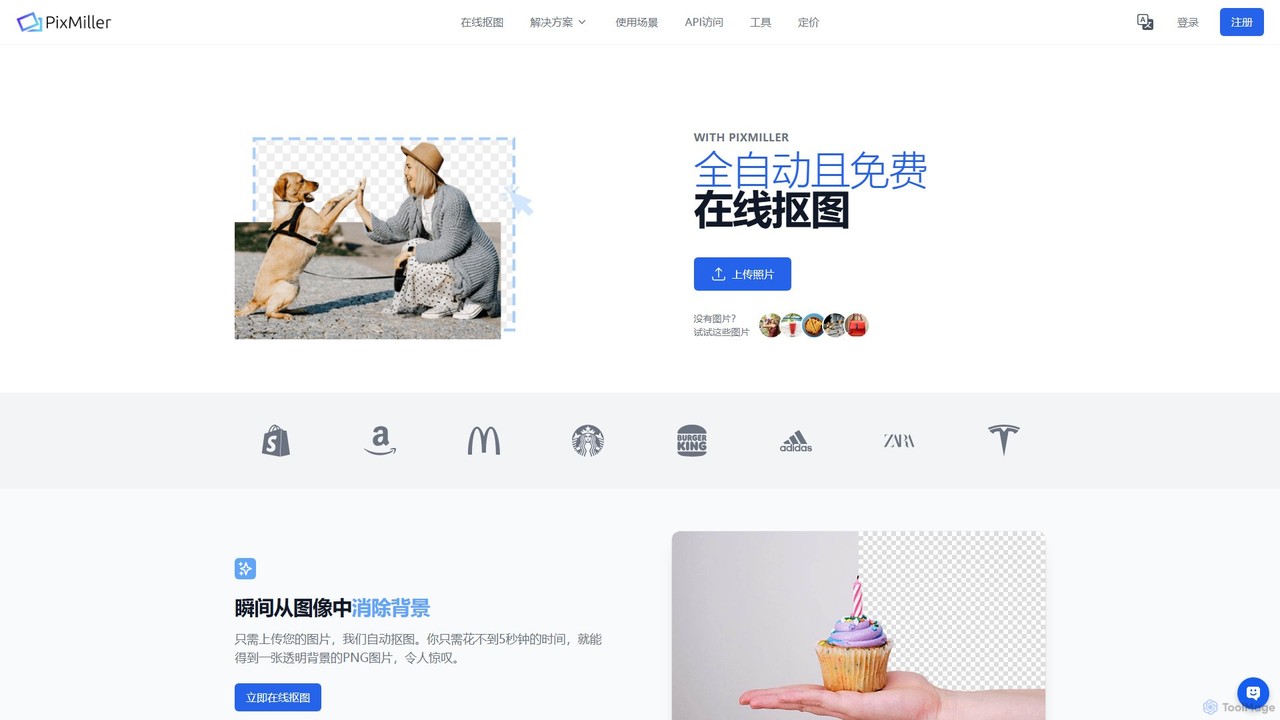
Pixmiller

Pixmiller

Pixmiller is an AI-powered tool that automatically removes backgrounds from images in seconds. It provides high-precision cutouts, creating …

19.4K
generatebg

generatebg

generatebg is an AI-powered tool designed to instantly create high-resolution, professional backgrounds for product and portrait photos. It …

2.4K
Free
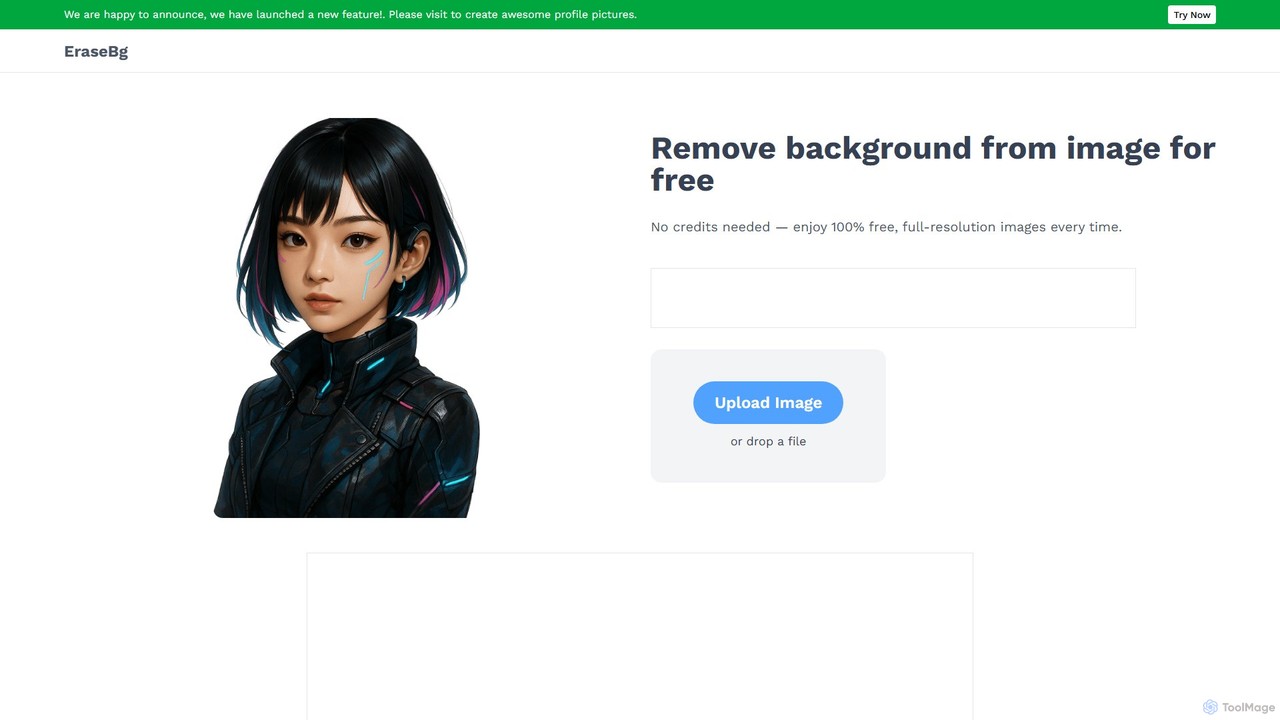
Erase BG

Erase BG

Erase BG is a completely free AI-powered tool that instantly removes backgrounds from images. It requires no registration …

53.7K
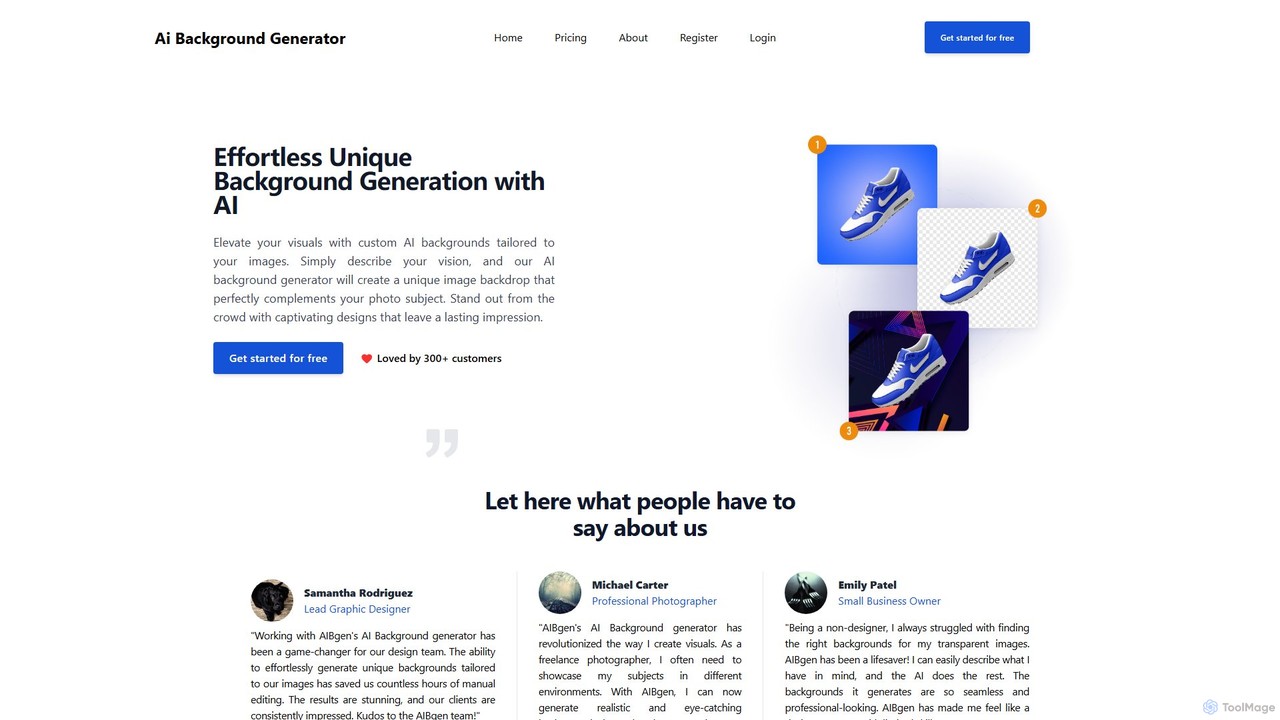
aibgen

aibgen

aibgen is an AI-powered tool that effortlessly generates and removes image backgrounds. Simply describe your vision with a …

2.5K

About Background Remover

Background Remover tools are AI-powered applications designed to automatically detect and isolate the main subject of an image from its background. Leveraging advanced computer vision and machine learning algorithms, these tools efficiently create transparent backgrounds, enabling seamless integration of subjects into new visual contexts. They are invaluable for professionals and individuals needing to quickly prepare images for e-commerce, graphic design, or personal projects, significantly streamlining the image editing workflow within the broader category of AI Image tools.

Core Features

  • Automatic Subject Detection: Intelligently identifies the foreground subject, whether it's a person, product, or object.
  • Precise Edge Refinement: Accurately handles complex details like hair, fur, or intricate object edges for clean cutouts.
  • Batch Processing: Allows users to remove backgrounds from multiple images simultaneously, saving considerable time.
  • Transparent Background Export: Exports images with a clear, transparent background, typically in PNG format.
  • Background Replacement: Offers options to replace the removed background with a solid color, custom image, or pattern.

Use Cases

These tools are widely adopted across various industries. E-commerce businesses utilize them to standardize product photos with clean, white backgrounds, enhancing visual consistency and professionalism. Graphic designers and marketers employ background removers to create compelling visual composites for advertisements, social media posts, and website banners. Additionally, content creators use them for profile pictures, YouTube thumbnails, and presentation slides to ensure subjects stand out.

How to Choose

When selecting an AI Background Remover, consider its accuracy in handling complex edges, especially for challenging subjects like hair or intricate patterns. Evaluate the batch processing capabilities if you frequently work with large volumes of images. Check the output quality and supported export formats, such as PNG for transparency. Finally, assess the integration options with your existing design software and the pricing model, whether it's subscription-based or pay-per-use.

Background RemoverUse Cases

1

E-commerce Product Photography

An e-commerce store owner needs to upload hundreds of product images daily. Using an AI Background Remover, they can automatically strip away original backgrounds from product photos, replacing them with a consistent white or transparent background. This process standardizes the product catalog's appearance, saves hours of manual editing, and ensures a professional, uniform look across all listings, significantly improving conversion rates.

2

Graphic Design & Marketing Materials

A marketing specialist is creating a new campaign for a client, requiring various visual assets for social media, print ads, and website banners. They use a background remover to quickly isolate product images, models, or specific objects from their original settings. This allows for seamless integration into diverse design layouts, enabling rapid iteration of creative concepts and maintaining brand consistency across all marketing channels.

3

Social Media Content Creation

A social media influencer or content creator frequently posts engaging visuals. They utilize background removal tools to create dynamic profile pictures, eye-catching Instagram stories, or YouTube thumbnails by placing themselves or key objects onto new, more appealing backgrounds. This helps them stand out in a crowded feed, convey specific moods, and maintain a polished personal brand without needing advanced photo editing skills.

4

Professional Portrait & ID Photos

A photographer or individual needs to prepare professional headshots or passport-style photos. An AI Background Remover can instantly provide a clean, uniform background, often required for official documents or corporate profiles. This ensures compliance with specific background color requirements (e.g., white or blue) and delivers a polished, distraction-free image, saving time compared to manual selection and masking.

5

Real Estate Listing Enhancement

A real estate agent wants to make property listings more appealing. They use background removal to clean up exterior shots, removing distracting elements or replacing dull skies with brighter ones, or to isolate furniture for virtual staging. This enhances the visual quality of property photos, making them more attractive to potential buyers and helping properties stand out in competitive markets, leading to faster sales.

6

Personal Photo Editing & Scrapbooking

An individual is creating a digital scrapbook or personalized gifts. They use a background remover to cut out family members, pets, or specific objects from various photos. These isolated elements can then be combined into new collages, personalized cards, or custom designs. This allows for creative freedom and the ability to repurpose cherished memories into unique visual narratives without complex manual editing.

Background RemoverFrequently Asked Questions