Image Best in category 1 results Computer Vision AI Tool

Popular AI tools in the Computer Vision field of Image include Robovision, etc., helping you quickly improve efficiency.

Robovision

Robovision

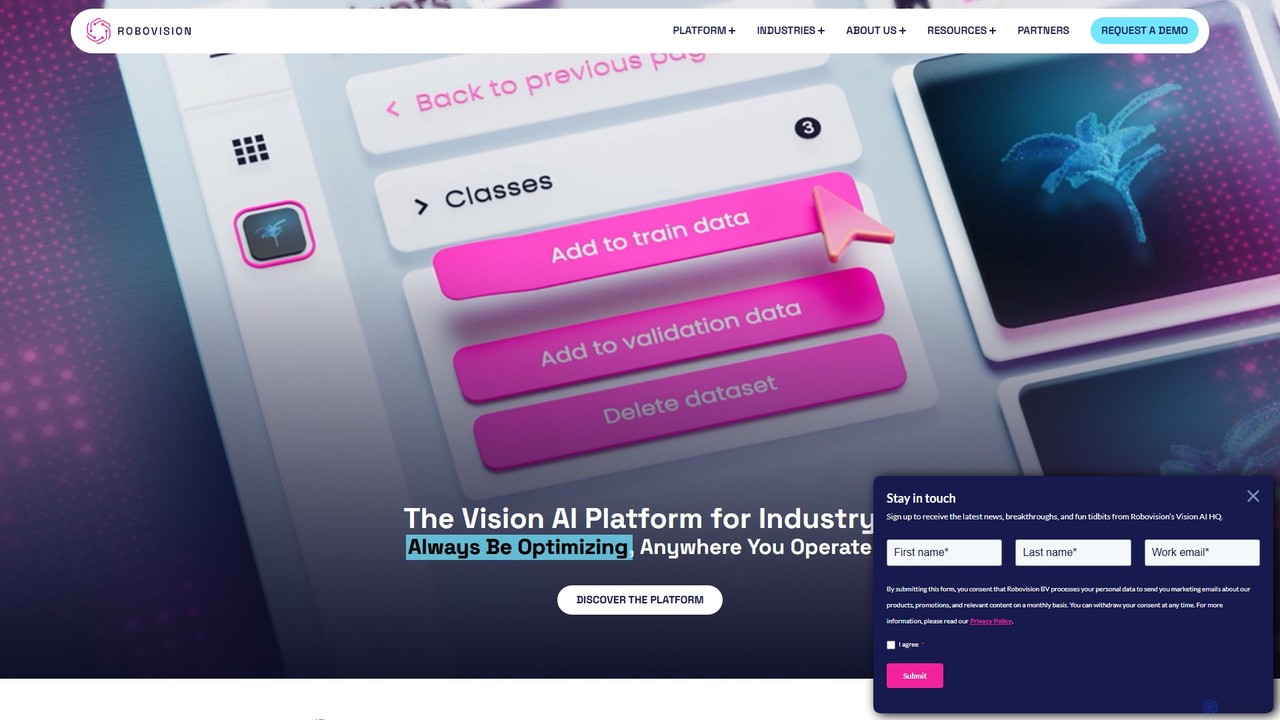
Robovision is an end-to-end, no-code Computer Vision AI platform designed for industrial applications. It empowers businesses in agriculture, …

19.2K

About Computer Vision

Computer Vision tools are a specialized field of AI that enables machines to interpret and understand visual information from images and videos. These tools utilize deep learning models, particularly convolutional neural networks (CNNs), to perform tasks like object detection, image classification, and text recognition. This capability allows for the automation of complex visual analysis tasks that traditionally required human sight. Within the broader category of image tools, Computer Vision focuses on extracting meaningful data and insights from visual inputs, rather than on creating or editing them.

Core Features

  • Object Detection: Identifies and locates specific objects within an image or video frame.
  • Image Classification: Assigns a predefined category or label to an entire image.
  • Optical Character Recognition (OCR): Extracts and converts printed or handwritten text from images into machine-readable text.
  • Facial Recognition: Detects and identifies human faces for verification or identification purposes.
  • Semantic Segmentation: Associates each pixel in an image with a class label, enabling detailed scene understanding.

Use Cases

Computer Vision is applied across various industries, including autonomous vehicles for navigation, healthcare for analyzing medical scans like X-rays and MRIs, retail for monitoring shelf inventory, and manufacturing for automated quality control on production lines. It is also crucial for security systems to detect anomalies in surveillance footage.

How to Choose

When selecting a Computer Vision tool, evaluate its accuracy on relevant benchmarks for your specific task. Consider its scalability to handle your data volume, the ease of integration via APIs, and whether it supports custom model training on your own datasets for specialized recognition needs.

Computer VisionUse Cases

1

Automated Quality Control in Manufacturing

A quality assurance manager in a manufacturing plant uses a computer vision system integrated with assembly line cameras. The system analyzes real-time video feeds of products, such as electronic circuit boards. It automatically detects microscopic defects like soldering errors, misplaced components, or cracks that are difficult for the human eye to spot consistently. Defective items are instantly flagged and diverted for review, significantly increasing production throughput and reducing the rate of faulty products reaching consumers.

2

Retail Shelf Inventory Analysis

A retail operations manager uses a computer vision application on mobile devices or fixed cameras to monitor store shelves. By taking a picture of an aisle, the tool instantly identifies each product, counts the stock levels, and detects out-of-stock items or misplaced products. This data is compared against the inventory database to flag discrepancies, automate reordering processes, and ensure planogram compliance, saving hours of manual checking and preventing lost sales due to empty shelves.

3

Automated Data Extraction from Documents

An accounts payable clerk uses an Optical Character Recognition (OCR) tool to process hundreds of supplier invoices. Instead of manually typing data from each PDF or scanned image into an accounting system, the clerk uploads the documents to the tool. The computer vision model reads the documents, identifies key fields like invoice number, date, amount, and vendor name, and extracts the information into a structured format like a spreadsheet. This reduces data entry errors by over 95% and frees up the clerk's time for more analytical tasks.

4

Security Surveillance and Anomaly Detection

A security operations center uses a computer vision platform to monitor hundreds of camera feeds from a large facility. The system is trained to recognize normal patterns of movement. When it detects an anomaly, such as a person entering a restricted area after hours, a vehicle parked in a no-parking zone for too long, or an unattended bag, it automatically sends an alert to security personnel with a video clip of the event. This proactive monitoring helps prevent security breaches and allows for a much faster response than manual monitoring.

5

Assisting Medical Diagnosis with Image Analysis

A radiologist uses a computer vision tool to analyze medical images like CT scans or X-rays. The AI model, trained on thousands of annotated medical images, highlights potential areas of concern, such as nodules in a lung scan or fractures in a bone X-ray. This serves as a 'second opinion,' helping the radiologist to detect subtle anomalies they might have missed. It doesn't replace the doctor's expertise but acts as a powerful assistive tool to improve diagnostic accuracy and speed up the review process for large volumes of scans.

6

Analyzing Traffic Flow in Smart Cities

A city traffic engineer uses computer vision analytics on data from traffic cameras. The system identifies different types of vehicles (cars, buses, trucks, bicycles), counts them, and measures their speed and flow patterns at intersections. This data provides real-time insights into traffic congestion, allowing for dynamic adjustment of traffic light timings. Over the long term, the analysis helps in planning new roads or public transport routes to alleviate bottlenecks and improve urban mobility.

Computer VisionFrequently Asked Questions