ToolMage
Sign in

Best 4 Generative Ai AI tools for Image Editing

Popular Generative Ai AI tools in Image Editing include Ketchup AI, Roomlab, Cubby Image, and Nanoimg, helping you work more efficiently.

Roomlab
Paid

Roomlab

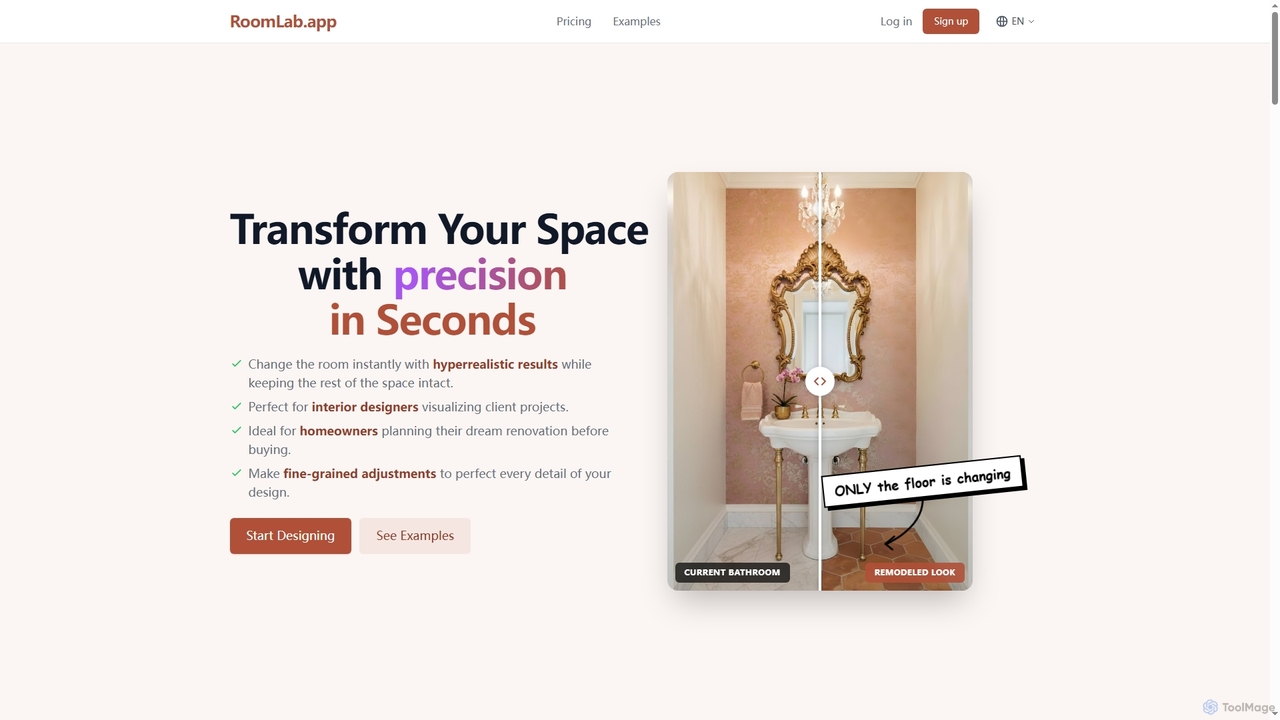
Roomlab is an AI-powered virtual design tool that allows users to instantly transform and visualize interior spaces with hyperrealistic results. It's perfect for homeowners planning renovations, interior designers showcasing concepts, and real estate professionals staging properties virtually.

Interior Design
Visits 8.9KFavorites 95Likes 100
Ketchup AI
Paid

Ketchup AI

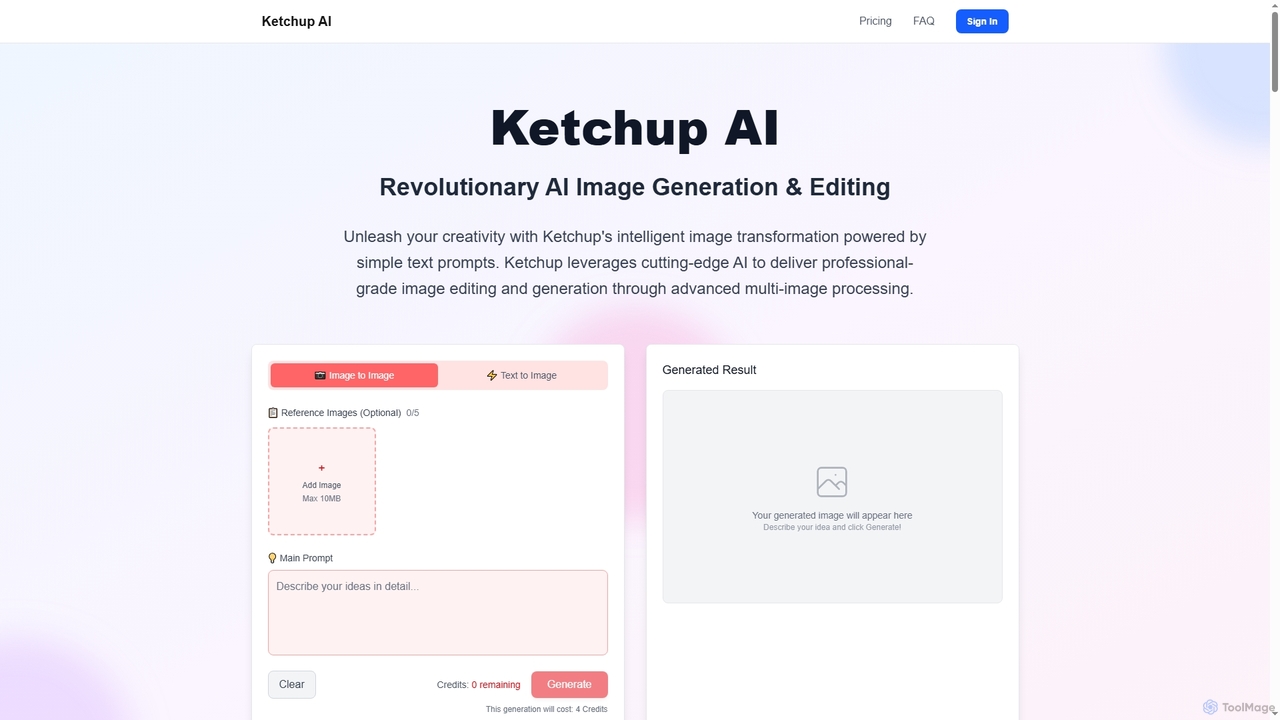
Ketchup AI is a revolutionary AI image generation and editing platform that transforms visual ideas into professional-quality results using simple text prompts. It offers advanced multi-image processing, precise modifications, and intelligent context understanding, enabling users to effortlessly change backgrounds, remove text, restore photos, and apply virtual try-ons with unparalleled accuracy and consistency.

Image Generation
Visits 8.9KFavorites 153Likes 125
Nanoimg
Paid

Nanoimg

Nanoimg is an advanced AI image editor powered by Google Gemini Nano Banana, enabling instruction-based photo editing. It supports multi-turn edits, multi-image inputs, and preserves likeness, making complex image transformations fast and easy through natural language prompts.

Graphic Design
Visits 5.5KFavorites 181Likes 172

About Generative Ai

Generative AI tools for image editing use artificial intelligence to create new visual content or fundamentally alter existing images from text prompts. These tools are built on advanced deep learning models, such as diffusion or GANs, which synthesize entirely new pixels rather than just modifying existing ones. This capability allows users to generate unique artwork, photorealistic scenes, and abstract concepts that were previously impossible or time-consuming to create. They represent a paradigm shift in digital creativity, moving from pure manipulation to co-creation with AI.

Core Features

  • Text-to-Image Generation: Creates detailed images from simple text descriptions.
  • Inpainting & Outpainting: Intelligently fills in missing parts of an image or extends its canvas with contextually relevant content.
  • Image-to-Image Transformation: Modifies an existing image based on a new text prompt or style reference.
  • Object Replacement/Addition: Seamlessly adds or replaces objects within a scene while maintaining consistent lighting and perspective.
  • Style Transfer: Applies the artistic style of one image to the content of another.

Use Cases

These tools are widely used by graphic designers, concept artists, and marketers. For instance, a marketing team can generate unique ad visuals without costly photoshoots. A game developer can rapidly prototype character and environment concepts. Content creators can produce eye-catching thumbnails and social media posts that stand out.

How to Choose

When selecting a Generative AI tool, consider the quality and style of the AI model, as different models excel at photorealism versus artistic styles. Evaluate the level of control offered, such as negative prompts and parameter tuning. Also, check the output resolution, generation speed, and the platform's pricing model (e.g., subscription vs. credits) and terms for commercial use.

Generative Ai use cases

1

Generate Unique Marketing Visuals

A marketing manager for a new beverage brand needs compelling visuals for a social media campaign. Instead of relying on generic stock photos, they use a Generative AI tool. By inputting prompts like 'a vibrant, splashing bottle of fruit soda on a tropical beach at sunset, photorealistic,' they can generate dozens of high-quality, unique images in minutes. This process allows for rapid A/B testing of different visual concepts and saves thousands of dollars in photography and licensing fees, resulting in a more distinctive and engaging brand presence online.

2

Rapid Prototyping for Concept Art

A concept artist working on a sci-fi video game needs to design a new alien creature. They start with a rough digital sketch. Using an image-to-image generation tool, they upload the sketch and use text prompts like 'biomechanical alien, glowing blue veins, metallic carapace, detailed 4K' to generate multiple detailed variations. This allows the artist to explore dozens of design directions in a single afternoon, a task that would have taken days of manual painting. The AI acts as a creative partner, accelerating the ideation phase and helping finalize a compelling design much faster.

3

Extend and Reimagine Existing Photos

A photographer has a great portrait shot, but the framing is too tight. Using the 'outpainting' feature, they can extend the canvas in any direction. The AI analyzes the existing image and generates a natural-looking extension, whether it's more of a cityscape background or a continuation of a forest scene. This technique can transform a vertical photo into a horizontal banner or simply give the subject more breathing room. It provides a powerful way to fix compositional issues or creatively repurpose images without needing to reshoot.

4

Create Virtual Product Photoshoots

An e-commerce store owner sells custom furniture but lacks the budget for professional photoshoots in various settings. They take a clean photo of their product on a white background. Using an inpainting or object placement tool, they can select the product and generate new backgrounds around it, such as 'a modern minimalist living room with natural light' or 'a rustic cabin interior'. The AI automatically adjusts lighting and shadows for realism. This allows them to showcase their products in dozens of virtual environments, increasing customer appeal at a fraction of the cost of traditional photography.

5

Generate Abstract Art and Textures

A digital artist or a game texture designer wants to create unique, seamless patterns and abstract backgrounds. Instead of using complex filters or drawing by hand, they can use text prompts to generate these assets. For example, a prompt like 'surreal watercolor nebula, swirling galaxies of gold and teal, seamless pattern' can produce a tileable texture for a 3D model or a beautiful background for a website. This method provides an endless source of creative inspiration and allows for the production of highly specific and original artistic elements that are difficult to achieve with conventional methods.

6

Personalize Avatars and Profile Pictures

A user wants a unique profile picture for their social media or gaming accounts. They can upload a selfie and use an AI tool to transform it into various styles. With prompts like 'turn me into a Pixar character,' 'reimagine as a cyberpunk hero,' or 'oil painting portrait style,' the AI generates personalized avatars that reflect their personality. This is far more creative than using simple filters and allows individuals without artistic skills to create a high-quality, custom digital identity that stands out from the crowd.

Generative Ai FAQ

What is Generative AI in the context of image editing?

Generative AI for image editing refers to tools that create new visual data rather than just manipulating existing pixels. Unlike traditional editors that adjust brightness or remove blemishes, these tools use AI models to generate entirely new images from text, fill in missing areas with plausible content (inpainting), or expand a photo's boundaries (outpainting). They function as creative partners, turning ideas into visual realities.

How is a Generative AI tool different from a traditional photo editor like Photoshop?

The core difference lies in creation versus manipulation. A traditional editor like Photoshop primarily manipulates existing pixels—you can crop, color-correct, or clone parts of an image. A Generative AI tool creates new pixels from scratch based on a prompt. While Photoshop is integrating generative features, dedicated generative tools are often specialized and more powerful for pure creation tasks like text-to-image or outpainting, offering access to different AI models and more fine-tuned controls for generation.

How do I choose the right Generative AI image tool?

Choosing the right tool depends on your specific needs. Consider the following factors:

  • Image Quality and Style: Does the tool excel at photorealism, anime, fantasy art, or another style you need? Review its gallery of examples.
  • Control and Features: Do you need advanced features like image-to-image, inpainting, or the ability to fine-tune parameters like guidance scale and seed numbers?
  • Ease of Use: Is the interface intuitive for your skill level? Some tools are simple prompt-based interfaces, while others offer more complex controls.
  • Pricing and Usage Rights: Understand the cost structure (subscription, pay-per-image) and carefully check the terms for commercial use of the generated images.
Can I use images created by Generative AI for commercial purposes?

This is a critical question and the answer varies significantly between tools. Some platforms grant you full ownership and commercial rights to the images you create, especially with paid plans. Others may have restrictions, require attribution, or prohibit certain uses. It is essential to read the Terms of Service for any Generative AI tool you plan to use for business, marketing, or any other commercial project to ensure you are in compliance.

Who can benefit from using Generative AI for images?

A wide range of users can benefit. Marketers can create unique ad campaigns and social media content. Graphic designers can accelerate their workflow and explore new creative directions. Concept artists for games and films can rapidly visualize ideas. E-commerce owners can create professional product showcases without expensive photoshoots. Even hobbyists and content creators can produce high-quality, original visuals without needing advanced artistic skills, democratizing digital art creation.