
mybestpic
mybestpic is a community-driven and AI-powered photo feedback tool. Users upload photos to receive real-time scores and personalized …
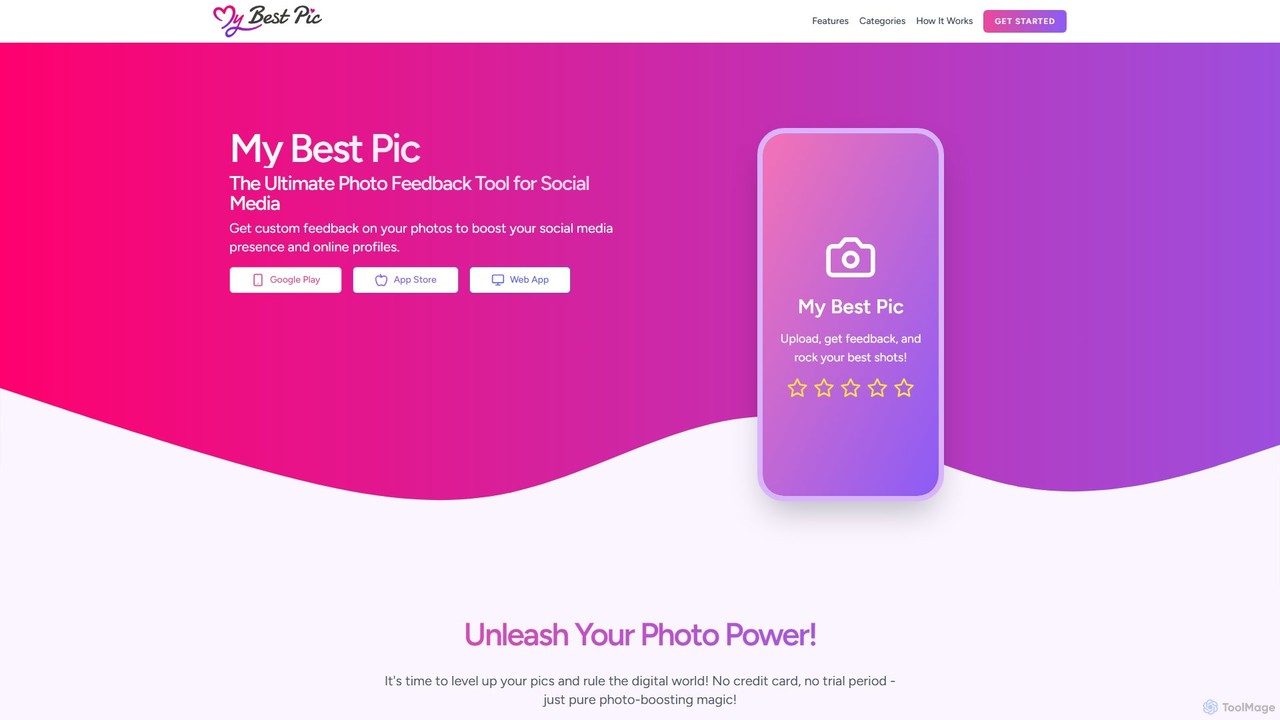
mybestpic is a community-driven and AI-powered photo feedback tool. Users upload photos to receive real-time scores and personalized feedback from a community on traits like authenticity, style, and sociability. It helps you select the most impactful photos for social media, dating profiles, and professional networks to enhance your online presence.
About Feedback
AI Image Feedback tools are a specialized category of software that automatically analyzes visual designs to provide objective, data-driven critiques. Leveraging computer vision and machine learning models trained on design principles, these tools identify potential issues in UI/UX, branding, and aesthetics without human bias. They empower designers and marketers to receive instant, actionable feedback, significantly accelerating the design iteration process and improving the final visual quality. This analytical approach helps refine images for maximum impact and clarity.
Core Features
- Design Principle Analysis: Automatically checks for alignment, contrast, white space, and typographic hierarchy.
- Predictive Attention Heatmaps: Simulates where a user's eyes are most likely to focus on an image or design.
- Aesthetic & Clarity Scoring: Provides quantitative scores on visual appeal and how easily the information is understood.
- Brand Consistency Audits: Verifies if colors, logos, and fonts align with predefined brand guidelines.
- Accessibility Checks: Identifies issues like low color contrast that affect users with visual impairments.
Use Cases
These tools are frequently used by UI/UX designers for pre-launch audits of app screens and websites to catch usability issues early. Marketing teams utilize them to optimize ad creatives and landing pages for higher engagement by predicting user attention. Brand managers rely on them to ensure visual consistency across all corporate assets and campaigns.
How to Choose
When selecting an AI Image Feedback tool, consider the depth of analysis required—from basic heuristic checks to advanced predictive models. Evaluate its integration capabilities with your existing design software, such as Figma or Adobe XD. Also, assess the type of feedback provided (e.g., scores, visual overlays, textual suggestions) and whether you can customize rules for specific brand guidelines.
FeedbackUse Cases
UI/UX Design Pre-flight Check
A UI/UX designer is finalizing a new app screen before developer handoff. Instead of relying solely on peer review, they upload the design to an AI feedback tool. The tool instantly generates a report highlighting alignment errors, text with low color contrast against its background, and inconsistent button styles that deviate from the design system. The designer can then correct these objective issues in minutes, ensuring a higher quality and more accessible design before it enters the development phase, saving hours of manual review and preventing future usability problems.
Optimizing Marketing Ad Creatives
A digital marketer is preparing several visual variations for a social media ad campaign. To decide which version is most likely to perform well, they use an AI tool to generate predictive attention heatmaps for each creative. The heatmaps reveal that in one version, the user's attention is drawn to a secondary element instead of the main call-to-action (CTA) button. Based on this insight, the marketer selects the creative that most effectively guides the viewer's eye to the CTA, leading to a data-informed decision that can improve the campaign's click-through rate (CTR) and overall return on investment.
Ensuring Brand Consistency Across Assets
A brand manager at a large corporation needs to ensure all new marketing materials follow strict corporate style guides. They configure an AI feedback tool with the company's official brand guidelines, including specific color palettes, font usage rules, and logo placement requirements. Now, when designers submit new assets like web banners or social media posts, the tool automatically flags any deviations, such as the use of an incorrect hex code for a color or a logo that is scaled improperly. This automates a tedious part of the review process, maintains a professional brand image, and frees up the brand manager to focus on more strategic tasks.
A/B Testing Landing Page Designs
A Conversion Rate Optimization (CRO) specialist has two different layouts for a new landing page and wants to predict which one will perform better before investing in a live A/B test. They use an AI feedback tool to analyze both designs. The tool provides a 'clarity score' for each, indicating how easy it is for a user to understand the page's purpose. It also generates heatmaps showing that Version B's layout directs more attention to the sign-up form. With this data, the team can form a stronger hypothesis that Version B will have a higher conversion rate, allowing them to run a more focused and potentially shorter A/B test.
Accelerating Design Agency Workflows
An art director at a busy design agency needs to review dozens of designs from junior designers daily. To streamline this, the agency implements an AI feedback tool as a first-pass review. Before a design reaches the art director, it is first analyzed by the AI, which catches common, objective errors like spacing inconsistencies, font misuse, and elements that break the layout grid. This allows junior designers to get immediate feedback and fix basic mistakes themselves. As a result, the art director receives more polished designs, allowing them to focus their valuable time on higher-level creative and strategic feedback rather than routine corrections.
Improving Website Accessibility Compliance
A web developer is tasked with auditing a client's website to ensure it meets WCAG (Web Content Accessibility Guidelines). Manually checking every element for color contrast can be extremely time-consuming. Instead, they use an AI feedback tool that scans screenshots of the website. The tool automatically identifies all text elements, buttons, and icons with insufficient contrast ratios, providing a clear, actionable list of issues to fix. It can also simulate how the page appears to users with different types of color blindness. This process drastically reduces audit time and helps the organization avoid legal risks while creating a more inclusive user experience for everyone.