Ai Thumbnailmaker
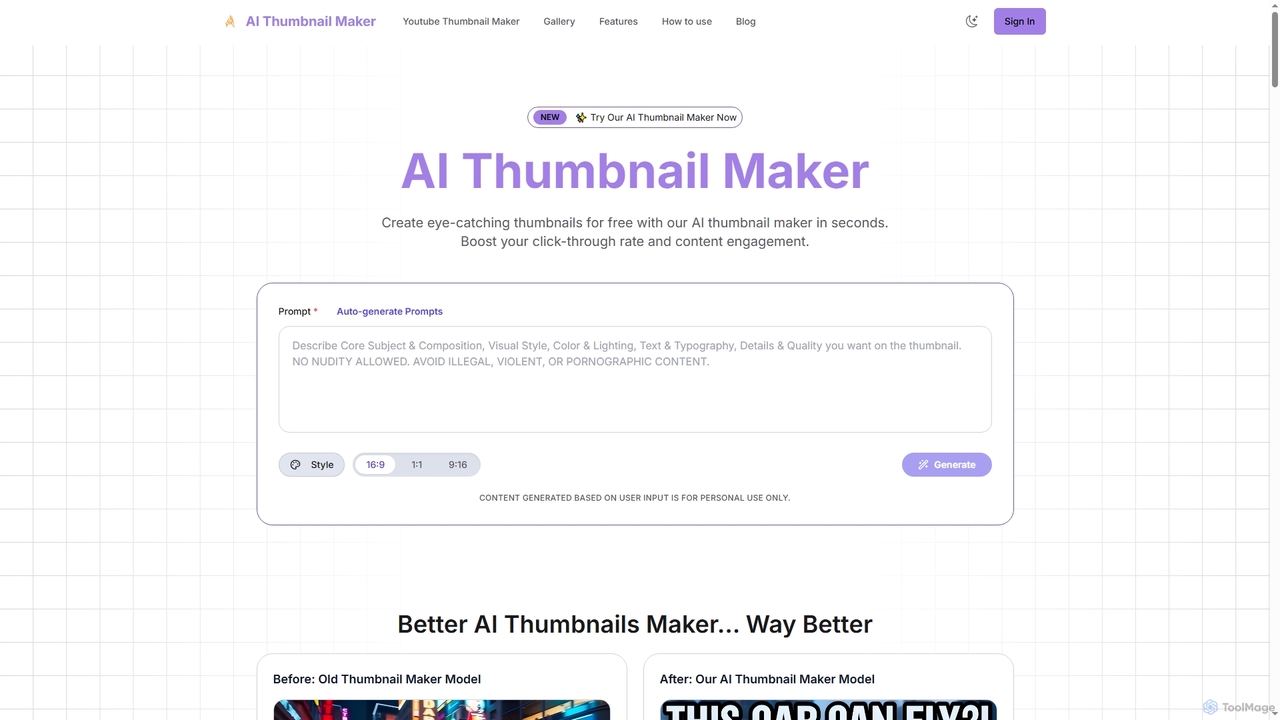
An AI-powered tool that generates eye-catching, high-CTR thumbnails for videos in seconds. Simply use text prompts and optional …
An AI-powered tool that generates eye-catching, high-CTR thumbnails for videos in seconds. Simply use text prompts and optional reference images to create professional-quality visuals optimized for YouTube's algorithm, without needing any design skills.
About Graphic Design
AI Graphic Design tools are applications that use artificial intelligence to automate and assist in creating structured visual content such as logos, social media posts, and marketing materials. They leverage smart templates, layout algorithms, and brand recognition to transform text and basic inputs into polished, editable designs. This enables users, regardless of their design expertise, to produce professional-grade graphics quickly and maintain brand consistency across various platforms. Unlike general image generators, these tools focus on purpose-driven design with controllable elements and layouts.
Core Features
- Smart Templates & Layouts: Automatically generates design layouts and suggests templates based on content and brand guidelines.
- Brand Kit Automation: Instantly applies brand logos, colors, and fonts to any design for consistent branding.
- Object & Icon Generation: Creates custom icons, illustrations, and simple graphic elements from text descriptions.
- Text-to-Design Conversion: Transforms raw text or data into visually appealing presentations, infographics, or social media graphics.
- Multi-format Resizing: Intelligently adapts a single design to various dimensions required for different platforms (e.g., Instagram story, Facebook post).
Use Cases
These tools are widely used by marketing teams for creating campaign assets, small business owners for building a brand identity, and content creators for producing engaging social media visuals. They are also valuable for corporate professionals who need to quickly design presentations and reports without relying on a dedicated design team.
How to Choose
When selecting an AI Graphic Design tool, consider the size and quality of its template library, the robustness of its brand management features, and the variety of available export formats (e.g., PNG, SVG, PDF). Also, evaluate its ease of use for non-designers and its integration capabilities with other marketing or content creation platforms.

Graphic DesignUse Cases
Automate Social Media Campaign Visuals
A marketing manager for an e-commerce brand needs to create a cohesive set of graphics for a week-long promotion across Instagram, Facebook, and Twitter. Instead of manually creating each asset, they use an AI Graphic Design tool. They upload their brand kit (logo, fonts, color palette) and input the promotional text. The AI generates dozens of on-brand, editable design variations optimized for each platform's dimensions. This reduces the design time from several hours to under 30 minutes and ensures a consistent, professional look for the entire campaign.
Rapid Logo Prototyping for Startups
A founder of a new tech startup needs a professional logo but lacks the budget for a designer. Using an AI Graphic Design tool, they input their company name, industry keywords (e.g., 'SaaS', 'data', 'security'), and preferred styles ('minimalist', 'modern'). The AI generates hundreds of unique logo concepts in seconds. The founder can then filter by color, layout, and icon style, select a promising concept, and use the built-in editor to fine-tune the typography and spacing. This process allows for rapid iteration and results in a high-quality, vector-based logo ready for use on their website and marketing materials.
Generate On-Brand Presentation Decks
A sales consultant needs to create a customized presentation for a new client on short notice. They paste the raw text content for each slide into an AI Graphic Design tool. The tool, already configured with their company's brand kit, automatically formats the text into well-designed layouts. It suggests relevant icons and stock photos based on the content of each slide and generates data visualizations like charts and graphs from pasted data. The result is a professional, visually consistent 20-slide presentation created in under an hour, a task that would typically take half a day.
Create Infographics from Data
A content marketer wants to repurpose a data-heavy blog post into a shareable infographic. They input key statistics and summary points into an AI Graphic Design tool. The AI suggests several infographic templates and layouts, automatically creating charts, graphs, and timelines to visualize the data. The marketer can then customize the colors and fonts to match their brand, add icons from the AI's library, and rearrange elements easily. This transforms a complex data set into a visually engaging and easy-to-understand infographic, increasing its reach and engagement on social media and in newsletters.
Design Variations for A/B Testing Ads
A digital advertiser needs to run an A/B test for a new ad campaign on Facebook. They require multiple variations of the ad creative with different headlines, images, and calls-to-action (CTAs). Using an AI Graphic Design tool, they create a base design. The AI then generates 10+ variations by automatically swapping out images from a pre-selected pool, testing different color schemes for the CTA button, and adjusting the layout to emphasize different text elements. This allows the advertiser to quickly produce a diverse set of creatives for testing, leading to more effective campaigns without extensive manual design work.
Personalize Marketing and Sales Materials
A B2B sales team wants to personalize their outreach materials for different industry verticals. They use an AI Graphic Design tool with a master template for their one-page brochures. By connecting a data source (like a CSV file) with prospect information, the tool automatically generates personalized versions of the brochure for each company. It dynamically inserts the prospect's company logo, name, and industry-specific imagery or case studies. This level of personalization at scale helps increase engagement and response rates from potential clients, making the sales outreach more effective.