Image Best in category 1 results Image To Text AI Tool

Popular AI tools in the Image To Text field of Image include VisionVerse AI, etc., helping you quickly improve efficiency.

VisionVerse AI

VisionVerse AI

VisionVerse AI is an AI-powered tool that transforms any image into beautiful, poetic prose. It features AI upscaling …

2.9K

About Image To Text

Image to Text converters are AI tools that automatically extract and digitize text from images. Leveraging Optical Character Recognition (OCR) technology, these tools analyze pixels to identify characters, words, and sentences. They are essential for digitizing printed documents, extracting data from photos, and making visual content searchable and editable. Advanced tools can handle various fonts, languages, and even handwritten notes with high accuracy.

Core Features

  • Optical Character Recognition (OCR): Accurately converts typed, printed, or handwritten text within an image into machine-readable text.
  • Multi-Language Support: Recognizes and extracts text from a wide range of languages, including complex scripts.
  • Layout Preservation: Maintains the original document's structure, such as columns and tables, in the output text.
  • Batch Processing: Allows users to upload and process multiple images simultaneously for efficiency.
  • Multiple Output Formats: Exports the extracted text into various formats like TXT, DOCX, or searchable PDF.

Use Cases

These tools are widely used in academic research for digitizing archives, in finance for processing invoices and receipts, and by content creators for repurposing text from graphics. They enable businesses to automate data entry, create accessible digital records from physical documents, and unlock information trapped in images.

How to Choose

When selecting an Image to Text tool, consider its accuracy rate for your specific document types. Evaluate the breadth of its language support, the variety of output formats available, and its ability to handle complex layouts or low-quality images. Also, assess its integration capabilities and pricing model based on your usage volume.

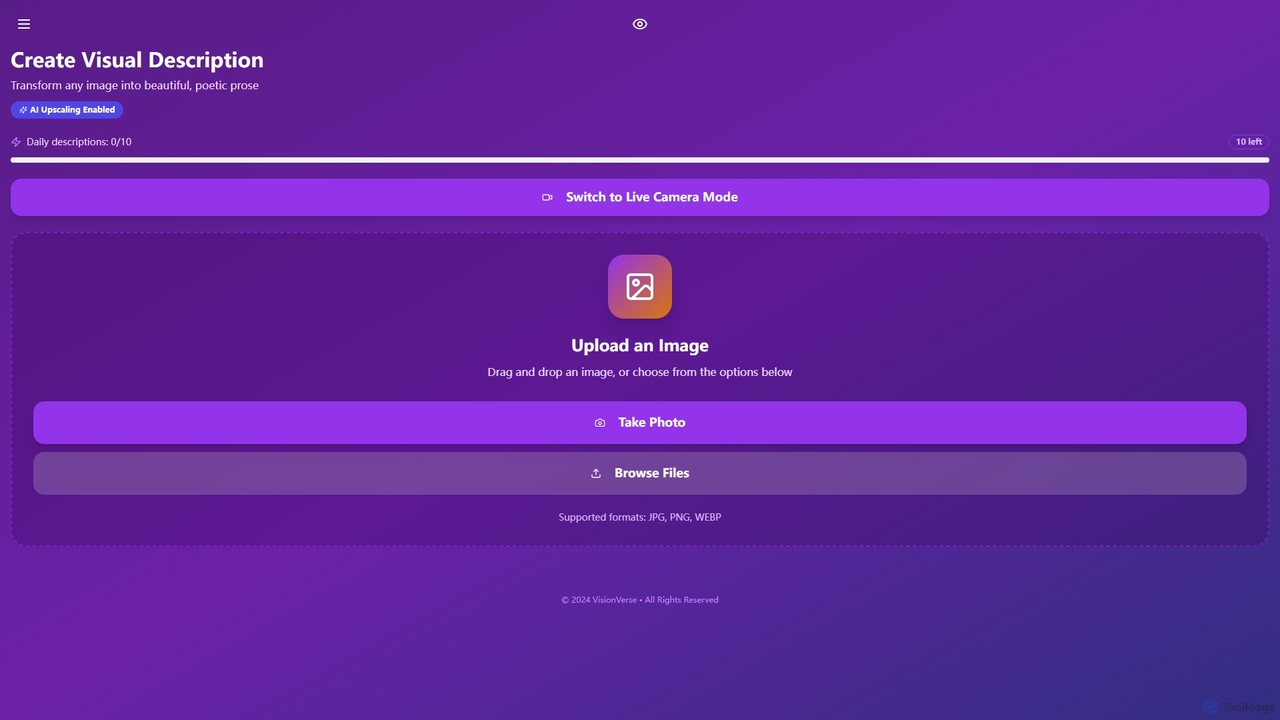
Image To TextUse Cases

1

Digitizing Academic Research and Archives

For researchers, librarians, and students, manually transcribing text from historical documents, books, or scientific papers is time-consuming. An Image to Text tool automates this process. By uploading scans or photos of pages, the AI extracts all the text, making it searchable, editable, and easy to cite. This drastically reduces research time, preserves fragile documents digitally, and makes vast amounts of information accessible for analysis. The output can be exported to a Word document or a searchable PDF for easy integration into research workflows.

2

Automating Invoice and Receipt Data Entry

Accounting departments often handle hundreds of invoices and receipts daily. Manually entering data like vendor names, dates, and amounts into software is tedious and error-prone. Image to Text tools with specialized OCR can automatically capture this information. Users upload a batch of scanned receipts, and the tool extracts key data points into a structured format like CSV or JSON, ready for import into financial systems. This streamlines accounts payable processes and improves data accuracy.

3

Extracting Text from Social Media Graphics

Marketers and content creators often need to reference text from social media posts, infographics, or presentation slides. Instead of retyping quotes or statistics, they can use an Image to Text tool to instantly grab the text. This is useful for creating content summaries, compiling competitor analysis reports, or quickly sharing information in a different format, such as an email or blog post. It ensures the text is captured accurately and accelerates the content creation cycle.

4

Making Legal Documents Searchable

Legal professionals work with massive volumes of printed case files and contracts. Finding specific clauses can be difficult. By using an Image to Text converter, entire physical files can be scanned and converted into fully searchable digital documents (e.g., searchable PDFs). This allows lawyers and paralegals to instantly search for keywords, names, or phrases across thousands of pages, significantly improving case preparation efficiency and ensuring no critical information is missed.

5

Converting Handwritten Notes to Digital Text

Students and professionals who prefer taking notes by hand often face the challenge of digitizing them for storage or sharing. Modern Image to Text tools with advanced handwriting recognition can convert legible handwritten notes into editable digital text. A user can take a photo of their notebook page, and the tool transcribes the content. This bridges the gap between analog note-taking and digital workflows, allowing for easy organization and integration of handwritten ideas into project documents or study guides.

6

Providing Accessibility for Visually Impaired Users

For individuals with visual impairments, Image to Text technology is a powerful accessibility tool. It can be used with a smartphone camera to read text from physical objects like restaurant menus, product labels, or printed mail. The tool captures an image, extracts the text, and can then feed it into a text-to-speech (TTS) engine that reads the content aloud. This provides greater independence and access to information that would otherwise be inaccessible, empowering users in their daily lives.

Image To TextFrequently Asked Questions