Kamero
Kamero is an AI-powered photo sharing platform for events. It uses real-time facial recognition to help guests instantly …
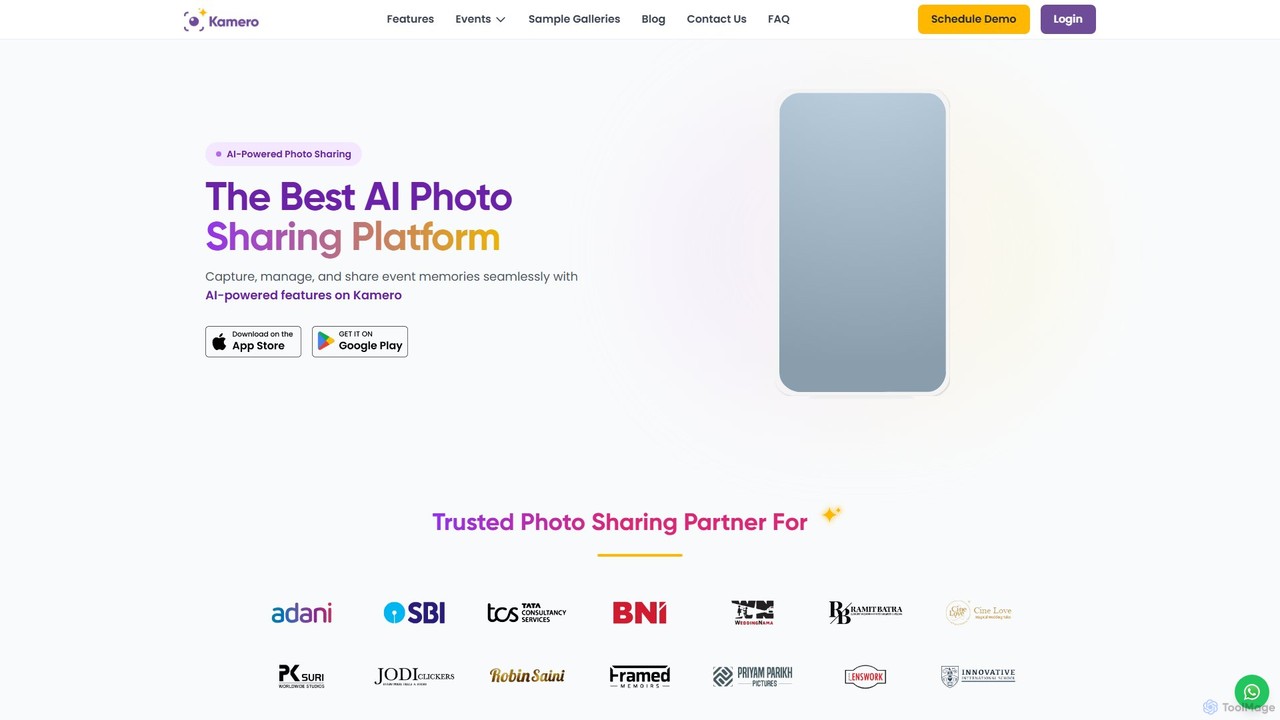
Kamero is an AI-powered photo sharing platform for events. It uses real-time facial recognition to help guests instantly find their photos by taking a selfie. The platform streamlines photo delivery for photographers, enhances engagement at corporate events, and provides secure, branded galleries for weddings, schools, and concerts, complete with guest upload features and business growth tools.
About Photo Management
Photo Management tools are AI-powered solutions designed to efficiently organize, categorize, and enhance vast collections of digital images. Leveraging advanced computer vision and machine learning algorithms, these tools automate tedious tasks like tagging, deduplication, and facial recognition. They significantly streamline workflows for photographers, content creators, and businesses, transforming chaotic photo libraries into easily searchable and manageable archives.
Core Features
- Automatic Tagging: AI identifies objects, scenes, and concepts within images, assigning relevant keywords for easy searching.
- Facial Recognition: Automatically detects and groups faces, allowing users to quickly find photos of specific individuals.
- Duplicate Detection: Intelligently identifies and helps remove redundant or similar images, freeing up storage space.
- Smart Albums: Creates dynamic albums based on criteria like date, location, subjects, or events, updating automatically.
- Batch Processing & Enhancement: Applies edits, watermarks, or optimizations to multiple images simultaneously, improving efficiency.
Use Cases
These tools are invaluable for professionals and individuals dealing with large volumes of visual content. They are used in professional photography studios for client album creation, by marketing teams for managing brand assets, and by individuals for organizing personal memories across devices.
How to Choose
When selecting a photo management tool, consider its integration capabilities with existing platforms, the accuracy of its AI tagging and recognition features, storage options (cloud vs. local), and pricing models. Evaluate the user interface for ease of use and ensure it supports the file formats you commonly work with.

Photo ManagementUse Cases
Organizing Professional Photography Archives
Professional photographers often manage thousands of images from various shoots. AI photo management tools allow them to automatically tag photos by client, event, or subject, and use facial recognition to group individuals. This drastically reduces the time spent manually sorting, enabling them to quickly retrieve specific images for client requests or portfolio updates, saving hours of administrative work per project.
Streamlining E-commerce Product Image Workflows
E-commerce businesses need to manage and update large catalogs of product images. AI photo management tools can automatically categorize images by product type, color, or feature, detect and remove backgrounds in bulk, and apply consistent branding elements. This ensures a uniform look across all product listings and significantly accelerates the process of preparing images for online stores, reducing manual editing time by up to 70%.
Managing Personal Photo Collections Across Devices
Individuals often have thousands of personal photos scattered across phones, computers, and cloud storage. AI photo management tools help consolidate these, automatically removing duplicates, organizing them by date and location, and identifying people and pets. This creates a unified, searchable library of memories, making it easy to find specific moments or create photo books without manual sorting.
Automating Content Curation for Social Media
Social media managers need a constant supply of engaging visual content. AI photo management tools can automatically categorize brand assets, identify trending themes in existing photos, and suggest relevant images based on content calendars. This accelerates content curation, ensures brand consistency, and allows managers to focus on strategy rather than manual image selection, boosting content output by 30%.
Enhancing Digital Asset Management for Enterprises
Large enterprises often struggle with vast, unorganized digital asset libraries. AI photo management tools integrate into existing Digital Asset Management (DAM) systems to automatically index, tag, and categorize images across departments. This improves asset discoverability for marketing, sales, and design teams, ensuring brand compliance and reducing the time employees spend searching for specific visuals by up to 50%.
Facilitating Research and Archiving in Academia
Researchers and academic institutions often deal with extensive visual data, from historical photographs to scientific imagery. AI photo management tools can automatically classify these images based on content, date, or associated metadata, making vast archives searchable and cross-referencable. This aids in historical preservation, scientific analysis, and educational resource creation, significantly improving data accessibility and research efficiency.