ToolMage
Sign in

Best 1 Storyboarding AI tools for Image

Popular Storyboarding AI tools in Image include thefluxtrain, helping you work more efficiently.

thefluxtrain
Freemium

thefluxtrain

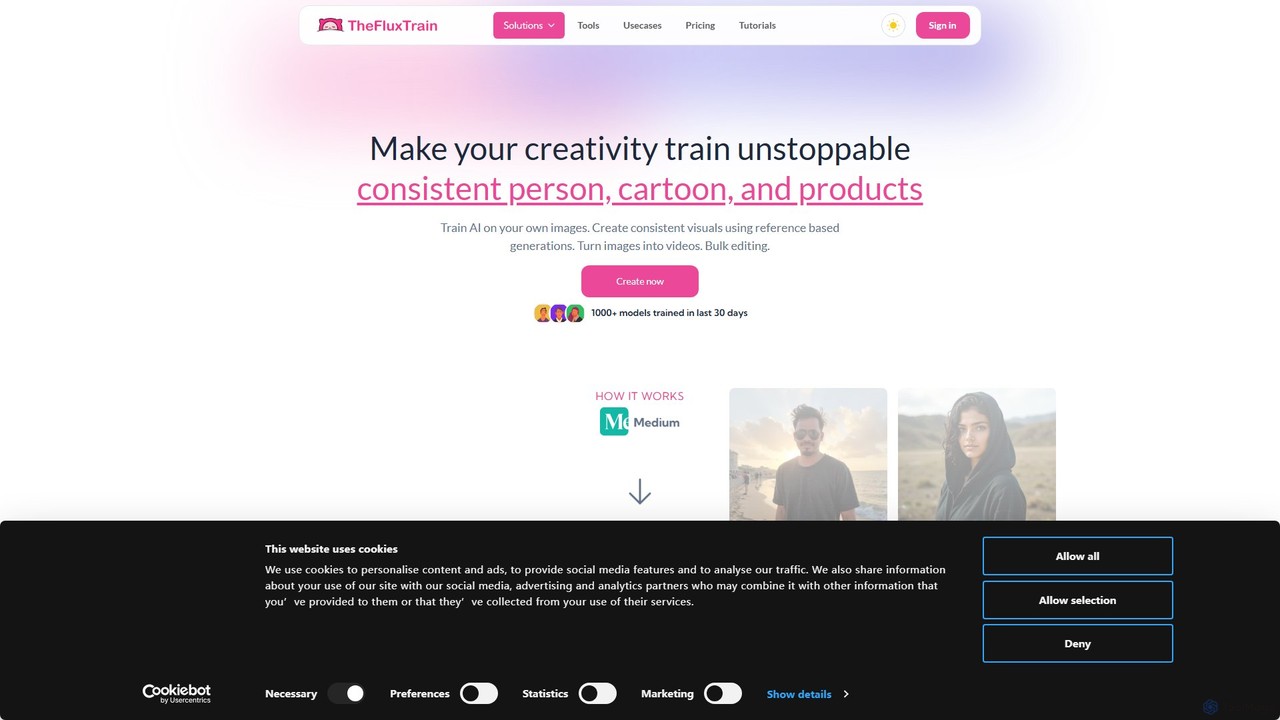
thefluxtrain is an AI-powered platform that transforms text into personalized visual stories. It enables creators, marketers, and educators to generate unique storyboards, comics, and short animated videos from simple prompts. Maintain character consistency across scenes and choose from a variety of artistic styles to bring your narratives to life effortlessly.

Storyboarding
Visits 12.4KFavorites 143Likes 122

About Storyboarding

AI Storyboarding tools are specialized applications that automatically generate a sequence of visual panels from text scripts or descriptions. Leveraging generative AI, these tools interpret narrative context, character actions, and scene settings to create a coherent visual story. They are valuable for filmmakers, animators, and marketers to rapidly pre-visualize concepts, iterate on ideas, and streamline the pre-production workflow. This focus on sequential narrative distinguishes them from single-image generation tools within the broader image category.

Core Features

  • Script-to-Sequence Generation: Automatically converts screenplay formats or plain text into a series of corresponding visual panels.
  • Character & Style Consistency: Maintains the appearance of characters and a consistent artistic style across multiple scenes.
  • Camera Angle & Shot Control: Allows users to specify cinematic directives like "close-up," "wide shot," or "over-the-shoulder."
  • Panel Organization & Editing: Provides an interface to reorder, edit, or regenerate individual panels within the sequence.

Use Cases

These tools are widely used in the film, animation, and advertising industries for pre-production. Game developers use them to visualize cutscenes, while content creators plan video narratives. They are also valuable for authors and UX designers creating visual journeys and product flows.

How to Choose

When selecting a tool, consider its ability to maintain character consistency, the range of supported art styles, and the level of control over camera angles and composition. Also, evaluate its script parsing capabilities, export options (e.g., PDF, video), and collaboration features for team projects.

Storyboarding use cases

1

Rapid Pre-visualization for Film and Animation

A director or animator inputs a scene script into an AI storyboarding tool. The AI analyzes the text, identifying characters, actions, and settings to generate a complete visual sequence in a chosen style (e.g., sketch, cinematic). This allows the team to review pacing, camera angles, and composition in hours instead of days, facilitating quick creative iterations before committing to expensive production.

2

Creating Ad Campaign Pitches for Agencies

An advertising creative team needs to pitch a new TV commercial concept to a client. They use an AI storyboarding tool to quickly transform their written concept into a professional-looking storyboard. This visual aid helps the client clearly understand the narrative, tone, and key shots, leading to faster approvals and more effective communication of the creative vision.

3

Visualizing Game Cutscenes and Narratives

Game developers and narrative designers use these tools to map out in-game cutscenes and story arcs. By inputting dialogue and action descriptions, they can generate visual sequences that help align the art, animation, and design teams on the final look and feel of the game's story moments, ensuring a consistent player experience.

4

Planning YouTube and Social Media Video Content

A content creator plans a complex video with multiple segments. They write a simple outline or script and use an AI storyboarding tool to generate key frames for each part. This helps them visualize the final video flow, plan necessary shots, and create a more structured and engaging piece of content for their audience.

5

Designing User Journeys for UX/UI Projects

A UX designer is creating a user journey map for a new app feature. They use an AI storyboarding tool to visually represent each step of the user's interaction. By describing the user's actions and the app's responses, they can create a clear, narrative-driven storyboard that helps stakeholders understand the user experience from an emotional and practical perspective.

6

Illustrating Scenes for Authors and Graphic Novelists

A writer working on a graphic novel or a key scene in a book uses an AI storyboarding tool to bring their text to life. They can experiment with different compositions, character expressions, and atmospheres for pivotal moments. This visual feedback loop helps refine the narrative and provides a clear reference for themselves or a collaborating artist.

Storyboarding FAQ

What are AI Storyboarding tools?

AI Storyboarding tools are applications that use artificial intelligence to automatically create a sequence of images, or a storyboard, from a text script or description. They excel at interpreting narrative elements like scenes, characters, and actions to produce a coherent visual story, streamlining the pre-production process for creative projects.

How do I choose the right AI Storyboarding tool?

To choose the right tool, evaluate these factors:

  • Consistency: How well does it maintain character and style consistency across panels?
  • Control: What level of control do you have over camera shots, angles, and composition?
  • Input Format: Does it support your script format or just plain text?
  • Export Options: Can you export the storyboard to formats like PDF, image sequences, or video?

What's the difference between AI Storyboarding and AI Image Generators?

The key difference is focus. AI Image Generators are designed to create single, high-quality images from a prompt. AI Storyboarding tools are designed to create a sequence of related images that tell a story. They prioritize narrative continuity, character consistency, and cinematic language (like shot types) over the perfection of a single image.

Who can benefit from using AI Storyboarding tools?

A wide range of creators can benefit, including filmmakers, animators, and advertising professionals for pre-visualizing projects. Game developers use them for cutscenes, content creators for planning videos, and even UX designers for mapping user journeys. Essentially, anyone who needs to visually plan a narrative sequence can find them useful.

How do AI Storyboarding tools maintain character consistency?

These tools employ several techniques. Many use a "character lock" feature where you define a character's appearance once (either by generating it or uploading an image), and the AI references that specific design for all subsequent panels. They also use consistent seeds and model fine-tuning to ensure the character's key features remain recognizable across different poses and scenes.