Docky.AI
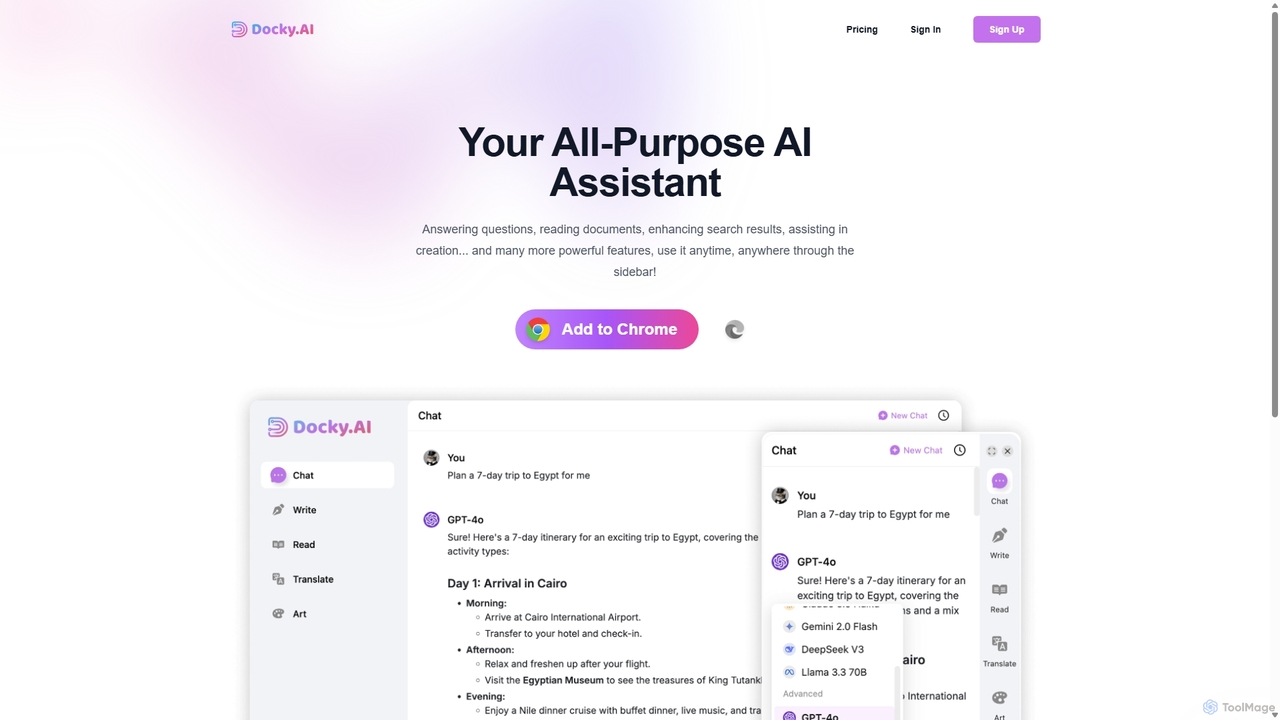
Docky.AI is a powerful all-in-one AI sidebar for your browser. It integrates leading models like GPT-4, Claude, and …
Docky.AI is a powerful all-in-one AI sidebar for your browser. It integrates leading models like GPT-4, Claude, and DALL-E, allowing you to enhance search results, read documents, assist with writing, and generate content seamlessly on any webpage. Boost your productivity without ever switching tabs.
Quick Text-to-Image
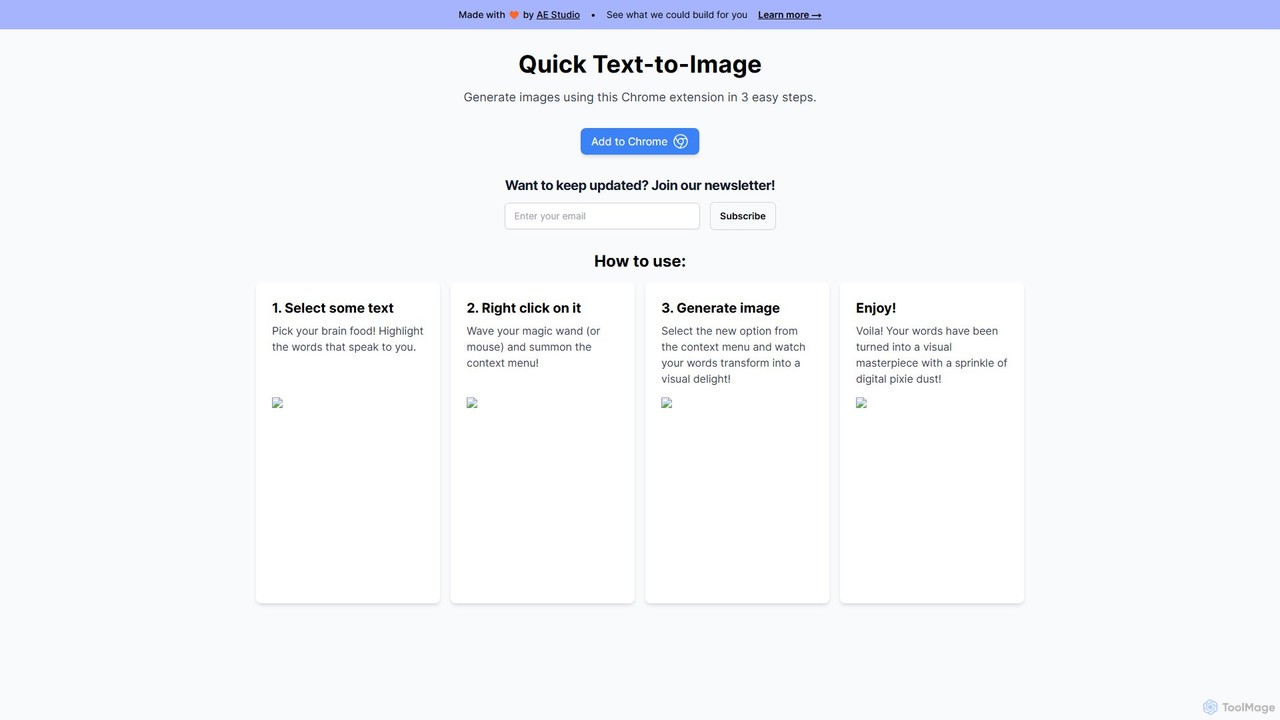
A free Chrome extension that instantly generates AI images from any selected text on a webpage. Simply highlight …
A free Chrome extension that instantly generates AI images from any selected text on a webpage. Simply highlight text, right-click, and create stunning visuals, streamlining your creative workflow for content creation, marketing, and design.

getalpaca.io
getalpaca.io is a powerful AI plugin for Adobe Photoshop that integrates Stable Diffusion's image generation capabilities directly into …
getalpaca.io is a powerful AI plugin for Adobe Photoshop that integrates Stable Diffusion's image generation capabilities directly into your workflow. Create stunning visuals, concepts, and assets from text prompts without ever leaving Photoshop, streamlining your creative process.
toriitranslate
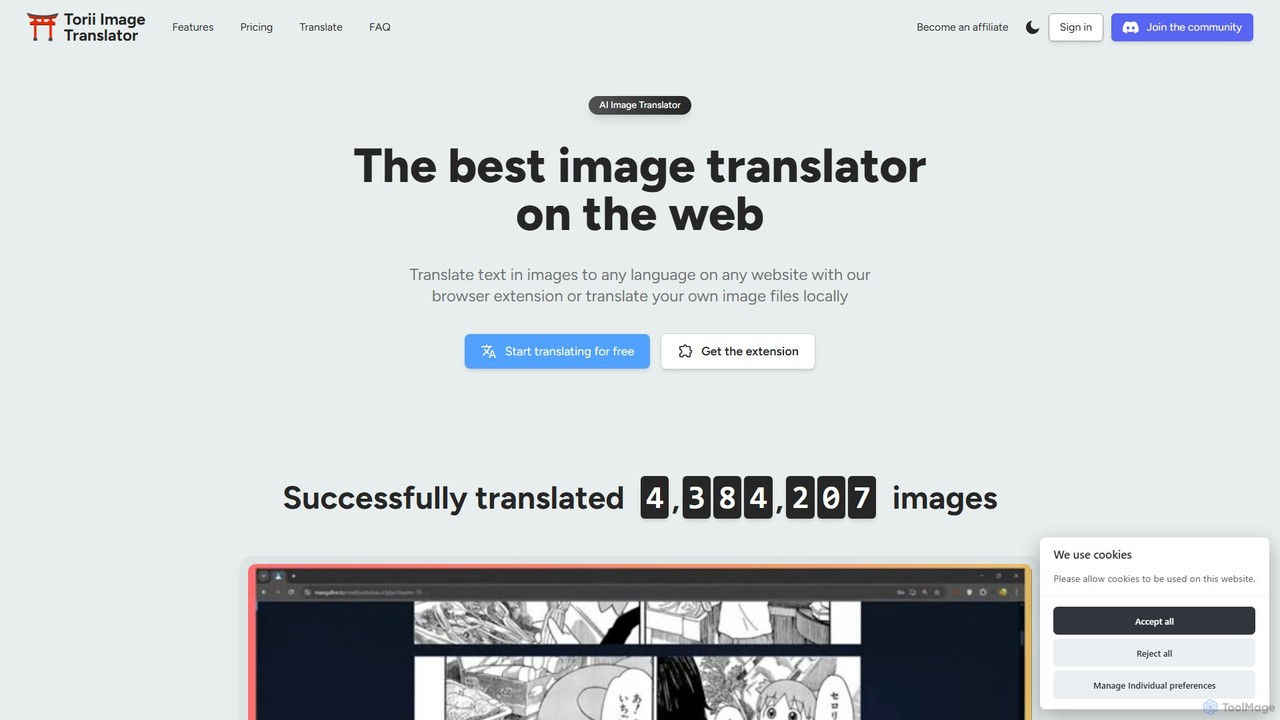
toriitranslate is an AI-powered image translator, designed as a browser extension and web tool. It excels at instantly …
toriitranslate is an AI-powered image translator, designed as a browser extension and web tool. It excels at instantly translating text within images, making it ideal for reading manga, comics, and webtoons in any language. With features like in-place translation, editable text, AI-powered cleanup tools, and support for various AI models (GPT-4o, Gemini), it offers a seamless and customizable reading experience. It supports over 120 languages and works on desktop and mobile browsers.
ChatsNow
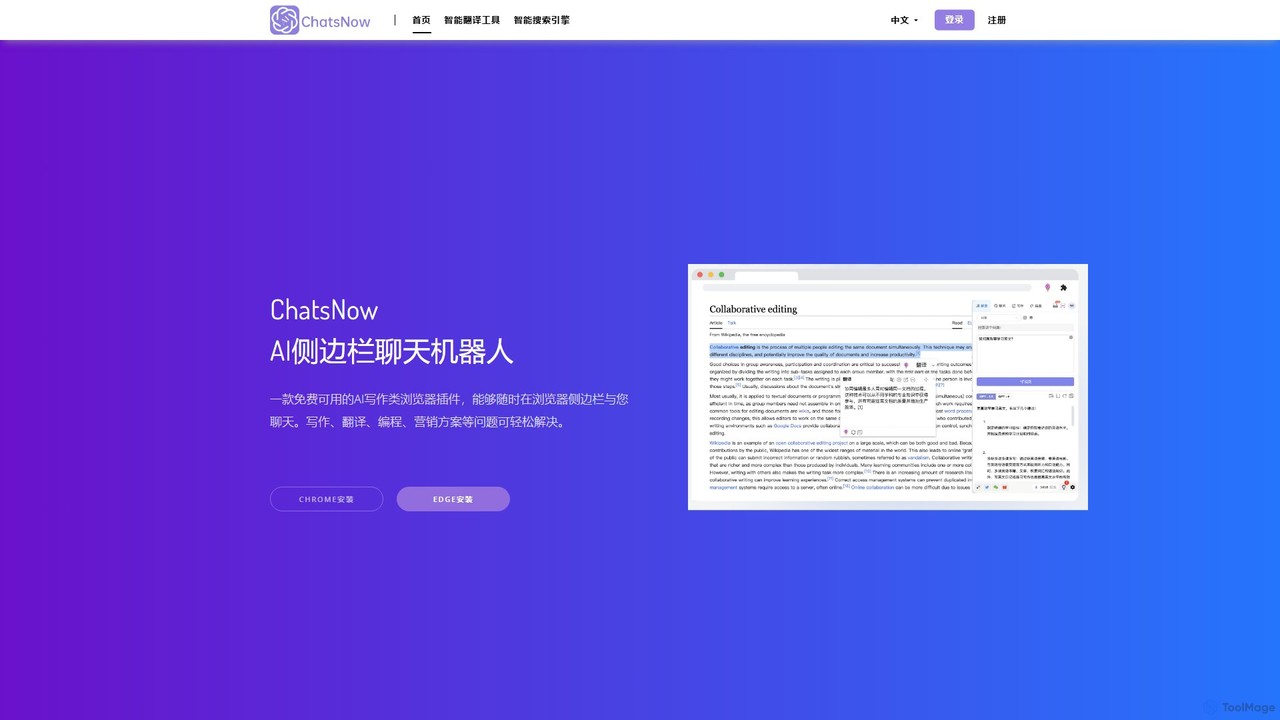
ChatsNow is a versatile AI sidebar assistant for Chrome and Edge. It integrates a powerful chatbot, writer, and …
ChatsNow is a versatile AI sidebar assistant for Chrome and Edge. It integrates a powerful chatbot, writer, and image generator directly into your browser. Instantly get answers, summarize web pages, draft emails, create marketing copy, or generate images from text prompts. With a library of prompt templates and the ability to work with selected text, ChatsNow streamlines your workflow for studying, working, and creative tasks, boosting your productivity across the web.

Magician
Magician is a powerful AI design assistant for Figma and FigJam. It helps designers supercharge their workflow by …
Magician is a powerful AI design assistant for Figma and FigJam. It helps designers supercharge their workflow by generating UI copy, unique icons, and stunning images directly from text prompts, all within their design environment.
About Image
AI Image tools are a diverse category of software that leverage artificial intelligence to create, edit, analyze, and manage visual content. These tools utilize advanced models like diffusion and Generative Adversarial Networks (GANs) to generate novel visuals or apply complex edits with simple commands. They empower creators, marketers, and developers to produce high-quality graphics, automate repetitive editing tasks, and extract valuable data from images. This technology significantly lowers the barrier to professional-grade visual content creation and processing for a wide range of users.
Core Features
- Image Generation: Create original images from text descriptions (text-to-image), sketches, or by combining other images.
- Intelligent Editing & Enhancement: Automatically remove backgrounds, erase unwanted objects, upscale low-resolution images, and perform advanced color correction.
- Image Analysis & Recognition: Identify and tag objects, faces, text (OCR), and scenes within an image to enable search and data extraction.
- Style Transfer: Apply the artistic style of one image to another, transforming photos into various art forms like paintings or sketches.
- Batch Processing: Automate editing or analysis tasks across hundreds or thousands of images simultaneously.
Use Cases
AI Image tools are widely used across various industries. Marketers and social media managers use them to quickly generate unique ad creatives and post visuals. E-commerce businesses rely on them for batch processing product photos, such as background removal and color enhancement. Designers and artists leverage these tools for brainstorming, concept art creation, and rapid prototyping of visual ideas.
How to Choose
When selecting an AI Image tool, first identify your primary need: generation, editing, or analysis. Evaluate the output quality, resolution, and the level of creative control the tool provides. For business use, consider its integration capabilities via API and its capacity for batch processing. Finally, assess the user interface and learning curve to ensure it matches your team's technical skill level.
ImageUse Cases
Generate Marketing Visuals for Social Media
A social media manager for a fashion brand needs to create daily, eye-catching visuals for Instagram campaigns. Instead of spending hours searching for stock photos or waiting for a designer, they use an AI image generator. By inputting prompts like 'futuristic street style photo of a woman wearing a neon jacket in Tokyo', they can generate dozens of unique, high-quality images in minutes. This allows them to maintain a consistent and engaging visual feed, A/B test different creative concepts, and reduce content production costs by over 70%.
Batch Process E-commerce Product Photos
An e-commerce store owner needs to upload 500 new product photos to their website. Each photo requires background removal, color correction, and resizing to fit the site's specifications. Manually editing each image would take days. By using an AI image editing tool, they can upload all 500 images at once. The tool automatically removes the background, applies a consistent white backdrop, enhances product colors, and resizes them. The entire process is completed in under an hour, ensuring product listings go live faster and maintaining a professional, uniform look across the store.
Create Concept Art for Game Development
A concept artist at a game studio is tasked with designing a new fantasy creature. To quickly explore different visual directions, they use an AI image tool. They input detailed descriptions like 'a majestic griffin with crystalline feathers and glowing eyes, in a stormy mountain landscape'. The AI generates multiple high-fidelity variations in different poses and styles. This process allows the artist to rapidly iterate on ideas, present a wide range of concepts to the art director, and select a final direction in a fraction of the time it would take to sketch each one manually.
Restore and Colorize Old Family Photos
An individual wants to preserve their family's history by restoring a collection of old, damaged, black-and-white photographs. Many photos are faded, scratched, or torn. Using an AI photo restoration tool, they scan and upload the images. The AI automatically detects and repairs imperfections like scratches and creases, sharpens blurry faces, and enhances overall detail. Furthermore, its colorization feature intelligently adds realistic colors to the black-and-white photos based on historical context. This transforms faded memories into vibrant, clear images that can be shared with younger generations.
Automate Image Tagging for Digital Asset Management
A large media corporation has a digital asset management (DAM) system with millions of untagged images, making them difficult to search. Manually tagging each image is unfeasible. They integrate an AI image analysis API with their DAM. As images are processed, the AI automatically identifies and applies relevant tags for objects, people, places, and even abstract concepts (e.g., 'celebration', 'teamwork'). This makes the entire library instantly searchable, saving employees countless hours and unlocking the value of their vast visual archive for content creators and researchers.
Create Architectural Visualizations from Sketches
An architect needs to present a new building concept to a client quickly. Instead of spending days creating a detailed 3D model, they use an AI image tool that specializes in sketch-to-render conversion. They upload a simple hand-drawn sketch of the building's facade. The AI interprets the lines and shapes, transforming the sketch into a photorealistic rendering complete with materials, lighting, and environmental context. They can generate multiple variations with different materials (e.g., brick, glass, wood) in minutes, allowing for a dynamic and efficient client presentation that accelerates the approval process.