ToolMage
Sign in

Best 2 Model Building AI tools for No Code & Low Code

Popular Model Building AI tools in No Code & Low Code include Custom Vision and Lobe, helping you work more efficiently.

Lobe
Free

Lobe

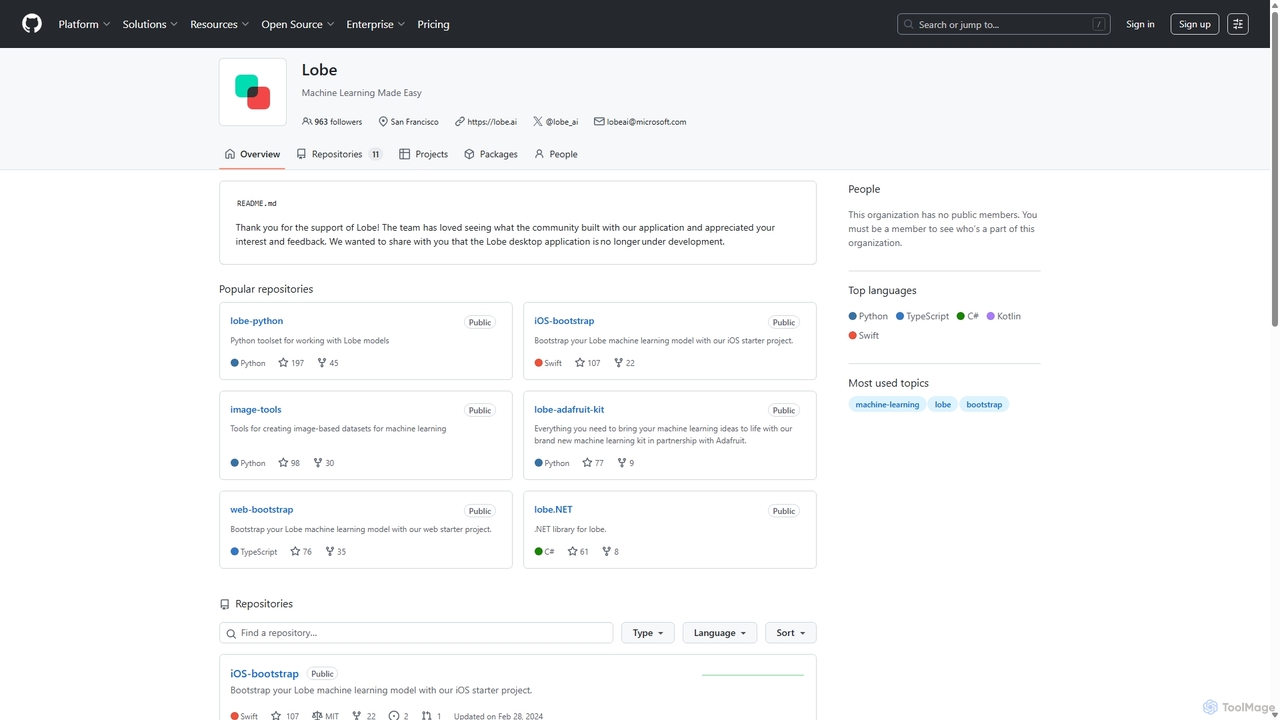
Lobe is a free, user-friendly desktop application for Mac and PC that simplifies the process of training custom machine learning models. It enables users to build, manage, and export image classification models without writing a single line of code, making AI accessible to everyone.

Machine Learning
Visits 3.7KFavorites 116Likes 118

About Model Building

Model Building tools, a specialized segment within No Code & Low Code platforms, empower users to design, train, and deploy machine learning models without writing extensive code. These intuitive tools leverage visual interfaces, drag-and-drop functionalities, and pre-built components to simplify complex data science workflows, making advanced analytics accessible to a broader audience. They democratize access to artificial intelligence, enabling business analysts, domain experts, and citizen data scientists to create predictive, classification, or clustering models for various business challenges, accelerating innovation and decision-making.

Core Features

  • Visual Workflow Design: Provides intuitive drag-and-drop interfaces for constructing data pipelines and model architectures, simplifying complex processes.
  • Automated Data Preparation: Offers robust tools for cleaning, transforming, and performing feature engineering on raw data with minimal manual effort.
  • Algorithm Selection & Tuning: Grants access to a comprehensive library of machine learning algorithms, often including automated hyperparameter optimization for best performance.
  • Model Training & Evaluation: Facilitates the training of models on prepared data and allows for thorough assessment of performance using various industry-standard metrics.
  • One-Click Deployment & Monitoring: Streamlines the process of deploying trained models into production environments and provides tools for ongoing performance monitoring.

Applicable Scenarios

These tools are invaluable for organizations seeking to rapidly integrate AI into their operations and gain data-driven insights. Business analysts can quickly build predictive models for sales forecasting, customer behavior analysis, or risk assessment. Marketing teams can effectively segment customer bases for highly targeted campaigns and personalize user experiences. Operations managers can automate anomaly detection in sensor data, optimize logistics routes, or streamline inventory management, all without needing a dedicated data science team or deep coding expertise.

How to Choose

When selecting a Model Building platform, consider its overall ease of use and the clarity of its visual interface, which directly impacts user adoption. Evaluate the breadth of supported machine learning algorithms and the flexibility for custom model integration. Crucially, assess its integration capabilities with your existing data sources (databases, cloud storage) and deployment targets (APIs, dashboards). Furthermore, examine the platform's scalability for handling large datasets and complex models, the level of technical support, and the availability of community resources. Finally, thoroughly assess the pricing model to ensure it aligns with your budget and anticipated usage requirements.

Featured tool rankings

Model Building use cases

1

Predictive Sales Forecasting for Business Growth

A business analyst needs to forecast quarterly sales to inform strategic planning. Using a No Code Model Building tool, they upload historical sales data, select relevant features like seasonality and promotional activities, and train a regression model. The tool automatically identifies patterns and generates future sales predictions, enabling the analyst to present data-backed insights to management for inventory and resource allocation, significantly reducing manual forecasting time.

2

Customer Churn Prediction for Retention Strategies

A marketing manager aims to reduce customer attrition. They utilize a Model Building platform to analyze customer data, including usage patterns, support interactions, and demographic information. By training a classification model, the tool identifies customers at high risk of churning. This allows the marketing team to proactively engage these customers with targeted retention offers or personalized support, improving customer lifetime value and reducing acquisition costs.

3

Automated Document Classification for Operational Efficiency

An operations team receives thousands of diverse documents daily, such as invoices, support tickets, and contracts, requiring manual sorting. With a No Code Model Building tool, they train a text classification model using examples of each document type. The deployed model then automatically categorizes new incoming documents, routing them to the correct department or process, drastically reducing manual labor and accelerating response times for critical business functions.

4

Credit Risk Assessment for Financial Services

A financial institution needs to quickly and accurately assess credit risk for loan applicants. A data analyst uses a Model Building platform to create a robust credit scoring model. They input applicant data, including financial history and credit scores, and train a classification model to predict default probability. This enables faster, more consistent loan approval decisions, minimizing risk exposure while improving efficiency in the lending process.

5

Personalized Product Recommendations in E-commerce

An e-commerce platform seeks to enhance user experience and boost sales through personalized recommendations. A product manager leverages a No Code Model Building tool to analyze customer browsing history, purchase data, and product attributes. They train a recommendation engine that suggests relevant products to individual users, increasing engagement and conversion rates by presenting highly tailored offerings, without requiring a team of data scientists.

6

Supply Chain Demand Planning for Inventory Optimization

A logistics manager needs to optimize inventory levels and prevent stockouts or overstocking. Using a Model Building platform, they input historical demand data, supplier lead times, and external factors like holidays. A time-series forecasting model is trained to predict future demand for various products. This allows for more accurate inventory planning, reducing carrying costs, improving order fulfillment rates, and enhancing overall supply chain resilience.

Model Building FAQ

What are No Code/Low Code Model Building tools?

No Code/Low Code Model Building tools are platforms that enable users to create, train, and deploy machine learning models without writing traditional code. They provide visual interfaces, drag-and-drop functionalities, and pre-built components to simplify complex data science tasks. These tools democratize AI, allowing business users, analysts, and domain experts to leverage predictive analytics, classification, and other AI capabilities to solve business problems efficiently.

How do No Code Model Building tools differ from traditional ML development?

The primary difference lies in the level of coding required. Traditional ML development involves extensive coding in languages like Python or R, requiring deep programming and data science expertise. No Code Model Building tools abstract away this complexity, offering visual interfaces and automated processes for data preparation, model selection, training, and deployment. This significantly lowers the technical barrier, making AI accessible to a wider range of users and accelerating development cycles, though it may offer less customization than code-based approaches.

What types of machine learning models can be built with these platforms?

No Code/Low Code Model Building platforms typically support a wide range of common machine learning model types. These include:

  • Classification Models: For categorizing data into predefined classes (e.g., spam detection, customer churn prediction).
  • Regression Models: For predicting continuous numerical values (e.g., sales forecasting, price prediction).
  • Clustering Models: For grouping similar data points together (e.g., customer segmentation).
  • Time-Series Forecasting: For predicting future values based on historical time-stamped data.
Some advanced platforms may also support natural language processing (NLP) or computer vision tasks.

Who can benefit most from using No Code/Low Code Model Building tools?

These tools are particularly beneficial for business analysts, domain experts, marketing professionals, and small to medium-sized businesses that lack dedicated data science teams. They empower individuals with strong domain knowledge but limited coding skills to build and deploy AI models, driving data-driven decision-making. Large enterprises can also leverage them for rapid prototyping, citizen data science initiatives, and to offload simpler model development tasks from expert data scientists, freeing them for more complex projects.

How do I choose the right No Code/Low Code Model Building platform for my needs?

To choose the right platform, first assess your specific use cases and the types of models you need to build. Consider the platform's ease of use, the range of supported algorithms, and its ability to integrate with your existing data infrastructure. Evaluate its scalability, pricing structure, and the level of technical support and community resources available. Look for platforms that offer robust data preparation features and clear model evaluation metrics to ensure reliable and accurate results for your projects.