Project Management Best in category 1 results Visual Planning AI Tool

Popular AI tools in the Visual Planning field of Project Management include Mural, etc., helping you quickly improve efficiency.

Mural

Mural

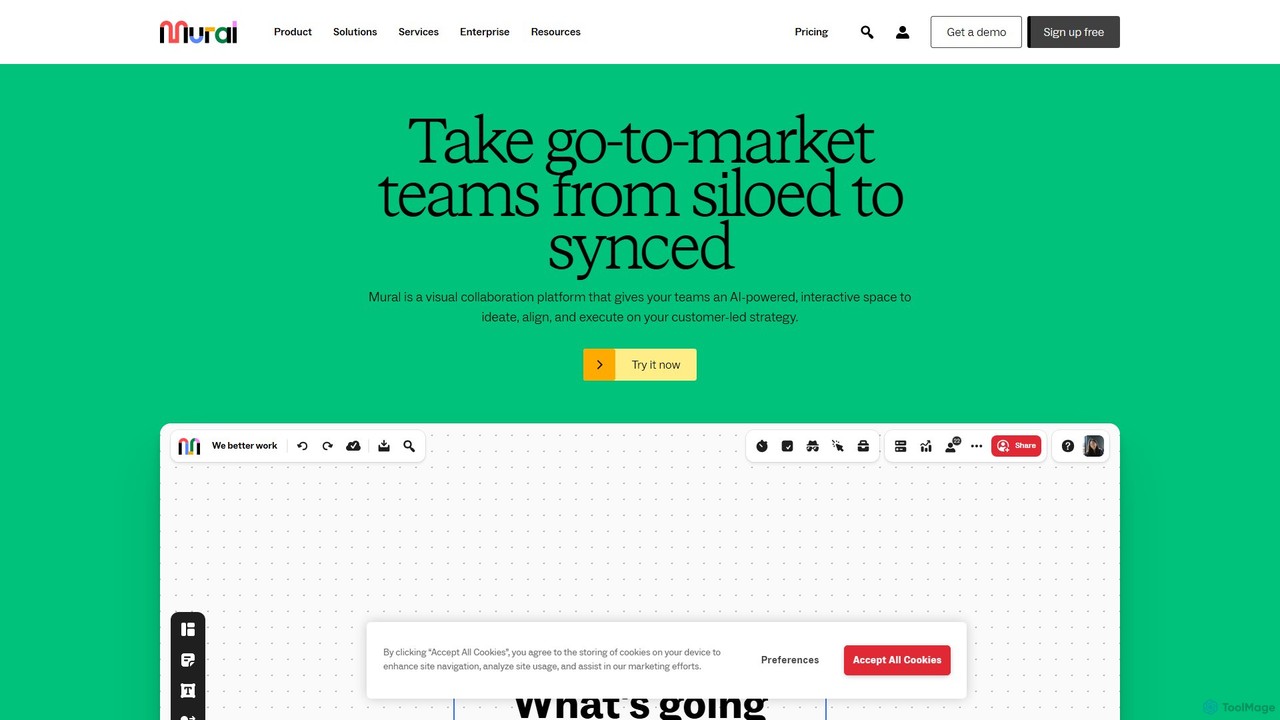
Mural is an AI-powered visual collaboration platform and digital whiteboard designed for teams. It provides an interactive space …

2.2M

About Visual Planning

Visual Planning tools are AI-powered solutions that transform complex data and ideas into intuitive visual formats. These tools leverage artificial intelligence to automate the creation of charts, diagrams, and interactive dashboards, enabling users to visualize project timelines, workflows, and strategic roadmaps. They enhance clarity, facilitate better decision-making, and streamline communication across teams by providing a clear, graphical overview of plans and progress.

Core Features

  • AI-driven Chart Generation: Automatically creates Gantt charts, Kanban boards, and flowcharts from textual inputs or structured data.
  • Intelligent Scheduling & Optimization: Suggests optimal timelines, resource allocation, and task dependencies based on project parameters.
  • Predictive Analytics for Risk: Identifies potential bottlenecks and delays, offering proactive adjustments to maintain project momentum.
  • Interactive Visual Dashboards: Generates dynamic, real-time dashboards for monitoring project progress and key performance indicators.
  • Collaborative Visual Workspace: Provides shared visual environments for teams to co-create, edit, and comment on plans in real-time.

Use Cases

Visual Planning tools are invaluable across various sectors for enhancing clarity and strategic alignment. Project managers utilize them to automatically generate detailed project timelines and resource allocation charts, ensuring all phases are clearly mapped. Marketing teams leverage these tools to visually plan content calendars and campaign schedules, optimizing delivery and impact. Strategic planners employ AI-powered visual aids to map out complex initiatives and decision trees, fostering a shared understanding of organizational goals.

How to Choose

When selecting an AI Visual Planning tool, consider its range of visualization types, such as Gantt charts, Kanban boards, or mind maps, to match your specific needs. Evaluate the AI's capabilities in automation, prediction, and optimization, ensuring it genuinely enhances planning efficiency. Look for robust integration with existing project management or collaboration platforms, and assess its user-friendliness and collaborative features for team adoption.

Visual PlanningUse Cases

1

Automating Project Timeline Generation

Project managers can utilize AI Visual Planning tools to rapidly transform high-level project objectives and task lists into comprehensive Gantt charts or interactive timelines. By inputting project scope and deadlines, the AI automatically identifies critical paths, allocates resources, and highlights potential dependencies, significantly reducing manual planning time. This allows managers to quickly visualize project phases, track progress, and communicate schedules effectively to stakeholders, ensuring alignment and proactive risk management.

2

Visualizing Marketing Campaign Roadmaps

Marketing teams can leverage AI Visual Planning tools to create dynamic visual roadmaps for their campaigns, from content creation to launch and analysis. The AI can suggest optimal posting schedules, identify content gaps, and visualize dependencies between different marketing channels. This enables marketers to see the entire campaign lifecycle at a glance, make data-driven adjustments, and ensure all team members are aligned on deliverables and deadlines, leading to more cohesive and impactful marketing efforts.

3

Streamlining Software Development Sprints

Software development teams can use AI Visual Planning to optimize their sprint planning and execution. By feeding user stories and task estimates into the tool, the AI can automatically generate Kanban boards or Scrum backlogs, suggesting task prioritization and identifying potential bottlenecks in the workflow. This visual approach helps teams maintain focus, track progress in real-time, and quickly adapt to changes, ensuring smoother development cycles and more efficient delivery of software features.

4

Designing Strategic Business Roadmaps

Strategic planners and business leaders can leverage AI Visual Planning tools to design and communicate complex business roadmaps and strategic initiatives. By inputting high-level goals and market data, the AI can generate interactive flowcharts, mind maps, or strategy maps, visualizing interdependencies and potential impacts. This helps in fostering a shared understanding of the strategic direction, identifying key milestones, and making informed decisions about resource allocation and risk mitigation across the organization.

5

Optimizing Event Planning and Logistics

Event organizers can use AI Visual Planning tools to meticulously plan and coordinate all aspects of an event, from venue selection and vendor management to guest logistics and scheduling. The AI can generate detailed timelines and resource allocation maps, highlighting critical deadlines and potential conflicts. This visual oversight ensures that all logistical elements are seamlessly integrated and managed, reducing stress and improving the overall execution of conferences, workshops, or large-scale public events.

6

Facilitating Creative Brainstorming Sessions

Creative teams and innovators can utilize AI Visual Planning tools to enhance brainstorming and idea generation. By inputting initial concepts or keywords, the AI can automatically generate mind maps, concept clusters, or flowcharts, helping to structure thoughts, identify connections, and expand on ideas. This visual aid fosters a more organized and productive brainstorming environment, allowing teams to explore complex ideas visually, capture diverse perspectives, and quickly move from abstract concepts to actionable plans.

Visual PlanningFrequently Asked Questions