ToolMage
Sign in

Best 6 Prototyping AI tools

Popular Prototyping AI tools include MasterGo, Sleek, AI Game Generator, Pathmode, Simplall, and Gignite, helping you work more efficiently.

Pathmode
Free

Pathmode

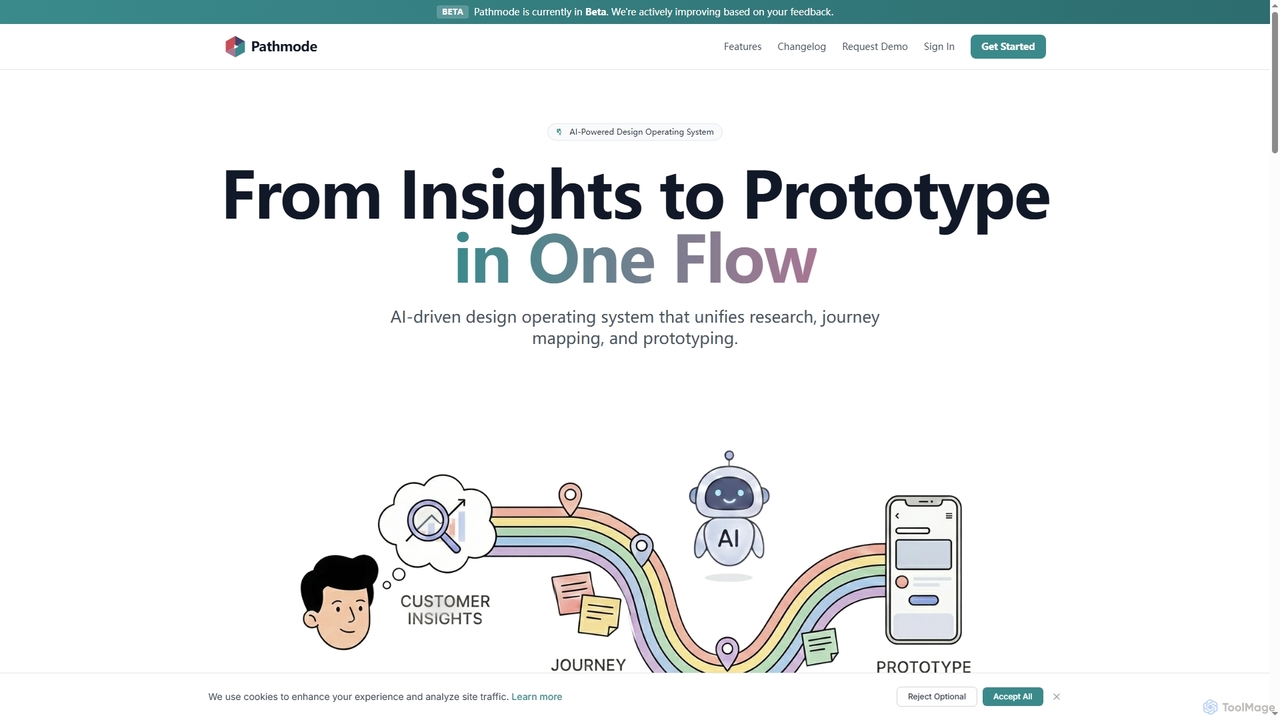
Pathmode is an AI-powered design operating system that unifies user research, automated journey mapping, and prototype specification into a single, seamless workflow. It transforms raw insights into actionable UI design specifications, eliminating manual handoffs and driving efficient product execution.

Design Assistant
Visits 9.4KFavorites 70Likes 77
AI Game Generator
Paid

AI Game Generator

AI Game Generator is an innovative platform that transforms your ideas and marketing concepts into playable HTML5 games in minutes. Leverage AI to create engaging 2D and 3D games for campaigns, education, or rapid prototyping without extensive coding.

Interactive Content
Visits 16KFavorites 104Likes 81
Sleek
Freemium

Sleek

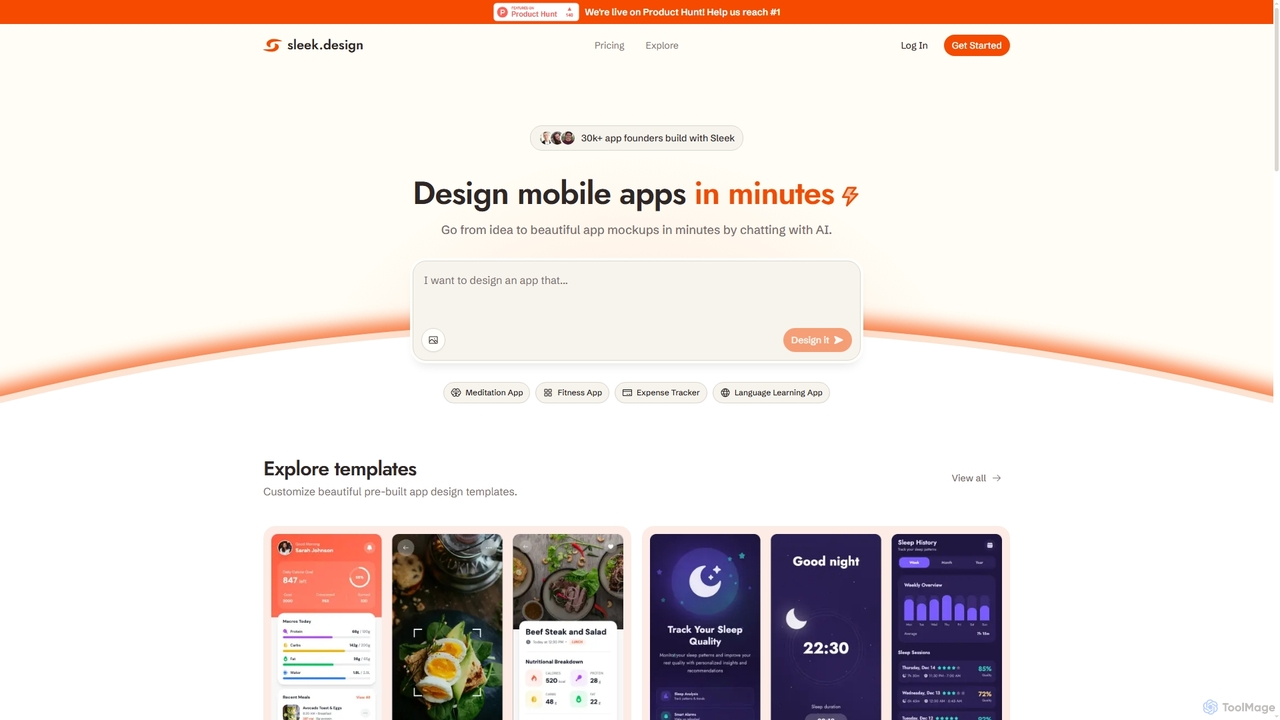
Sleek is an AI-powered mobile app designer that enables founders and entrepreneurs to create professional app mockups in minutes. It transforms ideas into beautiful designs through conversational AI, offering customizable templates and export options to Figma or code, making app design accessible to everyone.

Design
Visits 162.9KFavorites 125Likes 125
Simplall
Freemium

Simplall

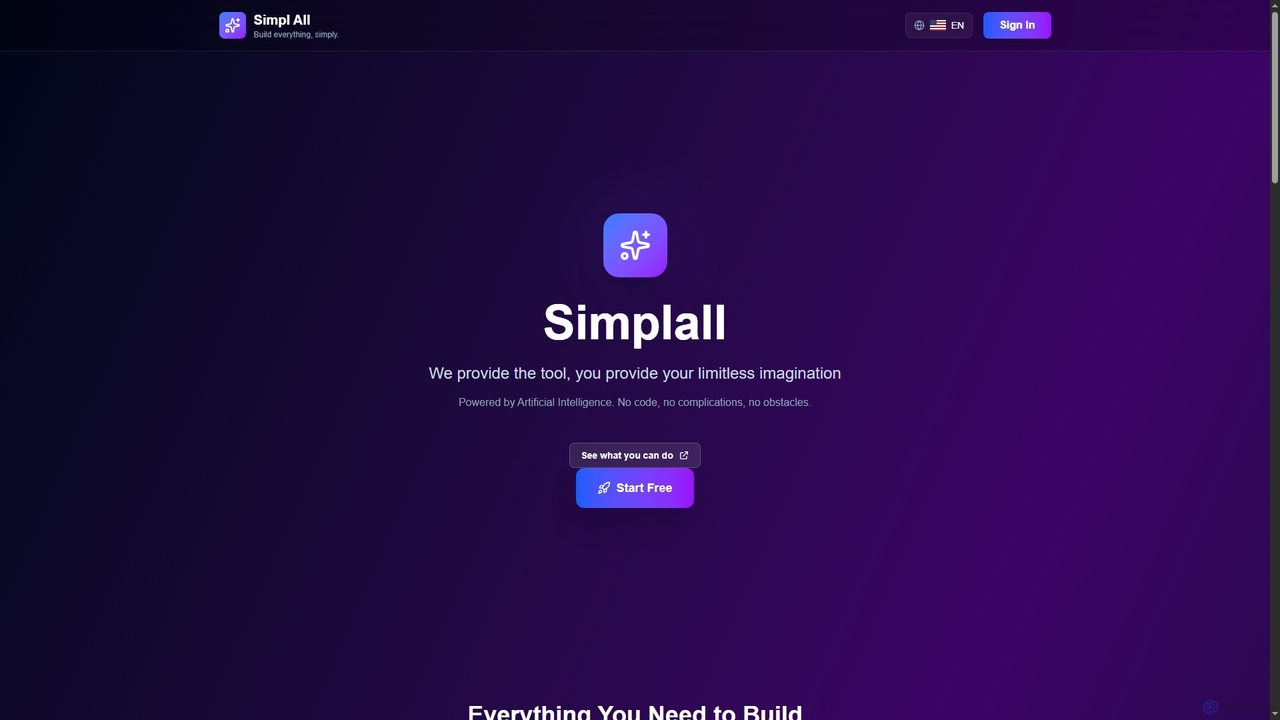
Simplall is an AI-powered code generator that transforms natural language descriptions into functional web applications. It enables users, regardless of coding experience, to instantly create professional React apps, HTML websites, and interactive dashboards with live previews, clean code, and easy modification capabilities.

Code Generation
Visits 4.8KFavorites 117Likes 130
MasterGo
Freemium

MasterGo

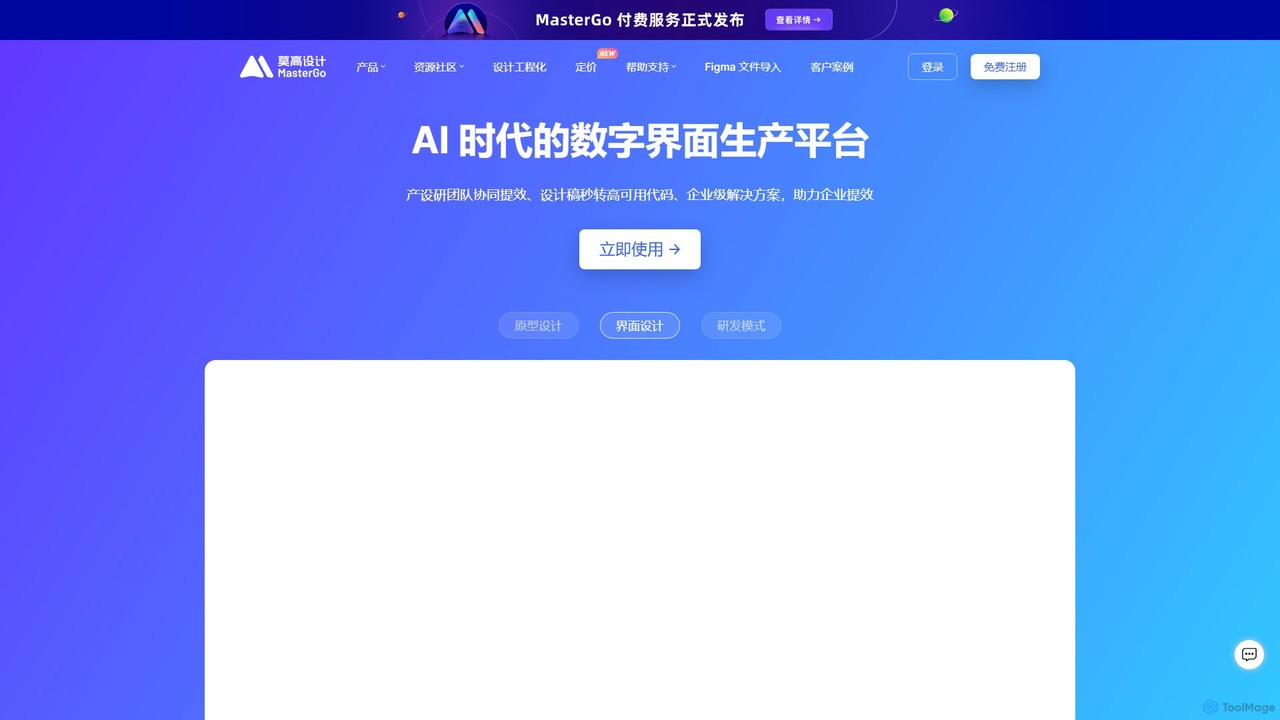
MasterGo is an AI-powered, all-in-one collaborative UI/UX design platform. It streamlines the entire workflow from prototyping and interface design to developer handoff. Built for real-time collaboration, it helps teams create, iterate, and manage digital products efficiently with features like design systems, AI-assisted generation, and enterprise-level security.

Ui Ux
Visits 1.2MFavorites 116Likes 111
Gignite
Freemium

Gignite

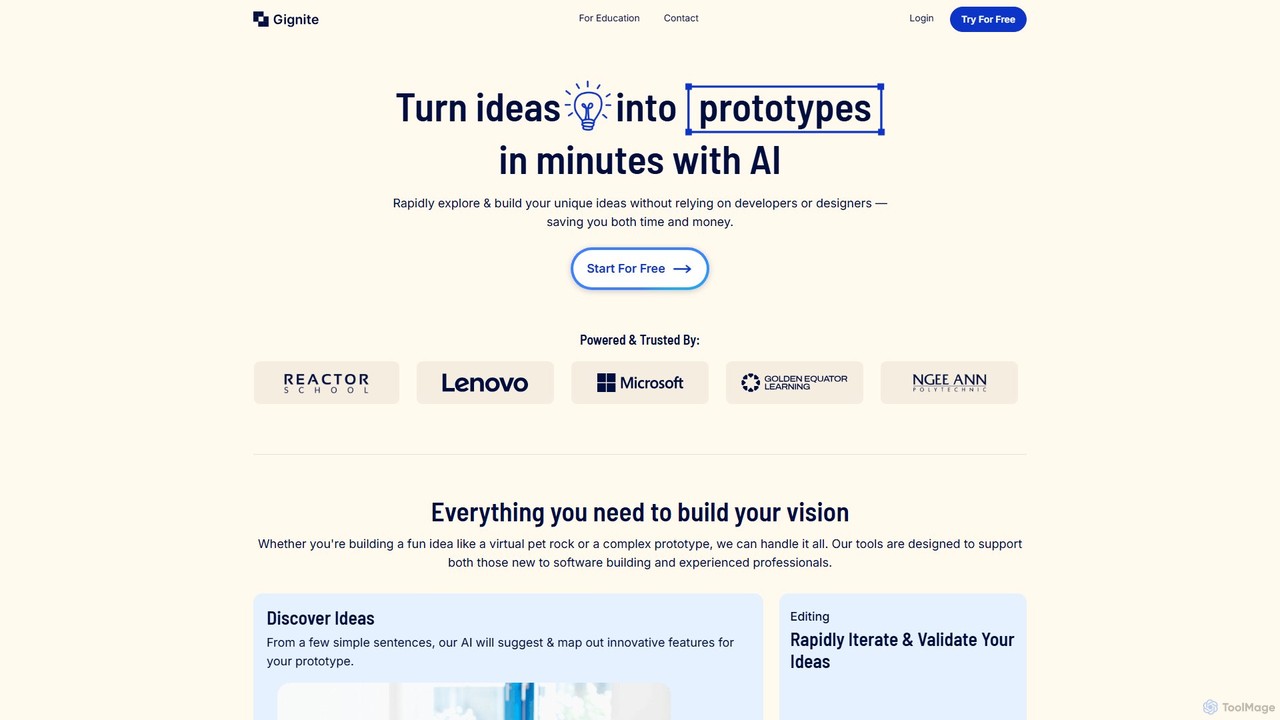
Gignite is an AI-powered platform that transforms your ideas into functional web prototypes in minutes. Designed for non-technical users, it allows anyone to build, share, and validate concepts without writing a single line of code, saving significant time and resources.

Low Code
Visits 4.8KFavorites 139Likes 142

About Prototyping

Prototyping tools are AI-powered solutions designed to accelerate and enhance the creation of design prototypes, from initial wireframes to interactive mockups. These tools leverage artificial intelligence to automate repetitive tasks, generate design elements, and translate ideas into visual representations with unprecedented speed. They empower designers, product managers, and developers to rapidly iterate on concepts, gather feedback efficiently, and bring digital products to life faster.

Core Features

  • AI-driven UI Generation: Automatically generates user interface components, layouts, and entire screens from text descriptions, sketches, or low-fidelity inputs.
  • Interactive Prototype Creation: Enables the quick assembly of clickable and navigable prototypes to simulate user experiences without manual coding.
  • User Flow Automation: Assists in mapping out complex user journeys and interactions, suggesting optimal paths and transitions based on common design patterns.
  • Design System Integration: Connects with existing design systems to ensure consistency and adherence to brand guidelines across all generated prototypes.
  • Feedback Analysis & Iteration: Utilizes AI to analyze user feedback on prototypes, suggesting improvements and facilitating rapid design adjustments.

Use Cases

AI prototyping tools are invaluable for product teams seeking to streamline their design workflows, validate ideas quickly, and reduce time-to-market. They are widely adopted by UX/UI designers for rapid concept visualization, by product managers for communicating product vision, and by developers for generating front-end code snippets from designs.

How to Choose

When selecting an AI prototyping tool, consider its integration capabilities with your existing design stack, the quality and flexibility of its AI-generated outputs, and its support for interactive features. Evaluate the learning curve, collaboration functionalities, and pricing model to ensure it aligns with your team's needs and budget. Prioritize tools that offer robust iteration features and clear export options.

Prototyping use cases

1

Rapid Web Application Mockup Generation

A product designer needs to quickly visualize a new feature for a web application. Using an AI prototyping tool, they input a text description of the feature and desired layout, and the AI generates several high-fidelity mockups within minutes. This allows for immediate stakeholder review and faster iteration cycles.

2

Converting Hand-Drawn Sketches to Digital Prototypes

A startup founder has several hand-drawn wireframes for their mobile app idea. They use an AI prototyping tool to scan or photograph these sketches, and the AI automatically converts them into interactive digital prototypes. This significantly reduces the time and effort required to move from concept to a testable design.

3

Automating User Flow Creation for E-commerce

A UX researcher is designing a new checkout process for an e-commerce website. They use an AI prototyping tool to define the key steps, and the AI automatically generates a complete, navigable user flow with appropriate screens and transitions. This ensures a comprehensive and intuitive user experience for testing.

4

Generating Design Variations for A/B Testing

A marketing team wants to test different landing page layouts to optimize conversion rates. An AI prototyping tool allows them to generate multiple distinct design variations based on core content and branding guidelines. This enables efficient A/B testing without extensive manual design work.

5

Streamlining Design System Component Prototyping

A large enterprise design team needs to prototype new components that adhere to their extensive design system. An AI prototyping tool integrates with their design system, allowing designers to generate new component prototypes that automatically follow established styles, spacing, and interaction patterns, ensuring consistency at scale.

6

Visualizing Data Dashboard Concepts

A business intelligence analyst needs to quickly mock up several dashboard layouts to present complex data insights. Using an AI prototyping tool, they can input data types and desired visualizations, and the AI generates interactive dashboard prototypes. This helps stakeholders understand potential data representations before development.

Prototyping FAQ

What are AI Prototyping Tools?

AI prototyping tools are software applications that leverage artificial intelligence to automate and enhance the process of creating design prototypes. They can generate UI elements, layouts, and interactive flows from various inputs like text, sketches, or low-fidelity designs. Their core purpose is to accelerate design iteration, reduce manual effort, and enable faster visualization of digital product concepts.

How do AI Prototyping Tools differ from traditional design software?

Traditional design software (like Figma, Sketch, Adobe XD) provides manual control over every design element. AI prototyping tools, however, introduce automation and intelligence. They can generate designs autonomously, suggest improvements, and convert inputs into prototypes with minimal human intervention. While traditional tools require designers to build from scratch, AI tools assist in generating initial concepts or iterating rapidly.

What are the key benefits of using AI for prototyping?

The primary benefits include significantly increased speed in prototype creation, reduced manual design effort, and enhanced consistency through AI-driven design system integration. AI tools also democratize design by allowing non-designers to create mockups, facilitate rapid experimentation with design variations, and enable more efficient user testing by quickly generating interactive prototypes.

How to choose the right AI Prototyping Tool for my team?

When selecting an AI prototyping tool, consider its compatibility with your existing design ecosystem (e.g., integration with Figma, Sketch). Evaluate the quality and flexibility of its AI-generated outputs, ensuring it meets your aesthetic and functional standards. Look for robust collaboration features, a user-friendly interface, and a pricing model that fits your budget. Also, assess its ability to handle complex interactions and export options.

Can AI Prototyping Tools replace human UX/UI designers?

No, AI prototyping tools are designed to augment, not replace, human UX/UI designers. They automate repetitive and time-consuming tasks, allowing designers to focus on higher-level strategic thinking, creativity, and complex problem-solving. AI assists in generating initial concepts and iterations, but human empathy, critical thinking, and nuanced understanding of user needs remain indispensable for truly innovative and effective design.