ToolMage
Sign in

Best 5 Self Hosted AI tools

Popular Self Hosted AI tools include Presenton, Chatbot UI, MinimalChat, and Lite Queen, helping you work more efficiently.

Freemium

Presenton

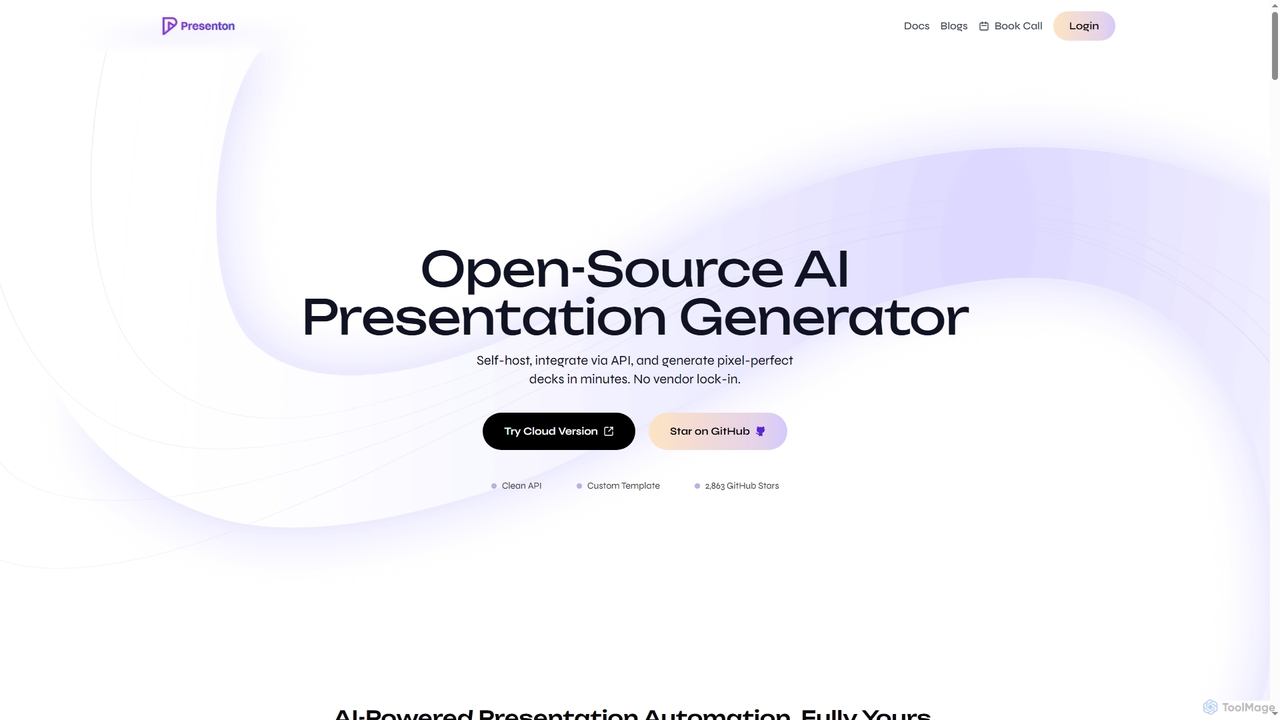
Presenton is an open-source AI presentation generator designed for developers and teams. It allows for self-hosting, API integration, and creating pixel-perfect, on-brand presentations from custom templates, ensuring complete control, privacy, and no vendor lock-in.

Automation
Visits 63.2KFavorites 91Likes 97
Free

MinimalChat

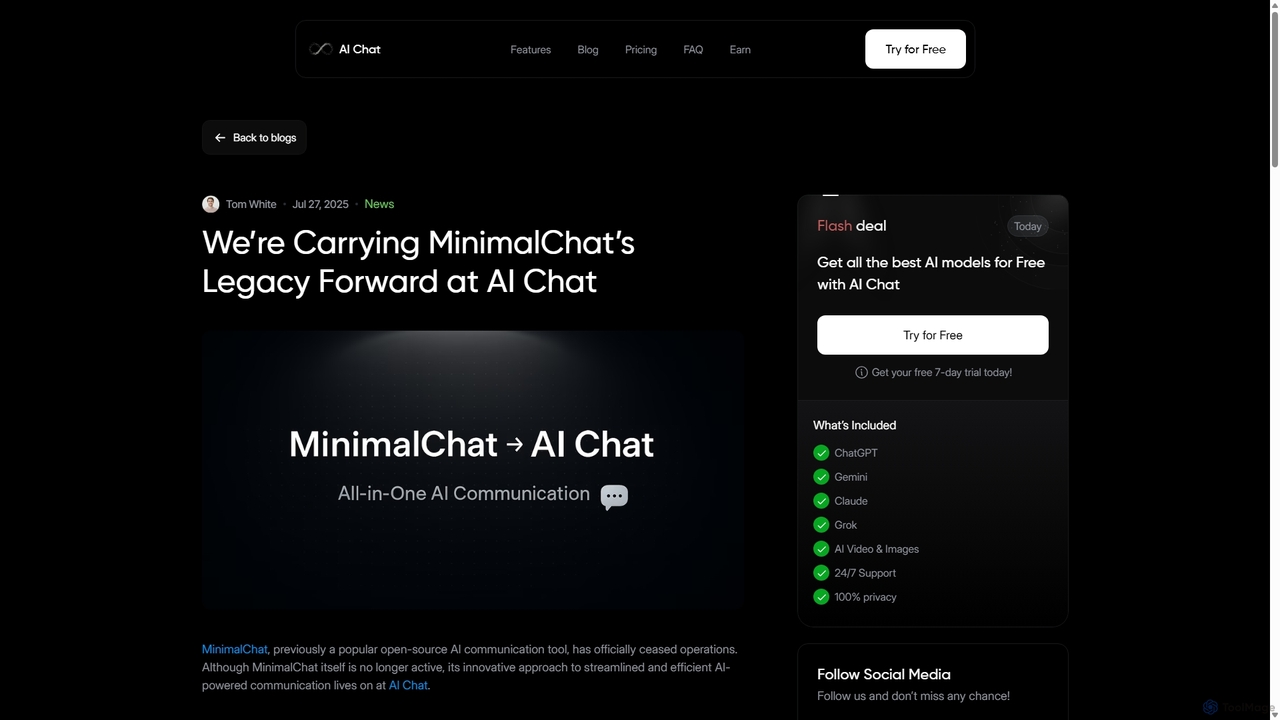
MinimalChat was a popular open-source, self-hostable AI chat platform known for its lightweight, minimalist design. It supported various GPT models, file uploads, and voice interactions, offering a private and flexible alternative to commercial services. Note: The project has ceased operations.

Code Assistant
Visits 3.3KFavorites 86Likes 87
Freemium

Chatbot UI

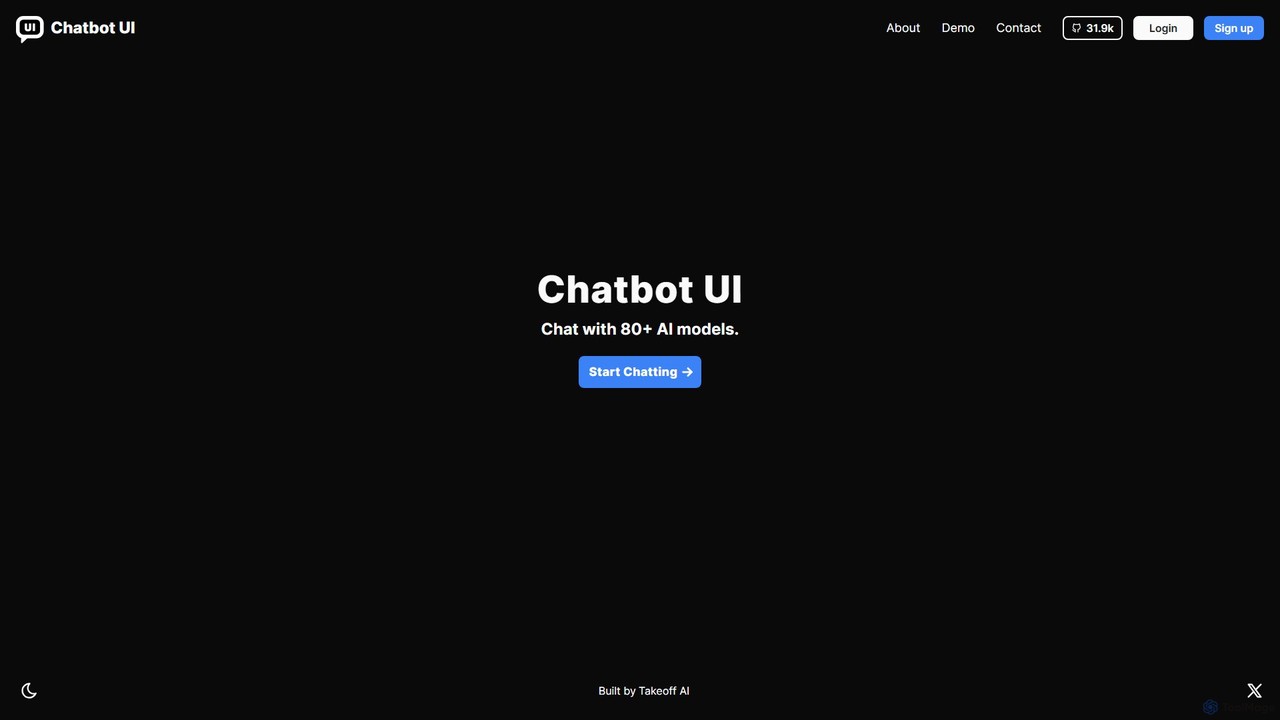
Chatbot UI is an open-source chatbot interface that allows you to connect with over 80 AI models, including those from OpenAI, Google, and Anthropic. It offers a self-hostable, customizable alternative to proprietary chat platforms, giving users full control over their data and conversations. Organize chats, create prompts, and seamlessly switch between models in a single, unified workspace.

Api Management
Visits 18.6KFavorites 123Likes 119
Free

Lite Queen

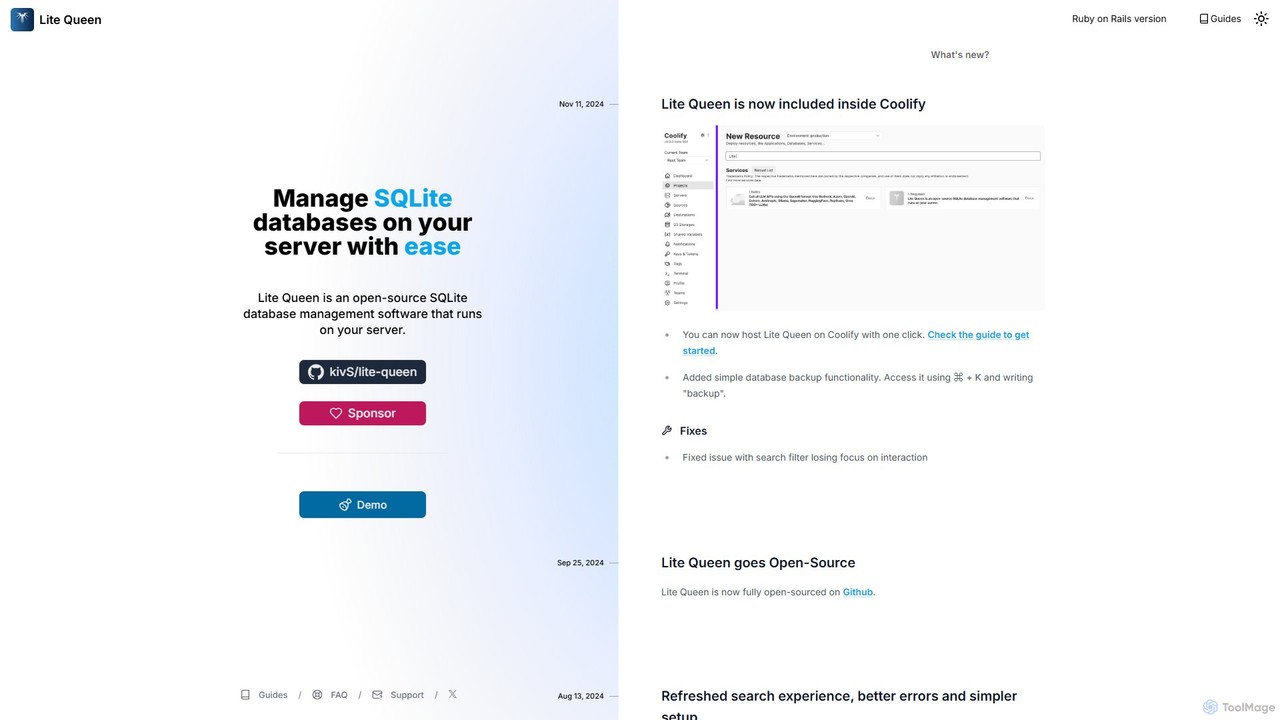
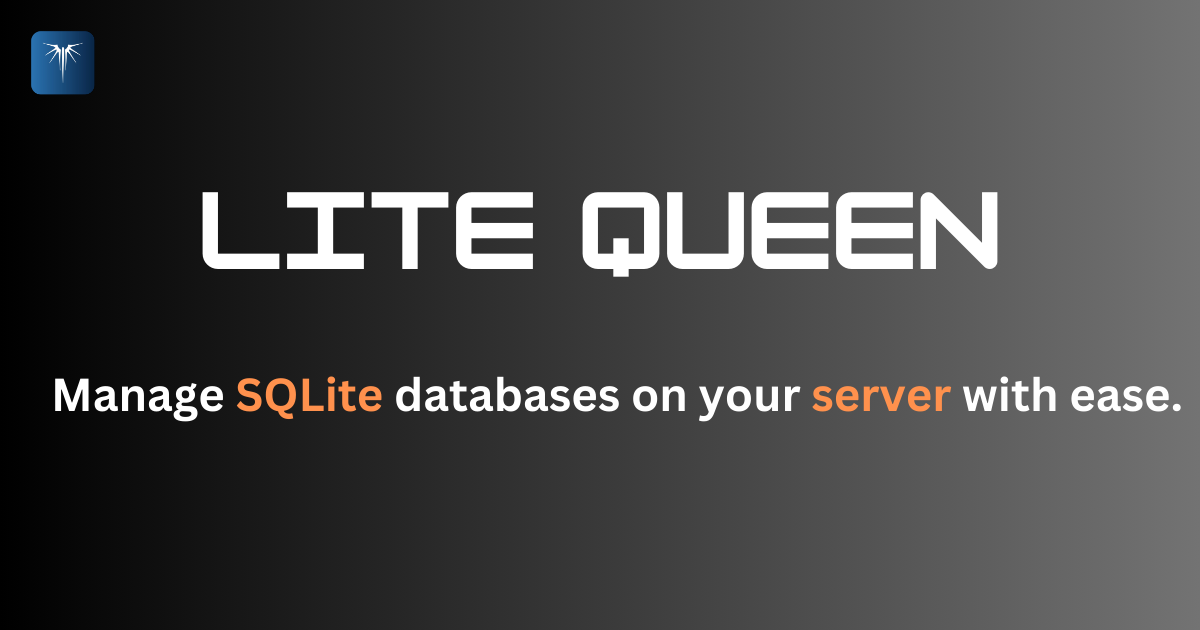
Lite Queen is a free, open-source, self-hosted tool for effortlessly managing SQLite databases. It features a modern, intuitive interface and a powerful AI "God Mode" that lets you query your database using natural language. Ideal for developers and administrators who prioritize data privacy and control.

Database
Visits 4.1KFavorites 101Likes 109
Free

MinimalChat

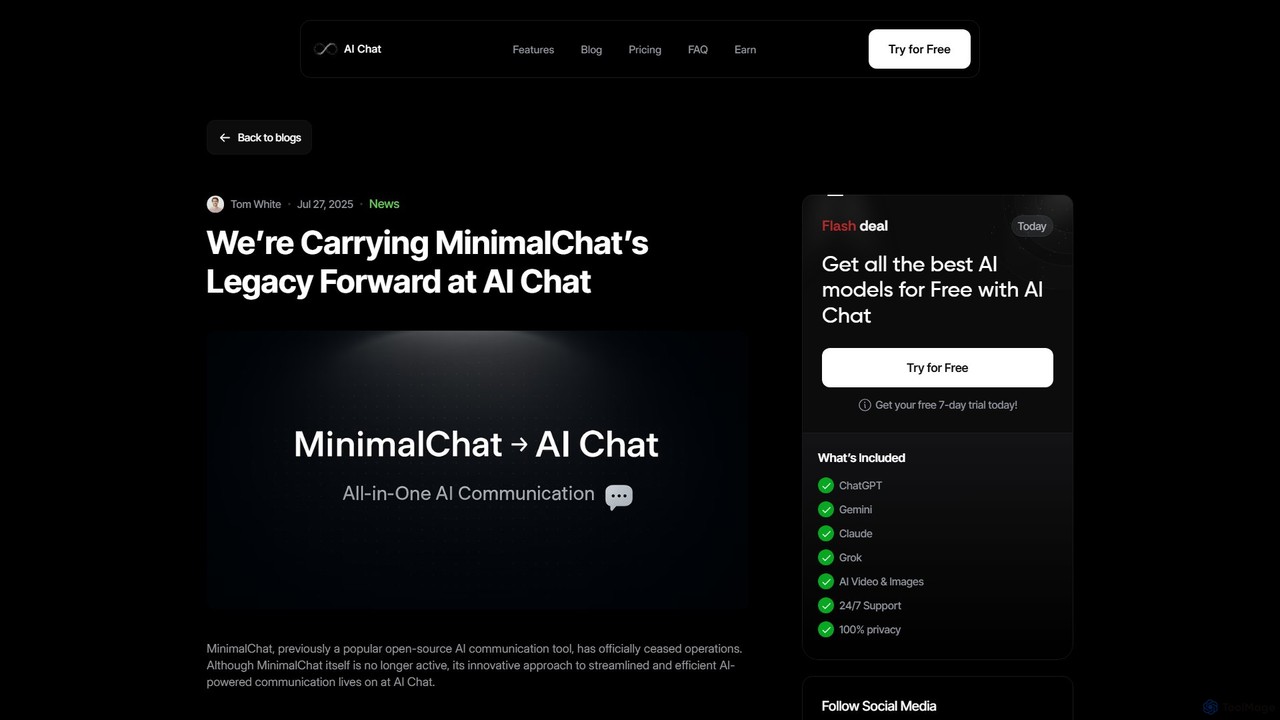
MinimalChat was a popular open-source, self-hostable AI chat platform known for its lightweight, minimalist design. It allowed users to interact with various GPT models in a clean interface, supporting file uploads, voice interactions, and PWA functionality. Although the project is now discontinued, its legacy of streamlined AI communication continues, emphasizing user privacy and control through its self-hosting capabilities.

Code Assistant
Visits 12.2KFavorites 88Likes 79

About Self Hosted

Self Hosted AI tools are applications that you can install and run on your own servers or private cloud infrastructure. Unlike cloud-based SaaS solutions, these tools provide complete control over your data, security protocols, and operational environment. This approach is critical for organizations in highly regulated industries or those handling sensitive proprietary information, ensuring compliance and data sovereignty. Self-hosting also allows for deep customization and integration with existing internal systems, free from the limitations of third-party providers.

Core Features

  • Data Sovereignty: Maintain full ownership and control over all data, ensuring it never leaves your private infrastructure.
  • Full Customization: Modify the tool, integrate with proprietary systems, and tailor features to specific workflows.
  • Enhanced Security Control: Implement custom security measures and comply with internal security policies and firewalls.
  • Predictable Costing: Often involves a one-time license or subscription, avoiding variable usage-based cloud costs.
  • Offline Accessibility: Operate independently of internet connectivity, ensuring continuous functionality in any environment.

Use Cases

Self Hosted AI tools are ideal for enterprises with strict data privacy requirements, such as those in finance, healthcare, and government. They are also used by developers building highly integrated AI-powered applications and research institutions that need to process sensitive data offline or in secure environments.

How to Choose

When selecting a self-hosted AI tool, consider your team's technical expertise for deployment and maintenance. Evaluate the server infrastructure requirements, the level of customization needed, and the total cost of ownership, which includes licensing, hardware, and operational overhead. Also, verify the tool's compatibility with your existing technology stack.

Featured tool rankings

Self Hosted use cases

1

Secure Internal Knowledge Base for Enterprises

A large financial institution deploys a self-hosted Large Language Model (LLM) on its internal servers. Employees can query sensitive company documents, financial reports, and internal policies without the data ever leaving the company's firewall. This ensures compliance with data privacy regulations like GDPR and protects trade secrets, while providing employees with a powerful internal search and analysis tool.

2

On-Premise AI Chatbot for Healthcare Support

A hospital group implements a self-hosted AI chatbot on their private network. The chatbot can access patient records securely to provide appointment details or answer basic medical questions, all while complying with HIPAA regulations. Data privacy is paramount, and self-hosting guarantees that sensitive patient health information (PHI) is never exposed to third-party cloud services.

3

Private Code Assistant for Software Development

A tech company sets up a self-hosted AI code completion tool for its development team. The tool is integrated directly into their internal version control system and IDEs. It analyzes the company's private codebase to provide highly relevant and secure code suggestions. This prevents proprietary algorithms and source code from being uploaded to external servers, mitigating the risk of intellectual property leaks.

4

Custom AI Image Generation for a Design Studio

A creative agency installs a self-hosted generative AI model on its local servers. They train the model on their proprietary art style and past client work. This allows designers to generate new creative assets that are perfectly aligned with the studio's unique brand identity, without sharing their valuable artistic data with a public cloud service. It also ensures faster processing by using local GPU resources.

5

Offline Data Analysis for Field Research

A research organization working in remote locations with limited internet connectivity uses a self-hosted data analysis tool on ruggedized laptops. Researchers can collect and process sensitive environmental or sociological data on-site without needing a cloud connection. The entire analysis workflow, from data ingestion to visualization, happens locally, ensuring data integrity and operational continuity in disconnected environments.

6

Self-Managed AI Workflow Automation

A manufacturing company deploys a self-hosted workflow automation platform to connect its factory floor systems with its internal ERP. The AI can analyze production data in real-time, predict maintenance needs, and automate supply chain orders, all within the company's secure network. This level of integration and control is difficult to achieve with standard cloud services and ensures operational stability is not dependent on external internet connectivity.

Self Hosted FAQ

What are Self Hosted AI tools?

Self Hosted AI tools are software applications that you install and manage on your own servers or private cloud infrastructure. Unlike cloud-based SaaS tools, they give you complete control over your data, security, and customization. This model is ideal for users who need to comply with strict data privacy regulations or want to deeply integrate AI into their existing private systems.

How do I choose a Self Hosted AI tool?

When choosing a self-hosted tool, consider these factors:

  • Technical Requirements: Assess the server hardware, software dependencies, and technical skills needed for installation and maintenance.
  • Data Control & Security: Ensure the tool meets your organization's specific security and compliance standards.
  • Customization & Integration: Evaluate its flexibility for modification and its ability to connect with your existing software stack.
  • Total Cost of Ownership (TCO): Factor in licensing fees, infrastructure costs, and the human resources required for ongoing management.

What is the main difference between Self Hosted and Cloud-based (SaaS) AI tools?

The primary difference is control and responsibility. With Self Hosted tools, you control the data, software, and infrastructure, but you are also responsible for maintenance, security, and updates. With Cloud-based (SaaS) tools, the provider manages the infrastructure and software, offering convenience and ease of use, but your data resides on their servers, and customization options may be limited.

Who should use Self Hosted AI tools?

Self Hosted AI tools are best suited for organizations and individuals with specific needs, such as:

  • Enterprises in regulated industries (finance, healthcare, government) with strict data compliance requirements.
  • Companies handling sensitive intellectual property or proprietary data.
  • Developers and teams who require deep customization and integration with internal systems.
  • Users operating in environments with limited or unreliable internet access.

Are Self Hosted AI tools more secure?

They can be, but security is your responsibility. Self-hosting allows you to implement your own robust security protocols, operate behind your firewall, and conduct independent security audits. This can lead to a higher level of security than a generic cloud service. However, it also means you are solely responsible for patching vulnerabilities, managing access controls, and preventing breaches. Poorly managed self-hosted software can be less secure than a reputable cloud provider.