
Speech Best in category 2 results Speech To Text AI Tool

Popular AI tools in the Speech To Text field of Speech include voicewriter、LLMRTC, etc., helping you quickly improve efficiency.

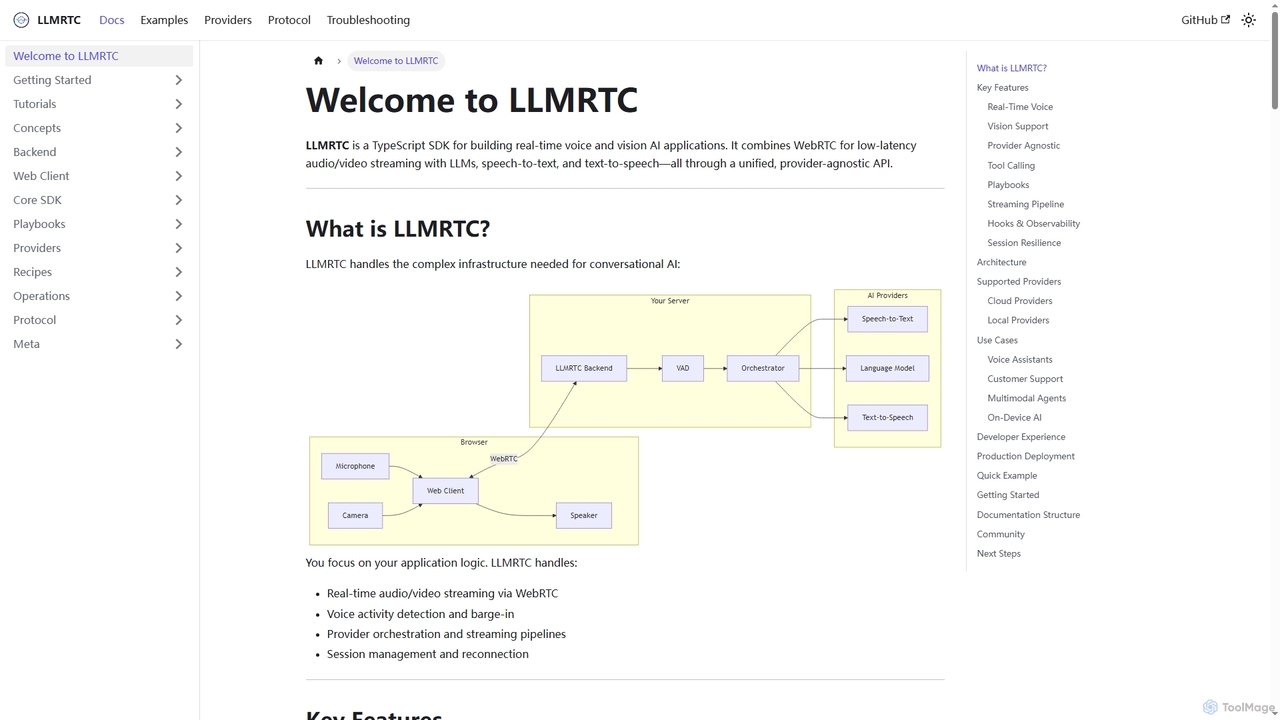
LLMRTC

LLMRTC

LLMRTC is a TypeScript SDK for building real-time voice and vision AI applications. It integrates WebRTC for low-latency …

2.9K
voicewriter

voicewriter

An AI-powered voice writing tool that transcribes your speech into polished, grammatically correct text in real-time. It supports …

17.7K

About Speech To Text

Speech To Text tools are a class of AI software that automatically convert spoken language from audio or video into written text. These tools utilize advanced Automatic Speech Recognition (ASR) models to accurately identify words, punctuation, and even different speakers in a recording. Their primary value lies in making audio content searchable, accessible, and easy to analyze, saving significant time compared to manual transcription. Modern Speech To Text services offer high accuracy across numerous languages and accents, and can effectively process audio with background noise.

Core Features

  • High-Accuracy Transcription: Converts spoken words into text with a low word error rate.
  • Speaker Diarization: Identifies and labels different speakers within the same audio file.
  • Timestamping: Assigns time codes to individual words or phrases for easy navigation and editing.
  • Multi-Language Support: Accurately transcribes audio in various languages and dialects.
  • Custom Vocabulary: Allows users to add specific terms, names, or jargon to improve recognition accuracy.

Use Cases

This technology is widely used by content creators for generating video subtitles and podcast transcripts. Journalists and researchers use it to quickly transcribe interviews and lectures. In business, it's applied for documenting meetings and analyzing customer service calls. Developers also integrate Speech To Text APIs to build voice-controlled applications and services.

How to Choose

When selecting a Speech To Text tool, consider its transcription accuracy and language support first. Evaluate whether you need real-time (live) transcription or batch processing for pre-recorded files. Check for essential features like speaker diarization and timestamping. For business integration, assess the availability and documentation of its API, as well as its security and data privacy policies.

Speech To TextUse Cases

1

Generate Transcripts and Subtitles for Videos

Content creators, such as YouTubers and online course instructors, regularly use Speech To Text tools to make their content more accessible and discoverable. After producing a video, they upload the audio track to a transcription service. The AI processes the file and returns a full, time-stamped transcript. This text can be quickly reviewed and edited for accuracy. The creator can then export it in formats like SRT or VTT to use as closed captions on platforms like YouTube, improving viewer experience for non-native speakers or the hearing-impaired, and boosting the video's SEO by making its content readable to search engines.

2

Transcribe Interviews for Journalism and Research

Journalists and academic researchers conduct numerous interviews that must be accurately documented. Instead of spending hours manually transcribing recordings, they use a Speech To Text tool. They can upload audio files from interviews, and within minutes, receive a text document. A key feature for this use case is speaker diarization, which automatically labels who is speaking (e.g., 'Speaker 1', 'Speaker 2'). This allows them to quickly locate quotes, analyze responses, and search for key themes across multiple interviews, accelerating their workflow from data collection to publication or analysis.

3

Automate Meeting Minutes and Action Items

In a corporate setting, a project manager can use a real-time Speech To Text tool during virtual meetings on platforms like Zoom or Teams. The tool transcribes the conversation as it happens. After the meeting, the manager receives a full transcript. By searching for keywords like 'action item,' 'deadline,' or specific names, they can quickly compile a concise summary of decisions and tasks. This eliminates the need for a dedicated note-taker, ensures accuracy in meeting records, and allows for easy sharing of key takeaways with attendees who couldn't make it, improving team alignment and accountability.

4

Integrate Voice Commands into Applications

A software developer building a mobile app can use a Speech To Text API to enable voice navigation or search functionality. For example, in a recipe app, instead of typing, a user could say, 'Show me vegan pasta recipes.' The app captures this audio, sends it to the Speech To Text API, and receives the text 'show me vegan pasta recipes' in return. The app's backend then processes this text command to filter and display the relevant results. This provides a hands-free, more convenient user experience, especially in contexts where typing is difficult, like cooking or driving.

5

Create Records of Legal or Medical Dictations

Legal and medical professionals rely on precise documentation. A lawyer can dictate case notes or a doctor can record patient observations, then use a specialized Speech To Text tool to transcribe them. These tools often support custom vocabularies, allowing professionals to add specific legal or medical terminology to ensure high accuracy. The resulting text serves as an official record, can be easily integrated into case management or electronic health record (EHR) systems, and significantly reduces the time and cost associated with manual transcription services, while maintaining confidentiality.

6

Analyze Customer Service Calls for Quality Assurance

A call center manager needs to monitor agent performance and customer sentiment. By using a Speech To Text tool to transcribe all incoming and outgoing calls, they create a massive, searchable text database. This data can then be fed into analytics platforms to automatically detect keywords (e.g., 'unhappy,' 'cancel'), measure agent script adherence, and identify common customer issues. This automated approach allows for 100% call coverage for analysis, rather than random sampling, leading to more effective agent training, improved customer satisfaction, and faster identification of product or service problems.

Speech To TextFrequently Asked Questions