Speech Best in category 7 results Text To Speech AI Tool

Popular AI tools in the Text To Speech field of Speech include Noiz、CAMB.AI、AudioPod、Altered、voiceisolator、neoformai、LLMRTC, etc., helping you quickly improve efficiency.

LLMRTC

LLMRTC

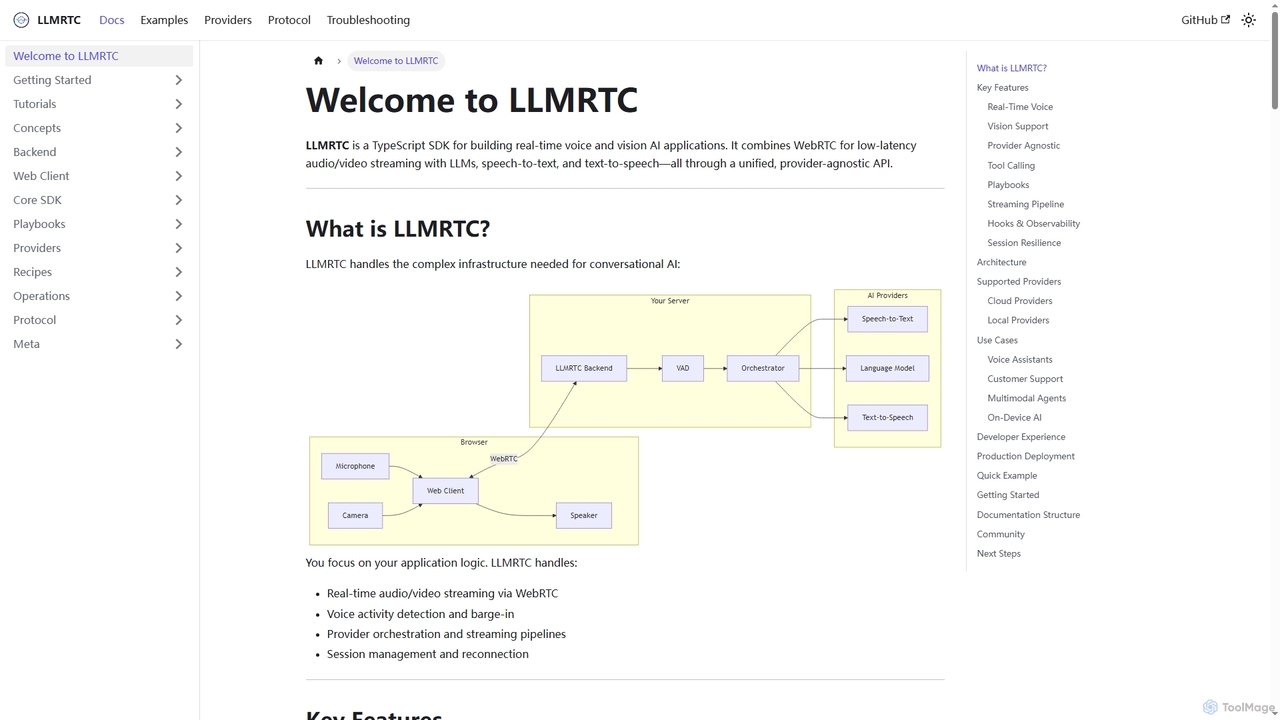
LLMRTC is a TypeScript SDK for building real-time voice and vision AI applications. It integrates WebRTC for low-latency …

2.9K
Noiz

Noiz

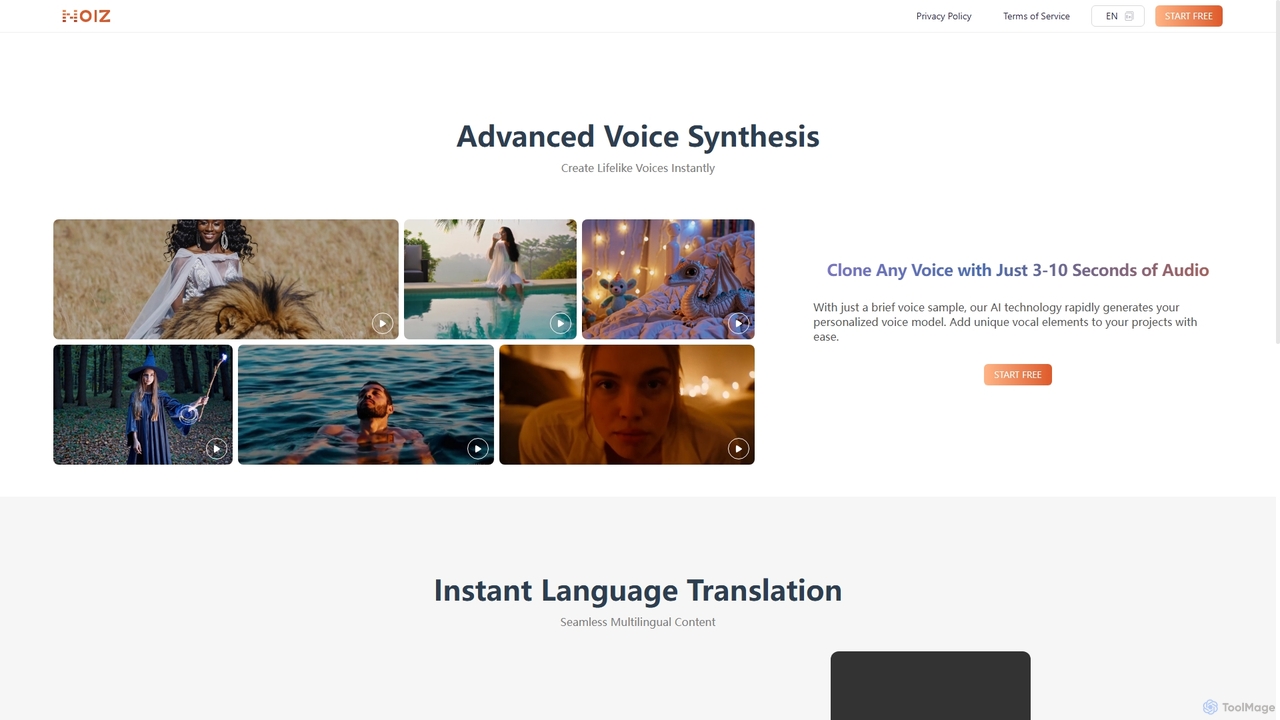
Noiz is an advanced AI voice platform for text-to-speech, voice cloning, and instant video dubbing. Create lifelike voices, …

688.7K
voiceisolator

voiceisolator

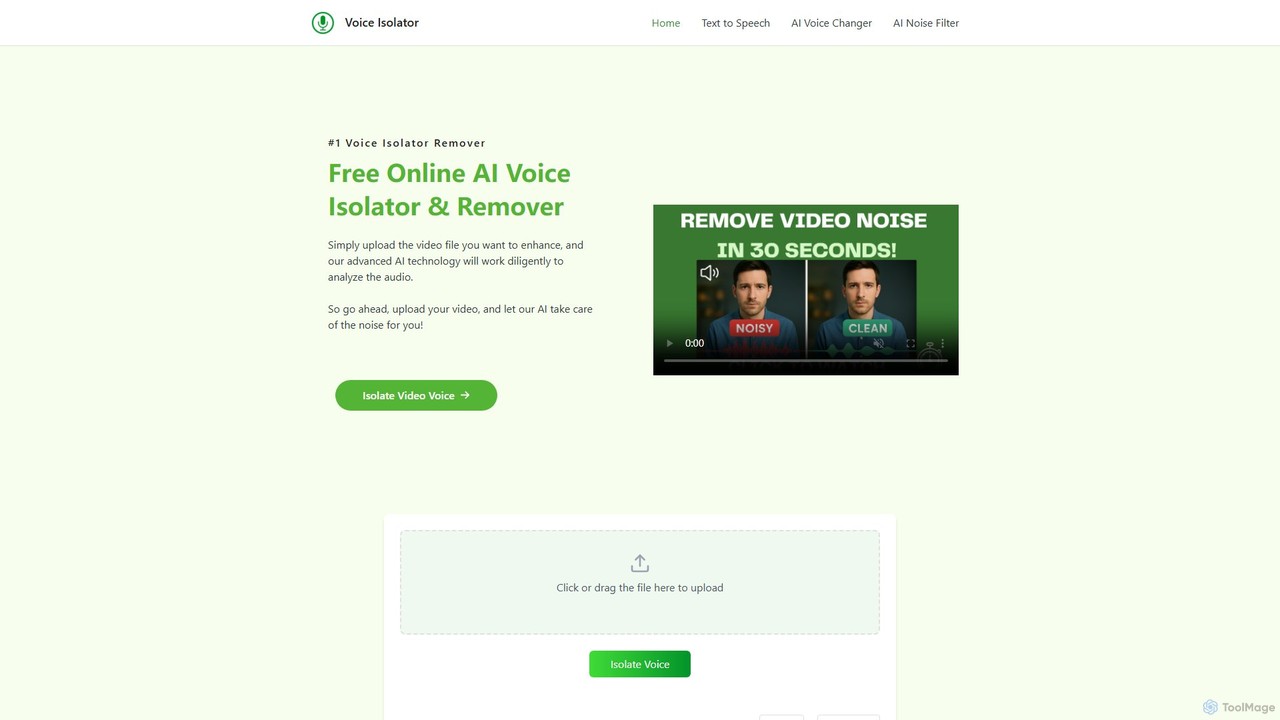
An AI-powered online tool designed for high-quality voice isolation, background noise removal, and stem separation from audio/video files. …

42.4K
CAMB.AI

CAMB.AI

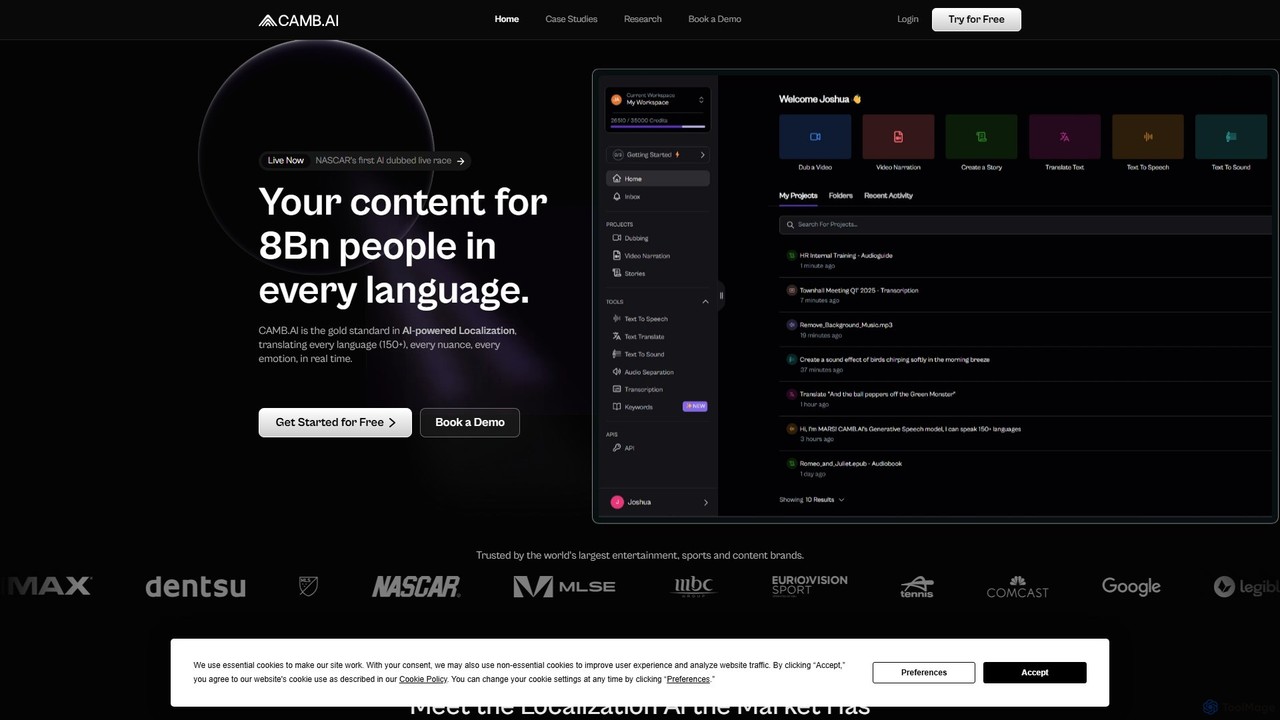
CAMB.AI is a pioneering AI localization platform for the content, entertainment, and sports industries. It offers real-time, emotion-preserving …

497.2K
Altered

Altered

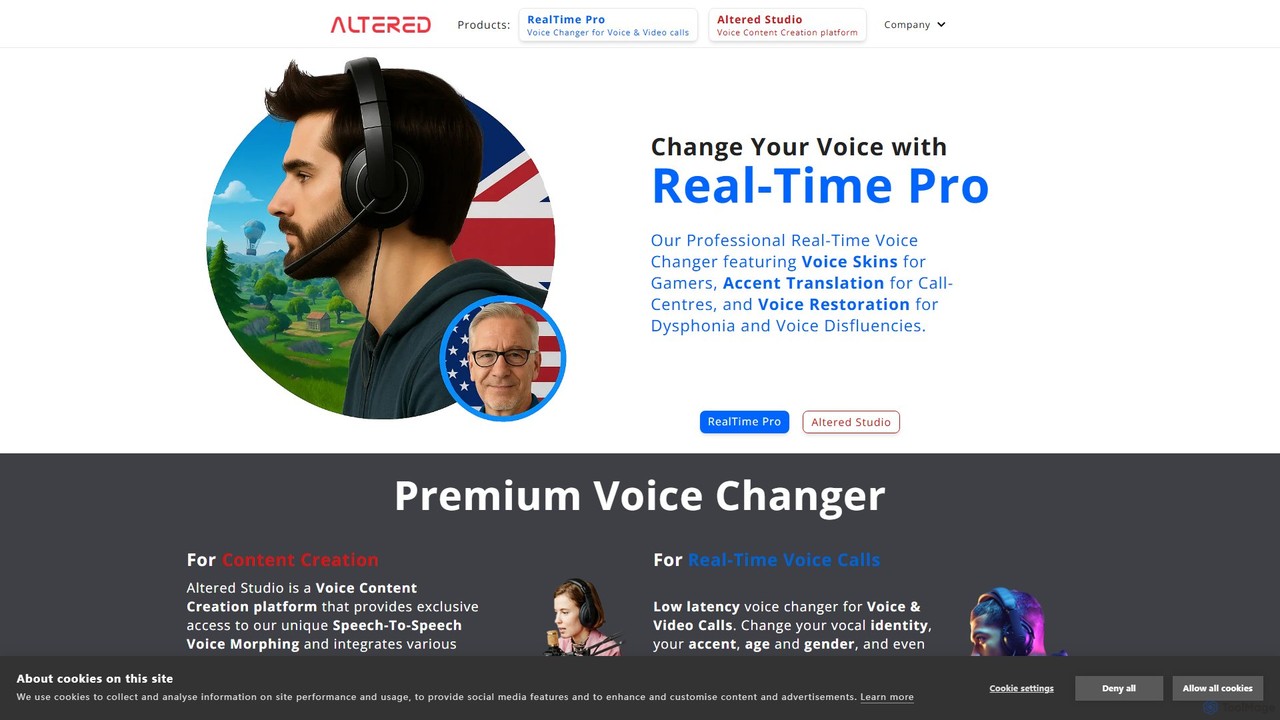
Altered is a professional AI voice technology platform offering both real-time voice changing and post-production voice editing. With …

46.1K
neoformai

neoformai

neoformai provides advanced AI models for African dialects, including Automatic Speech Recognition (ASR) and Text-to-Speech (TTS). It empowers …

3.6K
AudioPod

AudioPod

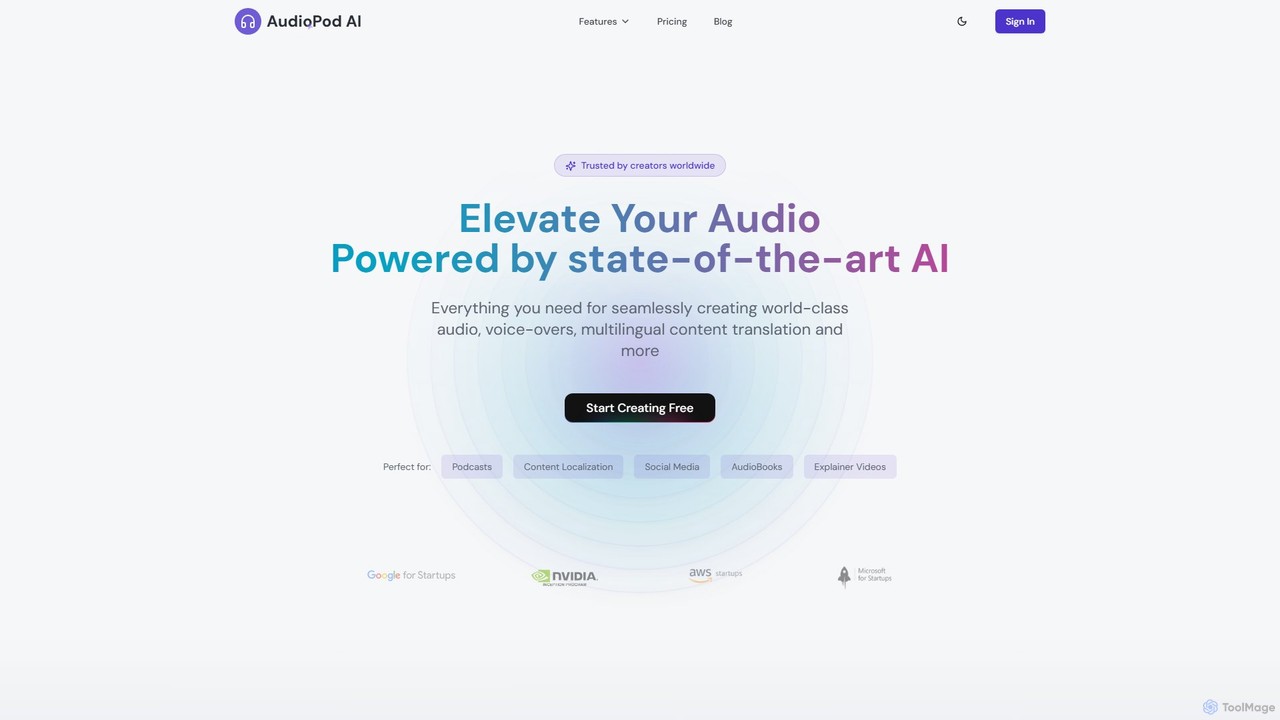
AudioPod is a professional AI-powered audio studio that offers a comprehensive suite of tools for creators. It features …

167.2K

About Text To Speech

Text To Speech (TTS) tools are a class of AI software that convert written text into natural-sounding spoken audio. Leveraging deep learning models, these tools synthesize human-like voices, allowing precise control over pitch, tone, and speed. They are essential for making digital content accessible, creating audio versions of articles, and providing voiceovers for videos and podcasts. Modern TTS technology offers a wide range of realistic voices, multiple languages, and emotional expressiveness, moving far beyond robotic outputs.

Core Features

  • Multiple Voices & Languages: Access a diverse library of male, female, and child voices across numerous languages and accents.
  • Voice Customization: Adjust speech parameters like speed, pitch, volume, and add pauses for a natural delivery.
  • SSML Support: Utilize Speech Synthesis Markup Language (SSML) for fine-grained control over pronunciation, emphasis, and intonation.
  • Audio Export Formats: Download the generated audio in common formats like MP3 and WAV for various applications.
  • API Access: Integrate TTS capabilities directly into applications and websites for real-time audio generation.

Use Cases

These tools are widely used by content creators for video voiceovers, authors for audiobook production, and developers for integrating voice functions into apps. They are also critical in corporate training for e-learning modules and in customer service for dynamic IVR systems.

How to Choose

When selecting a Text To Speech tool, evaluate the voice quality and realism first. Consider the range of available languages and accents. Assess the level of customization and control, such as SSML support. Finally, review the pricing model and check for API availability if you need to integrate the service into your own products.

Text To SpeechUse Cases

1

Creating Voiceovers for Video Content

A content creator or video marketer needs a consistent and professional voiceover for a series of explainer videos without the high cost of a voice actor. They can paste their script into a Text To Speech tool, select a suitable voice and language, and fine-tune the delivery by adjusting the speed and adding pauses. The final audio is exported as an MP3 file and synchronized with their video footage. This process significantly reduces production time and budget, allowing for faster content creation and easy updates to the narration whenever the script changes.

2

Developing E-Learning and Training Modules

An instructional designer is creating an online course for a global workforce. To make the content more engaging and accessible, they use a Text To Speech tool to narrate the on-screen text. By using an API, the narration can be generated dynamically, ensuring that any updates to the course material are instantly reflected in the audio. This approach caters to different learning styles, aids employees with reading difficulties, and makes it easy to produce the course in multiple languages by simply selecting different voices, enhancing the overall learning experience.

3

Producing Audiobooks and Podcasts

An independent author wants to convert their e-book into an audiobook to reach a wider audience but lacks the budget for a professional recording studio. Using a Text To Speech generator, they can upload their entire manuscript, choose a narrator's voice that matches the book's tone, and generate high-quality audio files for each chapter. This allows them to publish on platforms like Audible or Spotify at a fraction of the traditional cost. Similarly, a podcaster can use TTS to create consistent intros, outros, or even voice segments for different characters in a narrative show.

4

Enhancing Website and Article Accessibility

A digital publisher or news organization wants to make their online articles accessible to users with visual impairments or reading disabilities, complying with WCAG standards. They can integrate a Text To Speech widget onto their website. This allows visitors to click a 'Listen' button, which instantly converts the article's text into high-quality audio. This not only improves accessibility and user experience but also caters to users who prefer to consume content audibly, such as while commuting or multitasking. It broadens the website's reach and demonstrates a commitment to inclusivity.

5

Prototyping Voice User Interfaces (VUI)

A UX designer or app developer is building a voice-controlled application, such as a smart assistant or an in-car navigation system. Instead of recording placeholder audio, they use a Text To Speech tool to quickly generate voice responses for their prototype. This allows them to test different phrases, tones, and response times in a realistic user testing environment. The ability to instantly change the text and regenerate the audio makes the design iteration process fast and cost-effective, leading to a more polished and user-friendly final voice interface.

6

Automating Customer Service with IVR Systems

A call center manager needs to update their company's Interactive Voice Response (IVR) system with new menu options and promotional messages. Instead of hiring a voice actor for every small change, they use a Text To Speech service. They simply type the new prompts, such as 'Our business hours have changed,' and generate a clear, professional audio file. This ensures the company's phone system always has up-to-date information and maintains a consistent brand voice, all while saving significant time and resources compared to manual recording sessions.

Text To SpeechFrequently Asked Questions