Team Collaboration Best in category 1 results Real Time AI Tool

Popular AI tools in the Real Time field of Team Collaboration include Actual Chat, etc., helping you quickly improve efficiency.

Actual Chat

Actual Chat

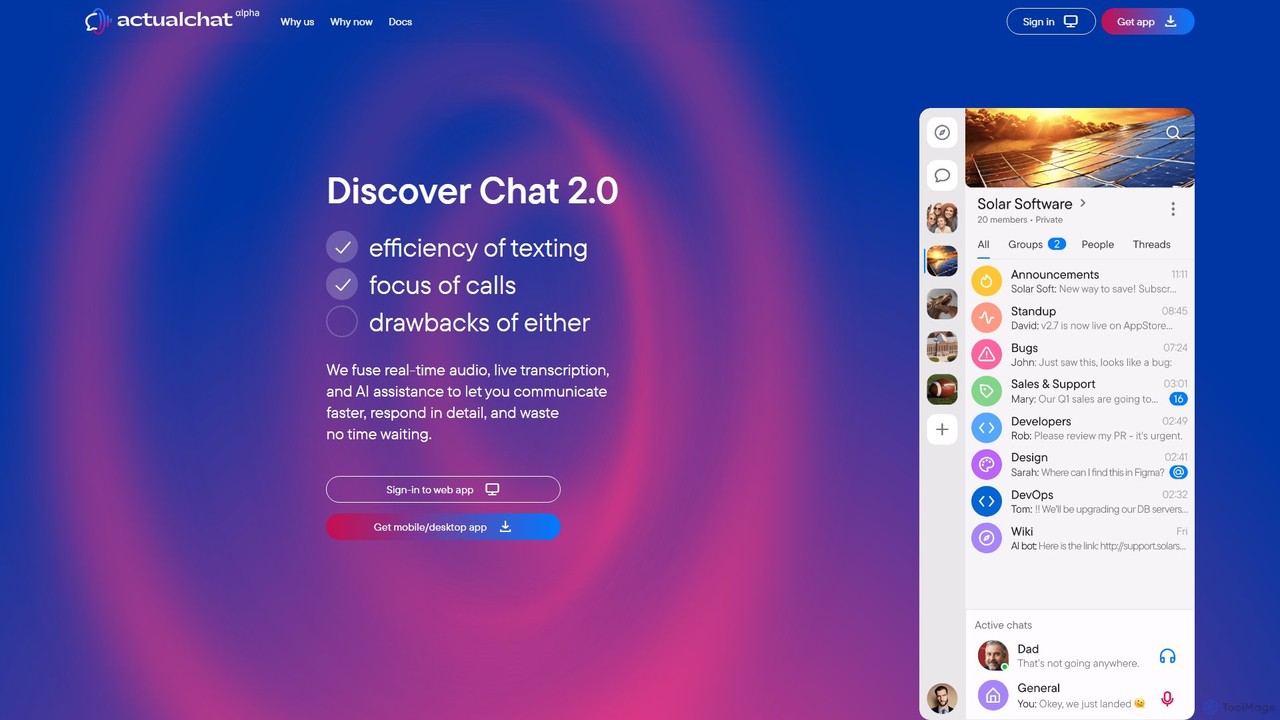
Actual Chat is an innovative communication platform that merges real-time voice, live transcription, and AI assistance. It combines …

3.2K

About Real Time

Real-time AI tools facilitate immediate, simultaneous interaction and co-creation among team members within a shared digital environment. These platforms utilize low-latency data synchronization to ensure that all changes are visible to every participant instantly, eliminating delays. This capability is crucial for dynamic workflows that require immediate feedback, parallel contributions, and a unified view of the project's status. By enabling live collaboration, these tools reduce version control issues and accelerate decision-making processes.

Core Features

  • Simultaneous Co-editing: Allows multiple users to write, edit, and comment on the same document or file at the same time.
  • Live Cursors and Presence Indicators: Shows where other collaborators are active in a file and their online status, enhancing awareness.
  • Instant Messaging and In-App Chat: Provides integrated communication channels for quick discussions without leaving the workspace.
  • Real-time Data Synchronization: Ensures all data, from text to design elements, is instantly updated across all users' devices.
  • Version History and Rollback: Tracks all changes as they happen and allows teams to revert to previous versions if needed.

Use Cases

These tools are essential for agile development teams, creative agencies, content creation teams, and remote-first companies. They are applied in scenarios like collaborative document writing for reports, live brainstorming on digital whiteboards, paired programming sessions, and joint design reviews where immediate input is critical for progress.

How to Choose

When selecting a real-time tool, consider its integration capabilities with your existing software stack (e.g., Slack, Jira). Evaluate the performance and reliability of its synchronization technology, especially for large teams. Assess the user interface for intuitiveness and ease of adoption. Finally, review the security features and pricing models to ensure they align with your team's needs and budget.

Real TimeUse Cases

1

Collaborative Report Writing and Editing

A marketing team is tasked with creating a comprehensive quarterly performance report. Using a real-time collaboration tool, the data analyst, content writer, and designer can all work on the same document simultaneously. The analyst inputs live data charts, the writer crafts the narrative around them, and the designer adjusts the layout and branding in real-time. Live cursors show who is working where, preventing overlap, while the integrated chat allows for instant clarification on specific points, reducing the need for separate email chains and meetings.

2

Live Design Sprint and Whiteboarding

A UX/UI design team conducts a remote design sprint. Using a real-time digital whiteboard, team members simultaneously add sticky notes, draw user flow diagrams, and create wireframes. The product manager can instantly move ideas into different categories, and the lead designer can provide immediate visual feedback by sketching over existing concepts. This dynamic interaction fosters creativity and allows the team to condense days of work into a single, highly productive session, ensuring everyone is aligned on the design direction without communication delays.

3

Paired Programming for Code Development

Two software developers, one senior and one junior, are working on a complex algorithm. They use a real-time collaborative code editor. The senior developer can write a function while the junior developer simultaneously writes unit tests for it in the same file. They can highlight lines of code, leave comments, and even initiate a video call directly from the editor to discuss logic. This real-time pairing accelerates knowledge transfer, improves code quality through instant review, and resolves bugs faster than a traditional pull-request workflow.

4

Crisis Management and Incident Response

During a critical system outage, an incident response team uses a real-time document to coordinate their actions. The incident commander outlines the strategy at the top, while engineers simultaneously update their progress on specific tasks below. The communications lead drafts and refines public statements in a separate section, getting instant feedback from legal and PR. This shared, live document acts as a single source of truth, ensuring everyone is working from the most current information and preventing conflicting actions during a high-pressure situation.

5

Co-authoring Academic Papers or Legal Documents

A group of researchers from different universities collaborates on a scientific paper. They use a real-time editor to draft sections, add citations, and format the manuscript together. One researcher can be refining the methodology section while another simultaneously works on the conclusion. The tool's comment feature allows for peer review directly on the text, and version history ensures that all contributions are tracked and can be easily reverted if necessary. This process significantly streamlines the complex workflow of multi-author academic writing.

6

Interactive Online Classroom and Tutoring

An online tutor is teaching a student mathematics. They use a real-time collaborative whiteboard where the tutor can write out a problem, and the student can show their work by solving it directly on the board. The tutor sees the student's steps as they write them, allowing for immediate correction and guidance. They can use different colors to highlight mistakes or important concepts, and the entire session can be saved as a PDF for the student to review later. This creates a highly interactive and effective learning experience similar to in-person tutoring.

Real TimeFrequently Asked Questions