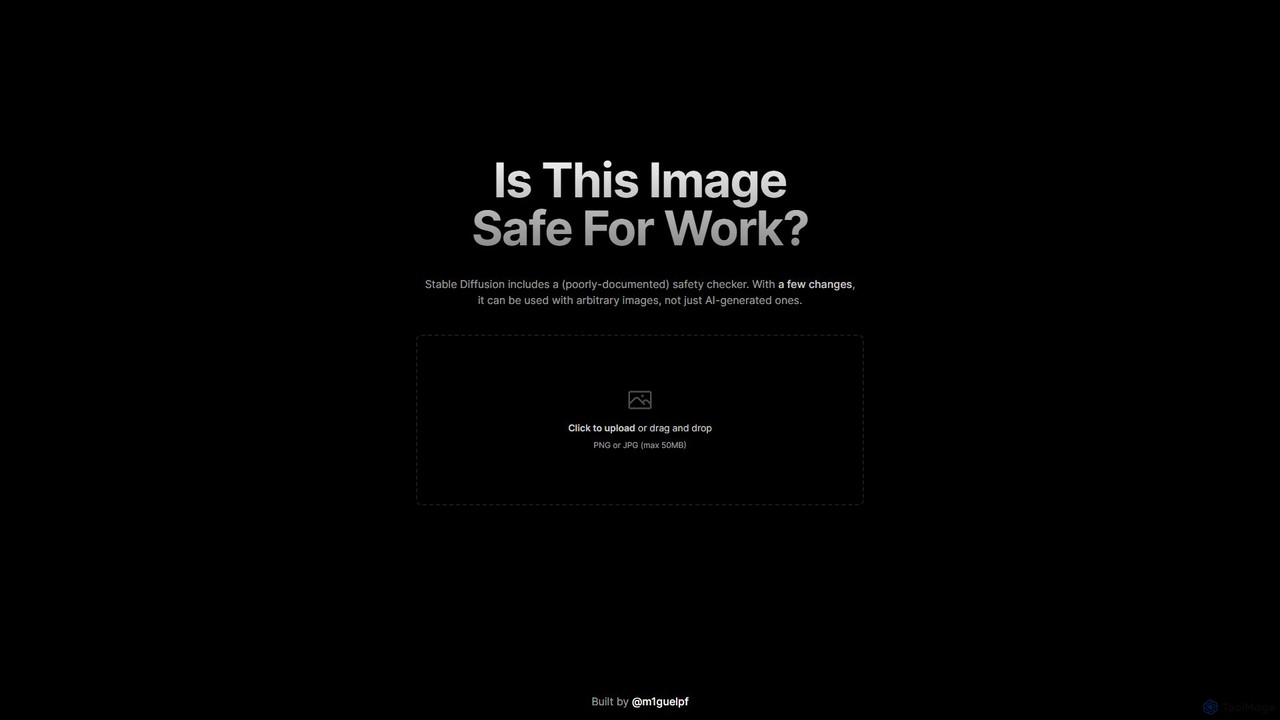
Is This Image NSFW?
A free, AI-powered web tool that instantly checks if an image is Not Safe For Work (NSFW). Based …
A free, AI-powered web tool that instantly checks if an image is Not Safe For Work (NSFW). Based on the Stable Diffusion safety checker, it allows users to upload any PNG or JPG image via a simple drag-and-drop interface to ensure content appropriateness for professional or public settings.
About File Checker
AI File Checkers are specialized utilities designed to analyze, validate, and secure digital files using artificial intelligence. These tools employ machine learning models to detect anomalies, threats, and structural errors that traditional methods might miss. Their primary value lies in proactively ensuring file integrity, security against malware, and compliance with formatting standards. By automating deep file inspection, they serve as a critical layer of defense and quality control in digital workflows.
Core Features
- Threat Detection: Uses behavioral analysis and machine learning to identify known and zero-day malware, viruses, and embedded malicious scripts.
- Integrity Verification: Automatically checks files for corruption or unauthorized modifications by comparing checksums and digital signatures.
- Syntax & Format Validation: Scans code, configuration, or data files (e.g., JSON, XML) to ensure they adhere to correct syntax and structural rules.
- Vulnerability Scanning: Analyzes software components and code files to detect known security vulnerabilities and suggest remediations.
- Metadata Analysis: Extracts and examines file metadata to identify potential data leaks or hidden sensitive information.
Use Cases
AI File Checkers are essential in cybersecurity for analyzing suspicious attachments and downloads. In software development, they are integrated into CI/CD pipelines to automatically vet code and dependencies. They are also used in data management to ensure the integrity of large datasets and in compliance-driven industries to verify the authenticity of digital records.
How to Choose
When selecting an AI File Checker, consider the specific file types you need to analyze (e.g., executables, documents, code). Evaluate the depth of analysis required, from simple malware scanning to comprehensive vulnerability assessments. Assess its integration capabilities with your existing tools, such as cloud storage or development environments. Finally, compare the speed of scanning with the accuracy of detection to find the right balance for your workflow.

File CheckerUse Cases
Automated Code Review in CI/CD Pipelines
A software development team integrates an AI File Checker into their CI/CD pipeline. Before any new code is merged, the tool automatically scans all committed files. It checks for syntax errors in Python scripts, validates the structure of JSON configuration files, and scans for common security vulnerabilities like SQL injection or cross-site scripting. This process prevents buggy or insecure code from reaching production, improving software quality and reducing the workload on human code reviewers.
Real-time Email Attachment Scanning
A corporate IT security team deploys an AI File Checker to scan all incoming email attachments. The tool analyzes files like PDFs, Word documents, and ZIP archives in real-time. Using behavioral analysis, it can detect zero-day ransomware hidden within a seemingly harmless invoice PDF or identify a phishing link inside a document. If a threat is found, the attachment is automatically quarantined, and both the user and the security team are alerted, preventing potential company-wide cyberattacks.
Validating Data Integrity for Data Migration
A data engineer is tasked with migrating a large customer database from a legacy system to a new cloud platform. They use an AI File Checker to process millions of exported records in CSV and JSON formats. The tool verifies that no files were corrupted during the transfer by checking file hashes. It also validates that every JSON file adheres to the new database schema, flagging records with missing fields or incorrect data types. This ensures high data quality in the new system and prevents application errors post-migration.
Securing User-Uploaded Content on a Platform
A social media platform allows users to upload images, videos, and documents. To protect its community, the platform integrates an AI File Checker API. Every uploaded file is sent to the API for a quick scan. The tool checks for embedded malware in images (steganography), ensures video files are not corrupted, and scans documents for malicious macros. Files that fail the check are rejected before they are stored or displayed to other users, effectively preventing the spread of harmful content on the platform.
Compliance Check for Digital Evidence
A legal firm uses an AI File Checker to manage digital evidence for court cases. When receiving files from clients or opposing counsel, a paralegal runs them through the checker. The tool verifies the file's hash value to create a timestamped record of its original state, ensuring a clear chain of custody. It also scans for any hidden metadata or modifications that could compromise the evidence's admissibility in court. This automated process helps the firm adhere to strict legal standards for evidence handling.
Pre-analysis of Files for Forensic Investigators
A digital forensics investigator receives a hard drive containing thousands of files related to a case. Before beginning a manual investigation, they use an AI File Checker for a preliminary triage. The tool rapidly scans all files, flagging executables with suspicious behavior patterns, identifying documents with deleted but recoverable text, and extracting metadata like creation dates and author information. This initial automated analysis helps the investigator prioritize which files to examine more closely, saving dozens of hours of manual work.