ToolMage
Sign in

Best 2 Keyboard AI tools for Utilities

Popular Keyboard AI tools in Utilities include Type AI and Type-A-Holic, helping you work more efficiently.

Type AI
Freemium

Type AI

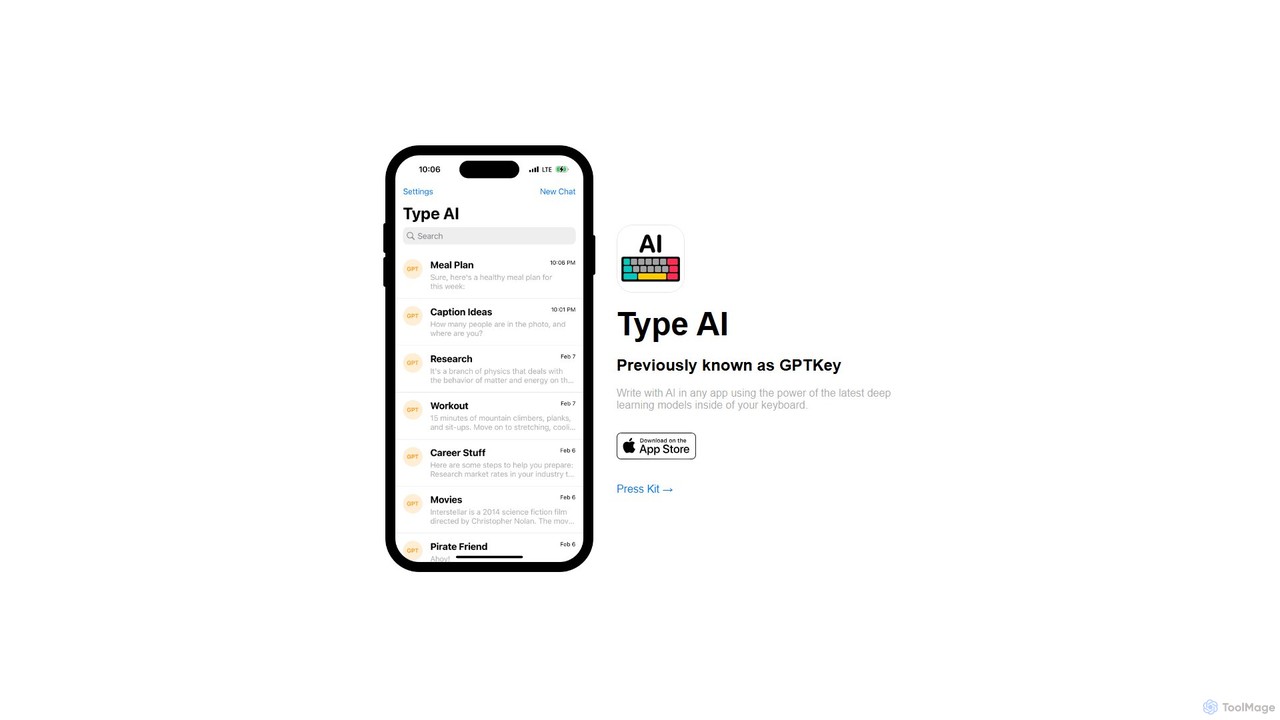
Type AI is a revolutionary AI keyboard for iOS that integrates the power of advanced language models, like ChatGPT, directly into any app. Write, reply, rephrase, and translate text seamlessly without switching applications, boosting your productivity and creativity on the go.

Ios Apps
Visits 6.9KFavorites 104Likes 110
Type-A-Holic
Free

Type-A-Holic

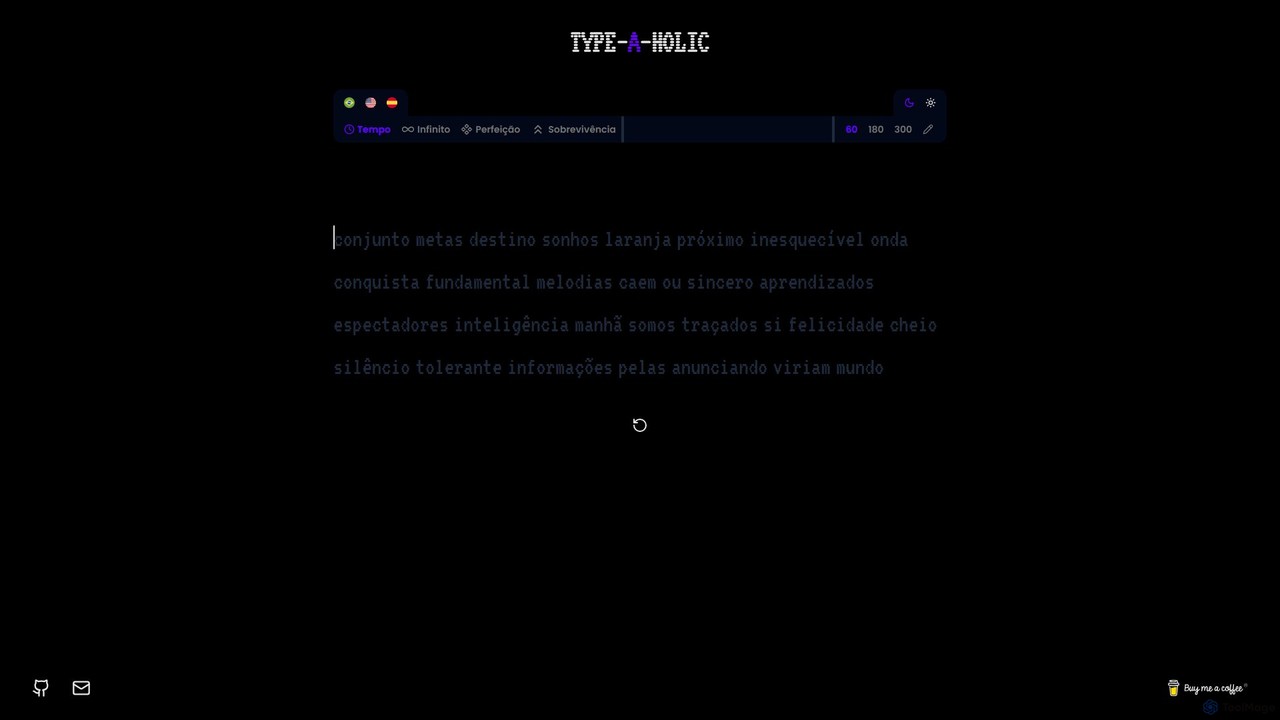
Type-A-Holic is an AI-powered online typing tutor designed to enhance your typing speed and accuracy. It offers multiple engaging game modes, real-time performance tracking (WPM, accuracy), and personalized practice exercises. Ideal for students, professionals, and anyone looking to master their keyboard skills in a fun, interactive way.

Skill Development
Visits 4KFavorites 113Likes 112

About Keyboard

AI-powered Keyboard tools are advanced input utilities that leverage artificial intelligence to enhance typing efficiency, accuracy, and communication. As a specialized sub-category within general utilities, these tools utilize machine learning algorithms to understand context, predict words, correct grammar, and automate text entry based on user habits and linguistic patterns. They significantly improve writing quality and speed across various digital platforms, offering intelligent assistance that goes beyond traditional keyboard functions.

Core Features

  • Intelligent Predictive Text: Offers highly accurate word and phrase suggestions based on context and user history.
  • Advanced Grammar & Style Correction: Identifies and corrects grammatical errors, punctuation mistakes, and suggests stylistic improvements.
  • AI-driven Text Expansion: Automates the insertion of frequently used phrases or sentences with short shortcuts, learning from usage patterns.
  • Multilingual Input & Translation: Seamlessly switches between languages and offers real-time translation suggestions during typing.
  • Voice-to-Text with Contextual Understanding: Converts spoken words into text with high accuracy, understanding nuances and context.

Use Cases

Professionals across various fields, content creators, and students benefit from AI keyboard tools. They are particularly useful in fast-paced environments requiring high textual output or precision. For instance, a marketing specialist can quickly draft emails and social media posts, while a customer support agent can provide consistent and accurate responses efficiently.

How to Choose

When selecting an AI Keyboard tool, consider its prediction accuracy and grammar correction capabilities for your specific language needs. Evaluate its customization options for text expansion and personalized learning. Check for privacy and data security policies, as these tools process sensitive input. Finally, assess its integration with your existing applications and overall user interface intuitiveness.

Featured tool rankings

Keyboard use cases

1

Enhancing Professional Email Communication

Marketing professionals and sales teams can leverage AI keyboard tools to draft clear, concise, and grammatically correct emails rapidly. The tools provide intelligent suggestions for phrasing, tone adjustment, and quick insertion of common responses, ensuring consistent brand messaging and saving significant time in daily correspondence.

2

Accelerating Content Creation for Social Media

Social media managers and content creators often need to produce high volumes of engaging text. AI keyboards assist by offering relevant hashtags, emoji suggestions, and quick text expansion for recurring phrases or calls to action, streamlining the process of crafting posts across multiple platforms and maintaining a consistent voice.

3

Streamlining Multilingual Business Interactions

For global teams or individuals communicating with international clients, AI keyboards with real-time translation capabilities are invaluable. They allow users to type in their native language and receive instant suggestions or translations in the target language, breaking down language barriers and facilitating smoother cross-cultural business discussions.

4

Improving Accessibility for Users with Motor Impairments

Individuals with physical disabilities affecting typing speed or accuracy can greatly benefit from advanced voice-to-text features in AI keyboards. These tools offer superior speech recognition and contextual understanding, enabling more accurate and efficient text input through voice commands, thereby enhancing digital accessibility and productivity.

5

Automating Repetitive Text Entry in Customer Support

Customer service agents frequently answer similar queries. AI keyboards can store and intelligently suggest pre-written responses or complex explanations based on the context of the customer's question. This automation reduces response times, ensures accuracy, and frees up agents to focus on more complex issues, improving overall service quality.

6

Boosting Productivity in Academic Writing and Research

Students and researchers can utilize AI keyboard tools to improve the quality and speed of their academic work. Features like advanced grammar checking, stylistic suggestions, and intelligent citation assistance help in drafting essays, reports, and research papers. This ensures clarity, adherence to academic standards, and reduces the time spent on proofreading.

Keyboard FAQ

What are AI Keyboard tools?

AI Keyboard tools are advanced software applications that integrate artificial intelligence to enhance the traditional keyboard experience. They go beyond basic autocorrect by using machine learning to understand context, predict words and phrases, correct grammar, and offer stylistic improvements. Their primary goal is to make typing faster, more accurate, and more intelligent, adapting to individual user patterns over time.

How do AI Keyboards improve productivity?

AI Keyboards boost productivity by significantly reducing the effort and time spent on typing. They offer highly accurate predictive text, minimizing keystrokes, and provide real-time grammar and spelling corrections, reducing the need for manual proofreading. Additionally, features like AI-driven text expansion and voice-to-text capabilities automate repetitive tasks and offer alternative input methods, allowing users to focus more on content creation rather than mechanics.

What features should I look for when choosing an AI Keyboard?

When selecting an AI Keyboard, prioritize prediction accuracy and comprehensive grammar/style correction for your primary languages. Look for robust customization options, including personalized dictionaries and text expansion shortcuts. Privacy and data security are crucial, so review how your input data is handled. Finally, consider multilingual support, voice-to-text capabilities, and seamless integration with your most used applications for a holistic experience.

Are AI Keyboards secure for personal data?

The security of AI Keyboards varies by provider. Reputable AI Keyboard tools employ strong encryption for data in transit and at rest, and often process sensitive information locally on the device or use anonymized data for model training. It's essential to review the privacy policy of any AI Keyboard tool before use, understanding what data is collected, how it's used, and whether it's shared with third parties, to ensure your personal data is protected.

How do AI Keyboards differ from standard predictive text?

Standard predictive text typically relies on basic dictionaries and common word sequences. AI Keyboards, however, use advanced machine learning and natural language processing to understand the broader context of your sentences, your personal writing style, and even the specific application you're using. This allows for much more intelligent and relevant suggestions, more sophisticated grammar corrections, and the ability to learn and adapt to your unique vocabulary and phrasing over time, offering a significantly more powerful writing assistant.