
ToolMage
Sign in

Best 1 Text AI tools for Utilities

Popular Text AI tools in Utilities include Prompt AI Tools, helping you work more efficiently.

Prompt AI Tools
Free

Prompt AI Tools

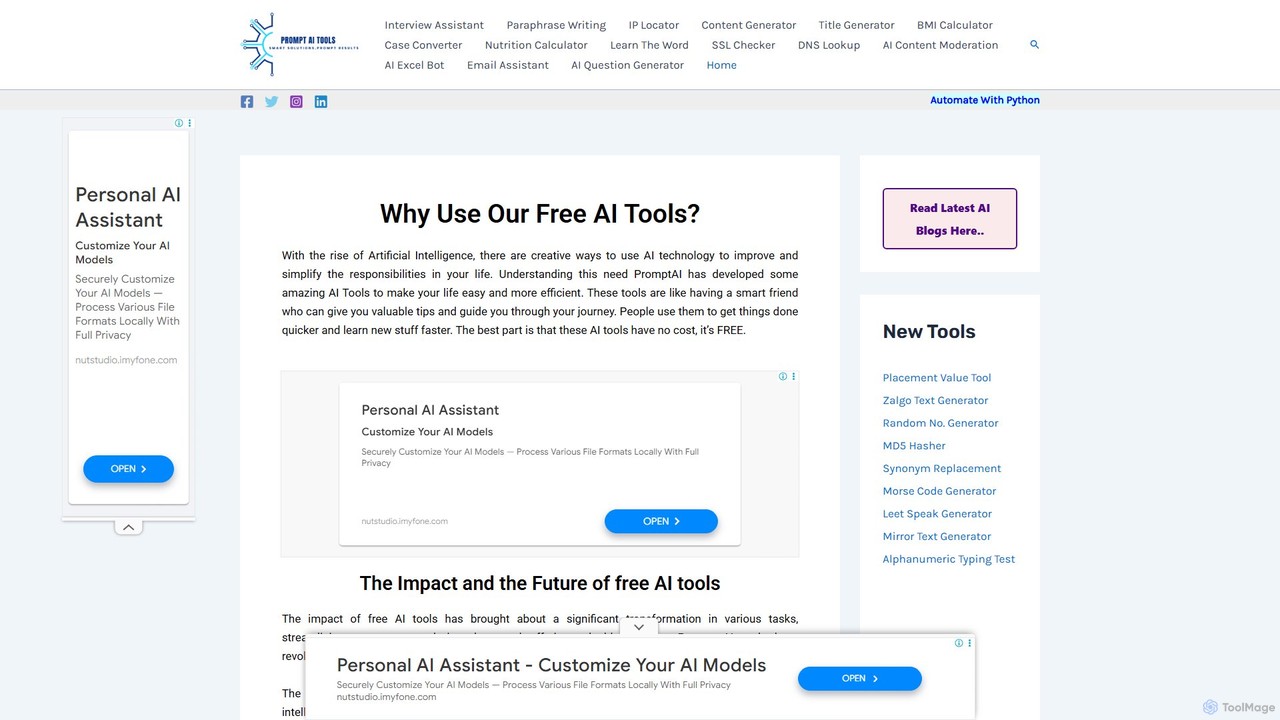
A comprehensive suite of free online AI and utility tools designed to enhance productivity and creativity. It offers a wide range of functions, including content generation, text paraphrasing, email assistance, and various developer and network utilities, all accessible without any cost or registration.

Network
Visits 4.8KFavorites 157Likes 131

About Text

AI Text tools are a class of utilities designed for rapid and precise text processing and manipulation. These tools leverage specialized algorithms to perform specific tasks such as case conversion, word counting, text cleaning, and format transformation with high accuracy. They are valuable for writers, developers, and data analysts who need to quickly standardize, analyze, or modify text without resorting to complex software. As part of the broader Utilities category, their primary focus is on providing simple, single-purpose solutions for common text-related challenges.

Core Features

  • Text Cleaning: Automatically removes duplicate lines, extra spaces, and unwanted characters to standardize text.
  • Case Conversion: Instantly changes text to uppercase, lowercase, title case, or sentence case.
  • Data Extraction & Transformation: Extracts specific information like emails or URLs, or converts text between formats like JSON and CSV.
  • Text Analysis: Provides quick metrics such as word count, character count, sentence count, and readability scores.
  • Find & Replace: Performs advanced search and replace operations, often with support for regular expressions.

Applicable Scenarios

These tools are frequently used by developers for cleaning user input or formatting code snippets. Content editors and marketers rely on them to standardize headlines and check content length for SEO or social media. Data analysts use them for pre-processing textual data before importing it into analytical software.

Selection Criteria

When choosing a text utility, consider the scope of its functions—whether you need a single-purpose tool or a multi-functional suite. Evaluate its processing speed for large text blocks, the availability of an API for integration, and its privacy policy, especially when handling sensitive information. User interface simplicity is also a key factor for efficiency.

Featured tool rankings

Text use cases

1

Standardizing Text Datasets for Analysis

A data analyst is tasked with cleaning a customer feedback dataset stored in a CSV file. The 'comments' column contains inconsistent capitalization and excess whitespace. Instead of writing a complex script, the analyst pastes the entire column into an AI Text utility. They use the 'Lowercase' function to standardize the case and the 'Trim Whitespace' function to remove leading/trailing spaces. This pre-processing step, completed in minutes, ensures data consistency for more accurate sentiment analysis.

2

Preparing Content for a Content Management System (CMS)

A content manager needs to upload 50 product descriptions provided in a plain text file into the company's e-commerce CMS. Each description needs to be wrapped in paragraph tags (`

`) and have its title in 'Title Case'. Using a text utility, they batch-process the descriptions, applying the 'Title Case' conversion to the first line of each and using a find-and-replace function to wrap paragraphs. This automates a tedious formatting task, saving hours of manual work.

3

Generating Placeholder Text for UI/UX Mockups

A UI/UX designer is creating a high-fidelity mockup for a new mobile application. To make the design look realistic, they need to fill various text fields, such as user profiles, comments, and articles, with placeholder text. They use a text utility's Lorem Ipsum generator to create paragraphs, sentences, and words of specific lengths. This allows them to quickly populate the design and test how different amounts of text affect the layout and readability.

4

Cleaning and Formatting Code Snippets

A software developer is debugging a minified JavaScript file that is difficult to read. They copy the entire block of unformatted code and paste it into a text utility with code formatting capabilities. The tool automatically beautifies the code by adding proper indentation and line breaks. The developer can then use the advanced 'Find and Replace' feature with regular expressions to quickly refactor variable names, significantly speeding up the debugging process.

5

Optimizing Social Media Posts

A social media manager is drafting posts for Twitter, which has a strict character limit. They write their message in a text utility tool. The tool provides a real-time character and word count, ensuring the post stays within Twitter's limit. They also use the hashtag generator feature to find relevant tags and the case converter to make sure their headlines are consistently capitalized, improving the overall quality and engagement of their posts.

6

Batch Renaming Files Using a Text List

A photographer has a folder of 200 images with generic names like 'IMG_1001.jpg'. They want to rename them based on a list of descriptive names in a spreadsheet. They copy the list of new names into a text utility. Using its line-by-line editing features, they prepend 'rename IMG_1001.jpg ' to the first line, 'rename IMG_1002.jpg ' to the second, and so on. This generates a complete command-line script that can be run to rename all files at once, a task that would be extremely time-consuming to do manually.

Text FAQ

What are AI Text Utility tools?

AI Text Utility tools are specialized applications designed for performing specific, often repetitive, text manipulation tasks. Unlike comprehensive AI writers that generate new content, these utilities focus on modifying existing text. Their core functions include counting words, changing text case, cleaning formatting, finding and replacing text, and converting between formats. They are built for speed and efficiency in handling common text-processing needs.

How do I choose the right Text Utility tool?

To choose the right tool, first identify your primary need. Consider the following factors:

  • Functionality: Do you need a single-purpose tool (e.g., only a word counter) or a suite with multiple functions?
  • Processing Capacity: Can the tool handle the size of the text you typically work with?
  • Interface: Is the user interface clean and easy to use for quick tasks?
  • Privacy: Review the tool's privacy policy if you plan to process sensitive or confidential information.
  • Integration: For developers, check if an API is available for automating workflows.
What is the difference between a Text Utility and an AI Writing Assistant?

The primary difference lies in their purpose. A Text Utility manipulates, analyzes, or reformats existing text. Its job is to clean, count, convert, or modify text you provide. An AI Writing Assistant, on the other hand, generates new, original text based on a prompt. For example, you would use a Text Utility to convert an article to all uppercase, but you would use an AI Writing Assistant to write the article from scratch.

What are the most common features of Text Utility tools?

Most Text Utility tools offer a core set of features designed for efficiency. The most common ones include word and character counters, case converters (uppercase, lowercase, title case), text cleaning tools (removing extra spaces, duplicate lines), find and replace functionality (often with regex support), and text generators for placeholder content like Lorem Ipsum. Some advanced tools also offer format conversion (e.g., text to CSV) and data extraction.

Who can benefit from using Text Utility tools?

A wide range of users can benefit from these tools. Developers use them to format code and clean data. Writers and editors use them to check word counts and standardize formatting. Data analysts rely on them for pre-processing textual data. Students use them for formatting essays and checking length requirements. Essentially, anyone who works with digital text and needs to perform quick manipulations without opening a heavy-duty application will find them useful.