Utilities Best in category 1 results Troubleshooting AI Tool

Popular AI tools in the Troubleshooting field of Utilities include HelpMoji, etc., helping you quickly improve efficiency.

Free
HelpMoji

HelpMoji

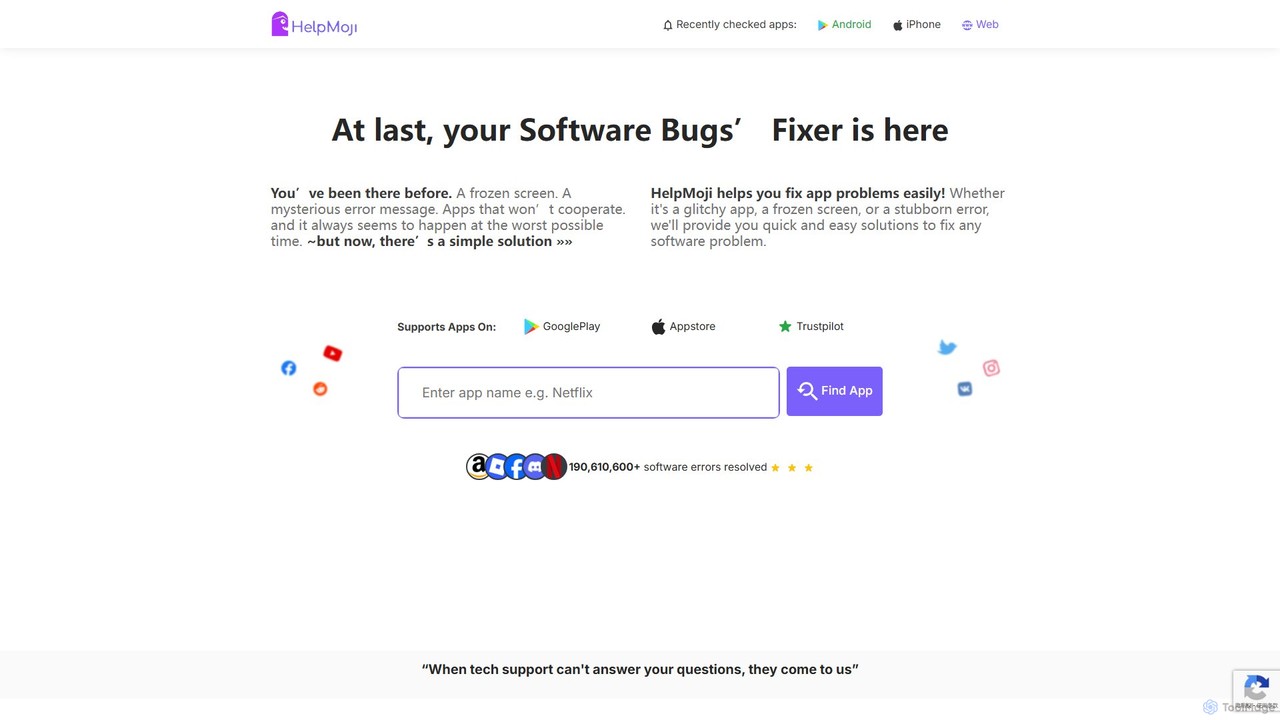
HelpMoji is an AI-powered troubleshooting platform that provides instant, step-by-step solutions for software and app errors. It helps …

6.5K

About Troubleshooting

AI Troubleshooting tools are a specialized class of utilities that leverage machine learning to automatically diagnose, predict, and resolve technical issues. They analyze vast datasets like system logs, performance metrics, and error reports to identify complex patterns and root causes that are often missed by manual analysis. This enables technical teams to significantly reduce downtime, enhance system reliability, and accelerate the resolution of problems in software, hardware, and networks. Unlike traditional diagnostic tools that rely on predefined rules, AI-powered solutions continuously learn and adapt to new, evolving system behaviors.

Core Features

  • Automated Log Analysis: Intelligently parses and interprets large volumes of log data to pinpoint specific error messages and anomalies.
  • Anomaly Detection: Continuously monitors system metrics in real-time to identify unusual patterns that signal potential issues.
  • Root Cause Analysis (RCA): Correlates events across multiple systems and services to determine the fundamental cause of a failure, not just the symptoms.
  • Predictive Failure Alerts: Uses historical data to forecast potential system or component failures before they impact users.
  • Solution Recommendation: Suggests context-aware remediation steps or automated scripts based on the specific problem identified.

Use Cases

These tools are essential in modern IT operations (AIOps), for Site Reliability Engineers (SREs) maintaining complex infrastructures, and for DevOps teams debugging applications in production. They are also valuable for network administrators managing enterprise networks and customer support teams diagnosing user-reported technical problems.

How to Choose

When selecting an AI Troubleshooting tool, consider its integration capabilities with your existing data sources (e.g., cloud platforms, monitoring systems). Evaluate the accuracy and transparency of its root cause analysis models. Assess the level of automation it provides, from simple alerts to fully automated remediation. Finally, ensure it can scale to handle the data volume of your environment.

TroubleshootingUse Cases

1

Diagnose Application Performance Bottlenecks

A DevOps engineer managing a complex microservices application notices intermittent latency spikes. Instead of manually sifting through logs from dozens of services, they use an AI Troubleshooting tool. The tool ingests real-time performance metrics and distributed traces, automatically correlating a slow database query in the authentication service with user-facing delays. It pinpoints the exact query and suggests an indexing strategy, allowing the engineer to resolve the issue in minutes instead of hours, preventing customer churn and ensuring a smooth user experience.

2

Predict Hardware Failures in a Data Center

A data center operator is responsible for thousands of servers. Proactively preventing hardware failure is critical. They deploy an AI Troubleshooting tool that continuously analyzes sensor data, such as server temperature, fan speed, and disk I/O error rates. The AI model, trained on historical failure data, identifies a subtle pattern of increasing disk read errors on a specific server rack. It generates a high-priority alert predicting a 95% chance of drive failure within 72 hours, allowing the team to schedule maintenance and replace the drive during a low-traffic window, avoiding a catastrophic outage.

3

Automate IT Help Desk Ticket Analysis

An enterprise IT help desk is overwhelmed with hundreds of tickets daily. A support manager implements an AI Troubleshooting tool to analyze incoming ticket text. The tool uses natural language processing (NLP) to understand the user's problem, automatically categorizes the ticket (e.g., 'VPN Issue', 'Password Reset'), and assigns it to the correct team. For common, repetitive issues, it queries a knowledge base and provides the user with an immediate, automated response containing step-by-step instructions, resolving 30% of tickets without human intervention and freeing up agents for more complex problems.

4

Identify Root Cause of Network Outages

A network administrator for a large corporation receives alerts about a regional office going offline. Instead of manually checking routers, switches, and firewalls one by one, they consult their AIOps platform. The AI tool ingests configuration data, traffic flows, and device logs from across the network. It identifies a recent, seemingly minor firewall rule change as the root cause, which inadvertently blocked critical protocol traffic. The platform highlights the problematic rule and suggests a corrected configuration, enabling the administrator to restore service in under 10 minutes, a task that could have taken hours of manual investigation.

5

Debug Complex Software Bugs in Production

A software developer pushes a new feature to a live e-commerce website. Soon after, reports of checkout failures begin to surface. The AI troubleshooting tool, integrated with the application's error monitoring, automatically detects a spike in a new type of exception. It clusters thousands of individual error reports into a single, actionable issue. More importantly, it analyzes the stack trace and correlates the error's first appearance with a specific code commit, pointing the developer directly to the lines of code that introduced the bug, enabling a rapid hotfix deployment.

6

Resolve Customer-Reported Technical Issues Faster

A customer support agent for a SaaS product receives a vague ticket: "The dashboard is slow." Instead of a lengthy back-and-forth with the customer, the agent uses an AI troubleshooting tool. The tool links the user's account to recent application performance logs and server metrics from the time of the reported slowness. It discovers that the user's specific data query was timing out due to a database load spike. The AI provides the agent with a clear explanation and suggests asking the user to try again in a few minutes, turning a potentially long investigation into a quick, informed resolution.

TroubleshootingFrequently Asked Questions